
Don’t Buy your Next Coffee Maker without Considering these 3 Features

I needed to buy a new coffee brewer for our kitchen. But none of the top choices were built with the key features I needed. Here’s my journey to find a model that did.
As you may know, I love my morning cup of Joe. I take it in a big, pear-shaped mug so it doesn’t tip over and soak everything on my desk. (That’s happened…once.) I want fresh coffee ready for me in my kitchen at 5:20am sharp. Then, I’m done with my fix by 7:00am.
My mug of early-morning coffee grounds me for the rest of my day. Without it, I feel out of phase, as if I’m stranded in another part of the multiverse.
Red Alert
So, you can imagine how I felt when my old Bunn coffee maker recently conked out. But its demise wasn’t entirely a shock as I’d been hearing occasional ‘zapping’ sounds coming from the 2018 Bunn Heat N’ Brew during its brewing cycle. Clearly, the electronics were failing.
Still, I wasn’t ready for the moment, and my thoughts shot to where my next morning’s coffee fix was coming from. Fortunately, I had a retired Braun coffee maker stashed away in our basement, in case of emergency. Yes, this certainly qualified, and the Lester coffeehouse opened for the next sunrise.
But my old Braun was barely operational, as I had to flick the switch twice to activate it. So, my solve was tenuous at best, and I knew I needed to quickly buy a new drip coffee maker.
Simplicity Vs. Quality
I’ve never aspired to be a home barista. That said, I do recognize that a coffee maker with one on/off switch will only get you so far.
I’m absolutely willing to do some work to generate a better cup of Joe with more extracted flavors. But I don’t want to go to school to figure out how to use an overly complex brewer.
So, as I considered my next coffee-making device, I wanted one that just offered a few more brewing settings.
How Much Do You Need to Pay?
As much as my Bunn was a workhorse, I was not entirely impressed with the coffee it made for $126.96. So, I knew I would likely have to spend more for a better device. And that was okay.
If you’re also looking to upgrade your home coffee experience and starting your research, there are three price points to consider.
- Inexpensive, but gets the job done = $100 or less
- Expensive, but gives you better coffee = $200 – $300
- Crazy expensive, but provides the most control = over $300
You may notice I skipped over the $100 – $200 price point. You might call this the ‘reasonable’ category. (My old Bunn falls into this group.) But I believe this dollar amount is just not enough to get you noticeably better coffee. (I’d be happy to be proven wrong on this.)
Three Features my Coffee Maker Must Have
As I went through my online research, all the reviews handed out gold stars to coffee makers in the crazy expensive category. And I was happy to invest in one of those. But surprisingly, none of them met these three critical requirements I can’t do without.
- Programming mode for auto-start in the morning
- Front/back space-saving design to minimize horizontal footprint
- Relatively simple interface
#1
I’ve Got No Time to Wait
Ironically, lots of the ‘best’ coffee makers in the market require you to flick the ‘on’ switch. You can’t program it for a specific time. Sure, it may only take a few minutes to brew, but I’d prefer not to wait, thank you very much. (How hard is it to add a clock?)
#2
Must Fit on my Kitchen Counter
Can anyone ever say they have enough counter space in their kitchen? I don’t think so. Even if you have a larger kitchen, there are just too many ways to clutter it up with cool culinary devices.
Our 1920s-era home has a galley-style kitchen. It’s not huge. So, when we recently added an Instant Pot, that amazing pressure cooker redrew the boundaries on our kitchen counter. And I realized that trying to expand my coffee-making footprint wouldn’t be a reasonable option.
#3
Please Don’t Scare Me Away with Too Many Settings
Look, I know the basics, and I’m willing to learn and tinker a little more. But I just can’t handle a device that will stare at me disapprovingly for not accessing its full potential.
Remember, I don’t want to make the ‘perfect’ cut of coffee. Just a noticeably better cup.
SCA Certification
A good place to start your research is the Specialty Coffee Association, which awards certain coffee makers with a gold-star designation that meets ‘rigorous requirements of brewed coffee quality.’
The SCA website lists all the coffee makers that meet this standard. Unfortunately, each of the SCA Certified Home Brewers ran afoul of one of my three must-have needs.
Technivorm, which is arguably the Hertz of coffee makers, failed two of the three. It has no auto brew function, and its form factor is too wide for our kitchen counter space. It may make the best cup of coffee, but it just won’t work for me.
Water Tank on Top
So, as you can imagine, I fell into another research rabbit hole. I just couldn’t find what I wanted.
And no, I wasn’t interested in trying another Bunn model. That said, I always liked the Bunn’s space-efficient form factor with its water tank on the top of the device. Every other manufacturer puts the water reservoir on the side or in the back, which significantly increases the footprint.
Did I just say no other company does this?
Behmor Brazen Plus 3.0
Have you ever heard of Behmor? I certainly didn’t know of this brand.
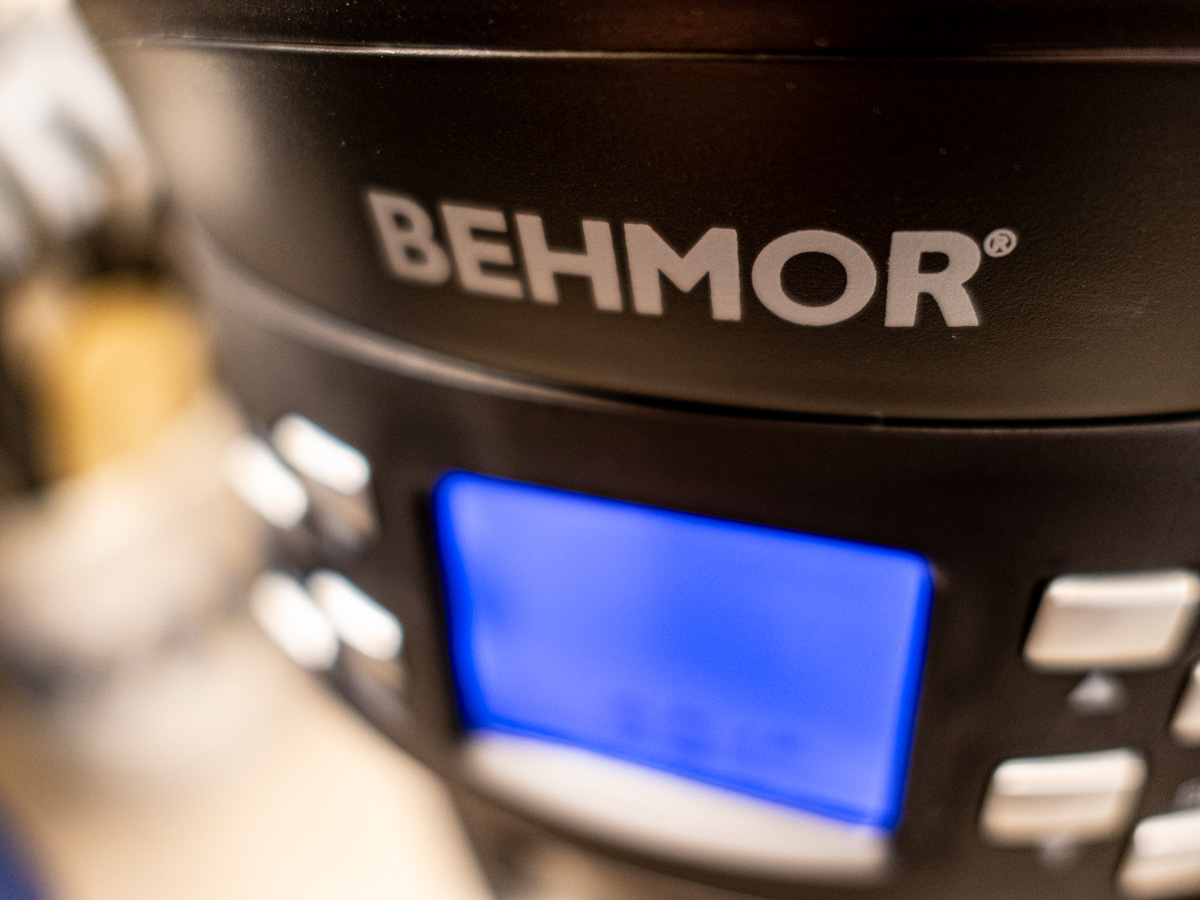 It’s a relatively new company in Nevada that sells home coffee roasters, coffee grinders and yes… brewers.
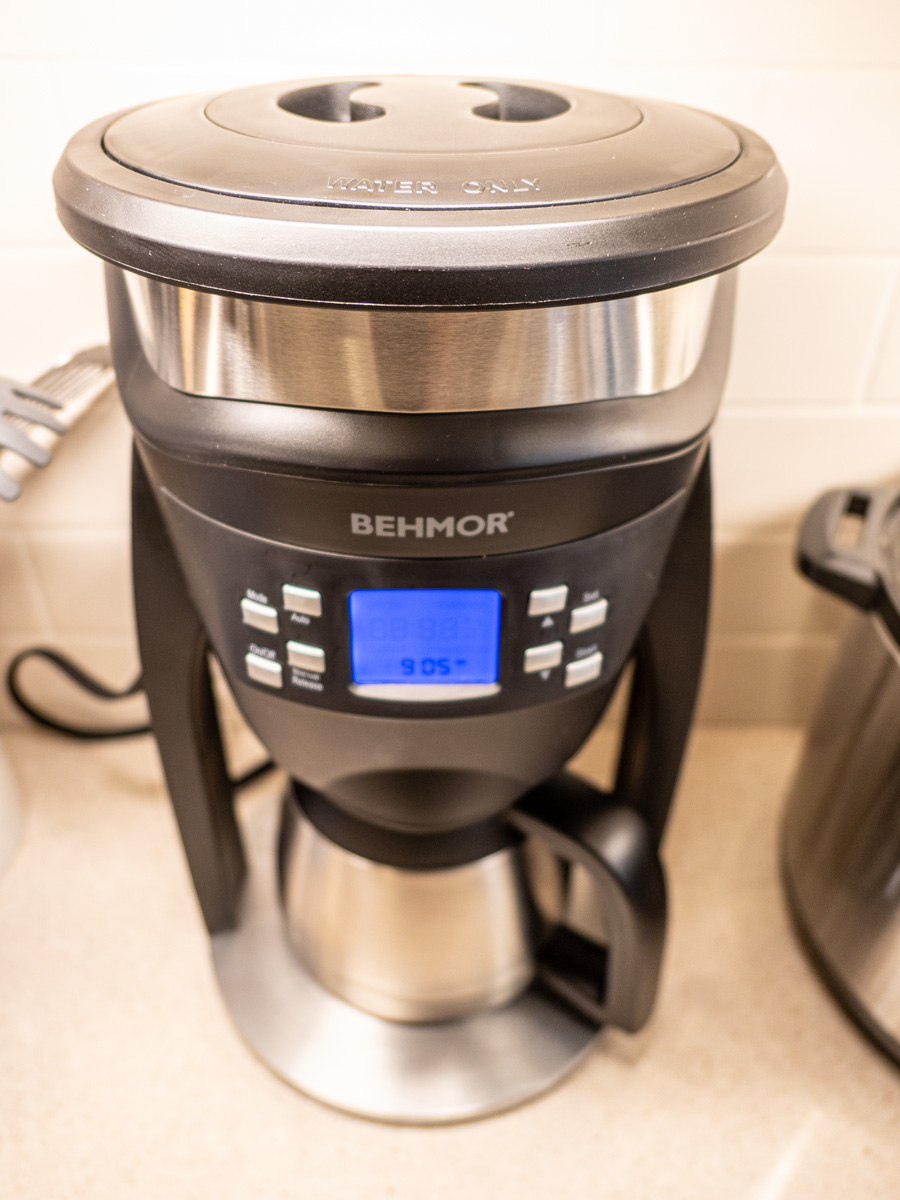 I ran across the Behmor Brazen Plus 3.0 ‘Customizable Temperature Control Brew System’ quite by accident, as I was skimming through YouTube reviews.
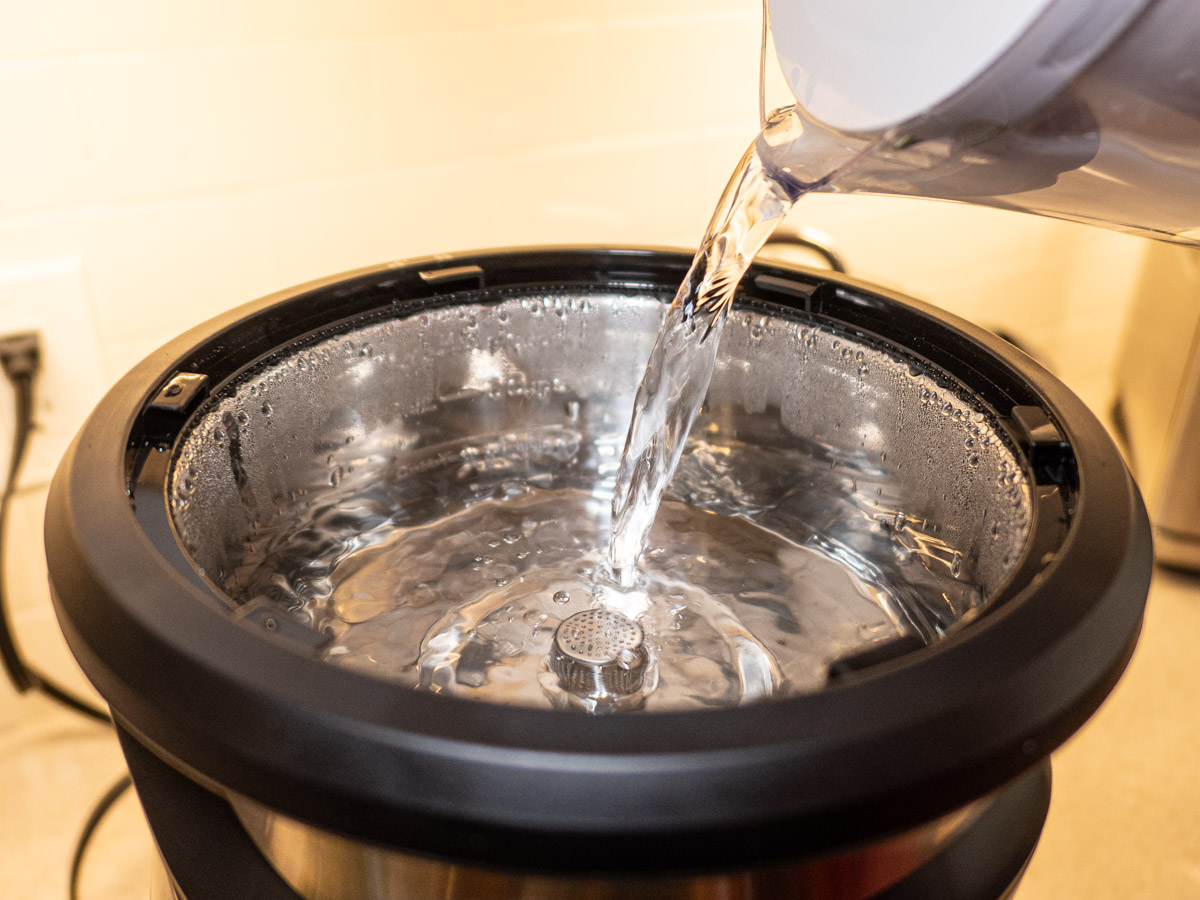 The Behmor’s form factor with the on-top water tank design immediately caught my eye. Plus…
- It offered an eight-cup brew, which is more than I need.
- There are custom settings to help maximize your coffee flavors.
- It comes with a gold filter, which is nice.
- It meets SCA brew quality standards.
(Though I don’t think it’s SCA certified.) - And it’s actually slightly smaller than my old Bunn.
I should also mention it comes with a thermal carafe, which I was interested in trying.
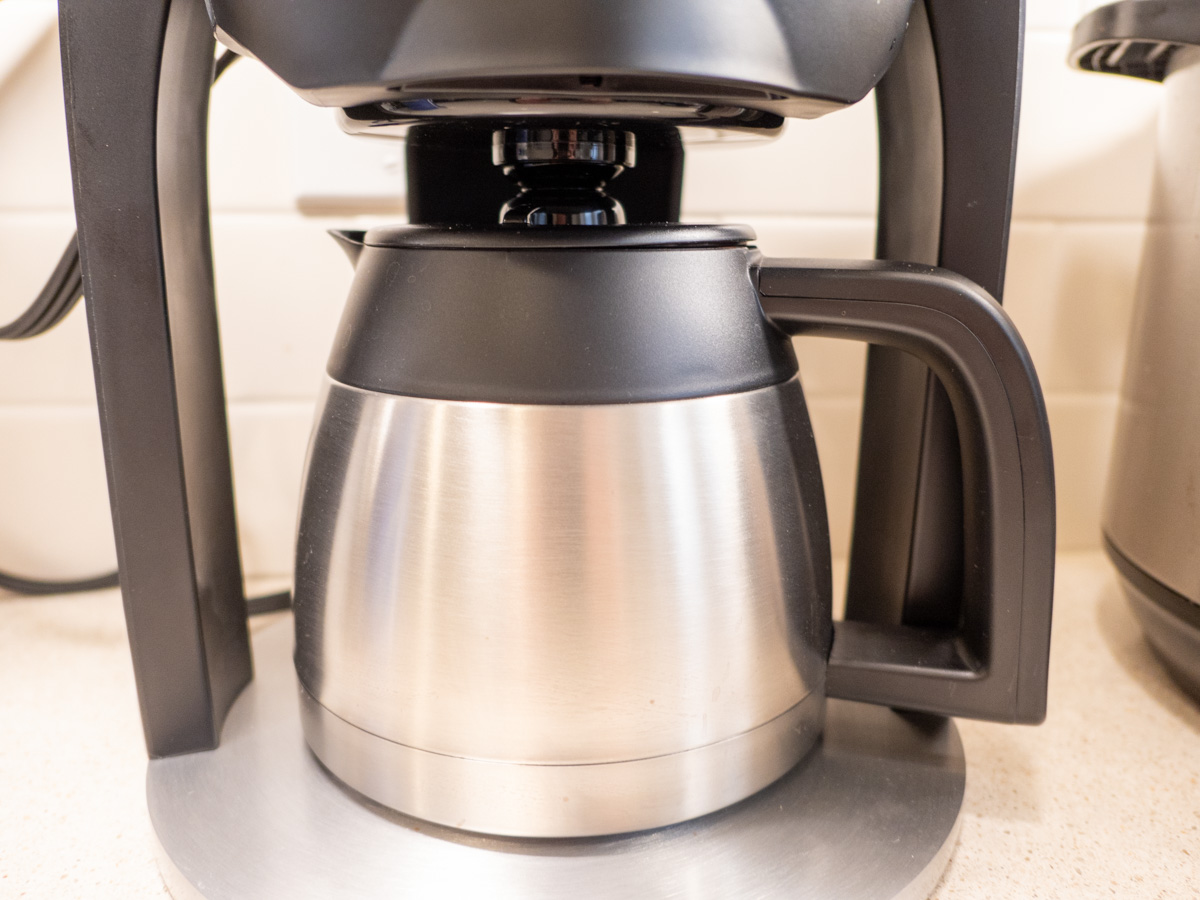
Minimal Online Recognition
I did more googling, and the Behmor did show up, receiving a couple solid reviews. But it was entirely absent when I googled ‘best coffee makers.’
The Behmor Brazen Plus 3.0 seemed perfect for me, but it was clearly flying under the radar. Plus, it wasn’t available in the usual online shopping locations. No Amazon.
Was this all too good to be true?
Old-School Shopping
Behmor’s website explains they sell the Brazen Plus 3.0 in only fourteen specialty coffee shops around the United States (plus in others around the globe). This ‘small-batch’ distribution plan wasn’t necessarily a bad thing.
I figured these little coffee houses have their reputations on the line. They’re probably not going to sell a bad coffee maker.
I zeroed in on Willoughby’s Coffee, which has a few shops around the New Haven, CT area. Their website was selling the Brazen Plus 3.0, but I still picked up the phone to speak to a human being.
Ring, ring.
“Hello?”
I talked with a real person who confirmed… everything.
- Yes, Behmor is a real company.
- Willoughby’s Coffee is also a real place that sells coffee… and the Behmor Brazen Plus 3.0.
- And the barista I spoke with had good things to say about the Behmor.
I hung up.
Click.
I had my Brazen on our doorstep the next day with free shipping and a free pound of coffee.
Sweet.
Trust
Happily, this wasn’t too good to be true.
But I had trouble buying a product from an unknown company, because I couldn’t find lots of other people documenting their approval on a known and ‘trusted’ website. (Sound familiar?)
And then some part of me also had to find a person to talk with to reinforce my reality check. What did I think was going on?
Nevertheless, today and everyday… you’ve got to pay attention online. If something doesn’t feel right, I think it’s okay to double check.
And if I may offer a suggestion to Behmor: Please budget a few more dollars in your marketing plan. You absolutely need it.
Setting Up my Behmor
So, I eagerly opened the Behmor box and placed the gleaming Brazen Plus 3.0 on our kitchen counter next to our Instant Pot.
There were some initial set up tasks, which took the machine through a calibration and a rinsing cycle. But it was quick.
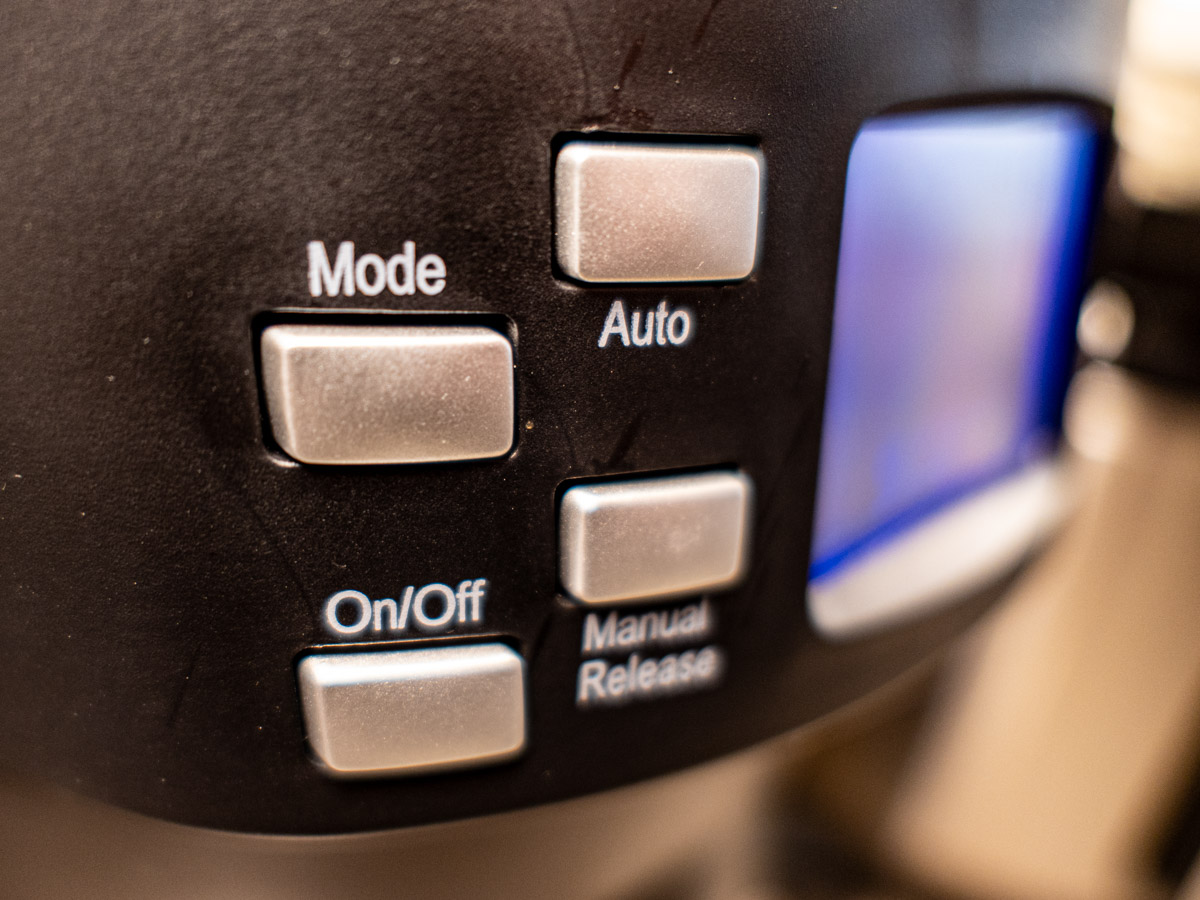 Then, the Brazen Plus 3.0 offered three setting options to help maximize the coffee.
- Pre-soak time (to allow your coffee to ‘bloom’)
- Brew temperature
- Altitude (of your kitchen)
I really enjoy having this additional control, without feeling overwhelmed.
It’s the perfect next step of brewing control for me.
Brazen Plus 3.0 Results
My Brazen Plus 3.0 clearly pulls out more nuanced flavors from the coffee blends I’ve previously been using. (It’s ‘pulse water delivery’ system is designed to help with that.)
Overall, I’m totally satisfied with my new Behmor. With its additional settings, my coffee instantly tastes better than what my old Bunn could spit out.
I should mention that this device does project three little beeps when it’s done brewing. (It also beeps whenever you press any of the buttons.) The beeps are not annoyingly loud, like my GE microwave or Breville toaster oven (which both sound like the screaming goats from “Thor: Love and Thunder”). But the Brazen Plus 3.0 doesn’t run silent. On the other hand, no gurgling coffee maker in brew mode is entirely quiet.
My Runner-Up Choice
If you’re wondering, yes, there was a runner up from my research.
- It’s the OXO Brew 12-Cup Coffee Maker – $299.99.
- It has an efficient form factor with the water tank in the back.
- It came up on top in many reviewers’ lists.
- Plus, it’s SCA-certified.
But this OXO model was still a bit big. But honestly, what really held me back was the fact that OXO also makes a smaller version that would have been perfect in every way for me. (It’s the 8-cup model.) But that one doesn’t have a clock for morning auto brew.
(“Khaaann!!”)
So that gap drained my enthusiasm for the larger version. (But I think the 12-cup OXO is still a good choice.)
Coffee Conclusions
Is the Behmor Brazen Plus 3.0 the best coffee maker out there? Well, I’ve decided that’s not the right question to ask. It’s really about what’s best for you.
My Behmor Brazen Plus 3.0 fits nicely on our kitchen counter.
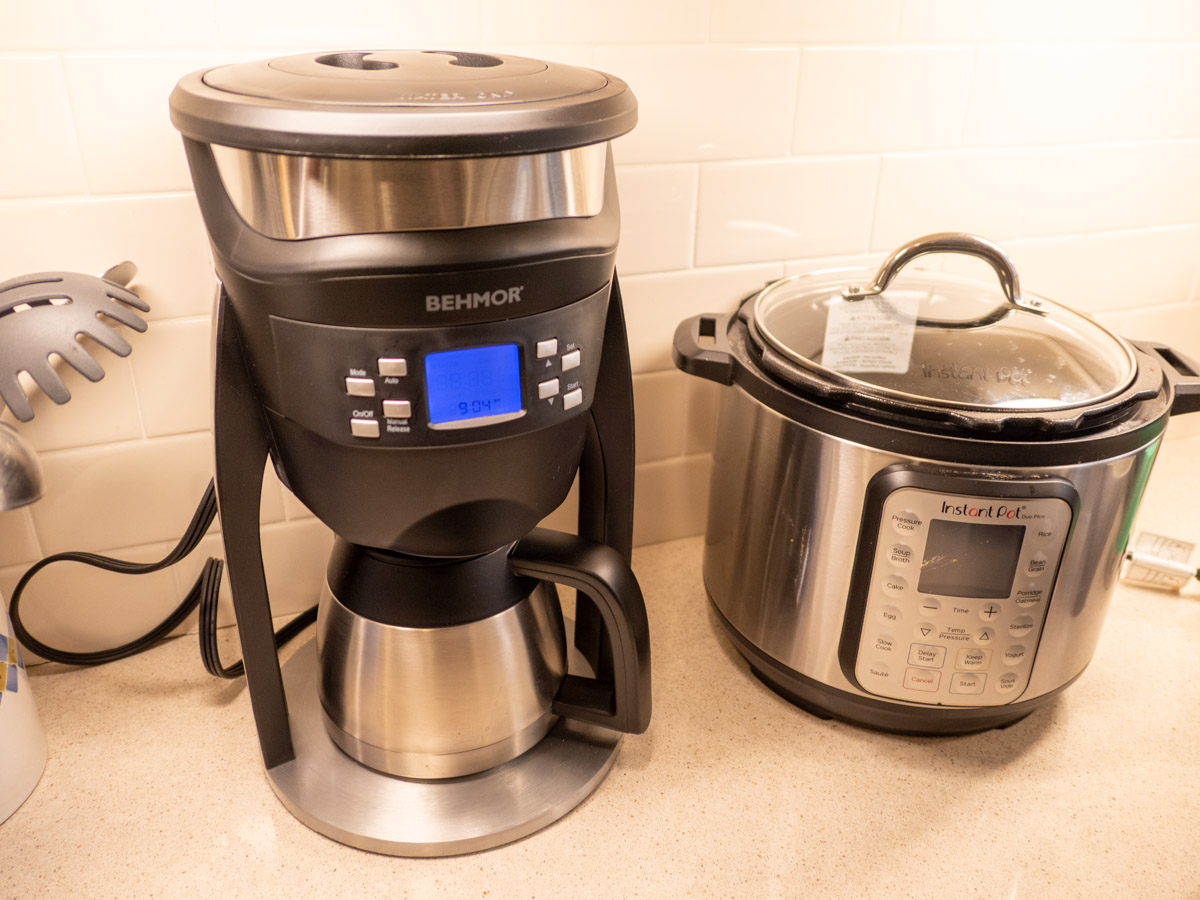 It brews tasty coffee that’s ready for me when I wake up. And it gives me more control in how I brew my coffee.
And at $199.99, the price point is also just right.
I’d say that’s perfect for Barrett.
Happy but Exhausted
I know, this may seem like a whole lot of effort to buy a simple coffee maker. And it was.
Hopefully, my experience can be useful as you go through your own process to identify your next coffee maker.
And if all else fails, there’s likely Starbucks or Dunkin’ Donuts down the street.





 At Home with Tech