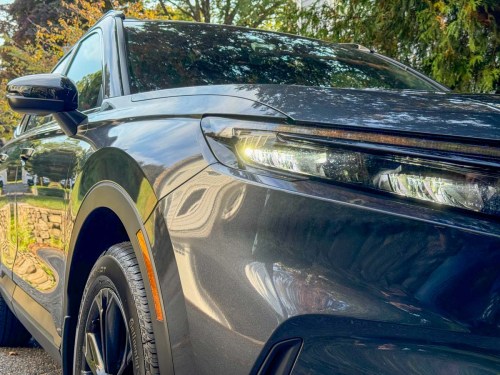
Here are the pros and cons for each of the Lester hybrid SUV finalists and how I made my decision on which one to purchase.
I’m not a professional car reviewer. This is not “At Home with Cars.” But I’ve been driving them my entire adult life, and I know what I need. When it was time to buy a new SUV for my family, and I was faced with one of the biggest purchases I can make, I certainly did my research!
So, if you might find another point of view useful, strap in…
Of course, I’ve closely followed the news regarding EVs. Who isn’t aware of this revolution that’s designed to move all of us away from gas-powered vehicles. Yes, I’ve felt compelled to be part of it all as I traveled down the road to a new car.
But as I shopped, I quickly discovered my own truths and limits.
EV?
As much as I loved the idea of going with a pure electric car, I just wasn’t ready to take the leap with an EV. I was held back by the usual reasons:
- Range anxiety
- Additional cost
- EV depreciation
So, I never left the starting line and didn’t test drive any EVs.
PHEV?
I was initially enthusiastic with the idea of a plug-in hybrid. (Being able to drive around town without touching a drop of gas and then charging back up at night sounded amazing.) That’s the best of all worlds, right?
Well, it depends on who you ask, and there are car reviewers out there who suggest a PHEV creates the worst of all worlds… just an average-performing vehicle that’s weighed down by having to serve too many different technologies.
Still, I didn’t dismiss the option. Nor did I flinch at the upcharge for a PHEV. (Passion can take you a long way towards a decision, despite the logical drawbacks.)
But first, I had to find it in the car I wanted.
Hybrid?
The Toyota Prius made ‘hybrid’ a household term a thousand years ago. It’s hardly a new concept. And in many ways, a hybrid engine is the easiest way to move away from all gas. But it certainly doesn’t feel as exciting as a car that you can plug in.
Still, going hybrid is a step towards helping the planet (and saving some bucks on fuel costs).
Drivers, Start your Engines!
So, it was time to go shopping. My goal… buy a new small SUV. I’d been driving my 2009 Toyota RAV4 forever, and after 186K miles, it was time for a new starship. I wanted to replicate the same form and function… hopefully with newer and greener tech under the hood.
After hours of online research and reading car reviews by the ‘experts,’ I landed on these five choices to test drive.
Toyota RAV4 Hybrid and Plug-In Hybrid
A new RAV4 was obviously a leading candidate. But when we visited our local Toyota dealer, we had the strangest of experiences…
Get this: They didn’t have any new RAV4’s on the lot. Not one.
Everyone knows a new RAV4 is a solid choice. But apparently, you can’t buy one. Not easily. Not without waiting a long time. The salesman explained that Toyota simply isn’t building enough of them.
Sure, he would do everything he could for us, but finding a new RAV4 could take months and getting the exact options I wanted was uncertain.
Plus, after test driving the one 2023 model they had (off a lease), my wife and I felt it wasn’t that amazing. (And it was selling at the new car price. Oof.)
Yes, the RAV4 hybrid gets great gas mileage, and the model also has the PHEV option. But the purchasing path was just too daunting.
I loved my old RAV4, but a new one for the Lester family was clearly not in the cards. We drove away from the carless Toyota dealership and never turned back.
Mazda CX-50 Hybrid
The hybrid version is new for 2025. And the hybrid wasn’t available during my research phase, but we test drove the standard one to see how it felt.
Whoa! This Mazda was zippy with enthusiastic handling, and it really moved! But the car was a bit small and tight. Plus, I didn’t really need the sports-car feel.
(I’m a family guy with a teenager.)
Not to dismiss a great car, but it just wasn’t the right time for me and a Mazda. Plus, the hybrid wasn’t even available yet, and the sales manager told me he had no idea when they were coming in. He said that one day, they’ll simply show up. (true story). So, that made it an easy pass.
Still, my Mazda experience ultimately helped me realize that even though so many car reviewers focus on how quickly a car can accelerate, that wasn’t as critical a metric for me.
Sure, I want my new car to have enough power to move when I need it to, but an extra .8 seconds from zero to 60 mph isn’t as relevant to my real-life needs. Does that me boring? Perhaps. But I’ve got other priorities.
(Don’t count me out.)
The good news is most hybrid/PHEV engines usually have more punch by design.
Kia Sportage and Hyundai Tuscan (Hybrid and PHEV)
All the reviewers say the Sportage and Tuscan are similar. And they are. So, I’ll also consider them together:
Both flaunt the technology-focused design options I was looking for. I absolutely loved the high tech-feel in both vehicles. The extended dash and integrated screens with all the bells and whistles really felt like I had finally stepped into the car from the future. Some examples:
- Blind-Spot View Monitor
- 360º Surround View Monitor
I secretly wanted to be on the bridge of the Starship Enterprise. And both these cars gave me that experience.
And all the cool screen displays came at the same price points of the competition. Plus, both SUVs offer the PHEV option.
But there were two big drawbacks…
- Fingerprint Magnet
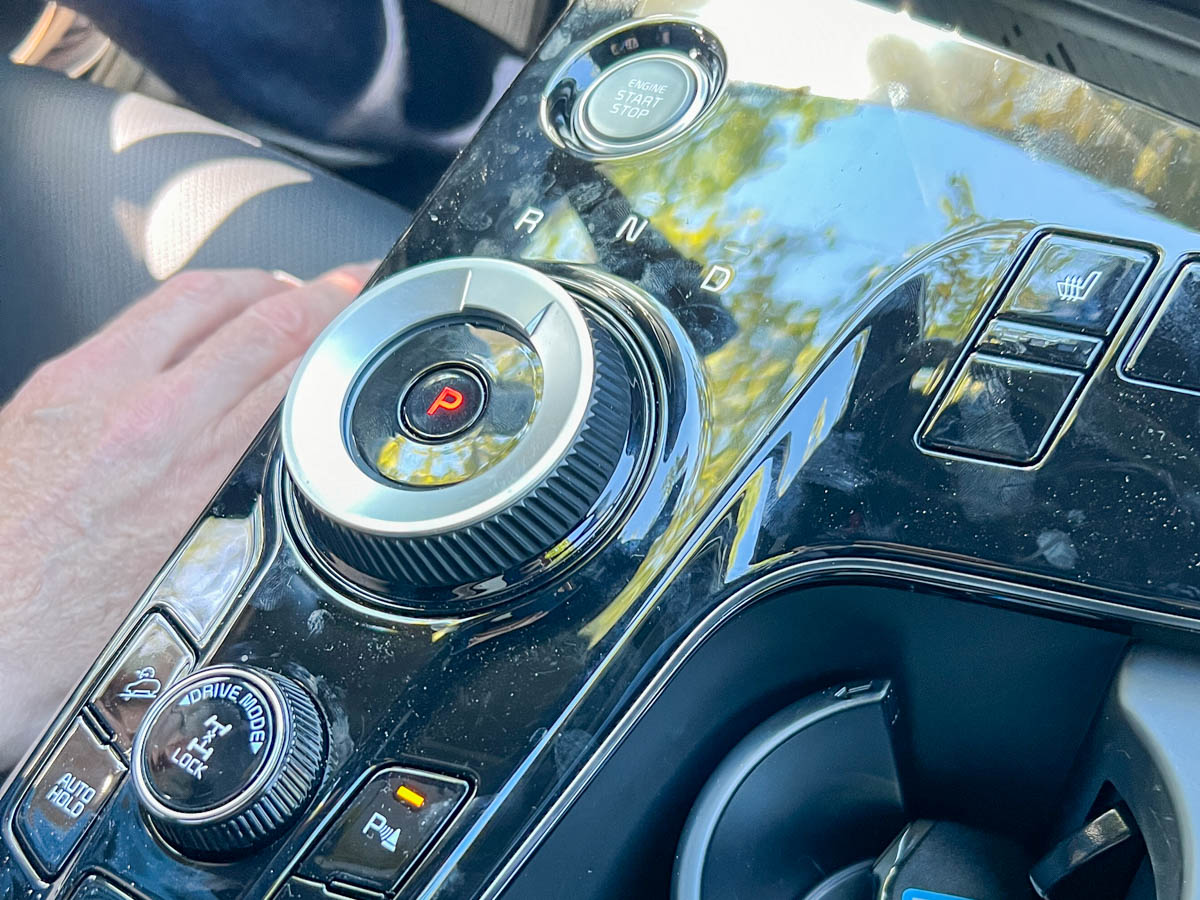
The SUVs’ touch screens aren’t always as easy to operate when you’re driving. And the reflective surface areas from all the black plastic molding will quickly get mucked up with fingerprints. Not to mention their potential to reflect the sun into your eyes (according to some reviewers).
- Circular Gear Dial
And then, there’s the Kia’s gear-dial redesign. Kia has replaced the traditional gear shifter stick with a circular dial. You dial it right for ‘drive.’ And you dial it left for ‘reverse’ (neutral in the middle).
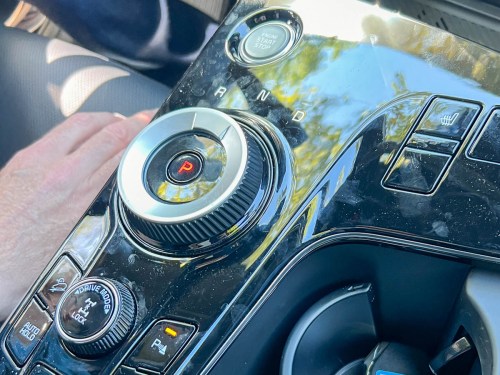 That’s innovative, right? Well…
In practice, that disruptive design change was a step too far for me and my wife.
The Tuscan took a different road and redesigned its gear-shift selector into a small column-mounted shaft behind the right side of the steering wheel. Not as bad a choice, but still unfamiliar.
After both test drives, my wife and I realized that we wanted more physical dials and a stick.
So even though both these cars had everything I was looking for, the user interface still pointed us in a different direction.
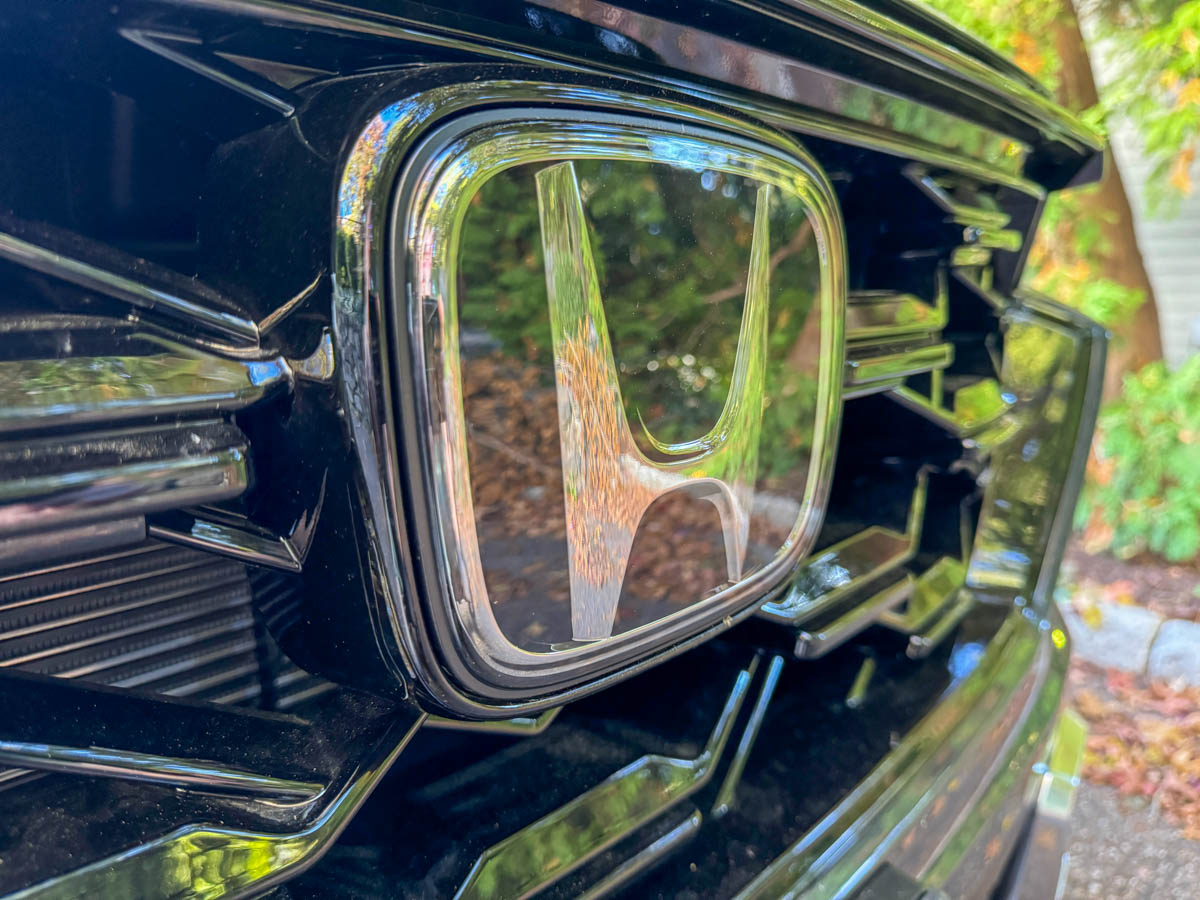
Honda CR-V Hybrid
The CR-V was the first car we test drove. And it felt absolutely great. The roomy cabin was awesome, and the driving experience was superior.
Yes, it comes as a hybrid… but unfortunately there’s no plug-in model. And it was missing some of cool features of the Sportage and Tuscan… such as a 360º surround view monitor.
Plus, I was shocked when I realized it just had a tire repair kit instead of a spare tire. (The same problem with the Sportage and Tuscan. That said, the RAV4 and CX-50 both come with spare tires.)
But the CR-V hybrid had everything else from a safety standpoint that you’d want.
- Collision Mitigation Braking System
- Road Departure Mitigation System
- Blind Spot Information with Cross Traffic Monitor
- Multi-Angle Rearview Camera
- Adaptive Cruise Control
- Lane Keeping Assist System
Since the CR-V was our first test drive. I needed to shop around some more due to the usual FOMO. So, we drove on to the other brands.
When we were finally done, it was suddenly clear the Honda CR-V Hybrid was the car for us.
- Plenty of safety tech
- Old-school twisty knobs where they really belonged
- Wireless Apple Car Play
- All wheel drive
- Regular gear-shifter stick/knob that goes forward and back
- Decent 9” color touch screen
- Solid fuel economy: 40 mpg city/34 mpg highway/37 mpg combined
And may I say how much I appreciate Honda for not flooding the model line with 108 variations to choose from (like some of the competition). Buying a car is complicated enough. Model simplicity really helps to focus my decision.
Honda Wins the Race
We started with the CR-V, and after stacking it up against the competition, we realized that even though it didn’t have everything on my shopping list, it offered everything that mattered most.
- The car was solid.
- The choice felt right.
- We were ready to buy!
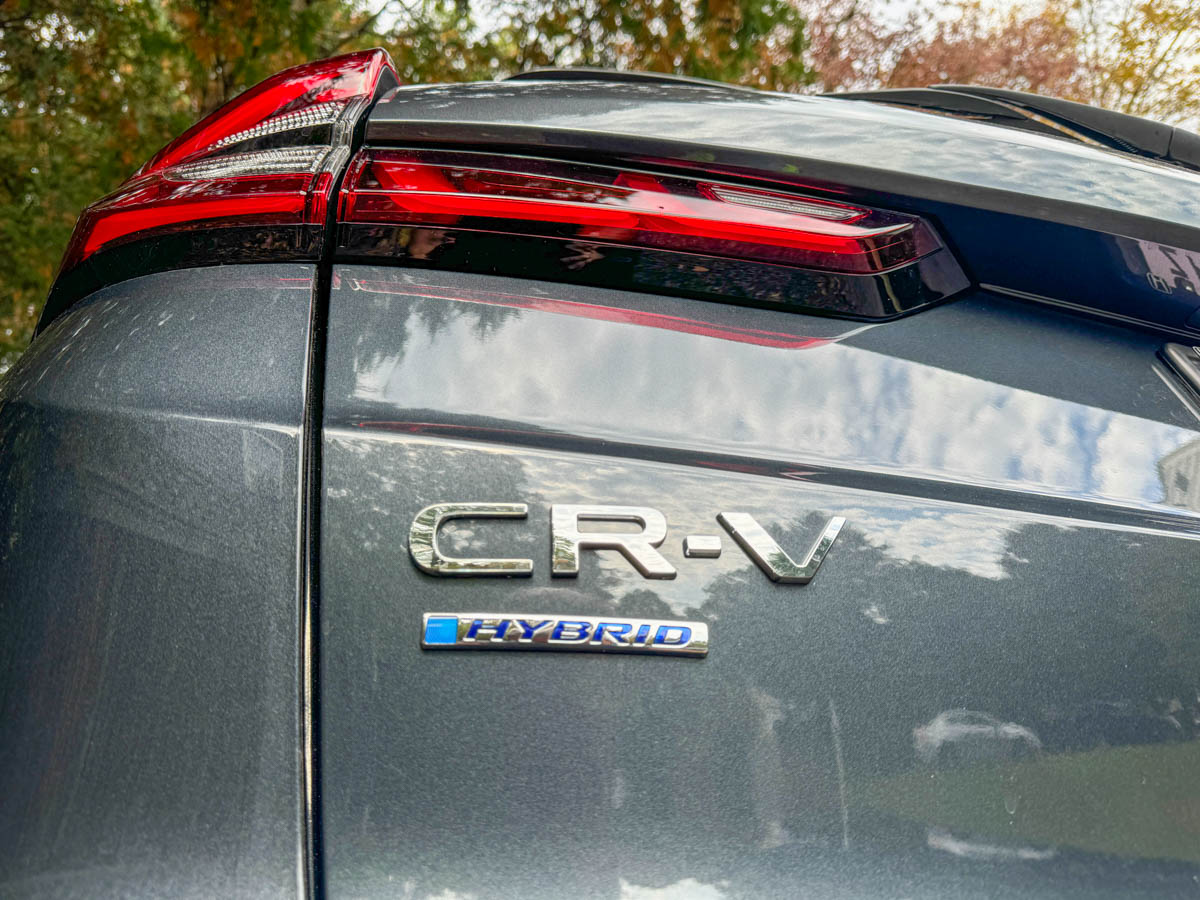
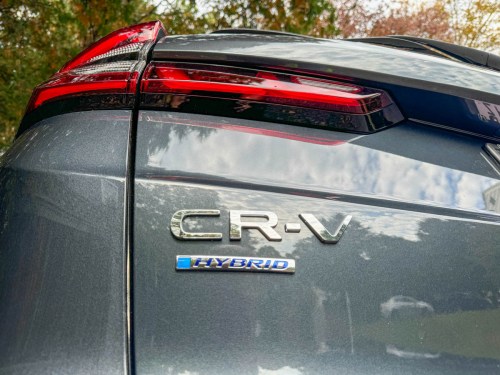 And we purchased our Honda CR-V Hybrid!
As I mentioned last time, we then paid for some expert help to make our price negotiating experience as effective and painless as possible.
Brand Loyalty Matters
Once upon a time, my first cars were Honda Accords. Then, I spent many happy years with Subaru and Toyota.
Now, I can’t deny that it feels amazing to come back to Honda.
I’ve come home.
(That’s brand loyalty for you!)
Did that play a role in our decision?
Well, it didn’t hurt!




 At Home with Tech