
This is my Father’s Final Gift to my Son
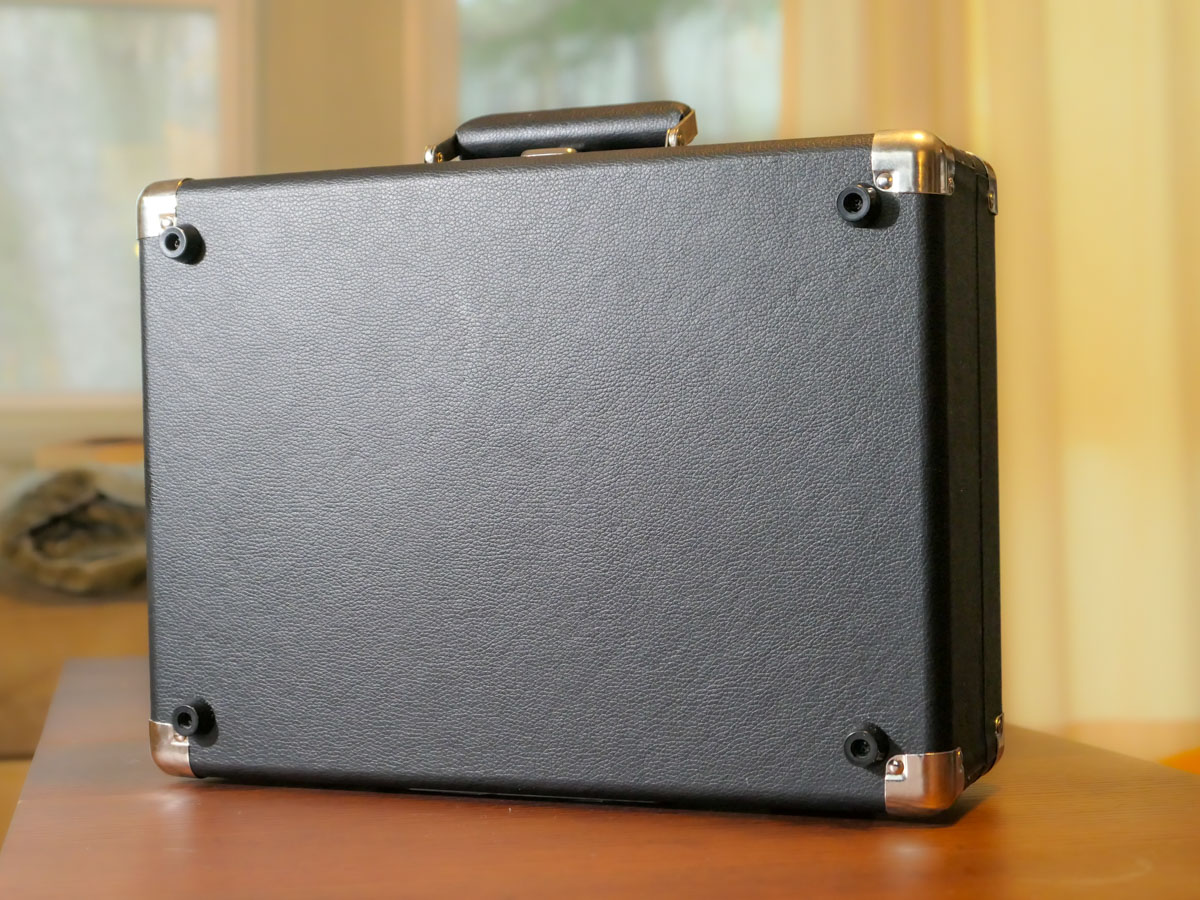
I brought home this locked briefcase I had received as a gift. When I opened it, I realized it was a conduit to one of my father’s greatest passions.
I recently received a portable record player as a gift. It’s an all-in-one device made by Victor that includes little stereo speakers and folds up like a briefcase. This updated nineteenth century music box has Bluetooth connectivity so you can pair it with a portable speaker of your choosing.
This Victor record player certainly seems like a cool gift, right? Plus, I know there are plenty of audiophiles out there who love listening to their record collections on their high-end audio systems. That said, I’m not one of them. I haven’t played a record in decades.
Partially Lost and Mostly Forgotten
I may have an old turntable collecting dust somewhere in our basement. But that’s only because I’ve not been able to part with my old record collection from my childhood. (I think that’s based more on a hoarding instinct I picked up as a kid from my Depression-era parents than on a well thought out collecting strategy.)
My old records have sat stacked in plastic milk crates in the corner of our basement without purpose.
Retrieving my Father’s Record Collection
A year ago, my father passed away. The anniversary is coming up this week. Of course, it’s bringing up a lot of feelings. When I needed to clear out his apartment in New York City last year, I had to go through his own record collection dating back to the 1940s and ‘50s. And do you know where many of them ended up?
That’s right… in my basement. They’ve joined my long-abandoned vinal disks.
I had no idea what I would do with my father’s records. But my father loved his music so much. I just couldn’t let it all disappear.
Introducing Analog Music
Fast forward back to my new Victor record player the day I brought it home. I had received it while I was in New York City. So, it was a bit of a schlep back on the Metro North train.
I was heading right to my basement with it, but then I had an idea. I reversed course and instead walked directly into our family room with the briefcase.
I found both my wife and son reading quietly.
I plopped the record player down with a loud thud on the wooden coffee table next to my son, and then I took a step back.
For a moment, nothing happened. (He was engrossed in his book.) Then, he looked up at me and smiled. Finally, he peered down at the strange object.
“What’s that?”
“Take a look,” I responded.
An Unexpected Turn
Yes, he knew what a record player was, but I don’t think he’s ever used one. My gift included a Crosby, Stills & Nash record. So, I suggested he pull it out of its sleeve. And then the lesson began.
My son is a quick study with his tech. (Yes, he’s faster at navigating our Apple TV than me.) So, we quickly got the record player up and running. It would have been faster if I didn’t take so much time explaining how to avoid scratching the record.
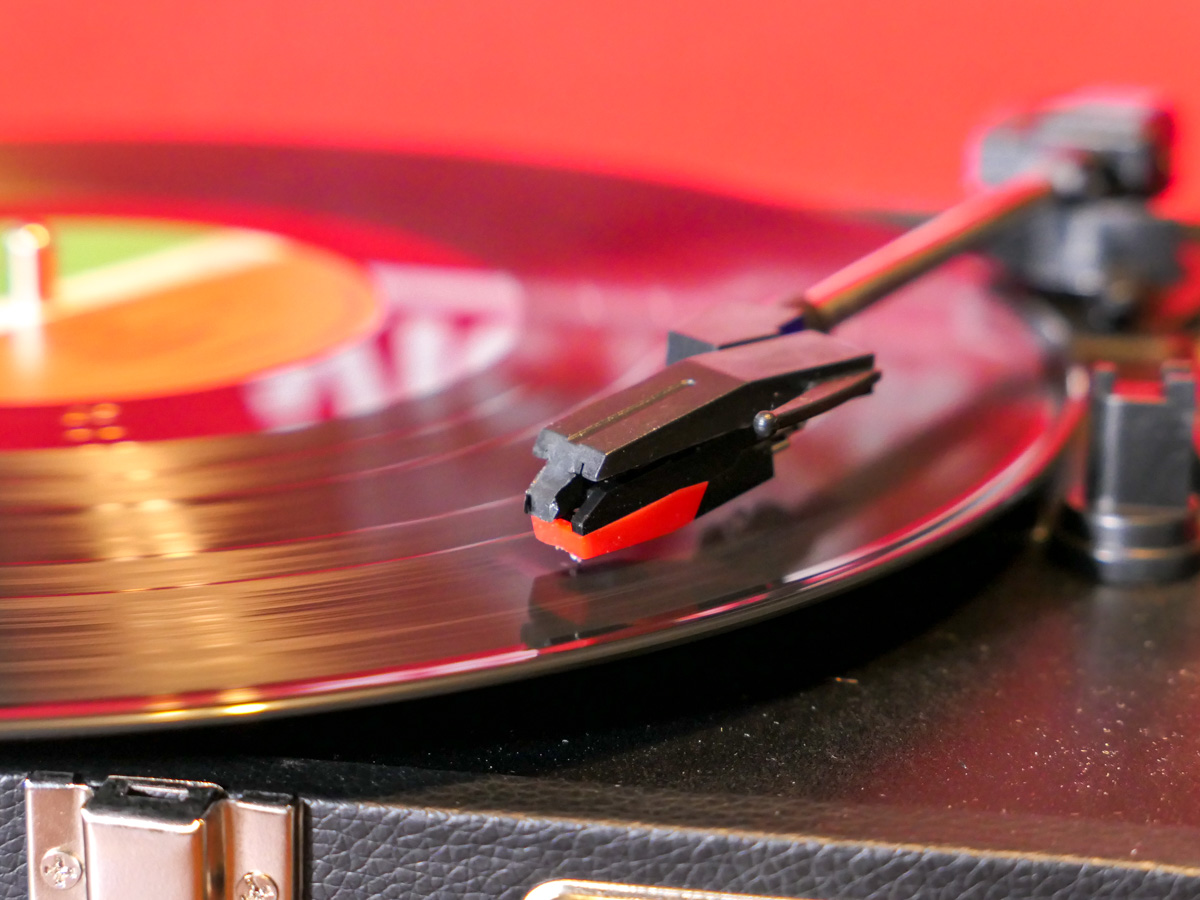 He sat back and listened to the record, taking in the whole analog experience.
The next evening, he asked if we could play the record again. I was a bit surprised that he was still interested. (He had full access to virtually all music ever created through our Apple Music subscription.) But I imagined it must have been more about engaging with this this new “old tech.” So, we got the record player going again.
The third day offered an even bigger moment. He asked if I had any other records he could listen to.
Whoa. Time slowed down for me. I hadn’t expected this.
The Gift of my Father’s Music
So, I asked him to wait for a minute while I walked down to the basement. I came back with Frank Sinatra, Harry Belafonte, Engelbert Humperdinck, “Oklahoma,” “West Side Story” and “The Music Man.”
I handed the LPs over.
“These were Grandpa’s records.”
He stared at them. I sure he was working through some feelings too.
And then one by one… he began to listen to them.
This continued over the next few days. I also started to bring up some of my own records…
Elvis Costello, Jethro Tull, “Yellow Submarine” and “Hotel California.”
But it’s my father’s collection that’s the foundation of what our boy has been consuming.
The record player isn’t going anywhere.
Bashert
My father has been gone for a year already, but his music is suddenly filling our house over this holiday season.
This random gift of ancient tech has served as an unexpected key to unlock so much joy from my dad’s silenced melodies.
I’m not sure I truly understand any of this, but somehow, it was all meant to be.
My father’s music is his final gift to our son.
And to me as well.
Thank you, Dad. I miss you.

 At Home with Tech