
How to Quickly Convert Old Slides to Digital

A little film to digital converter can easily bring new life to old slides like this 1978 photo of my parents in Greece.
People ask me how I’ve been doing since my father passed away last month. Well, truthfully, I haven’t had much time to really process it. I’m not sure exactly how I’m doing. These weeks have really been more about what I’ve been doing.
I’ve been spending most of my free time clearing out my dad’s apartment. And while one might say that’s a tactic of psychological avoidance (and I’m sure it is), I still have to do it.
Yes, it’s been somewhat overwhelming. It’s more than simply going through his belongings and deciding what to save. I quickly realized that I needed to go through the same exercise for some of my mom’s things that my father saved (or never addressed). And so you don’t think I’m being judgmental, I’m also faced with going through my own stuff I abandoned decades ago.
I’ve quickly realized that maintaining a sense of organization is critical to this overall process. Throwing things in a box and simply moving it to my own home is a half-baked strategy. There’s only so much available space.
I know I need to break through my inner grief and the urge to save as a counter against my loss, and instead really consider the future value of these items.
The Forgotten Photo Collection
Of course, I saved all of the photos I found. Many will go through a digitizing project to integrate into my larger family photo archive.
But then I uncovered a forgotten photo collection. Deep in the back of a closet lived 12 boxes of old 35mm slide carousels. Yes, for several years, my father shot photos that turned into slides. Remember those slides that could be viewed by projecting them onto a screen with a clunky projector? Yep. That’s what my dad had.
So I popped a couple of those filled-up carousel boxes into a bag, brought them back home and placed them on a shelf.
And then I thought about housing all of these boxes. I asked myself why I would want to keep the carousels. Sure, the boxes provided pure organization and safety for those slides. But I was never going to use the carousels. I needed to extract the slides from the remaining carousels and just bring the slides home. Those slides were like negatives that simply required digital conversion. I just had to find a method to do that…
Wolverine Data F2D Titan Film to Digital Converter
So I looked online and quickly found a variety of devices on the market that will convert old slides to digital files. Some are more high-end than others. I just needed a basic conversion. Nothing too fancy.
I decided to go with the Wolverine Data F2D Titan Film to Digital Converter. It’s compact, easy to use and $150 at B&H Photo.
I also picked up some compact Print File Slide Storage Boxes to put the slides in.
First Use
I powered up the F2D Titan and got to work with the first batch of slides from my parents’ 1978 cruise vacation in Greece.
It’s a straight-forward process. You slip your slides into a mini light tray, and then you press a button to take a picture of the side. The Wolverine creates jpegs with plenty of resolution for me. (5472×3648) and between 4-5 MBs in size. It has a small amount of internal storage, but the better process is to pop in an SD card, which is what I did. You can make color/brightness adjustments if you choose, but I decided to do all of that in Adobe Lightroom. It’s faster.
The Wolverine is perfect for my project. The image conversions look good. The process is quick, and the Titan’s footprint is small.
New Views
I’m not sure I’ve ever seen many of these family slides before, and it feels pretty remarkable to view these images of my parents.
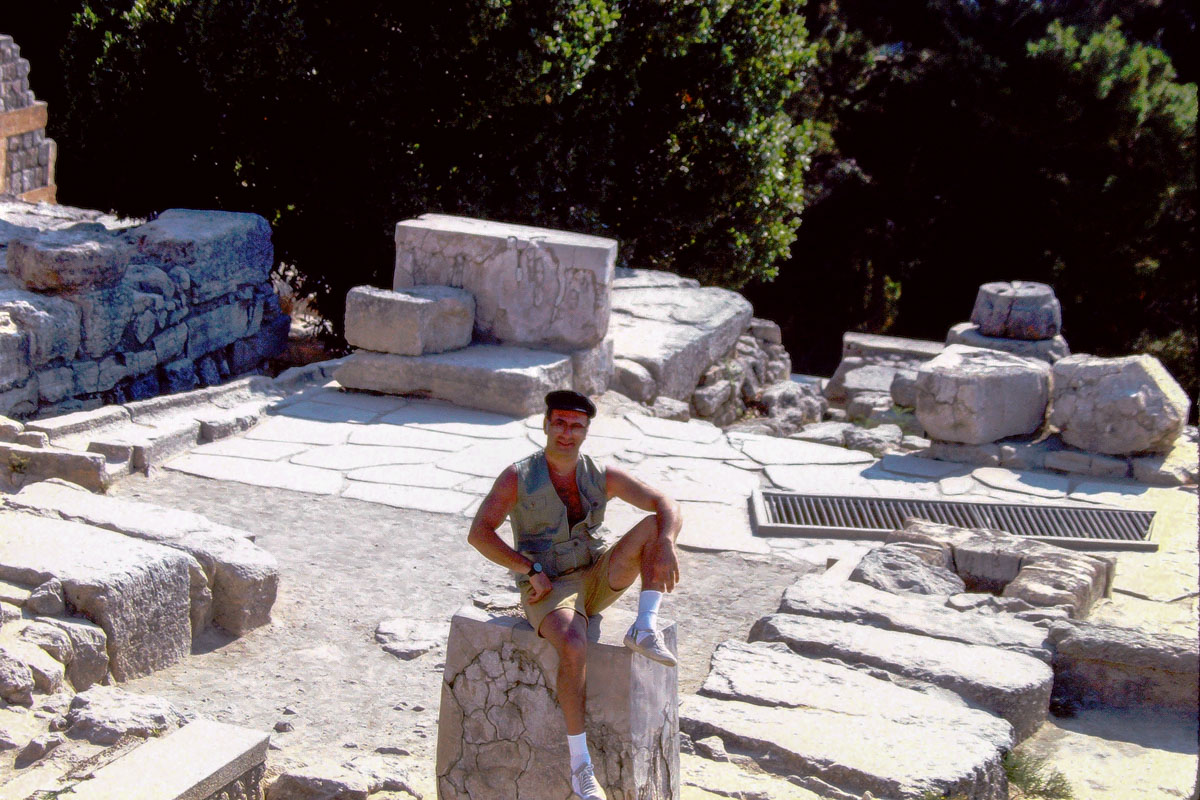
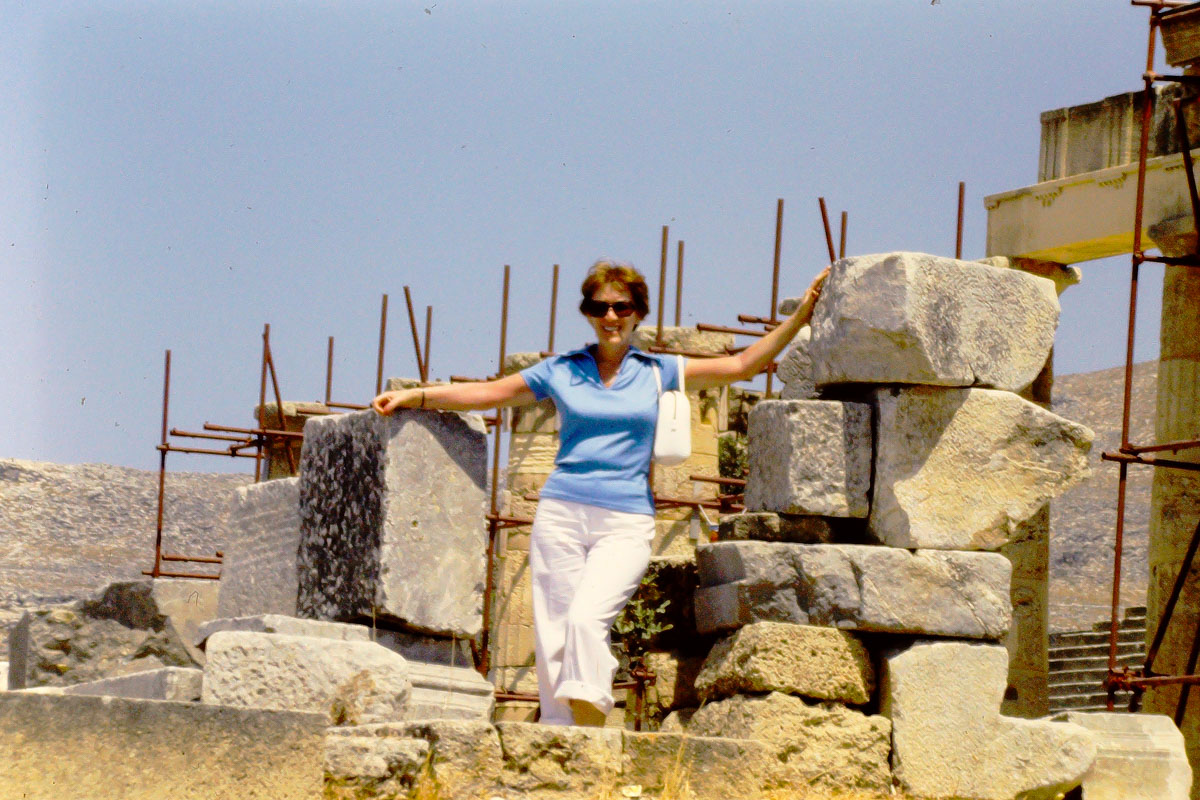 It’s almost reality-bending for me, as I integrate these moments into my larger world-view of my family.
Find the Time
This is all great, but you might be wondering how I’m going to find the time to convert hundreds of slides while I’m also going through hundreds of old photos and digitizing those? And clearing out my dad’s place. And handling the rest of my life.
That’s a good question.
What I do know is every time I digitize three or four old photos or slides and add them to my family photo archive, I feel a warmth that fuels me for what may otherwise be a cold day ahead.
It takes about 15-20 minutes.
I figure if I can regularly carve out that time during my early mornings, that could actually help in my healing process. (Plus, it breaks down a massive project into achievable little pieces.)
Maintaining Ownership
So that’s what I’m doing. Yes I know I could pay a service to do all of this digital conversion, but I want to do it myself. Plus, I know I won’t need to digitize every old slide and photo. And only I can make that decision.
If I’m going to first look at every slide to decide its fate, it doesn’t take that much more time to slide it into the Wolverine converter and create the jpeg.
Don’t Wait
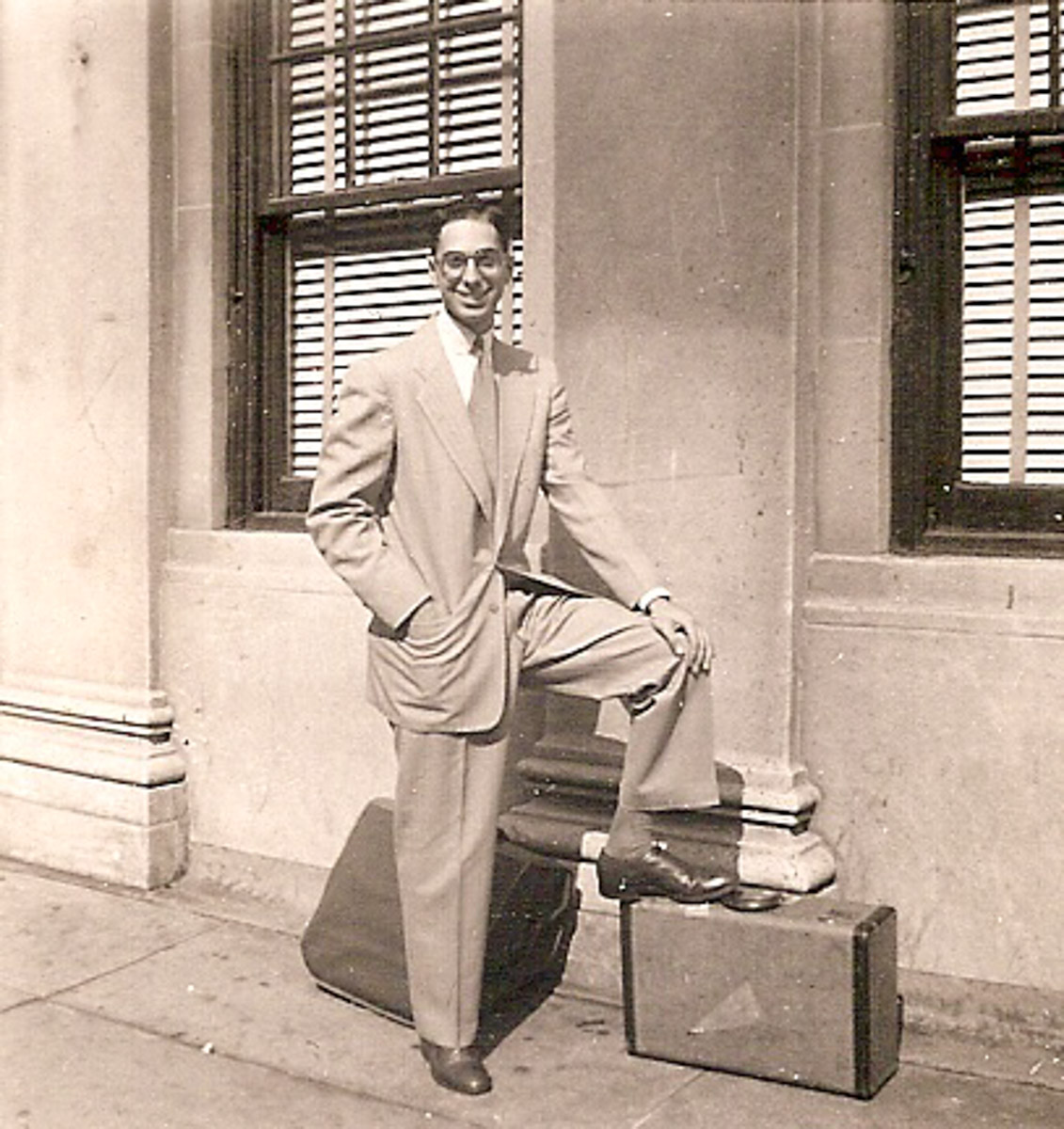
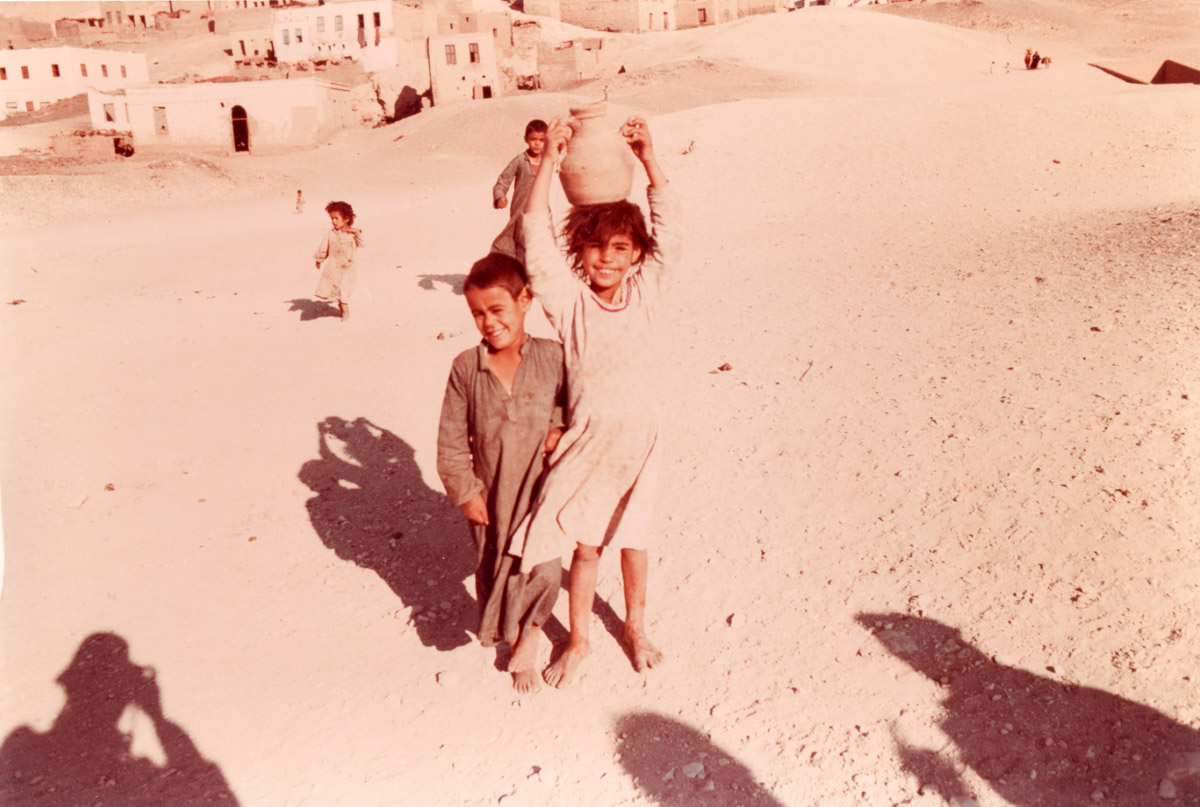
Family history is important. I don’t want to just save these photos and slides. I want them to be a part of my story. No, I shouldn’t have waited this long, but I’m glad I still have the opportunity to bring them forward into the future…

 At Home with Tech