At Home with Tech

Unlock the power of all your technology and learn how to master your photography, computers and smartphone.

Category: AI

Do You Know Where the Red Reset Button Is Located?

My home’s furnace quietly stopped working last week. I didn’t notice the specific moment, but it was shortly after dinner. I thought I felt a bit cold, and I stopped what I was doing. My ‘Spidey Sense’ told me something was wrong. 

I turned to glance at a little digital thermostat I keep near my home office desk. The temperature was four degrees cooler than it should have been. 

My new Google Nest Learning Thermostat runs a tight ship. So, I knew something was off. (If I were starring a science fiction movie on a spaceship, the next scene would show a pinhole leak in the hull as oxygen vented out.)

My Furnace Wouldn’t Fire Up
I listened for the normal background hum of our heating system. Nothing (no comforting purr of my warp engines). I hurried down to our basement to check the circuit breakers. All good there.

I rushed backed up to check out my gleaming Nest Learning Thermostat. It knew that it was too cold but reported that my furnace was actually running, and my house would reach its desired temperature in 45 minutes.

Houston, we have a problem. 

My furnace just wasn’t firing up, and it was 38°F out. My family didn’t know the situation yet. But the clock was ticking.

There was only thing I could do. So, I made the call…

The Big Red Button
I called for an emergency repair. Yes, I pay for an annual plan to protect against this specific moment.

Ninety minutes later, the technician showed up.

The first thing he asked me was whether I had pressed the red button.

“The red button?”

“Yes, the big red reset button. Do you know where that is?”

I did not.

The technician opened up the side of my furnace and pointed. I had to look closely. It wasn’t exactly a bright red button, but there it was, red enough to see… if you were looking for it.

Red Alert
I’m not sure how I didn’t know about the red reset button after all these years. There have been plenty of opportunities during the annual maintenance checks of my heating system. But clearly, I wasn’t paying attention. (Or perhaps no one ever told me.)

The technician reached forward and pressed it. The system started to chug to life.
(Really? How embarrassing if this was the simple fix.)

And then my furnace coughed and conked out.

I felt a sigh of relief. At least it wasn’t the red button. (I dodged that reputational bullet.) 

The problem clearly ran deeper.

Warp Power Restored
The good news is twenty minutes later, my Scotty had my warp engines running again. Something about nozzle misalignment and carbon build up. (I processed his explanation as my “dilithium crystals” were out of alignment in their chamber. My Star Trek brain would understand that.)

He was on his way, and my family had heat again.

I walked back into my home office, sat down at my desk and thought about my experience…

Hello, HAL
I felt a bit giddy. I was so happy this little emergency wasn’t somehow my fault. My furnace actually required a repair technician’s attention. Yes, I knew I had been oblivious to the red button fix, but I was worried I had missed another obvious sign, like a circuit breaker. (I hadn’t.)

Plus, as my story demonstrates, pressing the reset button doesn’t always work.

Ultimately, I think this all points to a larger issue. Don’t we all want some mastery over the various technologies that impact our daily lives?

Time to Upskill
Of course we do. But it’s becoming easier every day to allow that equation of control to drift further away from us.

And this certainly extends beyond running the electronics and systems in your own home.

It’s about how you interface with technology in just about every part of your life.

On most days, it’s simply a remarkable partnership. And to maximize that potential, we’ve all got to upskill and learn to use the new, revolutionary AI-fueled interfaces.

But sometimes systems break down, and you’d better know where that red reset button is located.

It’s equally important to remember that the red reset button isn’t always the fix.

Remember Your Backup Plan
So where does that leave us exactly?

Well, life is complicated. Always has been. 

Things don’t always work the way you expect. User error is no excuse. So don’t abdicate your responsibility to understand the basics.

Have a plan. Then, have a back-up plan. The buck always stops with you.

And yes… it never hurts to know where that red button is located.

Here’s How I Finally Wrapped My 9th Grade Film Thanks to AI Video Generation

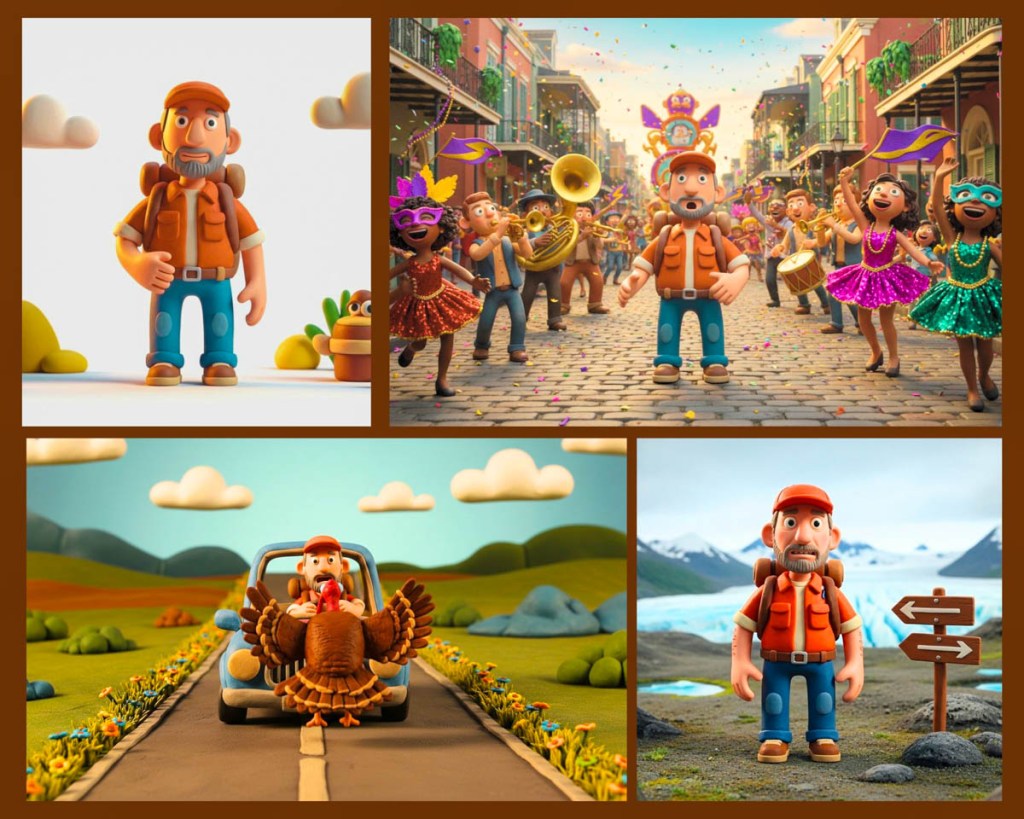
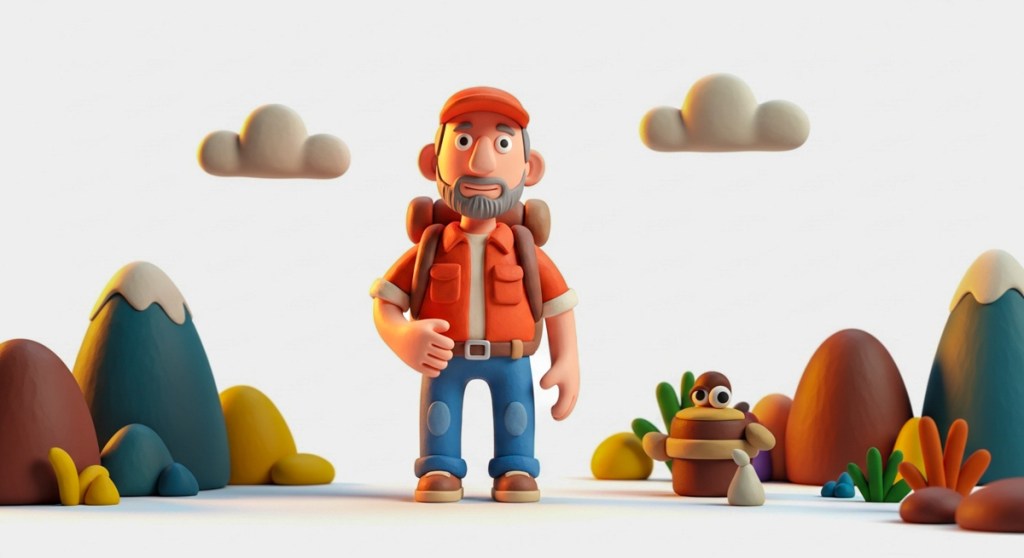
These are the AI characters I created to star in the big scene from “The Portal in Central Park,” originally written by me and a few friends decades ago and finally brought to life through Google’s Veo 3’s AI superpowers. Here’s how I did it.

When I was in 9th grade, I joined a school project with some friends. We were going to shoot a science fiction mini movie around Central Park in New York City. We wrote part of our time travel script, discussed the many logistics and locations we’d shoot in. 

Young Filmmakers on the Streets of New York?
I remember we were going to feature a tall, black obelisk that at the time was found at the entrance to Central Park on 59th Street and 5th Avenue. The sculpture would be the ‘time portal’ that our characters would walk towards and disappear through. Clever editing would avoid the need for special effects.

We were in ‘preproduction’ that spring, and it would have been a spectacular time to film on the streets of New York. Though we were all inspired by the potential of our little project, most eventually realized the many complexities of making a movie and how long it really would take to pull it off. Still, I felt undeterred. But the others had a different (more realistic) view.

Our project started losing steam, and ultimately, our short flick never got out of development. It was simply too big a lift. A few months later, we all graduated, and that was it.

My Origin Story that Never Happened
This would have been my origin story as a fifteen-year-old filmmaker, but it was not to be. (Instead, a year later, I found a more structured opportunity to explore my video production interests in high school.) 

But I’ve never forgotten about my first student movie short that never was. That obelisk scene is seared into my long-term memory. I really wanted to capture that shot. I saw it so clearly.

I still do.

AI Video Generation Can Bring Your Vision to Life
Over the decades, I’ve occasionally found myself returning to the nagging sadness that we never finished our movie. Heck, we never started it!

But if I could somehow go back to the future and capture that obelisk scene, maybe I could check it off my bucket list.

Well, now I can… from the comfort of my home office with a little text-to-video prompting and the power of AI video generation.

Yes, the magic of Gen AI is transforming our existence on a daily basis. And yes, it can now enable me to finally manifest my dusty vision out of thin air. 

So that’s exactly what I decided to do. 

There are multiple platforms that are up to the task. I decided to use Google’s Veo 3.1 and Flow/Scenebuilder. So, I signed up for the Google AI Pro plan for twenty bucks a month. I felt that would give me enough generative AI credits for what would be a 30-second scene.Text to Image Prompting
First, I created still images of my three main characters using Google Whisk and its text-to-image generation powers:

The Leader

Second in Command

The Nerd

Text to Video Prompting in Scenebuilder
Any remnants of our original script were long gone, but as I’ve said, the obelisk imagery remained clearly in my mind.

I’ve admittedly updated the characters (away from a few school kids) and added a few lines (current scriptwriter’s prerogative). Yes, these AI characters can talk!

Then, I uploaded the images of my AI actors and began typing in prompts for individual shots around this one scene. I relied on the ‘Scenebuilder’ mode to retain the same characters and background from shot to shot.

Veo 3.1 is impressive, but it also hallucinated a fair amount, adding in new scripted lines, a few of which I end up using. 

“The Portal in Central Park,” My AI-Generated Movie Scene
And here’s my completed 30-second scene, “The Portal in Central Park”… finally ready for its premiere all these decades later.

Imperfect, Yet Simultaneously Stunning
Okay. This is not exactly going to win any awards, and it does look rather fake (Though not entirely fake… It could easily serve as an early draft for a pitch to do a real shoot).

And I also found myself struggling to get precisely what I wanted. (Perhaps that’s due to the limitations in my basic text prompting skills.) Strangely, I felt like a director arguing with live actors who didn’t want to follow my direction.

As I mentioned, I ended up accepting the actors’ improv in a couple of the hallucinations. So, this scene isn’t exactly what I originally envisioned, but it’s close.

The background music is also AI-generated through Google’s MusicFX platform. I just typed in… “A cinematic feeling piece of music suggesting that time is running out. Exciting violins. Medium tempo.”

Click. One try is all it took.

That’s a Wrap!
Ultimately, I found it amazing what I was able to accomplish in just a few hours. That said, I edited the clips together manually in Final Cut Pro. This part still required (for now) nuanced timing and a human touch.

Each clip took about a minute to generate using Veo 3.1 Fast mode. And yes, there were many that ended up on the cutting room floor. 

But as imperfect as the results were, I can still say I successfully brought my teenage cinematic vision ‘to life.’

The Future of Visual Storytelling
But I must admit there’s more to this exercise than completing the big scene from an old school project that I’m sure my former classmates have long forgotten about.

The truth is I’m back to where I started as a teenager. I still feel the creative passion to bring stories to life, but I again need to learn how to use the tools available to me.

And that’s exactly what I’m doing.

For twenty bucks, you and I can conjure up complete videos with stories and characters based on simple text prompts. It feels entirely like a fantasy. But it’s not. 

The only part of the process that feels normal is this: 

-The power of the written word is as strong as ever.

Keep It Real
We’re clearly in the middle of a creative revolution. If you want to keep up, there’s no time to lose.

Learn how to use these new AI-fueled creative tools, which will continue to improve… There are countless reasons why.

…Or else you may find yourself eventually becoming the hallucination on the cutting room floor.

Stop Hanging Photos and Begin Framing Stories for Your Walls at Home

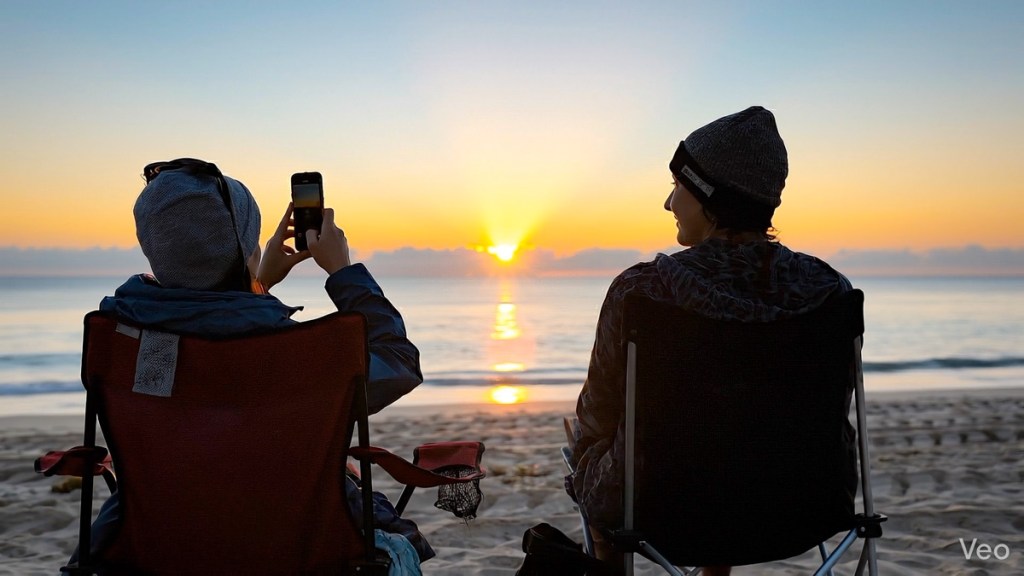
I studied the framed European vacation photo hanging on the living room wall as I listened to the story behind it. It was a wonderful picture, but the narrative was even better.

My wife and I were visiting friends recently, and they were sharing their vacation experiences through the framed pictures in their home. I was hooked.

These photos displayed simple moments from their trips. Some featured public activity, but none showed the members of this family. The images were entirely anonymous, but still extremely personal. The key factor was the collection of rich personal stories that accompanied these photos. That’s what brought them to life.

From Snapshots to Stories: Rethinking Your Wall Art
The next day, my wife suggested that we might consider putting up a few more of our own travel photos in our home. She said that I had taken so many great pictures from our trips over the years. Why not pick several more to frame and hang? I agreed.

I said I would review our vacation photos and create a collection for us to choose from. And I did. But I was shocked by what I discovered.

You’re Actually Framing Stories
I found that most of our vacation photos I’ve been taking over the years weren’t going to work. That’s because they fell into two categories. 

  • These pictures either featured me and my family. 
  • Or they were my attempts at iconic shots from these cities (like you might find on a postcard).

Mostly missing was any location imagery that carried a story behind the moment.

As I looked at my pictures, the stories simply weren’t flowing.

Family Vacation Photos Can Quickly Get Dated
Sure, it’s easy to frame vacation photos with family in the shot. Of course, that tethers you to the point in time and location. And yes, I’ve already positioned some of those shots on our walls. But there’s a problem with this strategy.

Your kids grow up quick. So, if your photo is more than a couple years old, it’s going to feel dated. Maybe two or three older pictures on your walls are okay. But I don’t want my house to be a museum focused on a different era. Plus, I don’t think my teenage son appreciates seeing lots of photos showing him half his size. (That’s such an uncool dad thing to do!) 

It’s the Memory that Matters Most
So, if you want to hang up photos from your trips, you’d better take some shots that can stand on their own and contain a story that you’ll remember. (Otherwise, it’s little more than a postcard that simply says you were there.) 

This is how the right photo can reflect real meaning for you in future years and help project the story of your life. 

This may all seem obvious, but it’s often hard to accomplish.  

Conversely, sometimes, these photo opportunities just appear, and you quickly snap the picture without much thought. And then you may not realize that you’ve captured a memorable moment until you get back from your trip and reflect on that photo.

However it happens, these are the special photos to curate. They don’t have to be your ‘best’ photos. But they’re the ones that will carry the most meaning for you across time.

And I think these are the ones to consider showcasing… for yourself and others.

Focus on Snapping Good Photos that Tell a Better Story
As for our own photo-framing project, happily, I did find enough photos to choose from that will work. 

But this exercise was a critical reminder for me that most anyone today can take a good photo with their phone. 

But being a better photographer is always about capturing a memorable story.