At Home with Tech

Unlock the power of all your technology and learn how to master your photography, computers and smartphone.

Category: family

How to Frame a Live Photo for Hogwarts or your Muggle Home

If you extend the wizardry of an iPhone’s Live Photo mode and add your imagery to a digital photo frame, you can transform your photography. It’s not so futuristic. Here’s how to bring more motion to reframe your photos today.

I’ve always been on the fence regarding the value of Live Photo mode on an iPhone. This feature appears to magically turn a still photo into one with three seconds of motion. Of course, the reality is these ‘magical’ photos are just little movie files (1.5 seconds before and after you snap).

Sure, creating a Live Photo is useful so you can later pick out a better ‘key photo’ frame. That’s especially helpful in a group shot if someone’s eyes are mid blink. But if you really want to capture a micro movie, I recommend just shooting in video mode for a few seconds.

But I think Apple is onto something that isn’t yet mainstream. And it connects with how you would want to display a Live Photo. I would offer that these moving photos are ideal in a digital photo frame.

The Perfect Moment can Take Longer than 3 Seconds
If you think about the Harry Potter films and all those ‘living’ paintings often seen in the background, the paintings are effectively digital photo frames magically displaying live portraits. Of course, the motion in each painting is specially curated to display a longer moment or a complete action from the character in the frame. If you went back and clocked them, they’re probably double the length of an iPhone’s Live Photo.

Often, a ‘moment’ in time that’s visually meaningful takes more than 3 seconds to complete. But as photographers (and aren’t we all?), we’re trained find that singular frame that captures it all.

But you can also just let the ‘live’ unfold. Sometimes, that’s so much easier. And Apple would say that’s exactly what a Live Photo offers.

Extended Live Photos are Better
However, I don’t think a Live Photo is entirely optimized for this task. It’s just too short, and you can’t be sure you’ll capture the complete end of the moment in front of you. Apple’s automation of its Live Photo process creates an imperfect crop of time versus how long the moment requires.

I feel you’ve really got to be running your iPhone in video mode for at least a few more seconds to ensure for that.

And in doing so, you’ll create what I’ll call an ‘extended live photo.’

Yes, it’s simply a seven to ten second video clip. But now your mindset should shift to still see it as one extended moment… with motion. (Do you feel your brain vibrating with this aha moment?)

Photographic Magic
Okay. So now, you’re creating something entirely new. Congratulations. You’re a wizard.

But what are you supposed to do with these extended live photos? Well, as I mentioned up top, they’d look great on a digital photo frame. All of your longer visual moments would still be short, but entirely complete without being abruptly cut off.

So, you’ve just got to bring a new mindset to your photography with the goal of finding and capturing these extended moments and then showing off your short videos on your digital photo frames. Soon your home will start to resemble the hallways at Hogwarts.

If you want to give it a shot, here are some ideas on where to spot perfect visual moments for this.

Opportunities for Extended Live Photos
First off, any moment for a still photo can also make for a great extended live photo.

  • People hugging
  • Blowing out birthday candles
  • Vacations
  • School reunions
  • Outdoor activities
  • Your pet simply staring at the camera

Find the Highlight from a Longer Video
If you’re already planning on taking a longer video, later selecting a five to ten second highlight will probably make for a great extended live photo.

Create a Living Group Portrait
We’ve been trained to think of a group shot as a still moment where everyone is smiling and looking at the camera.

I would offer that’s only part of the picture. The energy and motion that surrounds that one perfect frame is often as interesting, if not more so. In a group, the interpersonal dynamics are usually on full display (people talking and laughing together).

  • I’ve seen the New York Times use this visual strategy online when presenting people features. (It’s quite compelling.)

Enjoy Nature’s Beauty
If you’re a nature photographer, why not simply capture 10 seconds of that beautiful scene?

Adding in the ‘live’ will totally bring the still moment to life.

It’s a similar strategy as creating a live portrait, but much easier as nature is always strutting its stuff.

What About the Audio Track?
Technically, you don’t need the audio if you’re displaying your extended live photo on a digital frame. Sure, some of these frames can play sound, but I don’t expect you’ll use that functionality. (Photo frames are meant to be seen and not heard.)

But your extended live photos should still be optimized for the sound to heard. That’s because the clip may later be used with its audio track for a future use. So be mindful to trim these short video clips accordingly.

Keep it Moving
Digital photo frames are hardly new. I wouldn’t even call the product line that exciting anymore. But if you feed them with your own ‘extended’ live photos, that can be a real game changer.

And sometimes, you might naturally just shoot a video for only 10 seconds. Later, you’ll ask yourself how you might use it. Well, now you know!

I’m just a mere Muggle, but using this photographic trick for your digital photo frames will always look like magic.

Updated Safety Gear for Your Car

It was time for me to update and replace the decade-old emergency/safety kit items I had happily never had to use in my SUV. Here’s where I upgraded.

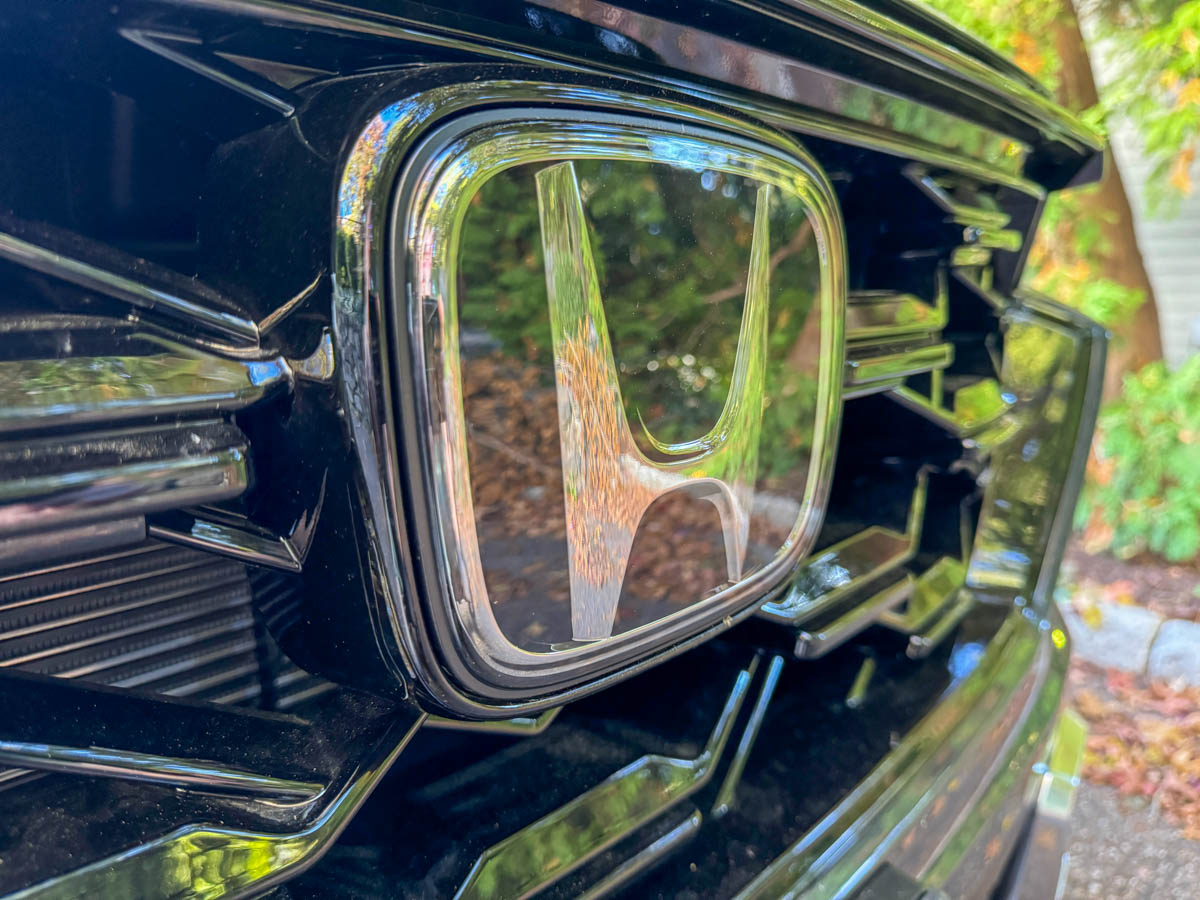
Taking a road trip without a spare tire is my new standard, now that I’ve bought my Honda CR-V Hybrid. As I mentioned last time, many new vehicles no longer come with a spare. (They’ve been replaced with tire repair kits.) But driving about without a net doesn’t mean you shouldn’t be prepared for the unexpected.

When I said goodbye to my old Toyota RAV4 and traded it in, of course, I first cleared out all my stuff. (Don’t forget the E-ZPass puck that’s stuck to your windshield and erase your personal information from your car’s voice prompt computer.)

I also found my ‘emergency gear’ that I had packed in the back of my RAV4 years ago and thankfully never had to use.

My first thought was to simply transfer it over to my new CR-V. But when I looked closer at some of the aging items, it was clear some of it needed replacing, often with next-generation tech.

So, I proceeded to do a bit more shopping, and here’s my list of updated emergency gear for my hybrid SUV that I hope I’ll never need.

  • LED Flares
    Long gone are the days when you need to use actual flares or clunky emergency blinking lights powered by giant type C batteries. Now, you can buy packs of compact orange LED circular pucks that blink brightly. I recommend you buy the ones that are rechargeable. Older models are powered by AAA batteries, which are more expensive to maintain and bad for the environment. (That said, you still need to test the rechargeable pucks occasionally to make sure they’re ready to go.)
  • Compact Flashlight
    It’s always important in an emergency to preserve the battery on your cell phone and not drain it on illumination needs. It’s your lifeline to the outside world. Give that job to a separate flashlight.
  • Portable Cell Phone Charger
    If your car battery dies, having some extra juice onboard for your tech is always a good idea.
  • Small Cargo Bag for Break-Glass Hammer
    I didn’t have to replace my break-glass hammer, but I wanted to place it in a small protective pouch that would be placed in the bin under my elbow when I’m driving. (I didn’t want the sharp tool to scratch the interior.)
  • Warm Blanket
    It may be cold out there, and having a warm blanket as an extra layer can make all the difference.
  • Jumper Cables
    This is standard protocol, though my Honda salesman did warn me not to use jumper cables on my CR-V hybrid’s battery.
  • First Aid Kit
    Hopefully, you’ll never have to break the seal.
  • Duct Tape
    Yes, there was that time when a wild turkey flew into my car and obliterated my side mirror.
    Enough said.

Don’t Pack It
Sometimes less is more.

I threw out my old collapsible traffic safety cone, because the base was leaking sand. Even collapsed, it still took up a lot of room in the back of my old RAV4, and I figured my blinking orange LED pucks would now be sufficient for my CR-V. So, I didn’t replace the orange cone.

Decades ago, my father told me to stash a big bag of sand in the back. (That’s still a best practice on certain auto emergency kit lists.) I did that for my very first car (Honda Accord), but that was it. I know sand can get you out of a slick spot, but I’ve got an AWD SUV. Hopefully, that will be enough.

The back of my old RAV4 eventually looked like a messy corner in my attic. So, I’m trying something a bit different this time. Yes, I think it has to do with not cluttering up a new vehicle. But throwing the kitchen sink in the back “just in case” is no longer my standard practice.

Pack what you really need and then hope you’ll never have to touch it ever again… until you move it to your next car.

Safe travels!

Why I Said No to an EV and Chose the Honda CR-V Hybrid Instead

My Honda CR-V Hybrid purchase tells me that I just wasn’t ready for the EV revolution. Here’s what else I learned.

I’m pleased to report that I’ve bought a new Honda CR-V Hybrid for me and my family. I chose it over four other strong hybrid options:

  • Hyundai Tuscan
  • Kia Sportage
  • Mazda CX-50
  • Toyota RAV4

I test drove the runner ups, and they’ve all got great selling points. But I liked my CR-V Hybrid best. Last week, I got into the details as I compared the vehicles.

When I was done, I realized I had experienced a surprisingly complex shopping journey to find the right eco-friendly vehicle for Barrett. Here’s why.

SUV Hybrids aren’t as Common as You’d Think
I only considered five small SUV models that offer greener tech. That’s not a lot of choices for an industry that’s supposed to be actively on the path towards retiring gas engines.

Yes, there are other eco-friendly SUV choices on the market, but according to reviews, those SUVs aren’t quite as good. Right or wrong, I crossed them off my list. Plus, you can only test drive so many cars… meaning you can only endure so many dealership experiences. (I’m sorry to say that, but it’s still true.)

Ultimately, here in the U.S. there just aren’t a lot of hybrid or PHEV SUVs to choose from.

Of course, there are more options in the luxury car segment. But folks, if we’re really moving to greener cars to save the planet, we’ve got to market more to the masses.

I didn’t Buy a Starship Console Interface
The advanced touch panel designs in both the Kia Sportage and Hyundai Tuscan satisfied my search for cutting-edge tech. But the reality is all those slick screens would sometimes be harder to navigate. (My CR-V also has a touchscreen, but the tactile interface design elsewhere with knobs is surprisingly more user friendly.)

Plus, my fingerprints would show up everywhere on the touch consoles and reflective blacks of the Sportage and Tuscan. I know I would always feel the overwhelming need to wipe down the surface with a micro-fiber cloth. (Not sure if that’s more of a problem with the car or with me.)

And no, my CR-V also doesn’t sport a head-up display on the windshield (like the Mazda CX-50 Hybrid). Though I began my car search eager to find ‘HUD’ tech and realize my inner Tom Cruise, I discovered HUD isn’t mainstream, and the data displayed isn’t a game changer. Head-up displays are still more trendy than useful.

No PHEV for Me
I ended up walking away from three good PHEV options (Sportage, Tuscan and RAV4). That surprised me, but clearly that feature wasn’t as important as I originally thought. That said, had the CR-V also come as a PHEV, I would have likely bought that one.

But not having that option didn’t sway me away from my CR-V Hybrid. I’m sure Honda has done plenty of research to know that. (They’ve clearly skipped over PHEV tech.)

I am Hybrid Barrett
I was committed to fully jumping onto the greener-car bandwagon with our purchase, but a simple hybrid was as far as we got.

I wasn’t ready for an EV, and I couldn’t find a PHEV that met my other priorities.

My new Honda CR-V isn’t exactly a cutting-edge green technology choice (though it’s got all the new safety-tech you’d expect). But it’s a solid step in a greener direction.

  • Our CR-V gives us great gas mileage.
  • It’s better for the planet.
  • And my wife and I love the car.

Well done, Barrett. (I think.)

No EV for Barrett
I long ago resigned myself that I’m never going to own a flying car. That ‘hybrid’ vehicle is stranded in science-fiction land.

But EVs have certainly crossed over into today’s mulitversal-616-reality. When I had the chance to own one, I ultimately flaked out, because I felt it was too disruptive a decision. I didn’t see it as ‘easy.’

  • Range anxiety
  • More expensive
  • Higher depreciation rates.
  • Some middling reviews

Bringing my Honda Hybrid home was entirely easy.

Going hybrid felt like such a natural evolution. I just couldn’t sign up for the EV revolution. Not yet…

The Winding Road to a Greener Future
Do I have buyer’s remorse? Absolutely not. I am who I am.

But when I take a step back and look at my story and my own limitations, I can also see how much more work I and many of us need to do to better support our planet’s health.

I know I could do better, but I think I still did okay. (I know others may disagree.)

Good luck to you in your own evolving journey towards a greener and healthier future for all of us.