Keeping up with all your tech and gear can feel like drinking from a firehose. If you don’t pay attention to the constant changes, upgrades and advances, you can wake up feeling like a Luddite.
I just reviewed a bit of what I’ve discovered over the past year and then shared on my blog.
And here are ten ways I’ve learned how to skill up. (Each title below is linked to my original blog post.)
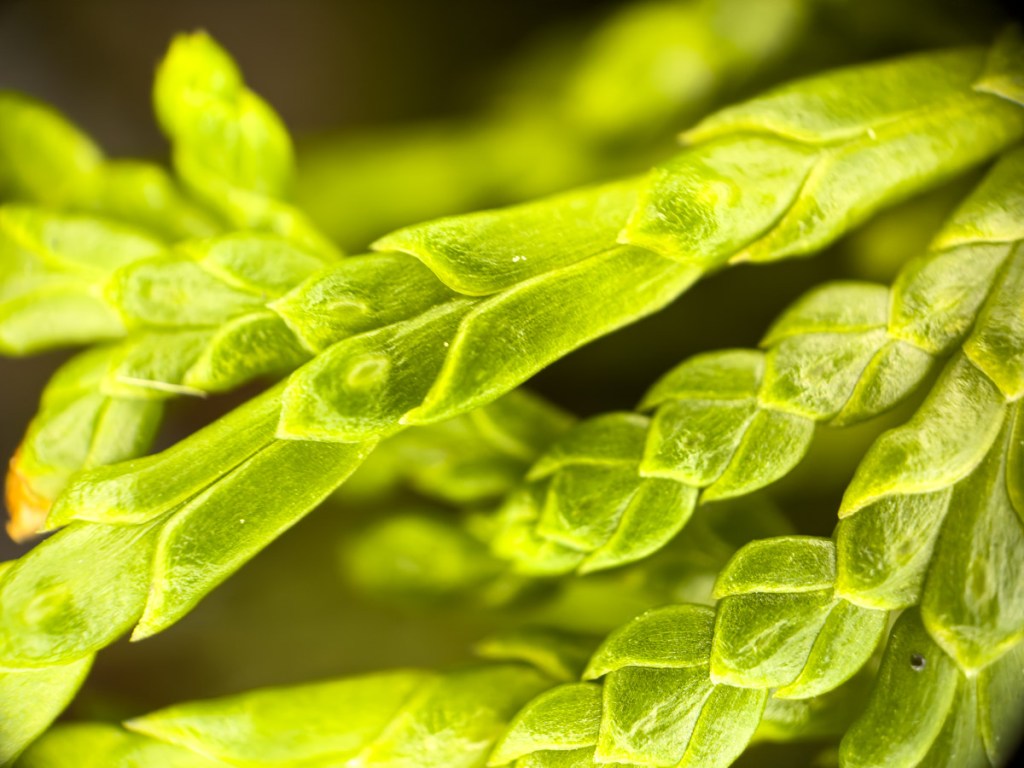
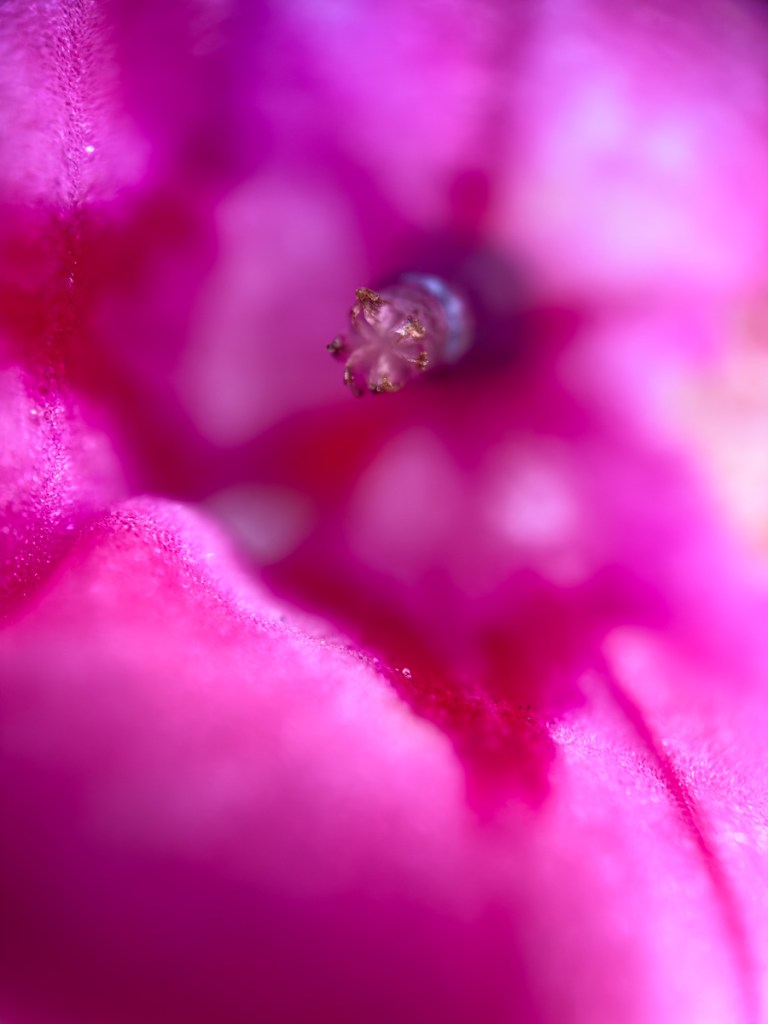
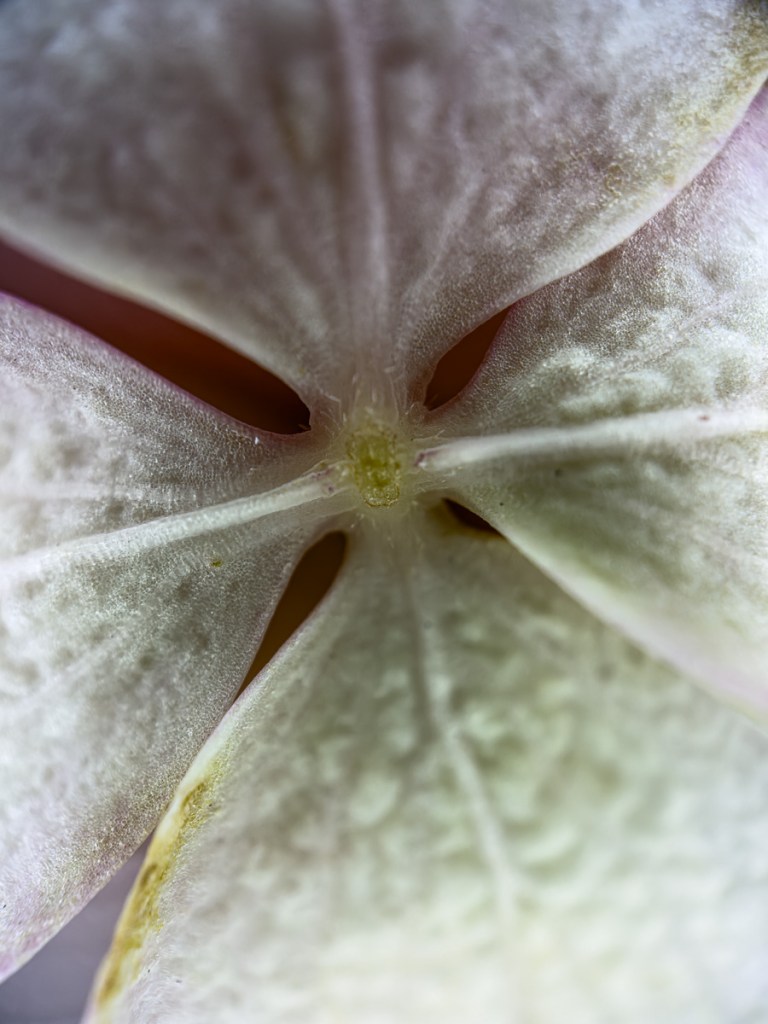
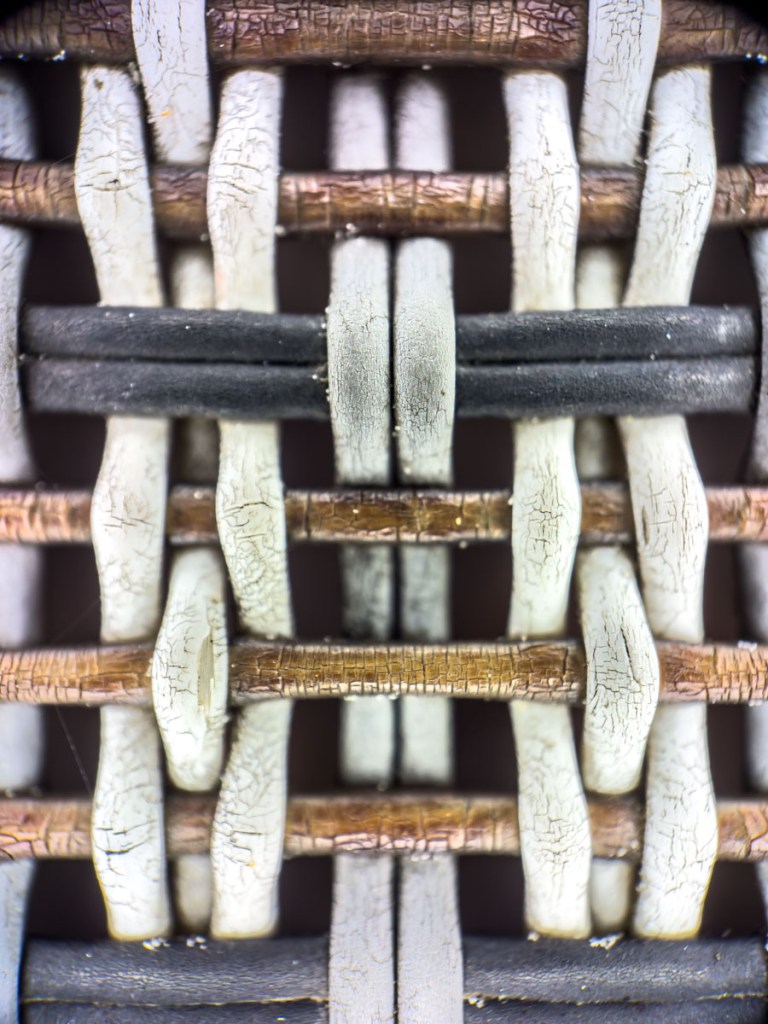
Though iPhones take stunningly good photos, they have their limits. If you want to push those limits, then think about attaching an add-on lens like a 40x microscope lens that can get you this close to nature. Here’s how you do it.
Sure, the cameras in iPhones are remarkable. They’re so good, in fact, that they’ve effectively destroyed the compact camera market. Who needs to carry around another device, when your iPhone (or any smartphone for that matter) can do it all? They’re built with multiple lenses with different focal lengths. They’ve got software magic to digitally add in bokeh (blurry background). And you can instantly share your photos everywhere. What more could you possibly want?
As it turns out, the camera sensors in newer phones are even more powerful than those amazing little lenses. What if you could attach an even better lens on top of the phone’s lens (like a pair of distance or reading glasses)?
Well, you’d capture an even better image. And would that really matter to anyone?
Attach an Add-On Lens to Your iPhone So, yes, our phones may have rendered all consumer-grade point-and-shoot cameras obsolete. But there’s still the mirrorless/DSLR camera market with premium lenses costings thousands of dollars. Can phones compete with that kind of gear?
No, not quite yet. Not for the professionals. (Well, not for all professionals.)
There are some who’ve decided to pressure-test my question. They’ve explored optional upgrades to their iPhones with add-on lenses to create a more cinematic image.
And you can too.
Use an iPhone Case with Special Lens Mounts When you read a story about a movie shot exclusively with an iPhone, it’s never just the iPhone doing all the work.
If an iPhone were a Star Trek filmmaking device assimilated by the evil Borg, there would be numerous metallic attachments awkwardly bolted into each corner to enhance every capability. Fortunately, reality offers a more elegant solution that begins with a slickly-modified iPhone case.
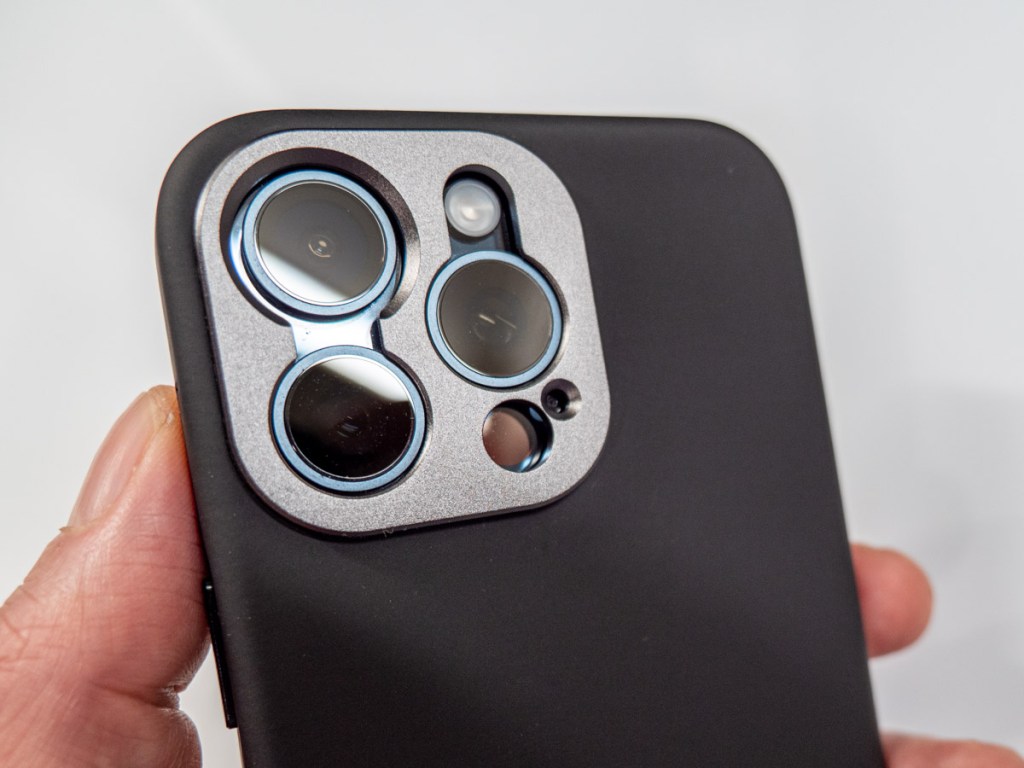
Last time, I searched for a new iPhone case to better protect the camera lenses on my iPhone. I chose the SANDMARC iPhone Pro case, because it nestled the three lenses under an aluminum frame built into the case. (This offers much better protection than most iPhone cases out there that leave that space wide open, save for a little raised lip.)
But wait. There’s more….
This aluminum frame also doubles as a screw-in lens mount for a variety of add-on lenses that you can buy to enhance you’re iPhone’s camera skills.
SANDMARC Microscope Lens Though I wasn’t originally looking to explore extra lenses for my iPhone, curiosity, of course, got the better of me once I decided on my new case. (If you’re shopping, there are also other brands in this market.)
SANDMARC offers a variety of add-on lens: 3 telephoto lenses, an anamorphic (for filmmakers), wide, fisheye, macro, and microscopic.
I was originally focused on the macro lens to enhance my flower photography, but my old Panasonic Lumix LX-10 camera can already focus in relatively tight. So, I took a closer look at SANDMARC’s 40x Microscope Lens.
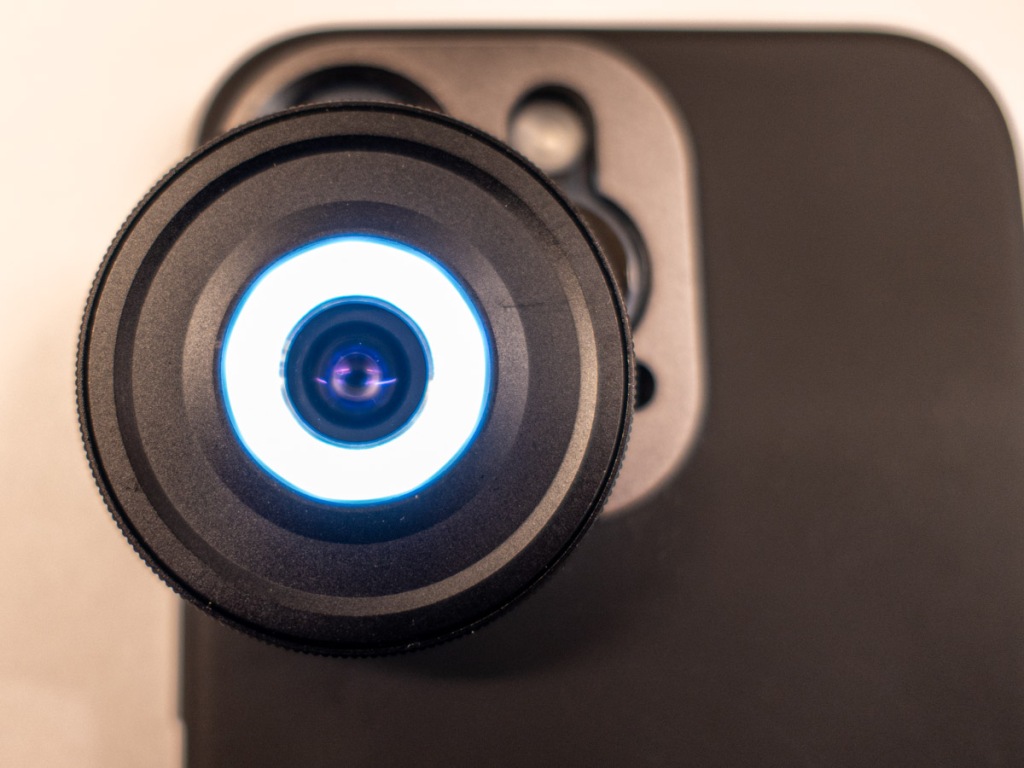
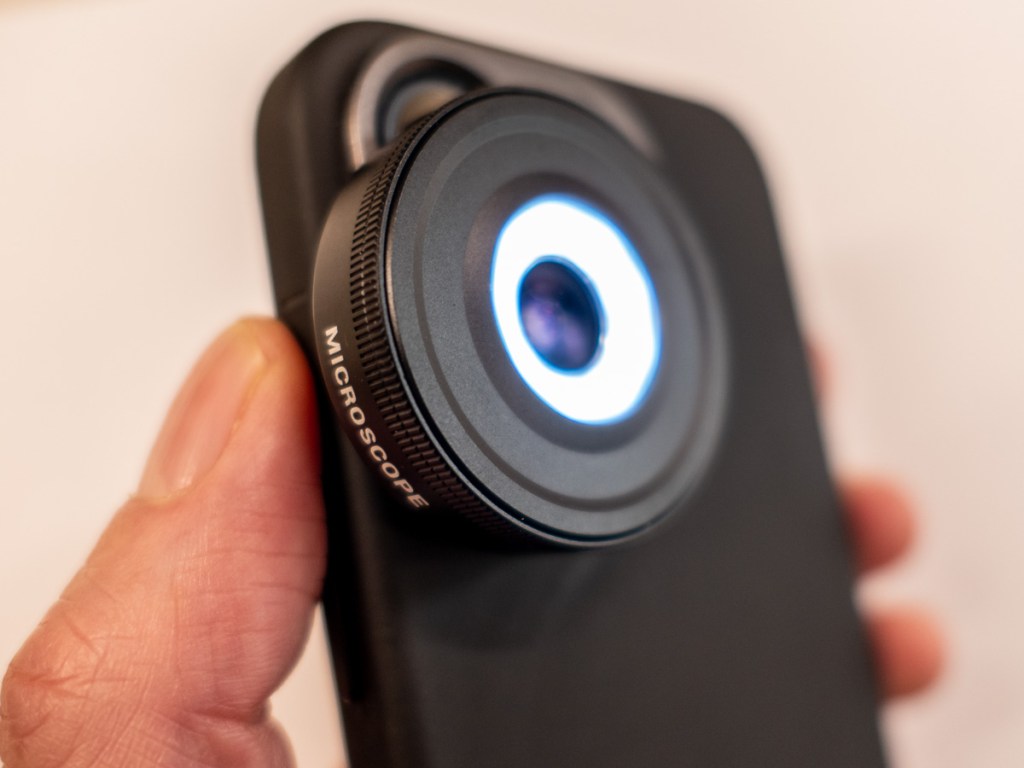
It’s compact and screws easily onto the mount for the 1X iPhone lens.
You Have to Get the Lens Really Close You need to place this lens literally on top of the object you’re shooting. So close, in fact, that the lens rim has to actually touch it, blocking out most ambient light. Because of this limitation, the lens is built with a little circular (rechargeable) LED to illuminate the shot. Clever.
I figured that since this type of photography is an area I haven’t been able to explore with my current gear, I embraced my inner Ant-Man and decided to buy this cute microscope lens.
A Whole New World is Revealed So, I screwed my new lens into my iPhone Pro Case from SANDMARC and went to work.
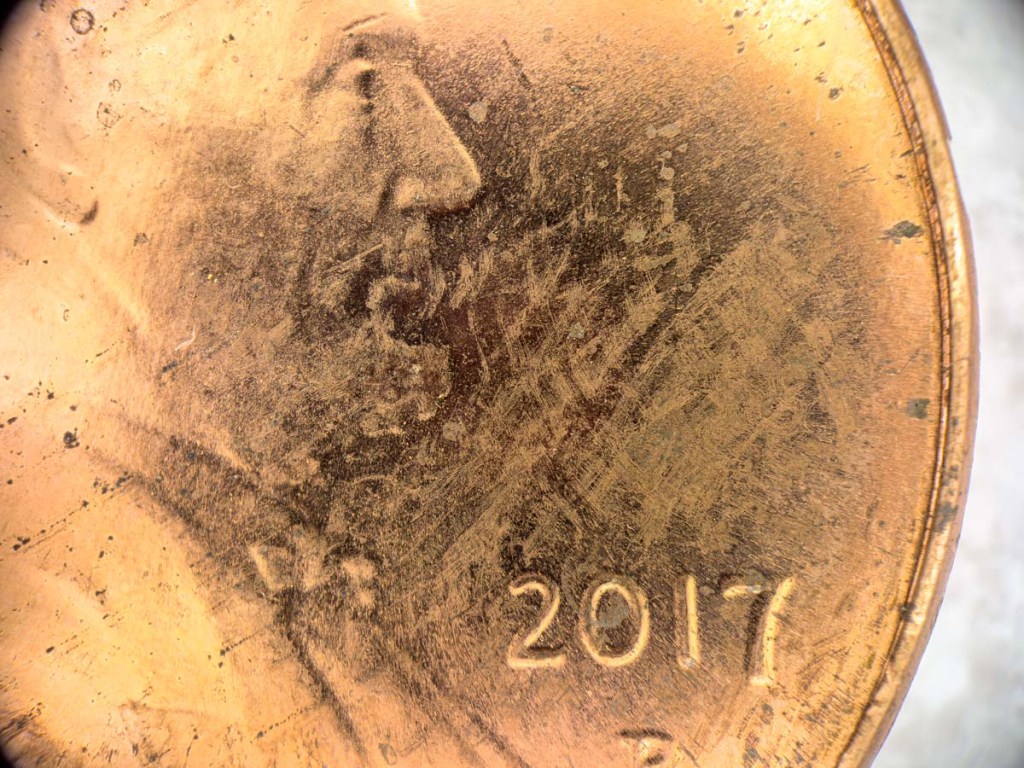
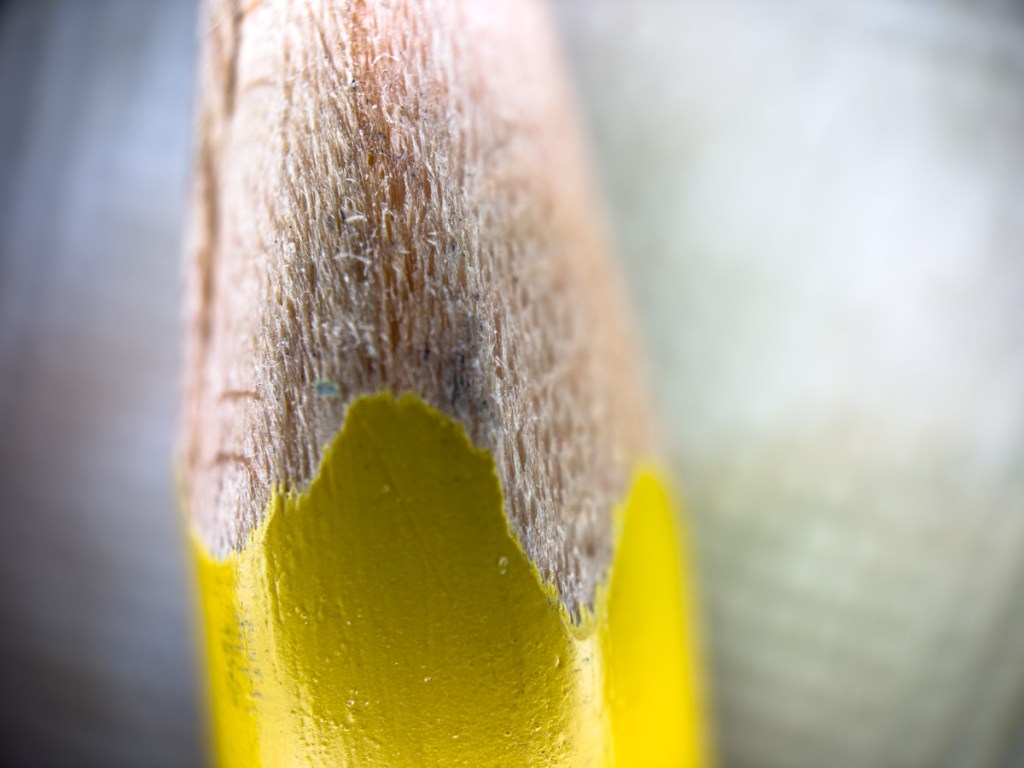
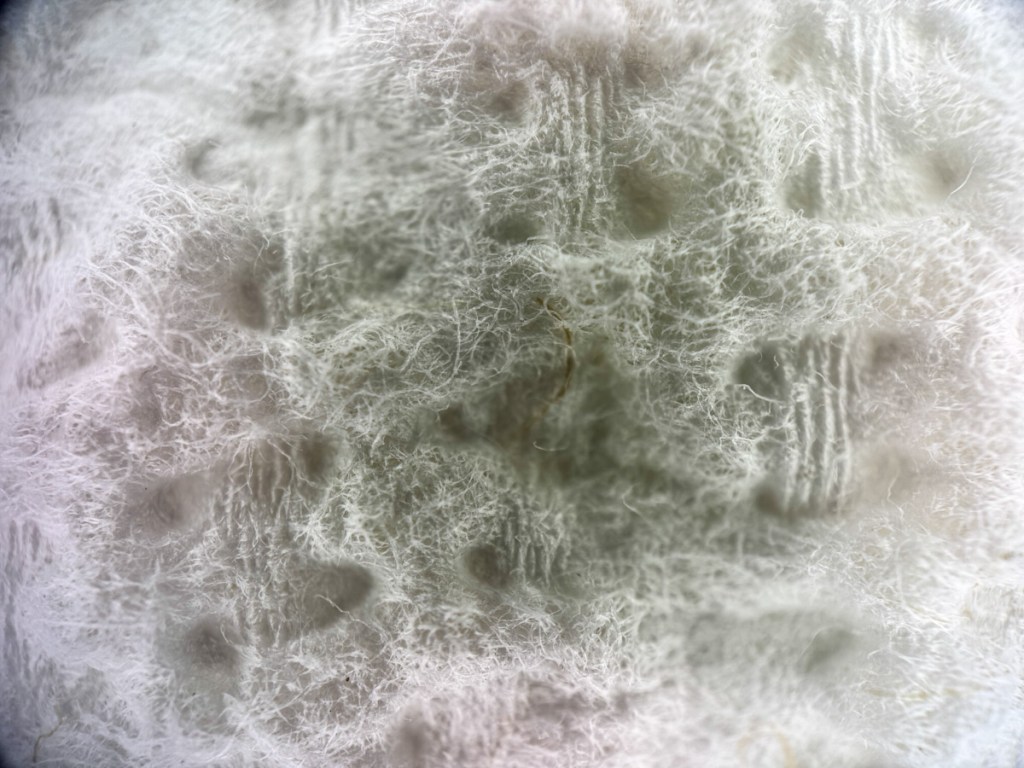
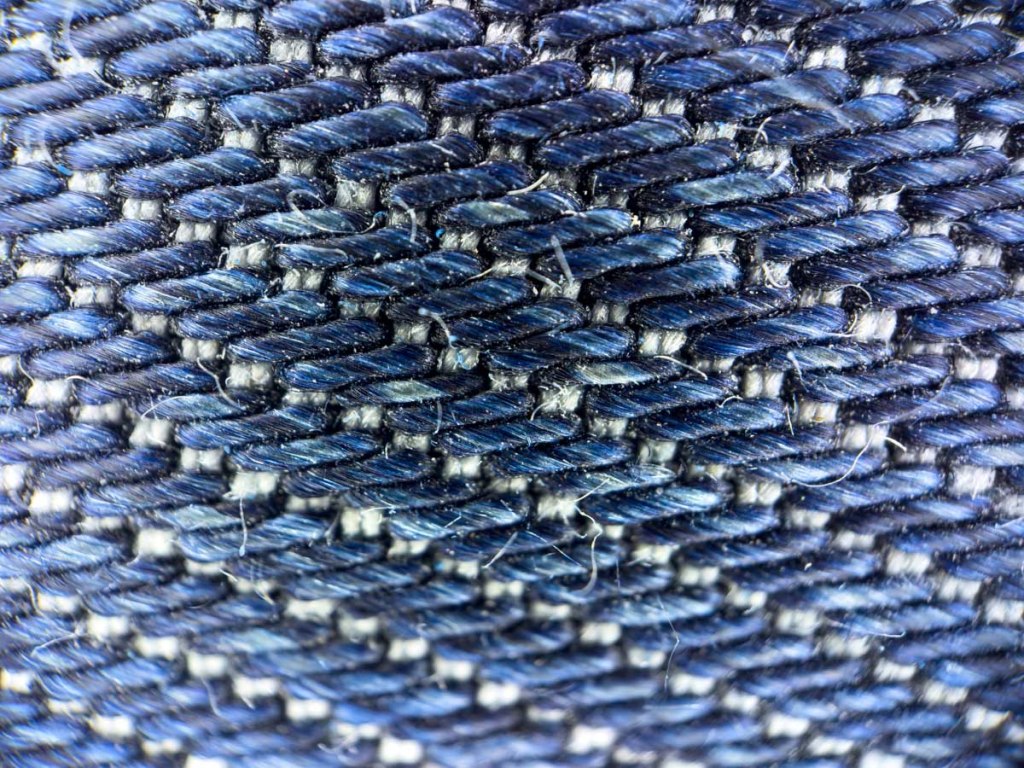
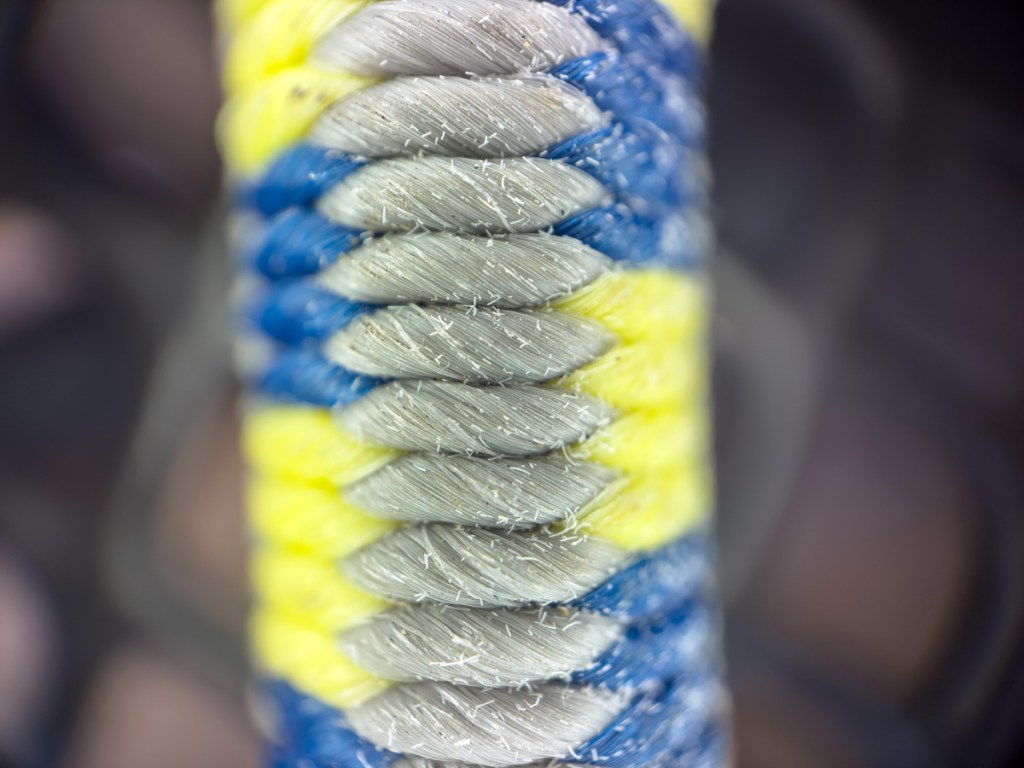
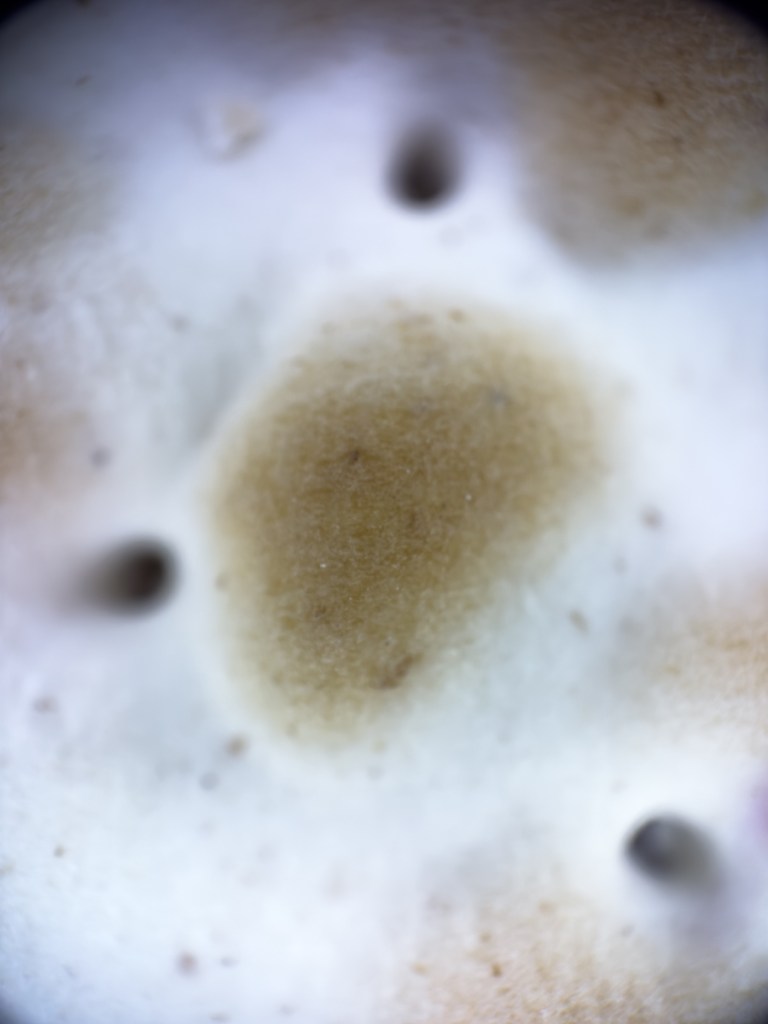
The results were instantly remarkable. It’s amazing what this little lens can capture. It revealed a whole new world as it peered deep into both natural and man-made objects. This lens has a narrow, fixed focus range. So, you just have to keep that in mind as you frame your shots. Here are some examples I just shot.
10 iPhone Photos Using My Microscope Lens
Himalayan SaltU.S. PennyA PencilPaper Towel StripBlue JeansBungee CordCarr’s Table Water CrackerPink FlowerMilky Green Flower PetalsOld Deck Chair Seat Weave
Game-Changing Photos for a Fraction of the Cost Whether you go microscopic, macro or telephoto, most of these add-on lenses range between $100-$200. That’s a totally different price point than many lenses for mirrorless/DSLR cameras. Those more traditional lenses range from hundreds to thousands of dollars for ‘good glass.’
These iPhone lenses may not be quite as good, but they do offer a whole lot. (My new microscope lens is a game-changer.) And for the price point, it’s a great value.
Back to the Future For most of us, iPhones offer the perfect camera solution for our daily needs. But you can still level up your shots if you strap on a better lens.
There’s a certain irony to all this, as we’re effectively building back to what we already had before wafer-thin iPhones… a bulkier camera with a protruding lens.
I still think that’s okay, and this is all rather ingenious.
iPhone camera magic can only take you so far. Sometimes, you’ve still got to go old school to get the shot with a better lens.
And this is a cost-effective way to do exactly that without having to leave your iPhone ecosystem.
Miss summer already? You don’t have to let it totally slip away. Here’s a little photo exercise that can help you keep all those good summertime vibes going.
Labor Day isn’t quite here yet, marking the official end of summer. But realistically, it’s already over. Do you feel the energy shift too? It’s unavoidable.
When I wake up, it’s dark out now. I chat with work colleagues in other states whose kids are already back to school. Everyone I run into asks me if I had a good summer.
Well, did I? Did you?
Sure, it’s easy to call out the fun vacation, weekend at the beach or summer BBQ. But what happened across all those other days and weekends? Can you remember the highlights? Or is it already starting to slip into a cloudy past as the fall season approaches.
Let Your Photos Jog Your Summer Memories When faced with this moment, I find it useful to take a little stroll down memory lane via my summer photo collection.
It’s not just the big moments I’ve documented. It’s the little ones that matter too.
Only then can you take it all in and authentically say, “Yeah, I had a good summer.”
I just performed that photo review for myself, and here are a few images that reflect some of my own summer’s story.
Taking in Norwalk’s Memorial Day Parade from My Lawn Chair
That’s my city’s mayor leading the parade (Norwalk Mayor Harry Rilling). On this bright, young summer day, I felt part of a timeless tradition. The moment could easily have been from a 1925 parade (wardrobe evolution aside).
Flying My Drone in Cape Porpoise, Maine
I barely knew how to get my new drone in the air, but I knew enough to drag myself out of bed at the crack of dawn and hoof it to the empty beach. Nature’s stunning beauty did the rest of the work for me.
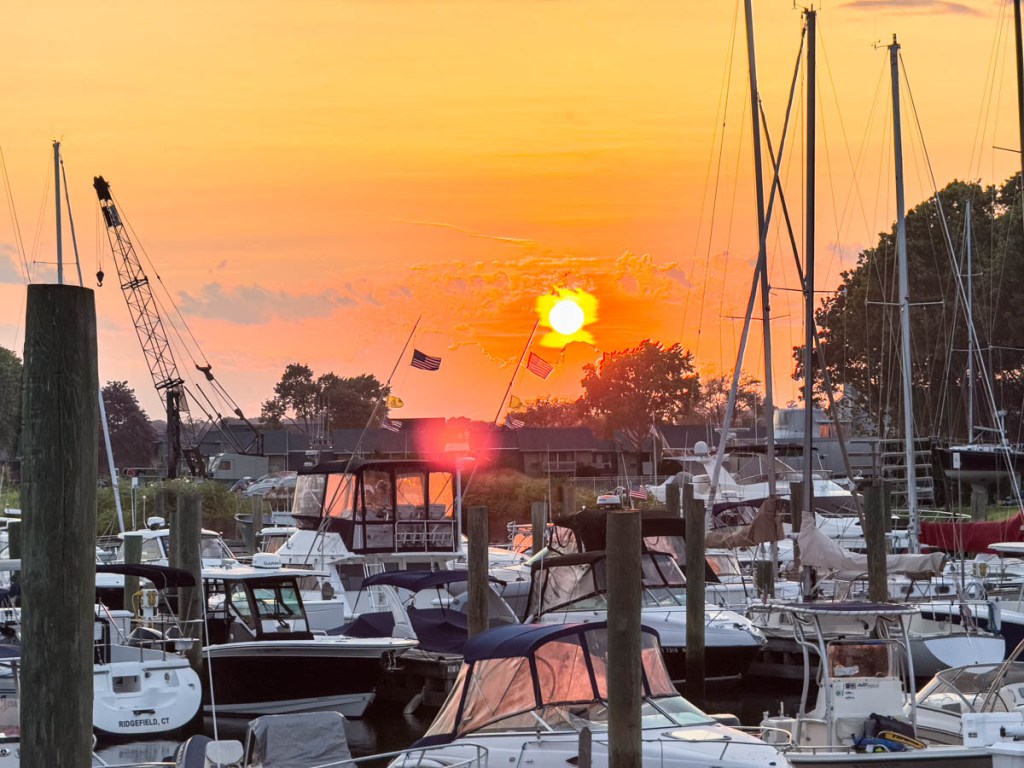
Eating Dinner by The Last Taco StandDuring Sunset
My wife and I enjoyed a few tacos from this special food trailer by the water as the sun set over the Norwalk Cove Marina. It was perfection in a parking lot.
Watching The Boston Symphony Orchestra Perform at Tanglewood
It’s Tanglewood. Enough said.
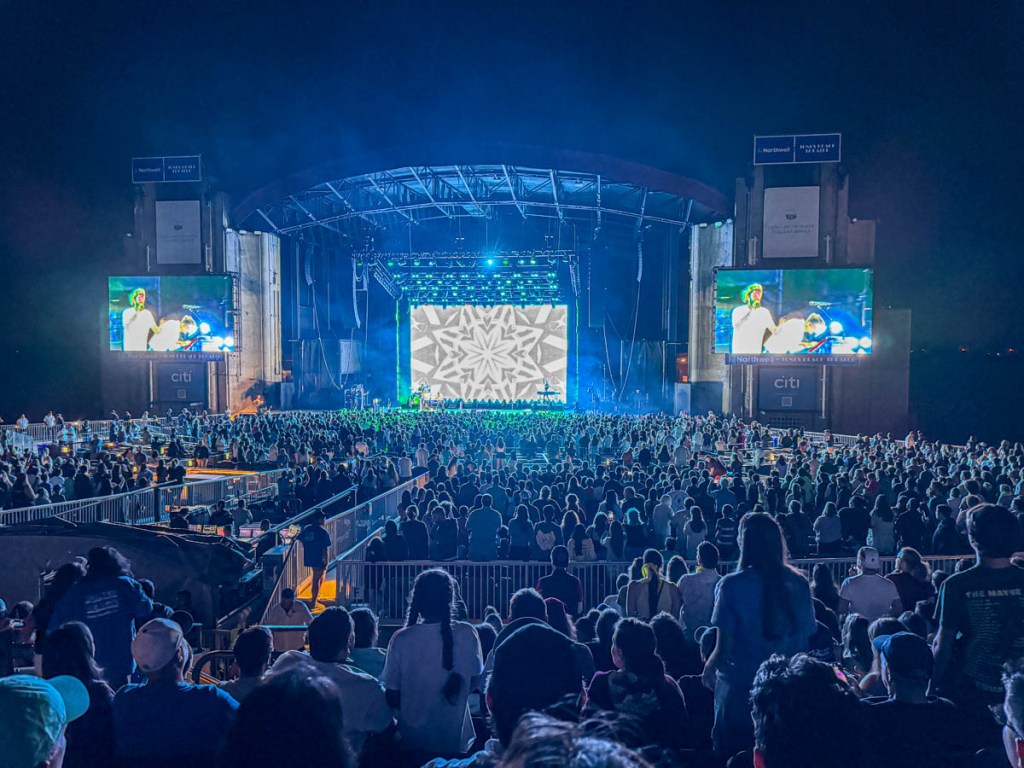
Experiencing the Music of AJR at Jones Beach Theater
Our 15-year-old son’s musical tastes led us to this amazing experience, As the full moon rose behind the outdoor stage, I knew this concert would be locked into our memories forever.
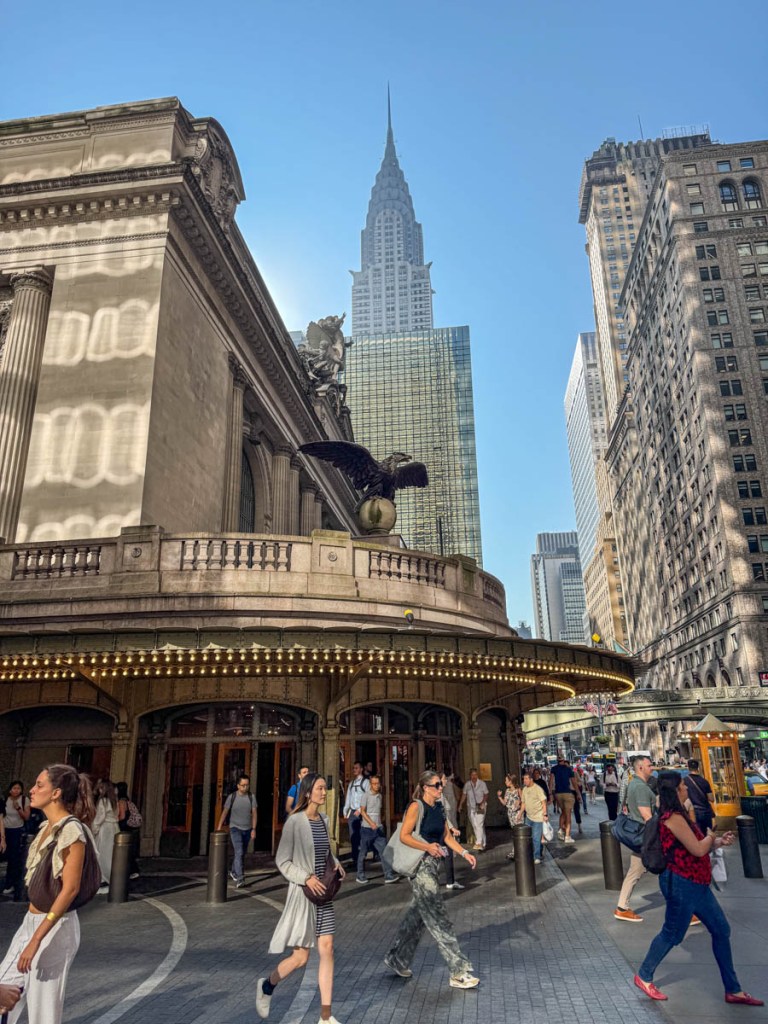
Walking to Work from Grand Central Terminal on a Hot August Morning
Even the most boring of summer moments like a commute can be turned into a photo exploration. And that’s never hard to find in New York City.
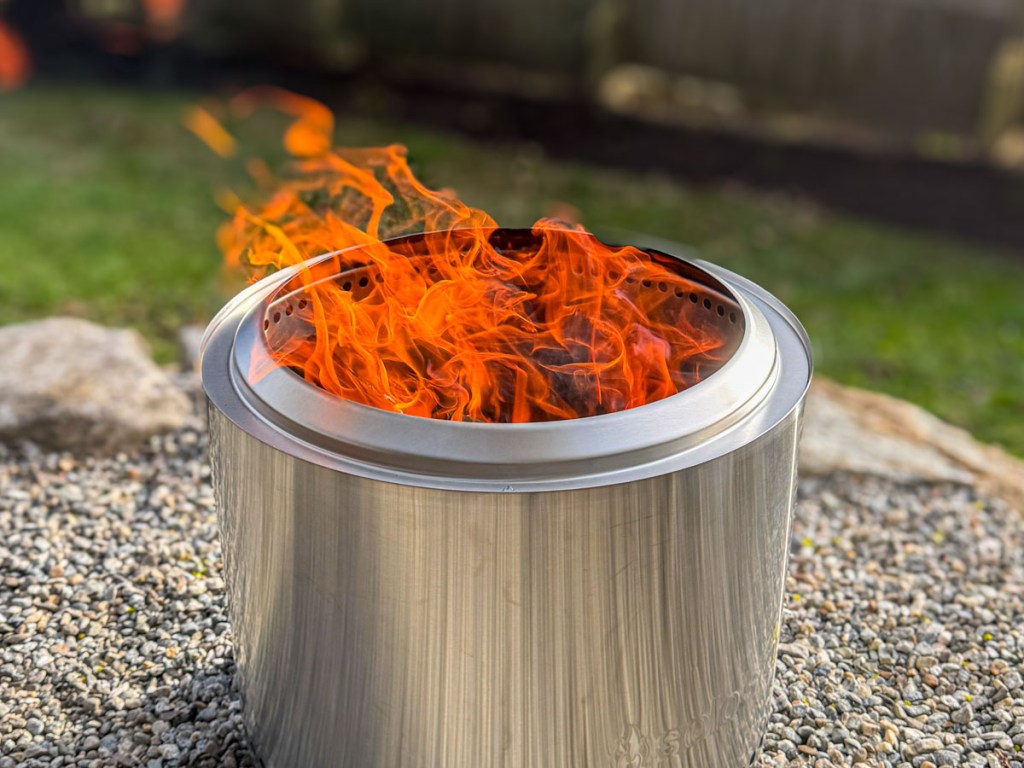
Doing Nothing but Watching the Flames from Our Solo Stove
For someone who’s always on the go, I find that slowing down to stare at a fire’s glow is essential for any summer.
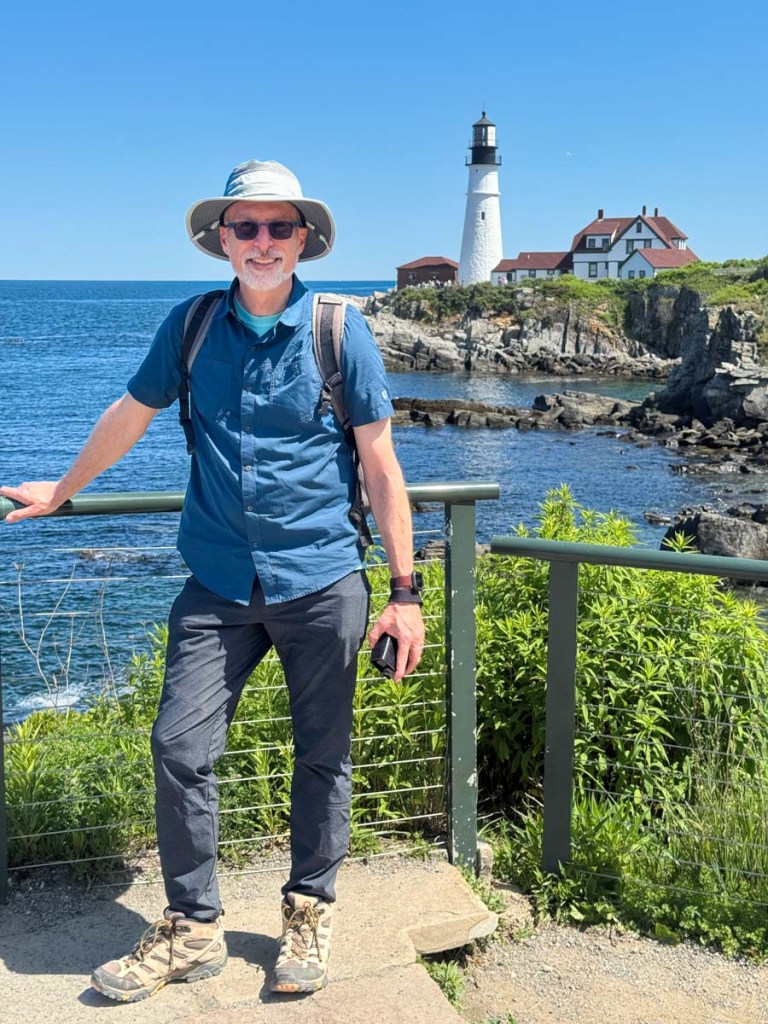
Your Photos are Your Secret Portal Back to Summertime Though I’ve shared some of my own pictures here, creating this type of photo collection is more for the creator than anyone else. This little portfolio reflects a larger set of stories, because of what’s behind each photo. Only the photographer can know them.
And each image doesn’t have to be stunning. It should simply bring back the experience of your happy memory.
I highly recommend trying this photo exercise as you wrap up your own summer.











 At Home with Tech