At Home with Tech

Unlock the power of all your technology and learn how to master your photography, computers and smartphone.

Category: photography

What Should You Do with your Parents’ Old Photo Albums?

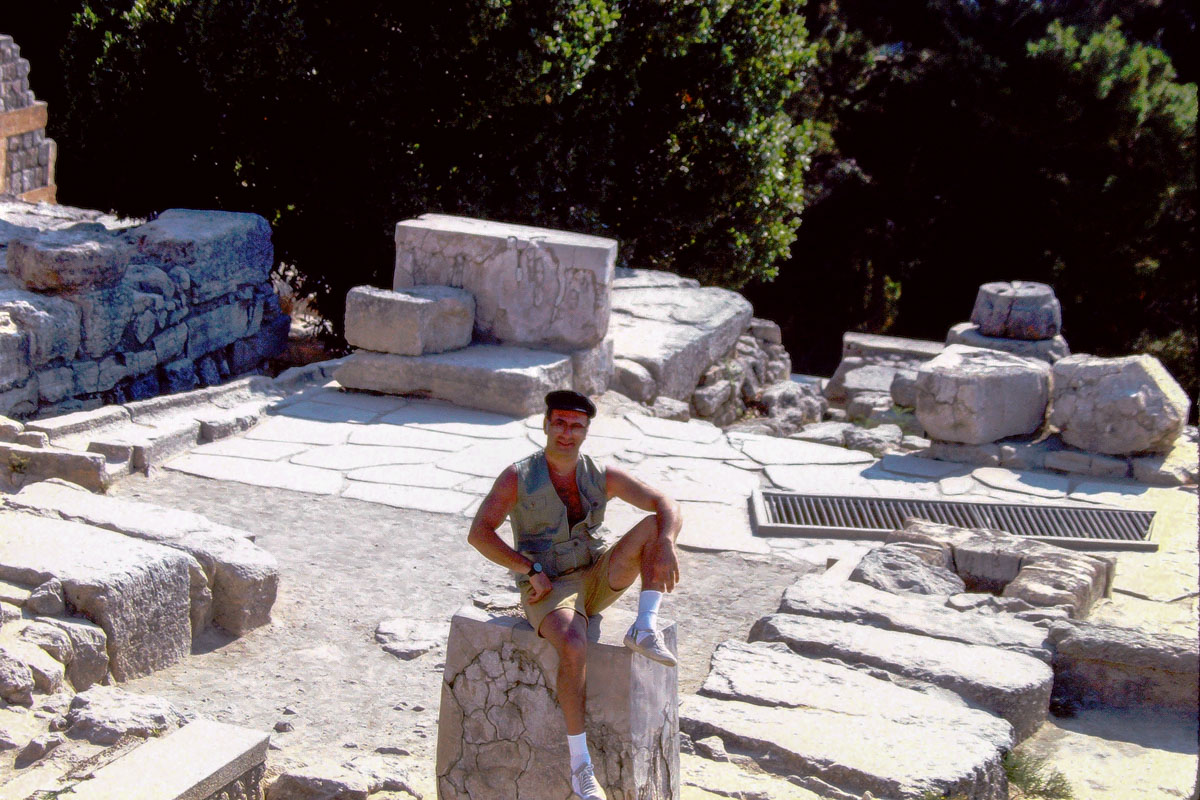
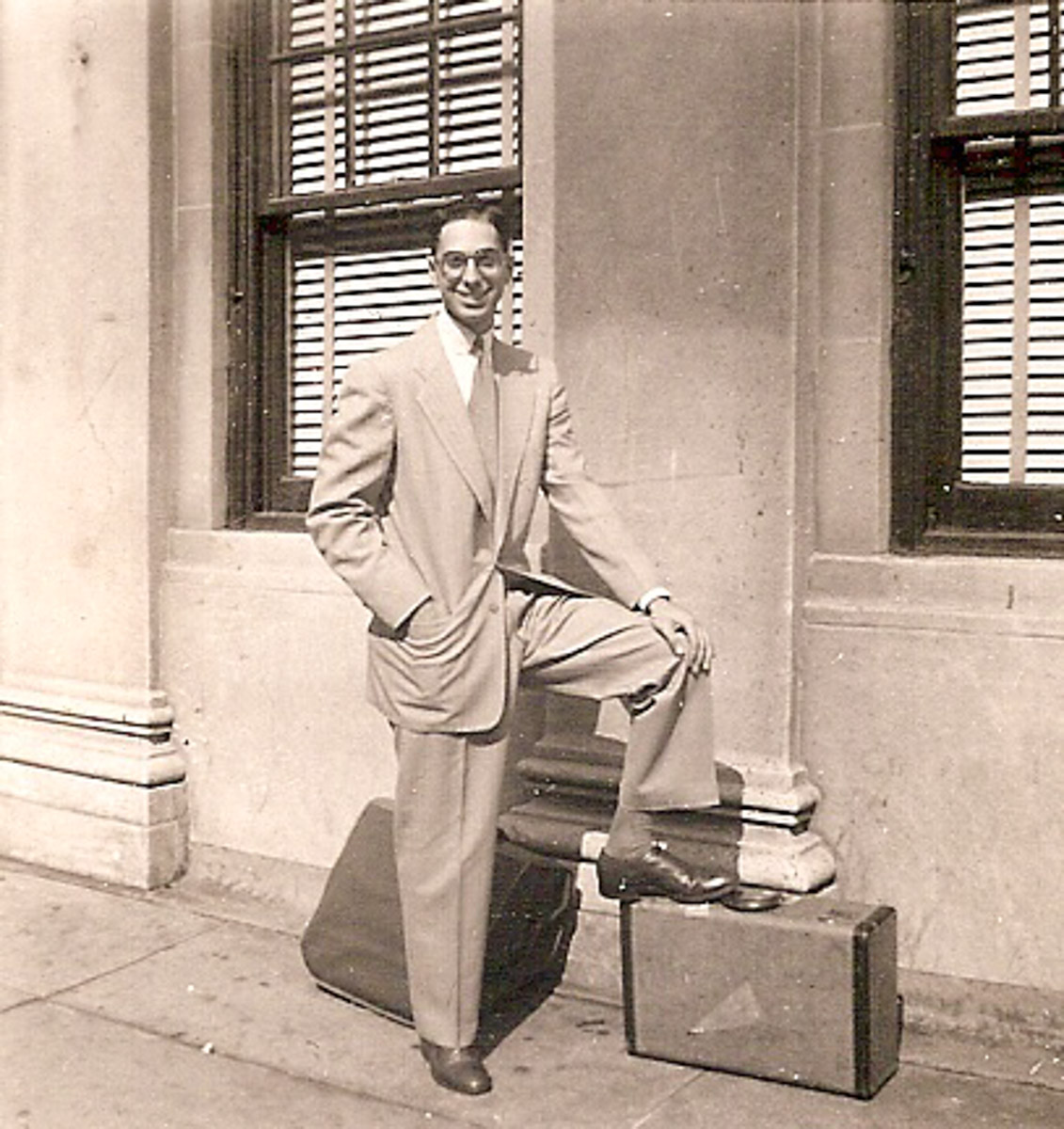
Now that both of my parents are gone, I’m left with all of their photo albums. And I’m faced with the complicated question of what to do with all of the pictures, like this cool photo of my father from the 1950s. Here’s one perspective…

My mother documented my youth in three large photo albums that were eventually forgotten in a hallway closet after she passed away in 2006. But not entirely. I knew they were there. For different reasons, I’ve borrowed a few of the photos and digitized them, but the vast majority still lived in analog form in that closet.

Sure, I could have easily taken the albums and started a digital conversion project at any point in the past decade, but I always had my existing family photo management work to do, which I was seemingly always behind on. And so this archival project never began.

These albums stayed buried in that same apartment where I grew up and my father still lived.

And then he passed away.

Remembering the Good Times
So, I’ve finally taken possession of these albums. (They’re one of the first things I moved out of my dad’s place.)

And now I’ve begun the slow process of digital conversion for some of these photos. I’ve quickly realized I don’t need all of them. Just enough to tell the story… the story of my family’s lives during those decades.

What I’ve uncovered mostly aligns with my memories, but it’s amazing what you forget or what you were too young to ever remember. It’s good that the photos are there to tell the story.

It’s comforting. Really comforting.

Reviewing Someone Else’s Memories
But there are other photo albums too that lived in my father’s apartment. These were his albums. And they lived separately from the core group. I knew they also existed, and I had seen them across the years, but they were much less familiar to me.

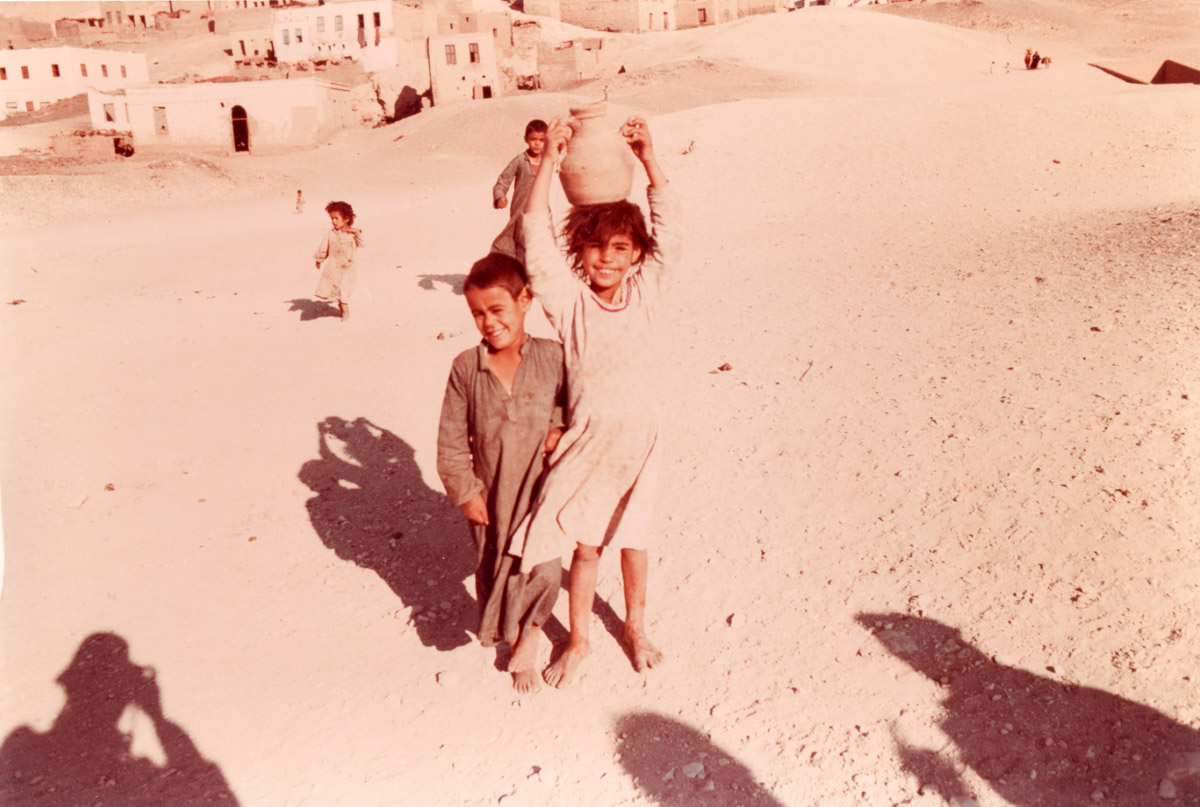
Some contained pictures of my grandfather and grandmother. Then, there were photos from my father’s youth. Others displayed people I didn’t know. There was also a treasure trove of photos from my dad’s travels to distant lands. He was very much a world traveler.
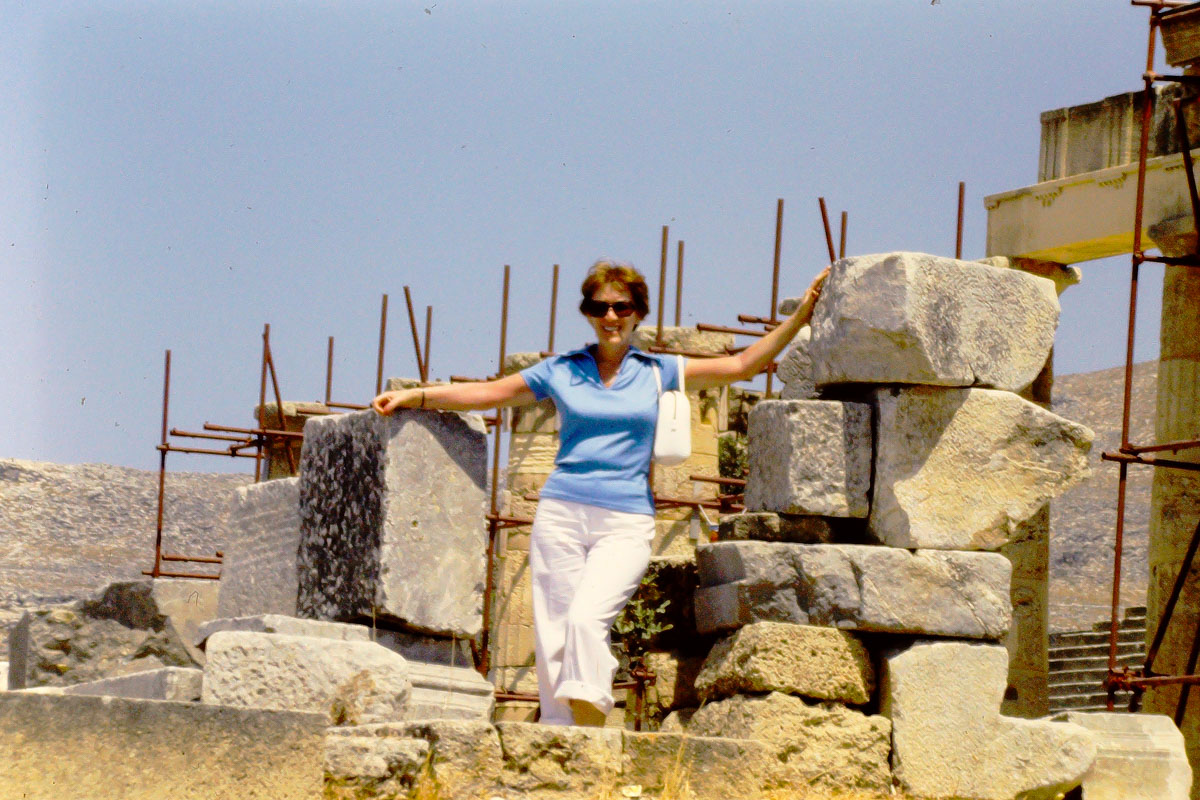
Here are a couple of his pictures from his trip to Egypt.

Then, there are boxes and boxes of his slides from the 1970s. (Remember when that was in vogue?) I’m not exactly sure what those contain… not yet.

I will need to go through all of my father’s photography. He’d talked to me about some of it across the years, but now I guess it’s left to me to figure out how to integrate it into the larger family ‘story’ that will get carried forward.

I think about his legacy. I think about how it is now left to me to carry forward my father’s story. I realize I’m more than a family archivist. I’m suddenly a historian.

It’s a daunting process. And yes, I am overwhelmed. How could I not be?

Keeping the Project Manageable
The good news is I’m not starting entirely from scratch. My father was a great storyteller. And I’ve videotaped many of his stories. And I have digitized some of his photos across the years.

I have to remind myself that this should not be an exercise in quantity. I don’t have to digitize every photo! Instead it’s about finding just what you need to properly represent the story and put any remaining pieces of the puzzle together.

This should support my healing… not make things worse.

Finding a Way Forward
I know this is going to take time (months? years?). So, I’m trying to keep all of these albums and photos properly organized in boxes and bins in our home.

Organization is key.

Is it possible they’ll simply live in the back of another closet until the next generation finds them? Let’s hope not.

Their future state deserves to live in digital form and integrated into my larger family archive collection.

Wish me luck…

How a Digital Photo Frame Helps Me Remember my Dad

I’ve set up a photo gallery of my father’s life on this digital photo frame. It’s powered up next to me at my desk and rotates through his images across the years.

My father is gone. I knew this day would eventually come, but I was still entirely unprepared for the terrible moment when it arrived.

He passed away on December 15th. While he wasn’t in the best of shape, his death was sudden and a surprise. He was in rehab at the time and was medically stable. The nurse had just been in to see him. When she came back, he wasn’t there anymore.

That was it.

My dad always liked to play by his own rules. So, it feels appropriate that he left this world on his own terms. He had always told me that he wanted to die in his sleep. This seemed pretty close. He wasn’t in pain, and it was quick.

He was 89. (Here’s his obituary.)

My father had a full life, and throughout his 80s he often told me that he didn’t expect that he would be sticking around that long. He also said in recent years that he was okay with passing on, because he had enjoyed his life.

Donald Lester had “lived.”

One Last Present
A week before he died, I ordered a digital photo frame to give him for the holidays. My plan was to set it up in his rehab room to share some family photos with him.

After my success placing an Amazon Echo Dot Wi-Fi speaker next to his bedside so his could listen to his favorite tunes from the ‘40s and ‘50s, this was to be my next step. I wanted to provide a little more personal tech support to help make his time away from home more comfortable.

Plus, my father loved technology. (I got that from him.) I knew he’d get a kick out of the digital photo frame.

But I never got the chance to give it to my dad.

A Different Use
So, the Nixplay frame sat in its unopened box on the floor of my home office. I’ve been wondering what to do it with. Of course, I knew I could send it back.

Instead, I’ve decided to hold onto it.

I would finish what I had set out to do… but with a modified purpose. I would still load it with family photos, but with pictures of him… for me.

His Pictures Tell his Story
I powered up the digital frame, and it’s now in place on a shelf by my desk.

It glows warmly with images of my father and cycles through his photos across the years. It’s one way to keep his story alive.

He was a born-and-bred New Yorker. He traveled the world including Africa and into the Amazon rain forest. He had his suits tailored from Hong Kong, and he loved to wear his bowlers and straw hats. And he was a life-long Yankees fan.

He was a real character.

A Digital Candle
I think setting up this digital frame near me is also a way to help me process all of this.

As you might imagine, there’s been a lot ‘to do’ over these past weeks. I haven’t had much time to truly feel the impact. The loss. As that happens in the months ahead, this frame will serve as a comforting support for me and my family.

It’s a little candle for me.

Holding onto the Memories
Over the past months, I’ve been slowly digitizing some of the photos that my mother had placed in thick albums decades ago when I was growing up. She was the family archivist. (I can’t believe it’s already been 16 years since she passed.)

Moving forward, of course I’ll continue my family-photo archiving project. And I’ll keep feeding the frame with images of my father throughout his life… and mine.

It’s one way to honor his memory and to help me remember the good times.

I miss you, Dad.

Pair a Bluetooth Keyboard to your Smartphone for your Next Zoom Meeting

If you need to take copious notes on your smartphone during a Zoom meeting, here’s why you may want to add a physical keyboard to the equation.

It’s easy to forget the power and flexibility of our smartphones; often the only limiting factor is the compact size. Yes, the smaller screen is sometimes difficult to work with compared to a laptop. But for me, it’s the miniature keyboard that can be infuriating. It’s simply really hard to type fast.

Recently, I flew to the West Coast on a business trip, and for an hour on one evening, I needed to step away and jump on a personal Zoom call and take notes for the community group.

My first thought was to pack my personal laptop or iPad for the task. But then I looked at my iPhone and wondered if it could actually handle the exercise.

Of course, the Zoom meeting part was easy. It was the simultaneous note taking that would be the challenge. So I tested it out…

Working with Zoom and Microsoft OneNote Simultaneously
I used the Microsoft OneNote app on my iPhone for the note-taking part, and it interfaced just fine with the Zoom app. I simply swiped out of the Zoom meeting and then worked in OneNote. (The Zoom meeting still shows up in a small window.)

Yes, I could tap…tap…tap my notes. But it was not nearly as fast as I knew I would need.

I required a real keyboard. And then it came to me… What about a Bluetooth keyboard?

A Multiversal Solution?
Using a Bluetooth keyboard with an iPad is common, but trying the same trick with a tiny iPhone feels somewhat absurd. Who have you ever seen do that???

Though you might have spotted it while traveling through some other part of the multiverse, some crazy old-school blogger in this reality was now going to give it a try.

Logitech Keys-to-Go Bluetooth Keyboard
While there are a few choices out there, I ended up going with the Logitech Keys-to-Go Bluetooth Keyboard… mostly because it’s featured on Apple’s website. I figured it must work properly if Apple is pushing it, right? (Spoiler alert: The two devices pair just fine, though you do have to push a little harder on the Logitech’s keys.)

At the time of this post, this keyboard was on sale
at Logitech’s website for $49.99.

It’s also on Amazon for the same price.

Click.

A Few Optional Accessories
When it was time to do my Zoom meeting in the field with my new keyboard, I must admit, I had also brought along a little more gear to facilitate a smoother experience.

  • I had my small Joby tripod with smartphone grip to mount my iPhone a little higher up. ( I didn’t want the shot pointing up my nose.) The taller positioning also made it easier to read the screen as I typed away.
  • To ensure I wouldn’t run out of juice, I plugged my iPhone into a little portable power (my Anker battery), as a wall plug wasn’t nearby.
  • And of course, I wore my Apple AirPods.
  • My multitasking iPhone stunt went off without a hitch, but if you strip away the optional tech, just the iPhone and Bluetooth keyboard will certainly get the job done.

Add this Technological Distinctiveness to your Own
Not having to pack an extra computer when flying is a game changer. A slim Bluetooth keyboard is hardly a noticeable add to your carry-on luggage, and it’s not an expensive piece of tech you have to worry about being stolen.

It may not be an intuitive pairing, and the tech form factor certainly looks clunky and somewhat absurd (“Star Trek” Borg-like).

That said, adding a physical keyboard to the much smaller iPhone does facilitate much faster typing speeds. So give your thumbs a rest!

I have now happily assimilated this technological distinctiveness.

Borg Barrett transmission ends now.