At Home with Tech

Unlock the power of all your technology and learn how to master your photography, computers and smartphone.

Category: photography

Slowing Down in New York City on a Sunday

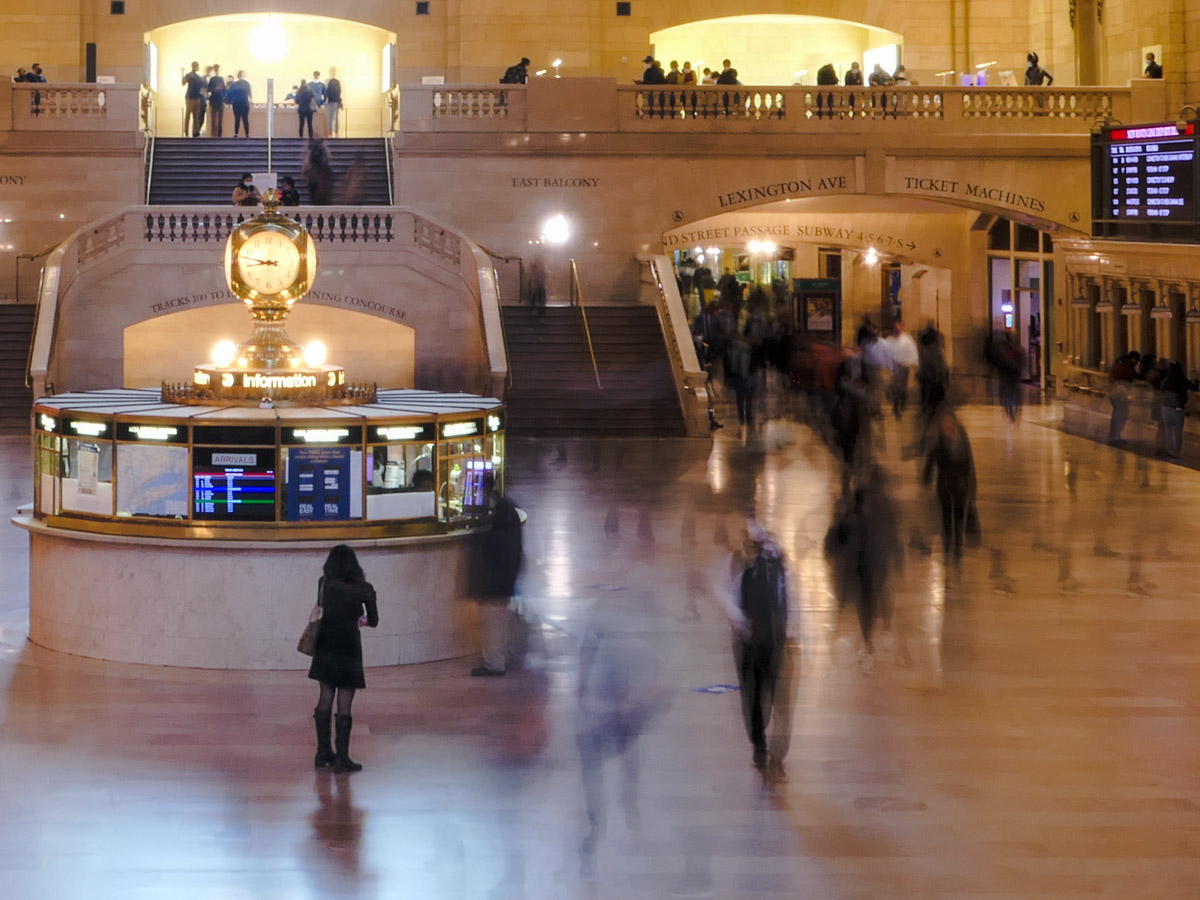
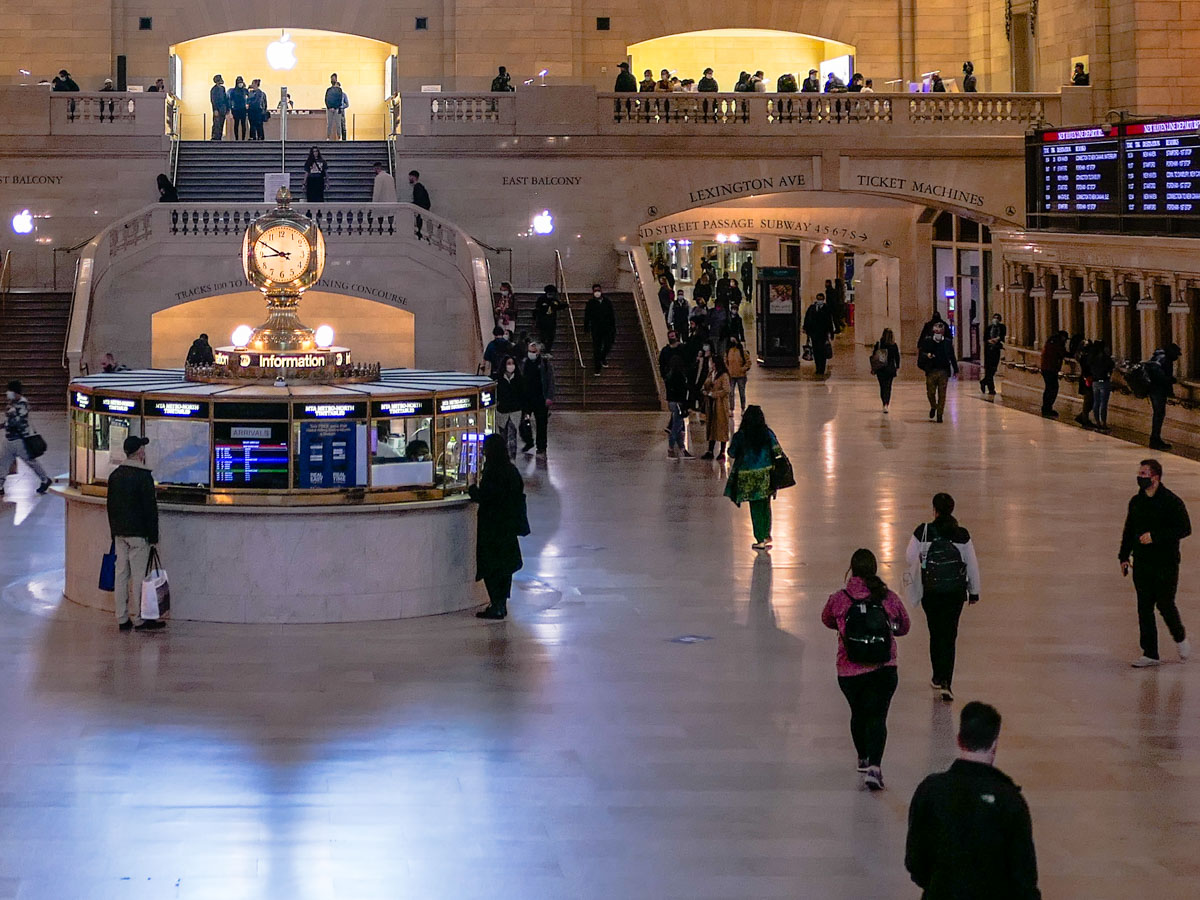
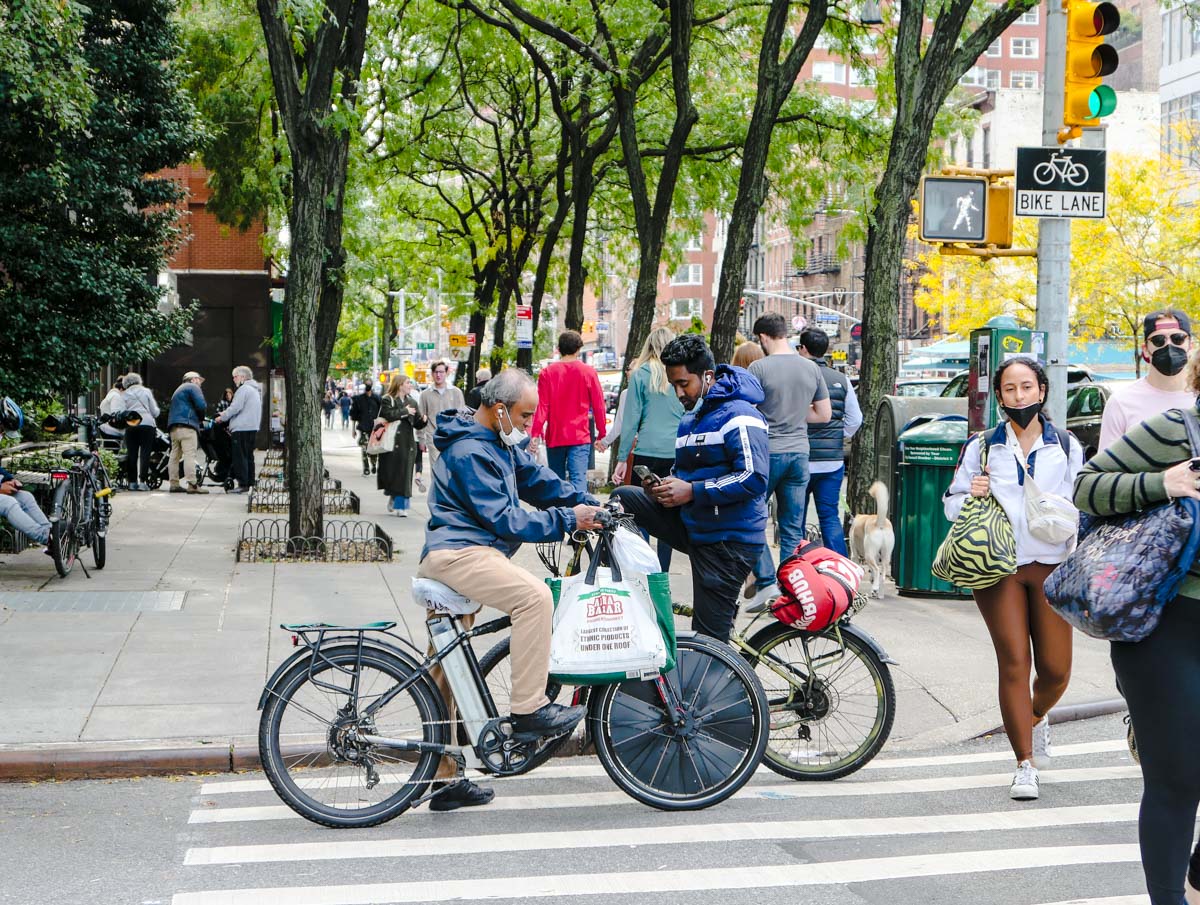
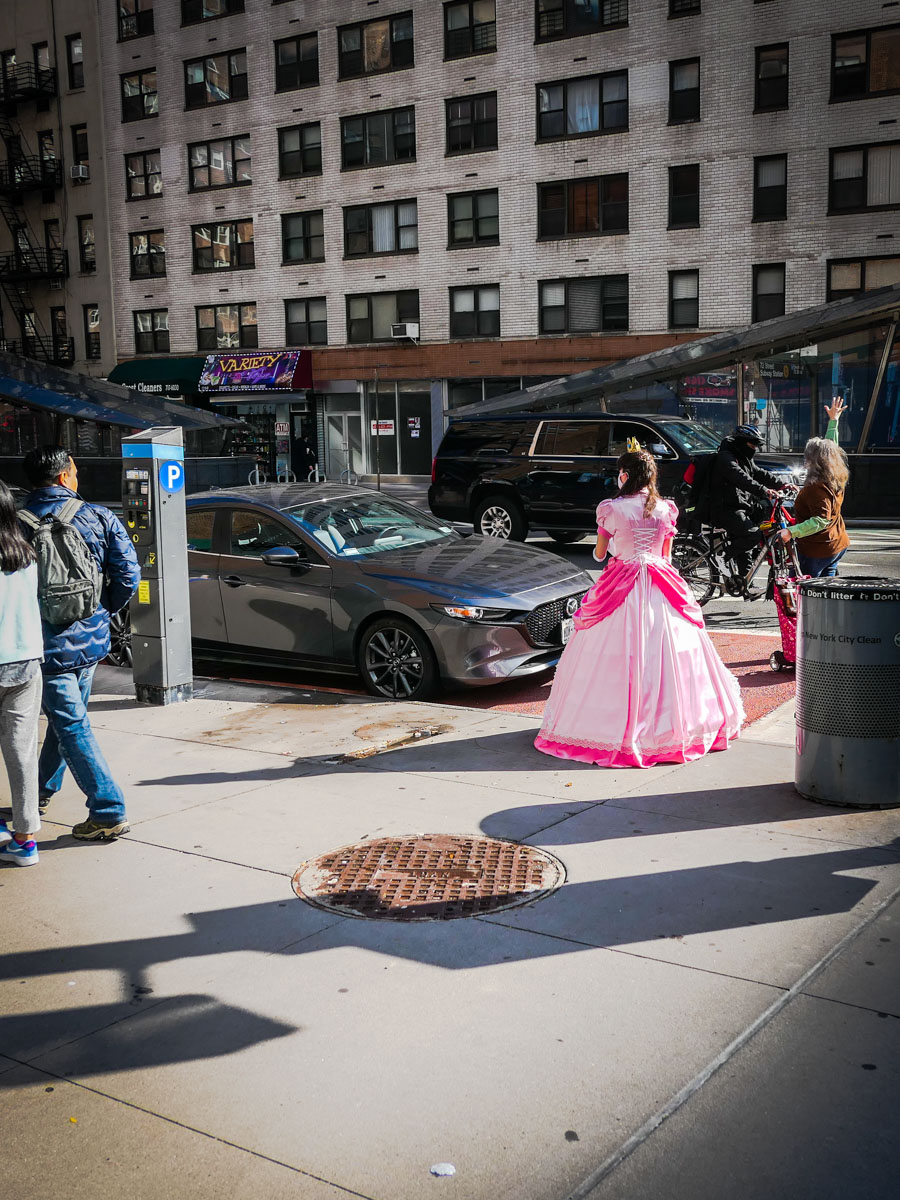
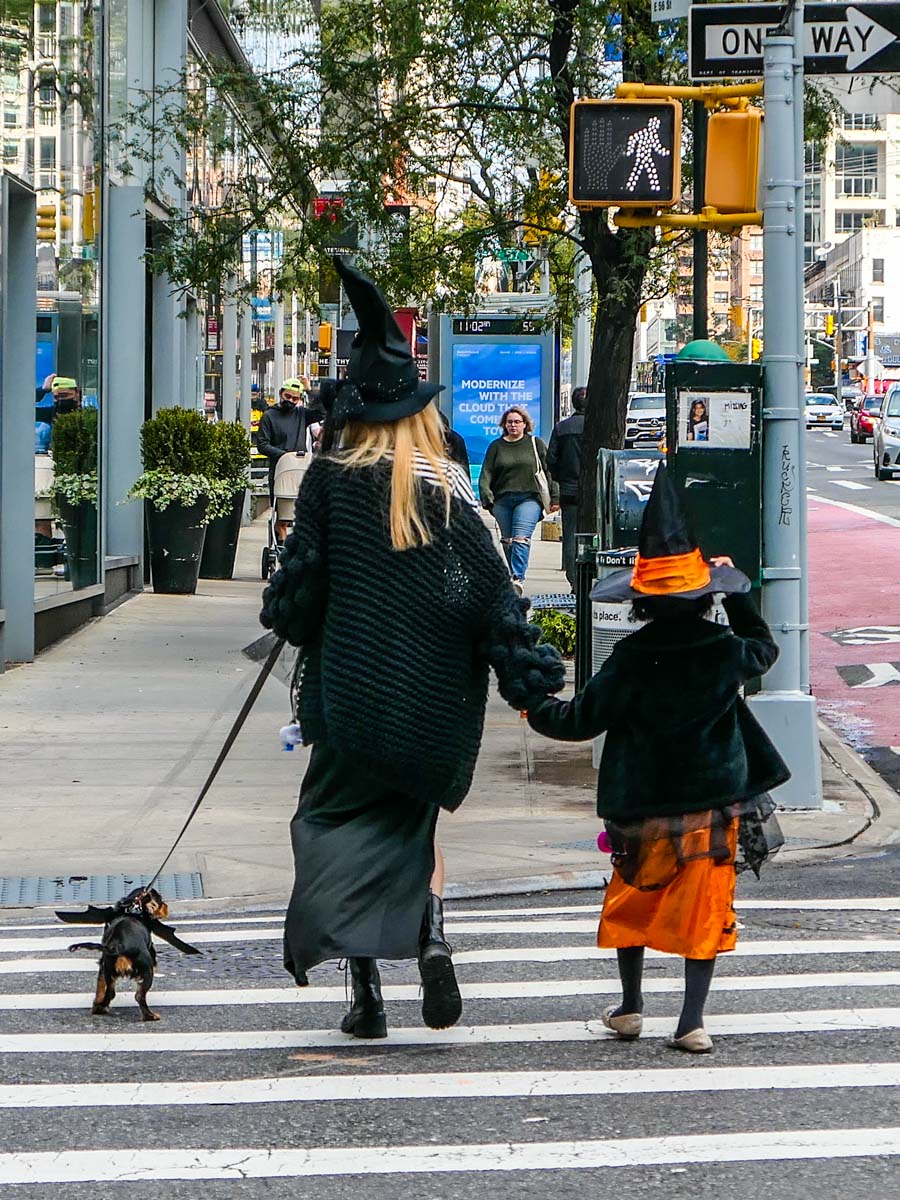
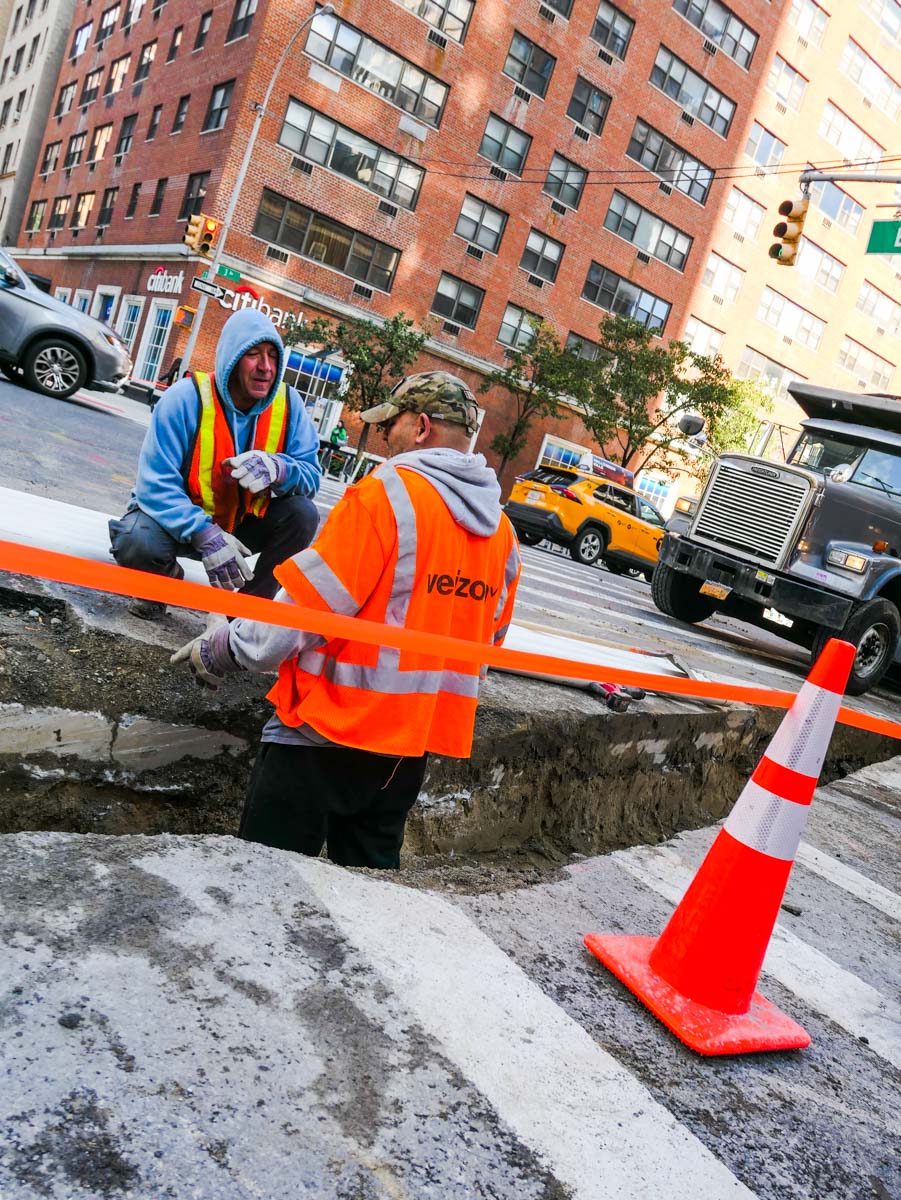
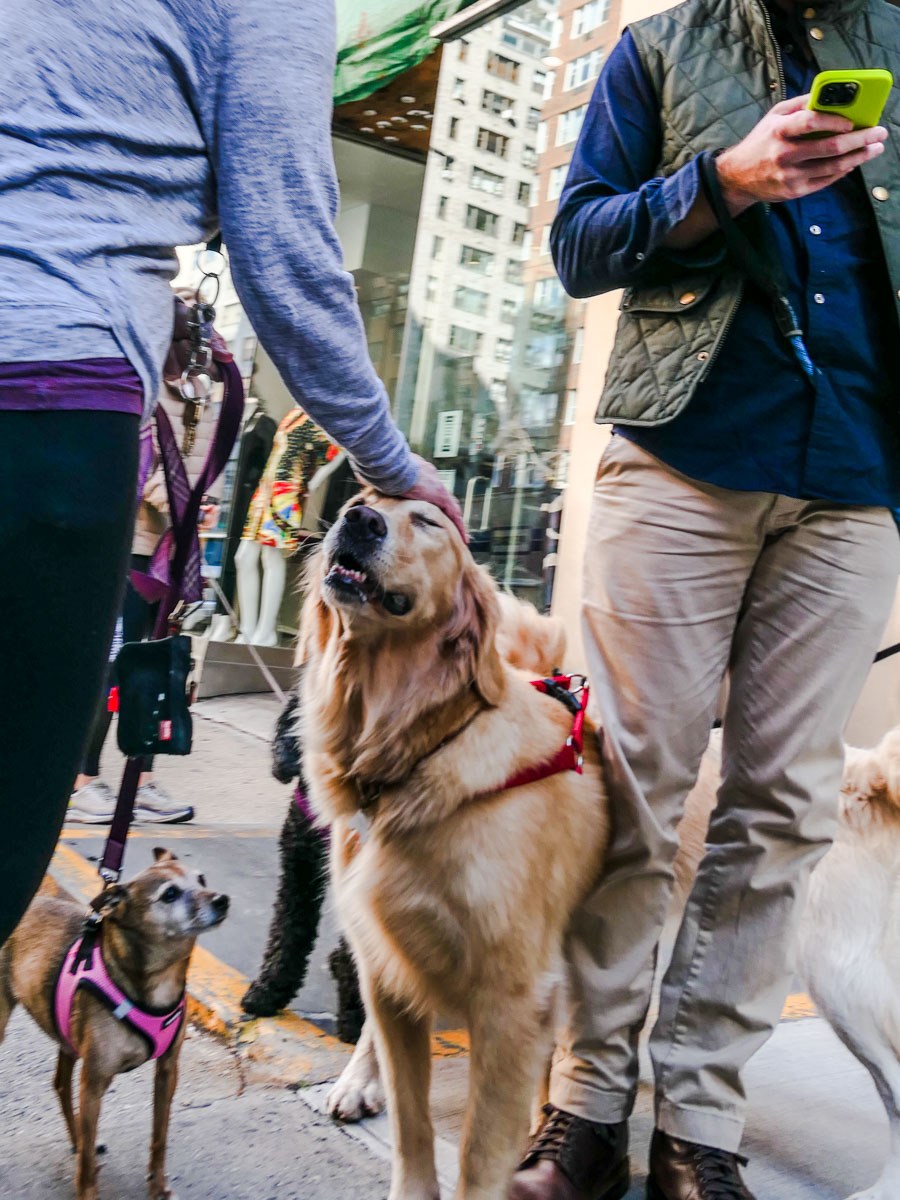
Moving through Manhattan doesn’t always have to be a huge rush. If you take a moment to slow down while you walk the streets, you can actually take in some relaxed weekend energies. Here are a few New York moments I spotted.

When I visit my father on a Sunday afternoon for lunch, I’ve gotten used to walking from Grand Central Terminal to the Upper East Side. Of course, taking the Lexington Avenue subway is faster, but during the pandemic I’ve preferred outdoor spaces. I usually do a power walk to minimize the extra time required for my two-mile trek. But more recently, I’ve tried something new…

I just don’t walk so fast, and I pay more attention to my immediate surroundings. And I keep my Panasonic Lumix LX-10 camera in my right hand as I go.

Don’t Look Away
I know it’s not a revolutionary idea, but having grown up in Manhattan and spent many adult years walking its streets as part of my commute, I’ve learned to tune out much of the dynamic and sometimes chaotic environment.

But on a Sunday, life on the streets of New York is a bit less intense. And there’s more of an opportunity to enjoy the moment. Everyone seems to have slowed down, if just a bit.

So, I recently traded in my speed-walking strategy for the opportunity to stroll to the Upper East Side and look around for moments that might be interesting to photograph.

Here are a few that I spotted.

Sunday Joy
Beyond my little photographic exercise, I think some might say that I was also being more ‘present’ in my surroundings. It felt good.

Plus, add in a nice lunch with my 88-year-old father, and I’d call that a really good Sunday in New York City!

How to Give your Photos a More Personal Touch in Post

If you want your fall photos to have more pop, consider taking these steps after you snap your pics.

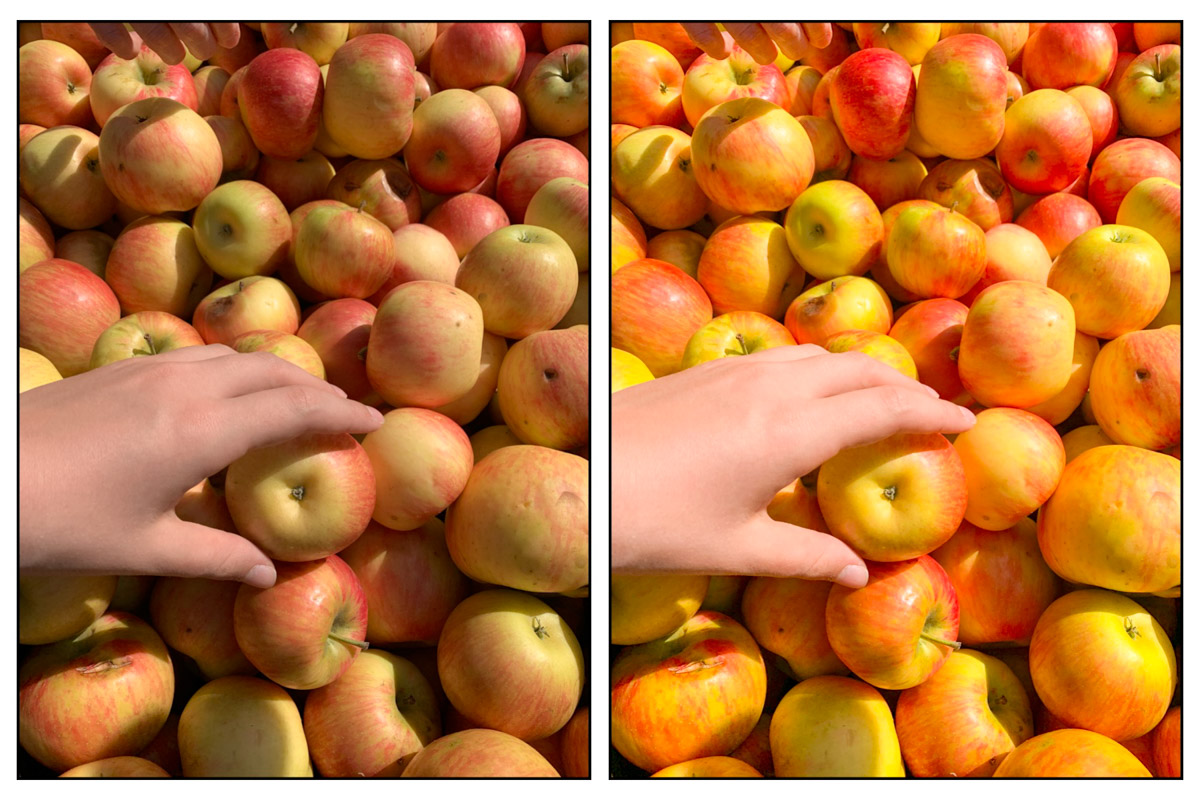
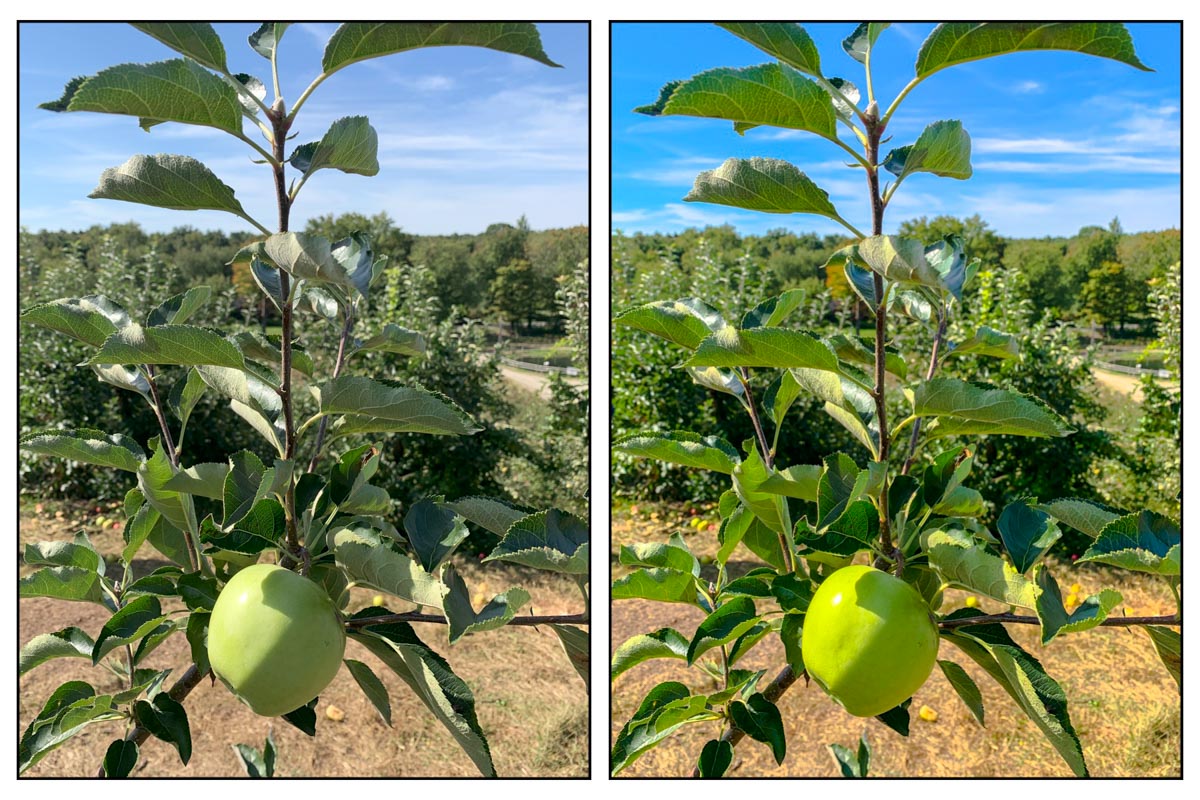
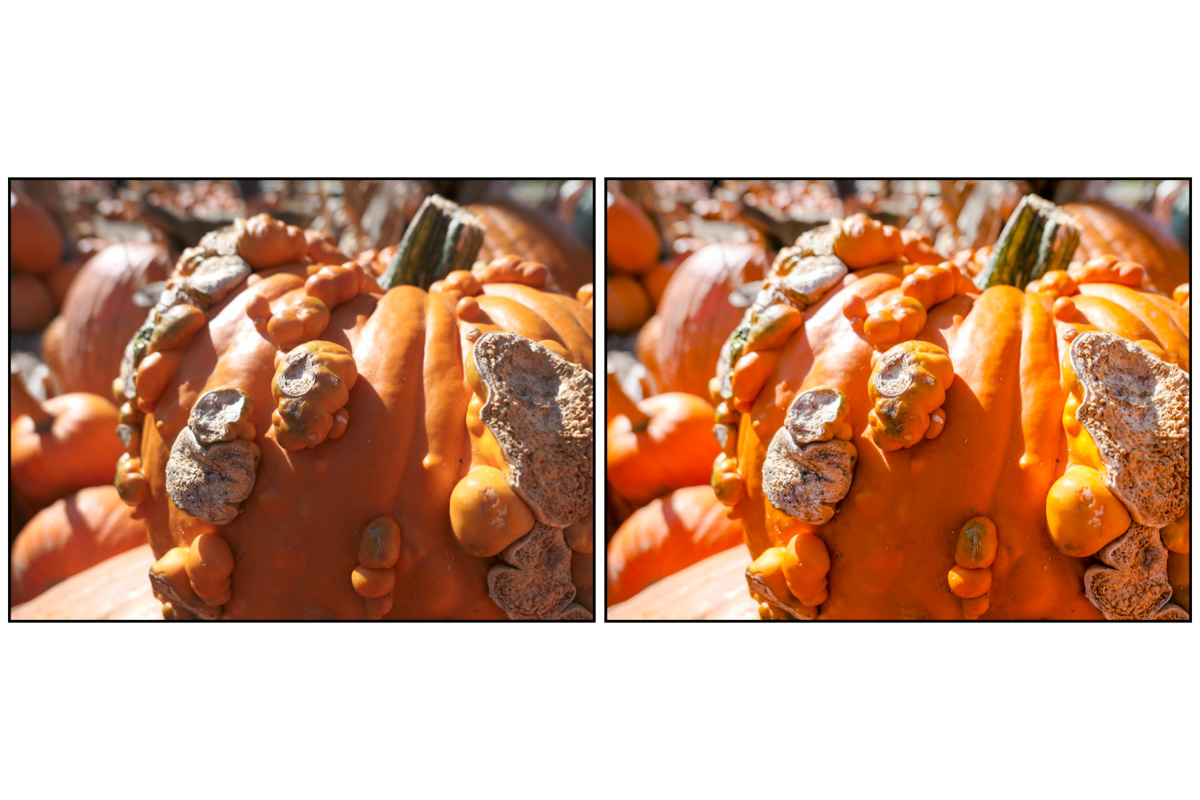
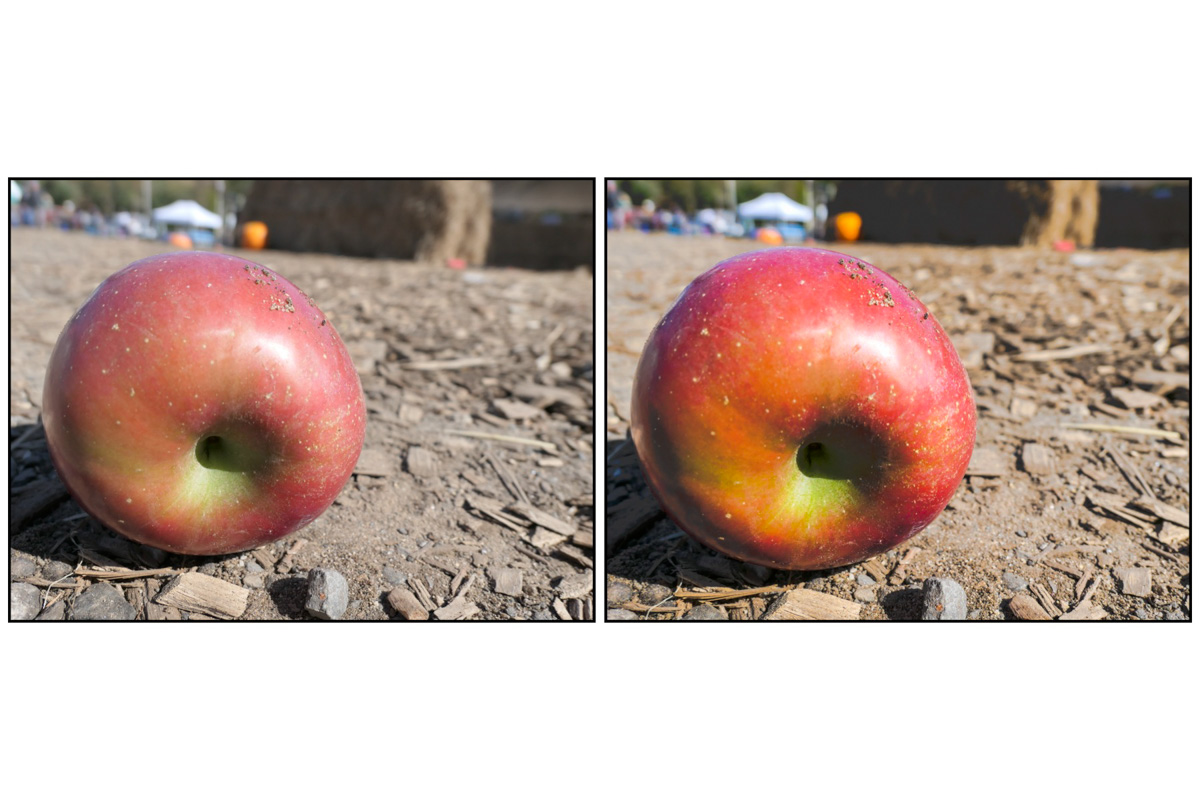
I admit it. I often like to add in a bit more color and contrast to the photos I snap. A little more brightness too. The process is easy to do in any number of ways. You can do it directly using your smartphone’s photo app or in a photo-editing program like Adobe Lightroom.

Add your Own Ingredients
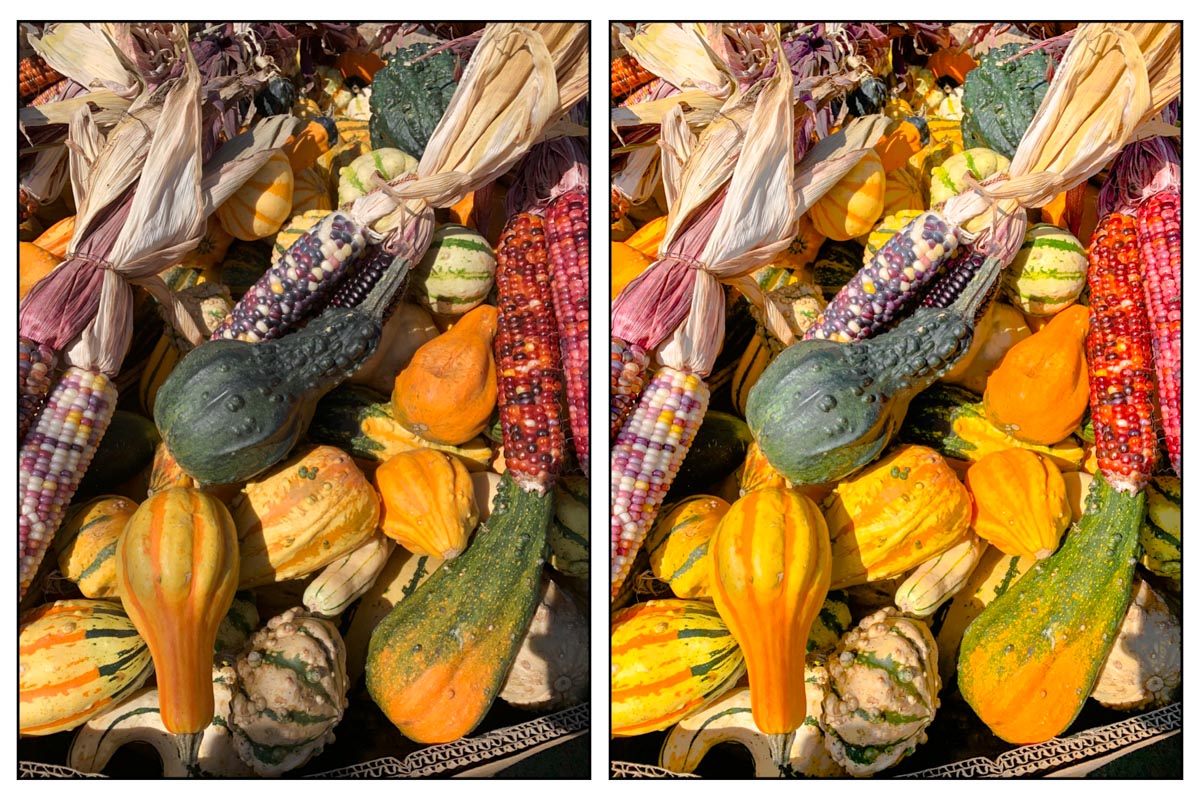
Enhancing the look of your pictures is like adding your own personal filter, and this practice should give your pics more pop without making them look too manipulated.

Even if the colors start to look a little too good to be true, if the effect pleases you, I say why not?! (By now, haven’t we all become photographic artists at some level?)

And with fall colors all around us, now’s a perfect time to take some shots and squeeze a little more oomph out of your images.

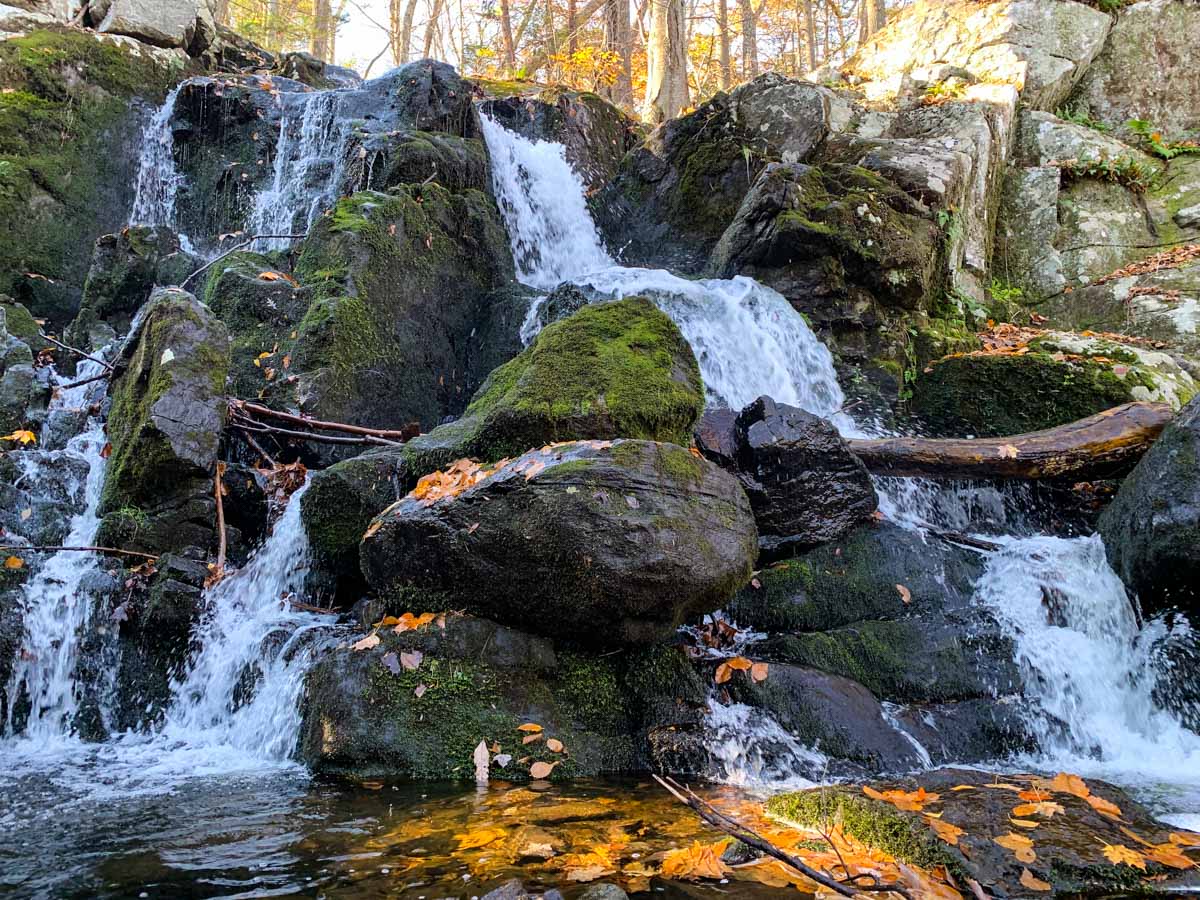
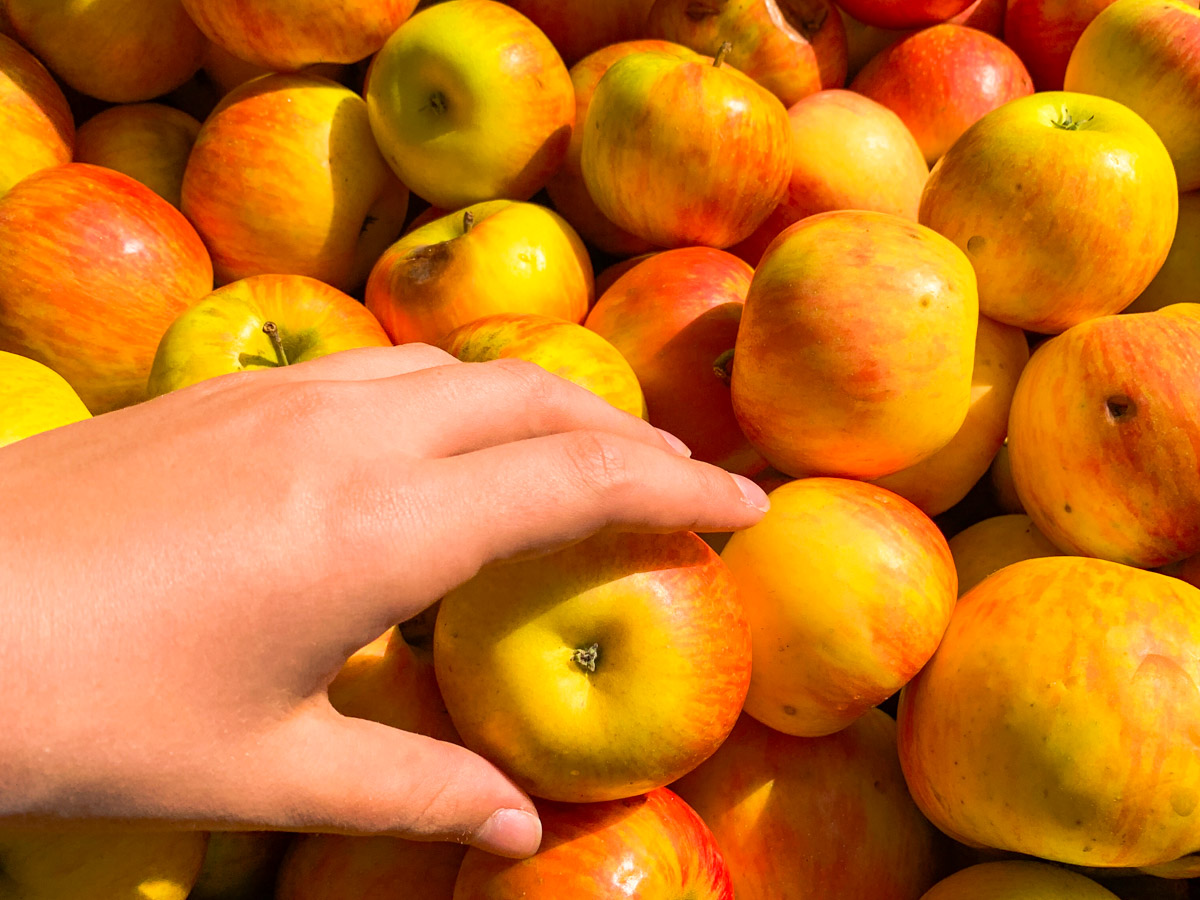
Here are a few of my own shots from my iPhone and Panasonic Lumix LX-10 during my family’s recent apple-picking adventure. I’ve positioned the original photos on the left next to my ‘Barrett-boosted-versions.’ (And if you need to look closely to spot some of the subtle differences, then I’ve done a good job.)
Take More than One Step Forward
Sure, you can always slap on one of your photo app’s premade filters to give your pics more zing, but contributing your own special visual ingredients in post can maintain your sense of ownership.

Tweak the settings for:

  • Brightness
  • Shadows
  • Contrast
  • Color saturation

Yes, it takes more time that simply clicking ‘enhance,’ but one click or tap is rarely a total solution to feeding your creative self.

Take your Camera on your Next Drive and Turn Off your GPS App

Spending an extra hour on a road less traveled will often reveal new imagery for you to capture with your camera.

My GPS navigation apps have been pointing the way while I drive for years. Whether I’m using Waze, Google Maps, Apple Maps or my ancient Garmin, technology has been mapping my ‘fastest’ routes to my destinations. Of course, I sometimes wonder if the AI algorithms are actually sending me the longer way. That’s why I often run two apps simultaneously to see if I can generate directional consensus.

Yes, it feels imperfect, but it usually gets the job done for this city boy, who grew up in the easy-to-navigate box grid of Manhattan’s Upper East Side. (Complicated navigation challenges on the road have always been solved by my wife.)

The Value of Adding an Extra Hour to your Trip
I usually prioritize the shortest travel time when I’m in the car, but if you turn off your navigation app and take a little more time on the road less traveled, you might be pleasantly surprised by what you come across. I know this is not a revolutionary idea, but I’ve found that applying it for an hour or so on drives you’ve previously taken can expose you to new scenery, while not dramatically sacrificing your planned arrival time.

No, you’re not going off the grid for the day. You’re just taking the other route your GPS has shunned, possibly due to just a few extra driving minutes.

Taking my Time Driving through Connecticut
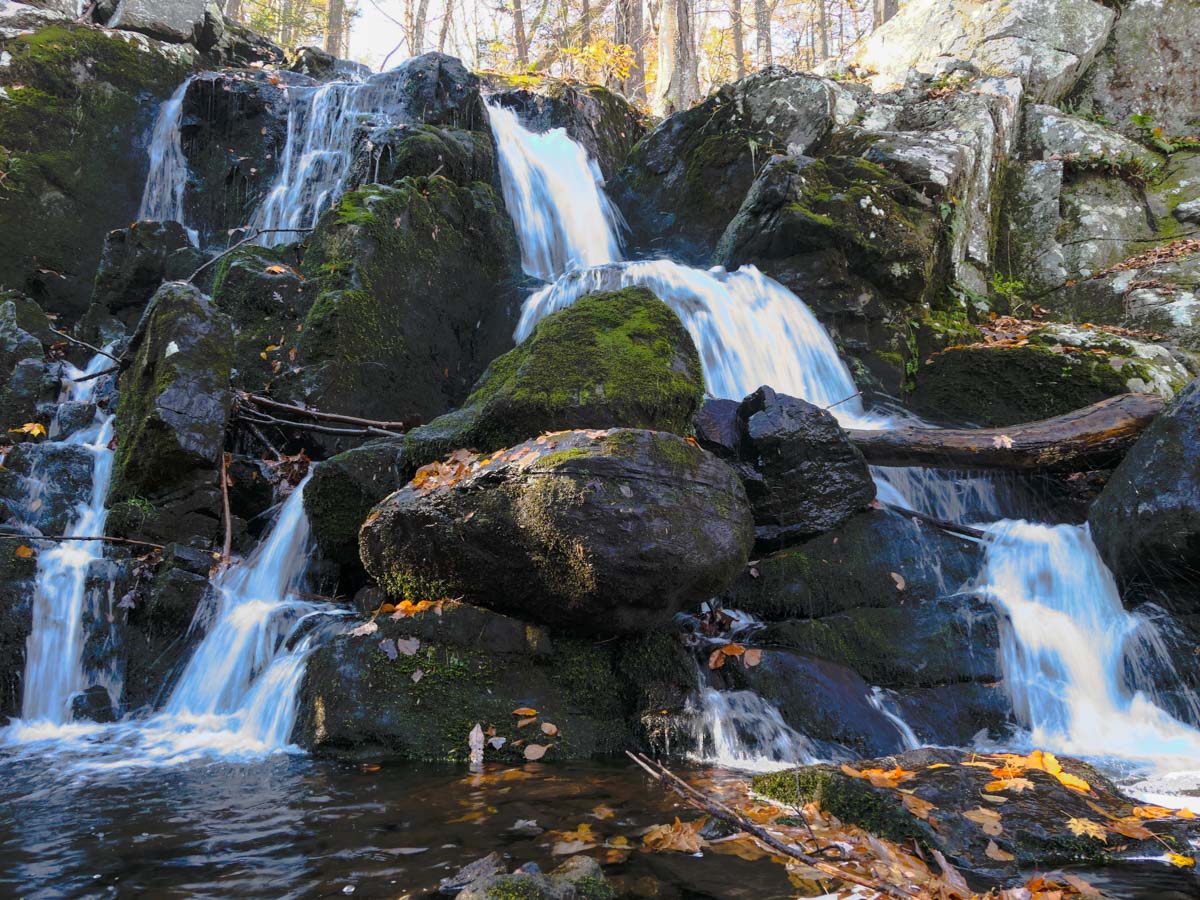
I recently applied this visual exploration strategy on a drive back from northwestern Connecticut with the hopes of finding some quintessential New England fall scenery to photograph.

I was not disappointed.

Kent Falls
Connecticut Fall Vista Timelapse
Bulls Bridge

Something New is Just Around the Corner
If you’re in search of new imagery to capture but don’t have a whole day to explore, turning off your GPS app for an hour or so while driving and sticking to local roads can offer the perfect solution.