At Home with Tech

Unlock the power of all your technology and learn how to master your photography, computers and smartphone.

Category: Tech Diary

You Can’t Save your iPhone’s Soul if You don’t Activate this Setting
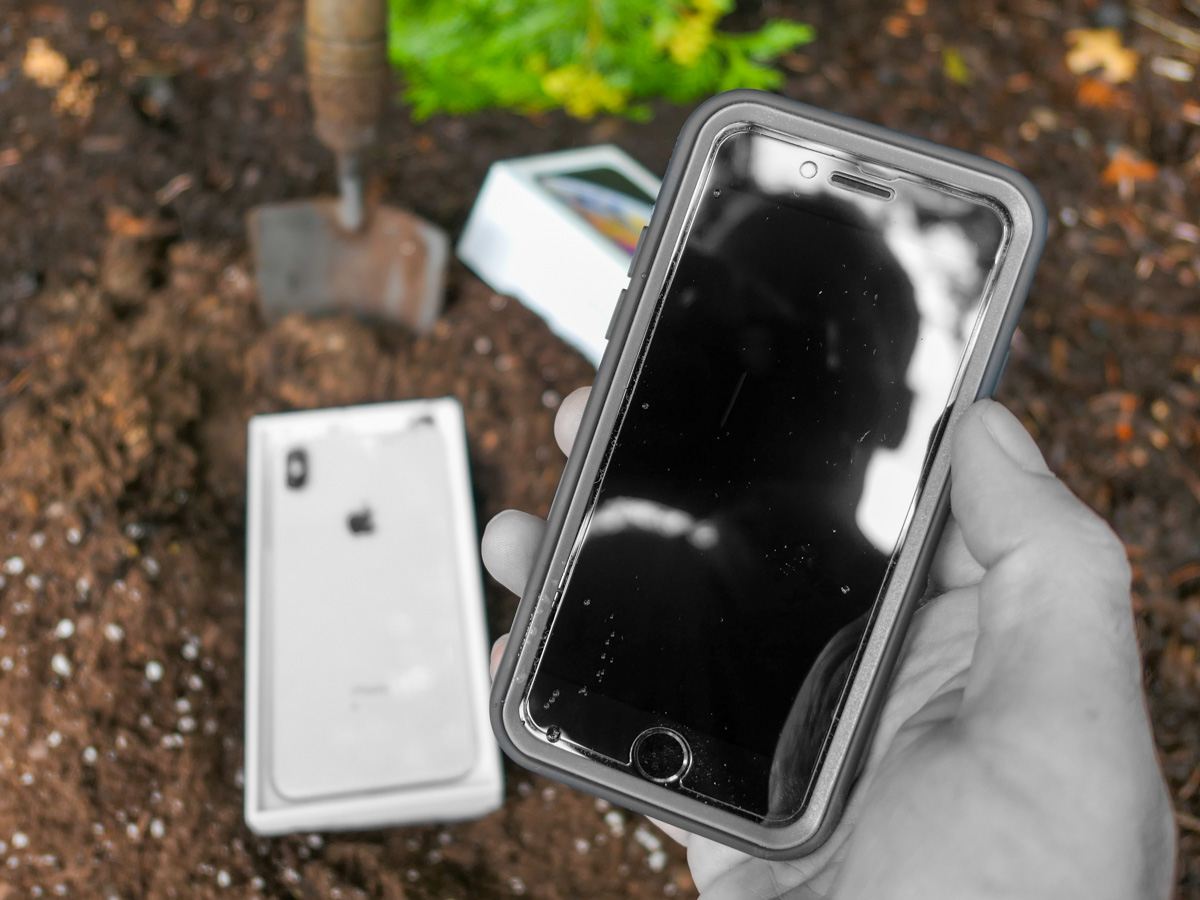
If you ever need to clone your iPhone should your device meet an untimely end, a simple setting buried in your old device is the key to success.

You may not realize it, but across the years, you’ve been building and nurturing a look and feel for your iPhone. It comes in the form of all the apps you’ve downloaded and how they’re organized on your screen. It creates an experience that’s unique to you and feels perfect, because it is. You’ve made it that way.

When you want to upgrade to a new iPhone or need to because of less-than-optimal circumstances, Apple has a process to perfectly restore all your settings and apps in your new device (passwords too). That is if you follow all of the iCloud rules.

But if you miss a step and disaster strikes, you can never transfer your iPhone’s unique personality that you’ve lovingly crafted into a new phone model. You’ll effectively lose its ‘soul.’ Sure, you can manually put all the pieces back together into a new iPhone, but the clone will never be exactly the same.

That’s what happened to me.

R.I.P. My Dear iPhone
Last time, I shared how I effectively killed my iPhone after a little kayaking mishap that submerged it in ocean water.

Thankfully, I had backed up all my Apple apps in iCloud, and when I activated my replacement iPhone at The Apple Store, those apps were already in place, loading in my important data.

But when I searched for all my other apps, they were nowhere to be found.

I was still grieving the loss of my former iPhone. (It had been less than an hour.)

Now, the pain started to pile on.

iCloud 101
Yes, I’d previously been following good iCloud back-up protocols and had properly saved everything of importance to iCloud:

  • Photos
  • iCloud Mail
  • Notes
  • Messages
  • Contacts
  • Calendars
  • Music

It was all safely stored for me.

So, restoring all of that in my new iPhone was easy. (Plus, I pay for 2 TB of Apple cloud storage to cover all my family’s devices and related files.)

I thought I had it all covered. But I didn’t.

My non-Apple apps had vanished. Here’s why…

We Can (Mostly) Rebuild It
Apparently, my old iPhone didn’t have the little iCloud backup switch in ‘Settings’ activated to its green state. I had somehow missed that.

And without that critical piece of back up flicked on, I had forever lost the snapshot of my old iPhone’s set up. All the settings, the home screen layout and all my non-Apple apps.

Now, I needed to download all my non-native Apple apps again (they were readily available in my ‘Purchased’ section in the App Store app), reorganize them and then (the worst part) re-sign into every one of them again.

That was a big project and a massive pain.

It took me the better part of a week to get my apps back in order and running properly. (You don’t realize how heavily you’ve become reliant on your phone for your day-to-day needs until you don’t have access.)

And then when I was done, I still didn’t have my old iPhone’s exact layout back. It was inevitably a bit different. (You’d otherwise need a photographic memory to restructure it perfectly.)

How to Turn On iCloud Backup to Save your iPhone’s Settings
So, if you want to avoid my Humpty-Dumpty fate, be sure to have the specific iCloud Backup switch turned on in ‘Settings.’ It’s embarrassingly simple. Go to:

  • Settings
  • Your Name (on the very top)
  • Your Name’s iPhone (in the third section from the top)
  • iCloud Backup
  • Flick the virtual switch to green
  • That’s it

Silver Lining?
The only upside to my rookie iPhone mistake is I had the chance to slim down the apps on my new phone to the apps that I actually use today. (I didn’t download the ones that I haven’t opened in years.) So, I was able to create a better-organized layout for myself.

No, it’s not my old iPhone. That’s gone. I’ve permanently lost that comfy layout.

However familiar, that’s not necessarily the best layout for me today. It was created organically across many years and through previous iPhone models.

Creating a fresh app structure from the ground up has its advantages. It certainly better represents my current needs. It’s more efficient. It makes sense.

Now I just need to train myself to remember where everything is!

Everyone Risks a Kayaking Kerplunk
Sure, we can all regularly update and reorganize the app structure on our phones. But who really takes the time to do that?

I should be thankful that I was given the opportunity to properly refresh and optimize my own iPhone experience. Right?

On the other hand, just flicking the green iCloud switch is a whole lot easier.

And better yet, think twice about bringing your iPhone on your next kayaking trip without a waterproof bag.

But as careful as you may be with your tech, there’s always some kind of kayaking kerplunk just around the corner for everyone.

So, plan ahead and make sure that the iCloud Backup switch is on!
Best Travel Compact Camera with a Big Zoom

If you want to buy a premium compact camera with a longer zoom for your next trip, there aren’t many choices. Here’s my recommendation.

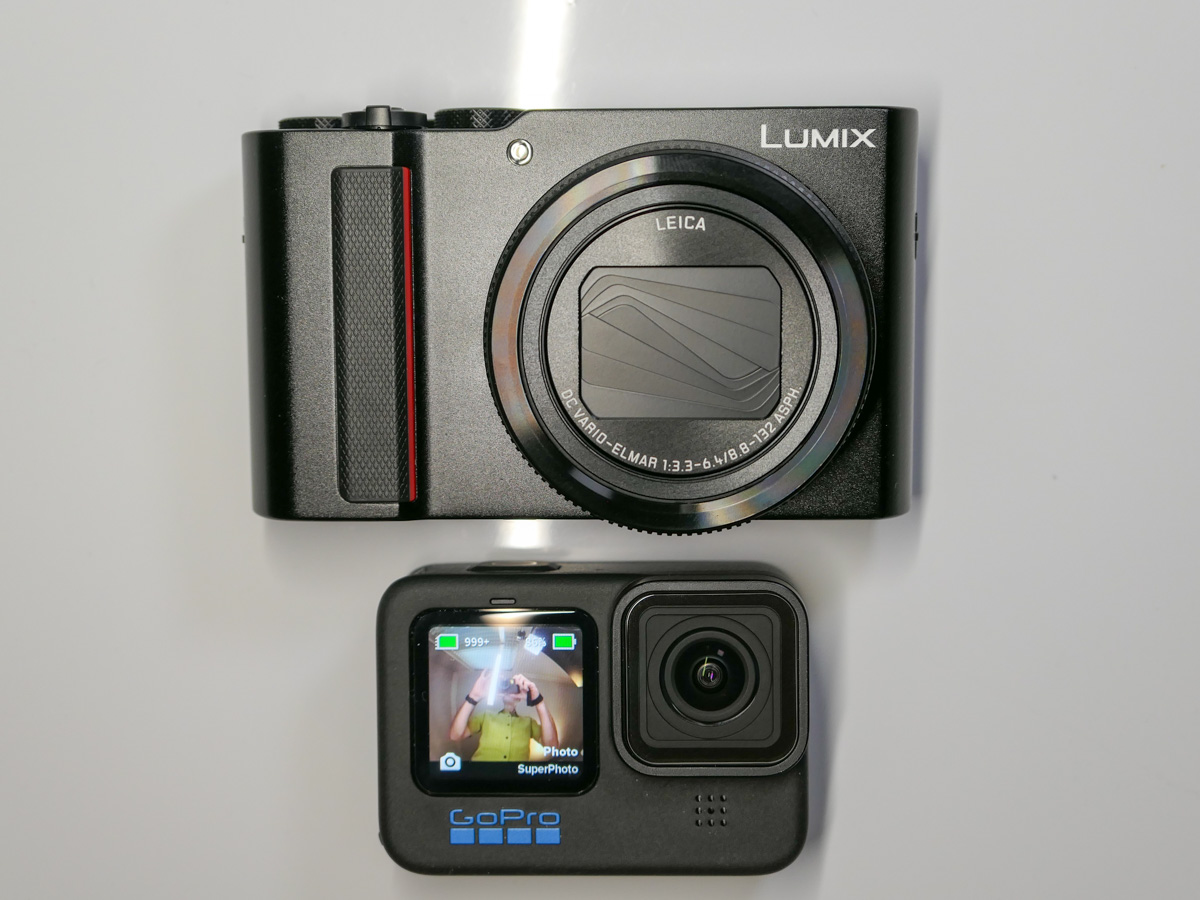
I’m planning for a vacation where my family and I will be spending most of our time in the great outdoors (rain or shine). We’ll be biking, hiking and kayaking! Based on our active itinerary, I know that besides my GoPro, I’ll only be able to pack a compact camera that’s easy to carry and won’t weigh me down.

A larger-form camera with separate lenses just wouldn’t cut it on this kind of trip. So, I’ll have to leave my Panasonic Lumix GH5 II mirrorless camera at home. (An all-in-one ‘bridge camera’ would also be too large.)

And for this trip, I’ll need a small camera with a bigger zoom than I currently own. (I don’t require a crazy reach to capture the beak of a bird, but I do want to be able to get more than wide vista shots. My old Panasonic Lumix LX10 (which is still on the market) only provides a 3x optical zoom. I want to at least double that…

That kind of camera shouldn’t be so hard to find, right?

Nobody Really Buys that Camera Anymore
Well, the bad news, if you hadn’t heard, is smartphones killed off compact cameras years ago. People simply stopped buying them.

Sure, I get it that today’s smartphones take great pictures. But they don’t yet have powerful zoom capabilities.

That’s where small premium compact cameras with 1” sensors and longer zooms should have thrived. But they didn’t. And camera manufactures stopped updating them four to five years back.

But that doesn’t mean they’re not still being sold. They certainly are.

What’s Old is New Again
But all these cameras represent older technology had the models continued to get upgraded into newer versions (which they weren’t).

So, my first hurdle when researching my options was feeling comfortable buying a new piece of gear that’s a few years old. (Was I a tech neophyte that would make this kind of rookie mistake?)

But when I realized there isn’t a newer compact camera with a longer zoom out there, I found some peace with my situation and stopped feeling like I was living in the wrong universe that had killed off this obviously necessary camera format.

To find my new compact camera with a long optical zoom, I would simply have to go back to the future.

Sony RX100 VII
Sony’s DSC-RX100 VII is the still undisputed king in this now-dead compact camera category. (The entire RX100 line has always ruled.) Every reviewer put the RX100 VII on the top of their list. And for my needs, it has an 8x zoom lens (24-200mm F2.8-4.5). That’s enough oomph.

It’s perfect. And Sony knows it.
So, it still costs $1,300 for this 2019 camera.

1,300 bucks?! Whoa.
I just couldn’t pull the trigger.

Risk/Reward Analysis
I’ll be taking a new camera into something of an adventure vacation that involves tons of outdoor time, rain or shine. I expect it to be a bit messy, and there might be some bumps and bruises along the way.

Sure, I don’t want to ruin any new (old) camera that I bring along. But the idea of accidentally dropping this gem off a cliff or running over it with my bike (I am a bit of a klutz) would worry me throughout our entire trip.

If I’m going to destroy my camera, I want it to cost less. (I accept there are flaws in that thinking.) Plus, I’d prefer to better invest $1,300 on a new lens for my Lumix GH5 II.

Panasonic Lumix DC-ZS200D
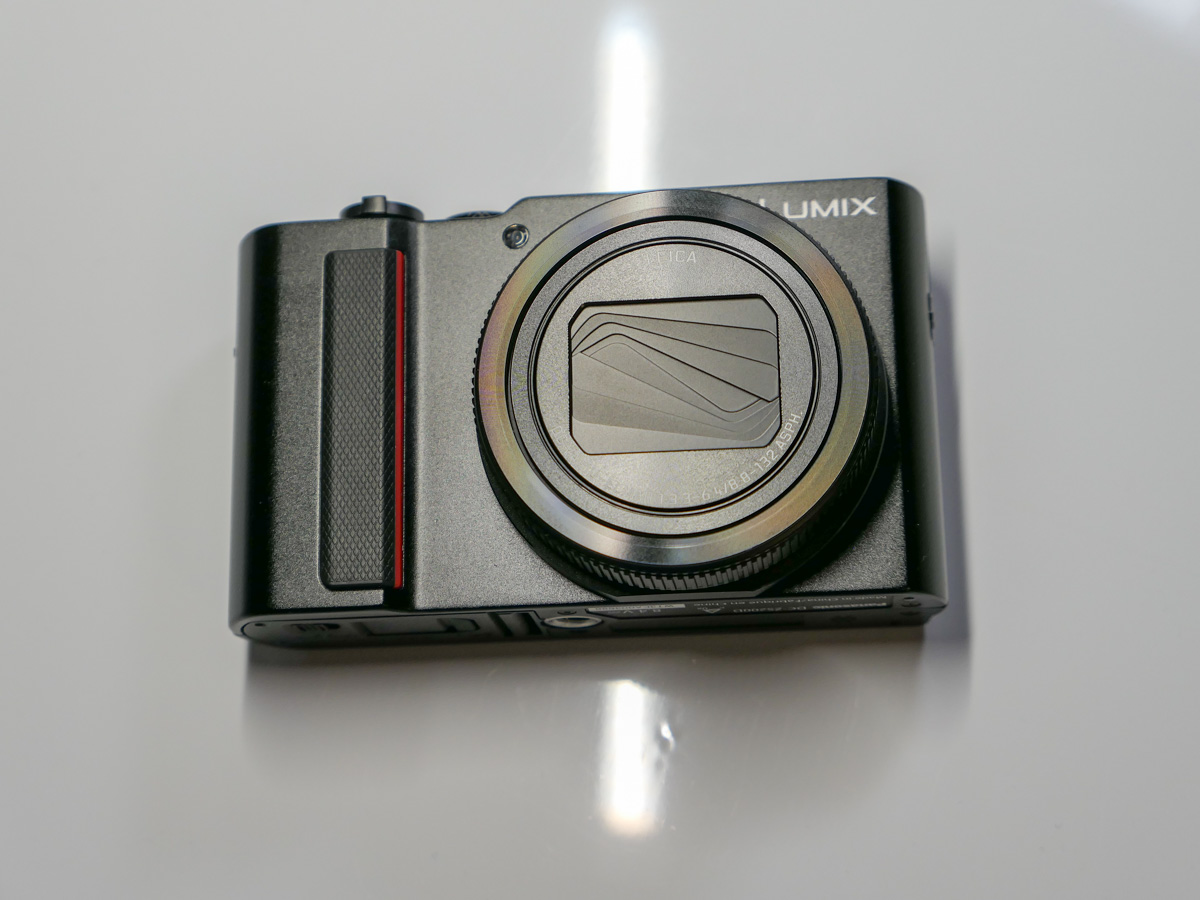
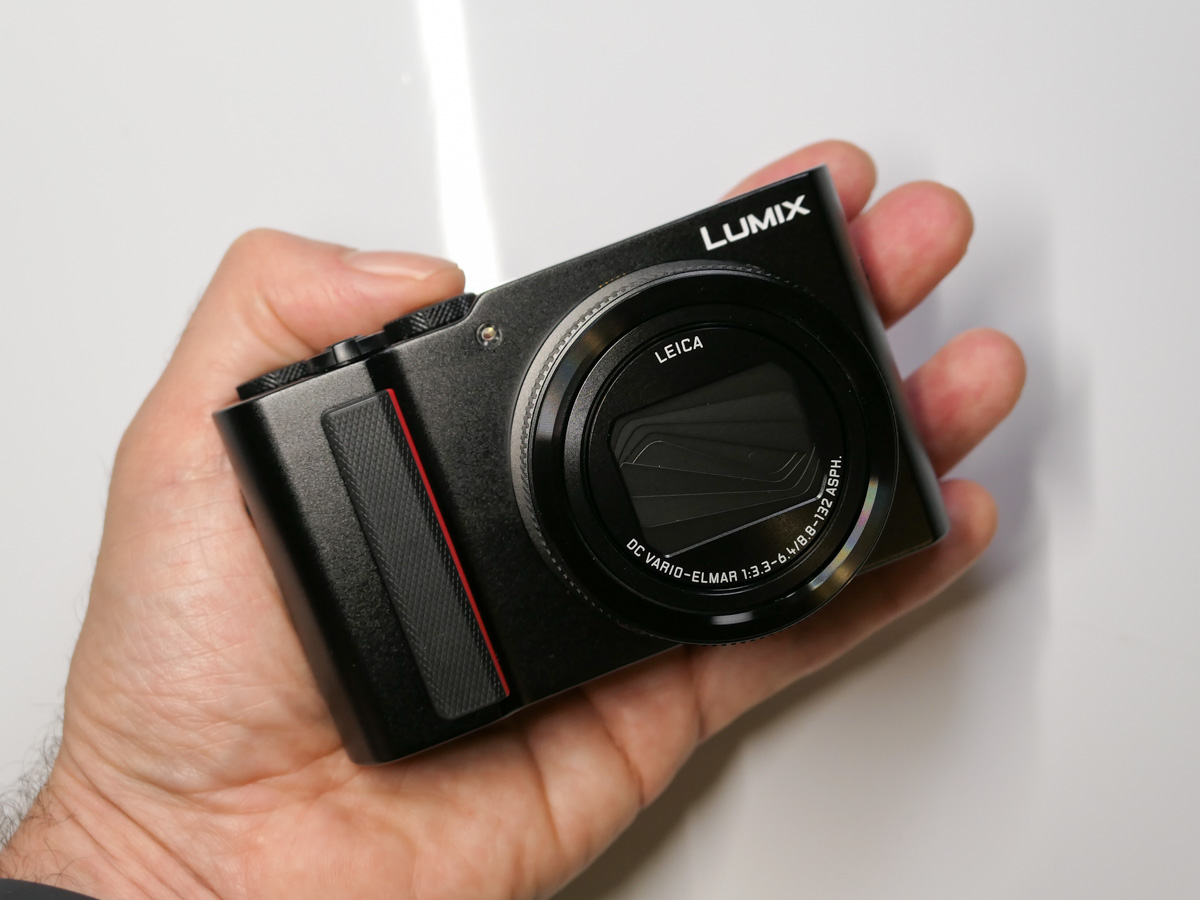
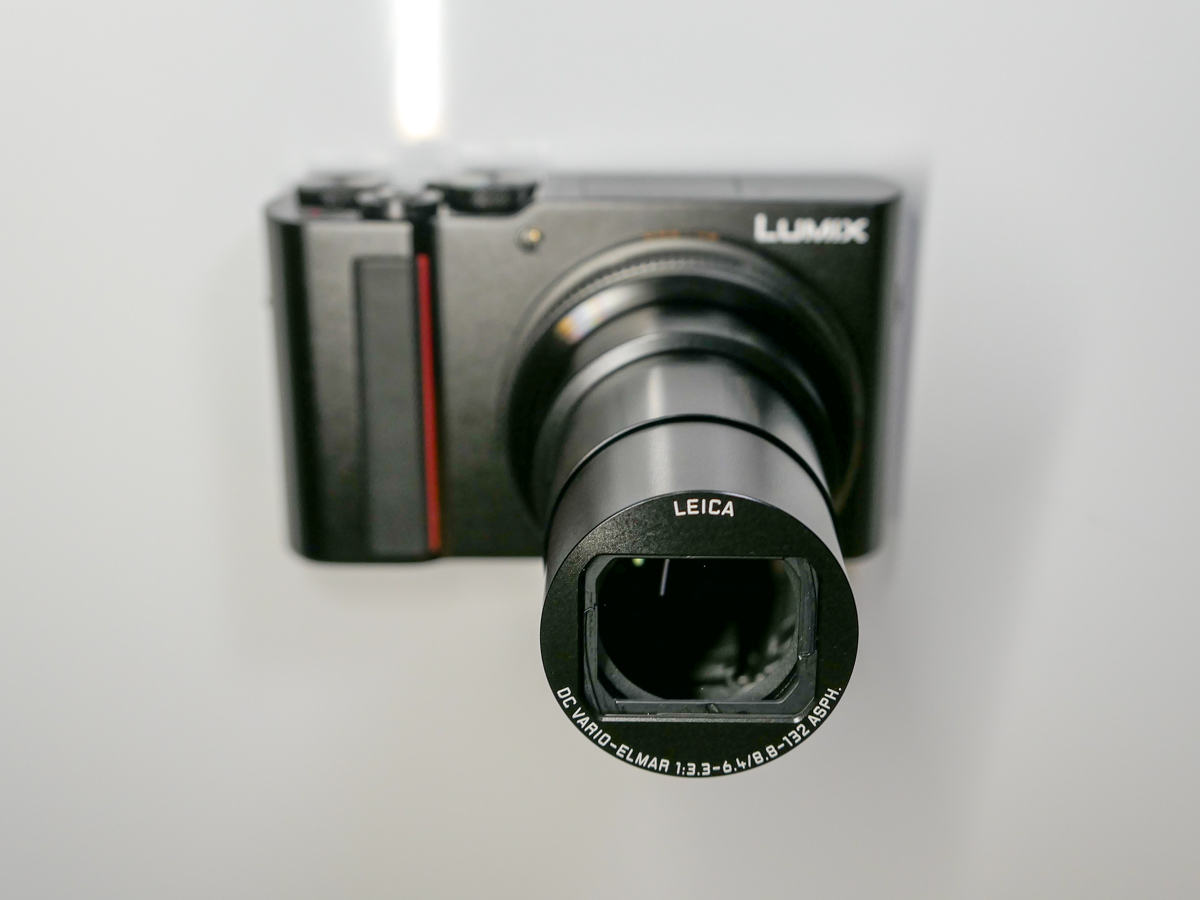
So, I regrouped and then gravitated to Panasonic for other options. I’m partial to the Lumix line as I already own an LX10 and my GH5 II. But even without that preexisting positive bias, I quickly realized that the Lumix DC-ZS200D (also known as the TZ200 outside of North America) could be the camera for me.

-It has a nice 1-inch image sensor like the Sony.

-It’s got a 15x optical zoom lens (24-260mm, F2.2-6.4)
That’s almost double the Sony’s reach even though the Lumix’s lens isn’t as fast. That said, I plan on taking most of my photos during the daylight hours. So, I don’t expect to need quite as bright a lens.

-It only $698, which I know is still a pretty penny. But it’s almost half the cost of the Sony, and its price has come down a hundred bucks since it was originally released. (That feels a little more respectful, acknowledging that this is older tech. Thank you, Panasonic.)

No, it doesn’t have a flip screen. (So, my iPhone or GoPro will have to do for selfies.)
No, it’s not weather sealed. (Neither is the Sony.) So, it won’t be taking photos in the rain. (My GoPro will handle that trick.)
But it has what I need…. the zoom.

The zoom. The zoom. The zoom.
It’s all about the zoom.

I made my decision.
Click.

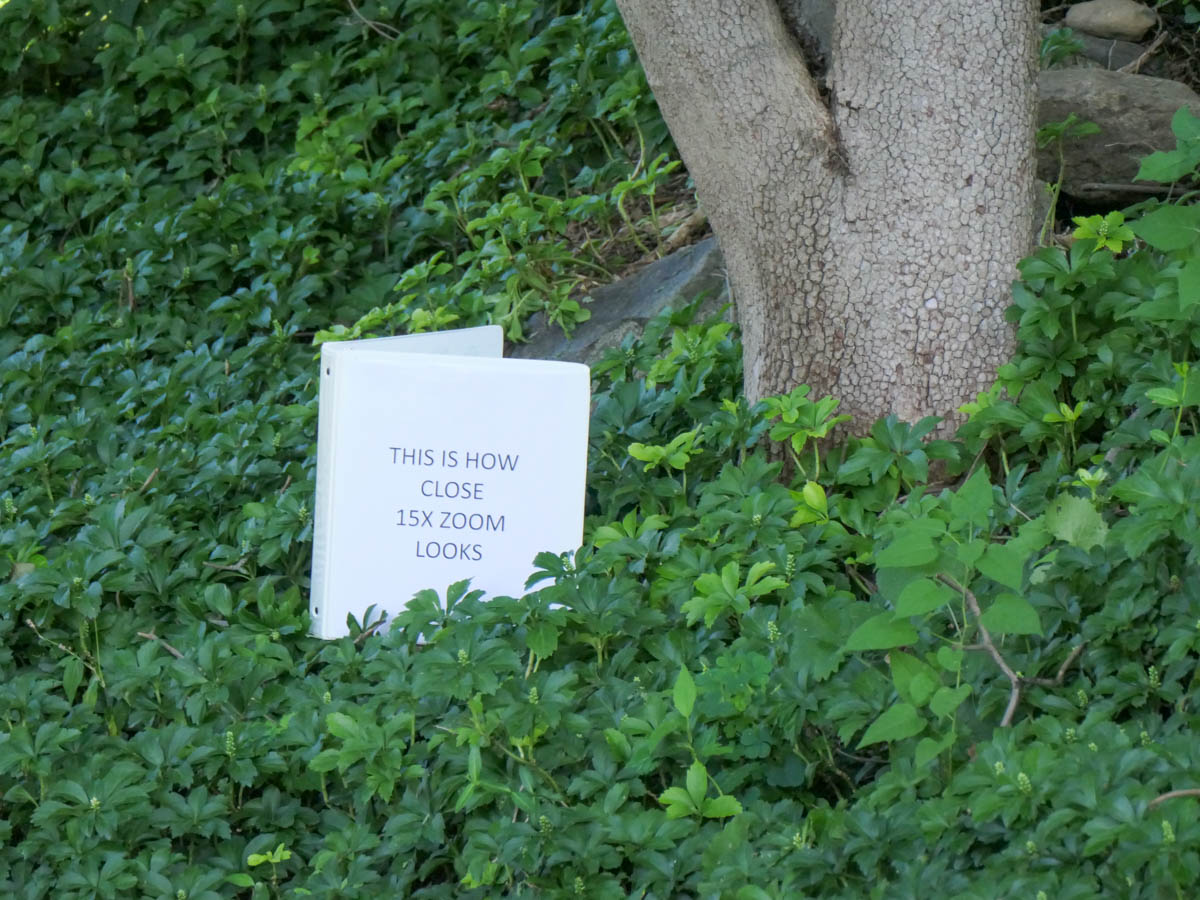
Here’s a 3X zoom shot from my new Lumix ZS200D (72mm), which many mobile phones can also get you.

And here’s the 15x zoom from my Lumix ZS200D (360mm).
Same spot and distance. Big difference, right?

Other Nice Features
Yes, the ZS200D has 4K video at 30fps. Yes, it offers image stabilization. And yes, it has a flash (that could be useful for fill).

And it has the zoom I want.

The reviewers all said it’s a good camera. (No camera is perfect.)
And I think it’s still a good camera, even though it is a few years old.

Amazon sells it for $697.99.

A Few Not-So-Optional Accessories
I also picked up a case to help protect my new camera from the elements. I’ve been happy with my MegaGear case for my Lumix LX-10. So, I bought the version that fits the ZS200D for $39.99.

Of course, the camera doesn’t come with a memory card. I purchased a SanDisk 128GB Extreme PRO UHS-I SDXC Memory Card for $22.99.

Ready for Action
If you want the perfect travel camera with a bigger zoom that’s still really compact, and price is no object… the Sony DSC-RX100 VII is the camera to buy.

But if you’re going to the wilderness and uncharted waters and don’t want to bring such an expensive item along, I believe the Panasonic Lumix DC-ZS200D is the better all-around choice, especially for daytime photos.

It’s still a solid camera, and its extra zoom reach compared to the Sony is a nice plus.

Now, I’ve got my Lumix ZS200, and I’m ready to pack it along with my GoPro HERO11 Black.

I’m ready for our trip… to Alaska!

Why I Paired this Hard Drive Brand with my New Mac Studio

When you buy a new Mac, it’s always a good idea to get a new external hard drive to go with it to handle and back up your files. I decided to go with a new brand, and here’s the drive I chose.

I’ve been a big fan of G-Technology external hard drives for years. I’ve always used G-Tech drives for my iMacs’ Time Machine backups. Plus, I’ve got a G-Raid drive to handle my important video and photo files.

You can’t store everything on your computer’s internal hard drive. So, it’s important to have a reliable external drive solution in place.

Many computer geeks swear by one brand of drives. Mine was always G-Tech.

Goodbye G-Technology
Then G-Technology was bought by Western Digital. And now the G-Tech brand itself is being discontinued in favor of “SanDisk Professional.” Plus, the specific drives I’m looking for are recently hard to find. More importantly, I just logged on to B&H’s website, and some of them are getting terrible reviews (gulp).

Maybe it’s time to find a new best friend in hard drives. I don’t want to be the one to give you a cautionary tale.

Hello Glyph Production Technologies
A few weeks back, I wanted to buy a new external drive to go along with my new Mac Studio. (Yay… Barrett’s new computer!)

And coincidentally, a work colleague happened to tell me about a digital data storage manufacturer that he likes for his MacBook Pro drives. The company is called Glyph Production Technologies.

Yes, Glyph. (I hadn’t heard of them either.)

So, I looked it up, and Glyph has been around for 29 years making lots of external hard drives.

I opened a new window and went back to B&H to review the various Glyph drives.

Glyph Blackbox Plus
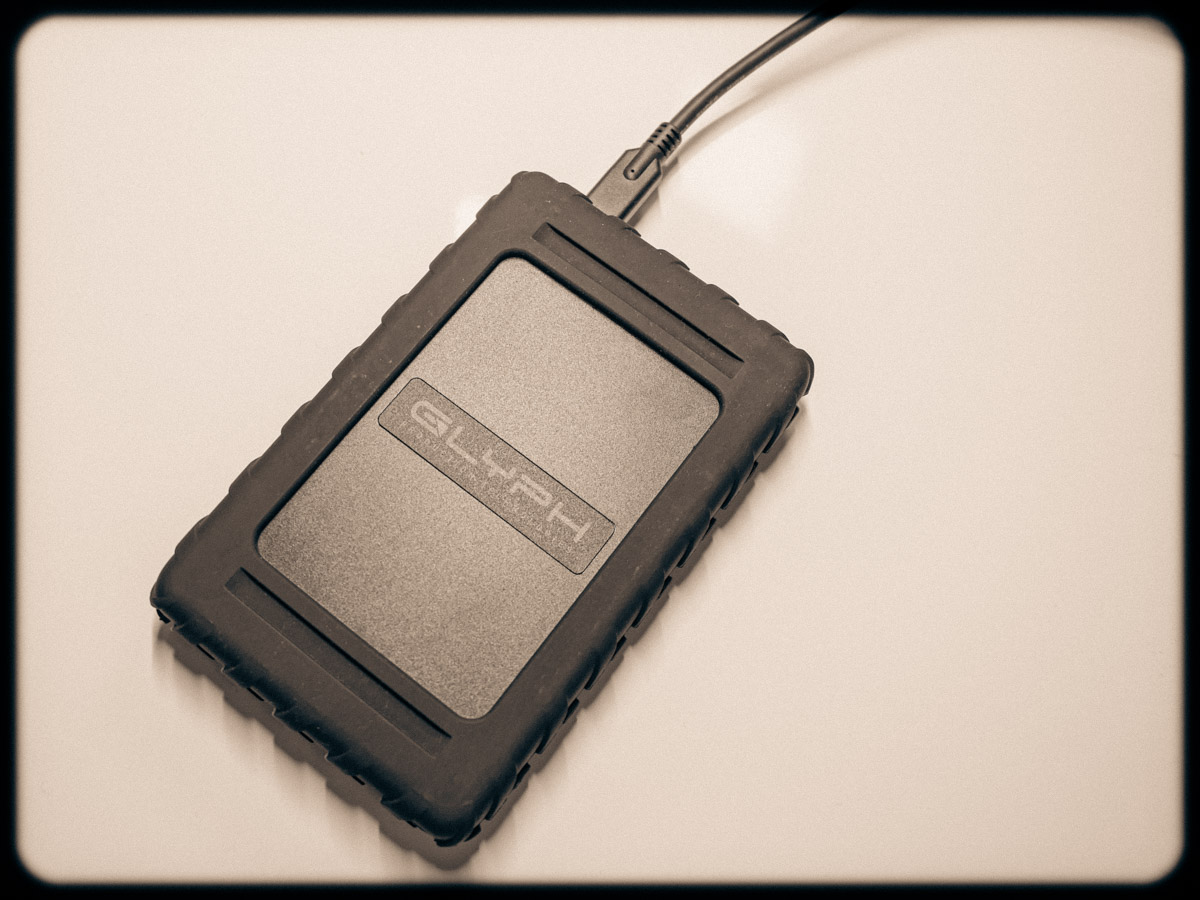
I came upon the 4TB SSD Glyph Blackbox Plus for $299.95.

Sure, that’s kind of pricey, but don’t forget it’s an SSD, which makes it faster and supposedly more durable/long lasting. (Yes, I sometimes say a prayer to the computer-protection gods to look kindly over my backups.)

Why not give Glyph a shot, right? (It comes well recommended, and the B&H reviews are good.)
Click.

As I write this, B&H is now temporarily out of stock on its Glyph Blackbox Plus SSD drives, but if you can use the 1TB version, you can find it on Amazon for $99.95.

My New G Drive is a Glyph
Happily, my new Glyph Blackbox Plus has been working just fine (though I would expect it to in its early months/years). The more important factor is to buy into a brand I trust. That of course will also take some time, though I feel I’m off to a good start.

And it doesn’t hurt that I’m apparently in good company.

Ultimately, I’m pleased to report that Glyph is the ‘G’ in my new G Drive relationship.