
If you’ve been wondering what it’s going to be like to commute again, here’s what I’ve recently experienced when I resumed my train ride to New York City.
I’ve been working from home for the better part of the past eighteen months. Though it’s surprising how much one is able to accomplish with remote video production technologies, the best video creation moments are often achieved through face-to-face interactions.
Yes, I know we’re still in the middle of the pandemic. But I’m vaccinated, and you can’t really stay in the bubble of your home forever. So, it was inevitable that the time would come for me to resume my train commute from Connecticut. Last week, I returned to my daily treks to New York City on Metro North.
If you’re on the cusp of your own return to the office and are about to restart your daily commute, you may need a few days to get back into the swing of things. That first week can feel like a marathon.
Here are some notes from my own experience.
Don’t Stray from your Pre-Commute Schedule
It’s an obvious point, but you can no longer simply roll out of bed and switch on your computer to begin your work day. You need to give yourself enough time to get presentable and out the door. (Zoom sweatpants don’t usually work in public settings.)
And you’ve got to move quickly. As I’ve said to my eleven-year-old son, the train doesn’t wait for you. You’ve got to be there when it arrives.
Yes, I made it to my train platform in time, but those last few minutes were uncomfortably tight. (On one day, I was running so late that I was forced to leave behind my beautiful bowl of oatmeal mixed with apples, raisins and banana.)
Say Goodbye to your Refrigerator
Speaking of food, if you’ve grown accustomed to your particular morning and afternoon snacks, you’ve now got to pack them. Sure, there’s plenty of food available in New York City, but it can be inconvenient to have to go out and hunt for it, especially when you’re hungry.
Unfortunately, your own fridge isn’t around the corner anymore.
Enjoy the Empty Train Ride
Happily, my usually packed parking lot had plenty of open spots for my car. And the Metro North trains I took were all relatively empty. Middle seats remained unoccupied, and nobody had to stand. Social distancing was easy.
And yes, everyone behaved and wore a mask.
Prepare for More Steps in your Day
Like me, you’ll probably see this as a real benefit. (Sitting in your home office can quickly generate a sedentary existence.)
While more walking is great, you may unexpectedly find yourself a little tired at the end of those first days. (I did.)
It’s simply a change of pace, and you’ve got to get used to it again.
Get More Sleep
Your commute will, of course, cut into your former non-travel free time. You may feel the urge to say up later at night to find that additional hour for ‘me time.’ But I think stealing from sleep is an unsustainable solution. It may seem counterintuitive, but if anything, you’re going to need a little more sleep for a while. That should help your body and mind accommodate your new schedule.
I baked a little more sleep into my rotation and found it really helpful in handling my next day.
Time to Stream!
Commuting on a Metro North train is a relatively comfortable experience. And it’s simple to pull out your smartphone or laptop and pretend that you’ve never left your home office. Or if you want to catch up on your Netflix fix, a train commute can be a perfect time for that.
Yay!
Expect an Adjustment
The reality is the train commute is mostly the same as before the pandemic, except that there aren’t as many people (at least not yet).
The real difference is simply having to get used to it again. It can take a few days.
As you get back to your own future, I recommend that you plan for this adjustment period.
Good luck and be safe!

 This is the tomato we will eat tonight.
 The rings of time are locked in by thick paint to help battle against the elements.
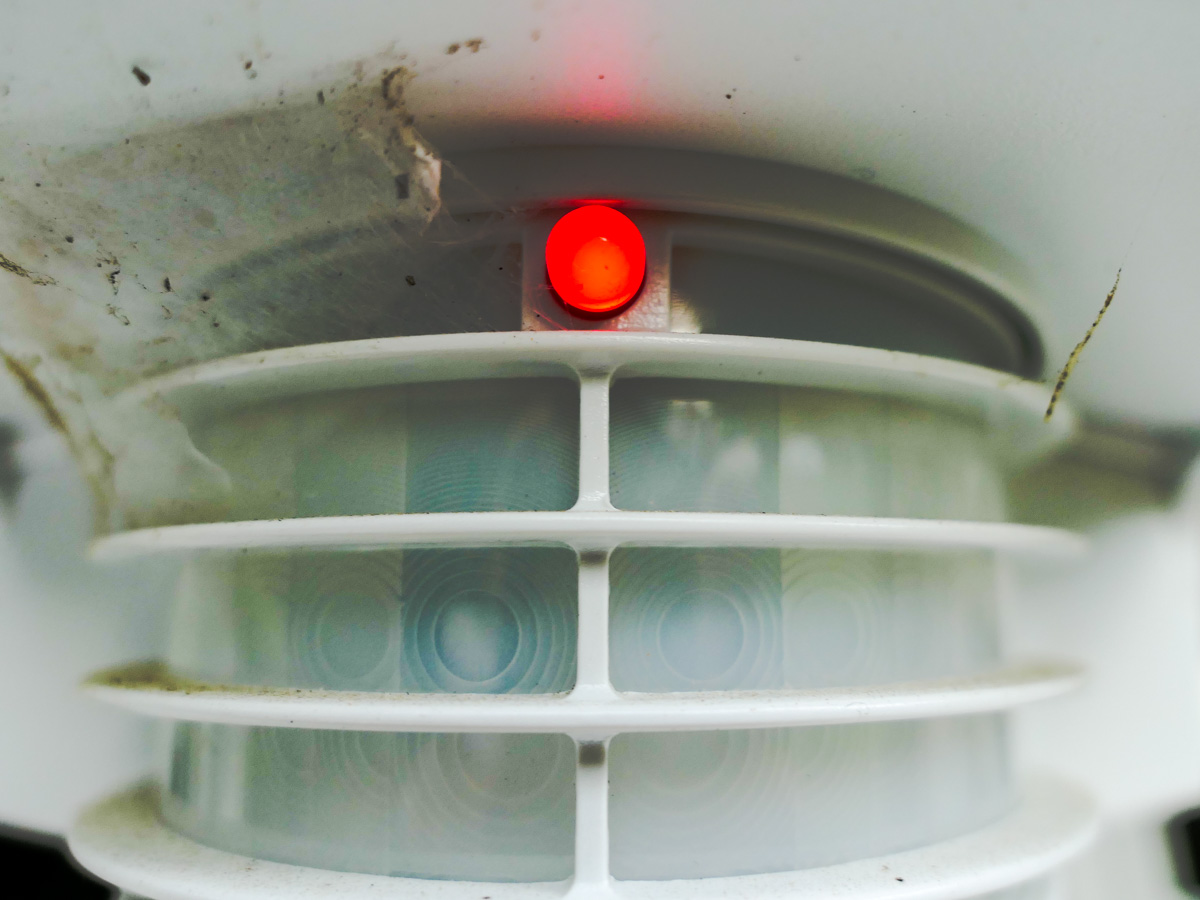 This sentry covered in cobwebs looks onto my driveway. The red LED indicates it has spotted its moving target.
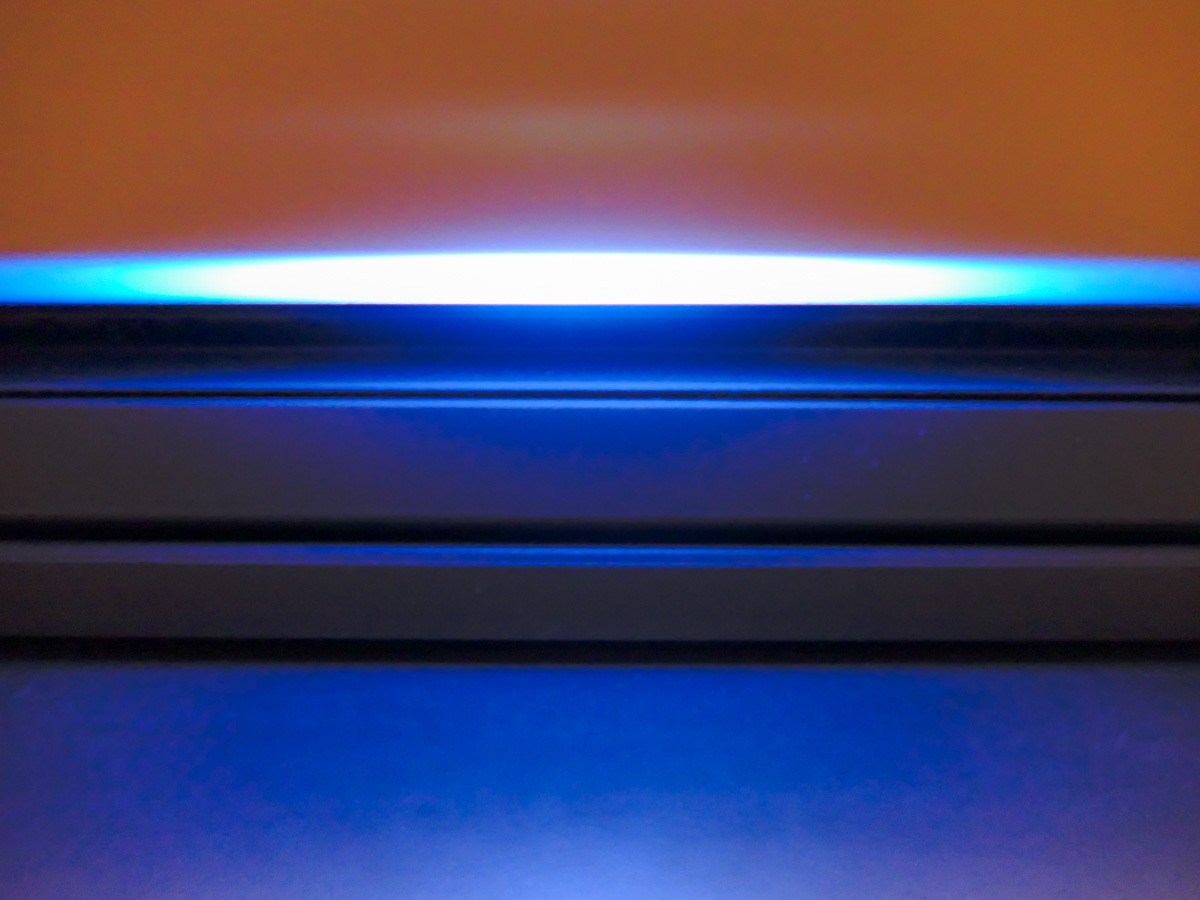 The always-on light moves horizontally and changes color to communicate with me. My printer’s designers are clearly fans of “Battlestar Galactica.”
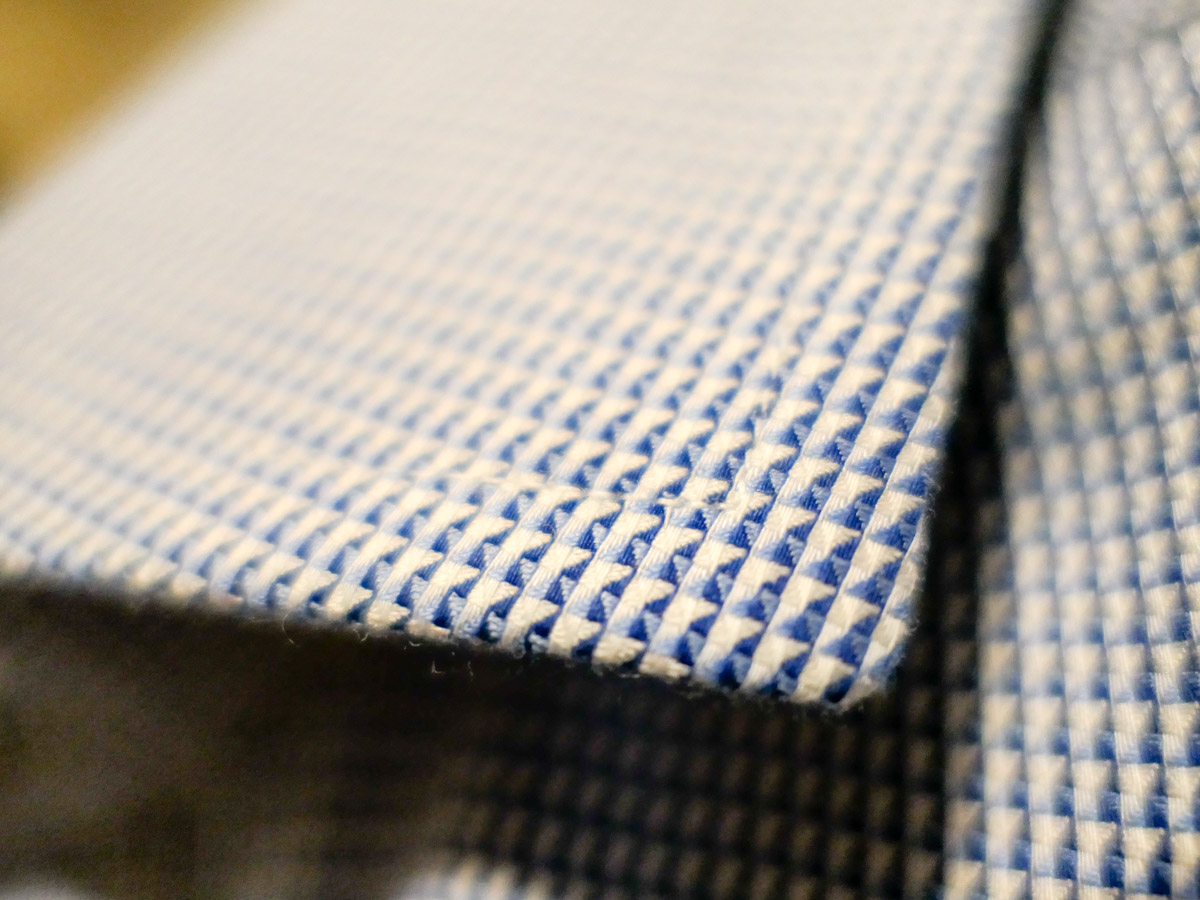 They say it’s the little things. I am happy when my collar stays straight throughout my work day.
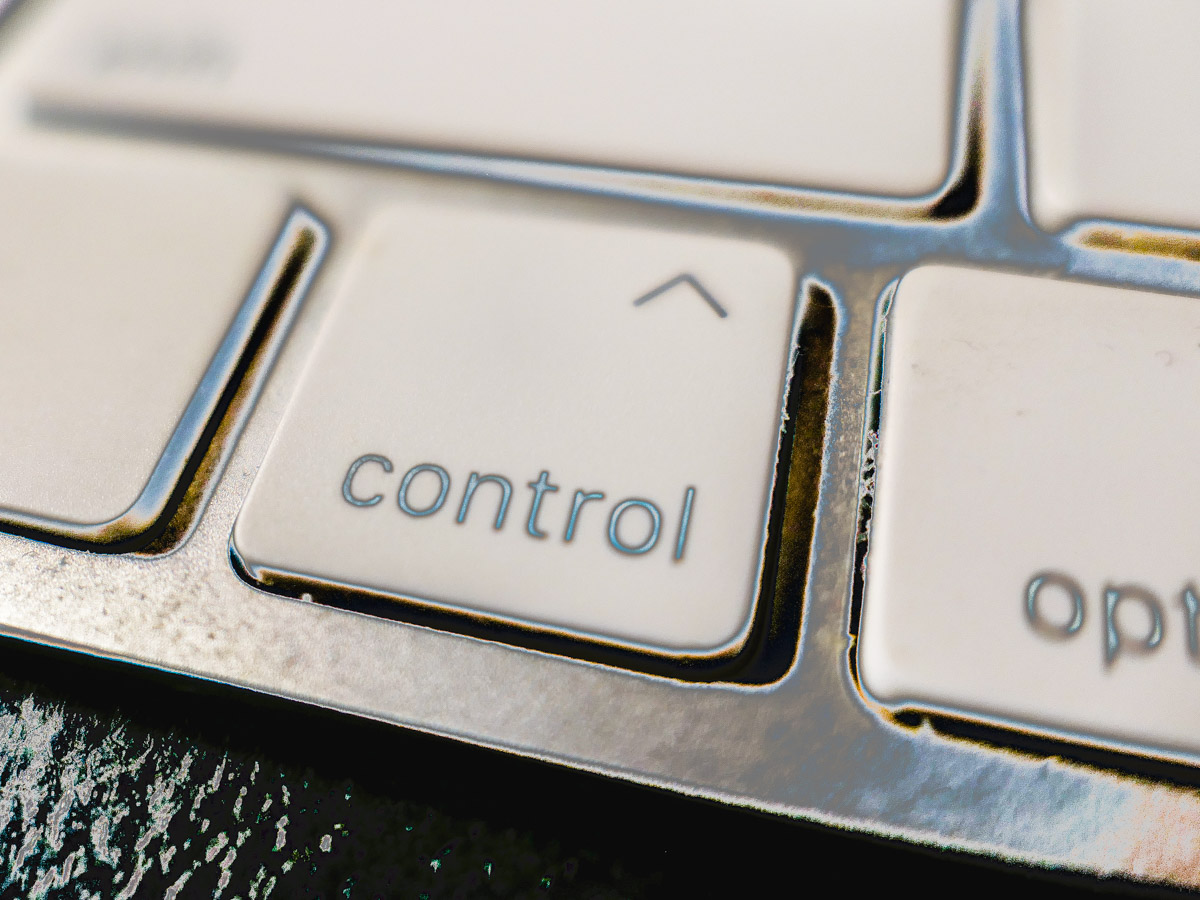 Why isn’t this the alpha key on every keyboard?
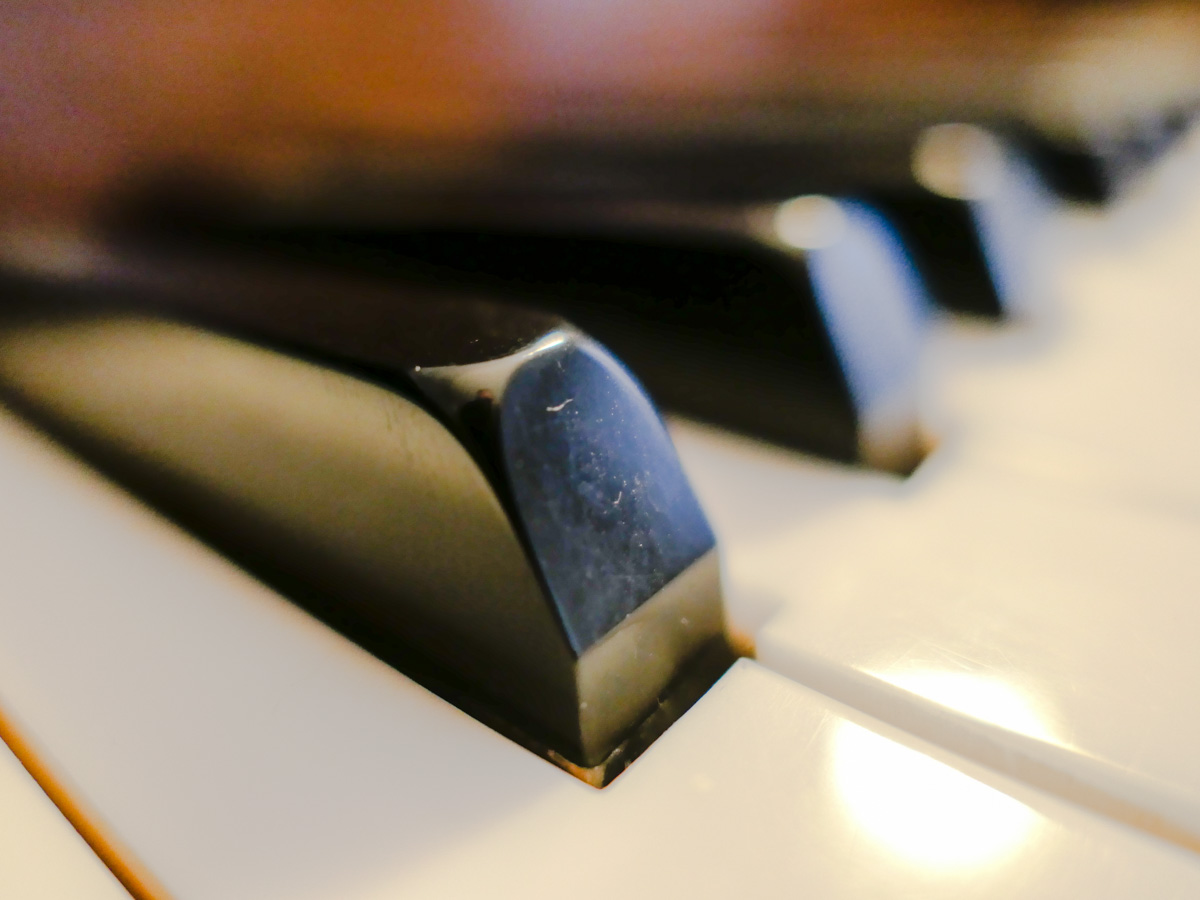 Our piano demonstrates the art of collaboration to our son.
 This seagull walked up behind me to beg for food on Calf Pasture Beach in Norwalk, CT. Its piercing stare had the power of a Jedi mind trick.

 At Home with Tech