At Home with Tech

Unlock the power of all your technology and learn how to master your photography, computers and smartphone.

Category: Tech Fixes

Why You’ve Got to Show Up for your Close Up
Our COVID-19 reality has created this unprecedented chapter of social experience driven by webcams. Here is why it’s more important than ever to fight your Zoom fatigue…

I have this crazy idea for a science fiction movie… One day, in the not-so-distant future, society’s social norms evolve in response to some deadly threat that forces everyone to stay at home for the next fifty years. Nobody is allowed to be in the same room with someone else other than existing family, and so all human interaction is restricted to video and voice communication.

The story focuses on how humanity adapts and how two young people find each other, fall in love and start a life together… physically separated.

All right, maybe I’m taking things a little too far. (It’s just a first draft.) But you get where I’m going.

Zooming is Here to Stay
As we all know, our interactions have suddenly required the increased dependence on Zoom and other video conferencing apps due to COVID-19. And as this situation continues, social connections, both at work and elsewhere will begin and develop… only virtually.

Sure, previously there have been many opportunities to work and interact with people in other locations via webcam or phone. But in-person moments have usually been more typical.

Now, regardless of geographic proximity, we have all been instantly separated…. and tethered together by the thin digital strands of webcam communication.

And when we eventually return to some new normal, I expect that much of the Zoom revolution will remain intact and continue on. That means our future calendars will always include some number of webcam meetings, both for work and family life.

If that prospect feels exhausting, you might want to carefully consider your next steps.

Fight your Zoom Fatigue
I think it’s fair to say that few of us enjoy sitting in front of our computer’s webcam all day. It takes a clear effort to be present for all of those virtual meetings. But I would say it’s no harder than being fully engaged with a room of people. That takes focus too.

During an in-person meeting, people will read any number of non-verbal cues that you’re projecting. They will likely glean more from those elements than from your words.

The same is true for Zoom meetings. People typically want to feel some connection to you, and to do that, they really need to see you.

That’s why you can’t let Zoom fatigue prompt you to turn off your webcam or worse still… leave your camera on but pay no attention to how you’re coming across in your shot.

Don’t be a Distant Voice
Now, consider this same equation when interacting with people you’ve just met for the first time via Zoom. A disembodied voice can feel surreal and so far away. Staring at someone’s headshot is better, but video will always come closest to an in-person interaction.

I think a hidden voice isn’t so disconcerting if you’ve already met someone and have a baseline connection. But moving forward, we’re all going to have to deal with a variety of virtual introductions.

Our webcams are going to be representing us… pretty much forever.

Welcome to the Future
The pandemic will eventually end, but many of the disruptive ways we’re using to stay connected will remain as new norms.

This all points to my favorite phrase of late… “You’ve got to show up for your close up!”

So, remember my video production tips for your next Zoom meeting:

And most importantly, don’t forget to smile every so often. Your virtual audience will always appreciate your positive energy, especially in times like these.

4 Ways to Upgrade your Day during COVID-19 with Technology

I put my technology to work and made these tweaks to help improve my family’s experience while spending more time at home.

Isn’t the promise of technology to improve the quality of your life? Well, now is certainly the perfect opportunity to make sure your tech is working overtime to help get you through COVID-19.

Here are four ways that technology helps me to maintain comfort at home and some sense of normalcy.

#1
Continue Ordering Groceries Online
Yes, I was one of those people who didn’t want to visit supermarkets while COVID-19 was spiking in the greater New York City area.

Sure, it was difficult to find open delivery slots from the usual online grocery choices, but I was able to hunt down enough openings between FreshDirect, Whole Foods/Amazon and Peapod to keep our refrigerator sufficiently stocked from March to June.

When news of COVID-19 began leading the headlines elsewhere in the country, more grocery delivery times in our neck of the woods gradually appeared.

And I kept ordering.

No, I didn’t like the idea of someone else picking out my food, but I was willing to ignore my ‘hunting and gathering’ instincts because of the extraordinary circumstances. But a funny thing happened along the way… I realized that I was indeed able to get the majority of what I wanted without showing up to a market. And it didn’t really cost that much more.

Other than the original challenge of finding open delivery slots, online grocery delivery has become an amazingly convenient way to stock our house.

I know it’s not like this shopping option hasn’t been available for years. But I never gave it a chance. (I considered it an unnecessary luxury.)

But the truth is… it’s a real time saver. And you know what they say about time…

#2
Buy a Chair with Ergonomic Support
Sitting all day can be a punishing experience for your body, especially your back. In the early days of COVID-19, I found that my lower back was stiff and achy. And I knew that the culprit was my old home-office chair, which wasn’t designed to provide sufficient ergonomic support. And it clearly wasn’t made to sit in all day.

So I decided that it was time to upgrade.

The choices for a better chair are endless, and they can get crazy expensive. (A Herman Miller Aeron, the gold standard, can set you back $1,400.) While the opposite side of the shopping spectrum is under $200, you should consider that you get what you pay for.

That said, there are solid chairs out there at more reasonable price points. I eventually zeroed in on the well-reviewed $349 Autonomous ErgoChair 2, which I bought direct. (Autonomous began in 2015 on Kickstarter.)

Compared to my old chair, it’s a dream to sit in! It provides all of the right supports to help keep me aligned throughout my day. And my lower back is incredibly happy with the proper lumbar support. (You can’t put a price on that!)

#3
Set Up an Outdoor Movie Night for your Friends
You may recall that I launched the Lester backyard movie night series earlier in the summer, which mimics the idea of a drive-in movie, but without any cars parked in the middle of my backyard!

I bought a Nebula Mars II Pro, which is a small but powerful battery-run projector. I popped it on a tripod and taped a white sheet onto our backyard fence.

Then, it’s showtime!

You can stream Netflix directly from the Mars II Pro or you can hard wire it to your smartphone to access an almost endless supply of movie choices. You can also connect to the Mars II Pro via Bluetooth, but not all movie services will let you stream through to the Mars II Pro via a smartphone.
(Once you figure out these irregularities, you’ll look like a wizard having so easily turned your backyard into a movie theater!)

The Mars II Pro has two 10-watt speakers, which is impressive for this product category. That said, I’ve found that the summer nights have become increasingly noisy with various insect beasts proclaiming their existence. The last time we tried our outdoor movie night, the roar of crickets overwhelmed the entire experience. So, it was clear that I needed a louder portable sound system to work with.

So, I bought the AOMAIS Go Bluetooth speaker ($70.99 on Amazon) which projects 40 watts of power, and you can really appreciate the boost in sound.

It’s simple to pair the AOMAIS Go to the Mars II Pro. And even though it’s easy to carry the speaker around, it ironic that it’s about twice the size of the projector.

There are more powerful portable speakers out there, but they’re more expensive. The AOMAIS Go has enough oomph to do the trick for me.

#4
Order More Bandwidth for your Family’s Streaming Needs
I imagine that you too may have faced a barrage of complaints from family members that your home Wi-Fi network can’t handle the increased load of endless Zoom meetings, online learning and Netflix streaming.

It’s probably not your Wi-Fi. It’s your Internet service plan. So, go check it and then upgrade your bandwidth to the next level. That should do the trick!

I was paying for the base plan of 100 Mbps. So I spent $10 more a month to double it to 200 Mbps. That stabilized things really quick.
(There are faster plans, but I say only buy what you need.)

As part of my review of our Internet plan, I also decided to buy a compatible modem with my Optimum service. Then, I returned the modem that I was renting, which will save us $10 a month.

I’ve effectively doubled our bandwidth without spending more on a monthly basis! Now, everyone at home is having a better online experience throughout their day.

Make those Tech Tweaks
Sure, our world is feeling a bit out of control these days. It’s more important than ever to do what you can to maintain a smooth home operation. Used most effectively, your technology can help you to do exactly that!

4 Ways to Improve your Work from Home Experience

It’s time to stop thinking of remote work during COVID-19 as temporary and make the changes you need to feel more comfortable working in your own home.

If you’re not comfortable in this new normal, that’s entirely normal. But you should do what you can to make your home a more comfortable place to work, especially if your home has become your 9-to-5 workplace.

Here are four improvements I’ve made:

#1
Set Up a Second Monitor for your Laptop
You don’t have to endure a crowded computer screen when you can easily extend your visual real estate. You may not even have to buy a second screen if you’ve got a smaller ‘second TV’ around that you can repurpose via an HDMI connection.

I’m using my old 21” Sony HDTV that was already in my home office. No, it’s not quite as sharp as a computer monitor for this purpose, but it works just fine as a place for me to park some open windows that would otherwise clutter my laptop’s screen.

#2
Buy a Better Chair to Sit In All Day
Pre COVID-19, you might have walked a mile or more throughout a work day between your commute, physical meetings and lunch. Now, your radius may not extend much beyond thirty feet. And so much more of that time is spent… sitting.

Having a good chair that provides proper support for your body and especially your back is critical.

My old chair just wasn’t cutting it, and my lower back told me it was time to upgrade to a more ergonomic solution. (But I didn’t want to spend over $1,300 for a Herman Miller Aeron.)

There’s actually a dizzying amount of choice in the $200-$400 range. I chose the ErgoChair 2 by Autonomous for $369 based on positive reviews and its solid lumbar support for my lower back.

If you don’t have a standing-desk solution, the right chair will go a long way to keep your body happy.

#3
Create a Better Video Conference Shot
So many of us have been separated from our ‘work collective,’ and video conferencing has been the digital tether to help us stay at least visually connected. You should always take advantage of this opportunity by generating a bright and affirming image of your face. Receding into the shadows is not going to help you engage with your outside world.

I’ve spent the better part of the past few months blogging about how to improve your Zoom look. Let’s review my tips:

Video meetings are here to stay. Resist the urge to just activate the audio. It’s time to find your Zen with Zoom.

#4
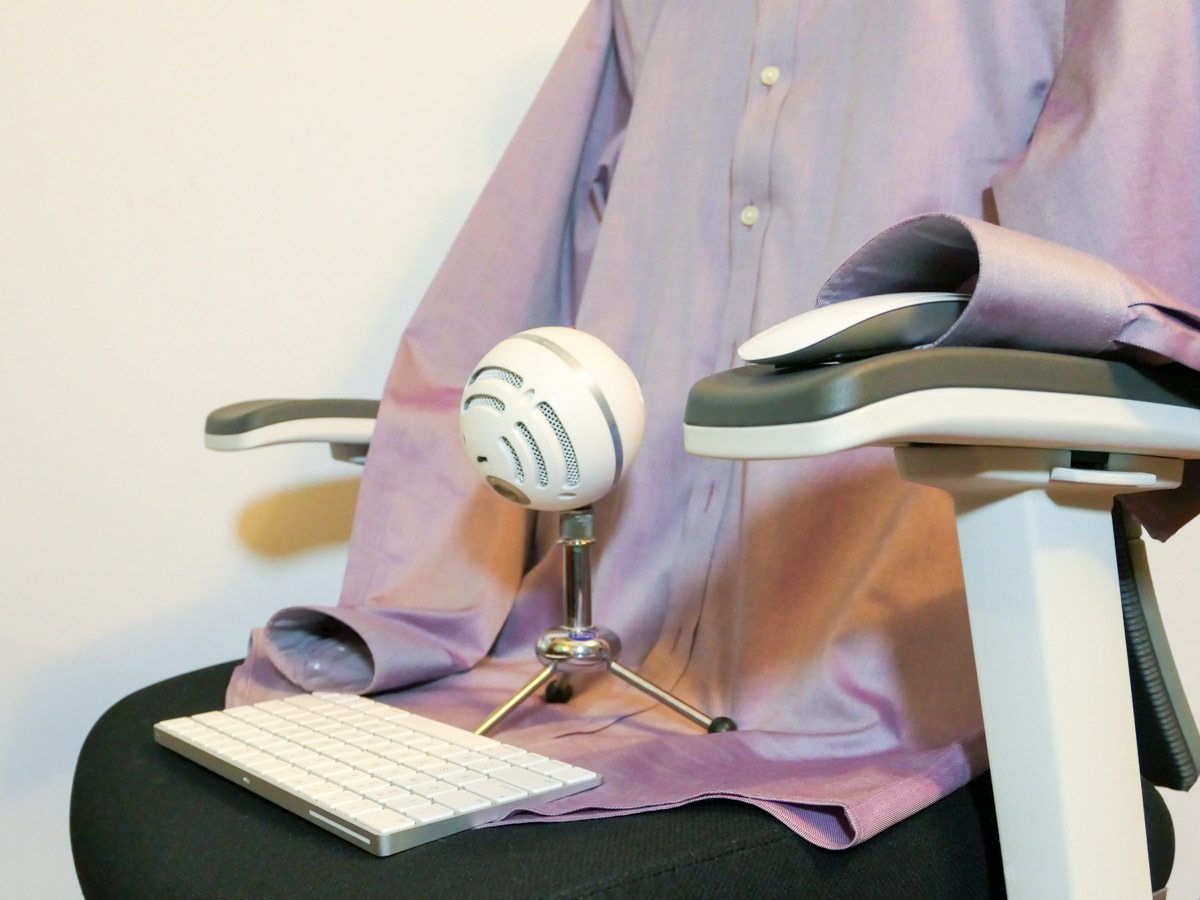
Wear Your Zoom Shirt More Often
I know lots of folks talk about having their ‘Zoom Shirt’ hanging near their desk to throw on when needed. And then tearing it off immediately after the Zoom goes to black. But I would promote the philosophy of wearing your Zoom Shirt more frequently… just because. I’ve felt it quite grounding.

So many of our daily patterns have been shattered due to COVID-19. I’m not sure how psychosocially healthy it’s been to be able to stay in your pajamas or T-shirt for most of these past months.

A little self-imposed structure is important when everything around you is in flux. Wearing your Zoom Shirts more regularly is one way to help keep it together.

Create your Comfort in this New Normal
Our new normal isn’t so new anymore. And it’s clear that parts of it won’t be temporary.

You can make the adjustments you need at home to support both your body and mind experience when working remotely.