At Home with Tech

Unlock the power of all your technology and learn how to master your photography, computers and smartphone.

Category: Tech How To

How to Master your Zoom Meetings to Increase your Impact at Work
Your webcam can be the most important tool to help you maximize your success at your job. Here’s how to sharpen your pencils for your next remote meeting.

The beginning of the new school year has always held that ‘fresh start’ feel for me. Sure, it’s been a few decades, but now I’m experiencing that vicariously through our son, who’s already in high school. (I just can’t believe it.) During these weeks, I also love the early hints of the cool, crisp feel of New England’s fall season.

It’s all stimuli that activates a deeply encoded message in my brain I learned as a child: “Summer’s over. Now, it’s time to get to work.”

Well, it’s not like I haven’t been working hard over these summer months. Sure, I took some vacation time with the family. (First to Cape Porpoise, Maine. And then to the North Fork of Long Island.) But now… the ramp-up to the end of the calendar year is undeniable.

Winter’s coming. You’d better sharpen your pencils.

Remote Meetings are Important
If you’ve been working from home more during this post-pandemic reality, one way to dust off your lunch box is to tighten up how you show up during your remote meetings on Zoom or Teams. These moments are critical tethers to your work community.

I know we’ve been at this for a few years, but I’ve noticed that some Zoom best-practices haven’t yet become second nature for many of us.

So, here are a few reminders. They will help you master the opportunity to maximize your impact at your job.

You’ve Got to Show Up for your Close Up
If you want to play an active role during a remote meeting, you really need to turn your webcam on. Visual communication is everything.

Sure, your voice is important, but offering all your important visual cues is the best way to connect with everyone else. That’s how to master those moments.

Follow Video Production Best Practices
I know by now you understand the basics of good video production and how they directly correlate to a strong webcam shot.

  • Be sure to have a front-facing light source. (The light from a window works great as long as the sun isn’t directly shining through.)
  • Your webcam should be positioned close to the same level as your face vs. pointing towards the ceiling and looking up your nose. (Yes, that may mean propping your laptop up on a few hardcover books.)
  • Frame your shot to fill the screen with your full head and shoulders. Pointing your webcam too high to just reveal your eyes and the top of your head is silly. (Only showing this incomplete body fragment at the very bottom of your screen is worse than not using your webcam at all.)

Put on a Clean Shirt
Look, I get it. It’s so much easier to keep your pajamas on all day. You may feel that nobody really needs to ‘see’ you. If you’re successfully doing your work, what’s the problem?

The concern is the risk to you slowing devolving into some kind of disconnected ‘chat-bot.’ You’re a human being! That’s supposed to carry some advantages. So, you should really consider showing up as one as much as possible.

Pay for Faster Internet
This has been a tough pill for me to swallow, but your standard internet plan may not offer enough speed for you to properly stream yourself into your Zoom meetings. How many times have you seen others freeze up or their audio feed begin to stutter? That’s because their internet speed is too slow.

It’s happened to me, even though on paper, my internet plan was plenty fast enough. So, I ended up doubling it to a ludicrous speed to fix the problem. What else can you do? (I currently pay for 500 Mbps.)

If you want to show up for your close up, yes… you may have to spend more to do it. I suppose that’s the price you pay for not having to show up in person at the office.

Don’t Disappear
I think success in any career requires staying connected with others. Connection used to be primarily based on in-person interactions. As we drift further away from those norms, I think it’s really easy to eventually disappear in plain sight.

So yes, this is a friendly reminder… and a word of caution. As your new school year begins, remember the importance of your webcam and don’t forget to hang out with your friends.

They really want to SEE you.

Consider Adding in Blur when Editing your Photos

Where once you could only find your background blur when you snapped a photo, now you have the luxury to create and position it later when you edit the image. I did that with this photo I took in New Orleans.

Unwanted blur in my photography was always my kryptonite. Getting a clean freeze of any motion drove my creative process. Finding background blur (what the pros call ‘bokeh’) was always a ‘nice to have’ upgrade.

But when Apple added ‘portrait photo’ mode to its iPhone cameras, that commoditized bokeh to the point where anyone could easily create background blur. It’s a nifty software trick that generates a narrower focus point on just the subject in your photo’s foreground.

And this type of software muscle can help you control the focus point in your photos even further. In fact, it gives you an amazing amount of creative control after you’ve snapped your photos.

It’s also a tool for me to fix or hide a problem in plain sight within a photo. Here are a few examples.

Blur Out the Background

My family and I were taking a walk at Calf Pasture Beach in Norwalk recently, and we passed by this tandem bicycle. Something about it appealed to me. So, I pulled out my iPhone and got the shot. It wasn’t in portrait mode. So, my iPhone couldn’t quickly blur out all the people in the background. But it was easy to do that in post using Adobe Lightroom.

Blur Out the Foreground

I didn’t like the person swimming in the foreground of this shot, because I want the viewer to focus on all the people fishing on the jetty. So, I simply adjusted the focus towards the background.

Blur Out an Unwanted Element in the Middle

I snapped this shot while on vacation near Orient, NY. I found the two turkeys crossing the road right in front of a car. (Silly turkeys!) I love the moment, but I didn’t like the license plate detail being so prominent. Sure, there are ways to mask it, but the plate would never look totally natural. Here, I avoided the problem entirely by simply narrowing the photo’s focus point and blurring the entire car.

Direct your Viewer’s Attention

If you’re not just trying to fix a problem, you can be free to get creative and add in some blur to help define what’s most important in the shot.

I liked adding blur to the background of this shot to help you focus more on this tiny rowboat heading out into the enormous ocean.

How to Adjust the Focus Point in your Photos
I add in my photo blur using Adobe Lightroom’s appropriately named ‘Lens Blur’ feature. I prefer using the ‘Cat Eye’ Bokeh setting. Then, you simply use the ‘Focus Range’ slider to adjust. (Note: You don’t have to be working with a ‘portrait’ photo.)

You can also adjust the focus point of an iPhone’s portrait photo. In the Photos app, go into edit mode. Then, simply tap on the subject you want to focus on. (Note: You don’t get the same kind of control as Adobe Lightroom offers.)

Use Blur to Give your Photos more Clarity
Don’t fear the blur. Use it!

Whether you want to add more creative flair to your photography or minimize an annoying element, generating some targeted blur can be just the solution you need.

Has AI Revolutionized or Shattered the Art of Photography?

I believe the answer to this question is both. And that’s not necessarily a bad thing. Here’s why.

In the not-too-distant past, being a great photographer meant you needed foundational technical skills, a great eye and a little luck. And it didn’t hurt if you had a higher-end camera with a fast lens that could properly freeze the moment and soften the background with some nice bokeh.

It was all about getting ‘the shot.’ And you knew it when you snapped it.

Today, software, AI and some nifty tech tricks have changed the entire equation. Now everyone can be a ‘great’ photographer.

The iPhone’s Powerful Camera Skills
If you’ve got a recent smartphone in your pocket, you’re off to a solid start. Today’s iPhones are amazing cameras.

  • The camera lenses on the back give you enough zoom flexibility for most framing needs.
  • The ‘live photo’ setting gives you a full 3-second moment instead of a fraction of a second. Then you can later choose the best frame from those 3 seconds.
  • The software in ‘portrait mode’ automatically blurs the background for you, and you can adjust the level of blur after the fact.

If you’re just pointing your iPhone in the right direction, you’re probably going to capture a pretty good photo. It brings a new clarity to ‘point and shoot’ photography.

Fix It in Post
Then there’s the art of editing your photos. People have been polishing and adjusting digital photos for years with tools like Adobe Photoshop. But that takes a fair amount of training and practice.

Of course, today there are a host of one-click photo-enhancement solutions and filters that you can use with your computer or smartphone.

Easy.

So, what you originally shoot is only the beginning of your photos’ journey.

AI to the Rescue
Now, AI can help us do even more by removing objects from a photo in one click.

I’ve begun to do that using Adobe Lightroom. It’s amazing with its ability to instantly backfill the environment behind a removed item.

It’s not perfect for every scenario (at least not yet), but I would have thought of it as science fiction not so long ago.

Prompt Generation
And then there’s AI’s new “text to photo” superpower. You don’t even need to pick up a camera anymore. Just type in the photo detail you want to generate.

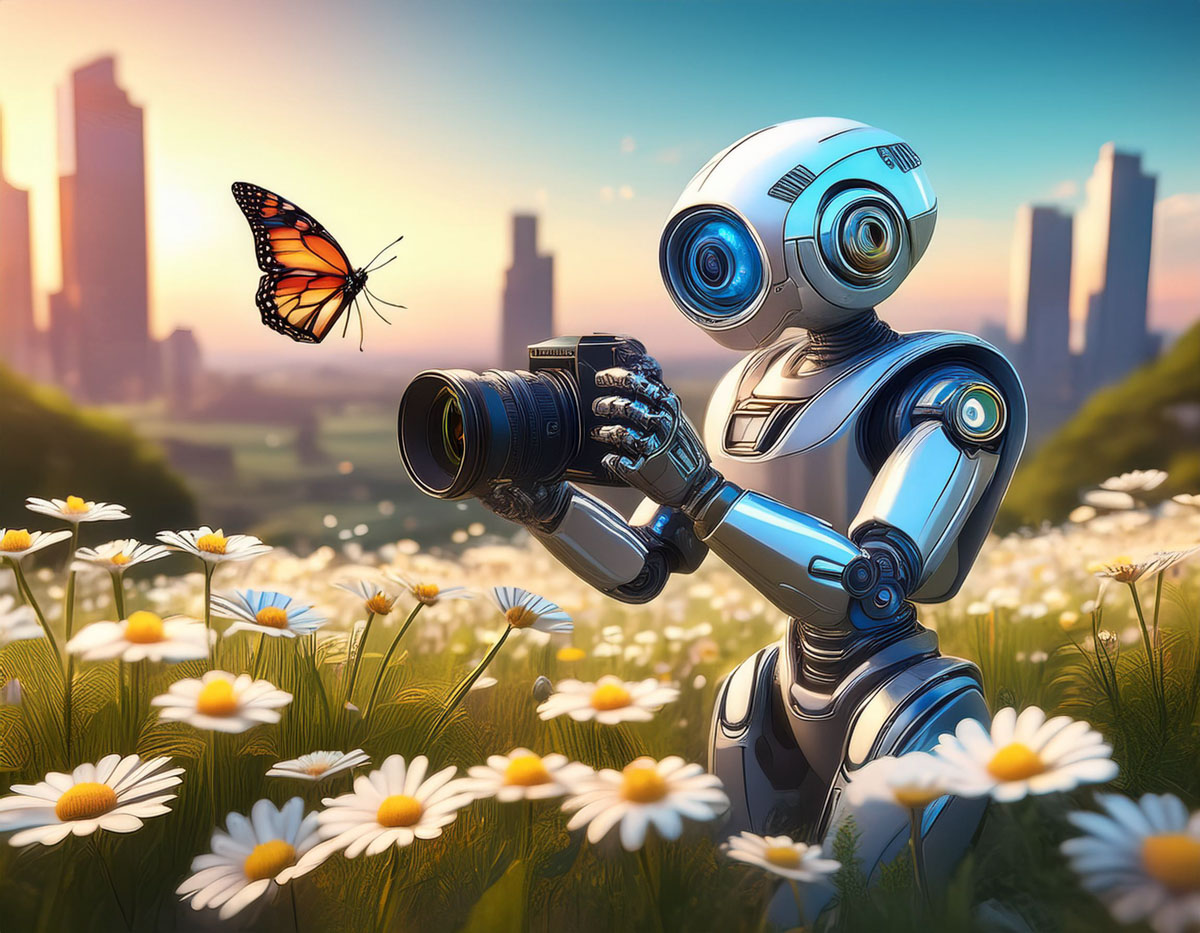
I’ve been practicing this with Adobe Firefly, and you may have noticed that some of my recent blog headline photos are Firefly-generated (as is the photo for this blog post).

Again, it’s not a perfect technology… not yet. But you can already generate amazing imagery using a variety of software and web tools by just… typing it in.

This is indeed progress. In fact, it’s startling. It’s amazing. It’s already revolutionized the entire art of photography. I am a better photographer thanks to all this innovation.

Or am I?

New Rules
I’m certainly creating better photos (some of which never even came out of a camera).

I don’t think my on-the-ground photography skills have specifically improved (well, perhaps a little).

I’ve simply learned how to use the new tools that make my photos look better after I snap a shot. I’m building a new photography skillset that focuses more on photo enhancement and manipulation.

I’m sure a purist would call that breaking all the rules of what photography is supposed to be.

Yes, the rules are clearly being rewritten by AI. And I suppose the question is whether the dramatic disruption of this art form is such a bad thing.

It’s a Revolution
I think the answer is mostly… “No.”

Bokeh is bokeh. It doesn’t matter how you get it. If you think someone’s cheating by creating bokeh in one click instead of relying on years of practice with the right camera lenses… get over it.

Sure, maybe your skillset has just been replaced by a piece of software. That’s life. That’s evolution. You need to stay ahead of the curve. This is not a new way to live.

Fact vs. Fiction
But as we all become experts in photo manipulation, of course, we need to be careful not to cross the line of misrepresenting reality.

Maybe it’s not such a big deal whether you choose to erase someone in one of your photos. But I would say we all have a responsibility not to flagrantly warp reality. We all increasingly have access to the tools that can do exactly that.

So, I would say we should keep it real. Fact. Not fiction.

And of course, we all know that famous quote from “Spider-Man.”

“With great power comes great responsibility.”

Yes.