At Home with Tech

Unlock the power of all your technology and learn how to master your photography, computers and smartphone.

Category: Tech How To

My Biggest Discoveries I Blogged About over the Past Year
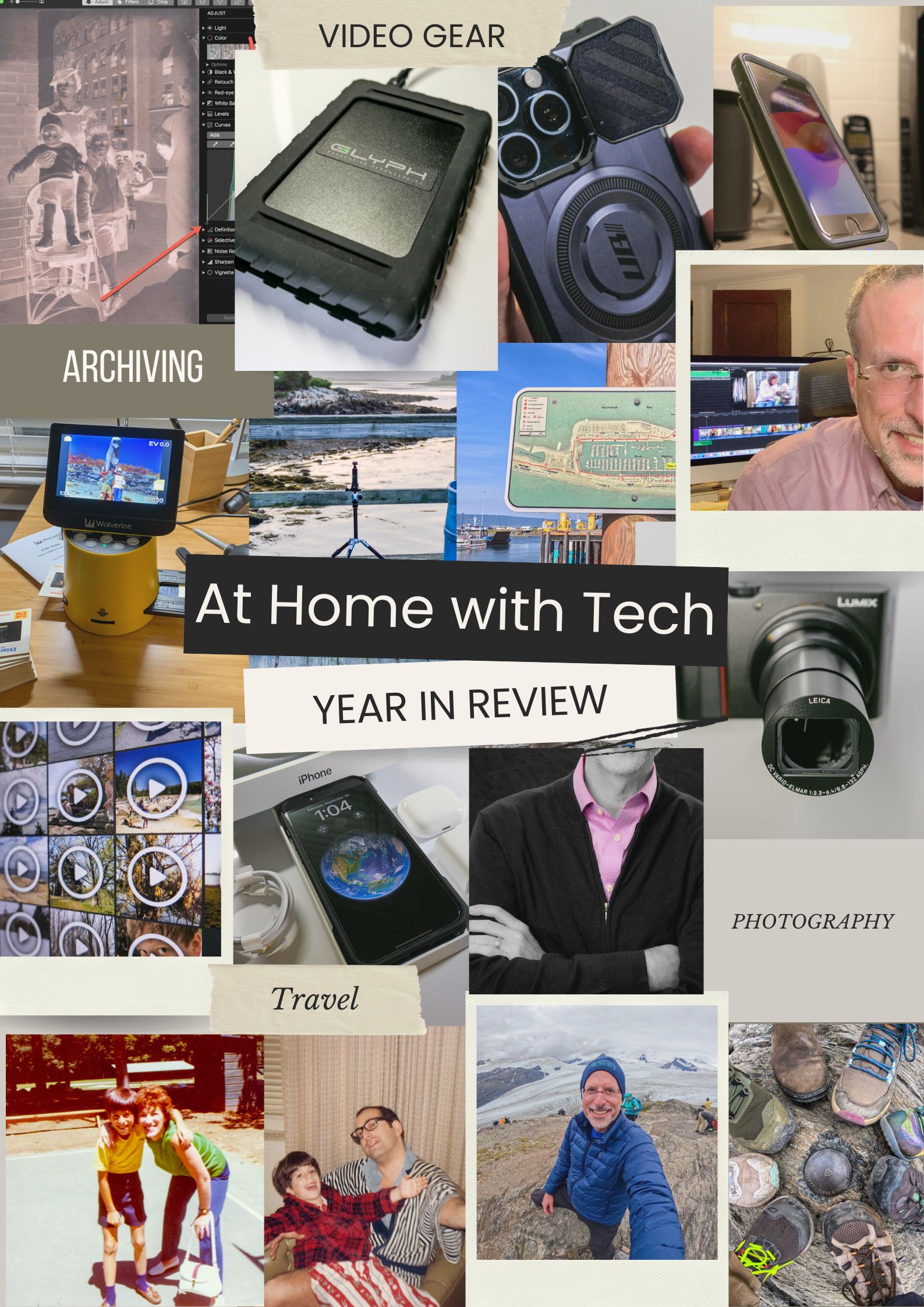
Here’s my At Home with Tech year in review. Below are the links to my key learnings and tech discoveries.

So yes, these next few weeks can all be about looking forward. The fresh start. The resolutions. The turning over a new leaf. But I like to think of this time of year as the next chapter that builds on the past. It’s not so much ‘the new’… as ‘the next.’

I try to carry it forward. That way, I can greet these annual cycles with the perspective of my past years’ experiences. Said another way, it’s important to look back as you look forward. Otherwise, a lot can get lost across the years.

That’s why I think it’s critical to package up the story of your past year in an organized photo collection (digital or book) or perhaps an edited video-clips overview.

You might also want to perform a mental review and acknowledgement of your other notable actions and learnings.

Take it in. Then lock it in, or let it go if need be.

At Home with Tech Year in Review

As you know, I document my thoughts on technology and family life each week. So, I’ll follow my own advice and offer this summary of my blog posts that reflect my big learnings across the past year. Please check out the links below that most interest you!

My Growth as a Parent

Working in our Post-Pandemic World

My Journey as the Family Photographer

My Role as the Family Archivist

How a tiny film-to-digital converter brought new life to my father’s old analog slides
How to quickly turn a scanned negative into a positive image on a Mac
How to use SmugMug as a family photo archiving tool
How to prevent your family’s identity from being washed away by time

Maximizing your Family Video Clips

My Family Vacation Tips

Best Practices for your iPhone

My Evolving Understanding of Apple Computers
Here’s to a Prosperous 2024
As always, thank you for reading my blog. I’m looking forward to sharing more with you in the year to come.

Happy New Year!

5 Ways to Quickly Free Yourself from the Shackles of Digital Clutter

Is your digital life a bit of a disorganized mess? The best gift you can give yourself is carving out time to get it back in recognizable order.

You’ve got it all done. For your family, friends and work. Another year. Congratulations. Everyone says it’s now time to take a break and recharge. Relax!

But if you’re like me, you might be experiencing a certain unease… an uncomfortable itch. It’s like that feeling when you know you’ve forgotten something, but you can’t remember what. But this time, you do. And you’ve continued to put it off, because there’s always something else more pressing.

Now, you hear this nagging inner voice that whispers. It says, “Do it. Do it now. You’ve finally got time.”

Of course, we’re taking about handling all the digital disorganization that piles up throughout the year in the invisible but very real corners of your life. No one else can see it. But you know it’s there. Sure, you’ve been able to operate around it, but it’s ever heavy, and it weighs on you.

The Journey to Digital Zen
Do you want to feel refreshed? Recharged? Really ready for the year ahead? It’s time to invest in a little digital housecleaning. Start the journey to digital Zen.*
Now is the perfect opportunity, as you might have a little more free time in your day.

Here are five areas that I bet could really use your attention right now:

#1
Organize your Digital Photos from the Past Year
Whether your pictures live on your smartphone or computer (or both), if you haven’t yet finished going through this year’s crop and completing your photo-management process (physical albums/online albums/digital photo frames), it’s going to be too late.
Sure, you can tell yourself that you’ll eventually get to them, but they’ll likely get left behind, as your newer photos demand your attention.

#2
Delete All those Emails You Don’t Need
Can’t find that email from last week you want to refer to? It could be due to those thousands of disorganized emails that are cluttering up your inbox. It’s time to get rid of most of them and move the other ones into organized folders!
And don’t forget to also clear out your Junk Email folder (but not before you review it to confirm that real emails haven’t been errantly sucked in).

#3
Remove Old Photos and Videos from your Camera’s Memory Card
If you happen to still use a separate camera, I bet its memory card is looking mighty full. Do you often find yourself frantically trying to delete enough files at the last minute before you need to use your camera? (Yes, that’s me.) It’s time to make that problem go away. Go through that memory card and really free it up!

#4
Clear Out your Unnecessary Cloud Storage
Speaking of memory limits, I bet you’re paying more for your cloud storage these days. Sure, the cloud holds much more than a memory card, but it still has its own limits. Do you really need everything that’s currently in your Dropbox account or iCloud drive?

#5
Slim Down What’s Stored on your Computer’s Internal Drive
Not to be repetitive, but I bet your computer suffers from the same storage woes. Look, you just can’t save everything on your internal drive. And now that newer internal computer drives are the more-pricey SSDs, your current computer probably has less internal storage than your last one.

Gone are the days that you can simply upgrade to your next computer with double the capacity to keep up with your needs.

Portable Drives are Not a Permanent Solution
Yes, you can solve some of these problems by picking up reasonably priced portable drives and archiving your digital life onto them. But hoarding external drives and redirecting your disorganized digital content onto them is simply kicking the virtual can down the road.
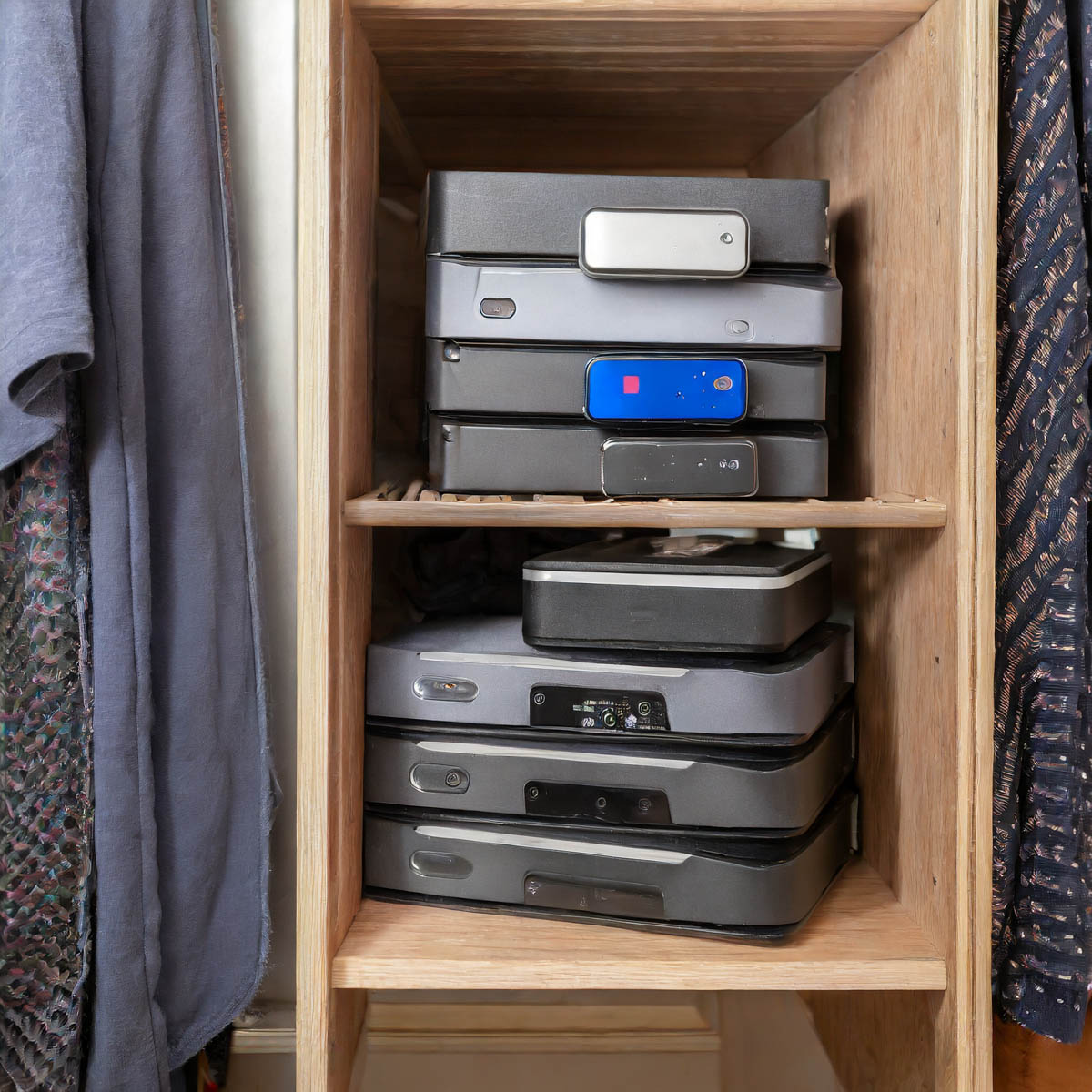
What are you going to do a decade from now when you open your closet door, and you spot fifty drives in the back corner? That’s right. You’re going to close the door.

Game over.

The Limits of your Digital Life
Wait. Take a deep breath. Now exhale.

We’re all dealing with the same challenges. In fact, we’re really the first generation to go through this.

The reality is you can’t carry around a record of your complete digital existence throughout your life. We’re only a few decades into this challenge, and I feel we’ve already reached certain limits. Our kids are going to have to figure out how to handle three to four times as much!

But I’m getting ahead of myself. For now, let’s just do what we can. If it’s only a quick fix, that’s okay.

A digital band-aid is better than nothing to slow the hemorrhaging.

The Road to Freedom
Ongoing file organization and strategic file deletion should be part of any long-term strategy for a healthy digital life. And ultimately, as in the physical world, less is more. Clutter in any form is a real drag.

If you invest some time every few months to keep your digital life in order, you’ll likely feel more control over your entire life.

And especially during this time of year, I say why not invest in yourself and start to free yourself from the shackles of all that digital clutter?
You’ll be happy you did!

*I generated my photos for this blog post via Adobe Firefly.

Is There a Wireless Charging Stand for iPhone SE?

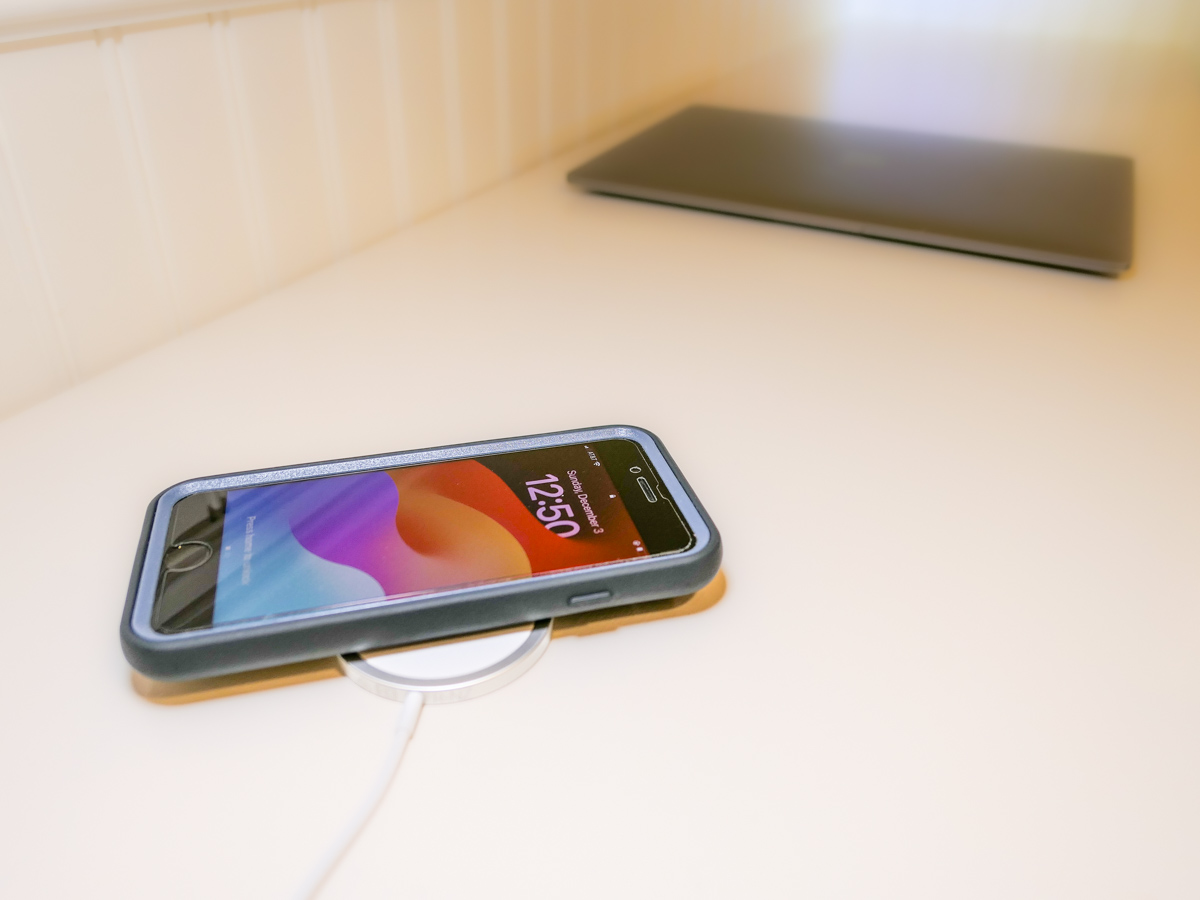
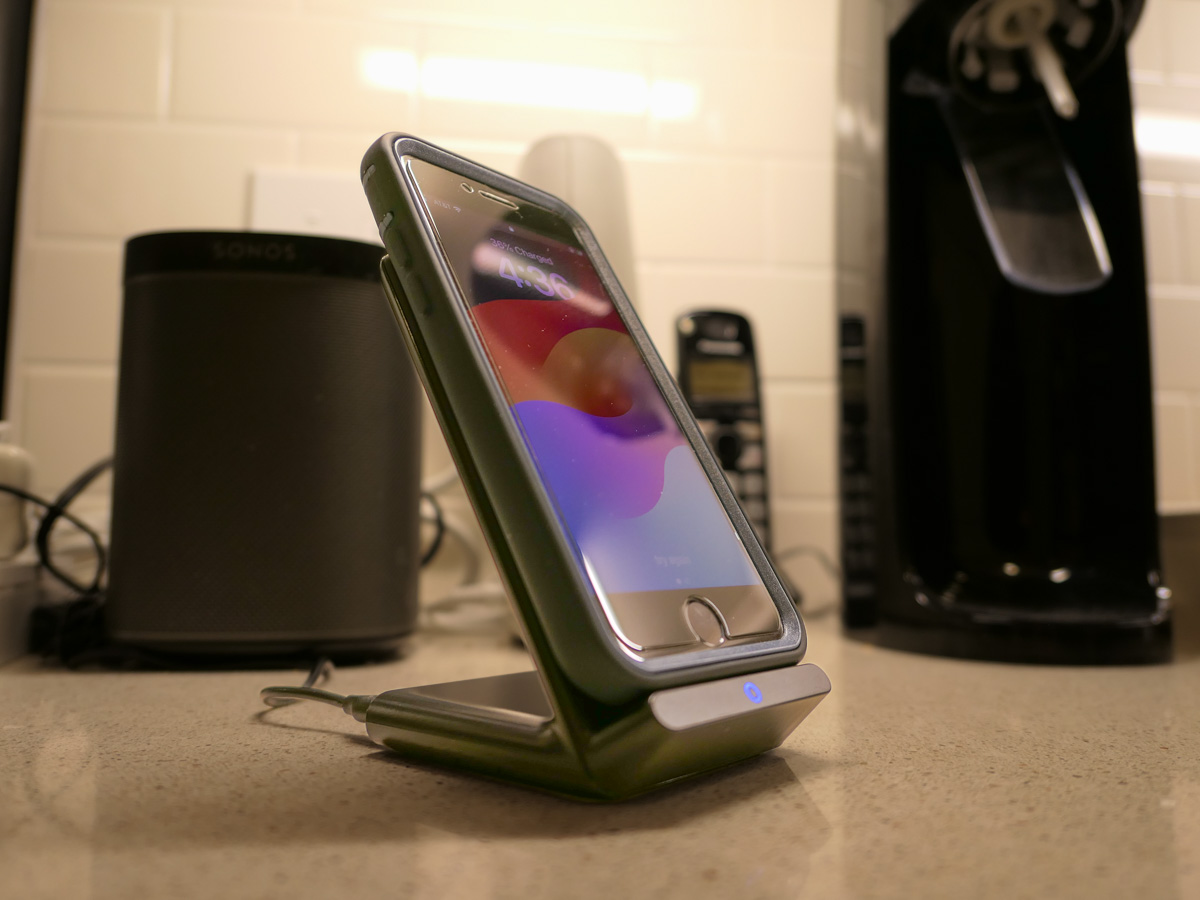
Even though iPhone SE isn’t built with MagSafe magnets, you can still charge it wirelessly. But it won’t stick to a charging pad. Thus begins my journey for a workable solution.

By now, it shouldn’t be this hard to figure out how to charge up all your gear. But if you’re like my family, you’ve got different versions of the same device (like iPhones) running simultaneously. So, over the years, I’ve collected various chargers that could keep powering newer tech. That’s good, right?

But the charging equation is complicated now that the tech industry sells much of its gear with the ‘bring your own charger’ sales strategy. Then, you’re forced to figure out how to power your new device. You need to immediately run through the compatibility equation with your existing power blocks.

Yesterday’s chargers may not be strong enough to handle today’s power-thirsty tech. And in a family where the kids are likely using older gear than the adults, every charger won’t work across the board.

And the complexity doesn’t stop there. There’s fast-charging technology and wireless-charging to also consider.

Wow. Do you also feel it’s hard keeping up?

Barrett’s Recent iPhone Purchases
Some months back, I had a little kayaking mishap, and my old iPhone XS Max drowned only weeks before iPhone 15s came out.

So, I decided to buy myself a new iPhone SE to hold me over with the plan to later gift it to our 13-year-old son.

For that period, I stuck with the standard Apple 20W USB-C Power Adapter and lightning cable. But when I ordered my new iPhone 15 Pro Max, of course I quickly upgraded to Apple’s MagSafe wireless circular charging pad.

No Click-and-Stick for the SE
When I had a moment to stop fixating on my new flagship iPhone, I turned my attention back to the scrappy but still totally capable new SE. I wondered whether it couldn’t also charge wirelessly. (Yes, I was totally enamored with the belated joy of wireless charging.)

Unfortunately, the basic iPhone SE doesn’t contain the magnets for MagSafe functionality. But yes, it actually can wirelessly charge if placed properly on top of a Qi charger.

That last detail didn’t thrill me. Without that magnetic ‘click-and-stick,’ you can easily miss the charging connection lock by a few millimeters and end up in the morning with a smartphone that’s not ready for the day.

Stand vs. Pad
But I figured if I could find a solution where the iPhone SE fit more snugly into place, like on a stand vs a pad, that could be a better system for charging success.

Unfortunately, Apple does not sell a wireless charging stand without a MagSafe connection requiring iPhone levitation. So, I had to turn to other manufacturers…

Fortunately, I found two brands I trust that offered what I needed.

Anker 313 PowerWave Wireless Charger Stand
Anker makes a Qi-certified, tilted stand that an iPhone SE can safely lean on without relying on MagSafe.

The stand is boxed with a Micro USB to USB-A cable that connects to a USB-A wall charger. But it doesn’t come with the charger. You’ve got to provide that separately.
Anker states that you can’t use one of your old Apple 5V/1A stock chargers (the original tiny white block). Not powerful enough. You need a minimum of 5V/2A output. An iPad charger will work if you believe in sharing one charger for different devices. (What could go wrong with that plan?)

So, I knew I also needed a new power block.

Anker PowerPort+ 1 with Quick Charge 3.0
I read the fine print on the Anker stand’s power requirements to maximize its capabilities. My mind started to melt.

I immediately searched for a shortcut and landed on Anker’s only small USB-A charger. (All of their other models are USB-C.)

With both stand and charger, the Anker price is $30.38.

Belkin Boost Charge Wireless Charging Stand
Belkin offers an all-in-one solution, which you may feel is more elegant that my MacGyvered Frankenstein Anker plan.

You don’t have to figure out which charger block to buy. A Belkin charger comes packaged with the stand (which is similar to the Anker model, though more rounded).

I Bought the Anker Wireless Charging Package
I think both the Anker and Belkin options are solid choices. That said, the Anker stand and charger is only 30 bucks vs $45 for the Belkin option.

Based on this pricing differential, I went with Anker.
Click.

Fast-Charging is Always Helpful
All I really wanted was an overnight wireless charging solution for our iPhone SE. And now we’ve got that.

But as it turned out, I’ve also put in place a fast-charging solution with the Anker 313 Stand and PowerPort Quick Charger for any number of our current and future devices.

As much as I prefer the overnight charging rule for our son, what could possibly go wrong with that rigid strategy combined with the complexities of busy family life?

We all sometimes need a little quick boost of power in the morning.

And so do our devices.