At Home with Tech

Unlock the power of all your technology and learn how to master your photography, computers and smartphone.

Category: Technology

How to Quickly Turn a Scanned Negative into a Positive Image on a Mac

If you think a 90-year-old negative is a lost cause, think again. Here’s how to bring it back to life.

Sure, photo negatives aren’t cool anymore. They represent 19th century technology. Most of us aren’t housing a roll of Kodachrome in our camera bags these days. I get it.

But there’s well over a century of family history locked away in millions of shoe boxes in the back of closets… all in those negative strips. There should be a way to rescue them.

Correction:
There should be an easy way to rescue them and quickly bring the negative images back to life into positive form.

I’ve been traveling that complex journey for the past months since I’ve taken ownership of all of my family’s photo archives (shoe boxes) after my father passed away.

Digital Conversion
So, I bought a slide and negative converter to handle the bulk of the work.

It’s fast. It’s a one-click solution. The results are mostly solid.

But the Wolverine couldn’t capture the full real estate of the larger negatives dating back to the 1930s (2 ½” x 3 ¾”).

I turned to my old flatbed scanner to handle the large negatives. But then I needed a way (an easy way!) to transform each negative into its positive doppelganger.

Adobe Solutions
There are any number of tutorials on YouTube that demonstrate how to do that in Adobe Lightroom or Photoshop, and they all promote the concept of how easy and fun it is.

‘Fun’ is code for it’s not really that quick. Sure, it may be relatively easy, but it still requires about five minutes of fiddling to bring the image to life in the positive universe.

A few minutes may not seem like a lot of time, but fiddling is not a precise exercise, and five minutes can easily turn into fifteen.

Apple Photos (OS X):
As a Mac user, I wanted to see if I could find a native solution without having to rely on the muscle of Adobe. The good news is I found a couple good options.

If you already use the Apple Photos app on your Mac, you can do the conversion right there. It’s not quite one click. But it’s straight forward. Let’s give it a shot using a negative of my grandmother Rae from 1935 with my father and uncle. (My dad is the tiny one!)

  • Upload your negative into Apple Photos.
  • Select it.
  • Click on ‘Edit.’

Select the ‘Curves’ drop down.
You’ll see a histogram of the photo with a straight white line positioned diagonally from bottom left to top right.

To invert the negative image to its positive version:
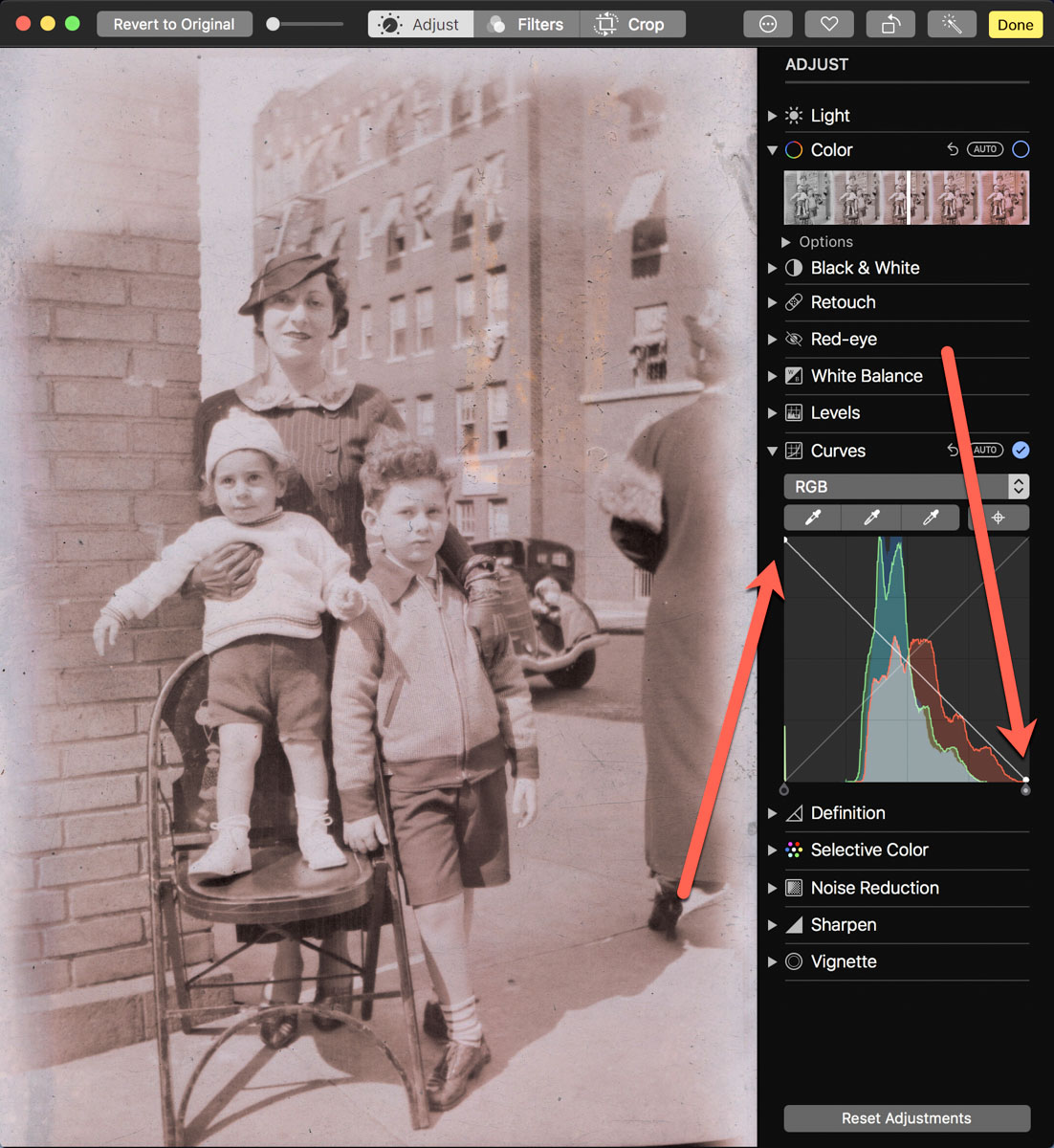
Click on the bottom left of the line and drag it all the way to the top left. Then click on the top right of the line and drag it to the bottom right.

Voilà! Your negative image is now inverted and displays in positive form.

Then, you can continue to tweak the image from there as you choose. (And that’s where you can go down the rabbit hole of tweaking.)

Using Apple Photos to perform this trick is actually quite similar to Adobe Lightroom’s interface.

Preview App
You can also use Apple’s ‘Preview’ app to bring your negatives back to the positive universe.

It’s a near-identical exercise:

  • Select ‘Tools.’
  • Then ‘Adjust Color.’

Can You Invert a Negative Image in One Click?
Okay. None of these options are one-click solutions. So, Is there one? I figured any number of online photo management websites must have a negative-reversal filter built in.

I checked out Shutterfly, Google Photos, Amazon Photos and Canva.

Nope.

Yes, there are apps out there that promote the ability to reverse a negative in one click. But after giving it some more thought, I just didn’t want to add yet another piece of software into my workflow.

So, I canceled my adventure down this particular rabbit hole. Enduring a few clicks to turn a negative into a positive image will suffice.

Diagonal-Line Maneuver
The truth is I already do most of my photo management work in Adobe Lightroom. The diagonal-line maneuver in the Tone Curve section works just fine (just like with Apple’s ‘Photos’ and ‘Preview’ apps).

The good news is there’s a choice on the software to use if you don’t want to take the Adobe path.

And now I need to get back to work on my time machine. There’s still almost a century of negatives to go through.

I’m bringing the past back to life, one image at a time.

I’d say maybe that’s worth the five minutes.
Photos from our Weekend Stranded on an Island

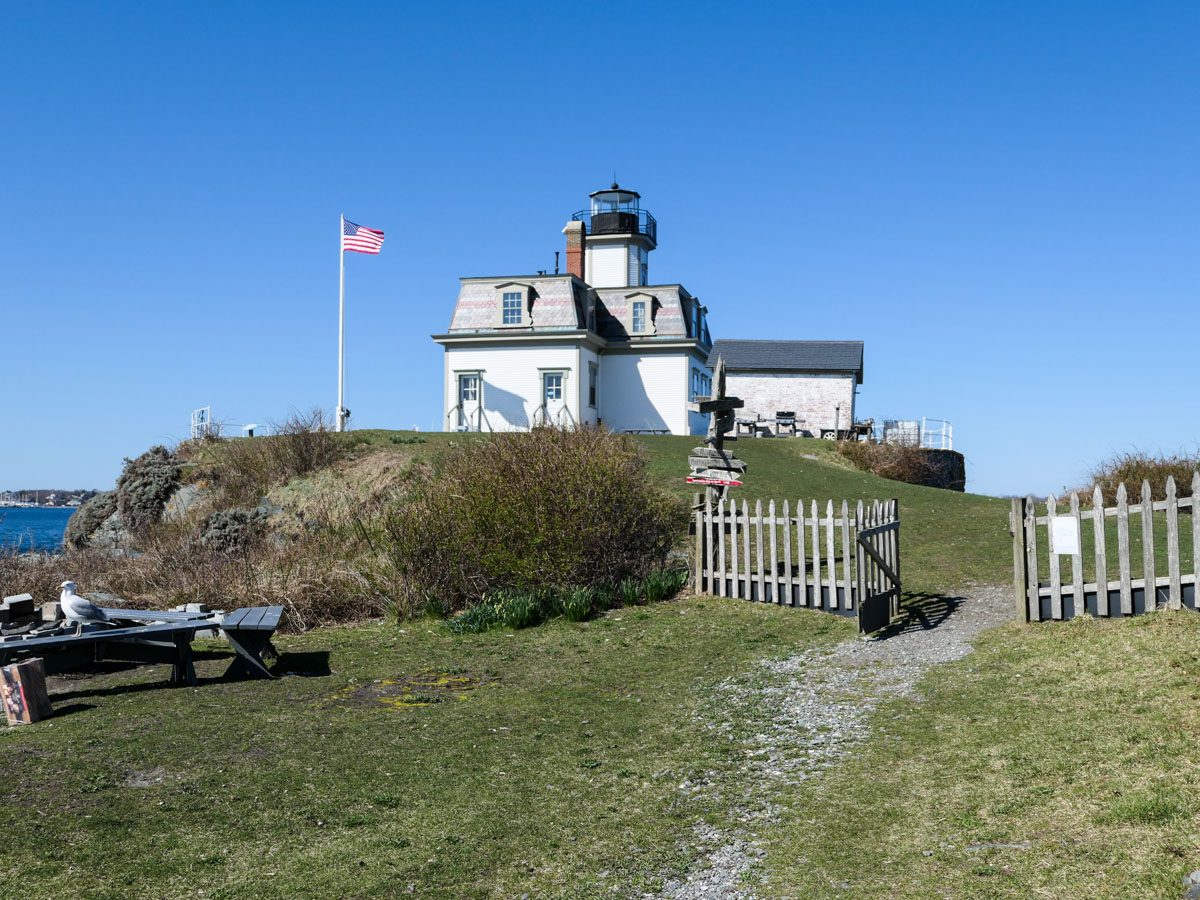
When you’re cut off from the world by a body of water, anything can happen. Here’s little more from our adventure on Rose Island…

Well, we weren’t exactly stranded. We intentionally decided to spend a couple of nights on Rose Island in Newport, Rhode Island. No, we weren’t exactly the keepers of the Rose Island Lighthouse, where we stayed along with another couple who were in the apartment above us. But we were on our own to handle any unforeseen circumstances.

We’re Going on an Adventure!
Sure, we were tethered to civilization via cell phone, but remember, we were on an island in the middle of the Narragansett Bay. That’s the vacation my family chose. Well, actually, it was my idea, based on a predisposition that our experience might contain a little adventure. (I guess that’s my inner Bilbo.)

I think my lighthouse fascination has developed over time from the movies I’ve seen that feature a lighthouse.

Those weren’t actually serene movies, were they?

False Alarm
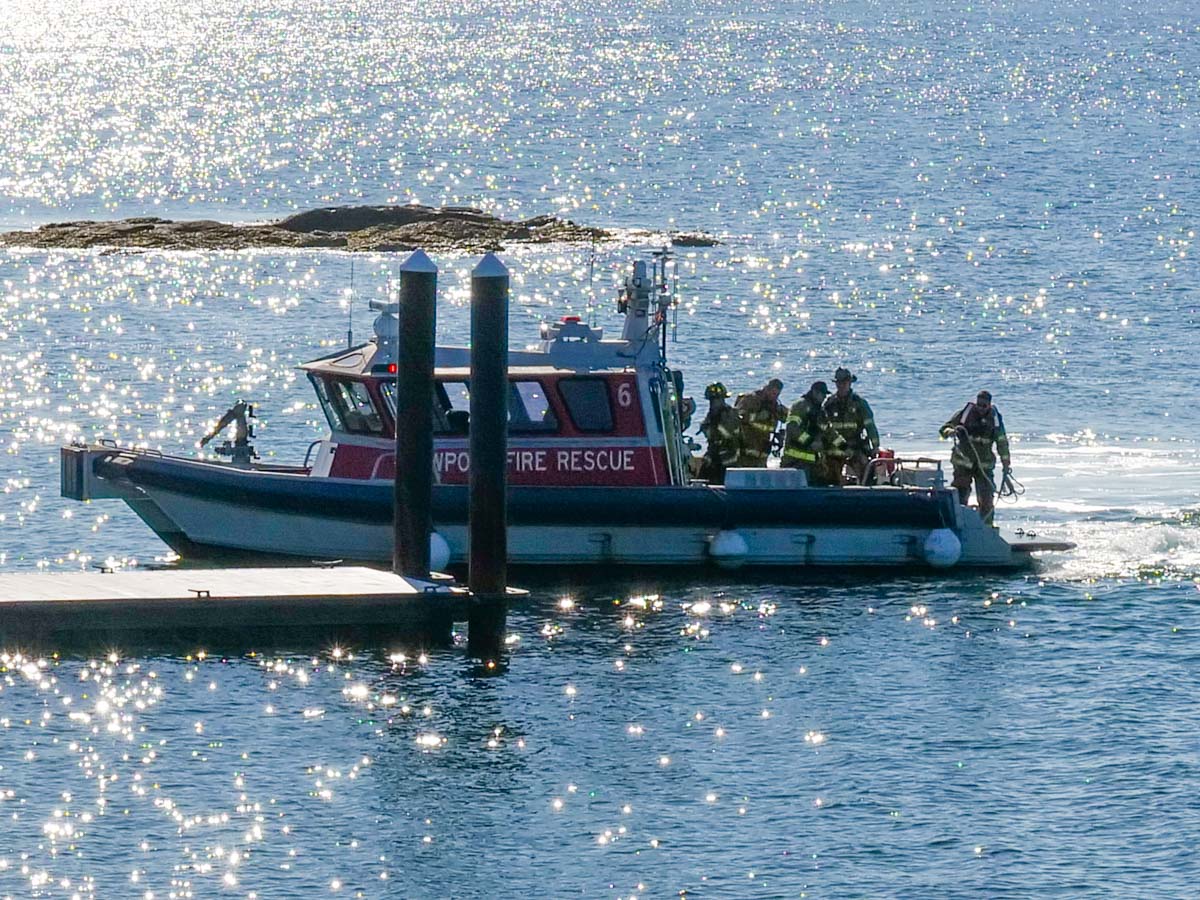
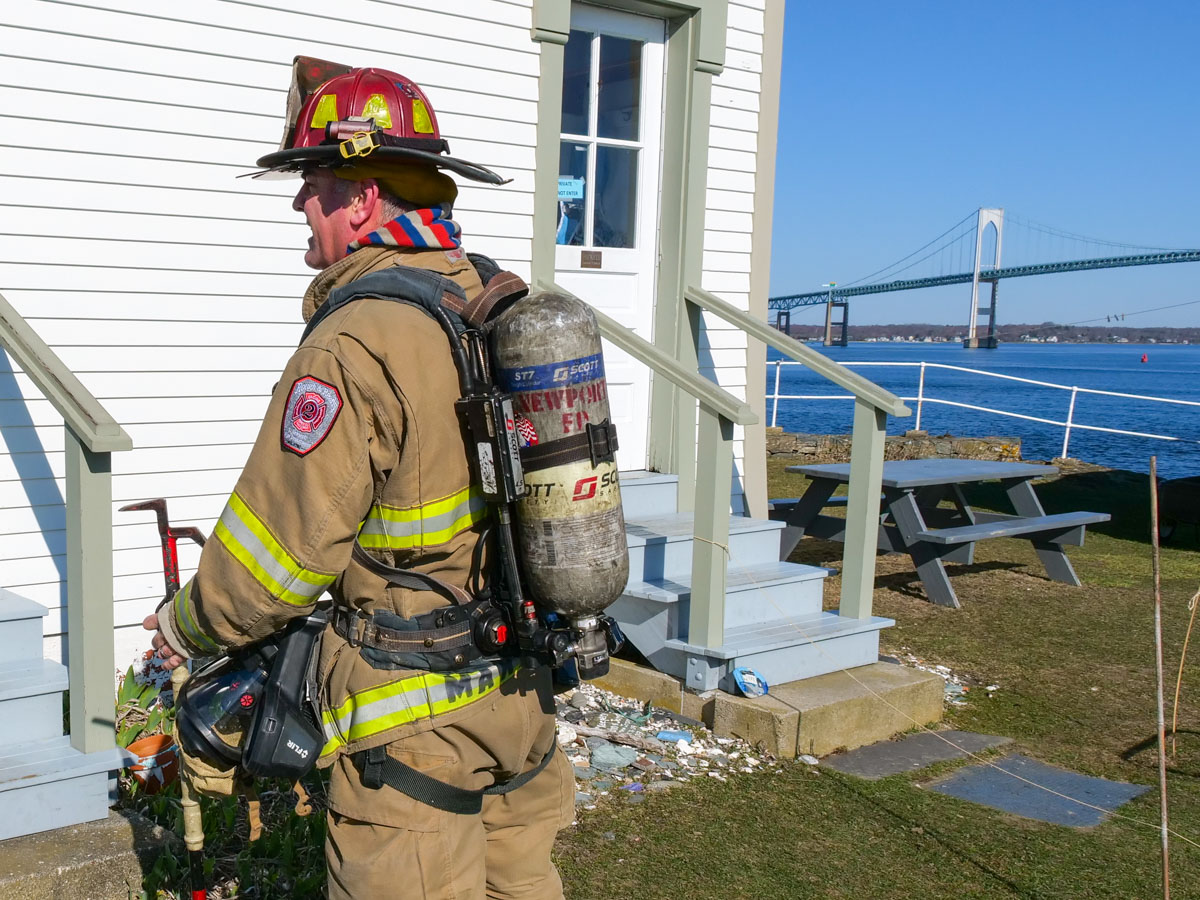
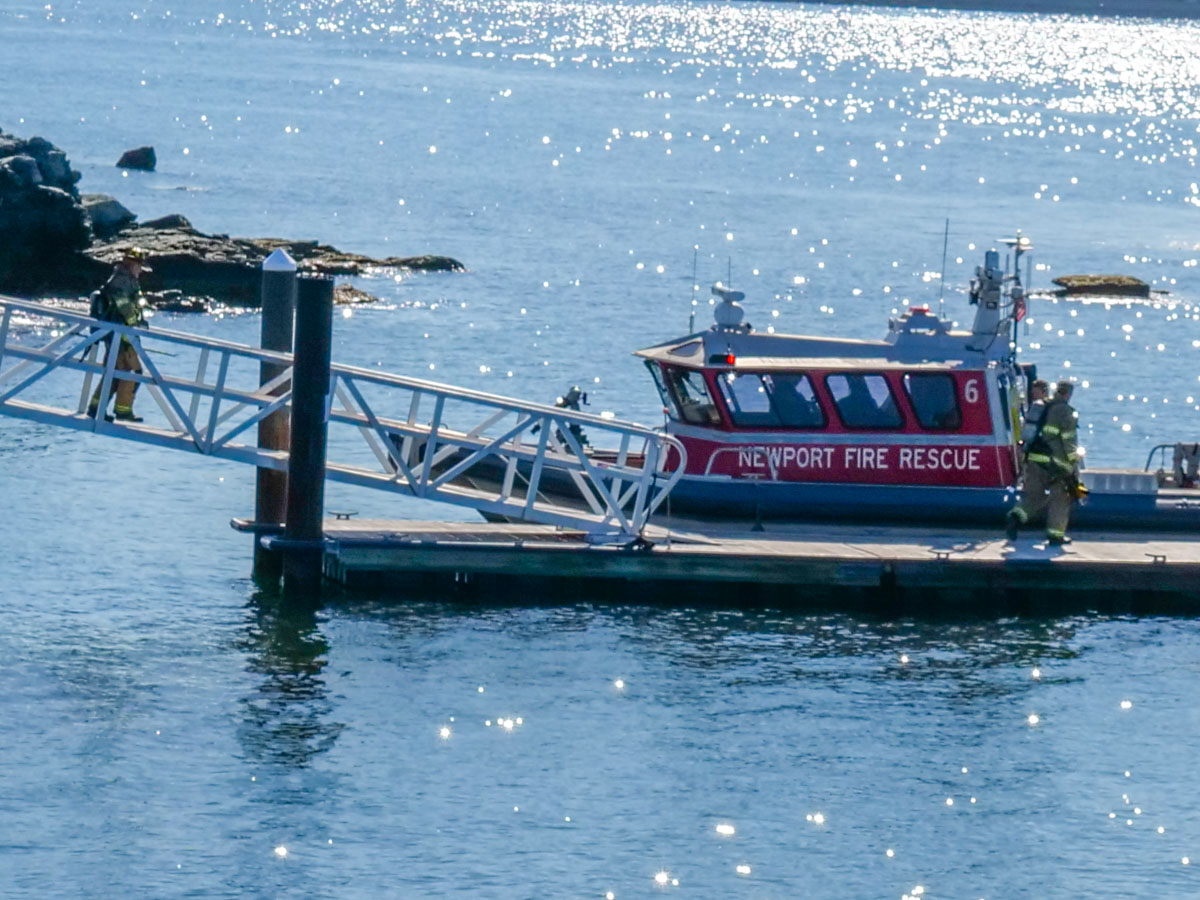
So, when we were paid a little visit by a rescue boat from the Newport Fire Department, during breakfast on our first morning… should I have been entirely surprised?

Probably not. It’s actually the perfect plot set up for our own lighthouse movie, coming to a theater near you in 2026. (I’ve still got to write the script.)

For the record, even though the fire alarm had been tripped, everything was absolutely fine.
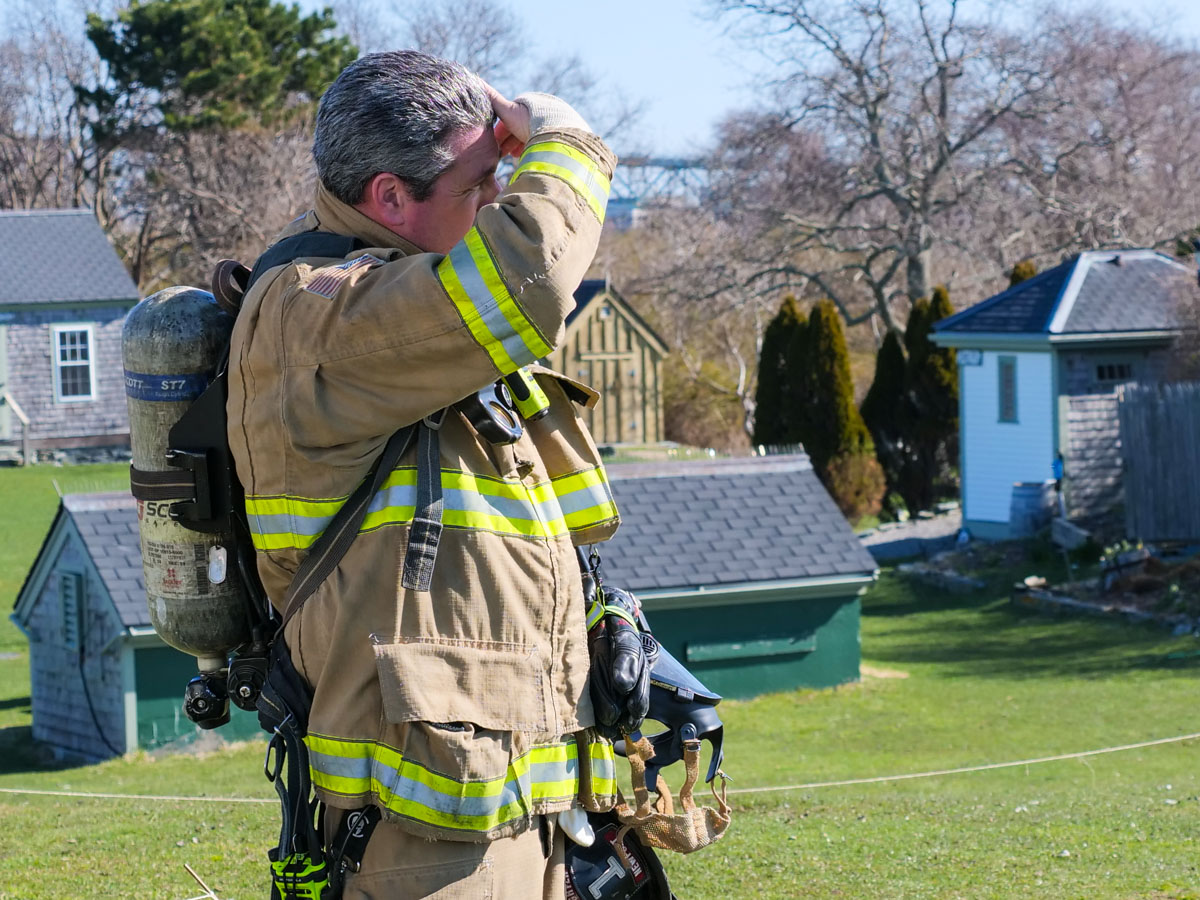
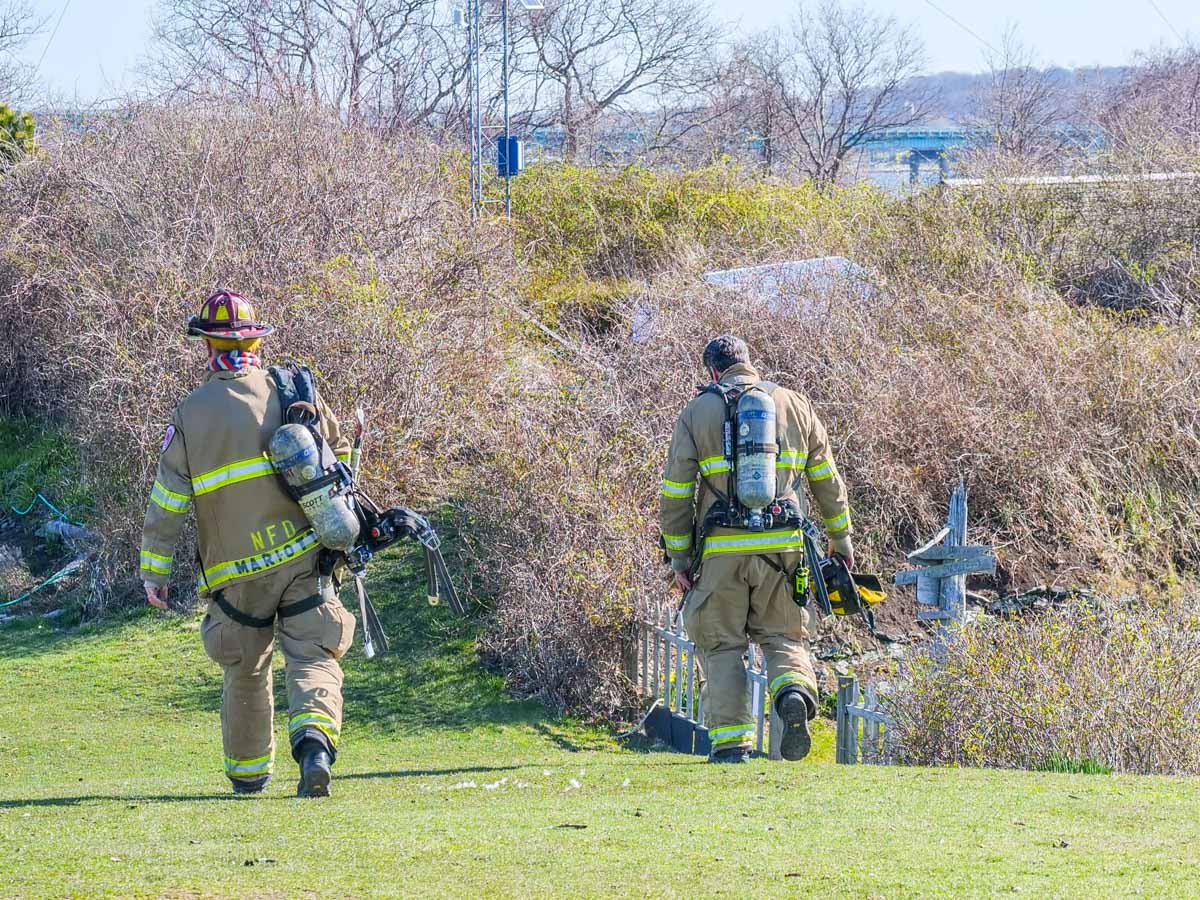
It was exciting to host this great team of Newport firefighters for thirty minutes. And our own hosts responded appropriately and generously to the situation.
Still, I would say this piece of our lighthouse vacation falls under the category of ‘unexpected adventure.’ Right?

Vacationing in a Lighthouse
After that, a more normal pace quickly resumed… well, 19th century normal. But that was always part of the plan.

And I’ve chronicled those details in my blog post from last week.

My headline remains… Staying in this lighthouse is a bucket-list trip. It was simply awesome.

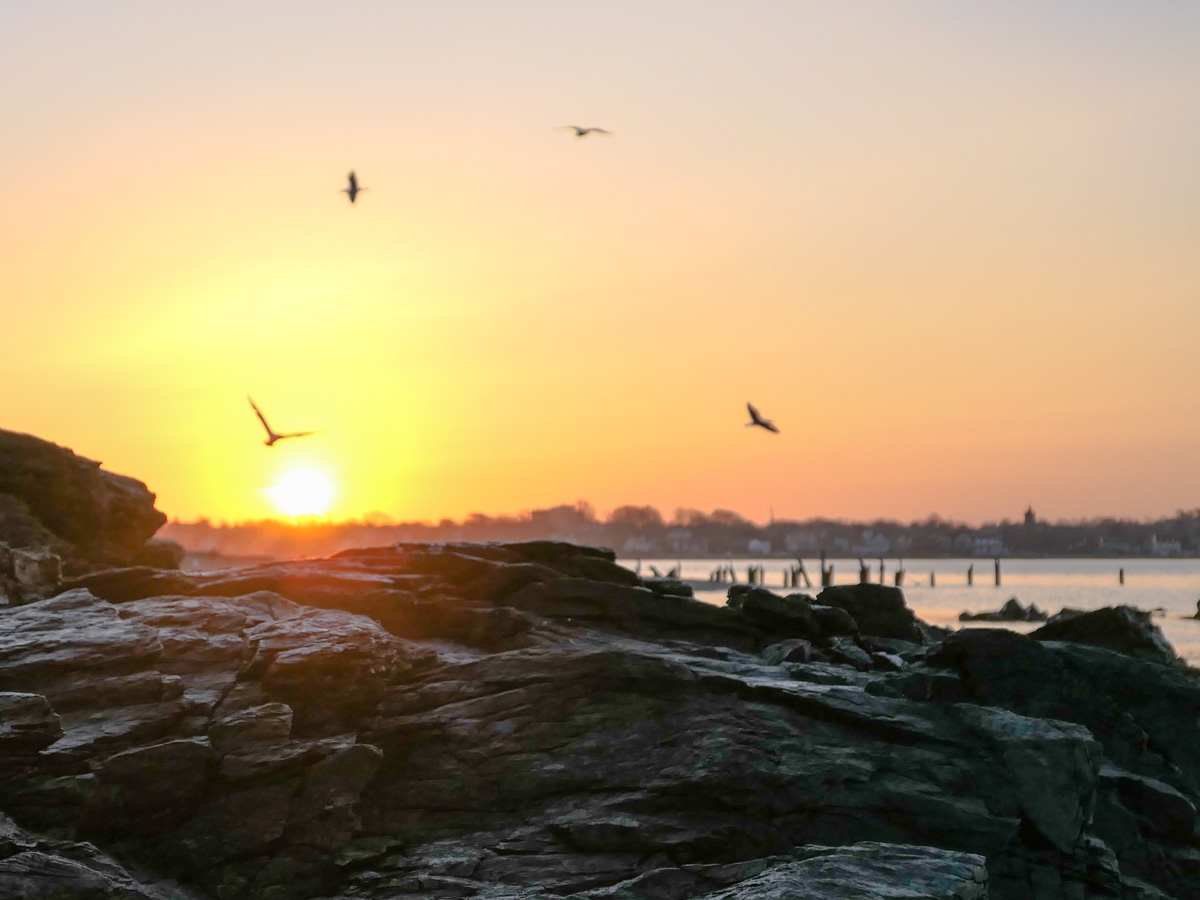
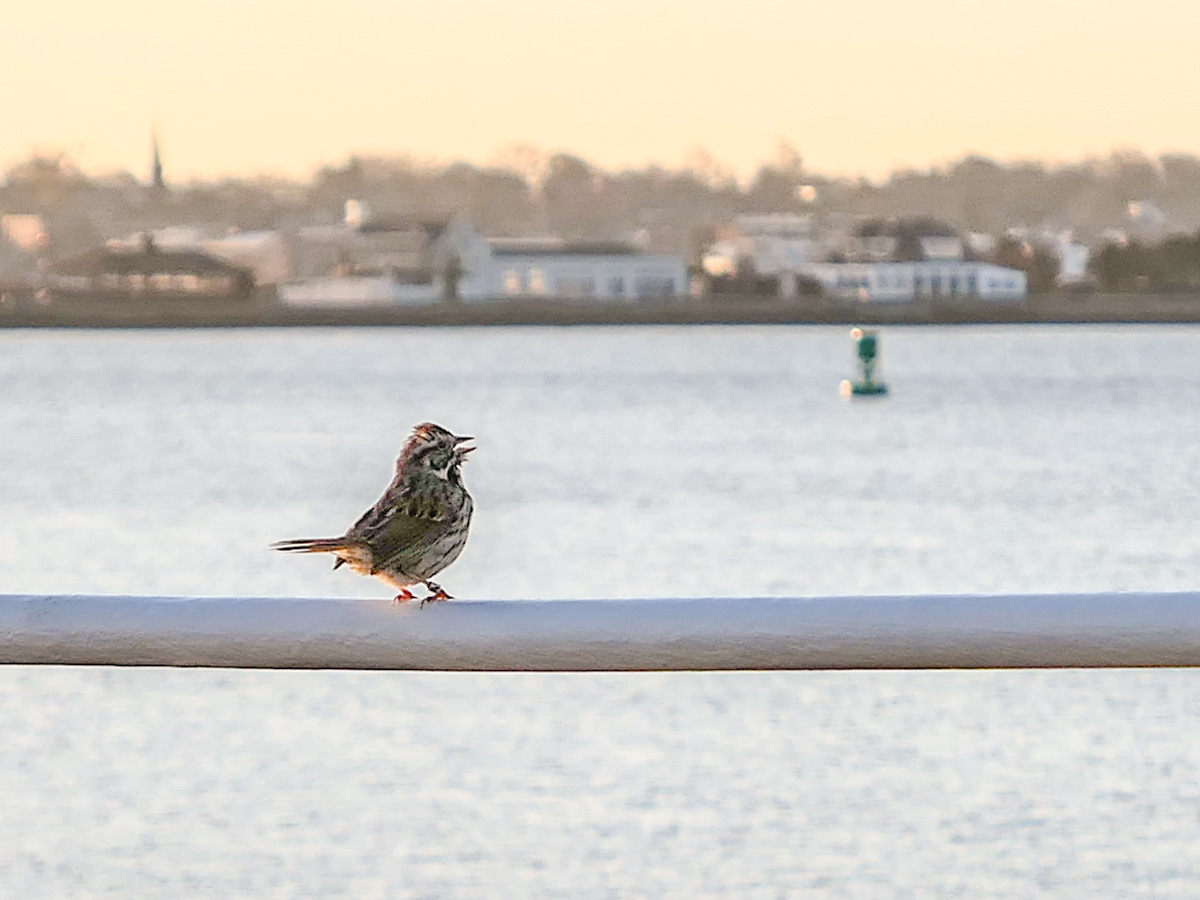
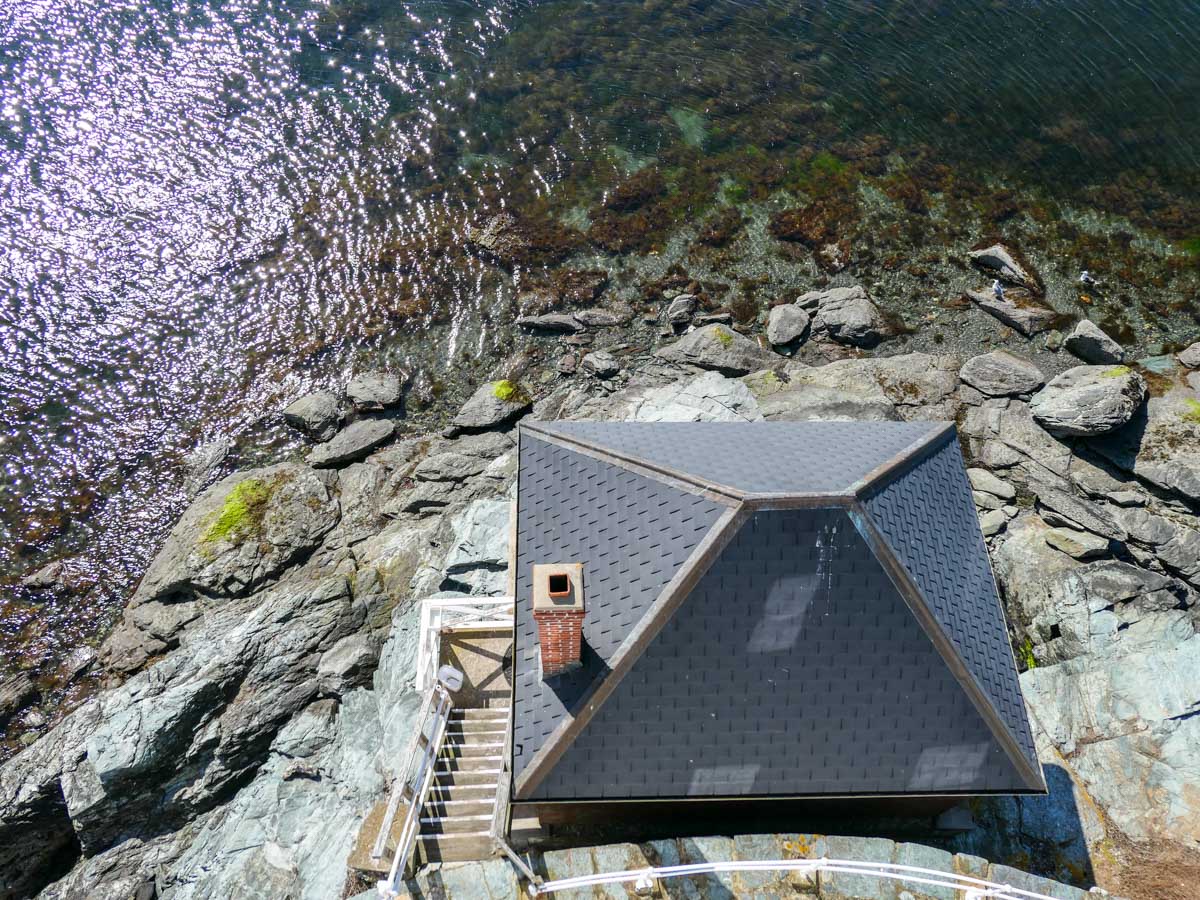
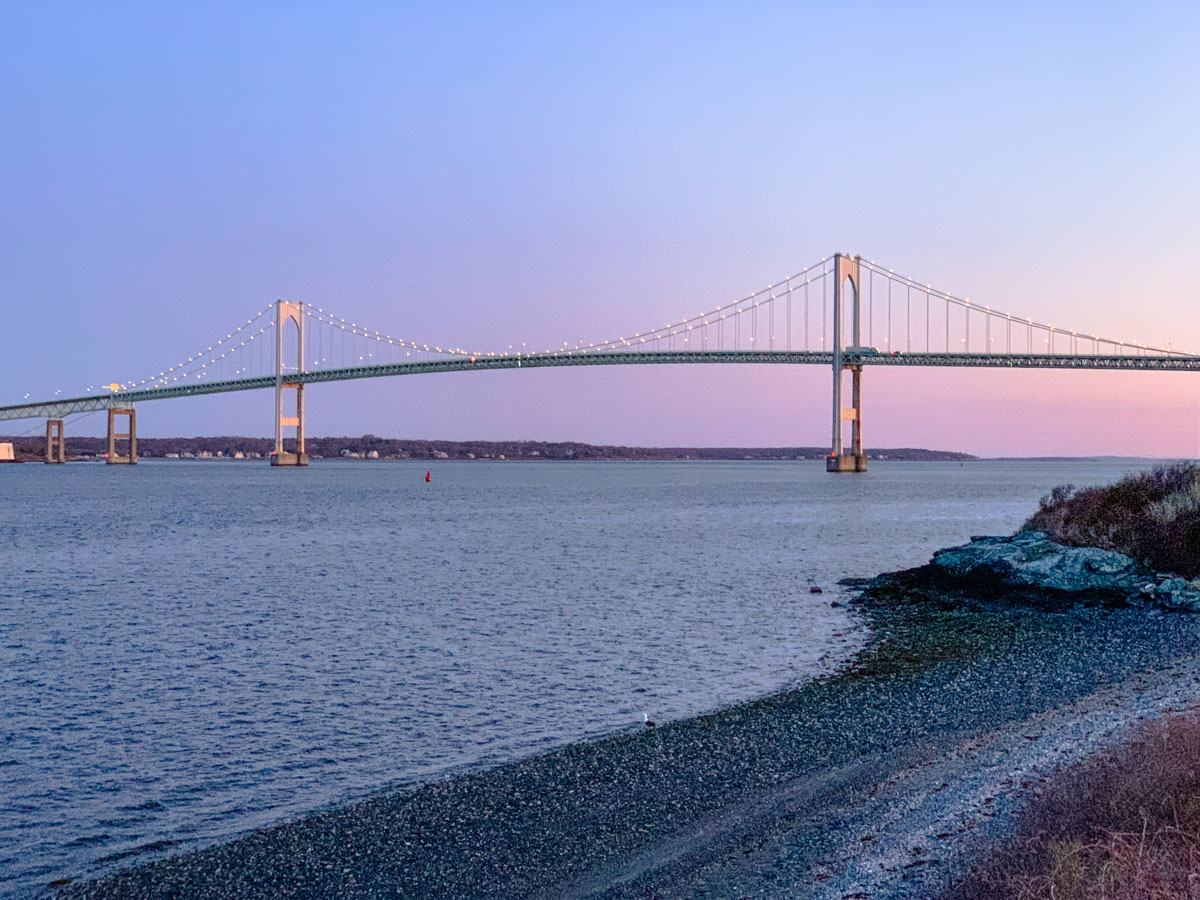
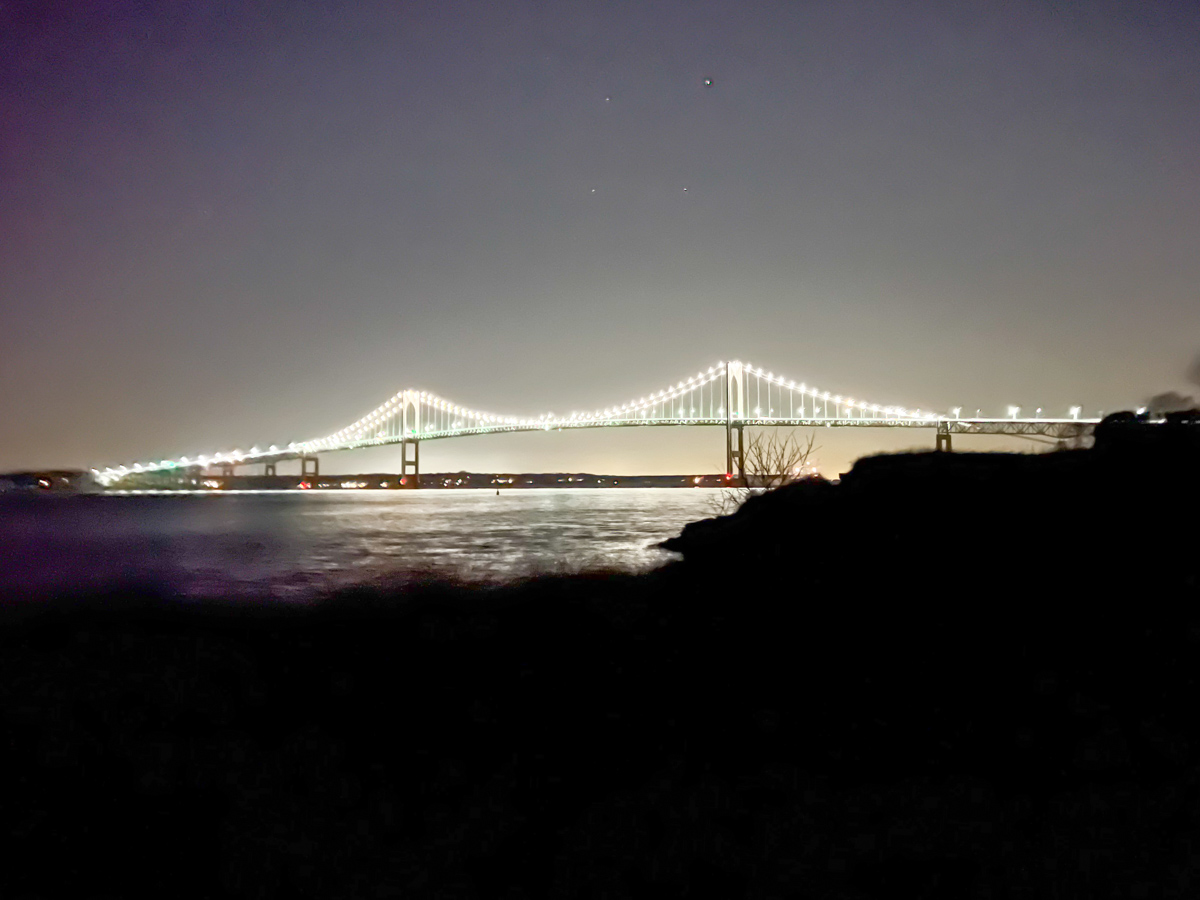
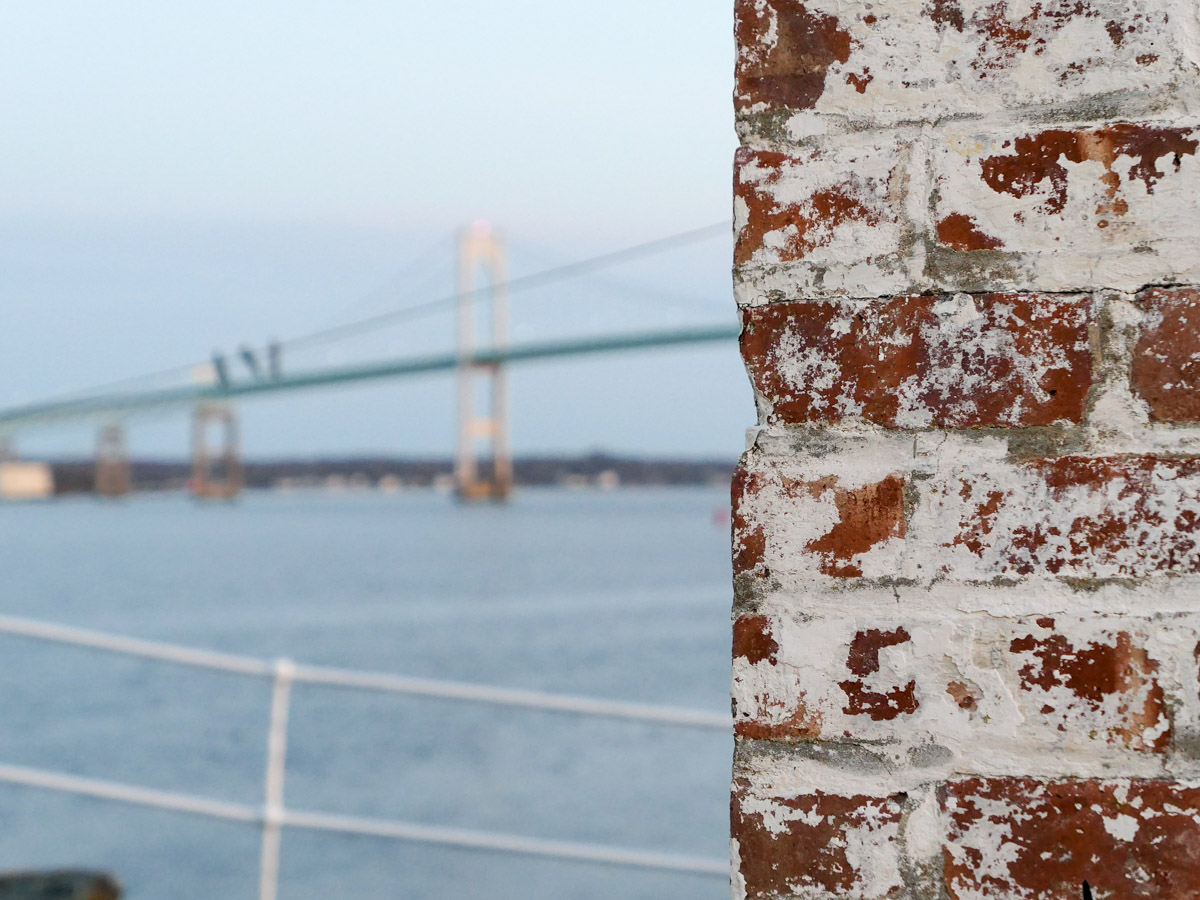
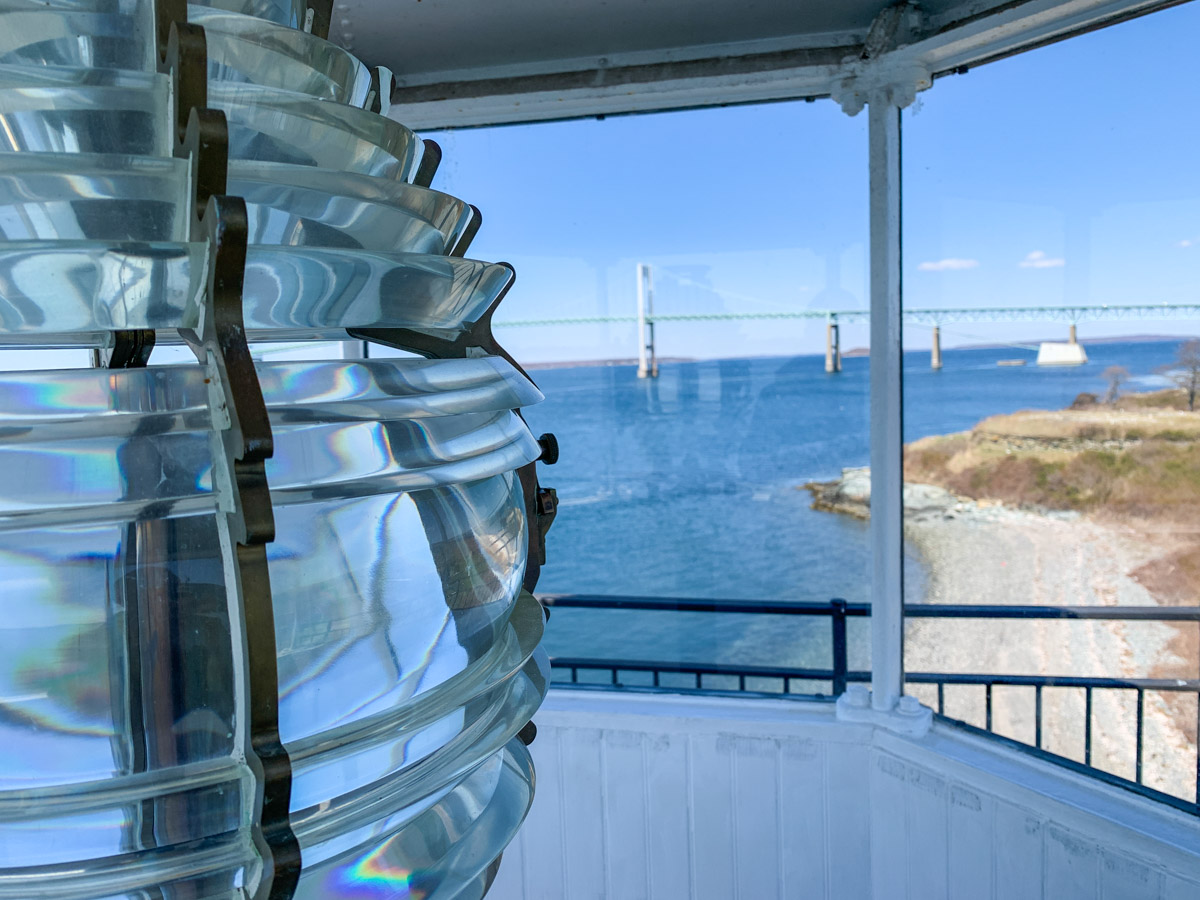
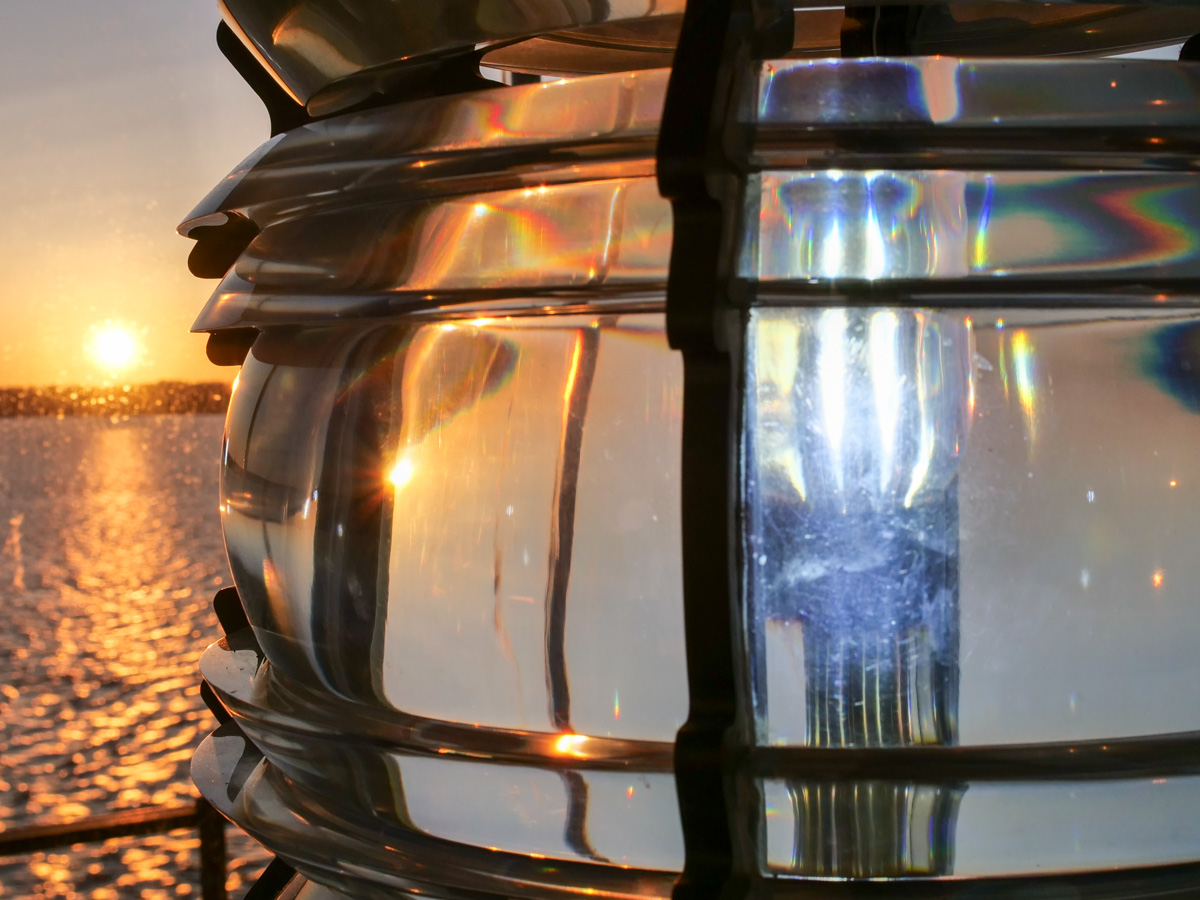
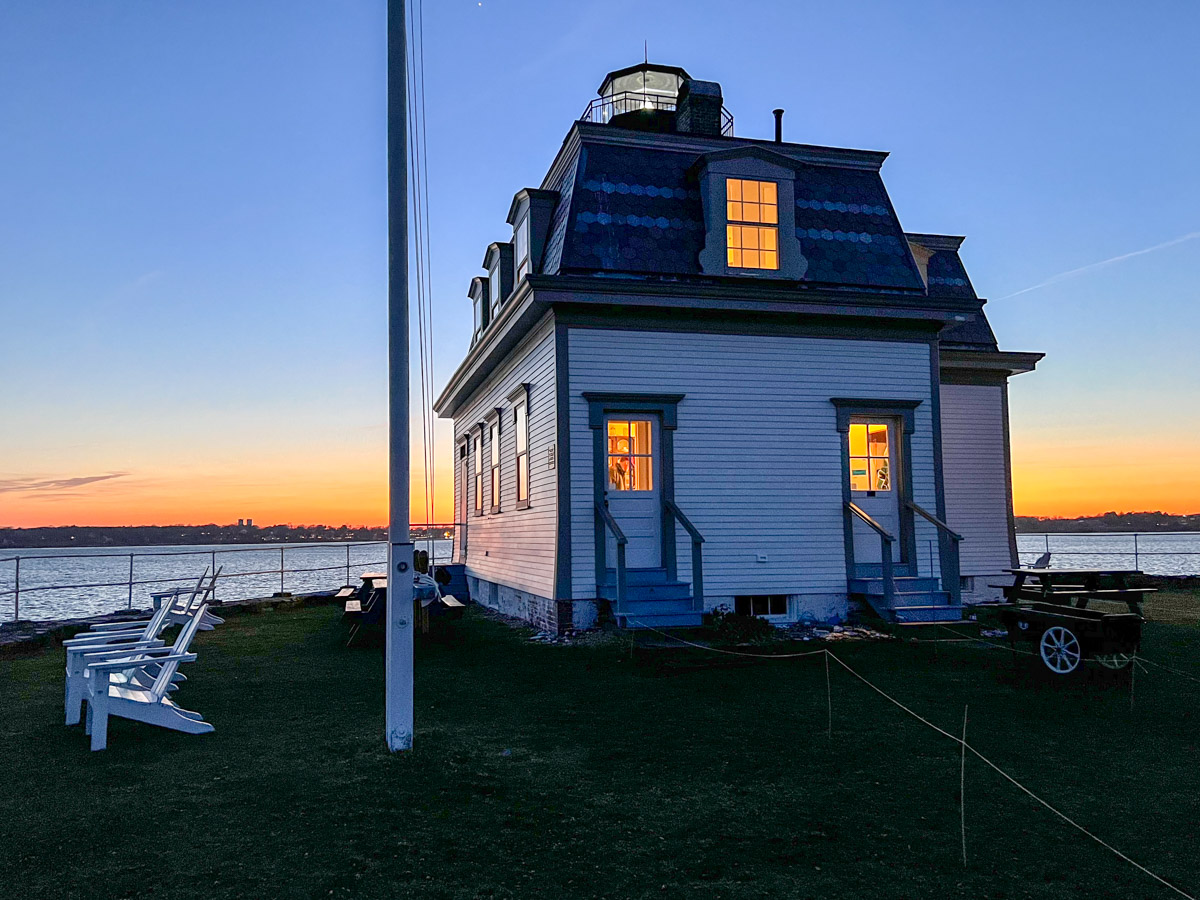
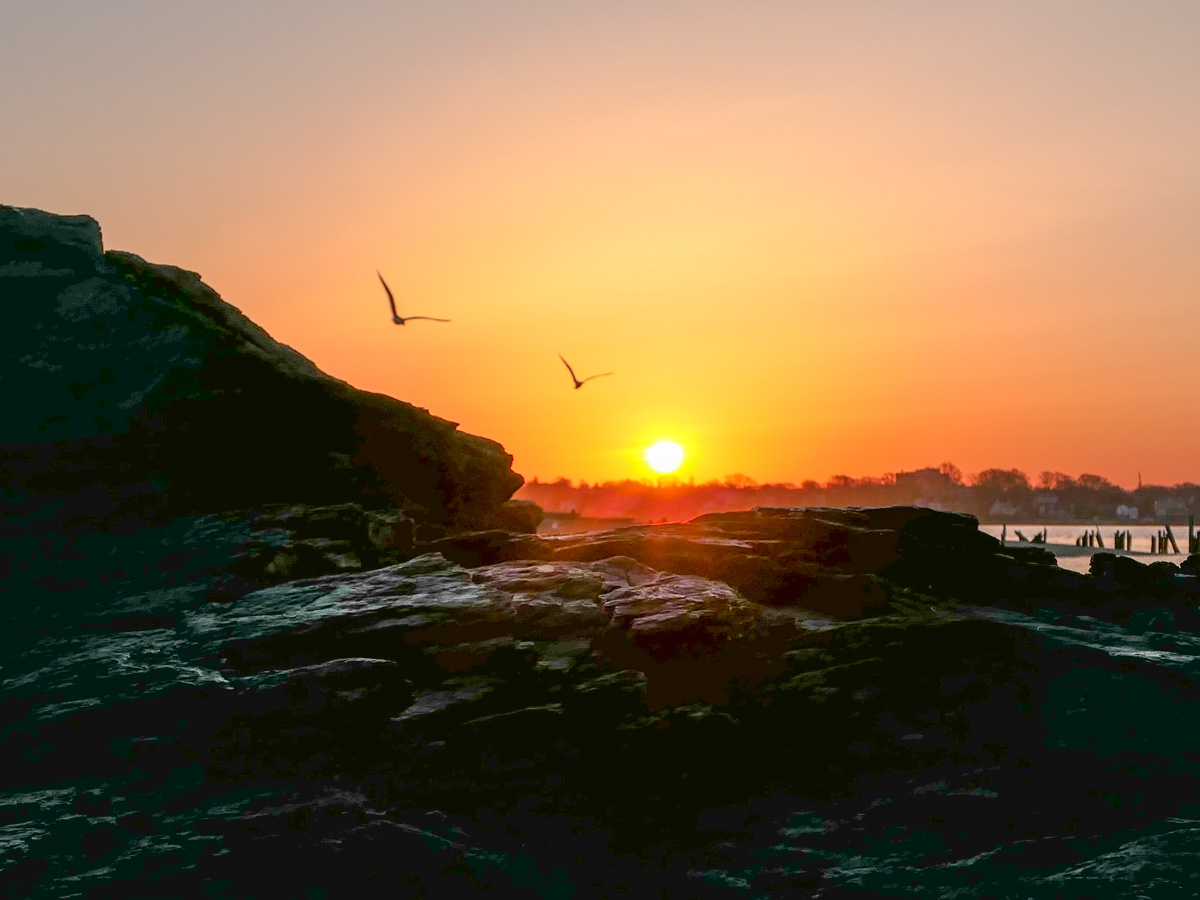
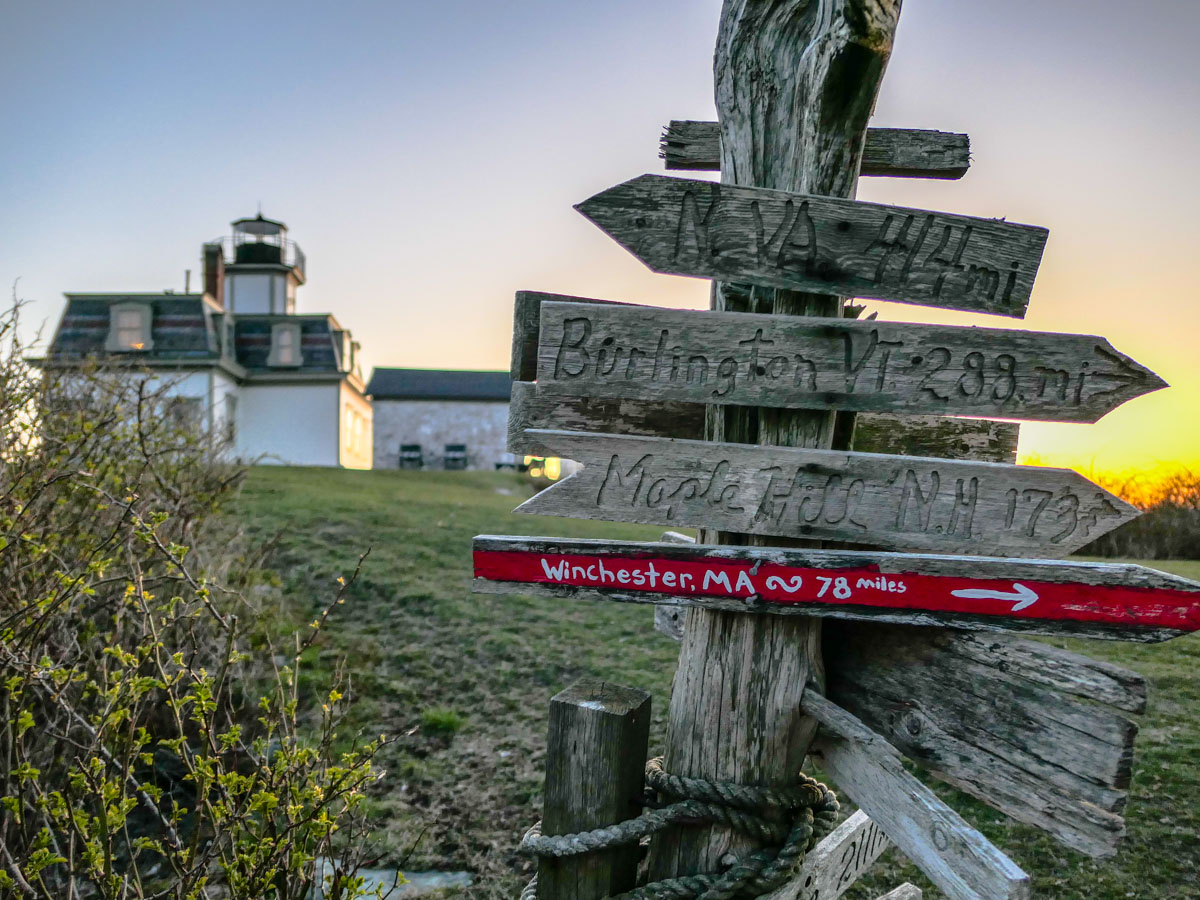
Here are a few more photos that reflect the more serene parts of our experience living in a lighthouse and being so close to nature…

Here’s my Experience Living in this Lighthouse

If the idea of vacationing in a lighthouse appeals to you, let me tell you a story about what to expect…

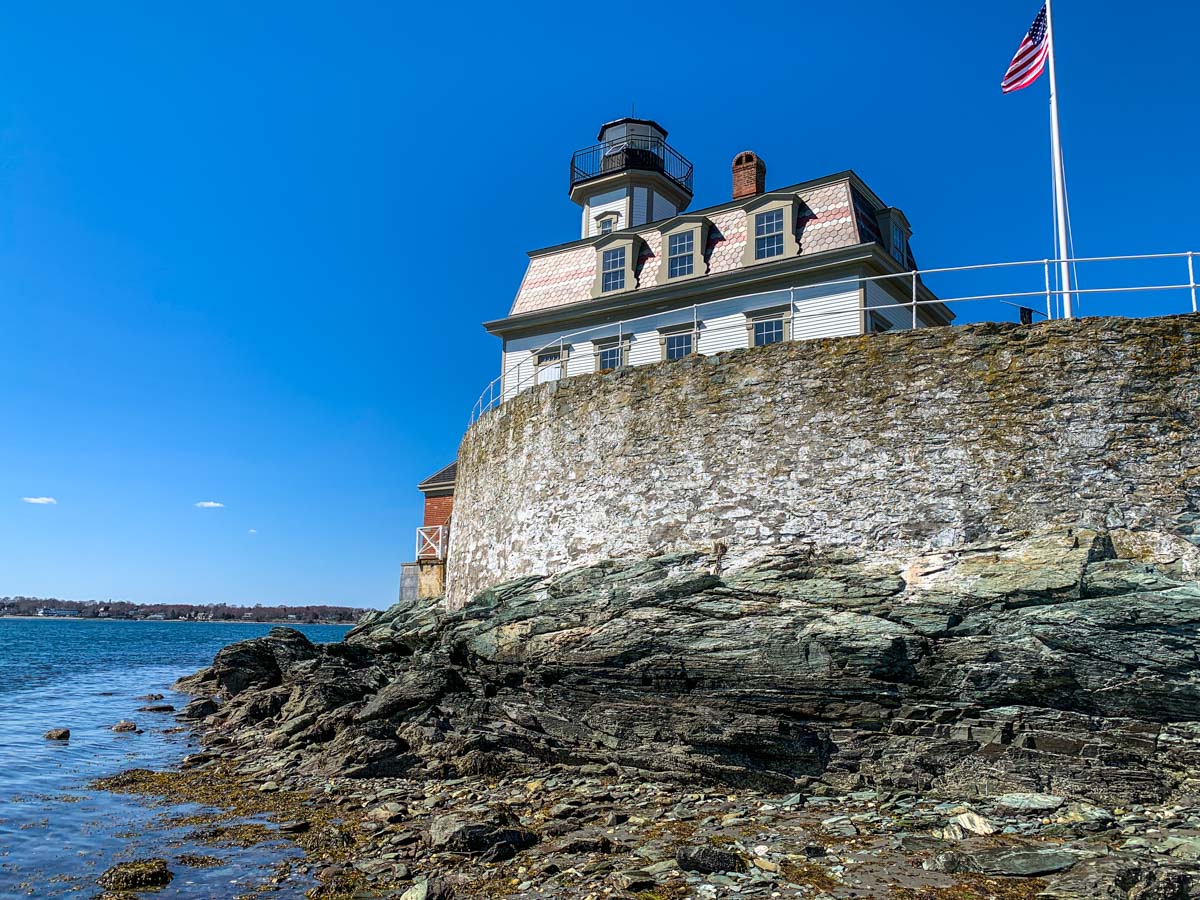
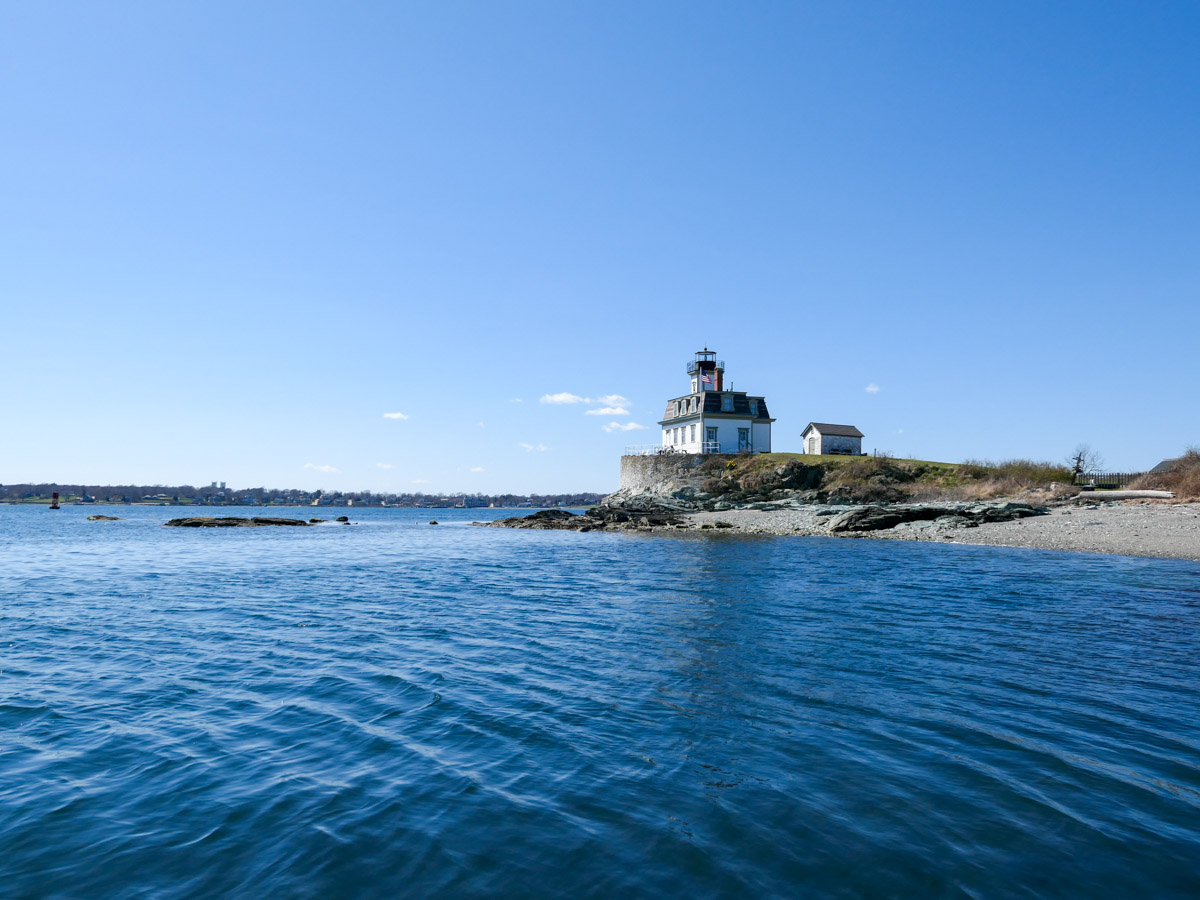
Is living in a lighthouse on your bucket list? I had it on mine, and I was finally able to cross it off after my family and I spent a couple of April nights at the Rose Island Lighthouse. It’s located in the Narragansett Bay next to Newport, Rhode Island.

The Adventure Begins
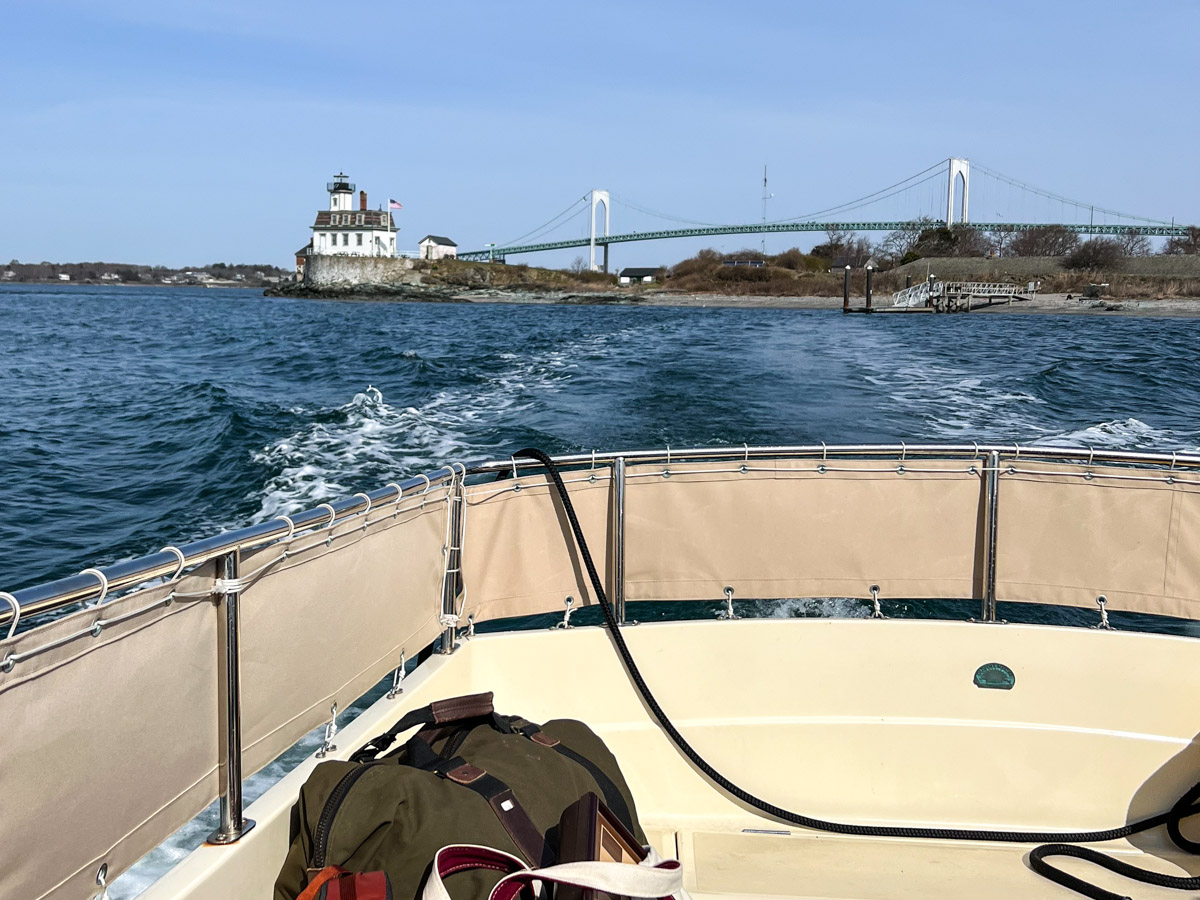
We boarded a little boat out of Fort Adams and were shuttled by Captain Cal to Rose Island, in the direction of the Newport Bridge.
After the 15-minute boat ride, we carried our luggage off the dock and wheeled away our cooler that contained all of our vacation’s food.
Then we headed up the hill to our temporary home in the lighthouse.

We moved into the first floor ‘museum’ section, which also doubled as a two bedroom apartment, complete with living room and study. Well, it wasn’t exactly complete as the kitchen didn’t offer drinkable water or modern plumbing. (Instead, 5-gallon Poland Spring jugs were provided.)
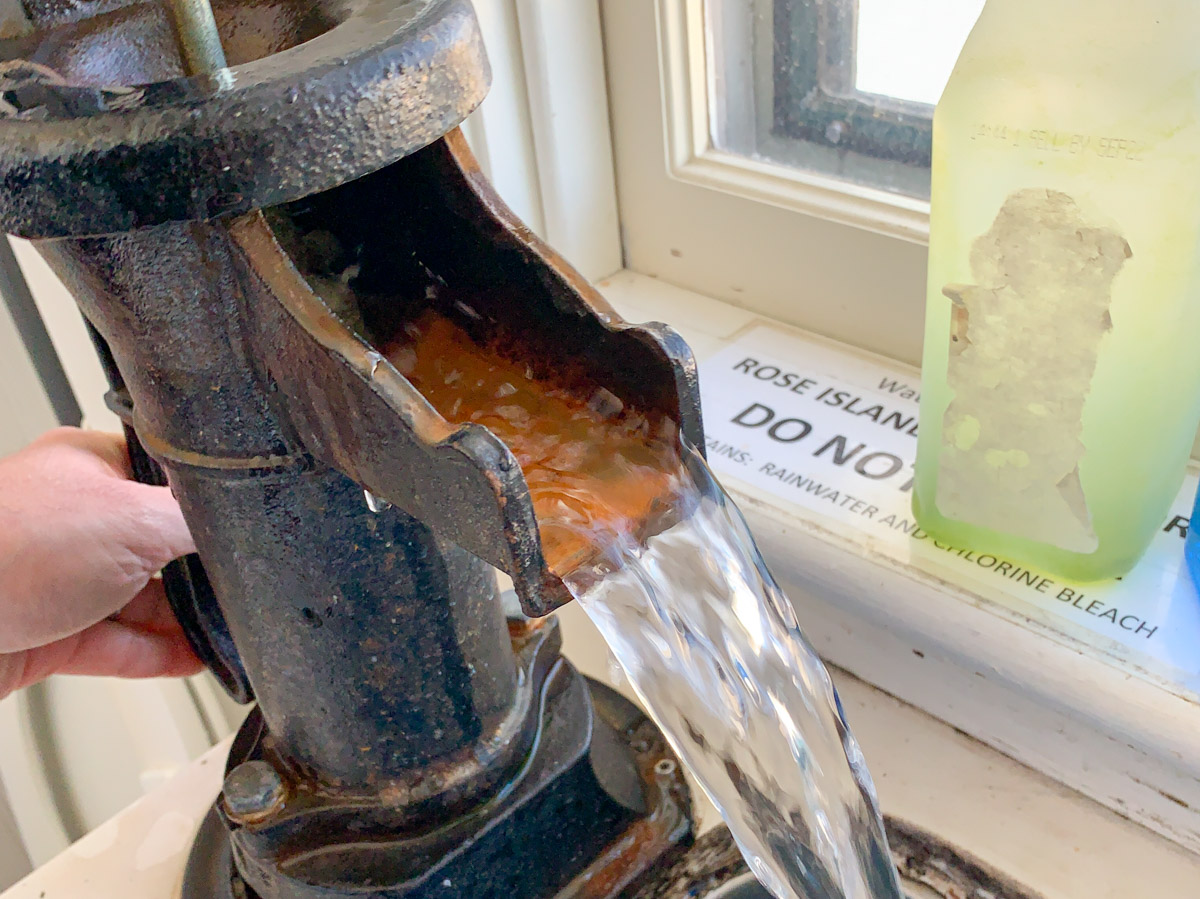
At the kitchen sink, we had to literally pump in rain water that was stored in a huge cistern nearby. (The same 19th-century system was used for the toilet.)

The Geography
Rose Island is 18 acres, but because of the time of year, much of that is off limits to protect the many nesting birds. So, we really only had access to the shore lines on both sides of the lighthouse.
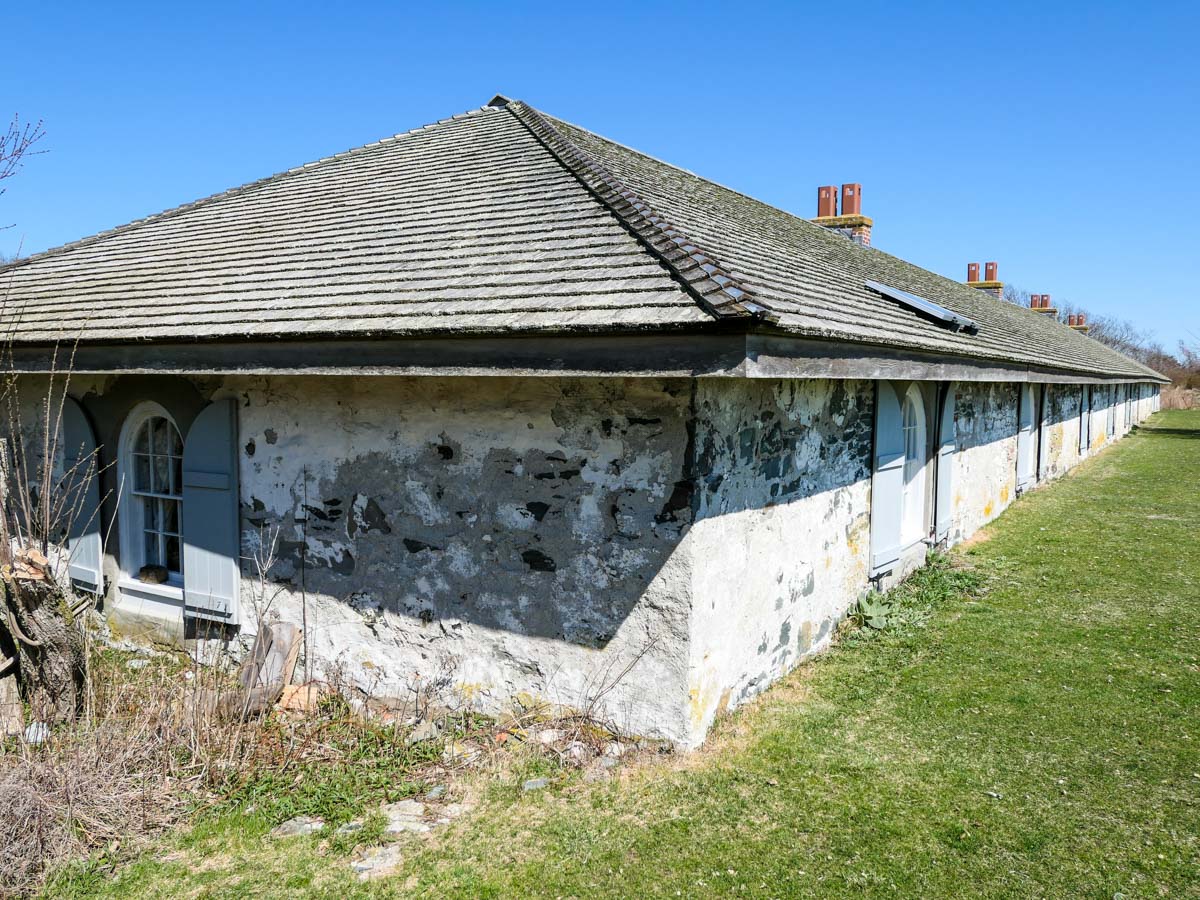
We could also walk around the land surrounding the nearby Fort Hamilton Barracks, which originally housed the workers who built torpedoes during both world wars.

Nesting Birds and Territorial Geese
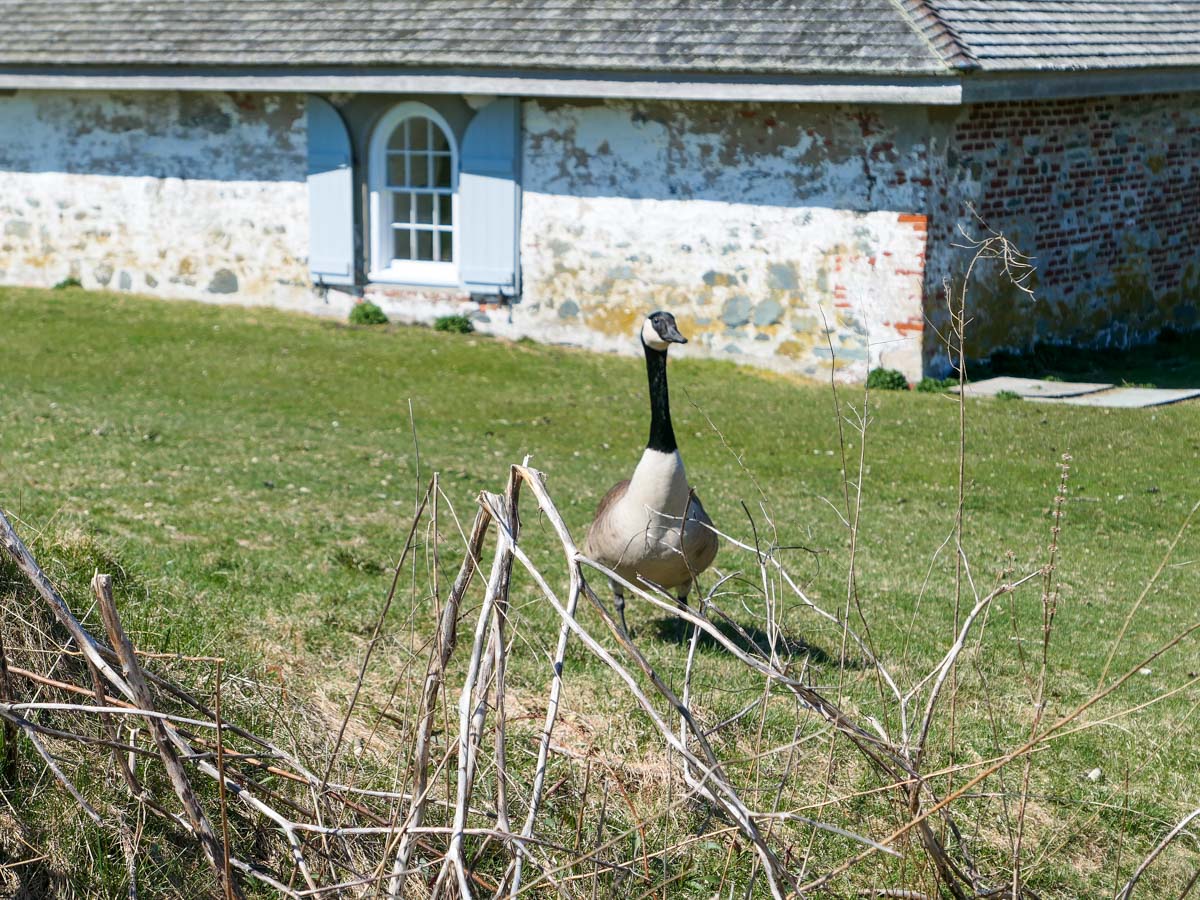
Though there was still plenty of space to walk about and enjoy all of the birds, we did encounter a couple territorial geese. They had other ideas about humans visiting their island.
That said, their aggressive posturing was just that. Our 12-year-old son tested their resolve on a few occasions with a running start, and happily, he walked away unscathed.

Self-Reliance
Of course, we found plenty to do on our little island.
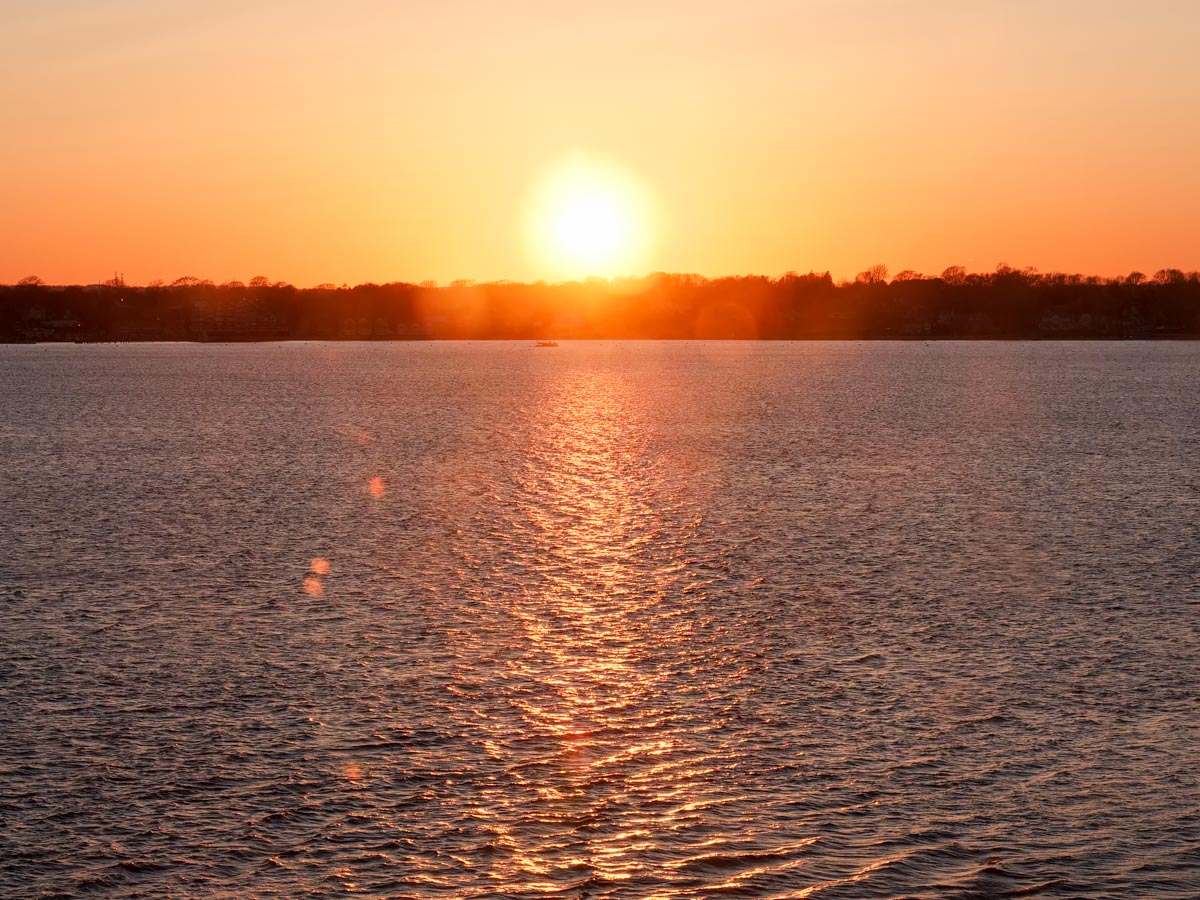
That included visiting the top of our lighthouse on multiple occasions. Sunsets were particularly spectacular.

We also roasted marshmallows at night by the fire pit. While making s’mores, we shared our day’s stories with a couple who were staying in the keeper’s apartment above ours.

I cooked our dinners outside on a gas grill, as there wasn’t a stove in our kitchen. We weren’t exactly roughing it, but you did get a sense of what it was like to live in a secluded place a century ago. That was definitely a part of our little adventure.

Yes, we still enjoyed some modern amenities, like our solar-generated electricity and heated quarters. (And cell coverage does reach the island.) But when the sun went down, I fully absorbed the reality that we were pretty much on our own.
During those overnight hours, it felt comforting to have that beacon at the top of the house shining bright.

Be Prepared for What You Might See
As you may expect, I brought along my camera gear.
I happily spent time capturing the beautiful imagery that surrounded me.

On our first morning, I was surprised to see a cruise ship enter the harbor. (It was early in the season for this.) I grabbed my binoculars. It was the MS Amera, a Phoenix Reisen ship.
So I ran to get my camera and snapped away. I watched as little ferry boats shuttled passengers to Newport for the day.

Lighthouse Timelapses
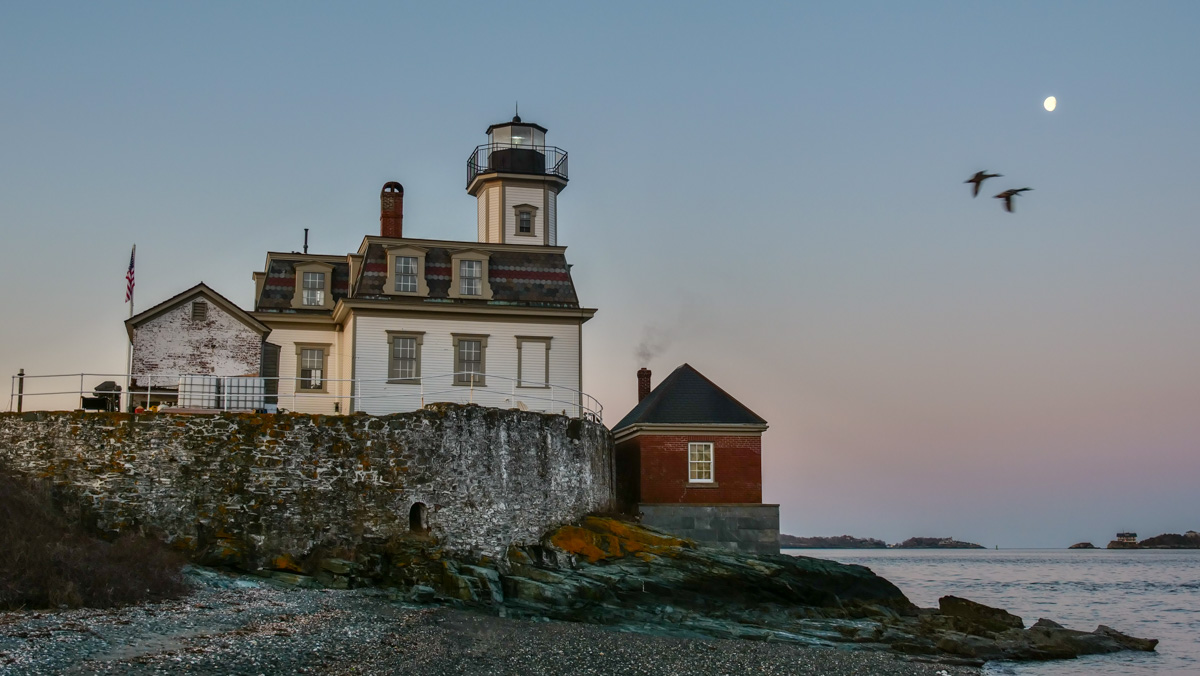
But of course, the main attraction was our 1870 lighthouse, which was renovated in the mid 1980s and reopened in 1993. And I focused most of my timelapses on the building itself.

Please click my Vimeo video to watch my timelapse sequence…


Not your Typical Vacation

I’m not exactly sure why I’ve wanted to stay in a lighthouse with my family. I think the idea felt a little adventurous and romantic. (Maybe something out of a movie.) It was like camping, but much more comfortable. Certainly, it was different. We all really enjoyed it.

I’d definitely do it again.