At Home with Tech

Unlock the power of all your technology and learn how to master your photography, computers and smartphone.

How to Use AI to Easily Improve your iPhone Photography
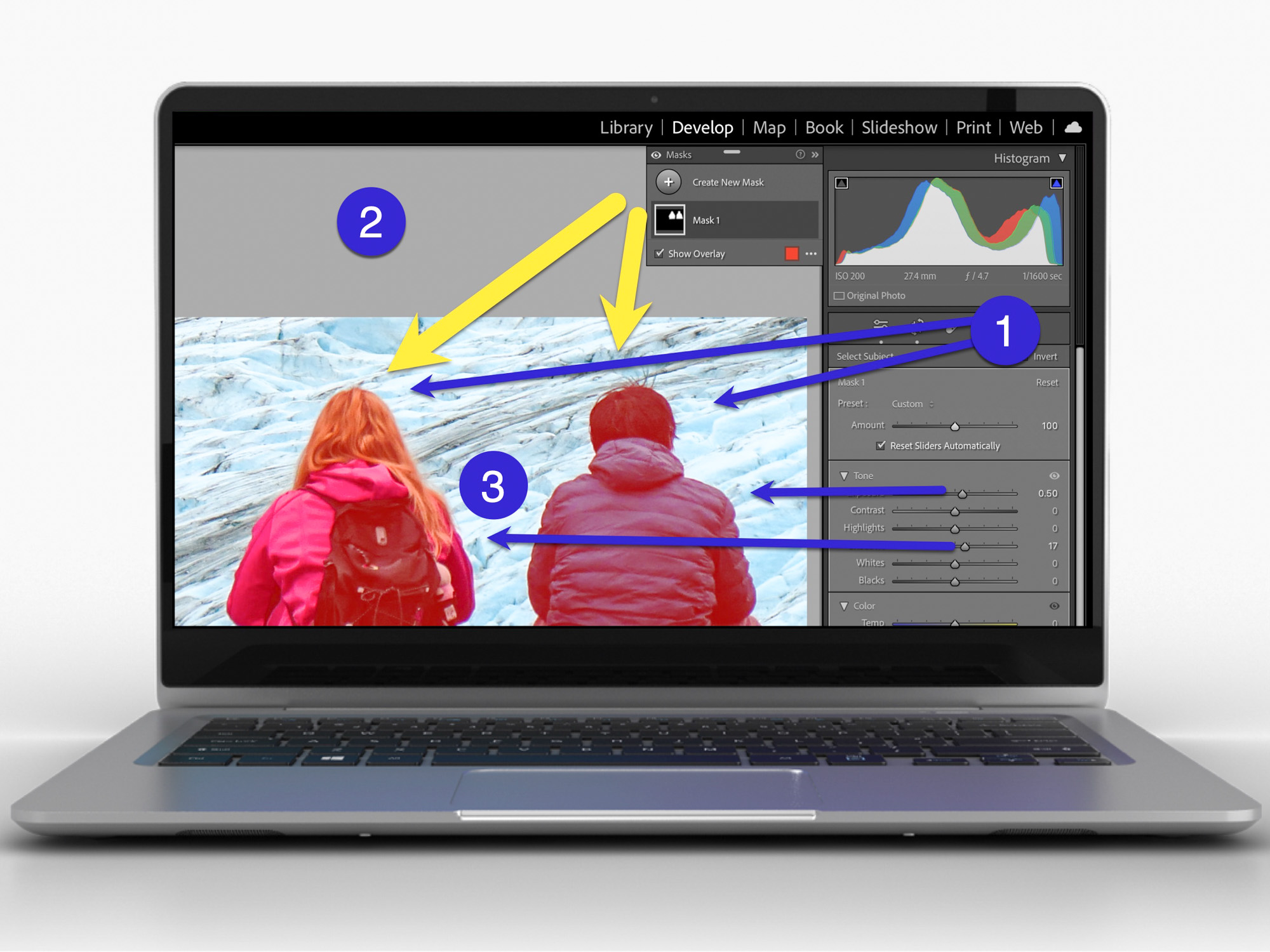
AI can effortlessly and perfectly select the people in your photos to individually brighten and edit. Here’s how to access this superpower using your iPhone and Adobe Lightroom.

I don’t travel about taking family photos with my own team of lighting professionals and a heavy bag of prime lenses (I wish). I typically just use the camera baked into my smartphone, which as you know is my trusty iPhone.

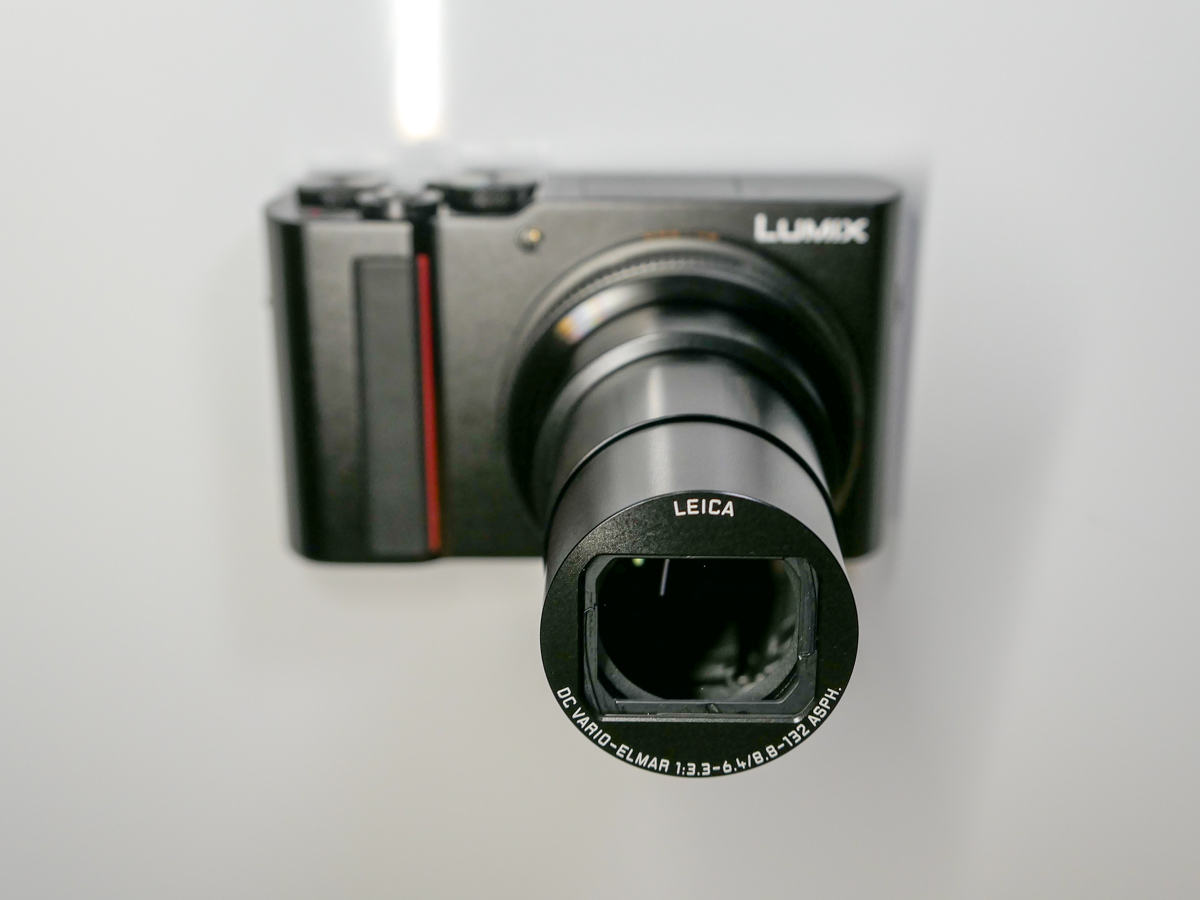
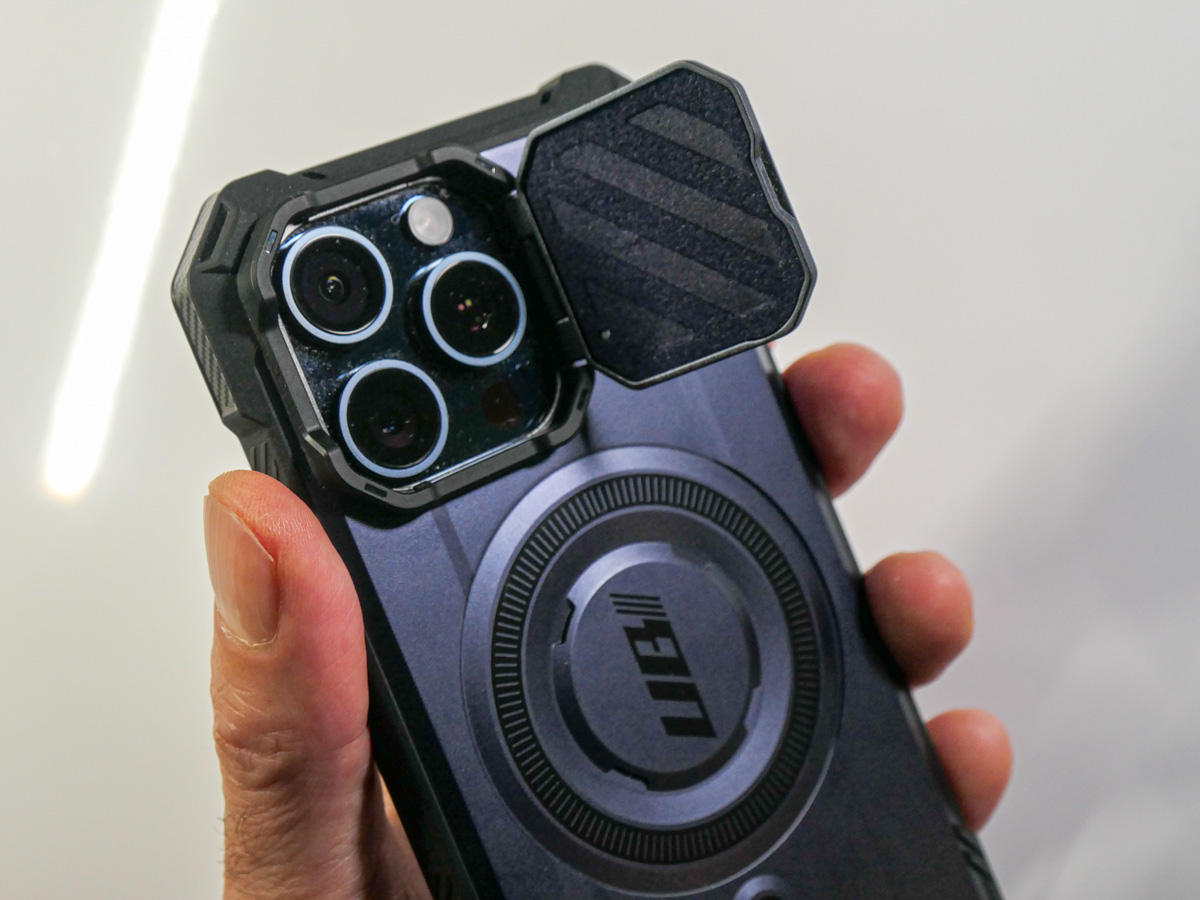
Sure, I sometimes get more ambitious and bring my GoPro, my Panasonic Lumix LX-10 or Lumix ZS200 with its bigger zoom. But my iPhone 15 Pro Max has a great camera system. And best of all, it’s always with me.

So, like the rest of us, most of my photography is generated through my phone.

When the Light is your Enemy
Even though my iPhone’s camera skills are admirable, the world usually doesn’t present perfect conditions to capture an optimal photo. Often, the lighting is not quite right.

Your subject can often look dark. Sure, my iPhone can sometimes handle this challenge. But it has problems (as does any camera) when my subject isn’t as well-lit as other parts of the frame. A similar limitation develops when the background is too bright (such as when your subject stands in front of a window with sun pouring in).

Then you’ve got yourself a silhouette shot, which is the opposite of what you probably wanted.

Yes, you can try to reframe, but that’s not always possible. The only option is to snap the photo and then try to fix it in post.

The Former Limits of Photo-Editing Solutions
There are any number of photo editing software options where you can brighten your photo to pump up how your subject appears. (Your smartphone will do this in one click.) But that can often start to overexpose the other parts of your image that are already sufficiently bright.

Professional photo editing programs can enable you to just select a portion of your photo to enhance, but there’s not been a one-click solution… until recently.

How to Brighten the People in your Photos using the AI in Adobe Lightroom
I use Adobe Lightroom Classic to organize and enhance my photos. The software now offers the ability to perfectly isolate and select people in photos with just one click. Being able to accomplish that used to take years of training and practice with complex software.

But with the power of Adobe Sensei AI, Lightroom does all that for you. Then you can easily pump up how the people in your photo look.

Here’s how:

  • In Develop mode, click on the circular Masking Tool on the top right. That’s your entry point.

On the top of your options, there are three boxes you can click to select:

  • Subject
  • Sky
  • Background

The AI-powered Masking Tool immediately isolates a perfect cut out and adds a mask that you can brighten, darken or adjust in any number of ways. If there are several people in your photo, and you want to enhance the look of just one, you can click on ‘People’ to select that individual.

It’s amazing.

Two Examples of Lightroom’s Masking Tool in Action
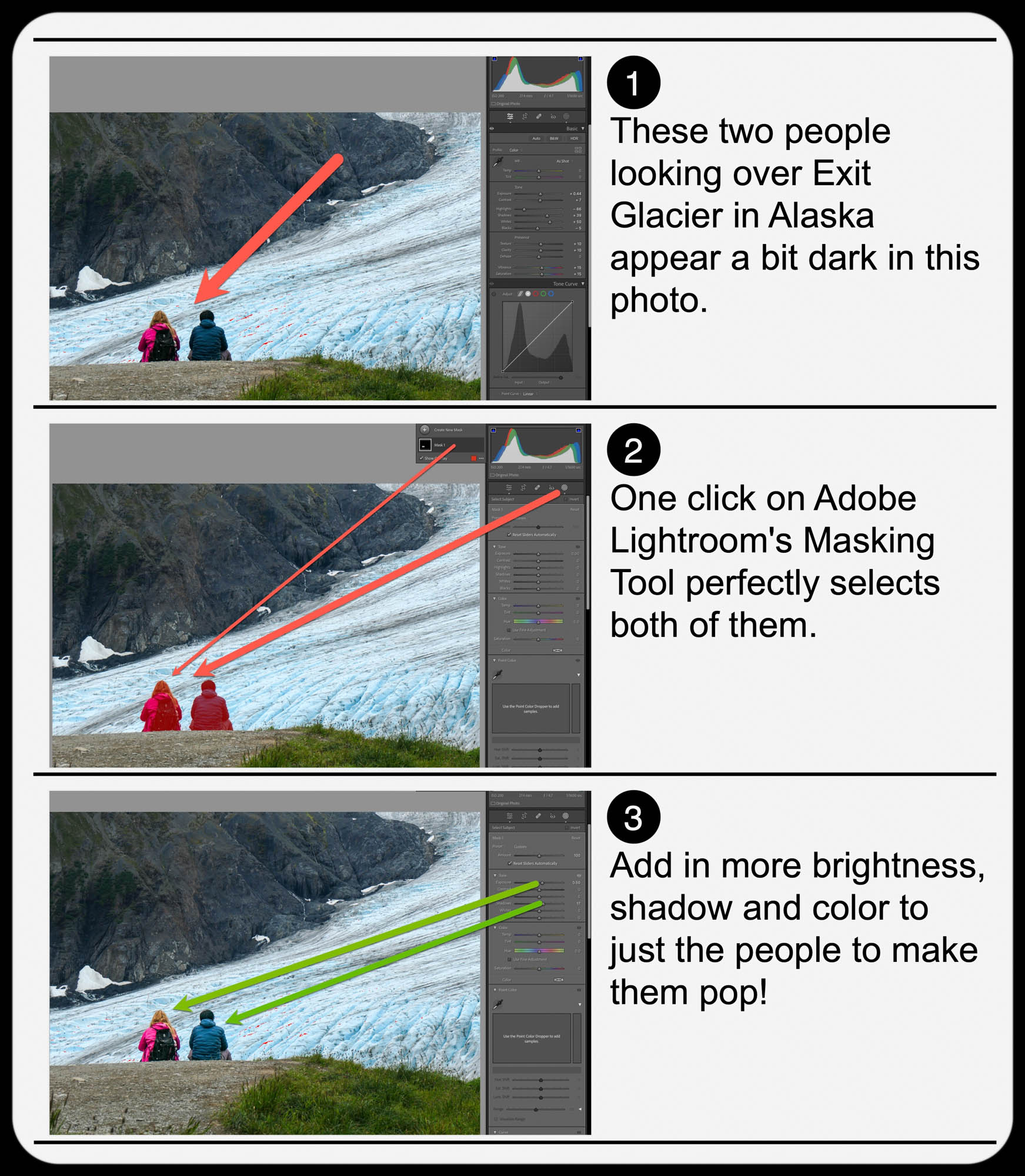
Here’s one example of using the Masking Tool to pump up the light and color saturation of just the two people in my shot overlooking Exit Glacier in Alaska’s Kenai Fjords National Park.

Brighten the People
And here’s another example where I used the Masking Tool to brighten this somewhat hidden young moose I spotted while biking near Anchorage.

Brighten the Moose
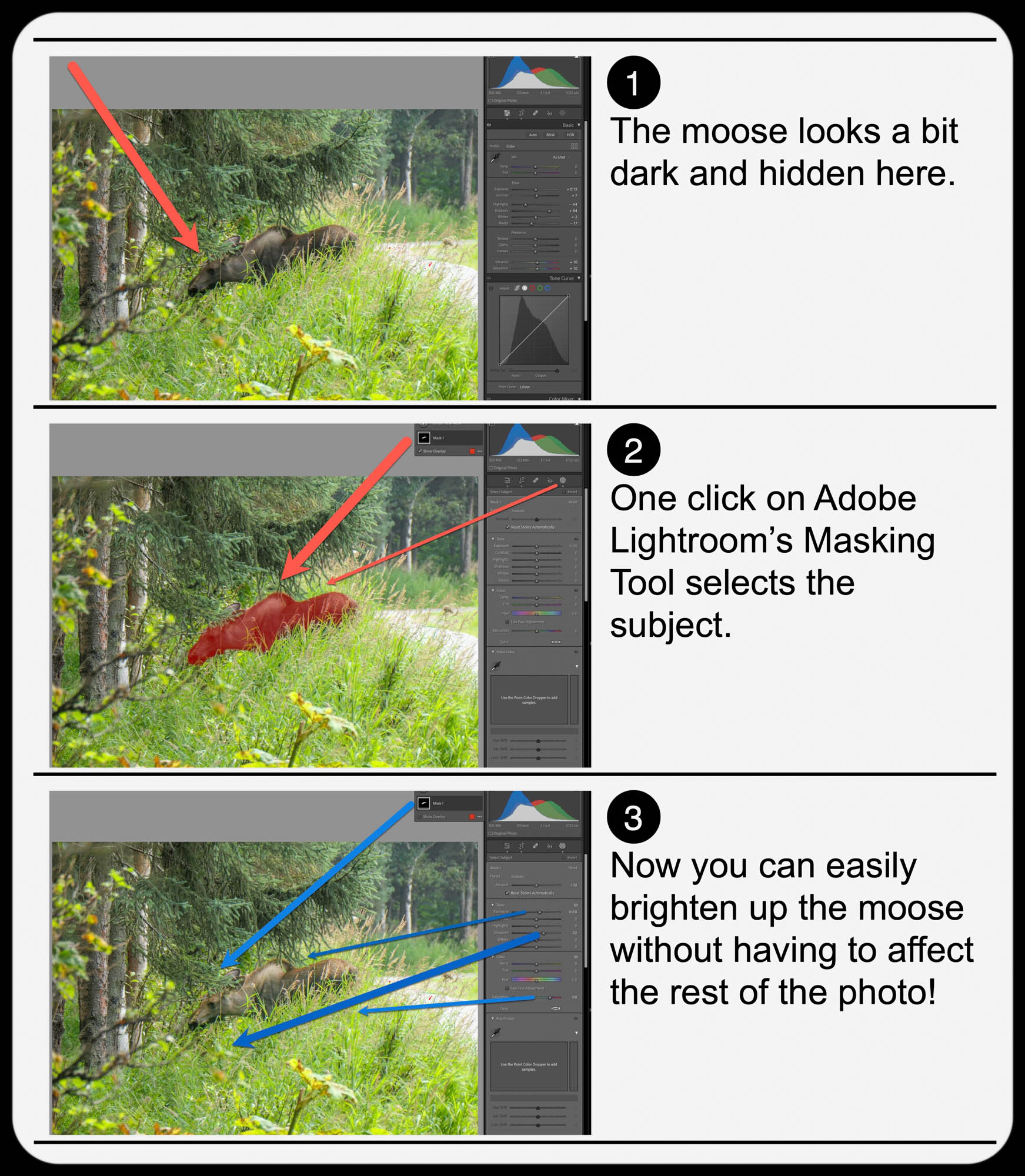
It’s not a perfect shot but being able to actually see the moose more clearly with the help of AI certainly improves it.

  • A warning: Clicking-in more light onto your subjects should be a subtle enhancement. Otherwise, it will look fake. So, sprinkle in your extra light sparingly.

Add Buttery Bokeh Blur Using your iPhone’s Portrait Mode
Once, you’ve got your photo subjects properly ‘re-lit,’ then you can focus on editing the backgrounds in your shots. A relatively new AI trick you can use is adding in background blur or ‘bokeh.’

This nifty visual effect used to be achievable only while taking photos with a more traditional camera in bright light using the right lens and aperture setting. Now you don’t have to be an expert photographer to get some bokeh. AI can create the same effect in post!

An iPhone camera’s Portrait Mode setting is designed to do exactly that. The iPhone’s software in the Photos app isolates the background from your subject, allowing you to dial in your background blur. You can snap away and then later choose to add bokeh (as long as the photo was originally taken in Portrait Mode).

This feature has been a game changer for me.

  • Another warning: You might want to dial back the amount of your iPhone’s auto bokeh level setting (Yes, you can do that.). Sometimes, just a subtle background blur is all you need. Too much may make the background look like it’s a complete digital replacement.

Three Levels of Bokeh
Here are three examples adding different levels of bokeh in Portrait Mode on my iPhone. I took this selfie while I was shopping for a new pair of reading glasses. You don’t need to see the optometrist office background. So, I thought it was a perfect opportunity to blur it out. But how much bokeh is the right level? You decide…


Lens Blur in Lightroom Classic
Adobe Lightroom Classic can perform the same bokeh trick with its new Lens Blur feature. In one click, you can create a depth map of your photo using Adobe Sensei. From that point, you can tinker further to adjust the scope of the blur.

Is It Cheating to Use AI to Improve your Photos?
The technology to digitally adjust your photos has been around for years. But some of the tricks were complex to pull off. The big change now is AI can do much of the same work for you with just a few clicks.

Should you feel like all of this is somehow cheating? Are you not really a good photographer, because you couldn’t originally capture your shot perfectly, and you need AI to save you?

Please.

If you’re a Luddite, maybe. Otherwise, this is simple technological progress.

Time to get on board and use some AI-oomph to make your photos shine brighter!

My Biggest Discoveries I Blogged About over the Past Year

Here’s my At Home with Tech year in review. Below are the links to my key learnings and tech discoveries.

So yes, these next few weeks can all be about looking forward. The fresh start. The resolutions. The turning over a new leaf. But I like to think of this time of year as the next chapter that builds on the past. It’s not so much ‘the new’… as ‘the next.’

I try to carry it forward. That way, I can greet these annual cycles with the perspective of my past years’ experiences. Said another way, it’s important to look back as you look forward. Otherwise, a lot can get lost across the years.

That’s why I think it’s critical to package up the story of your past year in an organized photo collection (digital or book) or perhaps an edited video-clips overview.

You might also want to perform a mental review and acknowledgement of your other notable actions and learnings.

Take it in. Then lock it in, or let it go if need be.

At Home with Tech Year in Review

As you know, I document my thoughts on technology and family life each week. So, I’ll follow my own advice and offer this summary of my blog posts that reflect my big learnings across the past year. Please check out the links below that most interest you!

My Growth as a Parent

Working in our Post-Pandemic World

My Journey as the Family Photographer

My Role as the Family Archivist

How a tiny film-to-digital converter brought new life to my father’s old analog slides
How to quickly turn a scanned negative into a positive image on a Mac
How to use SmugMug as a family photo archiving tool
How to prevent your family’s identity from being washed away by time

Maximizing your Family Video Clips

My Family Vacation Tips

Best Practices for your iPhone

My Evolving Understanding of Apple Computers

Here’s to a Prosperous 2024
As always, thank you for reading my blog. I’m looking forward to sharing more with you in the year to come.

Happy New Year!

5 Ways to Quickly Free Yourself from the Shackles of Digital Clutter

Is your digital life a bit of a disorganized mess? The best gift you can give yourself is carving out time to get it back in recognizable order.

You’ve got it all done. For your family, friends and work. Another year. Congratulations. Everyone says it’s now time to take a break and recharge. Relax!

But if you’re like me, you might be experiencing a certain unease… an uncomfortable itch. It’s like that feeling when you know you’ve forgotten something, but you can’t remember what. But this time, you do. And you’ve continued to put it off, because there’s always something else more pressing.

Now, you hear this nagging inner voice that whispers. It says, “Do it. Do it now. You’ve finally got time.”

Of course, we’re taking about handling all the digital disorganization that piles up throughout the year in the invisible but very real corners of your life. No one else can see it. But you know it’s there. Sure, you’ve been able to operate around it, but it’s ever heavy, and it weighs on you.

The Journey to Digital Zen
Do you want to feel refreshed? Recharged? Really ready for the year ahead? It’s time to invest in a little digital housecleaning. Start the journey to digital Zen.*
Now is the perfect opportunity, as you might have a little more free time in your day.

Here are five areas that I bet could really use your attention right now:

#1
Organize your Digital Photos from the Past Year
Whether your pictures live on your smartphone or computer (or both), if you haven’t yet finished going through this year’s crop and completing your photo-management process (physical albums/online albums/digital photo frames), it’s going to be too late.
Sure, you can tell yourself that you’ll eventually get to them, but they’ll likely get left behind, as your newer photos demand your attention.

#2
Delete All those Emails You Don’t Need
Can’t find that email from last week you want to refer to? It could be due to those thousands of disorganized emails that are cluttering up your inbox. It’s time to get rid of most of them and move the other ones into organized folders!
And don’t forget to also clear out your Junk Email folder (but not before you review it to confirm that real emails haven’t been errantly sucked in).

#3
Remove Old Photos and Videos from your Camera’s Memory Card
If you happen to still use a separate camera, I bet its memory card is looking mighty full. Do you often find yourself frantically trying to delete enough files at the last minute before you need to use your camera? (Yes, that’s me.) It’s time to make that problem go away. Go through that memory card and really free it up!

#4
Clear Out your Unnecessary Cloud Storage
Speaking of memory limits, I bet you’re paying more for your cloud storage these days. Sure, the cloud holds much more than a memory card, but it still has its own limits. Do you really need everything that’s currently in your Dropbox account or iCloud drive?

#5
Slim Down What’s Stored on your Computer’s Internal Drive
Not to be repetitive, but I bet your computer suffers from the same storage woes. Look, you just can’t save everything on your internal drive. And now that newer internal computer drives are the more-pricey SSDs, your current computer probably has less internal storage than your last one.

Gone are the days that you can simply upgrade to your next computer with double the capacity to keep up with your needs.

Portable Drives are Not a Permanent Solution
Yes, you can solve some of these problems by picking up reasonably priced portable drives and archiving your digital life onto them. But hoarding external drives and redirecting your disorganized digital content onto them is simply kicking the virtual can down the road.
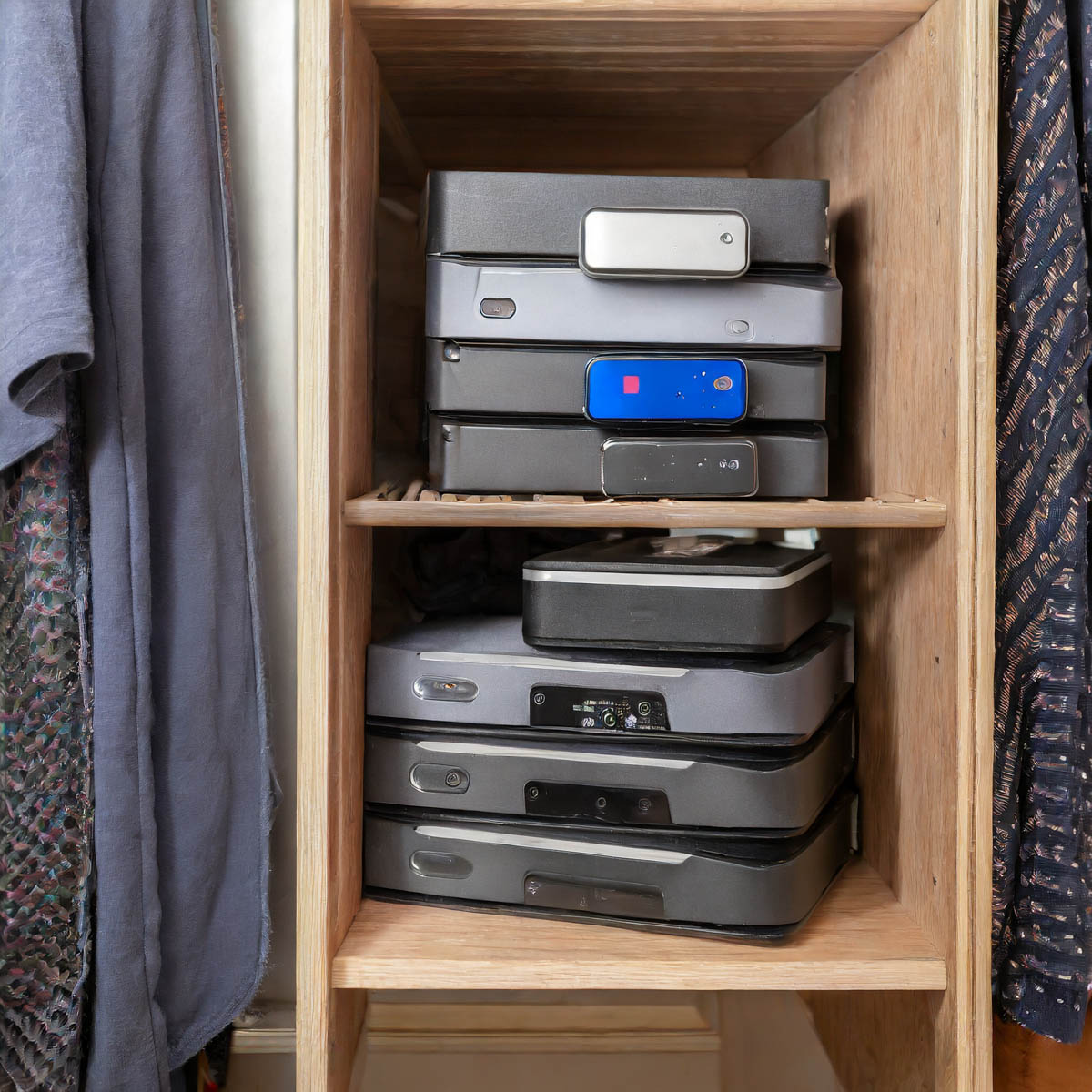
What are you going to do a decade from now when you open your closet door, and you spot fifty drives in the back corner? That’s right. You’re going to close the door.

Game over.

The Limits of your Digital Life
Wait. Take a deep breath. Now exhale.

We’re all dealing with the same challenges. In fact, we’re really the first generation to go through this.

The reality is you can’t carry around a record of your complete digital existence throughout your life. We’re only a few decades into this challenge, and I feel we’ve already reached certain limits. Our kids are going to have to figure out how to handle three to four times as much!

But I’m getting ahead of myself. For now, let’s just do what we can. If it’s only a quick fix, that’s okay.

A digital band-aid is better than nothing to slow the hemorrhaging.

The Road to Freedom
Ongoing file organization and strategic file deletion should be part of any long-term strategy for a healthy digital life. And ultimately, as in the physical world, less is more. Clutter in any form is a real drag.

If you invest some time every few months to keep your digital life in order, you’ll likely feel more control over your entire life.

And especially during this time of year, I say why not invest in yourself and start to free yourself from the shackles of all that digital clutter?
You’ll be happy you did!

*I generated my photos for this blog post via Adobe Firefly.