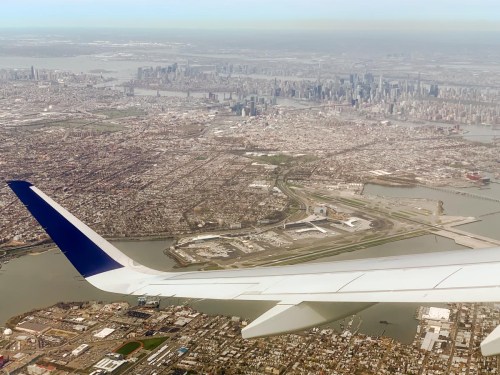
When packing to go on vacation, delicate camera gear can be a particular challenge to carry on board a plane. If you’re trying to travel light, it’s even harder. Here’s how I did it for our flight to New Orleans.
My family vacation to New Orleans was a blast. But flying there in a cost-effective way took some planning. Our goal for each of us was to only bring one carry-on suitcase and a personal item onto the plane which would fit under the seat in front. (Paying for more luggage adds up pretty quickly.)
Our airline tickets were a tad expensive as we flew over spring break after Easter. So, this self-imposed luggage limitation helped to keep our airfare pricing in check.
Traveling light as a family carries a variety of benefits, but I gave myself a particularly difficult packing challenge. That’s because I brought my Panasonic Lumix GH5 II mirrorless camera and 12-35mm f/2.8 II lens (24-70mm – 35mm equivalent) along with my Manfrotto Befree Live carbon-fiber video travel tripod.
A big camera… plus a small tripod? (The Manfrotto is still 16” long when packed up.)
Impossible you say?
Not necessarily. Here’s how I did it.
Think Tank Shoulder Bag
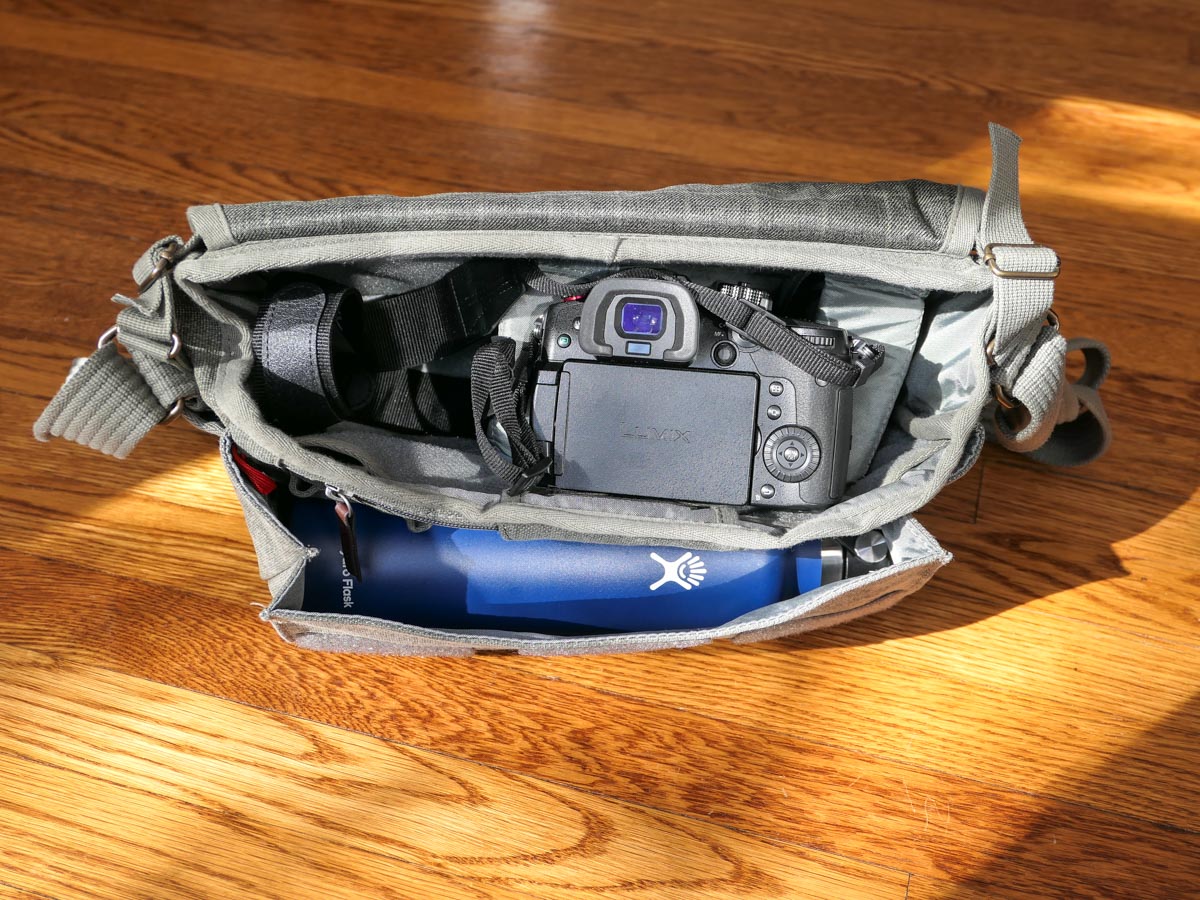
The biggest challenge was figuring out how to safely pack my GH5 II camera and lens. My first thought was to use my Think Tank Photo Retrospective 7M Shoulder Bag as my personal item/camera bag.
But I quickly realized if I then put my travel tripod into my small carry-on suitcase, I really wouldn’t have room for much of anything else.
I really needed a personal item/bag that would fit both my camera/lens and my travel tripod.
Peak Design Everyday Backpack
To accomplish that, I bought a Peak Design V2 30L Everyday Backpack. I wisely purchased the 30L model as opposed to the smaller 20L version. The 30L model just barely fit my Manfrotto tripod within its zippered side flap (with the tripod positioned vertically).
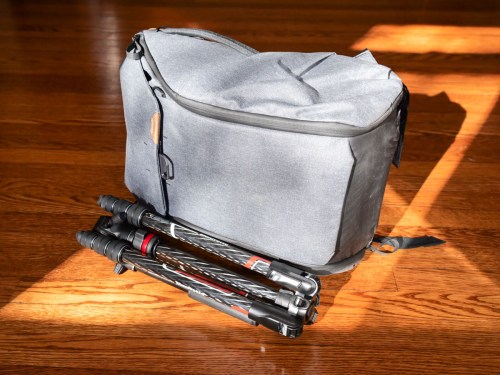
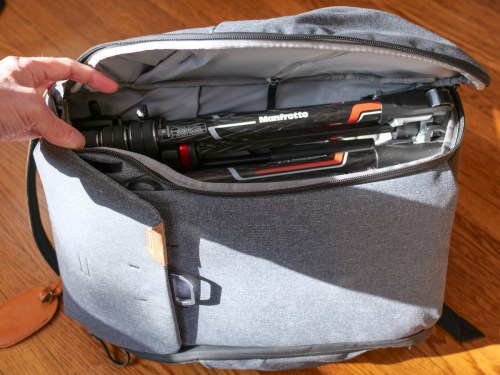
Sure, my Manfrotto could also slip into one of the backpack’s two outside pockets, but remember, my Peak Design was my personal item for our flight.
Technically, the 30L Everyday Backpack is a bit too big to specifically meet airlines’ personal item regulations.
- Personal item limit:
17” L x 13” W x 8” H
- Peak Design 30L Everyday Backpack:
19” L x 13” W x 10” H
It’s close. (Plus, I told myself that I could squish the backpack a little smaller if needed.)
So, I didn’t want to flaunt my slightly oversized personal item by also having a tripod sticking out of the backpack’s side. Plus, that would have made the backpack even wider. (The smaller 20L model would have been a snap to carry on board, but it wouldn’t have fit my tripod within its interior.)
30L Everyday Backpack Works as Personal Item
As it turned out, I successfully brought my 30L Everyday Backpack through the gate and past several sets of official eyes without incident. (We flew JetBlue out and Spirit back.)
And the 30L Everyday Backpack did indeed fit under the seat in front of me. There wasn’t a lot of extra room left, but just enough to be able to extend one foot in. It wasn’t exactly a model for comfort (I’m 6’), but it was fine for the three-hour plane ride.
Of course, the Peak Design backpack could have also been stashed in the overhead, but my carry-on bag was already there. Plus, I wanted to maintain total control of my camera gear. (I didn’t like the thought of someone jamming in another bag next to mine in the overhead and possibly damaging my tech.)
Camera Bag and General Backpack
From a packing perspective, my Peak Design Everyday Backpack wasn’t close to being full after I popped in the camera and tripod. There was ample space left over for clothing that could be tightly rolled up.
So, it served nicely as both a camera bag and backpack while we walked around New Orleans.
Think Tank Too
Remember my Think Tank shoulder bag? As it turned out, I packed that as well.
How?
It went in my carry-on luggage. (I first stuffed it with rolled-up t-shirts, socks and shorts and then put the whole thing into my suitcase.)
And why bring two camera bags? The truth is I wasn’t sure if I wanted to schlep my Everyday Backpack around during our entire vacation. The Think Tank has a much smaller profile, and on the days when I didn’t feel I would need my tripod, I felt my shoulder bag would be more appropriate.
My Experience Walking the Streets of New Orleans
I used my shoulder bag during the first couple of days of our New Orleans vacation. As it turned out, it wasn’t that comfortable.
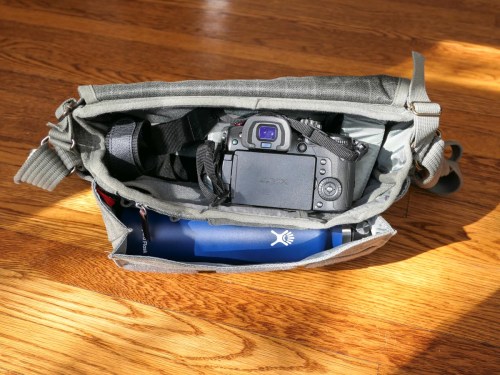
Once I packed my 24 oz water bottle into the outside pocket, I really felt the increased weight of the water, and it became more awkward to carry the shoulder bag all day with my camera. (I had the bag slung over one side of my back.) All of the weight hit my lower back, and my body didn’t appreciate it. (Yes, I do have some lower back issues.)
But when I eventually switched over to the Everyday Backpack, the weight was well balanced and focused more towards the top of my back, (The water bottle fit into one of the two outside pockets. And I still kept my tripod inside the backpack.)
Even though I was carrying more weight, it felt so much better. Plus, the remaining space in the backpack allowed me to carry extra layers of clothes for my family. And it also had room for a couple of gifts we bought along the way!
If you’re a parent with years of experience as a ‘Sherpa’ for your family, this backpack does really nicely as a day bag.
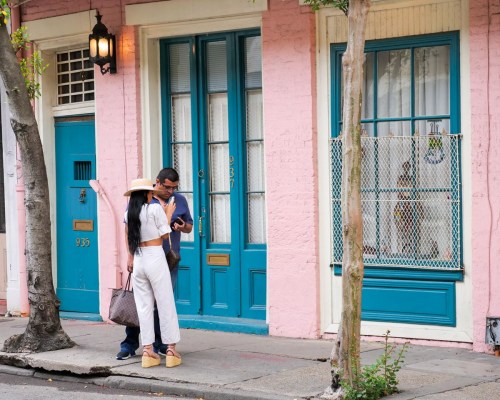
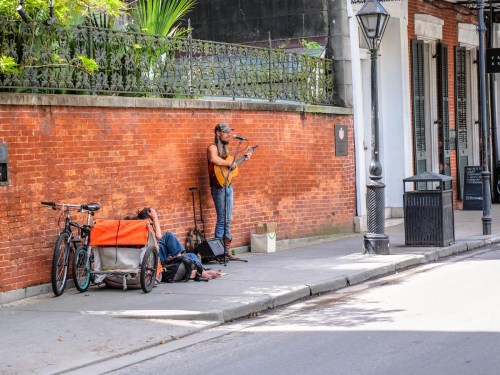
The 30L Peak Design Everyday Backpack isn’t exactly small, but it doesn’t scream, “Hey, I’m a huge camera bag with a tripod!” I was just another tourist carrying a regular backpack on the streets of the French Quarter.
Next time, I’ll ditch the shoulder bag entirely.
Maximize the Functionality of that Personal Item
New Orleans is a great place for a family vacation. I really enjoyed the opportunity bring along my gear to capture some cool photos and videos along the way.


Using a camera bag in the form of a backpack that can fit a small tripod and doubles as a day bag on vacation was my trick to flying with fewer suitcases.
As long as the backpack can also fit under that seat as a personal item on your flight, you should also be in great shape.
Happy travels!














 At Home with Tech