At Home with Tech

Unlock the power of all your technology and learn how to master your photography, computers and smartphone.

Tag: AI

Here’s How I Finally Wrapped My 9th Grade Film Thanks to AI Video Generation
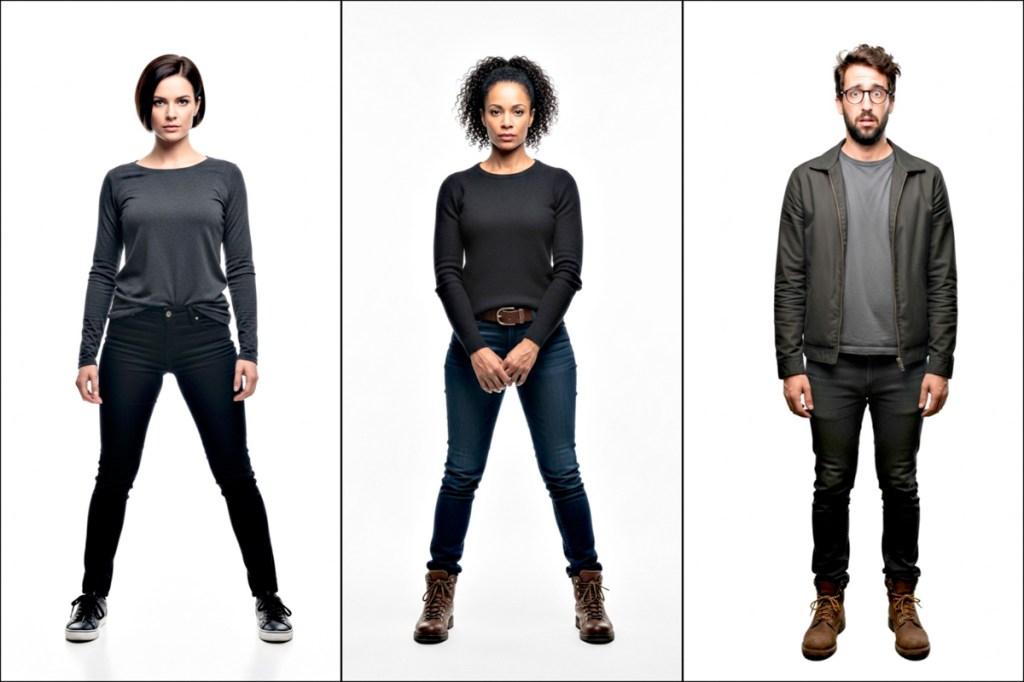
These are the AI characters I created to star in the big scene from “The Portal in Central Park,” originally written by me and a few friends decades ago and finally brought to life through Google’s Veo 3’s AI superpowers. Here’s how I did it.

When I was in 9th grade, I joined a school project with some friends. We were going to shoot a science fiction mini movie around Central Park in New York City. We wrote part of our time travel script, discussed the many logistics and locations we’d shoot in. 

Young Filmmakers on the Streets of New York?
I remember we were going to feature a tall, black obelisk that at the time was found at the entrance to Central Park on 59th Street and 5th Avenue. The sculpture would be the ‘time portal’ that our characters would walk towards and disappear through. Clever editing would avoid the need for special effects.

We were in ‘preproduction’ that spring, and it would have been a spectacular time to film on the streets of New York. Though we were all inspired by the potential of our little project, most eventually realized the many complexities of making a movie and how long it really would take to pull it off. Still, I felt undeterred. But the others had a different (more realistic) view.

Our project started losing steam, and ultimately, our short flick never got out of development. It was simply too big a lift. A few months later, we all graduated, and that was it.

My Origin Story that Never Happened
This would have been my origin story as a fifteen-year-old filmmaker, but it was not to be. (Instead, a year later, I found a more structured opportunity to explore my video production interests in high school.) 

But I’ve never forgotten about my first student movie short that never was. That obelisk scene is seared into my long-term memory. I really wanted to capture that shot. I saw it so clearly.

I still do.

AI Video Generation Can Bring Your Vision to Life
Over the decades, I’ve occasionally found myself returning to the nagging sadness that we never finished our movie. Heck, we never started it!

But if I could somehow go back to the future and capture that obelisk scene, maybe I could check it off my bucket list.

Well, now I can… from the comfort of my home office with a little text-to-video prompting and the power of AI video generation.

Yes, the magic of Gen AI is transforming our existence on a daily basis. And yes, it can now enable me to finally manifest my dusty vision out of thin air. 

So that’s exactly what I decided to do. 

There are multiple platforms that are up to the task. I decided to use Google’s Veo 3.1 and Flow/Scenebuilder. So, I signed up for the Google AI Pro plan for twenty bucks a month. I felt that would give me enough generative AI credits for what would be a 30-second scene.Text to Image Prompting
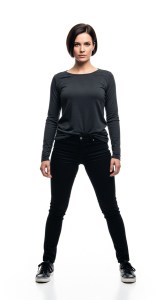
First, I created still images of my three main characters using Google Whisk and its text-to-image generation powers:

The Leader
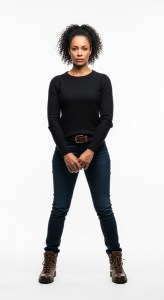
Second in Command
The Nerd

Text to Video Prompting in Scenebuilder
Any remnants of our original script were long gone, but as I’ve said, the obelisk imagery remained clearly in my mind.

I’ve admittedly updated the characters (away from a few school kids) and added a few lines (current scriptwriter’s prerogative). Yes, these AI characters can talk!

Then, I uploaded the images of my AI actors and began typing in prompts for individual shots around this one scene. I relied on the ‘Scenebuilder’ mode to retain the same characters and background from shot to shot.

Veo 3.1 is impressive, but it also hallucinated a fair amount, adding in new scripted lines, a few of which I end up using. 

“The Portal in Central Park,” My AI-Generated Movie Scene
And here’s my completed 30-second scene, “The Portal in Central Park”… finally ready for its premiere all these decades later.

Imperfect, Yet Simultaneously Stunning
Okay. This is not exactly going to win any awards, and it does look rather fake (Though not entirely fake… It could easily serve as an early draft for a pitch to do a real shoot).

And I also found myself struggling to get precisely what I wanted. (Perhaps that’s due to the limitations in my basic text prompting skills.) Strangely, I felt like a director arguing with live actors who didn’t want to follow my direction.

As I mentioned, I ended up accepting the actors’ improv in a couple of the hallucinations. So, this scene isn’t exactly what I originally envisioned, but it’s close.

The background music is also AI-generated through Google’s MusicFX platform. I just typed in… “A cinematic feeling piece of music suggesting that time is running out. Exciting violins. Medium tempo.”

Click. One try is all it took.

That’s a Wrap!
Ultimately, I found it amazing what I was able to accomplish in just a few hours. That said, I edited the clips together manually in Final Cut Pro. This part still required (for now) nuanced timing and a human touch.

Each clip took about a minute to generate using Veo 3.1 Fast mode. And yes, there were many that ended up on the cutting room floor. 

But as imperfect as the results were, I can still say I successfully brought my teenage cinematic vision ‘to life.’

The Future of Visual Storytelling
But I must admit there’s more to this exercise than completing the big scene from an old school project that I’m sure my former classmates have long forgotten about.

The truth is I’m back to where I started as a teenager. I still feel the creative passion to bring stories to life, but I again need to learn how to use the tools available to me.

And that’s exactly what I’m doing.

For twenty bucks, you and I can conjure up complete videos with stories and characters based on simple text prompts. It feels entirely like a fantasy. But it’s not. 

The only part of the process that feels normal is this: 

-The power of the written word is as strong as ever.

Keep It Real
We’re clearly in the middle of a creative revolution. If you want to keep up, there’s no time to lose.

Learn how to use these new AI-fueled creative tools, which will continue to improve… There are countless reasons why.

…Or else you may find yourself eventually becoming the hallucination on the cutting room floor.
How to Magically Turn your Photo into a Video Using Generative AI

The creative realm is no longer inhabited exclusively by human minds. Generative AI tools have revolutionized how you and I can develop our own creativity. Yes, AI may still require our inspiration, but then it magically does most of the work.

One way to quickly immerse yourself in this new creative workflow is through a simple shortcut. Just start with a real photograph/image that you’ve already created as a reference point. Then, it’s much easier for an AI app to develop it further as opposed to having to start the process from scratch through extensive prompts.

For me, that’s been the key to easily unlock AI’s visual powers.

AI Follows the Creative Direction from your Photography
After uploading your own photo, you can create an AI-generated clone in one click that looks remarkably similar. The AI takes certain creative liberties, but it nails the framing and essential visual elements.

And then, with just a few more prompts and a click, you can generate short video clips that bring your photos to life.

So yes, we can now create videos out of thin air based on our photography. 

Here are a few examples I generated after feeding my photos through Google’s Whisk and Veo generative AI models. (Other companies offer similar fast-developing technologies.)

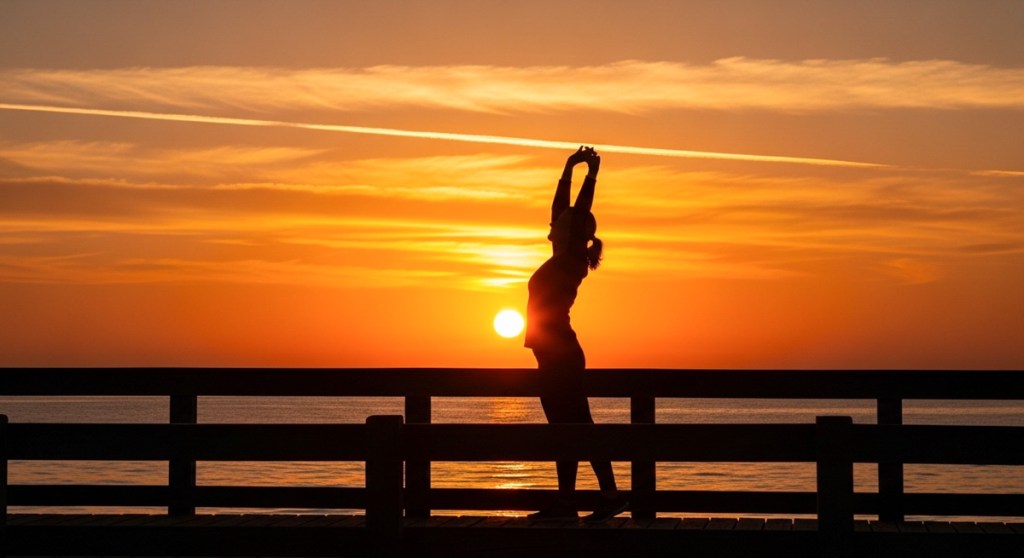
Maine Sunrise
I snapped this sunrise photo during our Maine vacation:

Here’s the Google Whisk version:

And here’s the Google Veo video:


Alaska Sunrise
Here’s my sunrise shot from Homer, Alaska during our 2023 trip.

Whisk photo:

Veo video:


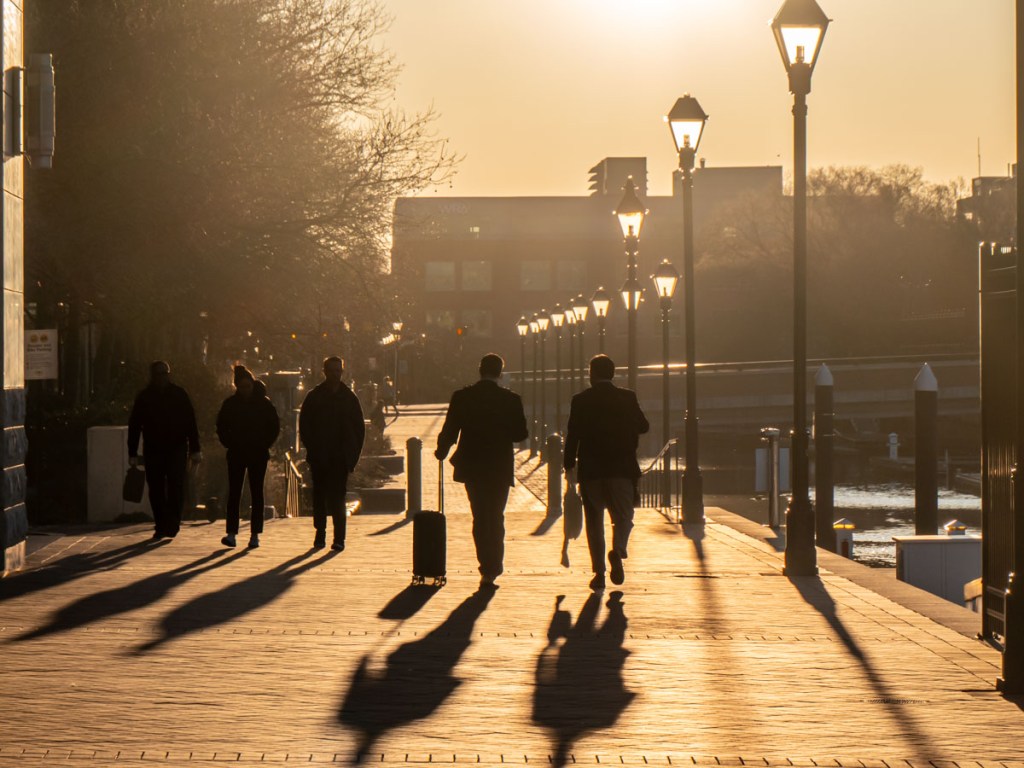
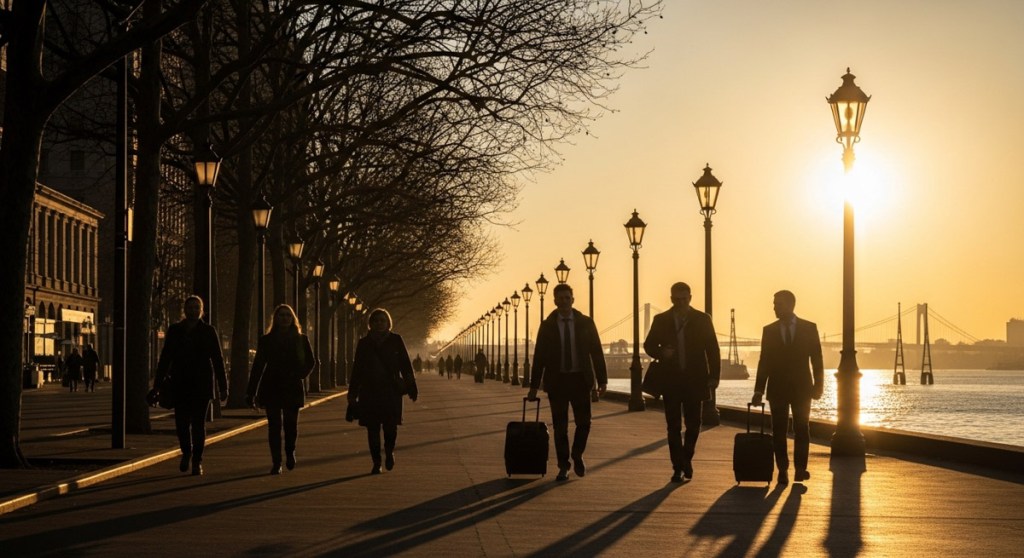
Baltimore Sunrise
Here’s my photo of people walking by the water in Baltimore, Maryland.

Whisk photo:

Veo video:


Two Paddleboarders on the Ocean
I photographed these two paddleboarders in Maine last year.

Whisk photo:

Veo video:


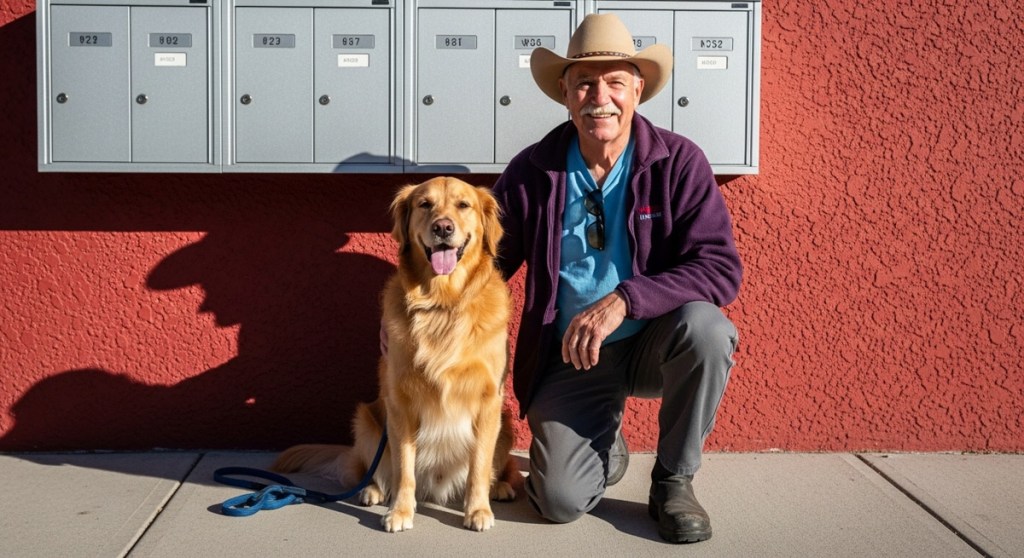
A Man and his Dog
During our vacation in Alaska, I took a photo of a man with his beautiful golden retriever. I processed it through Google Whisk and Veo and generated this:

Whisk photo:

Veo video:


Generative AI Provides the Paint and Canvas
I find these examples remarkable and clearly disruptive. I’m still adjusting to the massive implications to all this. 

Generative AI tools have quickly become our new paint and canvas to bring our creative ideas to life. And the results will only get better.

So, it’s time for all of us to relearn how to paint, even as photographers.

Has AI Revolutionized or Shattered the Art of Photography?

I believe the answer to this question is both. And that’s not necessarily a bad thing. Here’s why.

In the not-too-distant past, being a great photographer meant you needed foundational technical skills, a great eye and a little luck. And it didn’t hurt if you had a higher-end camera with a fast lens that could properly freeze the moment and soften the background with some nice bokeh.

It was all about getting ‘the shot.’ And you knew it when you snapped it.

Today, software, AI and some nifty tech tricks have changed the entire equation. Now everyone can be a ‘great’ photographer.

The iPhone’s Powerful Camera Skills
If you’ve got a recent smartphone in your pocket, you’re off to a solid start. Today’s iPhones are amazing cameras.

  • The camera lenses on the back give you enough zoom flexibility for most framing needs.
  • The ‘live photo’ setting gives you a full 3-second moment instead of a fraction of a second. Then you can later choose the best frame from those 3 seconds.
  • The software in ‘portrait mode’ automatically blurs the background for you, and you can adjust the level of blur after the fact.

If you’re just pointing your iPhone in the right direction, you’re probably going to capture a pretty good photo. It brings a new clarity to ‘point and shoot’ photography.

Fix It in Post
Then there’s the art of editing your photos. People have been polishing and adjusting digital photos for years with tools like Adobe Photoshop. But that takes a fair amount of training and practice.

Of course, today there are a host of one-click photo-enhancement solutions and filters that you can use with your computer or smartphone.

Easy.

So, what you originally shoot is only the beginning of your photos’ journey.

AI to the Rescue
Now, AI can help us do even more by removing objects from a photo in one click.

I’ve begun to do that using Adobe Lightroom. It’s amazing with its ability to instantly backfill the environment behind a removed item.

It’s not perfect for every scenario (at least not yet), but I would have thought of it as science fiction not so long ago.

Prompt Generation
And then there’s AI’s new “text to photo” superpower. You don’t even need to pick up a camera anymore. Just type in the photo detail you want to generate.

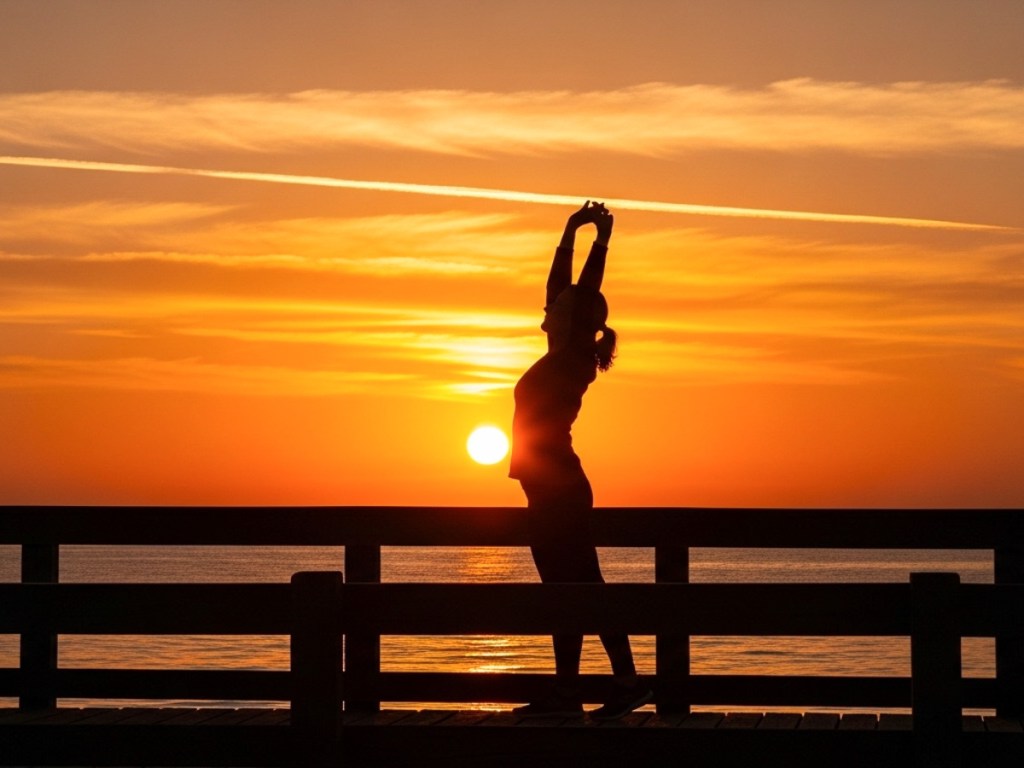
I’ve been practicing this with Adobe Firefly, and you may have noticed that some of my recent blog headline photos are Firefly-generated (as is the photo for this blog post).

Again, it’s not a perfect technology… not yet. But you can already generate amazing imagery using a variety of software and web tools by just… typing it in.

This is indeed progress. In fact, it’s startling. It’s amazing. It’s already revolutionized the entire art of photography. I am a better photographer thanks to all this innovation.

Or am I?

New Rules
I’m certainly creating better photos (some of which never even came out of a camera).

I don’t think my on-the-ground photography skills have specifically improved (well, perhaps a little).

I’ve simply learned how to use the new tools that make my photos look better after I snap a shot. I’m building a new photography skillset that focuses more on photo enhancement and manipulation.

I’m sure a purist would call that breaking all the rules of what photography is supposed to be.

Yes, the rules are clearly being rewritten by AI. And I suppose the question is whether the dramatic disruption of this art form is such a bad thing.

It’s a Revolution
I think the answer is mostly… “No.”

Bokeh is bokeh. It doesn’t matter how you get it. If you think someone’s cheating by creating bokeh in one click instead of relying on years of practice with the right camera lenses… get over it.

Sure, maybe your skillset has just been replaced by a piece of software. That’s life. That’s evolution. You need to stay ahead of the curve. This is not a new way to live.

Fact vs. Fiction
But as we all become experts in photo manipulation, of course, we need to be careful not to cross the line of misrepresenting reality.

Maybe it’s not such a big deal whether you choose to erase someone in one of your photos. But I would say we all have a responsibility not to flagrantly warp reality. We all increasingly have access to the tools that can do exactly that.

So, I would say we should keep it real. Fact. Not fiction.

And of course, we all know that famous quote from “Spider-Man.”

“With great power comes great responsibility.”

Yes.