
Do You Know Where the Red Reset Button Is Located?

My home’s furnace quietly stopped working last week. I didn’t notice the specific moment, but it was shortly after dinner. I thought I felt a bit cold, and I stopped what I was doing. My ‘Spidey Sense’ told me something was wrong.
I turned to glance at a little digital thermostat I keep near my home office desk. The temperature was four degrees cooler than it should have been.
My new Google Nest Learning Thermostat runs a tight ship. So, I knew something was off. (If I were starring a science fiction movie on a spaceship, the next scene would show a pinhole leak in the hull as oxygen vented out.)
My Furnace Wouldn’t Fire Up
I listened for the normal background hum of our heating system. Nothing (no comforting purr of my warp engines). I hurried down to our basement to check the circuit breakers. All good there.
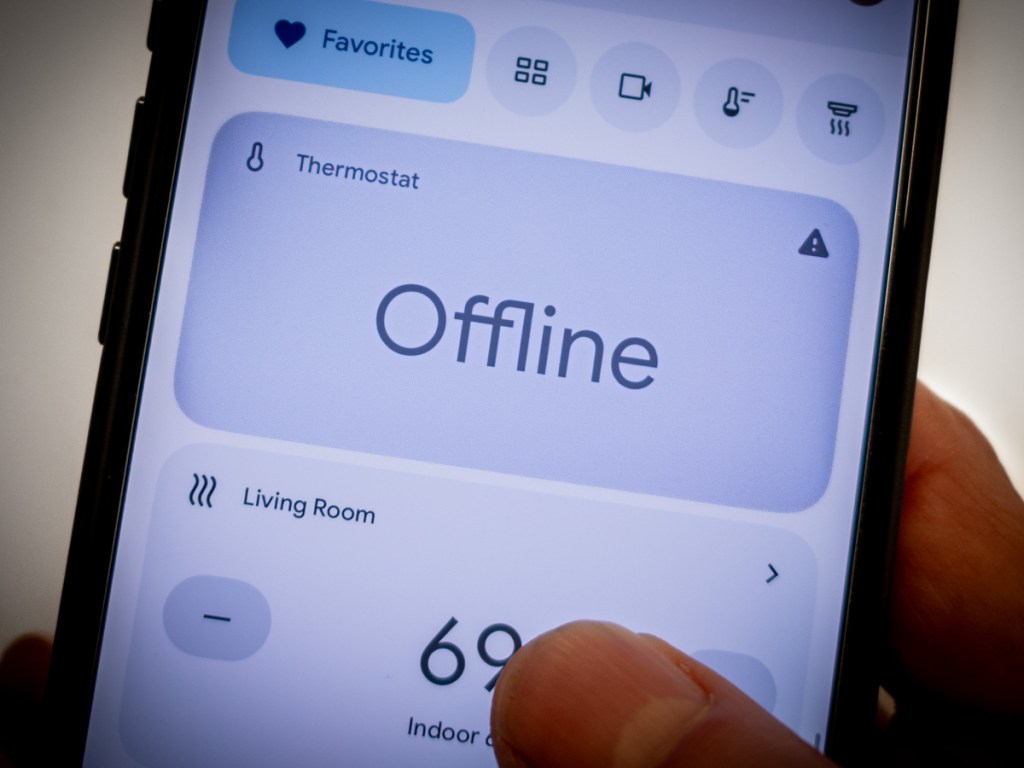
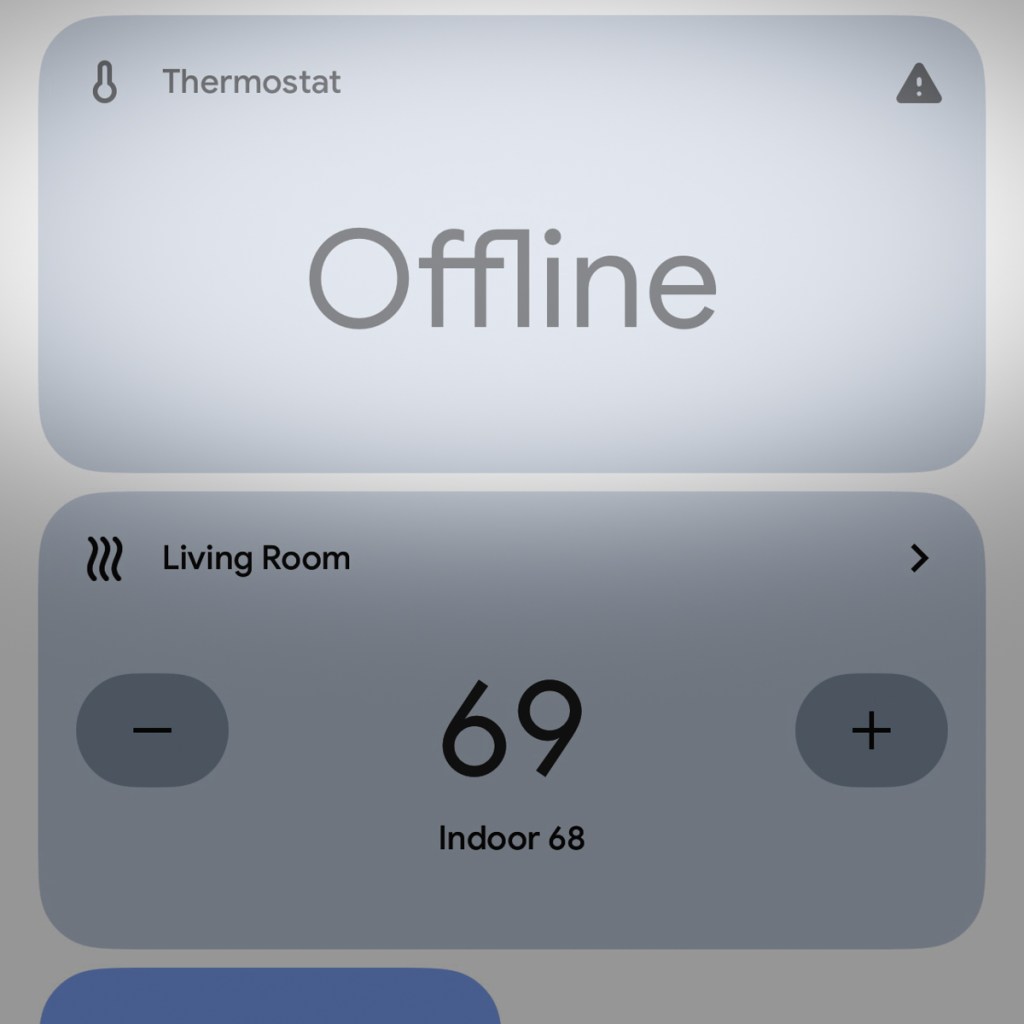
I rushed backed up to check out my gleaming Nest Learning Thermostat. It knew that it was too cold but reported that my furnace was actually running, and my house would reach its desired temperature in 45 minutes.
Houston, we have a problem.
My furnace just wasn’t firing up, and it was 38°F out. My family didn’t know the situation yet. But the clock was ticking.
There was only thing I could do. So, I made the call…
The Big Red Button
I called for an emergency repair. Yes, I pay for an annual plan to protect against this specific moment.
Ninety minutes later, the technician showed up.
The first thing he asked me was whether I had pressed the red button.
“The red button?”
“Yes, the big red reset button. Do you know where that is?”
I did not.
The technician opened up the side of my furnace and pointed. I had to look closely. It wasn’t exactly a bright red button, but there it was, red enough to see… if you were looking for it.
Red Alert
I’m not sure how I didn’t know about the red reset button after all these years. There have been plenty of opportunities during the annual maintenance checks of my heating system. But clearly, I wasn’t paying attention. (Or perhaps no one ever told me.)
The technician reached forward and pressed it. The system started to chug to life.
(Really? How embarrassing if this was the simple fix.)
And then my furnace coughed and conked out.
I felt a sigh of relief. At least it wasn’t the red button. (I dodged that reputational bullet.)
The problem clearly ran deeper.
Warp Power Restored
The good news is twenty minutes later, my Scotty had my warp engines running again. Something about nozzle misalignment and carbon build up. (I processed his explanation as my “dilithium crystals” were out of alignment in their chamber. My Star Trek brain would understand that.)
He was on his way, and my family had heat again.
I walked back into my home office, sat down at my desk and thought about my experience…
Hello, HAL
I felt a bit giddy. I was so happy this little emergency wasn’t somehow my fault. My furnace actually required a repair technician’s attention. Yes, I knew I had been oblivious to the red button fix, but I was worried I had missed another obvious sign, like a circuit breaker. (I hadn’t.)
Plus, as my story demonstrates, pressing the reset button doesn’t always work.
Ultimately, I think this all points to a larger issue. Don’t we all want some mastery over the various technologies that impact our daily lives?
Time to Upskill
Of course we do. But it’s becoming easier every day to allow that equation of control to drift further away from us.
And this certainly extends beyond running the electronics and systems in your own home.
It’s about how you interface with technology in just about every part of your life.
On most days, it’s simply a remarkable partnership. And to maximize that potential, we’ve all got to upskill and learn to use the new, revolutionary AI-fueled interfaces.
But sometimes systems break down, and you’d better know where that red reset button is located.
It’s equally important to remember that the red reset button isn’t always the fix.
Remember Your Backup Plan
So where does that leave us exactly?
Well, life is complicated. Always has been.
Things don’t always work the way you expect. User error is no excuse. So don’t abdicate your responsibility to understand the basics.
Have a plan. Then, have a back-up plan. The buck always stops with you.
And yes… it never hurts to know where that red button is located.
 At Home with Tech