At Home with Tech

Unlock the power of all your technology and learn how to master your photography, computers and smartphone.

Tag: Google Veo

My Ode to the Fading Winter
Yes, there are colder places on this planet with more extreme winter conditions right now. But let me just say as I don my weatherman’s hat from the greater New York City area… it’s been a brutal winter. 

Blizzard. Ice. Single-digit temperatures. Yeah, lots of fun.

I like to say it’s been “wicked cold.”
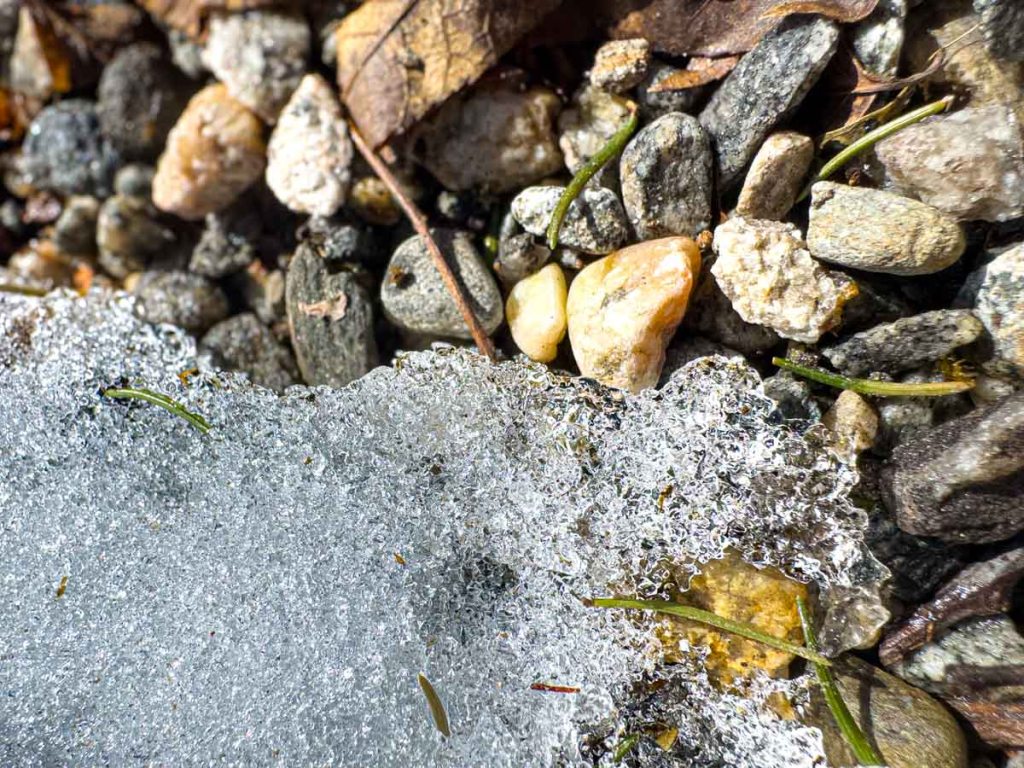
That line harkens back to a past life when I lived up in the Boston area and just about every winter was brutal. “Wicked cold” was simply… winter. 

But I’ve softened considerably across years of experiencing coastal Connecticut’s gentler winters. And now, it’s been something of a rude (re)awakening.
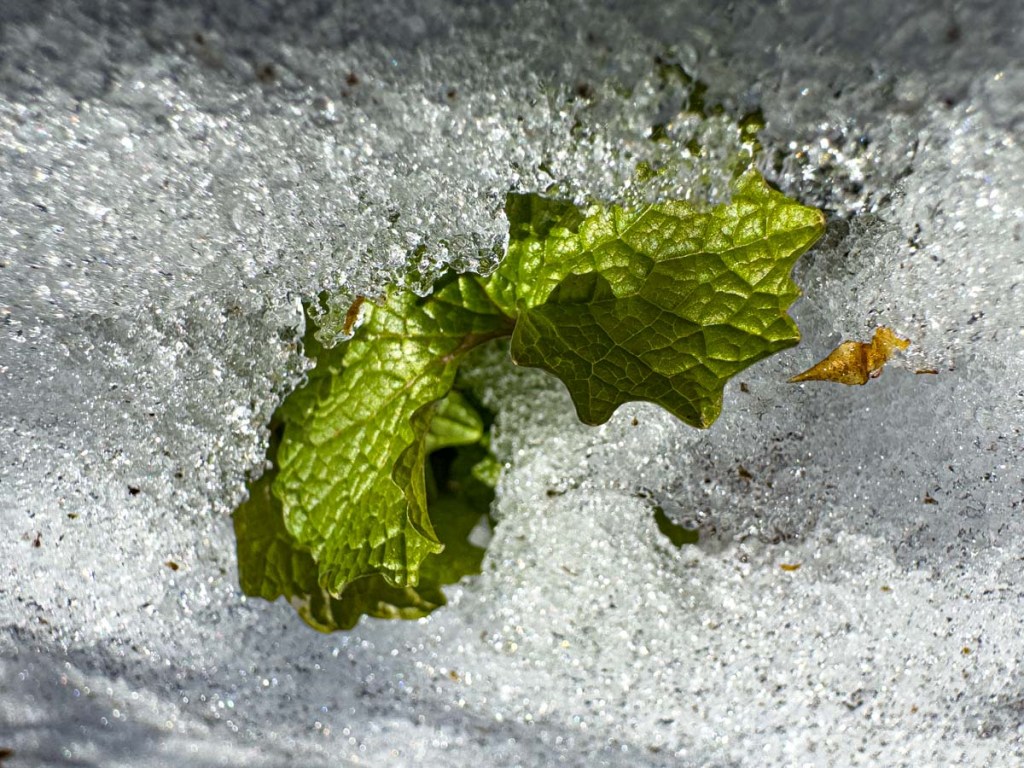
I will say, however, that shoveling all the snow hasn’t been quite as difficult. Why is that? Well, we’ve got the power of a high school sophomore on our team. And that’s made a huge difference. #TeamLester #grateful.

Power Up

I’m also grateful that we haven’t lost power across these winter storms. Sure, I charge everything up, including my portable power banks. But… as we all know, without a full generator back-up system, portable power banks will only cover you for so long.

Plus, I know we’ve got an exit strategy. #thankstofriends

Wicked Fun

But here’s the really good news. Wicked cold doesn’t necessarily have to mean wicked bad. Winter can be wicked fun.

  • Plus, I’ll always take the bite of brisk over summer humidity.
  • A fire in the winter fireplace is always a special experience.
  • And I’ve got admit, there’s a certain satisfaction that comes with surviving a certain amount of adversity.

And suddenly, spring is right around the corner.
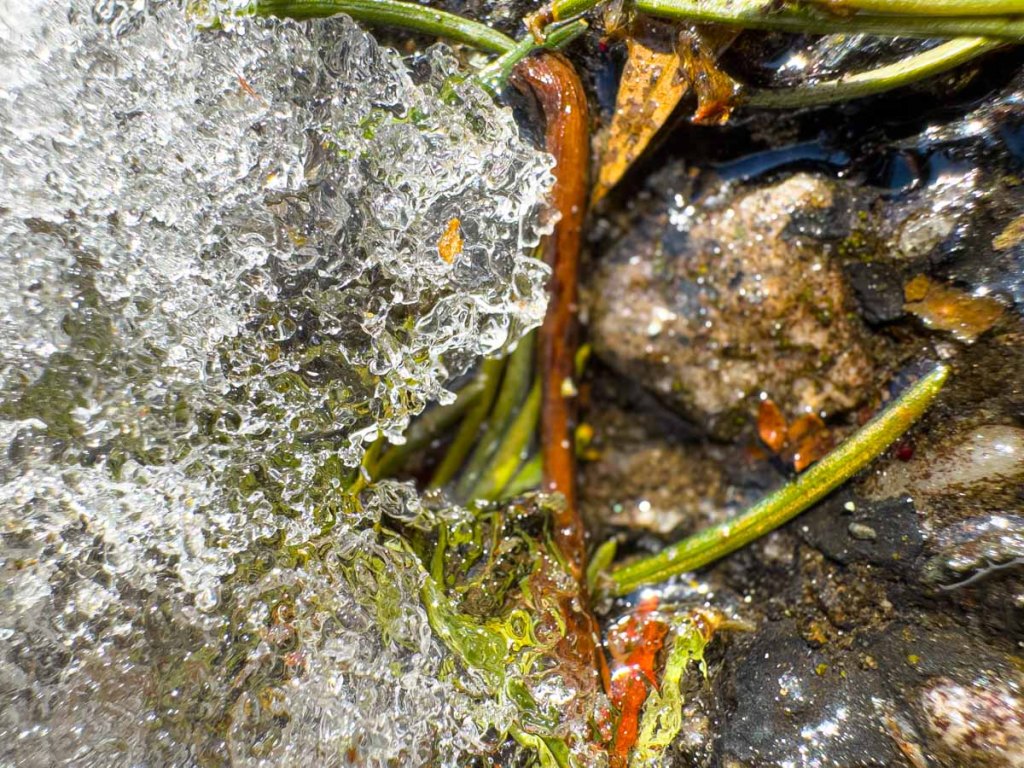
Hello Spring?

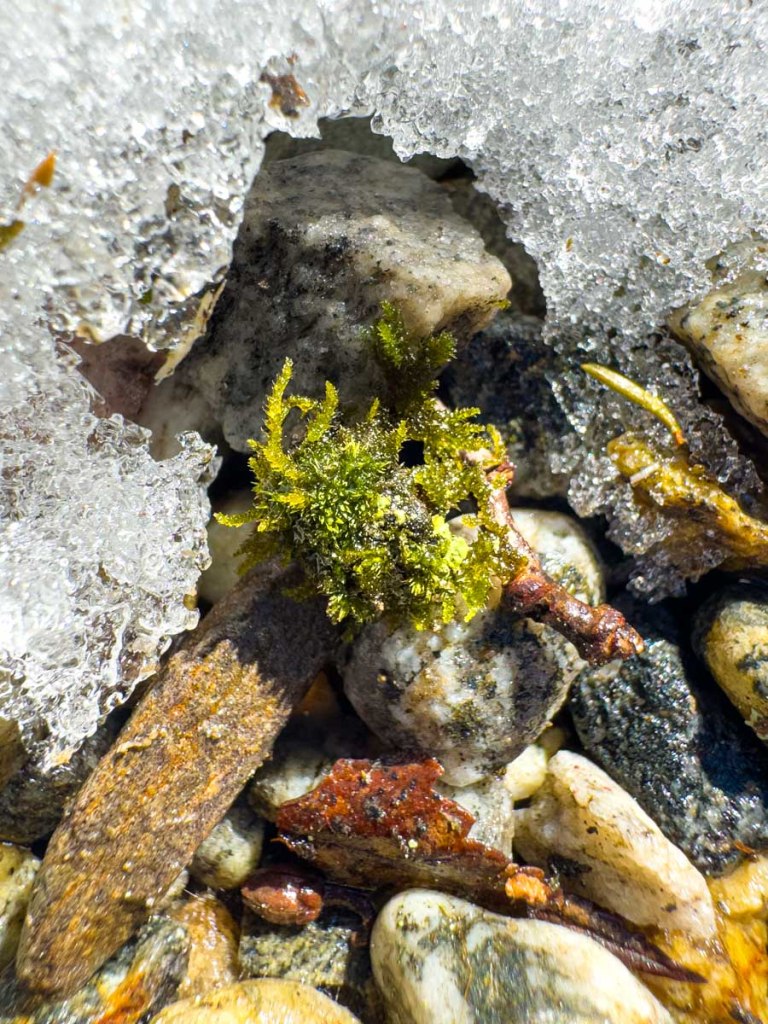
Yes, it’s early, but I hope we’re close to that tipping point. Not to predict, but I see early signs beneath the retreating snow line.

And to celebrate this pending seasonal shift, I present to you yet another
Barrett poem.*

Ode to the Fading Winter

My weatherman’s hat is placed on my head, 
To report on single digits I dread. 
From cold New Yorks streets to the Norwalk shore, 
It’s wicked cold, like Boston days of yore. 
Though I’ve softened in the years in between, 
This brutal frost is a rude, chilly scene.

The shovel goes fast, I’m happy to say, 
With my high schooler’s strength to lead the way. 
Go #TeamLester! We have strength in the snow, 
Using three shovels and stacked in a row.
With an exit plan and friends close at hand, 
We’re weathering storms across frozen land.

But wicked cold days can be wicked fun, 
More than humidity and summer sun. 
Fire in the hearth and pride in the soul, 
When you’ve survived the freeze and reached your goal. 
The struggle stings, but the win is so sweet, 
As we clear ice and the slush on the street.

Now snow retreats and the sun starts to climb, 
We’ve reached the tipping point, it’s about time! 
The signs of the green are starting to show, 
Peeking from patches of melting white snow. 
Goodbye to the ice and winter’s sharp sting, 
I’m ready to say a “Hello” to spring.

*Editor’s note: I prompted the videos and structure of this poem into existence using a little GenAI assistance via Google Gemini and Flow. Thank you!
(My ice photos are still the real deal.)
How Real Is This AI Video If I Created It Using My Own Photos?

Technology has chipped away at the definition of reality. Digital photography and photo editing software provide almost endless adjustment opportunities for creative expression. But now, with AI-powered tools, you can literally reconstruct an entire photo. You can remove distractions and even people. So, what’s real anymore?

For the past few years, I’ve been fighting a certain sense of guilt as I’ve learned to ‘improve’ my photography using AI-fueled enhancements. Sure, my resulting photos are better, but I sometimes worry that they’re no longer the pictures I captured. But I’ve been careful, and I’ve worked hard to keep it real.

Today, I happily use all the AI-powered photo editing tools in Adobe Lightroom, because I make sure my modified pictures are still faithful to the core images. This is essence of my rule book, and I follow it without angst. 

Next comes video.

AI Can Turn Your Photo into a Video
Text-to-video prompting and photo-to-video magic is today’s big creative disruptor. And I know I must face this revolution head on, as it changes everything about the work I’ve been doing for decades.

I’m particularly interested in the generative AI power to to turn a real photo into a video that looks shockingly similar. AI can replicate and then extend the creative elements in your photos into full motion video. Remarkable. (The results are not always perfect, but they’re improving.)

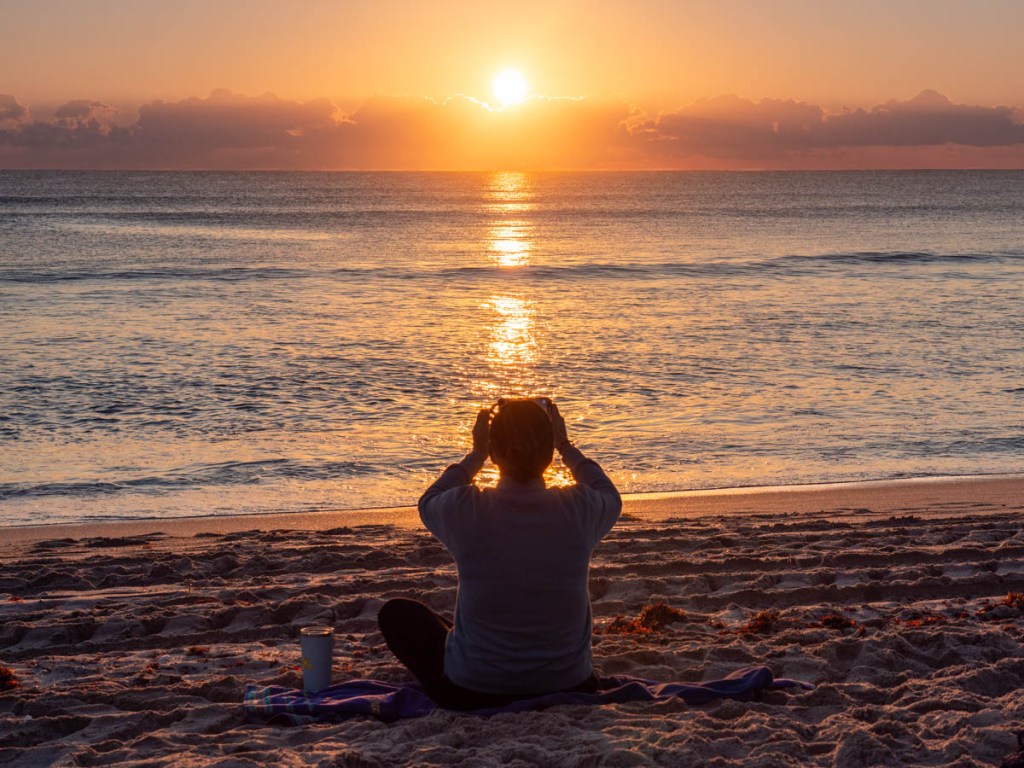
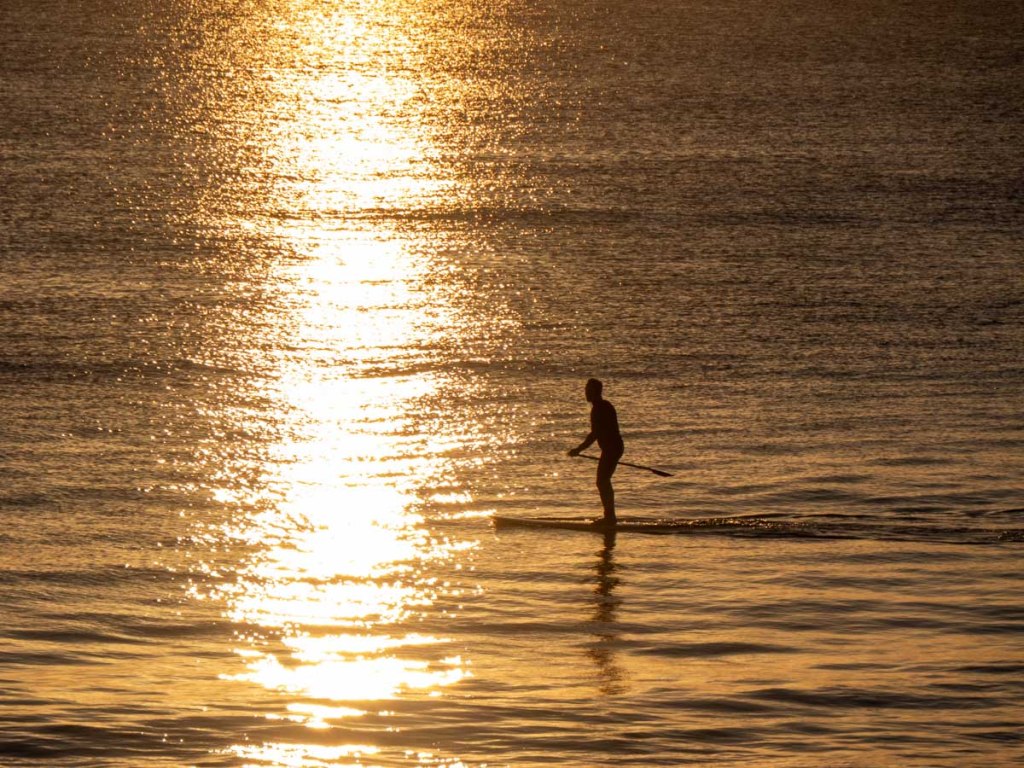
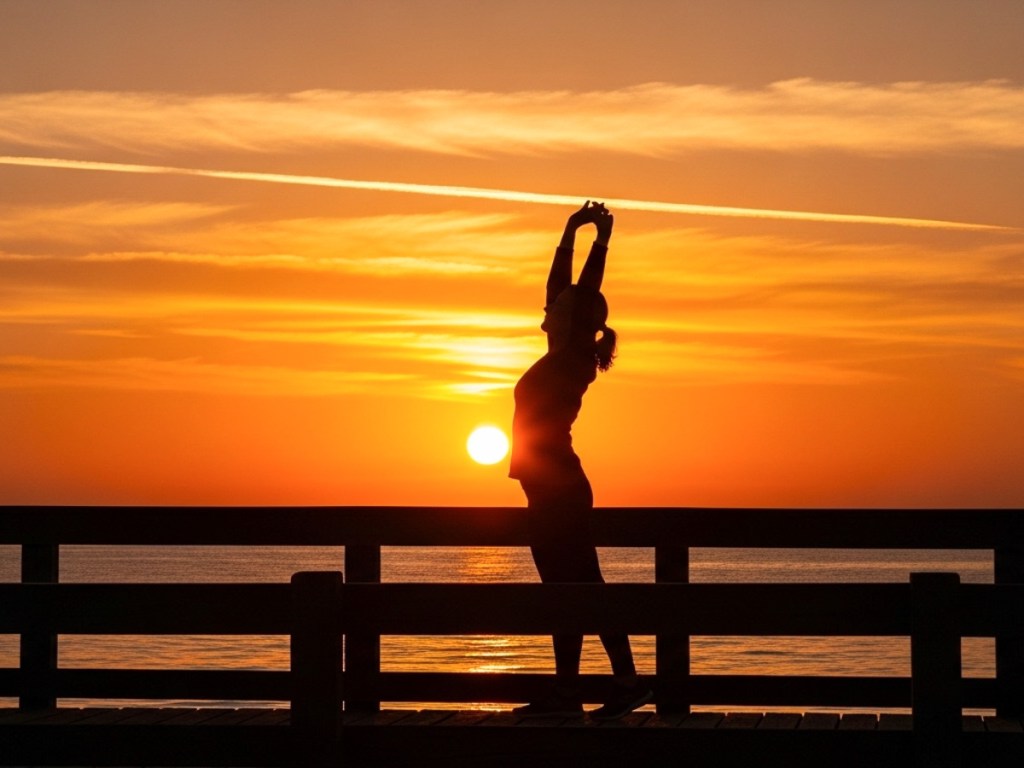
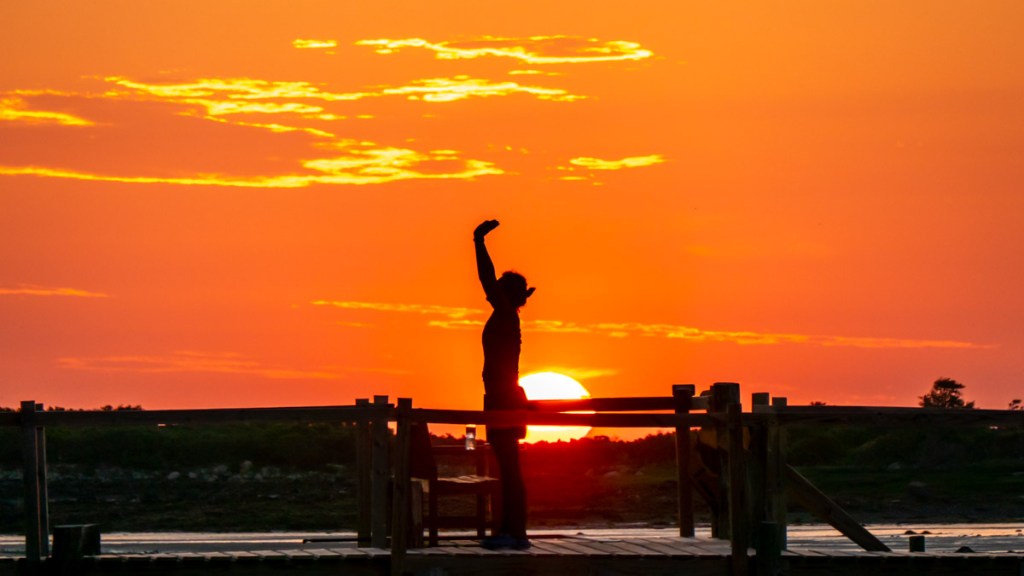
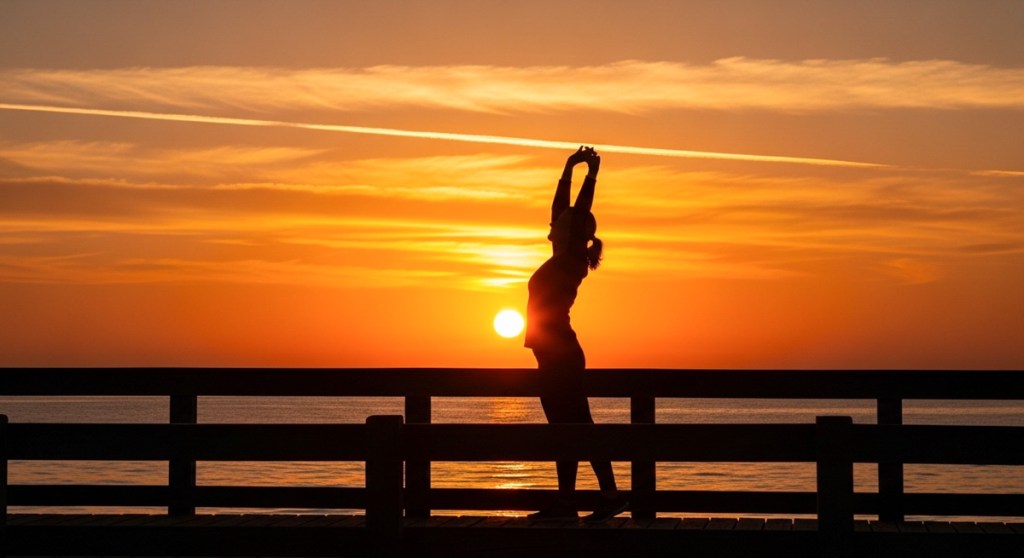
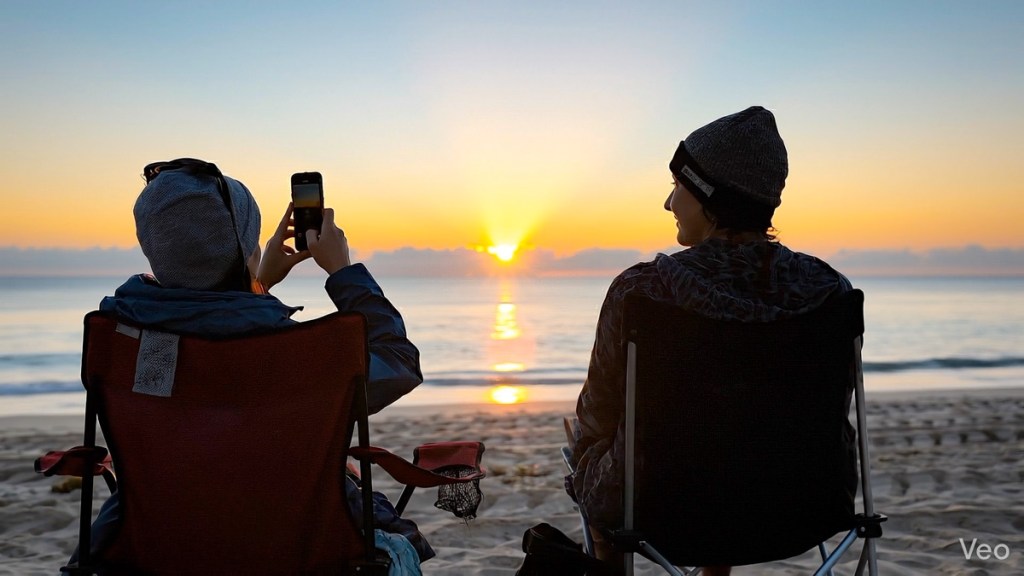
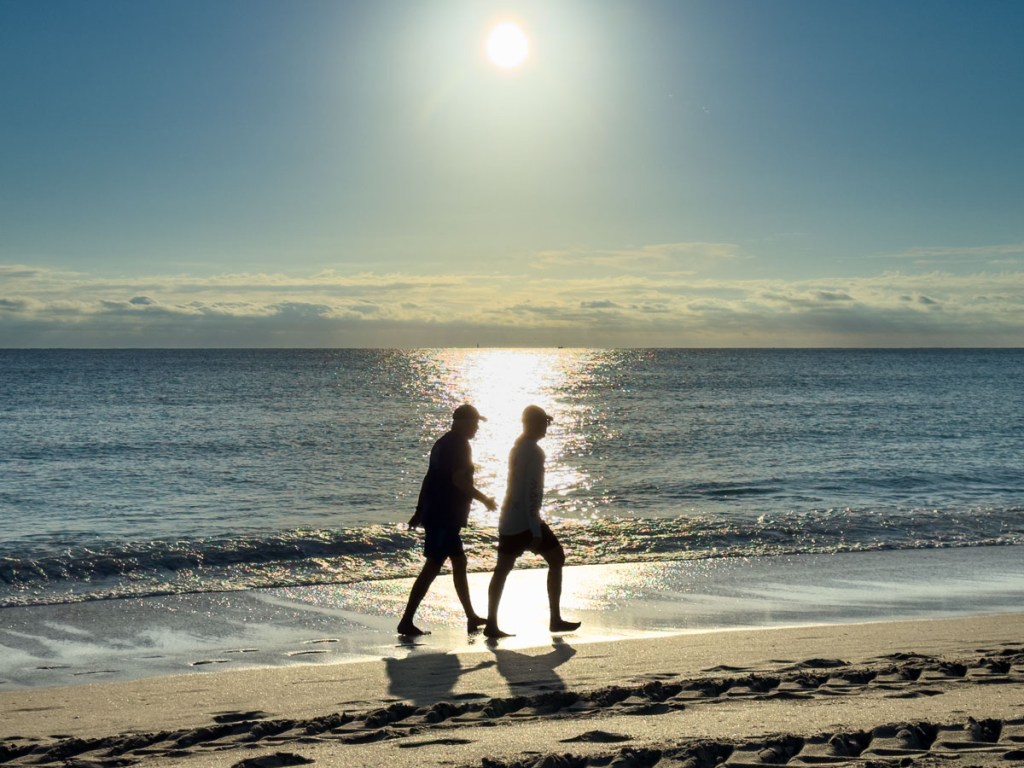
So, I embarked on a little creative exercise. I chose a few silhouette photos I snapped during a sunrise over Delray Beach on our recent Florida vacation and ran them through Google Veo. This process generated 8-second video clips that almost exactly followed the visual elements from my photos. The only exception was Veo created alternate, though similar, people on the beach. (And that’s fine.)

Then I edited the AI video clips together to create this sequence representing my own sunrise experience on that beach.

AI Video Generated from My Photos

As Real as Art Can Be
So, what exactly is this? What have I created here? Well, it’s simultaneously real and not real.

My photos provided enough creative direction for Veo to effectively clone each photo and then extend each moment.

So sure, then it’s easy to call this sequence ‘fake’ as Veo has invented 8 seconds from each frame I gave it.

But these individual scenes faithfully reflect the reality I saw.  They do express the essence of my experience.

So perhaps this entire AI-enabled creative process should fall under the category of art. Yes, maybe that’s what I’m doing here.

No Professional Video Crew Required
I also found it wildly fun that I’m able to generate video clips that would otherwise require me to hire a professional video crew for the day.

In my AI video, the opening shot of the two people walking on the beach… yes, I might be able to capture that with my DJI Osmo 3 gimbal. 

But that closing tracking shot of the paddleboard man surfing? That’s a clear step beyond Barrett’s personal filmmaking chops (for now).

The Limits When Recording Real B-Roll
Of course, I don’t need AI to create video for me. Here’s some actual b-roll I recorded on Delray Beach that same morning with my Osmo.

Real Barrett B-Roll

But while I also like this ‘real’ b-roll, these are necessarily wider shots, limited by the realities I encountered in those moments on the beach. (Shooting b-roll can be an intrusive process. And I didn’t want to mess with people’s sunrise Zen.)

Snapping a photo is quick and usually less invasive. As a result, I think my original silhouette shots had additional visual impact.

Real Barrett Photos

But now, I can also use my new AI tools to express my creative interpretation of these same images into longer scenes. I can build on these moments, magically extending my stills into the video realm. That’s so cool!

But what does this all mean moving forward? Well, I’m not exactly sure. 

A Digital Painting in Motion
I don’t truly understand my little Frankenstein video. Yes, I made it, but what is it? 

  • It’s alive… and yet not 
  • Fabricated, but very close to reality
  • Hard to exactly define, other than an artist’s interpretation

Perhaps I’ll simply call it my digital painting in motion. 

Of course, there are any number of unanswered questions regarding the broader topic of AI-generated video for our society. But I’ll leave that for another day.

For now, I’m pleased that I was able to simply share with you the flow and true ‘spirit’ of my beautiful sunrise experience with a little artistic help from AI. 

And I hope you liked the paintbrush I chose to use.

How to Magically Turn your Photo into a Video Using Generative AI

The creative realm is no longer inhabited exclusively by human minds. Generative AI tools have revolutionized how you and I can develop our own creativity. Yes, AI may still require our inspiration, but then it magically does most of the work.

One way to quickly immerse yourself in this new creative workflow is through a simple shortcut. Just start with a real photograph/image that you’ve already created as a reference point. Then, it’s much easier for an AI app to develop it further as opposed to having to start the process from scratch through extensive prompts.

For me, that’s been the key to easily unlock AI’s visual powers.

AI Follows the Creative Direction from your Photography
After uploading your own photo, you can create an AI-generated clone in one click that looks remarkably similar. The AI takes certain creative liberties, but it nails the framing and essential visual elements.

And then, with just a few more prompts and a click, you can generate short video clips that bring your photos to life.

So yes, we can now create videos out of thin air based on our photography. 

Here are a few examples I generated after feeding my photos through Google’s Whisk and Veo generative AI models. (Other companies offer similar fast-developing technologies.)

Maine Sunrise
I snapped this sunrise photo during our Maine vacation:

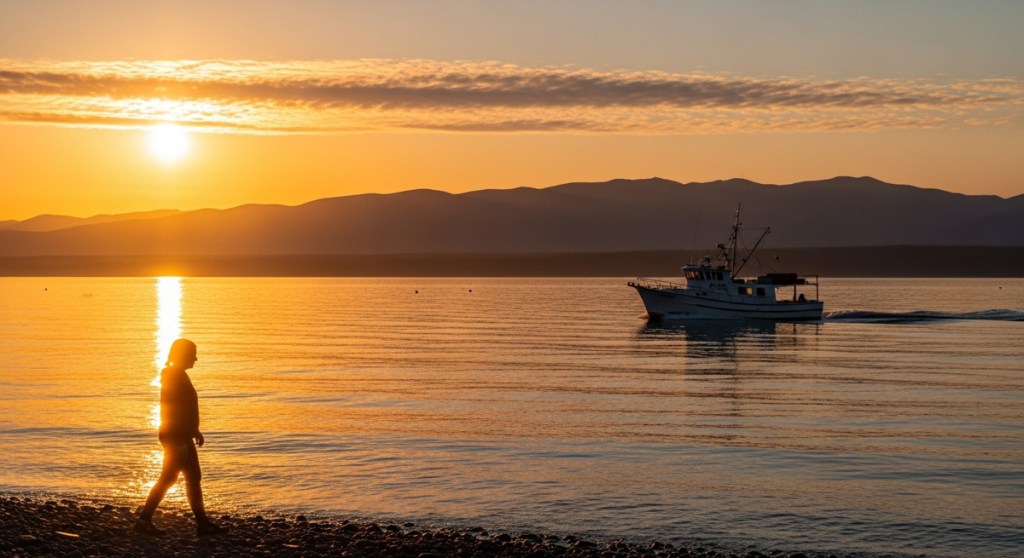
Here’s the Google Whisk version:

And here’s the Google Veo video:


Alaska Sunrise
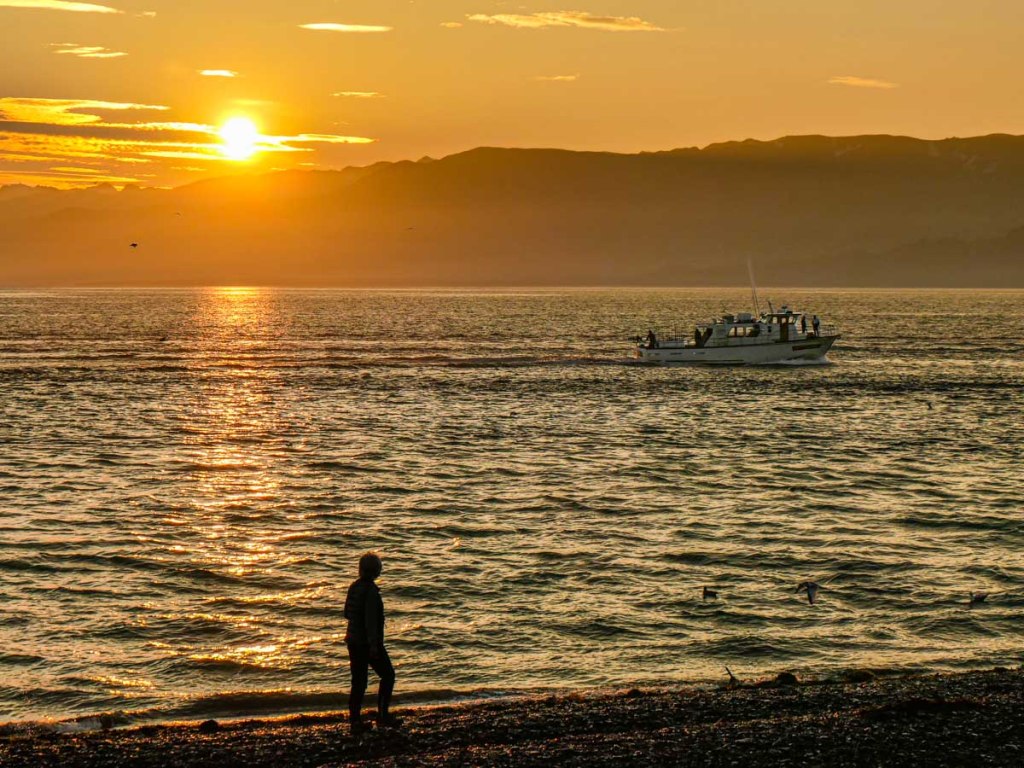
Here’s my sunrise shot from Homer, Alaska during our 2023 trip.

Whisk photo:

Veo video:


Baltimore Sunrise
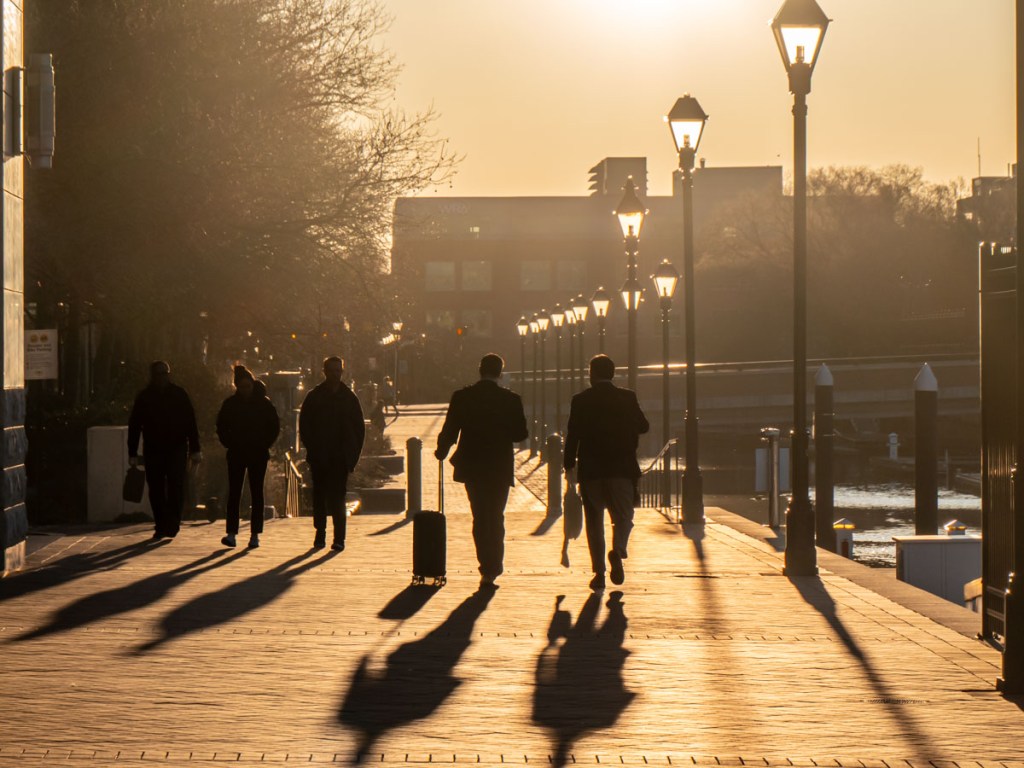
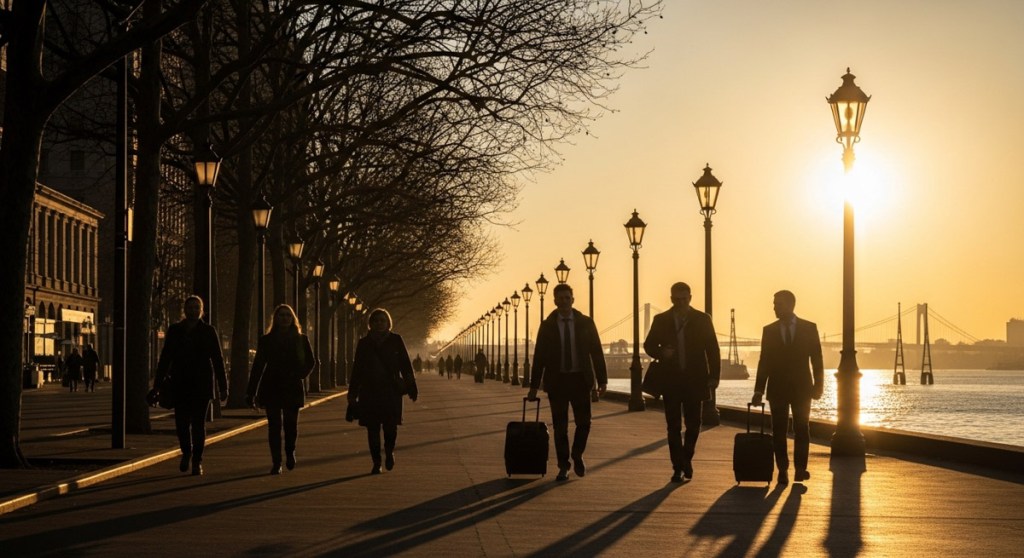
Here’s my photo of people walking by the water in Baltimore, Maryland.

Whisk photo:

Veo video:


Two Paddleboarders on the Ocean
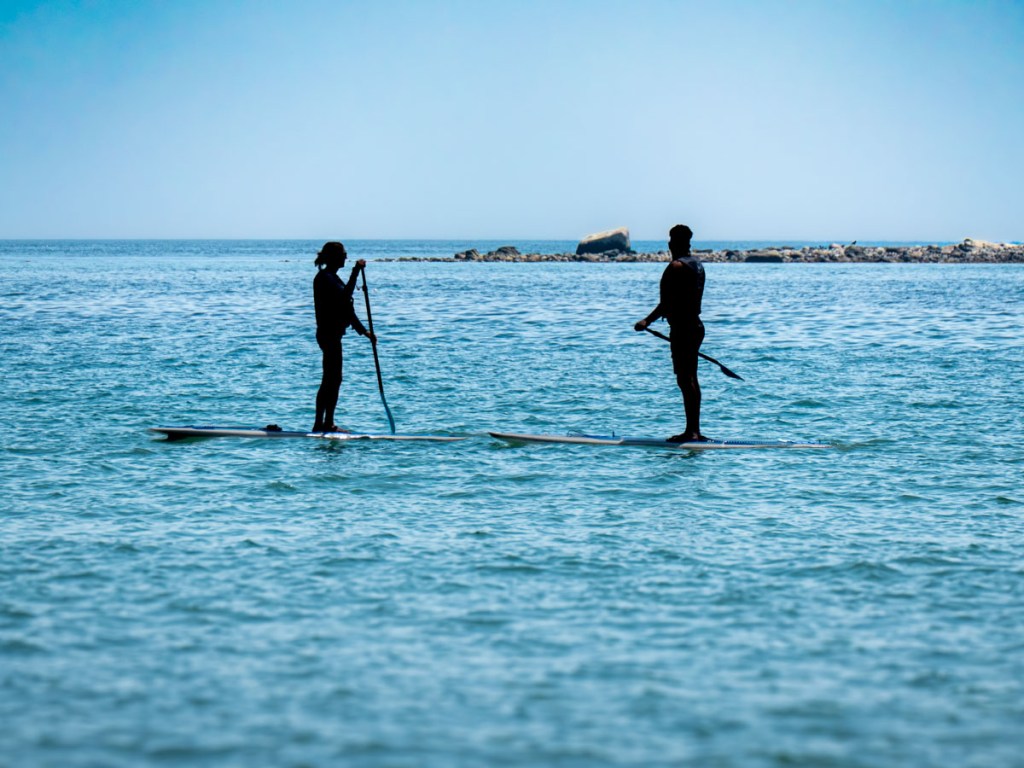
I photographed these two paddleboarders in Maine last year.

Whisk photo:

Veo video:


A Man and his Dog
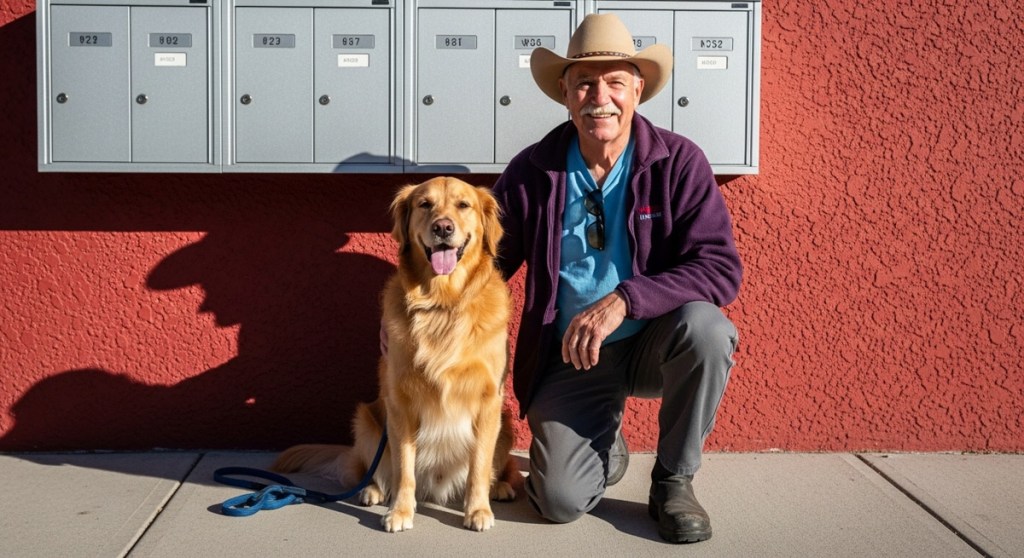
During our vacation in Alaska, I took a photo of a man with his beautiful golden retriever. I processed it through Google Whisk and Veo and generated this:

Whisk photo:

Veo video:


Generative AI Provides the Paint and Canvas
I find these examples remarkable and clearly disruptive. I’m still adjusting to the massive implications to all this. 

Generative AI tools have quickly become our new paint and canvas to bring our creative ideas to life. And the results will only get better.

So, it’s time for all of us to relearn how to paint, even as photographers.