At Home with Tech

Unlock the power of all your technology and learn how to master your photography, computers and smartphone.

Tag: headsets

The Best Way to Improve your Audio for your Next Zoom Meeting

As much as computers are designed today to handle many multimedia needs without added accessories, headsets aren’t really optional when you join a video conference.

When I coach people on how to improve their Zoom feeds, most of the time I focus on their webcam shots. I think by now most folks know the visual rules to create a good video-conference look, even if they still choose to ignore them.

And let’s face it, it’s a pain to set up your webcam properly with the right lighting and angle. I know that. And I get it when so many people choose to simply turn off their webcams. Why do all that work to create a professional-looking shot when you don’t have to?

Stop Hiding
Now, of course I feel you absolutely should turn on your webcam. If you’re not projecting your own visual, you’re not truly showing up. You’re just a disembodied voice. Granted, adding yourself to a sea of tiny faces in a stack of little boxes on the computer screen may not fit your definition of being ‘present.’ But it’s what the technology offers. Maybe in the future, we’ll be able to digitize our bodies into 3D holograms. (Then, you’ll really need to dress up again!)

The Importance of Clear Audio
Whether you choose to hide in the Zoom shadows or not, you do need to be heard. That much is not up for debate. And if you sound like you’re in an echo chamber or in a distant hallway, you’re simply not going to be an effective participant in your virtual meetings.

Ultimately, how you sound is more important than anything else. And that can be difficult to track on an ongoing basis. (You can always see your webcam shot, but unless you actively test your audio signal in your settings, you wouldn’t otherwise know.)

How to Improve your Sound
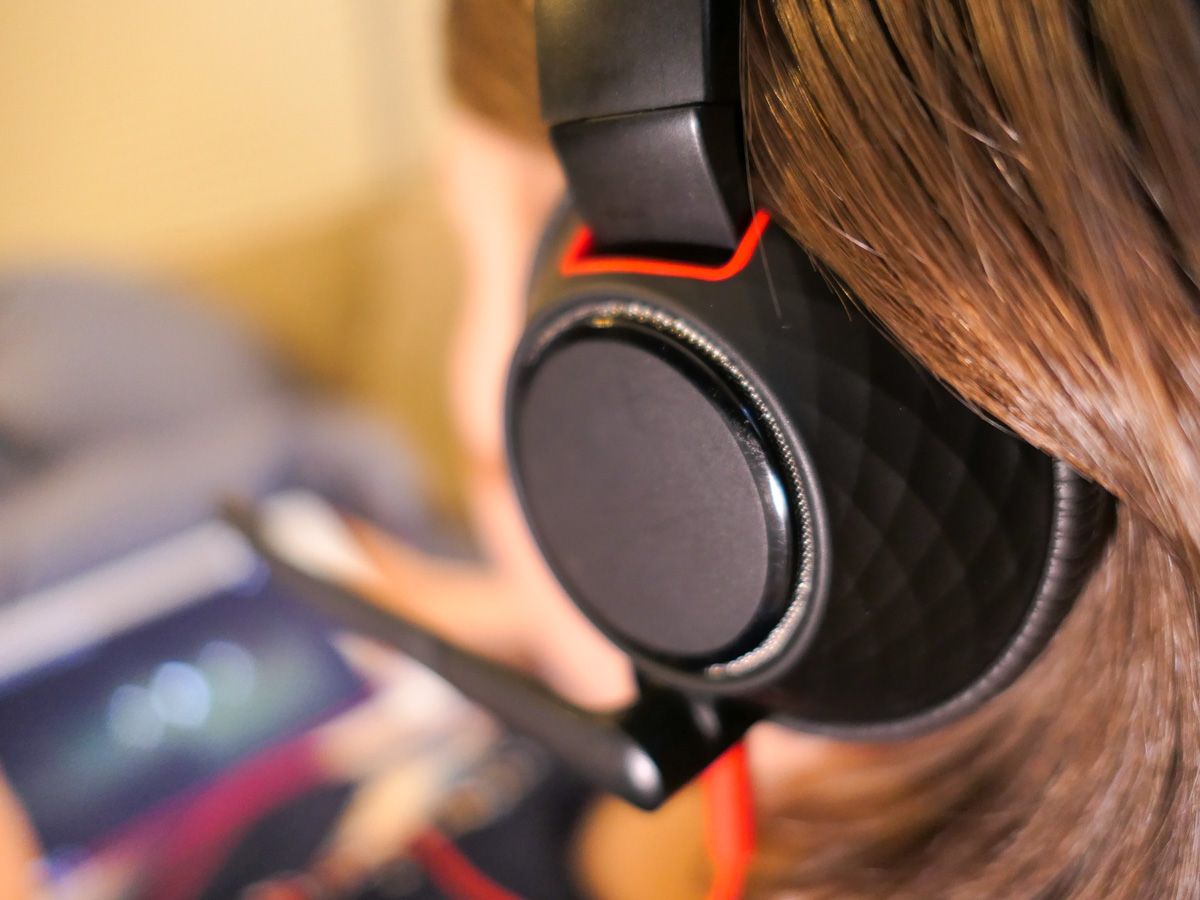
The simple rule you should follow to project clear audio is to always wear a headset or earbuds. Sure, you can rely on your onboard computer microphone, but that’s going to offer a more muffled and distant quality to your voice. So, wear your headset!

And you’ve got to make sure over time that your computer continues to recognize your headset and not default back to its own microphone. (Set-it-and-forget-it is a recipe for “I can’t hear you very well!”)

Headsets have become Invisible
And if you’ve taken the important step to turn on your webcam, you can’t then play the vanity card and leave your headsets behind. Sure, you can choose to wear wireless earbuds like AirPods, which minimize the hardware you’ve got attached to your head. But I think by now, everyone is used to seeing people wearing headsets on Zooms, even when formally presenting to an audience. Hey, TV sportscasters have been doing it for decades. It’s not dorky. It’s fine.

No, headsets aren’t really invisible, but they’re entirely expected under the circumstances.

Can You Hear Me?
If you don’t want to fully show up to your Zoom meetings by not turning on your webcam, that’s your choice. But if you’re projecting bad audio, you just can’t play in the Zoom sandbox with others.

So, please wear your computer headset!

A Tale of Three Headsets to Get through Fifth Grade

If you’re concerned about getting the right headset for virtual learning that will help protect your child’s hearing, you’re not alone. Here are the results of my shopping journey to date.

It’s not like my son has never worn a headset before. But over the past year of Zooms and virtual learning, our fifth grader has seemingly had one fused to his head. (Haven’t we all?)

And I’ve been concerned about the level of audio streaming into his ears. Is it too loud? What about the risk of long-term hearing loss?

So I’ve wanted him to wear a headset with volume-limiting capabilities. And I’ve got to tell you, strangely, there’s not a lot of choices out there.

POWMEE is for Younger Kids
I originally landed on a pair of POWMEE P10 Kids Headphones with a built-in microphone on the cord.

The POWMEE worked well, and they were only ten bucks. But the headphones were a little tight on his head. Four months later, they gave out. That may not seem like a long time, but I imagine the designers didn’t assume so many hours of daily use and cable twisting by little hands.

When I realized the POWMEE were small, I immediately initiated a new search to find a bigger headset designed for tween/teen heads.

Even fewer options with volume limiting capabilities exist for that age group. I suppose the idea is a real buzzkill from a marketing perspective.

PuroGamer Barely Got out of the Box
I finally landed on the PuroGamer Volume Limited Gaming Headset, which is targeted for teens. I bought it for $29.99 on Amazon, although it’s now gone up in price.

I got it and threw the box in the back of the closet. I knew the PuroGamer could be called to action at any time.

And the day came when boy my walked into my home office to see me. He had a stricken look on his face. Had Old Yeller gone to the doggy pasture in the clouds? (Actually we have a cat.) Nope. His POWMEE had died.

When I instantly pulled out the replacement, his shock and instant glee were priceless. (I felt like a hero.) And off he scampered with his PuroGamer.

But I didn’t have much time to take my parental victory lap.

The PuroGamer lasted about 2 weeks before the sound in one ear started to fizzle. (The USB connector gave out shortly after that.)

The cable was seemingly the culprit. It couldn’t handle all of the bending and ‘action’ a child will likely offer. Perhaps a gaming teenager wouldn’t give the PuroGamer cable the same workout?

Maybe the fault was mine getting the PuroGamer for a ten year old. Or perhaps I’m just making excuses, and the PuroGamer should be more durable.

Either way, it was back to the drawing board.

Time for an Adult Headset
I eventually decided my mistake had been limiting my search to headsets designed just for kids and teens. It was time to look for adult headsets.

Yes, shopping in the adult aisle is inevitably going to cost more. But I’ve already crossed that line for his sneakers and summer sandals. (He’s growing up fast!)

And unfortunately, technology for kids is often marred with inferior gear that won’t hold up. Yes, it may be cheaper, but you get what you pay for.

I’m certainly seeing that now.

Go with What You Know
As I puzzled over how to attack this new shopping challenge, I took a look at what I had fused to my own skull throughout much of my work day.

I was wearing a Plantronics (Poly) Blackwire C5210T single-ear headset.

My Blackwire headset had been great. It was comfortable, and sported two interface options. (3.5mm and USB connectors)

Like father, like son?

Another Blackwire
So I Googled the Blackwire headset and looked at the specs. And guess what?

Yes, it’s got built-in hearing protection. I didn’t even know!
(The SoundGuard DIGTAL technology protects against sound levels over 118 dBA, and Time-Weighted Average prevents average daily noise exposure from exceeding 85 dBA.)

There’s also a dual-ear design that would be perfect for my son.

Before I made my decision, I called my boy over to try on my headset. Within seconds, I saw that big smile.

Research complete.
Click.

If at First You don’t Succeed
Yes… this headset purchase was expensive. But sometimes you’ve got pay for what you really need. (And by the way, I purposely avoided going down a Bluetooth headset rabbit hole.)

It’s been almost a month, and my boy’s Blackwire headset has been holding up. (Fingers crossed.)

No, I’m not especially excited that it’s taken three headsets to get him through fifth grade, but if that’s the biggest technical glitch through this year of virtual learning, I’ll take it!

More importantly, I’m trying to do what I can to protect his hearing.

What I Learned while Flying to Florida with our Son

The view from 30,000 feet isn’t the only distraction for a three year old. Technology in flight has its own lure…

The view from 30,000 feet isn’t the only distraction for a three year old. Technology in flight has its own lure…

I’ve just returned from a little family trip to Florida.
Of course, the big question was how my three year old was going to handle his JetBlue adventure to the Sunshine State.
(He’s not a frequent flyer yet.)

As it turned out, technology played a big role in his airborne experience.
And mine as well…

Beware the Gobble Monster
Our big mistake was giving him a little knapsack to carry, which housed a few precious toys.
(I thought that would smooth out any rough edges in his experience.)

At the security gate, when it was time to place our carry-on bags through the X-ray machine, he immediately declined the opportunity to give his up.

Then there were tears.

And finally, he demonstrated a finely executed wrestling maneuver, where he locked his mini sack into his tummy, hit the floor, and held on for dear life.

(Would you want to hand over your most important objects in the world to a complete stranger and a cavernous and possibly carnivorous X-ray gobble monster?)

I looked at my watch…

Fortunately, two understanding TSA agents quickly came up with a solution.
They offered to take our ‘situation’ into a little ‘room,’ escorted my son and wife in, and then reviewed each toy by hand.

I’m told he sternly stood by with my wife while his ‘Kitty’ and ‘Blue Bunny’ were caringly given the official once over.
And he refused to give a farewell “high-five” to Agent Gloria

Ten minutes later, we were on our way to the gate… my son’s knapsack repacked and attached to his back.

“That was hard,” he whispered.

The Best $2 You’ll Ever Spend
When we arrived at the gate, JetBlue had a little kiosk where they were selling headsets for the flight.

$2 each.
(Yes, airlines make you pay for everything these days…)

My wife and I knew about the little video screens on the back of each JetBlue seat and had made our peace about allowing him to channel surf (an activity he’s totally unfamiliar with) as a way to get through the three-hour flight.
Now don’t get me wrong… we limited his channel selection between Cartoon Network and Nickelodeon. But there was still plenty of surfing!

So we needed to get him a pair of headphones.
(No, I hadn’t thought far enough ahead to bring one from home.)

But I wondered how good could a $2 headset be?
Then again, how good did it really need to be?
(My boy was still at least a few years out from becoming an audiophile.)

Still, I ran down to the nearest shop to see what they were selling.
(The official story is I needed to pay a visit to the bathroom.)
One swanky headset was going for $20. An even cooler-looking pair could be mine for only $59.

What?!

Headphones have been around forever!
They’re like calculators.
You can probably find them today at the bottom of a cereal box.
They shouldn’t cost more than… a couple bucks.

Exactly.

So I went back to the gate and handed over two singles.
The headsets were fine.
(really)
And they even possessed the normal mini-plug for universal use.

Shortly after we settled into our seats on the plane, my son became immediately fascinated by the built-in monitor in front of him. After he fastened his own seat belt, (four times) he quickly figured out how to operate the channel selector on the seat arm.
Then, he came to a disturbing realization.
This little TV had no audio.

He turned to me…
“Dada? Where is the sound?”

It was time to improve on my 0-1 batting average for the day.

So after the thrill of takeoff, I pulled out the headsets and introduced them to him.
(He had never needed one before.)

“Ooohh…”

He promptly plugged in and slipped them onto his head.
(upside down)
And then he held them in place with both hands for the next three hours as he totally embodied the definition of couch potato.

One might debate our parental decision on how we focused our son’s attention for those few hours.
That said… our flight was dream.

Something Missing on Takeoff
Fast forward to several days later and the return flight…
(And yes, we had a wonderful time in Florida.)

So, we were back in our seats, and I found an open moment to furiously check some iPhone emails before receiving the lights-out signal from the crew.
(We’ve all come to expect the dreaded announcement requiring you to turn off all your electronic toys after the cabin door is sealed.)

As I studied my in-box, a stewardess’ voice flooded the aisle.

I deepened my concentration in an attempt to slow down the space/time continuum, and I lost my ability to decipher outside audio detail. It all became a blurred muffle.

Her otherwise friendly speech degraded into the teacher’s voice in a Charlie Brown cartoon.

When the announcement ended, I noticed that something felt different around the cabin.

I turned to my wife.
“What was that about?”

My wife smiled and replied,
“JetBlue is the first airline to allow you to keep your portable electronic devices on during takeoff.”

What?!

I missed this pivotal ‘PED’ moment in consumer tech history, because I was checking my email?!

How ironic.

I sat there with my glowing iPhone, almost stunned, not knowing what to do with my newly found freedom.

As it turns out, both JetBlue and Delta had released their stranglehold on lightweight electronic devices three days earlier in response to the
FAA’s Halloween announcement allowing the expanded use of PEDs on flights.

On November 1, they became the first US airlines to take advantage of the new rules.
Actually, JetBlue claims to be the very first, but apparently it was a photo finish.

Where Were You when PEDs were Freed?
I continued to ponder this new reality…

Apparently, dangerous interference from active PEDs doesn’t actually exist. And it doesn’t threaten an airplane’s navigation instruments on takeoff and landing.
(The next thing you know, they’ll be telling you trans fats are good for you!)

But you still can’t make a phone call during the flight.
(like I’d be able to find enough bars anyway)

And you’ve still got to stow your laptop during takeoff and landings.
(Hovering laptops in the cabin can be hazardous to your health…)

As I think about it now, the Lester family was actually mid-air to Florida while all of this history was going down.
One day, I’ll tell my son that he had actually participated in one of JetBlue’s last flights operating under the old draconian PED restrictions.
(I’m sure that will really impress him when he’s 10.)

Be Careful What You Wish For
So as our JetBlue plane began to taxi across the runway, I decided to kick back…
(seat still in its upright position)
…and do a little web surfing.

And what did I find?
Amazon had just cut a deal with the state of Connecticut to start charging sales tax for Connecticut shoppers.

What?!!
My gut reaction was to feel both patriotic and rebellious simultaneously.
(maybe a bit more rebellious)

The Marketplace Fairness Act may be stuck in Congress, but some states have taken matters into their own hands to get their piece of Amazon’s revenue.
(Massachusetts has also started receiving its cut of Amazon’s pie as of November 1.)

And with my wallet suddenly feeling 6.35% lighter, I decided to put my iPhone back in my pocket and get my head out of the clouds.
Instead it was time to marvel at some real clouds with my son.

I turned to him, but his eyes were already glued to the video monitor.
(like father, like son?)

I pointed out our window to break the multimedia trance.

“Look at that giant plane next to us!”

“Oooooh!!!”

The journey continues…