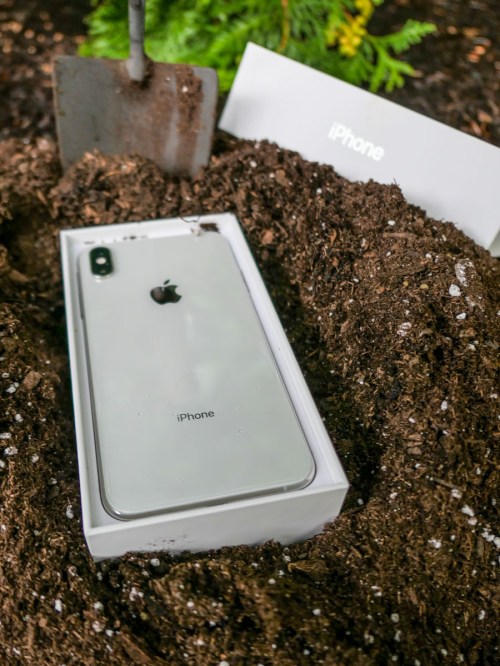
There are any number of ways that an iPhone can die. It’s particularly painful when it’s due to human error. Here’s how I killed mine.
The opening scene fades up on a beautiful shot of my wife and me enjoying an afternoon kayaking excursion while our son is away at sleepaway camp.
It was a sunny, summer Saturday, and we were soaking in our experience. Our kayaking route took us a mile and a half out to a little island near Norwalk, CT.
It was all perfect. But there was turbulence for me ahead.
A Three-Hour Tour
I had taken precautions to protect my iPhone and wallet by stashing them in a water-resistant belly bag.
When we approached the shoreline of the island, we had to, of course, pop out of our kayaks and take a few steps through a foot of water to complete the first half of our journey.
Those fateful steps turned out to be a doozy for me…
The Sinking of the Barrett
I immediately began to lose my footing as I struggled to stand upright. And with each step, I moved into deeper water, continuing to slip on the slick stones beneath. There was also a bit of current that further pulled me off my balance.
I know I can continue to make excuses, but as I’m sure you’ve surmised by now, I simply fell in.
And yes, my belly bag fully submerged in the salty water.
I pulled myself out of the drink as fast as possible, unzipped the bag and peered inside. Both my wallet and iPhone were drenched, although they were not resting in a pool of water. My belly bag had at least prevented that.
I emptied my precious contents and placed them on a flat piece of wood in the sun that was conveniently positioned on the sand in front of me.
My iPhone was blinking the Apple logo, trying to reboot itself.
Uh oh. That wasn’t good.
So, I powered it down, hoping that my iPhone would dry out over the next 24 hours and return to its normal state.
But it didn’t. The next day when I turned it on, my iPhone struggled to boot up and then promptly crashed, regressing back to the Apple logo.
My next step was a desperate visit to Apple’s Genius Bar.
My Experience at Apple’s ER
It felt like I was in an emergency room watching a failed attempt to preserve life. My iPhone lay on a table, plugged in to a diagnostic monitor. Its life was draining away.
The Genius Bar technician grimly evaluated the diagnostic scan. The store manager and a sales specialist watched with me. I signed a waiver allowing my phone to be wiped in a last-ditch effort to bring it back to life.
And then it was over. My iPhone had flatlined.
There was no hope. The Apple Genius called it at 12:33pm.
DOA. Repair not possible.
How to Move On
At 12:34pm on an August Sunday, I had officially lost my beloved iPhone Xs Max, my constant companion for the past five years.
Yes. If you were wondering, I had not just drowned a newer iPhone model. Still, I had paid a whopping $1,249 for it. But time marches on, and my phone was clearly past due for replacement by the ‘Lester Operating Standards.’ And I was looking forward to upgrading to an iPhone 15 model this fall.
Soon. But not soon enough. That window wouldn’t open for another six weeks or so.
Of course, I immediately needed another phone.
But I didn’t want to pull the trigger on an iPhone 14, because that will shortly be last year’s model.
Then, the solution hit me.
I wasn’t the only Lester who required an iPhone. There was another.
The Lester Family Plan
My thirteen-year-old son needed an iPhone, and I was planning on getting him an iPhone SE during my planned Apple Store visit for my iPhone 15. It was to be a father/son trip. We’d get our iPhones together.
But that well-planned moment evaporated the moment my old iPhone died.
Of course, I’d need to buy the iPhone SE now and use it as a bridge for the next two months before handing it over to the next generation.
Yes, that meant a variety of compromises, but I knew I could handle going old school for the next two months.
Everyone at The Apple Store following my predicament approved of my strategic choice and within minutes, I had a new iPhone in my hand.
Error in the Cloning Process
The iPhone SE began sucking in my iCloud data. But I quickly realized something was wrong as it tried to fully replicate its former self.
I had missed a simple step in my iCloud back-up planning. And now, that would cost me.
Next time, I’ll explain what I did wrong, and how you can avoid my fate…












 At Home with Tech