
Happily Married to my Newly Installed Nest Thermostat
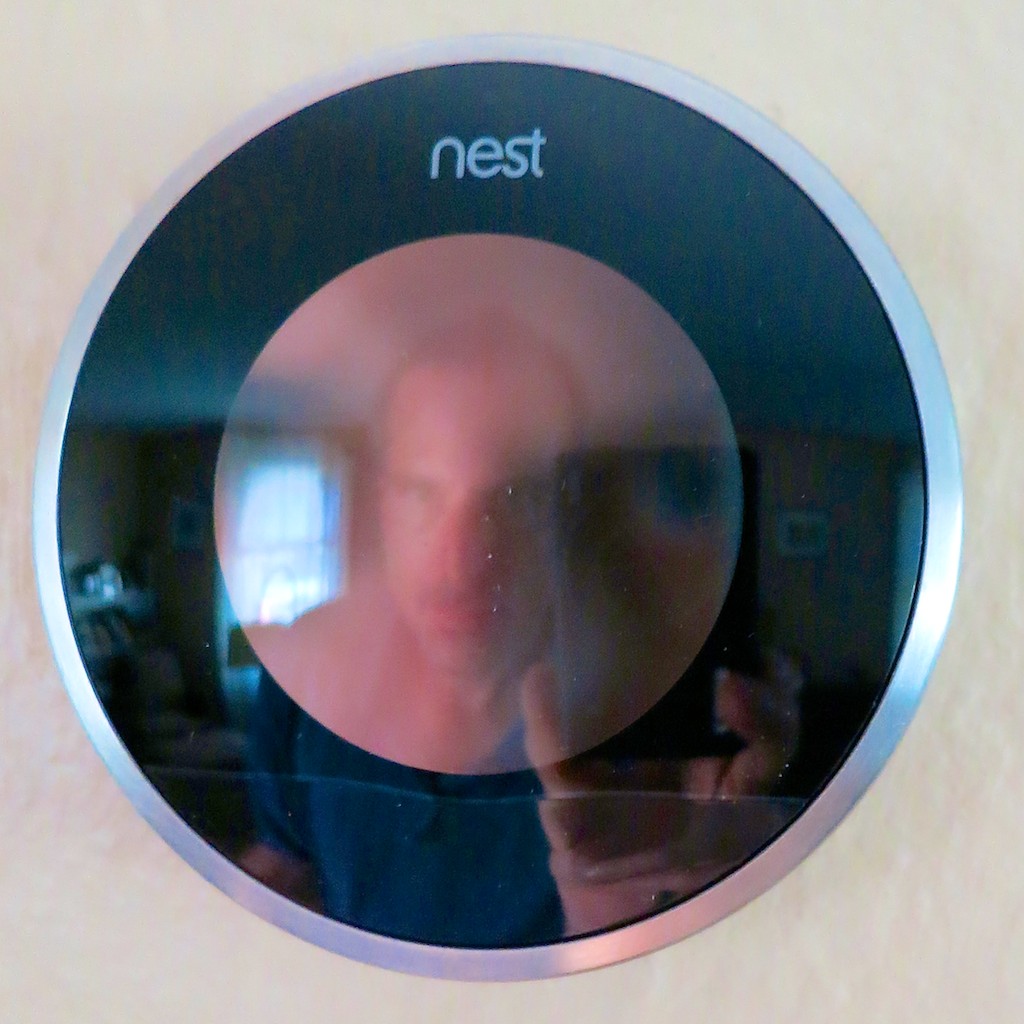
My new Nest and me. I needed a little help directing my house’s response to extreme weather. So it was time to bring on a new tech tool to join the home team.
Some people love the summer heat.
I hate it.
For the record, it’s my kryptonite.
- Problem #1
Keeping your home cool throughout the summer is always a priority, but you don’t want to continue throwing money out the window using a manual thermostat with a set-it and forget-it mentality… - Problem #2
What’s the temperature in your home right now?
(You’re not there? Doesn’t matter.)
X-ray vision could do the trick, but how can you magically adjust your thermostat from fifty miles away if you’re not Superman?
Solution:
This is a job for… Nest!
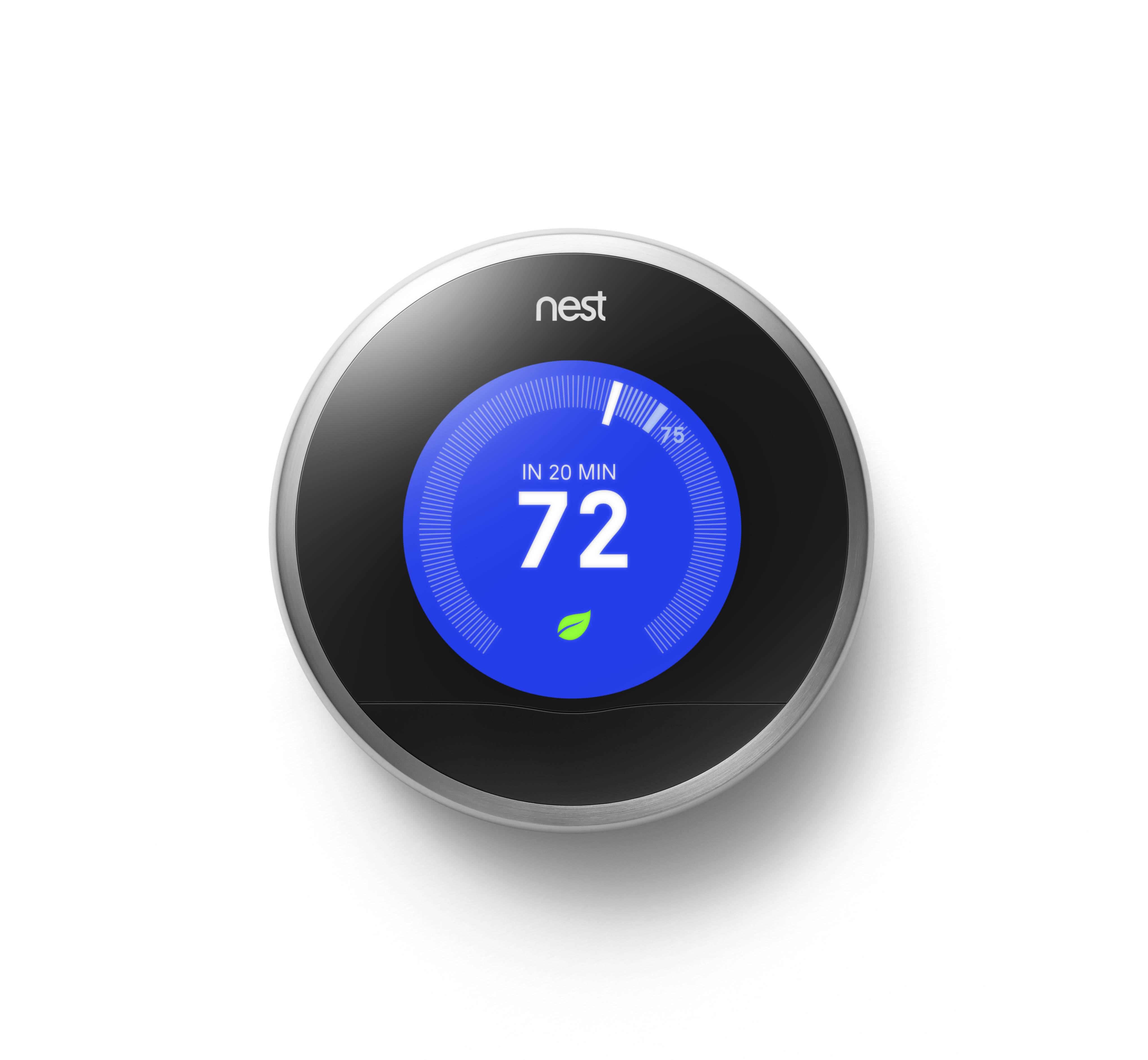
Nest is a learning thermostat, which you can control with your smartphone from anywhere in the world. She also observes your energy-use patterns and programs herself!
(See, I’m already anthropomorphizing it.)
Her goal is to keep you comfy and save you money.
Pretty neat, right?
Last time on At Home with Tech, I decided it was time to buy a Nest for my little Fortress of Solitude.
(though my house has not been so quiet lately with my three-year-old boy running about faster than a speeding bullet!)
Now it was time to introduce my Nest to my HVAC system…
Warning: Your Home can be a Dangerous Place
I’ve been a homeowner for more than twenty years.
And I’ve made my share of mistakes on the home-improvement front.
My favorite story I like to tell about my ineptitude as a new homeowner is how I handled a little rain…
It was a few months after I moved into my first house, and there was an incredible spring rainstorm.
My basement started to flood.
I called the fire department fearing some sort of water main break, and they came by to check out the situation.
Their evaluation… It had rained a lot, and the water table had simply risen
‘a bit.’ Everything was exactly as it should be.
Mr. Fireman told me I needed to call a plumber to pump out my basement.
So I did.
Mr. Plumber came over, and before you could say “emergency plumbing appointments are wicked expensive,”
…the lake in my basement was gone.
As soon as he left, I walked back downstairs to continue the drying-out.
To my horror, I realized I had acted too soon.
I watched my basement fill right back up.
D’oh!
The next day I bought a sump pump.
The moral to this laughable tale of new homeownership is you’d better do your research before beginning any home improvement/repair project.
The existence of Nest doesn’t threaten disaster the way a nor’easter does, but you can never be too careful…
The Nexus between Tech Savvy and Handy at Home
Many home tech improvements go beyond the relatively safe bubble of your desk, where much your technology lives.
If you want to create a ‘smart home,’ sometimes you’ve got to roll up your sleeves and get your hands dirty!
And it’s difficult to integrate tech into your house without dealing with a little…
(cue the organ music)
ELECTRICITY…
Please Don’t Electrocute Yourself
Replacing your old-school thermostat with a ‘smart’ one requires you to disconnect a few wires from one device and attach it to another.
One potential problem is these wires carry some electrical current.
It’s not exactly like handling wiring for a power outlet, but you don’t want to get caught completing any kind of electrical circuit with your fingers.
Nest clearly directs you to turn off the power to your furnace/AC, or if you can’t be certain you’re safe, just turn off all the power.
Cutting the main breaker seemed like overkill, but it took me ten tries to find the right circuit breaker to flip.
I’m not proud admitting this, but I didn’t realize till the ninth attempt that the bulk of my main electrical panel had been bypassed.
My electrician installed a manual transfer switch for
my new portable generator last month into a new subpanel, underneath the original.
That’s where most of the action now lived.
(I told my bruised ego it was good to get acquainted with the new breaker box before the next power outage showed up!)
The Installation: Don’t Forget your Wall Prep
With the power off, it was time to begin….
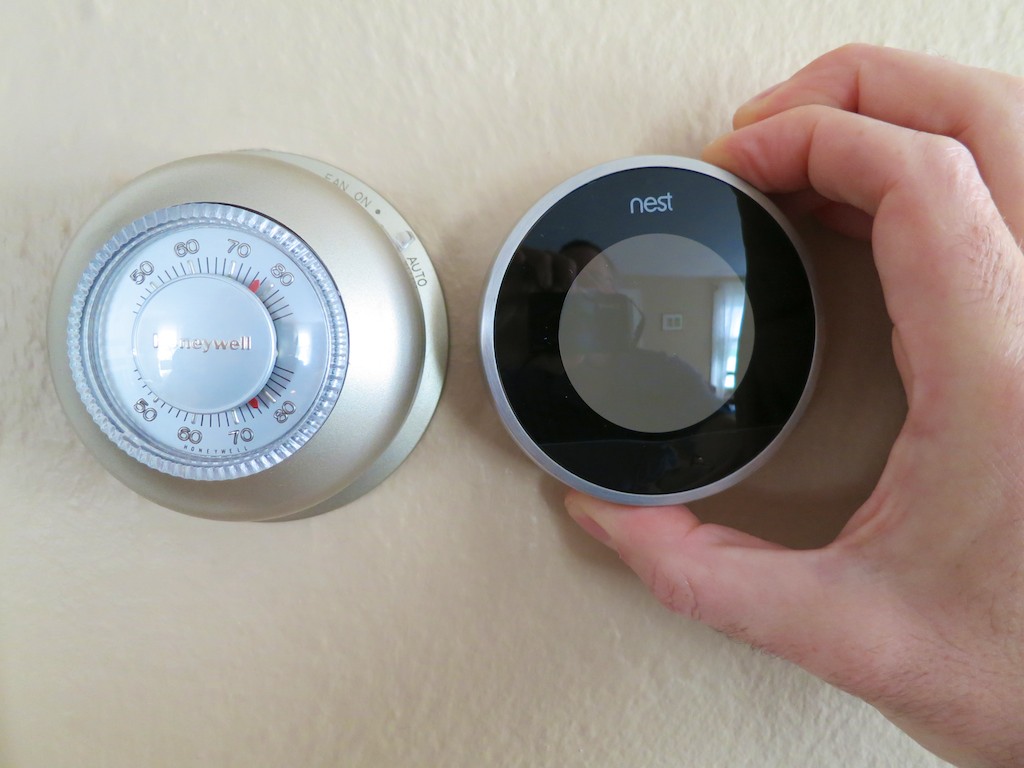
Nest claims, “Three out of four customers install Nest in 30 minutes or less.”
Sure, it didn’t take too long to remove the wiring from my old Honeywell manual thermostat and pull it off the wall.
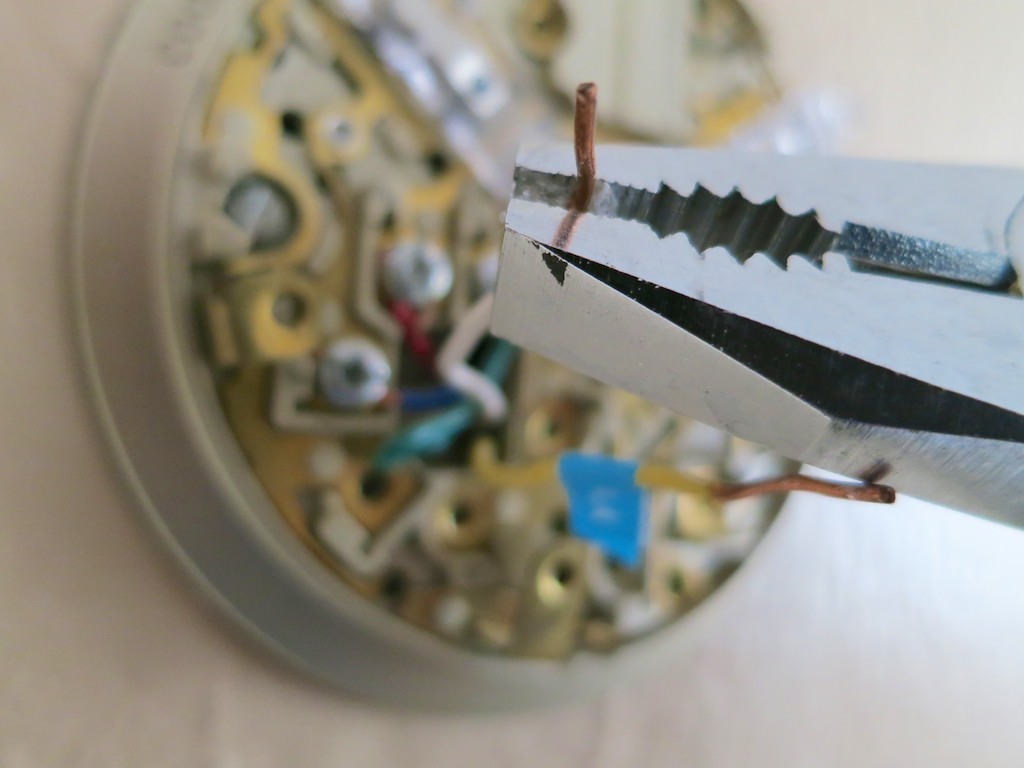
What the Nest folks don’t say is their stopwatch stops ticking as soon as you take a look at the ‘time bubble’ behind the old thermostat, and only starts running again after you’ve erased it.
What I’m talking about is if you live in an older house like mine, the wall underneath the old thermostat has likely been hidden for decades.
Even if the thermostat has been more recently replaced, nobody’s been minding the condition of the poor wall.
My circular bare spot looked like a war zone from WW2.
(There were crumbly holes everywhere!)
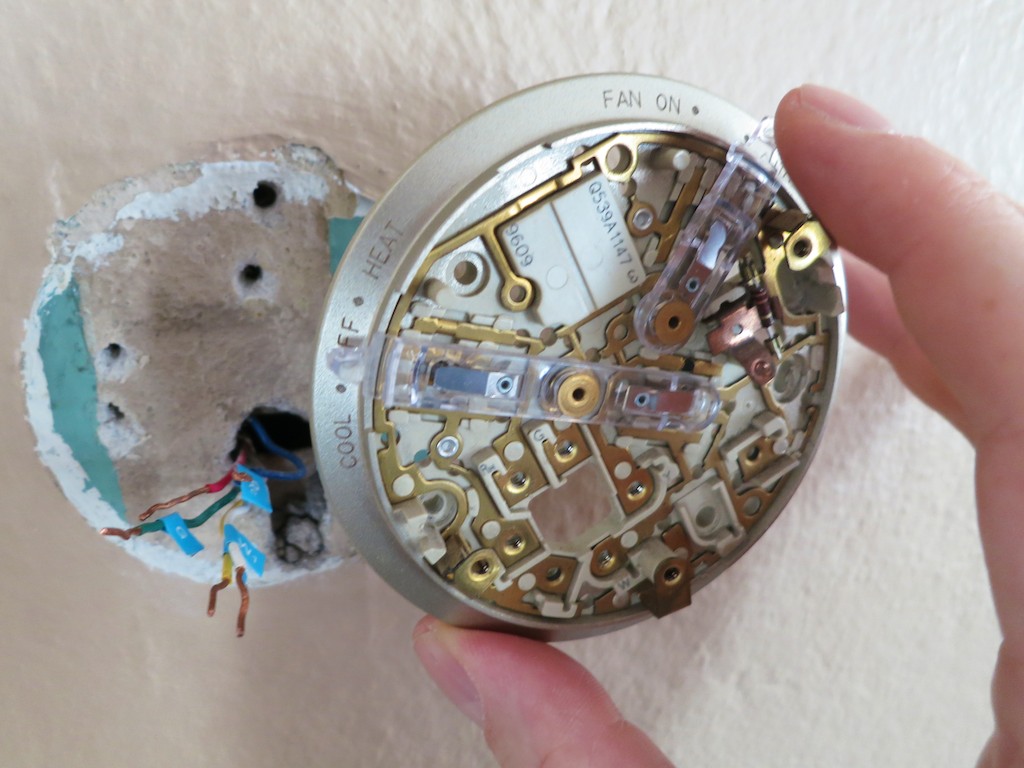
So a glop of spackling paste was clearly in order!
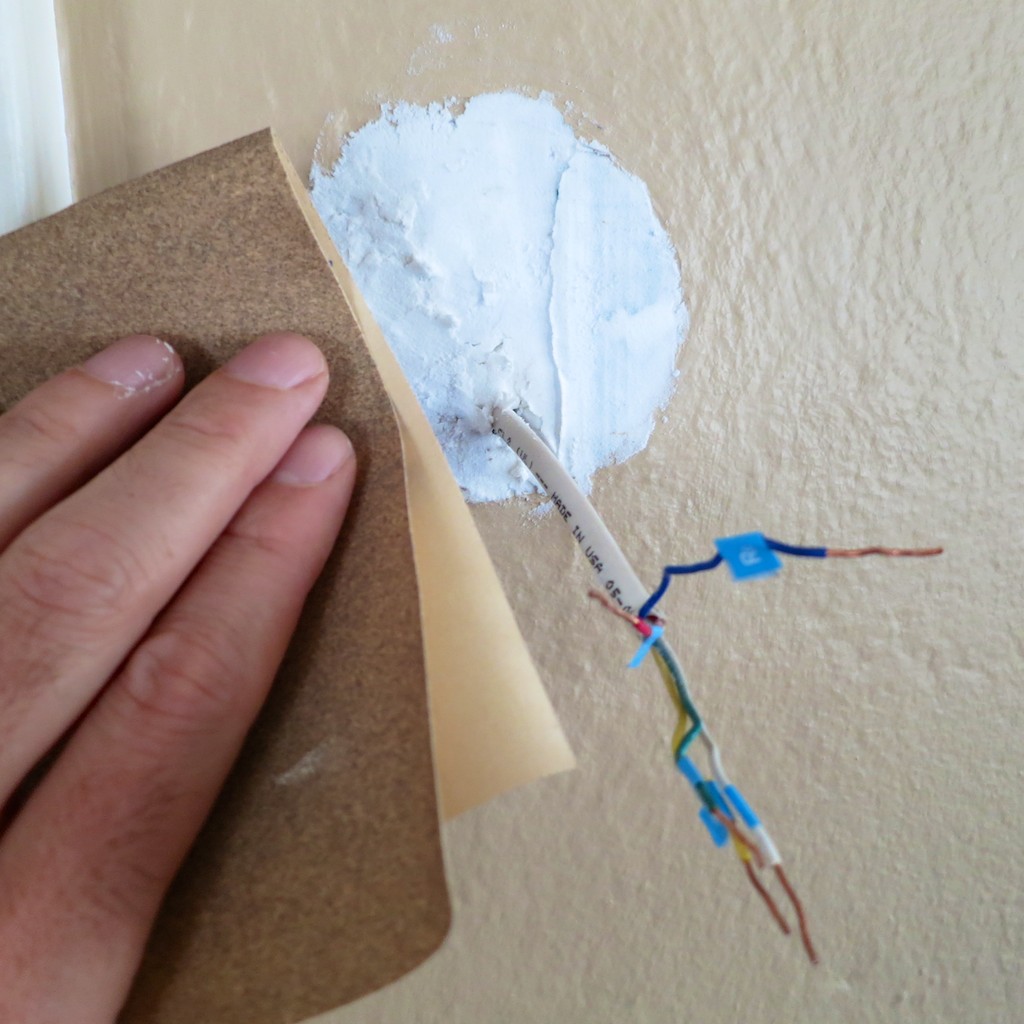
Then, there was the tiny issue of the paint job.
My Nest is smaller than my old Honeywell…
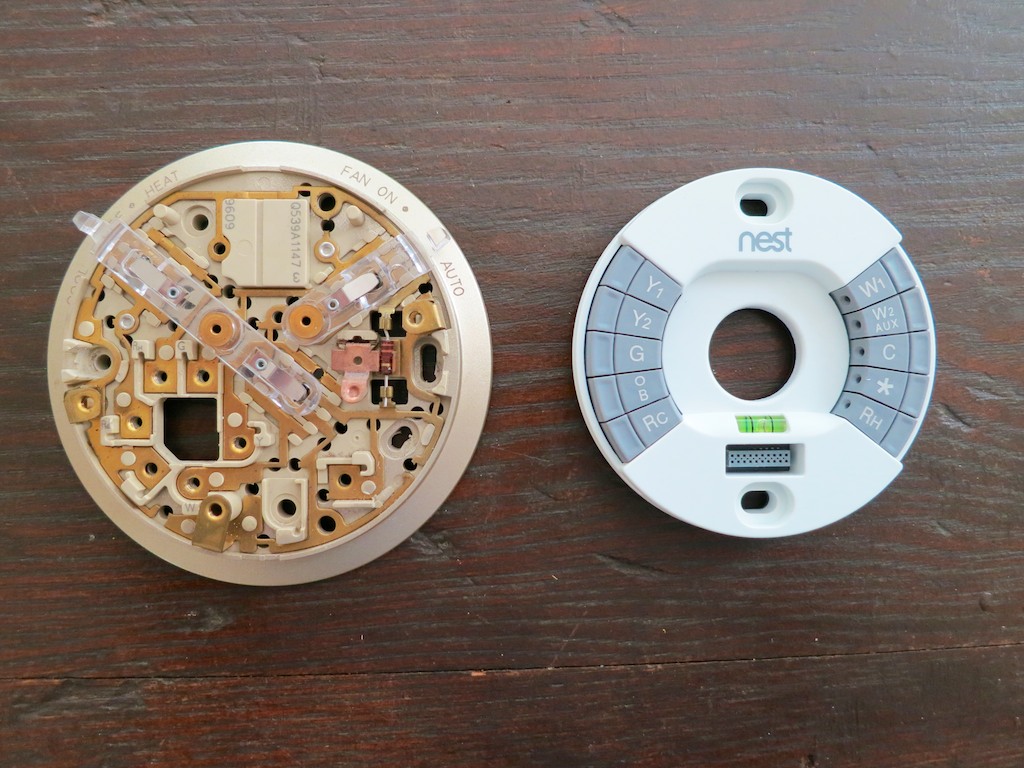
So my ugly green paint lurking underneath from the 1950’s (‘40’s?) would surround the Nest like a really ugly case of ring-around-the-collar!
Nest provides a white rectangular plastic plate mount to hide all of this mess.
But what’s the point of buying a cutting-edge product with a clean, Apple-like sleekness if you’re going to take the easy-way out by using a chunk of white plastic for the install?
(I’m insulted at the very idea.)
Believe me, you don’t see the plastic mount displayed in any of Nest’s marketing beauty shots…
The only real solution: Repaint that section of the wall.
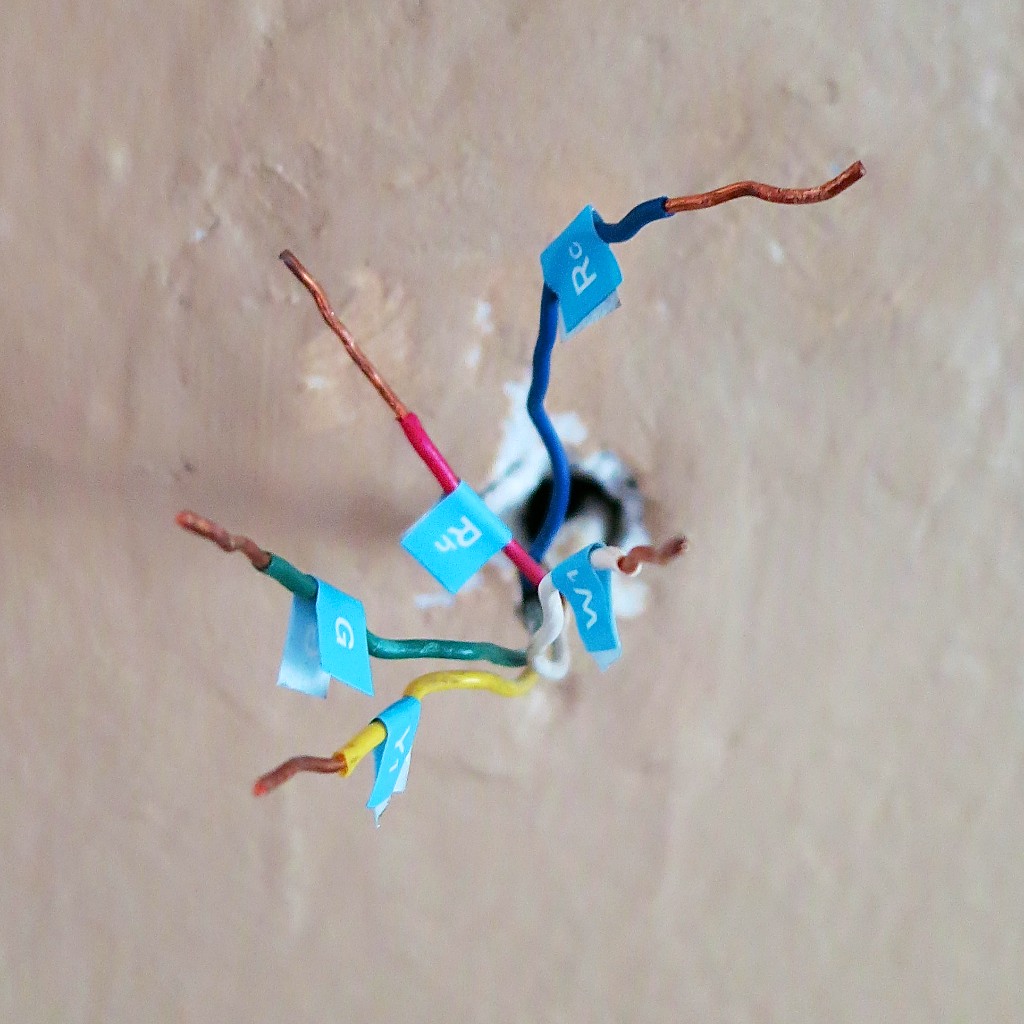
Let’s just say it was a few hours later when I was finally ready to begin the installation process…
How Simple is Simple?
This is all the Nest manual says about installation…
And I quote:
- Attach base
- Connect wires
(After all the wires are connected, make sure they’re flush with the wall.) - Attach display
- Switch power back on
That’s it.
And they’re not lying!
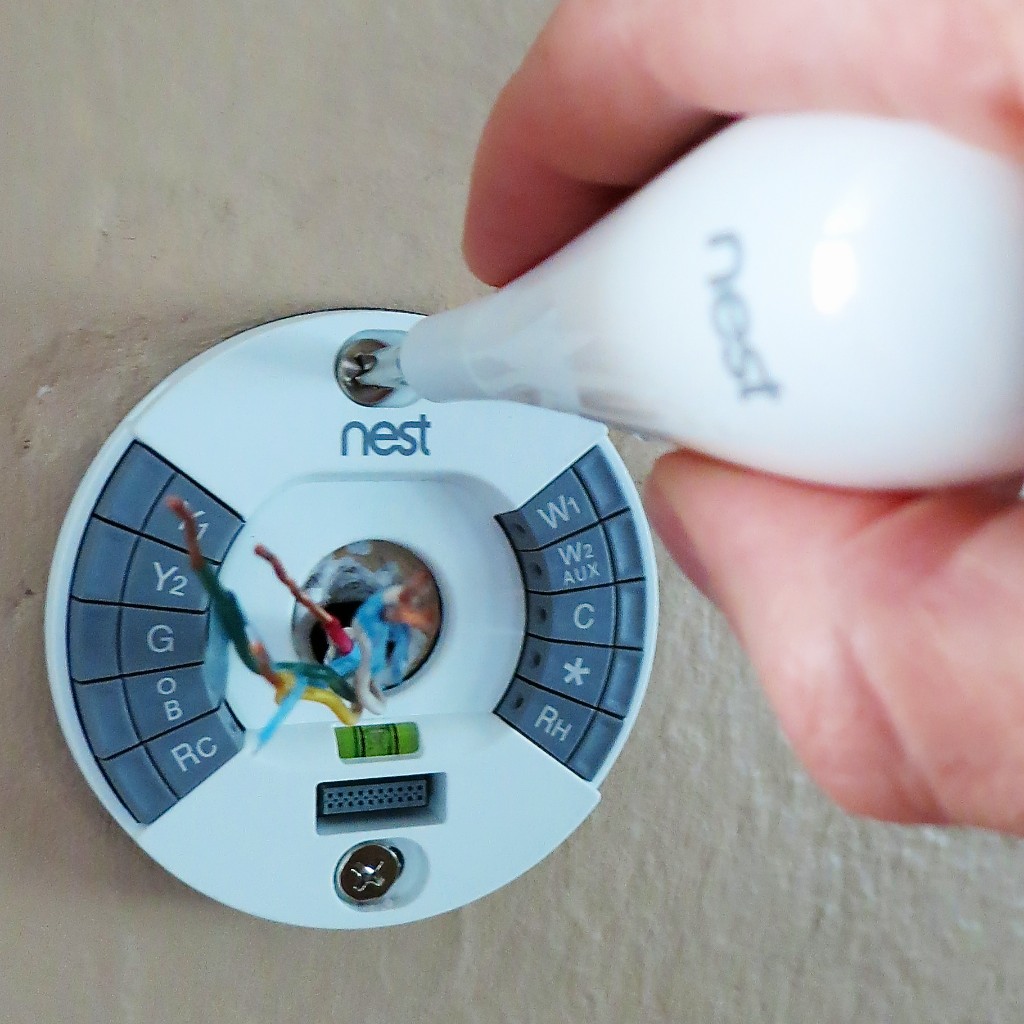
I first screwed in the base with the two provided screws
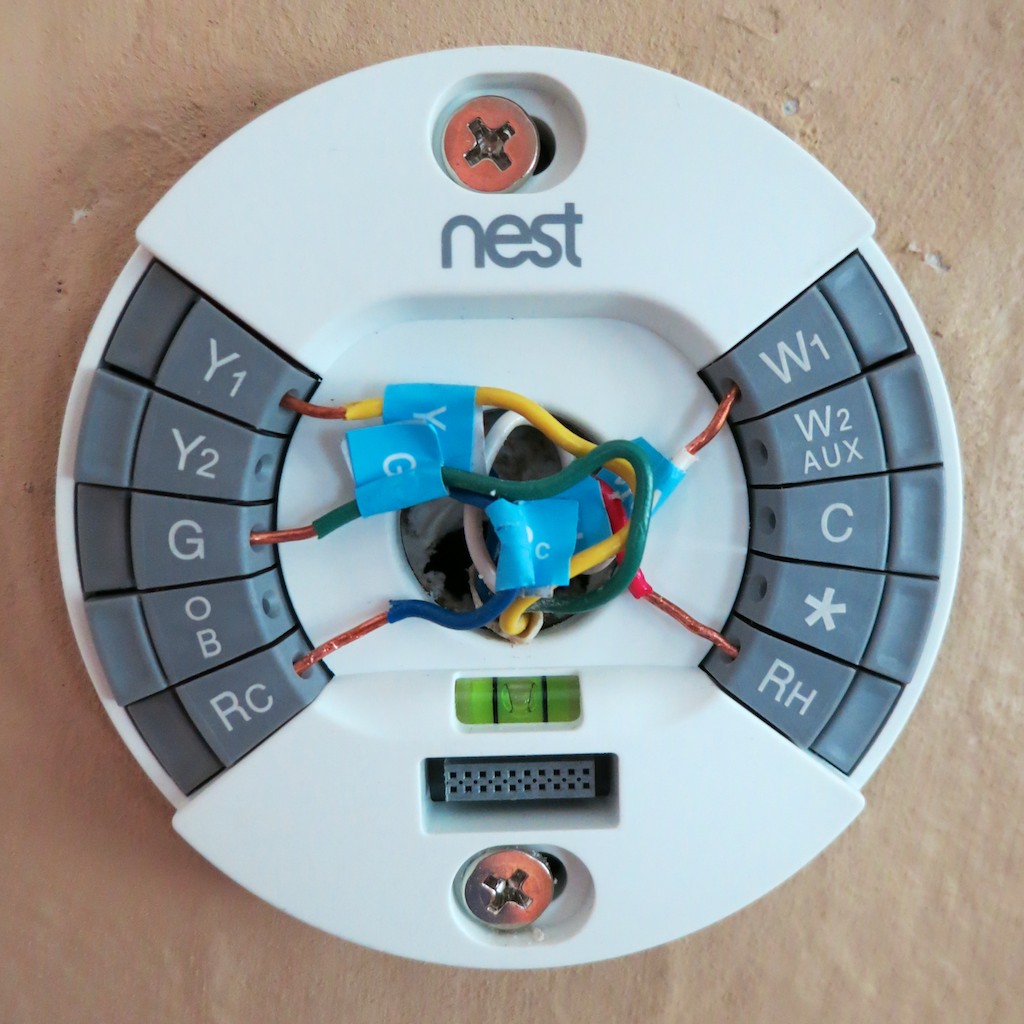
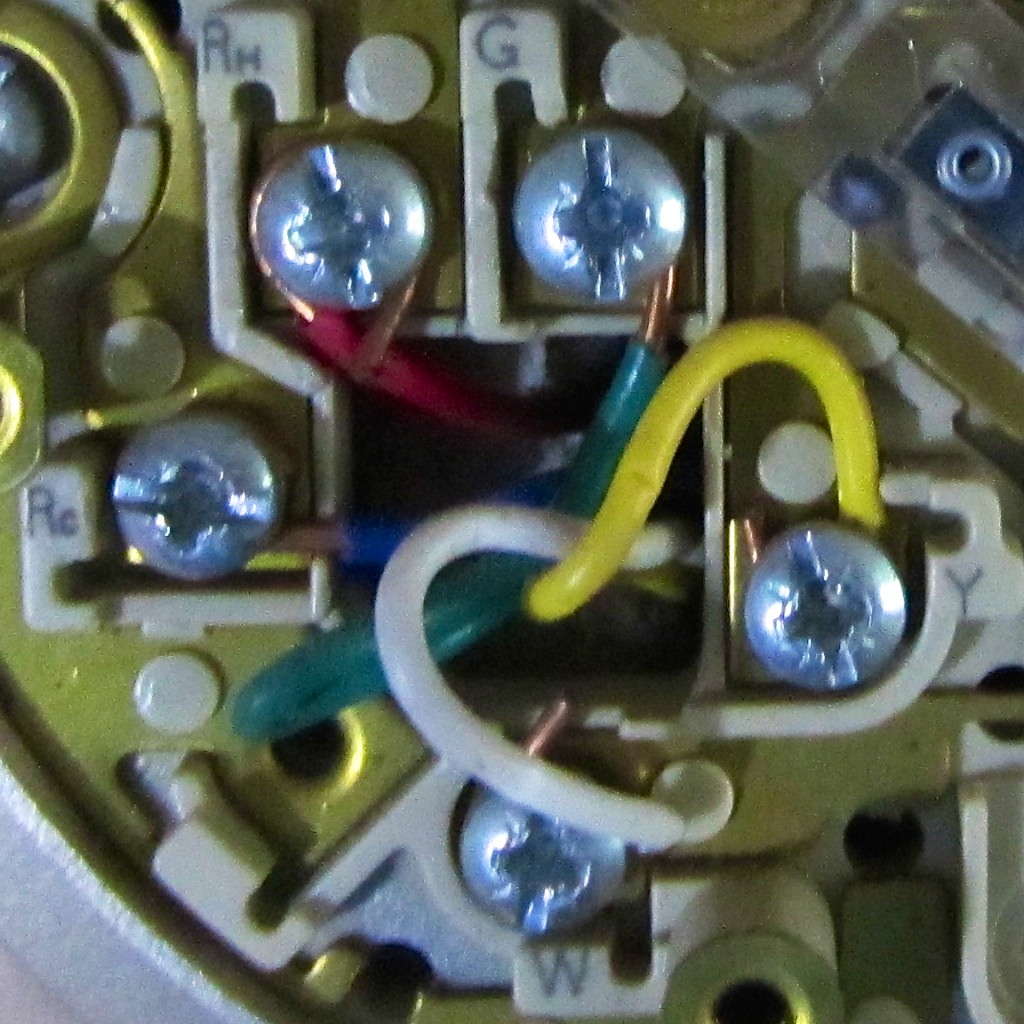
- Then, I carefully reconnected my five wires
- Snapped on the iPod-like flat sphere
- About 35 minutes later, I proudly walked downstairs and flipped back the circuit breaker
(Okay, so I’m in the lowest 25th percentile… but it’s not a race, you know.)
I ran back upstairs and was greeted with a glowing screen displaying a home icon.
(joy)
It’s Alive!
My Nest had a heart beat!
Now what?
There really aren’t any provided instructions.
You either turn the ring or click the front.
(sound familiar?)
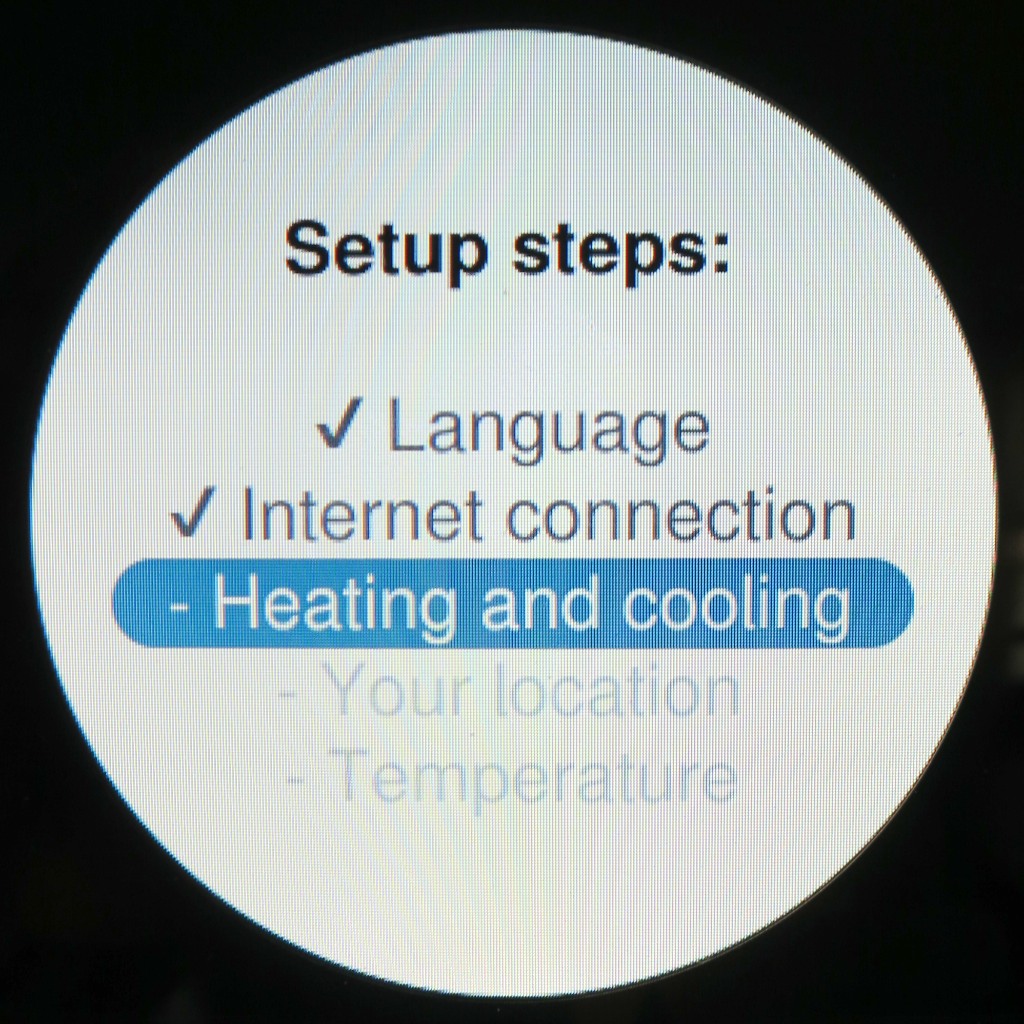
Well, the setup was a joy. It’s really quite intuitive.
(If you were willing to pay $249 for this, you’re probably going to have enough tech smarts to breeze through this…)
First, I connected my Nest to the Web via my Wi-Fi network.
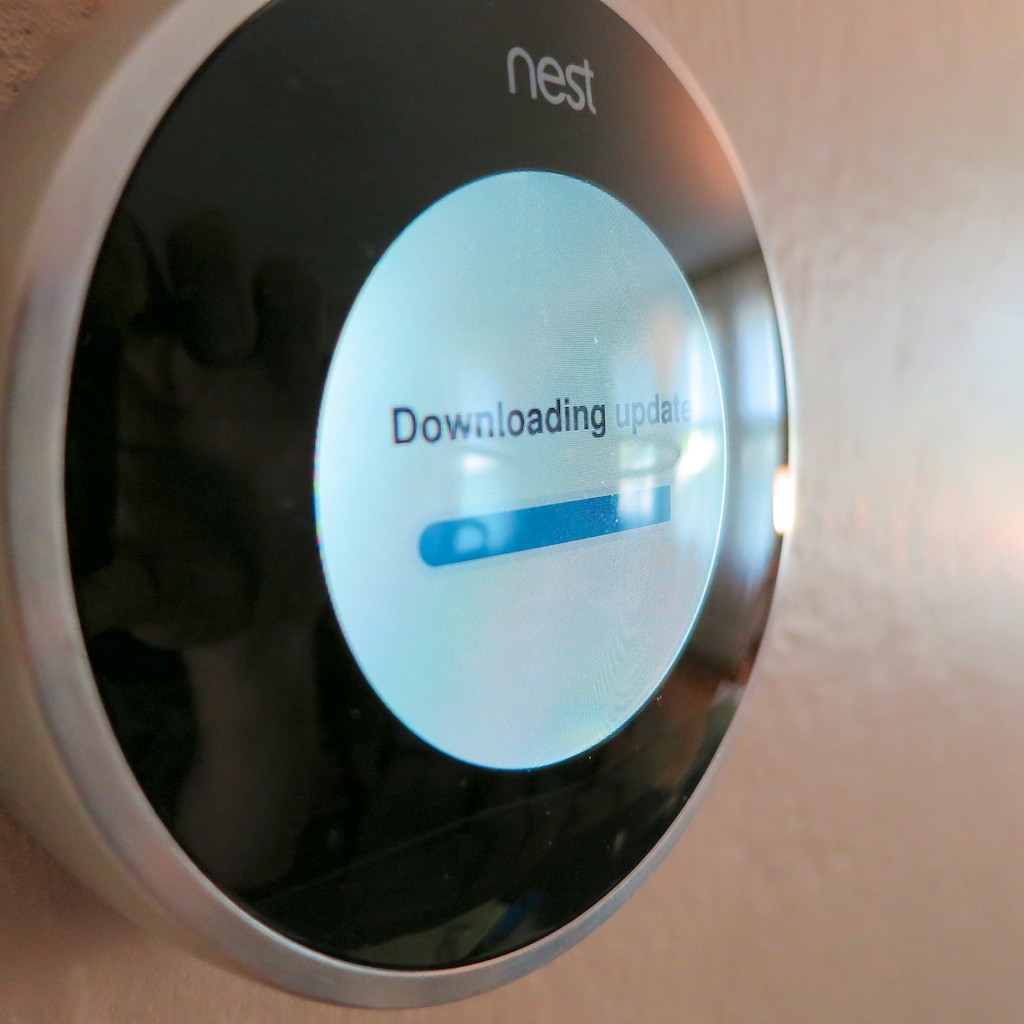
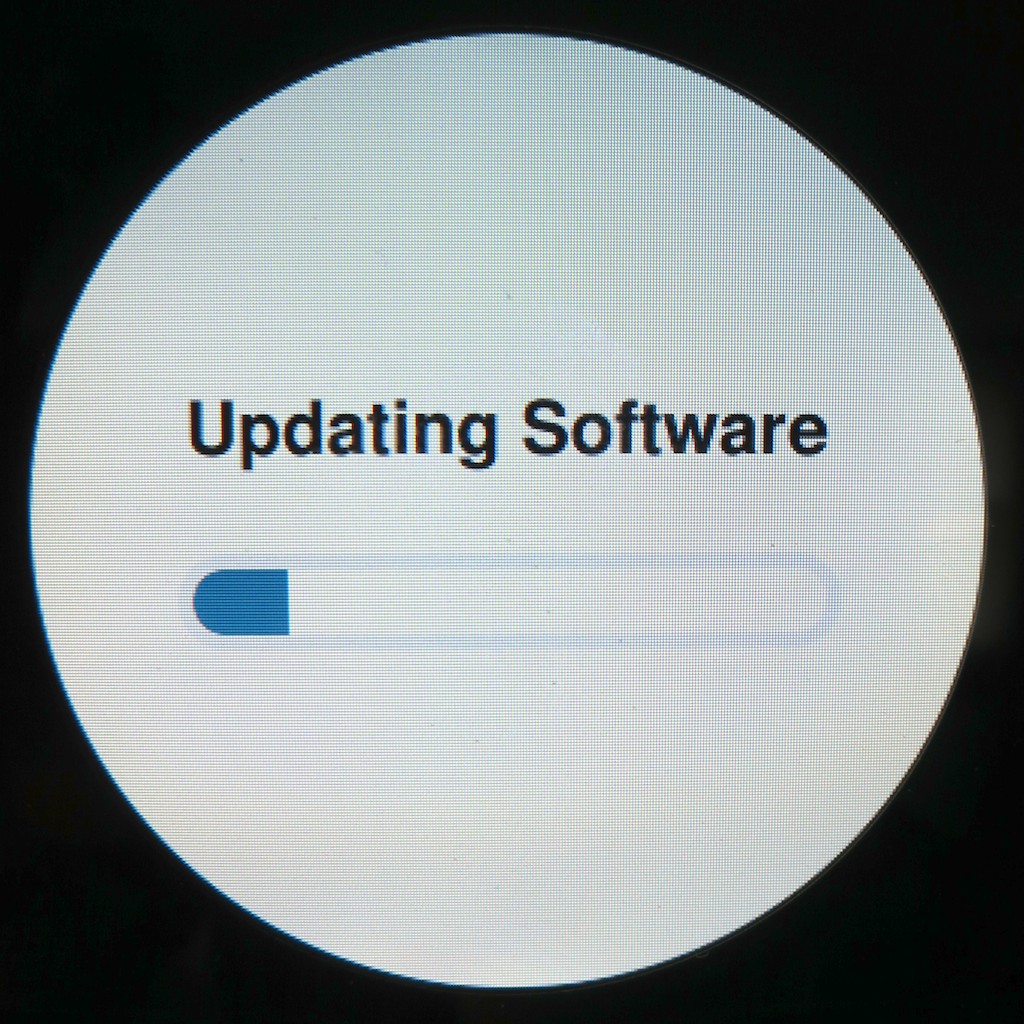
Then, she downloaded a software update… One moment please!
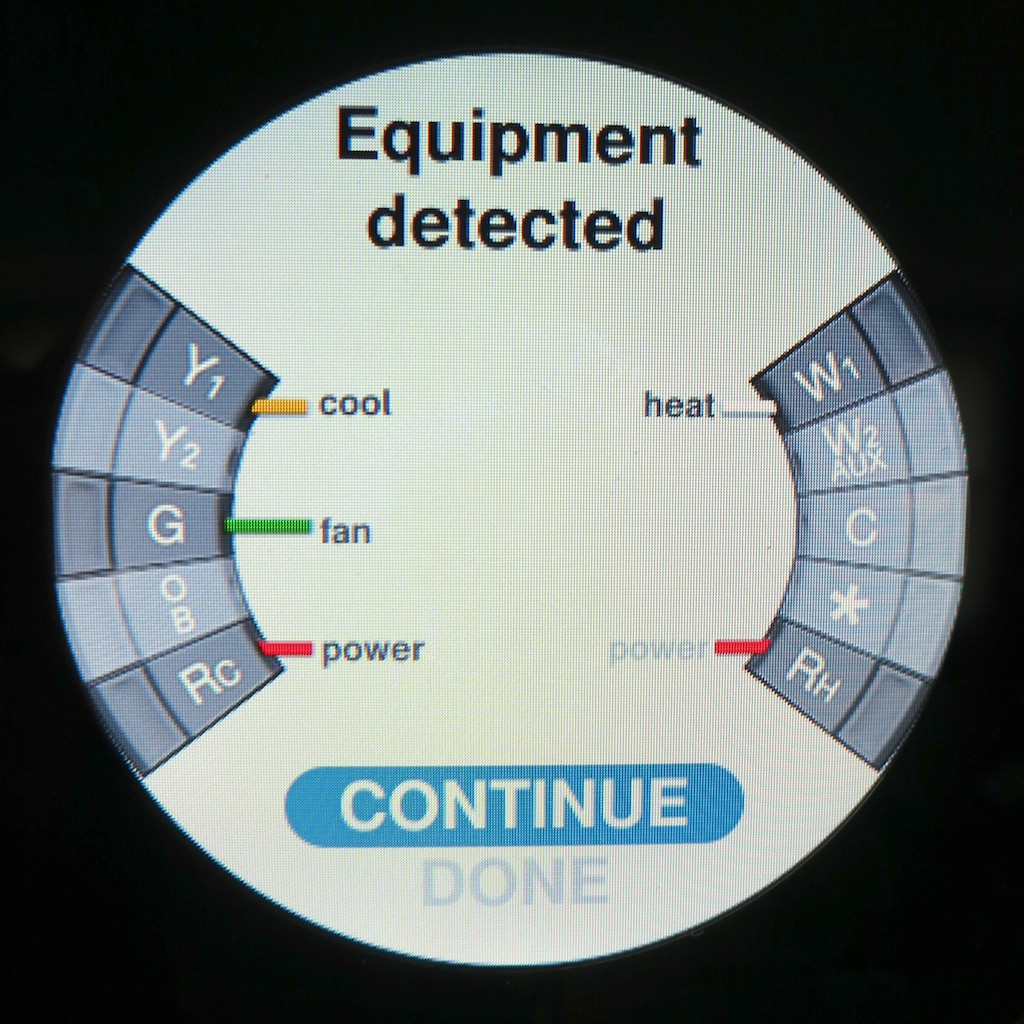
She performed a self-diagnostic and displayed a diagram with all of the attached wires she sensed.
I noticed the yellow wire was conspicuously absent.
Uh Oh!
- Heat. Check.
- Fan blower. Check.
- Air Conditioning. Nada.
Red Alert!
It appeared I needed to reattach the yellow cable.
Next problem:
How do you take Nest off her base?
I didn’t want to force anything and break the mount.
But the solution was nowhere in the written directions.
I scoured the Web and Nest’s support site for an answer.
Finally, I found it.
Are you ready?
“Pull it off the base.”
What, you’re not going to break any tabs by just yanking it? (gently)
Nope.
Snap it on.
Snap it off.
Genius.
So I pushed in the yellow wire a little further and snapped the base back on.
Warp power restored!
How Bad is Error Code N22?
Then my Nest gave me a worrisome message:
“N22”
Apparently, another wire (Rh) was attached but not talking to my furnace.
She directed me to –
Nest.com/n22
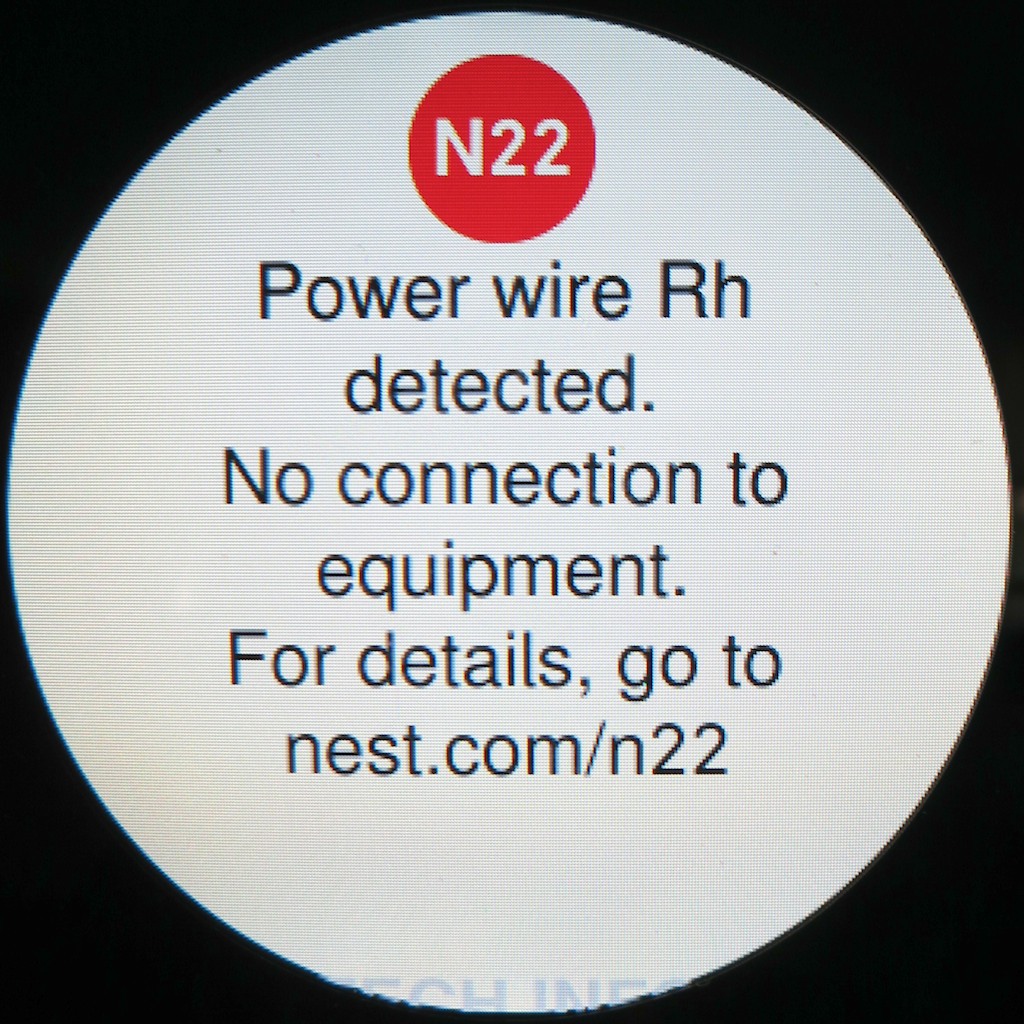
With a few clicks I again diagnosed there was no power to my ‘Rh’ wire,
which normally connects to the heating system.
Nest’s recommendation:
“If your heating and cooling system is working correctly, ignore this note.
Your system has an unusual configuration, but Nest will work fine with it.”
Ignore it?!
Well, everything seemed to be working.
(both furnace and air conditioning)
The website then gave some parting words of wisdom-
“Enjoy living with Nest.”
Don’t mind if I do…
Remote Access
Now the fun can really begin!
I completed my Nest’s launch and set the temperature for the first time,
(Remember, she’s paying attention to every degree adjustment you make to create her ‘Auto-Schedule.’)
Then I went back online and officially opened up a Nest account.
Nest.com immediately recognized my computer was using the same Wi-Fi network as my Nest.
(That’s really spooky.)
And with three more clicks, my Nest paired with my new account.
Then, I downloaded and logged into the Nest mobile app for my iPhone and iPad.
(also available for Android)
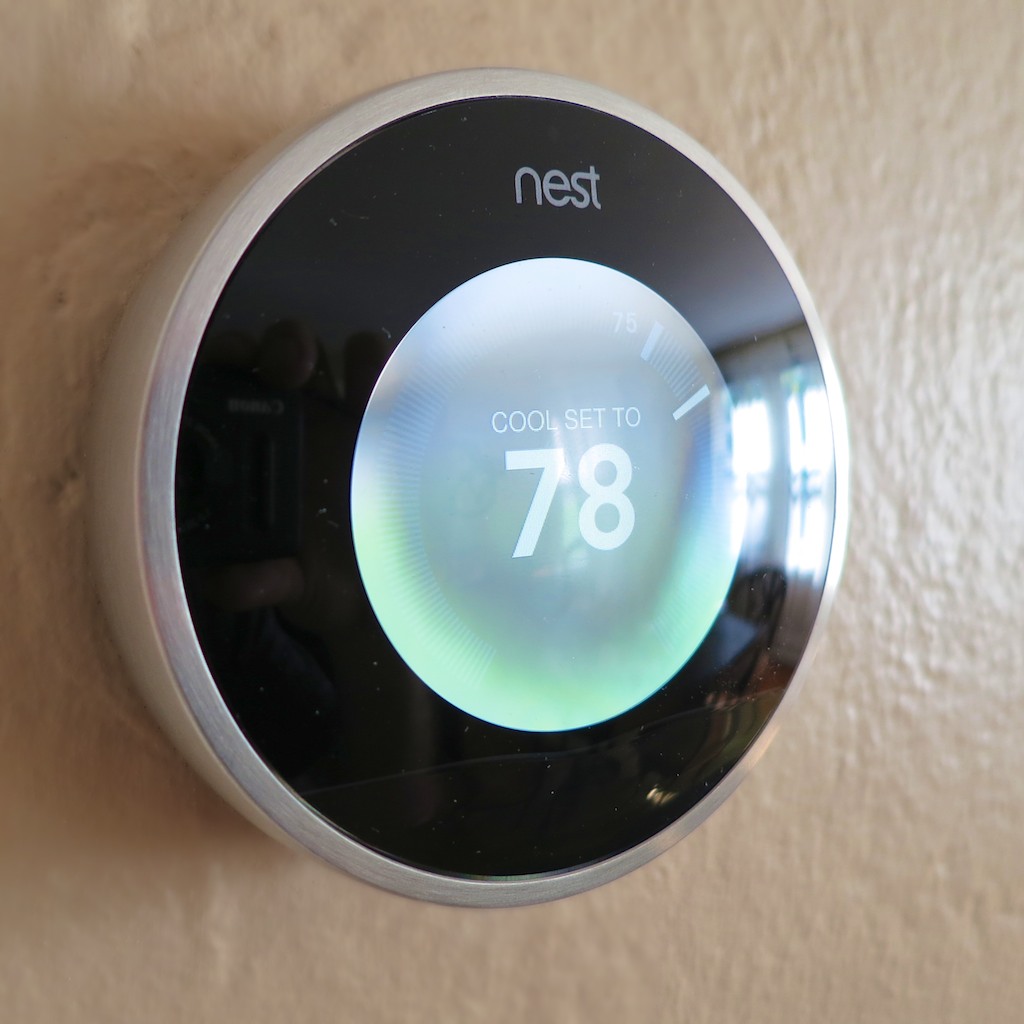
In less time than it takes for a black hole to engulf the planet Vulcan, I gained the capability to control my Nest from anywhere around this globe.
(assuming an Internet connection)
But Wait, There’s More…!
She’s also got a whole host of other tricks to help you save energy and money…
(Remember, Nest claims you’ll make your money back in less than 2 years.)
- Airwave, which helps squeeze out more AC for your buck
- Auto-Away, which activates automatically if you’ve left on vacation and forgotten to adjust the temperature
- Early-On, which fires up your system to get to your desired temperature before you wake up or return home
- Auto-Tune, which tweaks your settings to eke out even more savings
- Nest Energy Reports to help you track your savings
Wedding Bells
Well, there you have it.
It’s official. My Nest has officially moved in.
We’re entering the height of the summer heat, but I’ve never felt so cool…
It’s going to take a week or so for my Nest to officially take over as it learns my energy-use preferences, but it’s great knowing I’ve already begun earning back my $249 investment.
Yes, we’re only in the honeymoon phase.
But please allow me to happily borrow a line from “Man of Steel” and proclaim…
“Welcome to the planet!”


 At Home with Tech