At Home with Tech

Unlock the power of all your technology and learn how to master your photography, computers and smartphone.

Tag: Star Trek Borg

Don’t Miss this Important Part of an Effective Work Email
How well you write an email is only half the equation. If you rush it, you may miss this path to success.

The commute-to-work model is a shattered construct. Many of us corporate folks now stay home and remotely dance to our own beat with more flexible schedules. With remote work, the workday can be redesigned into countless versions of our 24 x 7 existence.

That’s flexibility. That’s freedom. That’s evolution!

Are You Awake?
But your unique schedule can fall outside of normal business hours and may not always align with your colleagues. If you need to communicate, what are you supposed to do?

You’re certainly not going to call them and wake them up. (And who makes phone calls anymore?)

We all know the standard solution is an email. When your recipients are back online, they’ll read it then. What’s the problem?

The Road to a ‘Perfect’ Connection
Once upon a time, our species chained itself to clunky desktop computers in the office. If you walked away, you were disconnected from the collective. Then, laptops showed up, and suddenly you could be connected from different locations. Eventually, work email made it to mobile devices, and you were entirely free to work from anywhere there was a cell signal.

Staying connected couldn’t be easier.

I often like to refer to the evil Borg characters on “Star Trek: The Next Generation.” They had bad skin, and they weren’t friendly. But their hive-mind collective kept them constantly updated and in-the-know. It was the ultimate connection. Nobody was left out, and everyone was on the same page.

It was the perfect workplace utopia. And of course, the ultimate nightmare for the human race.

Are We Ever Entirely Offline?
I must admit… in another universe, there’s a version of me who is Borg. That’s because I often feel the pull of what I call the ‘email siren song.’

  • Do I have my work email on my iPhone? Of course.
  • Will my emails also show up on my Apple Watch? Yup.
  • If I’m wearing my AirPods, does Siri whisper my updates to me? Uh huh.

Maybe I’m already partially Borg. My technological enhancements are simply more elegant (courtesy of Apple).

I know I’m not unique. There are many who are also Borg-leaning… always connected… quick to respond to an email no matter where or when they are.

Happily, there are still plenty of humans playing by more reasonable rules set by our circadian rhythms. These ‘rebels’ in our ever-increasing ‘Matrix’ society are savvy, and they do just fine setting reasonable limits. (It’s working smarter… not harder… right?)

Email Siren Song
Don’t worry. I’m not truly Borg. And I don’t aspire to be a controlling alpha Borg queen. (I don’t typically communicate with my collective after normal business hours.)

And though I’m aware of inbound communications (unless I’m sleeping) I usually won’t respond. Unless there’s a fire raging, I don’t reach out.

But yes, I still listen to the email siren song.

Disclaimers may not Matter
Sometimes, I see an email late at night. At the bottom, there’s a disclaimer that admits the sender is working outside of normal business hours and doesn’t expect others to respond until the sun has risen.

But it’s too late. I’ve read the email. And if there are multiple recipients, the discussion may then start to move forward, regardless of the sender’s disclaimer.

Navigating these complexities can be hard. There are no easy answers. But here’s a great way to minimize the problem:

Schedule your After-Hours Emails to Deliver the Next Day
If you need to catch up on email at night, do the work, but delay when your email goes out.

If it’s not urgent, I recommend you simply hit that ‘delay’ email tab and schedule your emails to ‘send’ the next business morning.

I highly recommend it.

Put your Smartphone to Sleep!
Unfortunately, not everyone follows this best practice. So, you may need to protect yourself from overnight emails while you’re snoring. And to do that, schedule your phone to go to sleep along with you.

Even if your phone is set to silent mode, its ‘buzzing’ can wake you up in the middle of the night.

That’s happened to me on more than a few occasions. I finally went into my iPhone’s settings to really shut it down while I was getting some shut-eye.

Your Emails are Ambassadors
Every touch point in your life contributes to who you are and how you are seen. It’s part of your personal brand.

You should consider that each email you send is an ambassador that represents you and your brand.

How well you write your emails is certainly important, but when they show up can have an even greater impact… and not always in a good way.

Often, successful communication is about timing. Always ask yourself this question: “When will your email be most effective?”

So be mindful to the when.

Don’t rush it.
How to Stop your iPhone from Buzzing All Night Long

Unless you want to be kept up by your iPhone with endless updates while you’re trying to sleep, you need to give it a bedtime. Here’s how.

I am the Borg. You are the Borg. We are the Borg. Yes, humanity has already been assimilated.

Remember, those evil “Star Trek” cybernetic bad guys who kept running into Captain Picard and wanted to take over the galaxy? The Borg were all wirelessly interconnected and acted in sync like a colony of bees. Their hive mind kept them instantly updated.

Okay. Well, no… we’re not completely moving throughout our day following the constant direction of a unified data stream. But I think the scary reality is only because it’s not unified. (Well, not yet.)

Time to Put your iPhone into Sleep Mode
Our smartphones are constantly bombarding us with various updates…. from family, friends and work to various companies and organizations we’ve touched and shared our personal data with.

These ongoing texts, emails and calls can become a persistent din. It’s like the world is screaming at you. If you wear an Apple Watch with haptic feedback on your wrist, there’s a constant visceral reminder that someone or something wants your attention.

All that noise, noise, noise!

Sure, you have instant access to so much more information, but it comes at a price. (What’s a Borg drone to do?)

And the last thing you need is to have that constant drumbeat interfere with your sleep.

There’s got to be a way to turn it off.

Well, of course there is…

How to Activate Sleep Focus
I realized recently that I really needed to take some action and effectively put my iPhone 15 Pro Max to sleep while I was sleeping. Yes, it was muted, but my iPhone would wake me up with all the buzzing and screen brightening to alert me of something new in the wee hours of the morning.

I needed my REM sleep!

I knew that I could simply move my iPhone to a different room, but I like to charge it up on my nightstand. Fortunately, I can set it and forget it…if it will let me. (I usually don’t wake up in the middle of the night with the need to grab it and see how my blog’s metrics are doing.)

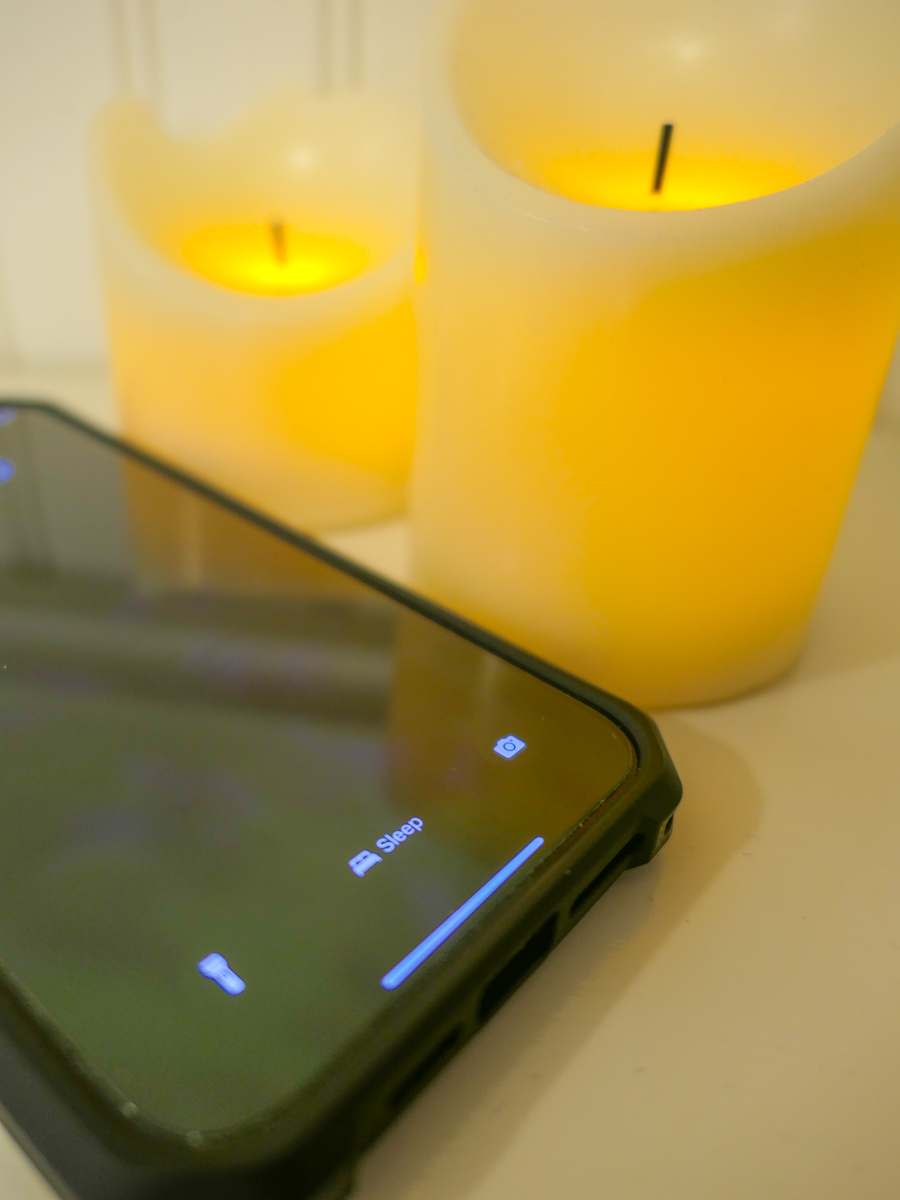
Instead of turning my iPhone off (whoever does that?!), I activated the sleep setting in the Focus App.

Here’s how to do that.

  • Tap on Settings
  • Tap Focus
  • Tap Sleep
  • Set a Schedule

Then you assign a lock screen for this setting. (The trick I think is not to assign it to the screen lock photo that you use throughout your day.)

You can also program exceptions to let certain contacts make it through your Do Not Disturb barrier.

Done.

Now my iPhone goes totally dark at my bedtime and does not respond to any incoming anything throughout the night.

Happiness restored.

Silence in your Sleep Chamber
It’s ironic that we now need to tame our smartphones to prevent them from overwhelming us with too much of what was supposed to be a good thing.

The simple truth is everyone and everything should not have immediate access to your attention.

Even the Borg knew that. They had those cool standing sleep chambers throughout their Borg cube ships where their drones could catch up on their sleep… uninterrupted.

And as we all know, it’s never a good idea to wake up a sleeping Borg.

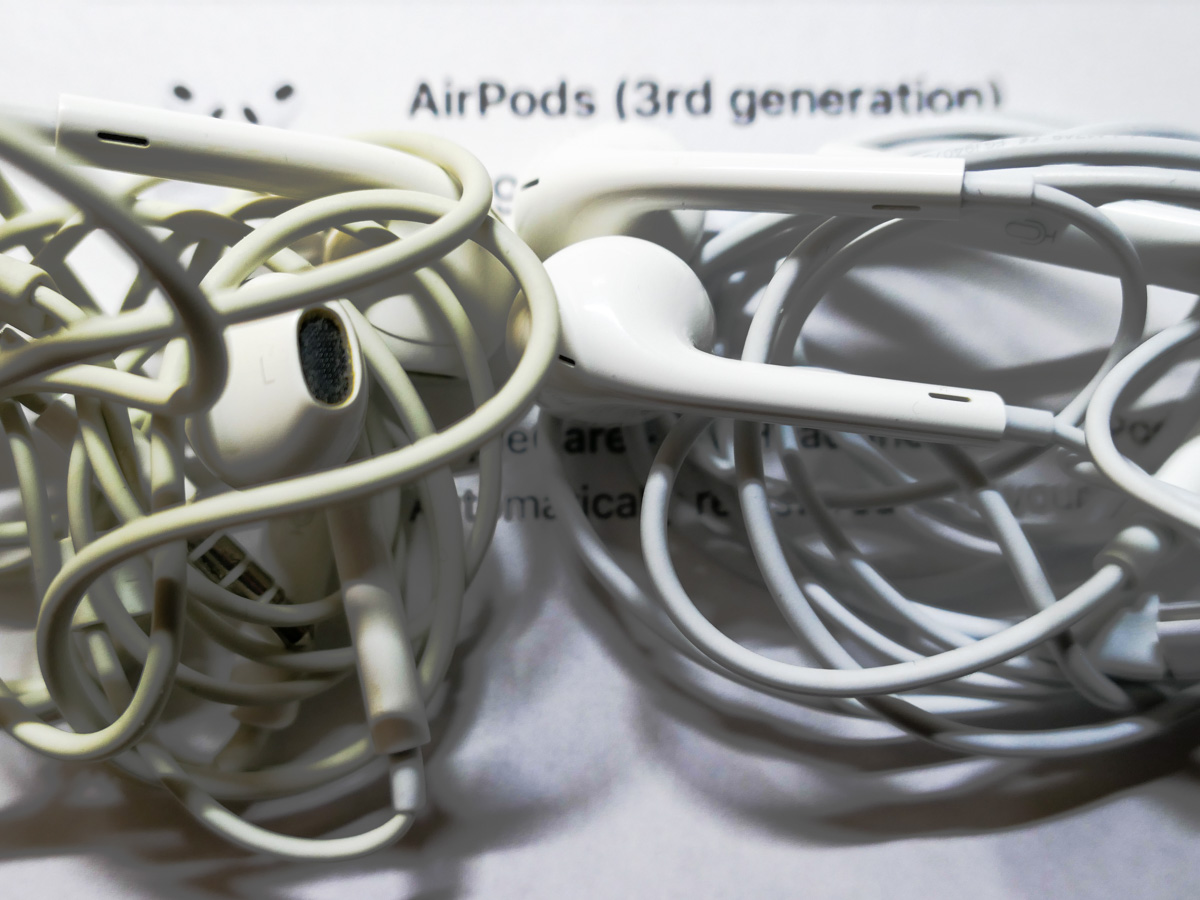
Why I Must Put the Wireless White Sticks in my Ears

I wouldn’t describe my recent AirPods purchase as a joyous moment. Not exactly. It was more a feeling of satisfaction when you check a box on a decision you’ve long delayed. Here’s why.

The morning after Apple’s latest event, I powered up my iMac at 5:30am with my strong cup of Joe and calmly ordered a pair of the newly released third generation AirPods. Usually, my tech purchasing process is more labored with detailed research and spec comparisons. But this experience felt oddly straight forward, probably because my decision to finally buy a pair of wireless earbuds had been simmering for the past five years.

A Sea of Little White Sticks
Over that time, I’ve watched a major percentage of humanity on the streets of New York City grow little white sticks out of their ears. There were so many modified ears out there, it began to feel like my own were lacking. (Talk about herd mentality.) But as I considered augmenting my own ears’ capabilities, I also worried that a precious AirPod could drop out as I hurried about, crossing a street to beat a light.

The Wrong Fit
Of course the AirPods Pro were released to address this specific concern (among many other upgrades). I did visit the Apple Store in Grand Central Terminal a couple years back to try on a pair, eager to finally join the world of wireless earbud users.

But the AirPods Pro simply weren’t comfortable. I know it may take time to get used to the fit, or perhaps I needed a different-sized ear tip. But I turned around and walked down the stairs, empty handed, disappointed and uncertain about what to do next.

I started researching other options from different manufacturers. I went down the rabbit hole of reviews and price comparisons. I procrastinated some more.

Then, Covid hit. My focus shifted. And the next 18 months evaporated.

Better Late than Never
But the patterns of my former life have recently reemerged, and like many commuters, I have finally come out of forced hibernation. I’m back on my Metro North commuter train and walking on the streets of New York.

Immediately, I saw it all again. The sea of little white sticks.

And I wanted to swim in this ocean that surrounded me. I wanted to taste this experience.

So, I decided it was finally time. Time to get a pair of the white sticks. I’d go with the regular AirPods that wouldn’t squeeze into my ears like a Borg attachment. And if one dropped out and escaped forever, that’s life, baby.

I knew an updated model of AirPods were due. So, I just had to wait a little longer for the announcement. Soon, I would finally answer the question of what life would be like without the complexity of wires running into my ears.

An Upgrade to my Experience
The AirPods 3 have spatial audio. That’s great. And they’re water resistant. Excellent. They’re supposed to fit better. I like that.

Sure, I’m pleased that I’ll have the latest and greatest model, but I know I’m hardly an early adopter.

I do expect a better audio experience as I wirelessly tether to my iPhone, though I must admit I’m not an audiophile who must stream the best quality audio into my brain.

What I’m really hoping for is an upgrade to my physical experience as I move through my day and interface with my iPhone. No more messy wires to untangle and plug in.

Wireless is Inevitable
But are wires really so bad? Sure, they eventually fray and need to be replaced. I can’t tell you how many wired Apple EarPods I’ve had to buy over the years… but they’re just twenty bucks a pop. The rechargeable batteries in my new AirPods won’t last forever, and AirPods have an extra zero in their price point.

Today… everything is going wireless. Sure, it’s convenient, offering a clutter-free feng shui in your home. But it’s more expensive. And wireless tech needs to be recharged… and then eventually replaced.

Do you see the clever business cycle here?

A Case for Wires
We’re living in a world that increasingly distains wires. But wired connections, though messy, do tend to be more reliable.

I’m not saying that I don’t expect my new AirPods to perform perfectly. They simply fall outside of the ‘set-it-and-forget-it’ technical mindset.

I know my little AirPods come with a nifty charging case that can juice them up three times. After some use, I’ll need to figure out a charging schedule for the case so it doesn’t run dry when I’m on the go.

Last Man on Earth
My AirPods arrive next week, and once I join the crowd, I’d hate it if my AirPods pooped out (while still popped in). Sure, I’d still look good, but someone would figure it out.

Donald Sutherland would walk up to me and point. And then I’d hear his alien shriek.

What would I do? Perhaps pull out my retired Bose noise-cancelling wired headsets (with the wrong connector) from my Road Warrior 1.0 days.

Whoa! Then, I’d really be in trouble.