At Home with Tech

Unlock the power of all your technology and learn how to master your photography, computers and smartphone.

Tag: vacation photography tips

Wake Up on your Cruise before Sunrise to Snap your Best Photos
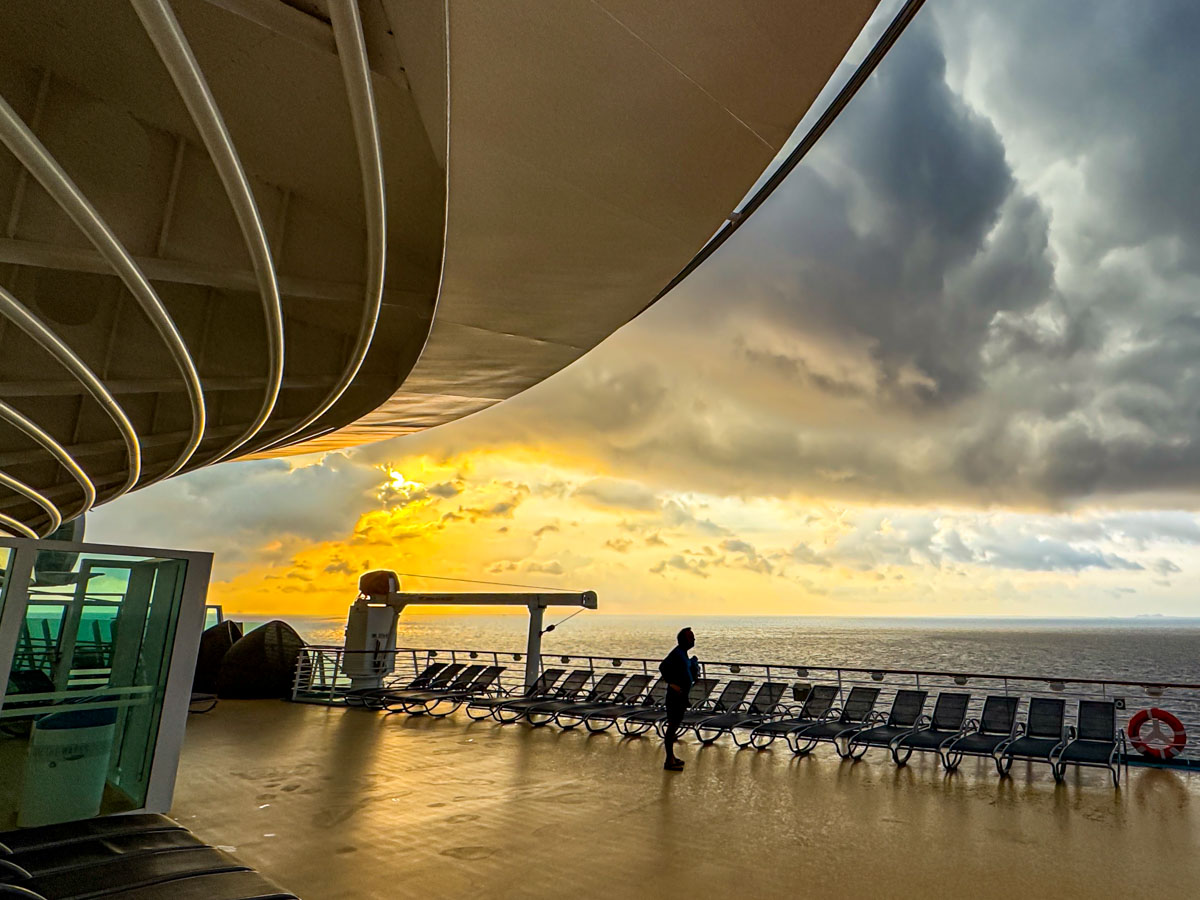
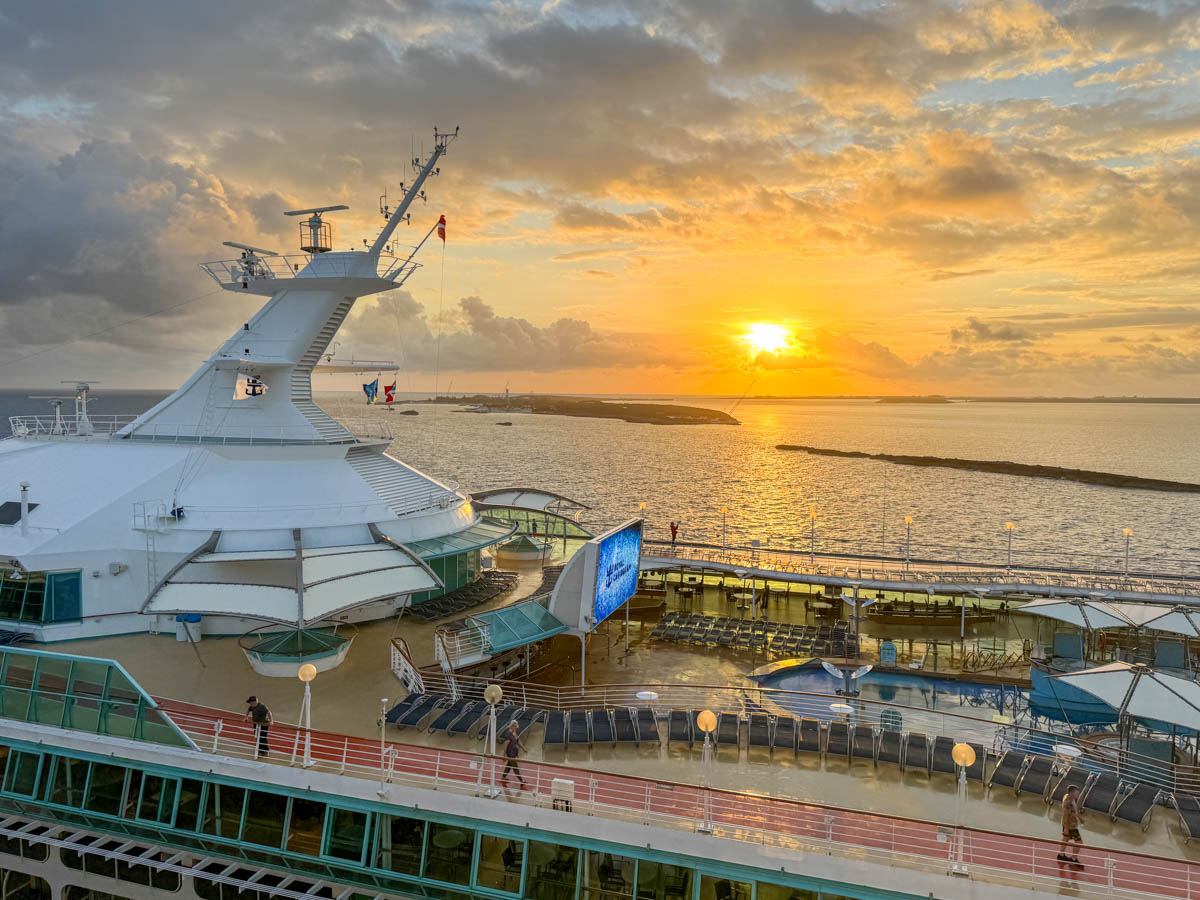
Independence of the Seas deck 12 at sunrise in the Caribbean after the rain

Some of the prime photo opportunities on a cruise happen while everyone else is sleeping. Here are 5 reasons to wake up early.

Why would anyone intentionally get up early on a cruise? It’s dark out, everything is closed, and nothing is seemingly happening onboard. You should probably catch up on your z’s and sleep in along with the other thousands of guests. But you’d be missing the opportunity greet the dawn’s light.

And that’s exactly what I did each morning on our Royal Caribbean cruise to Nassau out of Miami on the Independence of the Seas. It’s totally worth it for five big reasons.

#1
Your Moment of Zen
As the sky glows orange and the sun prepares for its entrance shortly after 5:30am, it’s just you and maybe a couple dozen other people on the massive deck. There are no crowds or music. No splashing or lines of people.

It’s just you, the vessel, the vast ocean and the refreshing breeze that centers you in this stunning ‘waterworld.’ It’s such an amazing feeling. You’ve effectively got the entire deck to yourself.

Sure, you can take some great pictures, but it’s much more than that.

#2
Perfect View of the Sunrise
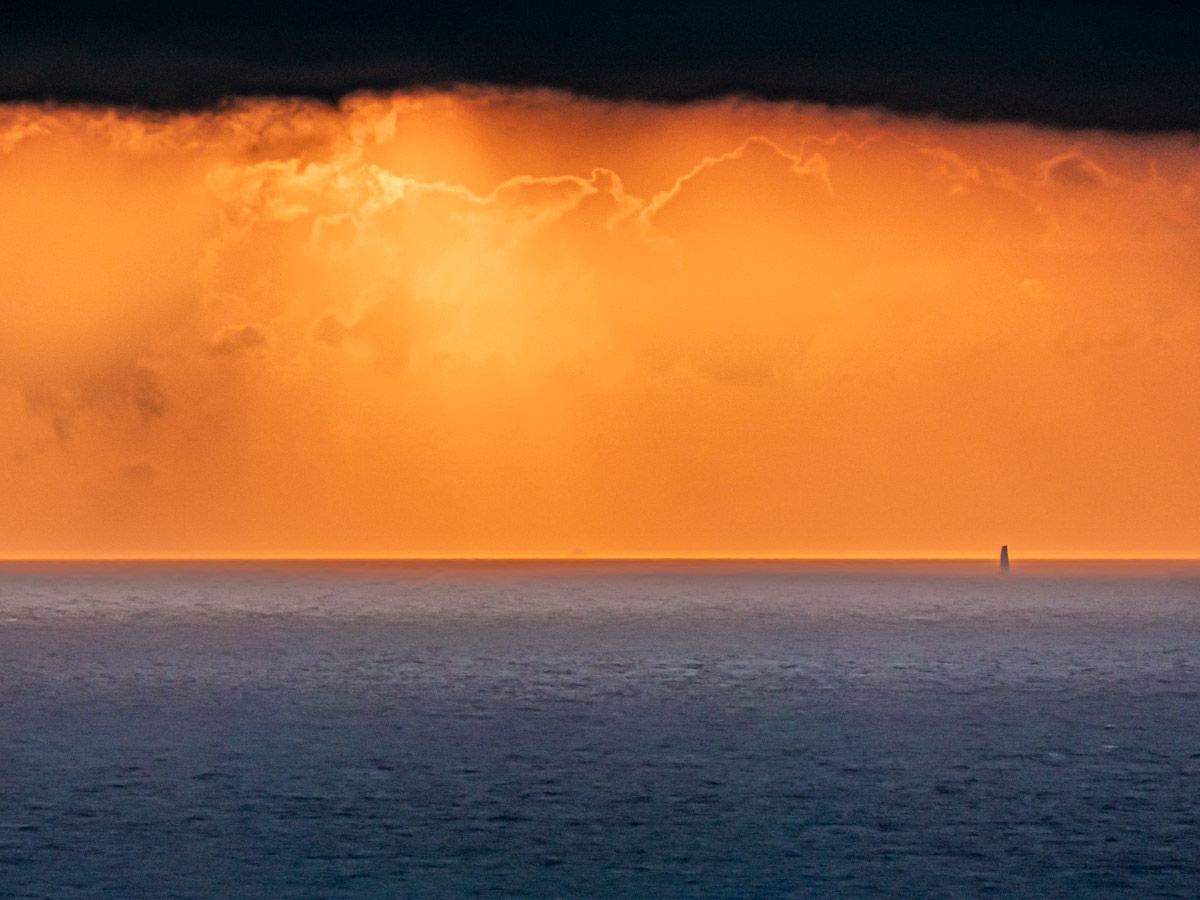
So, the wind blows. If you’re like me, you’ve got your cup of Joe with you. And then the sky comes to life. And if you’ve got some cloud action, you’re really in for a treat. It’s absolutely time to take out your phone or camera and start snapping away!
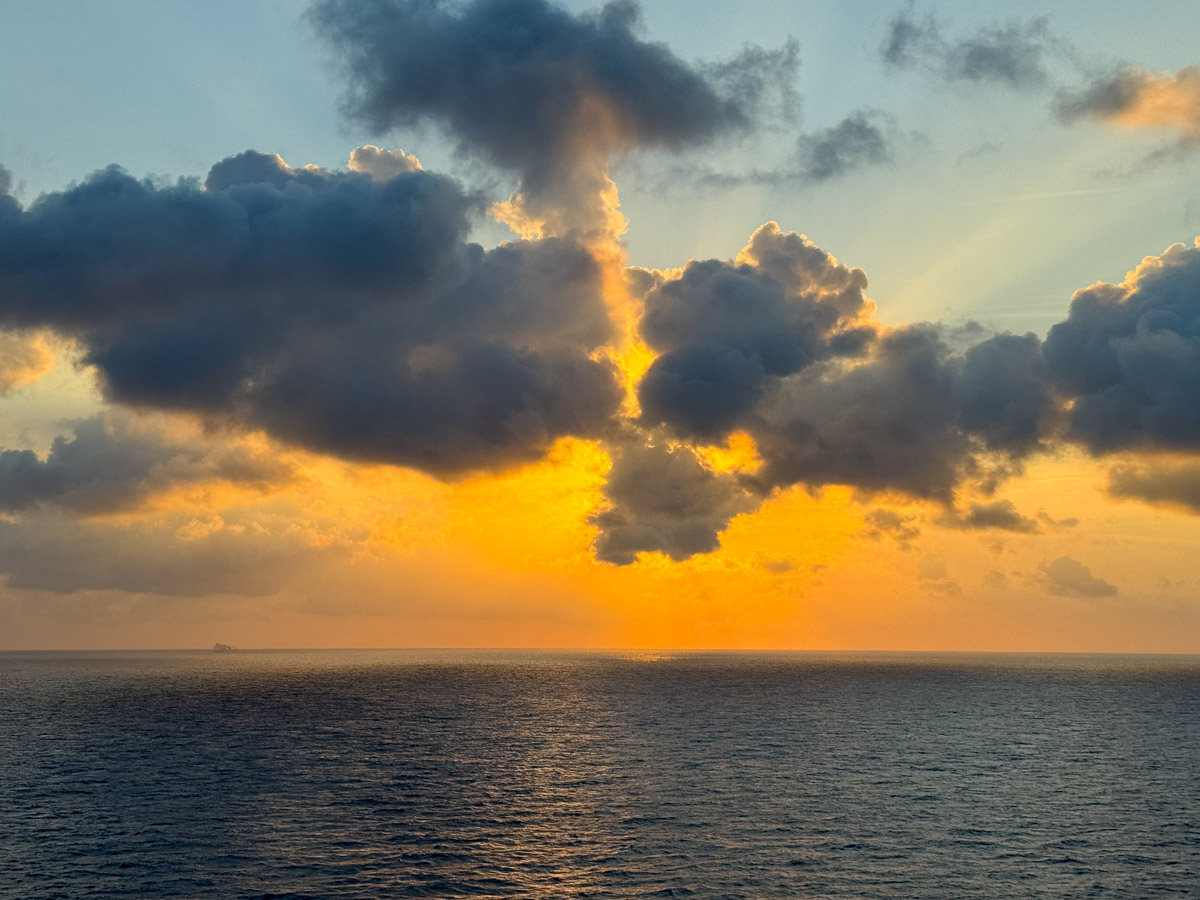
View of sunrise from the Independence of the SeasGolden Caribbean sunrise from the Independence of the Seas

But capturing a great sunrise is just the beginning.

#3
It’s Also About your Ship
So, you’d be missing half the story if you just snapped a few shots of the sunrise. Your cruise is not only about the sunrise. It’s about where you are in that moment of the sunrise and revealing your larger location.
It’s all about your gigantic ship. That’s really the visual story here. It’s incredible, right? So, include it in your shots and show your vessel!
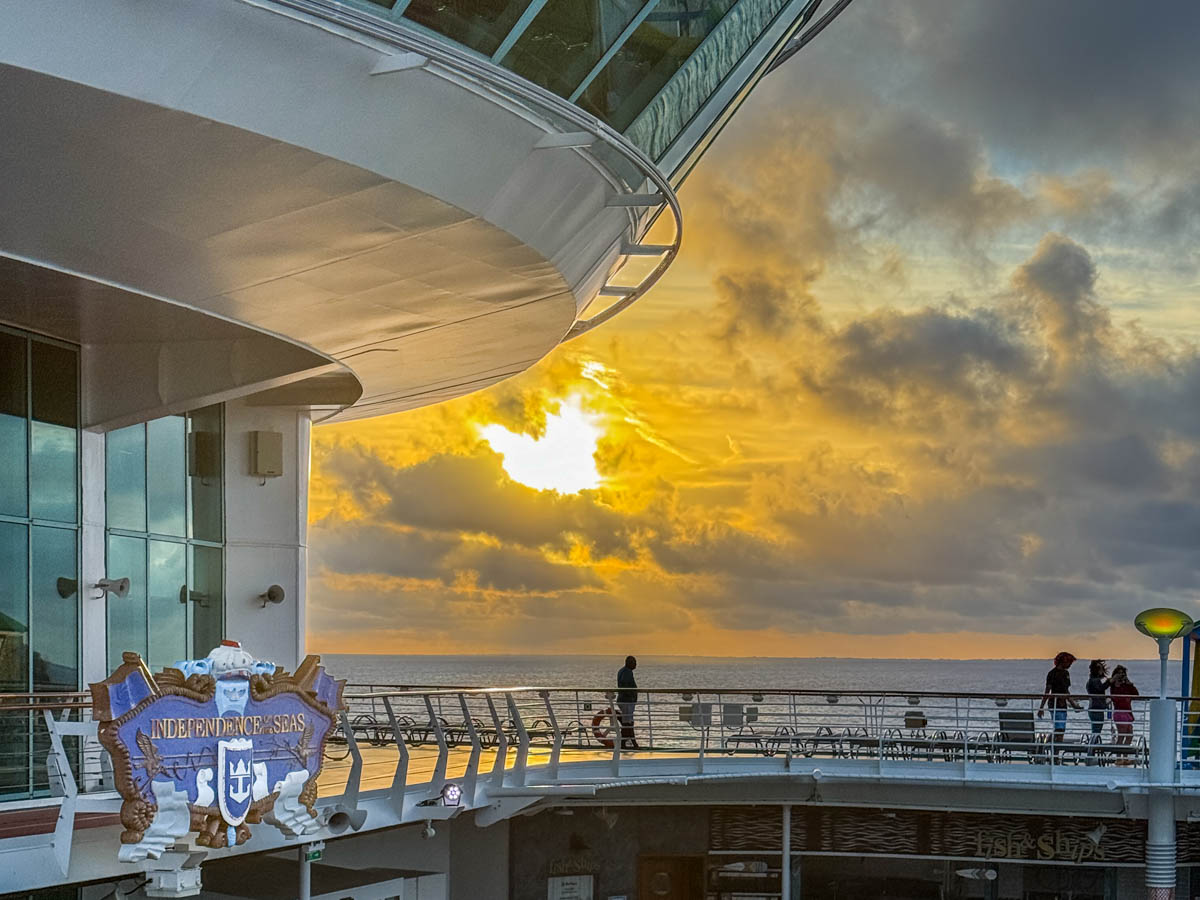
Independence of the Seas deck 12 at sunrise in the Caribbean
#4

Docking at Dawn
On the first two mornings, our ship’s itinerary got us to our Caribbean islands as the morning sun appeared. For me, entering port is its own photo opportunity. Docking as the sun rises makes it especially magical.
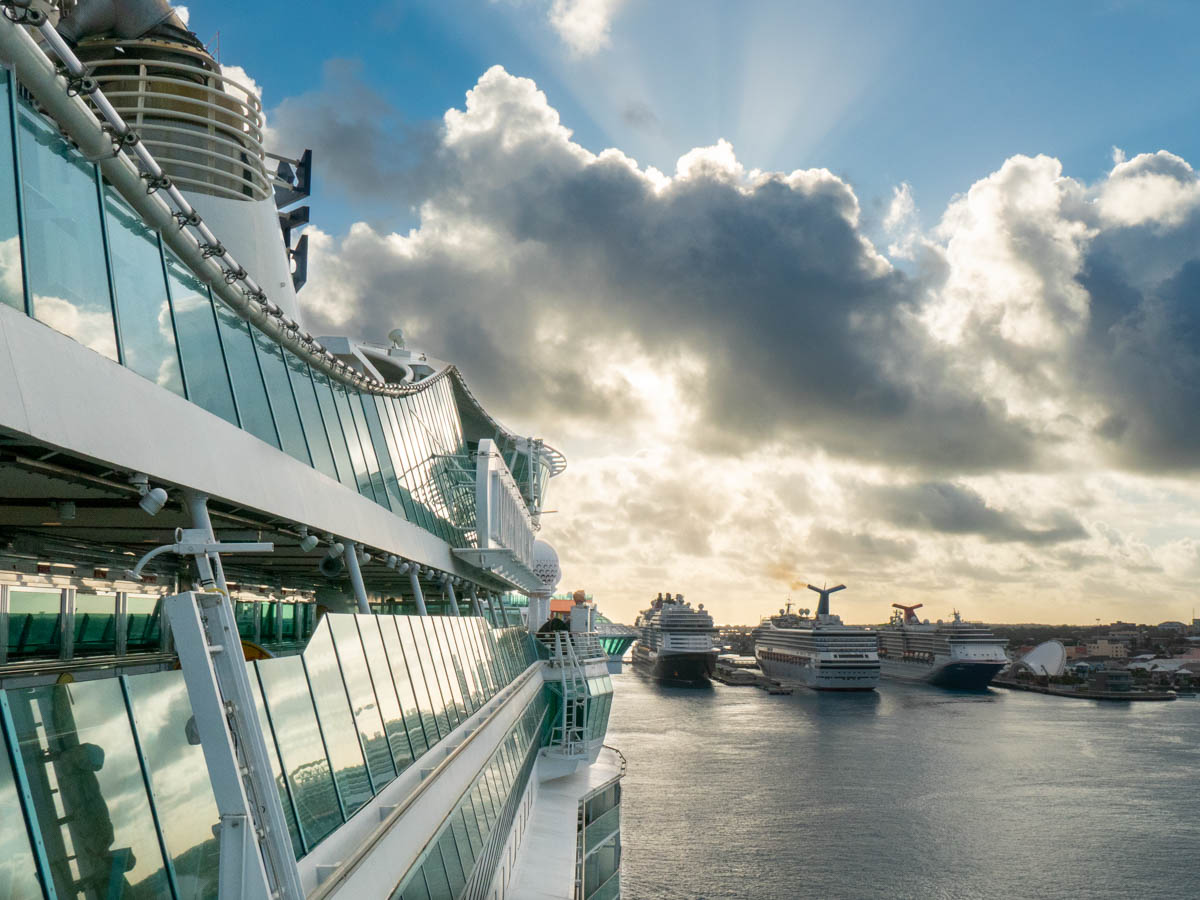
Independence of the Seas docks in NassauHere, we’re docking in Nassau.

Vision of the Seas at sunrise docked at CocoCayAs we docked at CocoCay, I was fortunate that Royal Caribbean’s smaller Vision of the Seas was already there, perfectly positioned for my sunrise photo.

#5
Sunrise Silhouettes
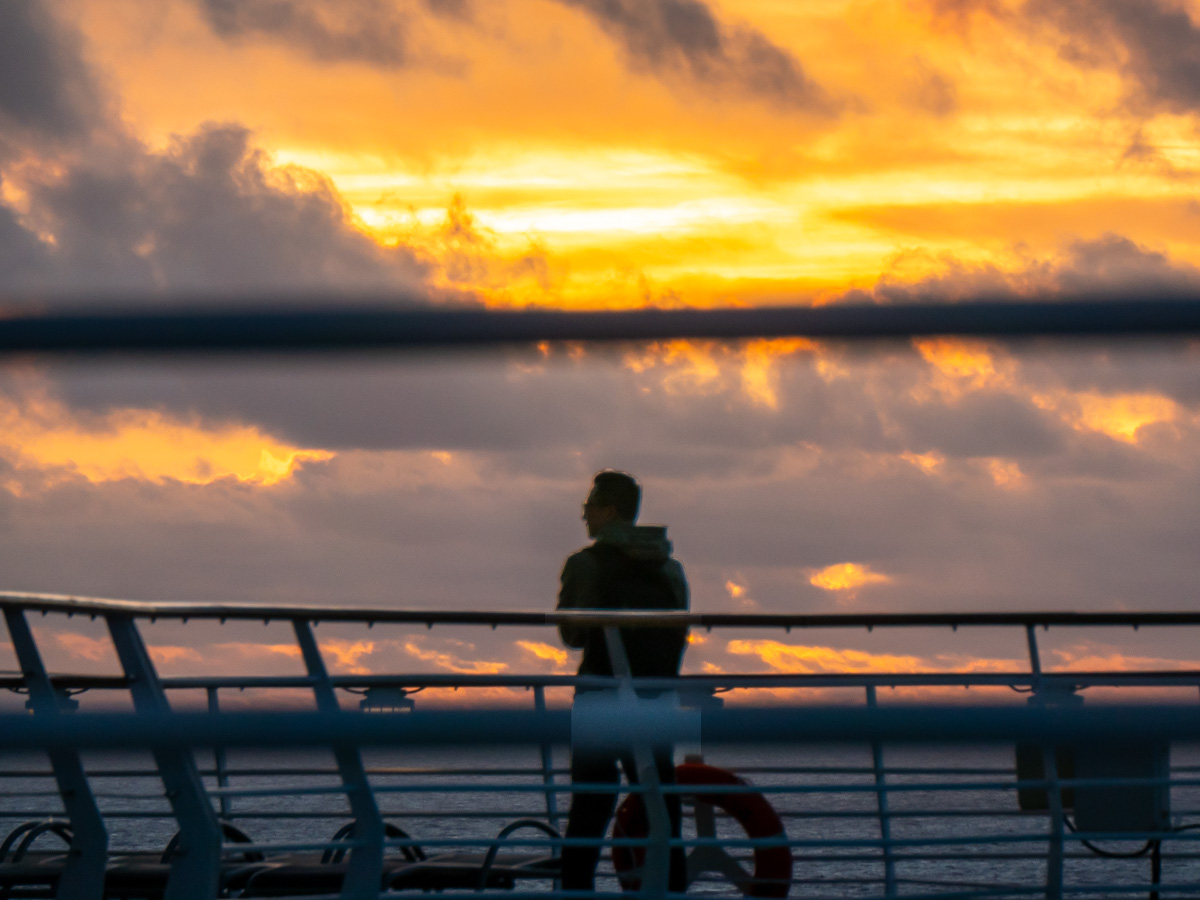
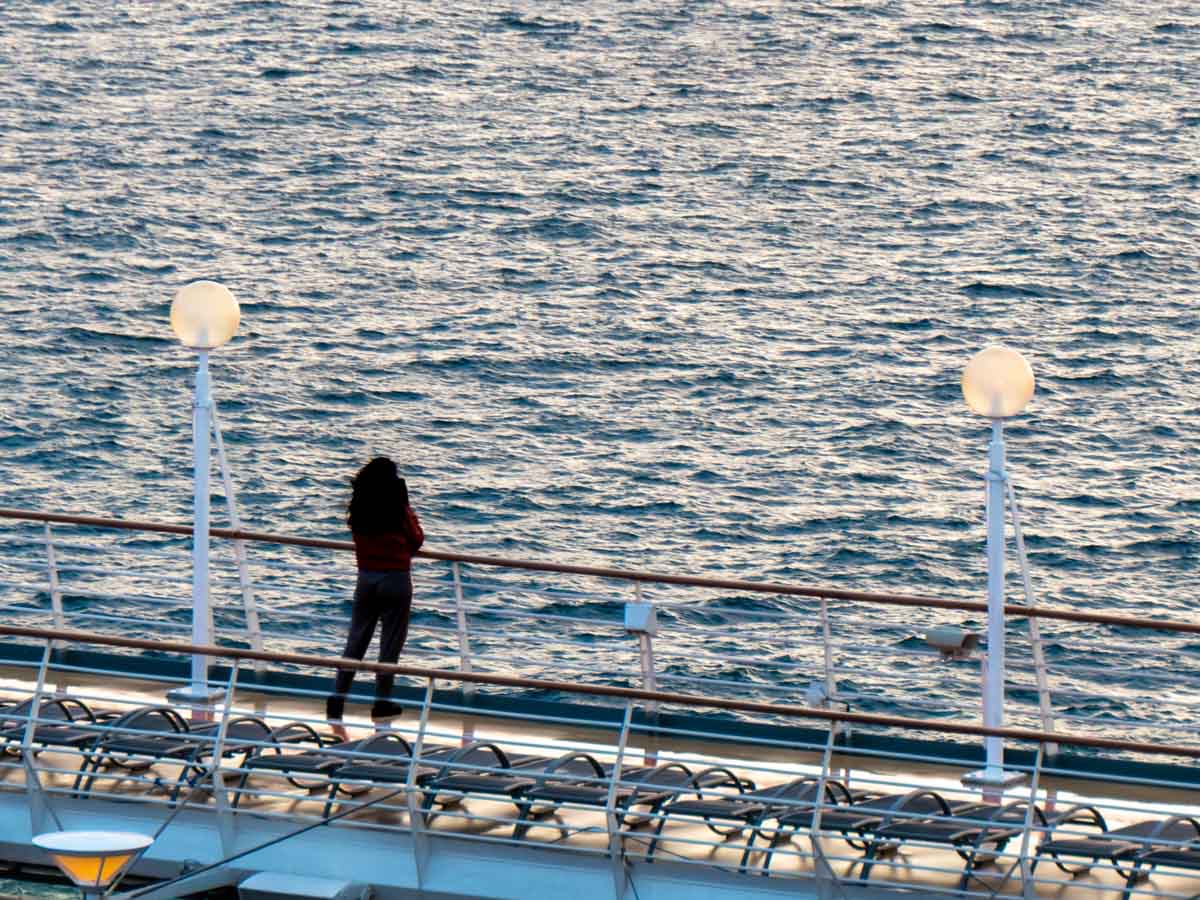
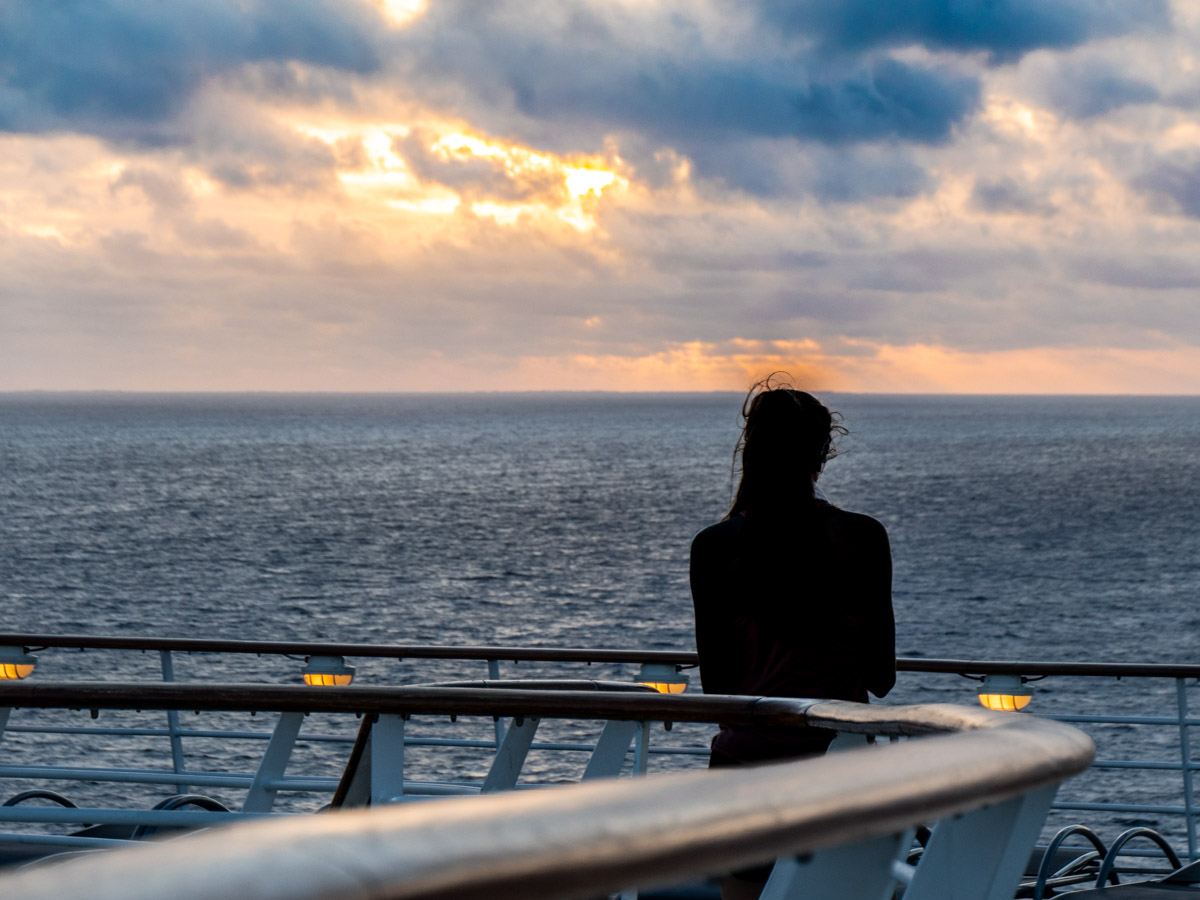
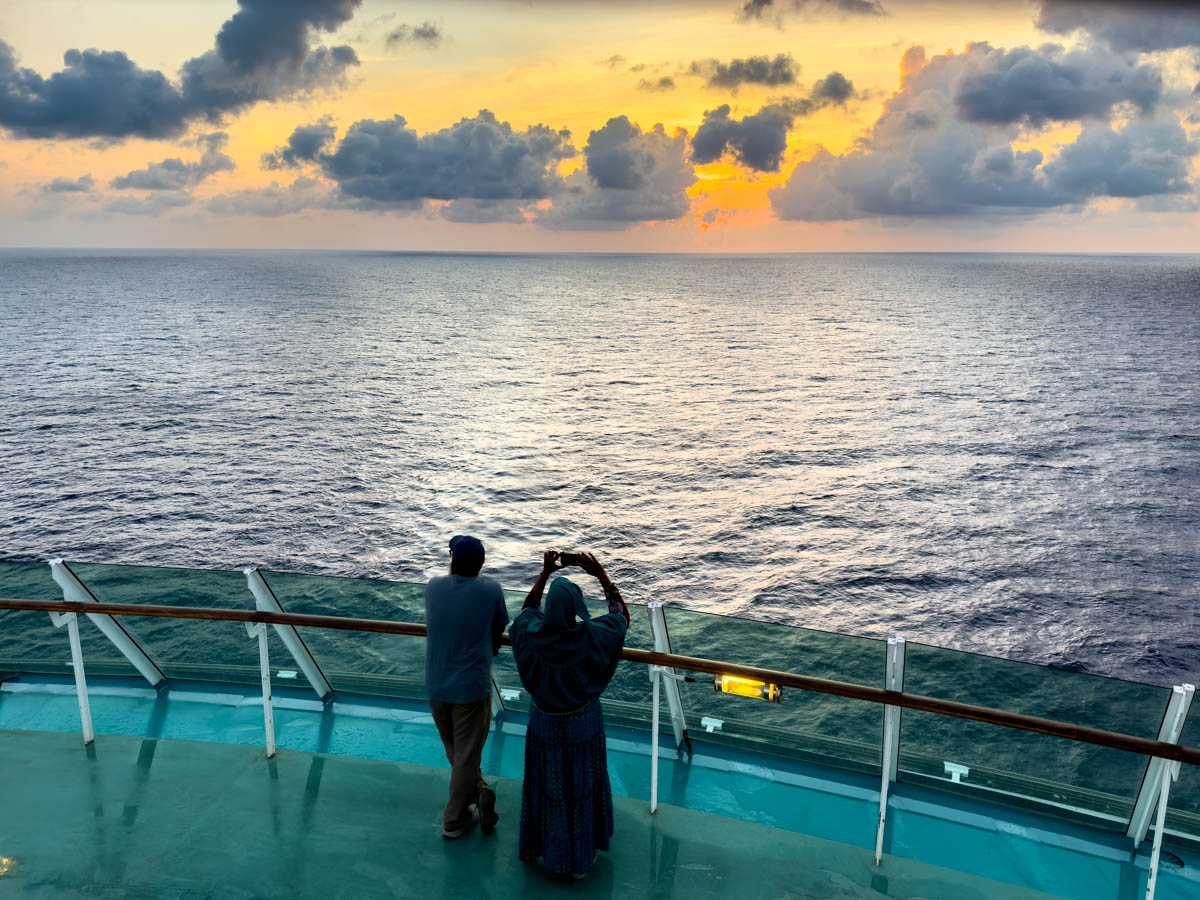
There’s also the opportunity to captures cool silhouettes of the few folks who have also journeyed on deck to greet the sunrise. So, now you’ve got the sunrise, your ship and a little humanity to pull it all together. That composition will make for a great photo.
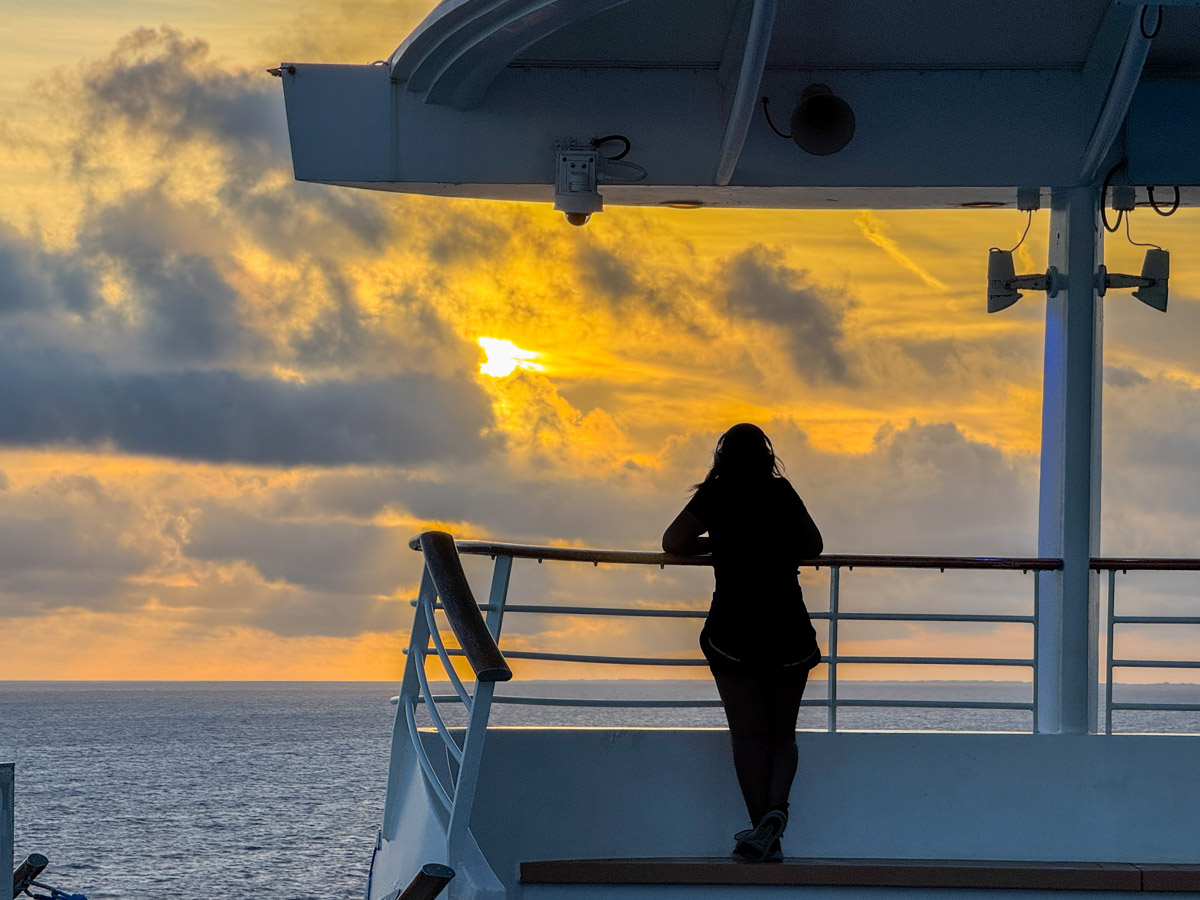
Woman in silhouette watches sunrise from Independence of the Seas aftMan in silhouette watches sunrise from Independence of the SeasWoman in silhouette on Independence of the SeasWoman in silhouette watches sunrise on Independence of the SeasWoman and man watch sunrise from the Independence of the Seas

Don’t Sleep In
Yes, if you don’t get up early on your cruise, you’ll miss some of your best photo opportunities for the entire day. I also discovered it’s one of the top ways to experience drinking your first cup of coffee in the morning.
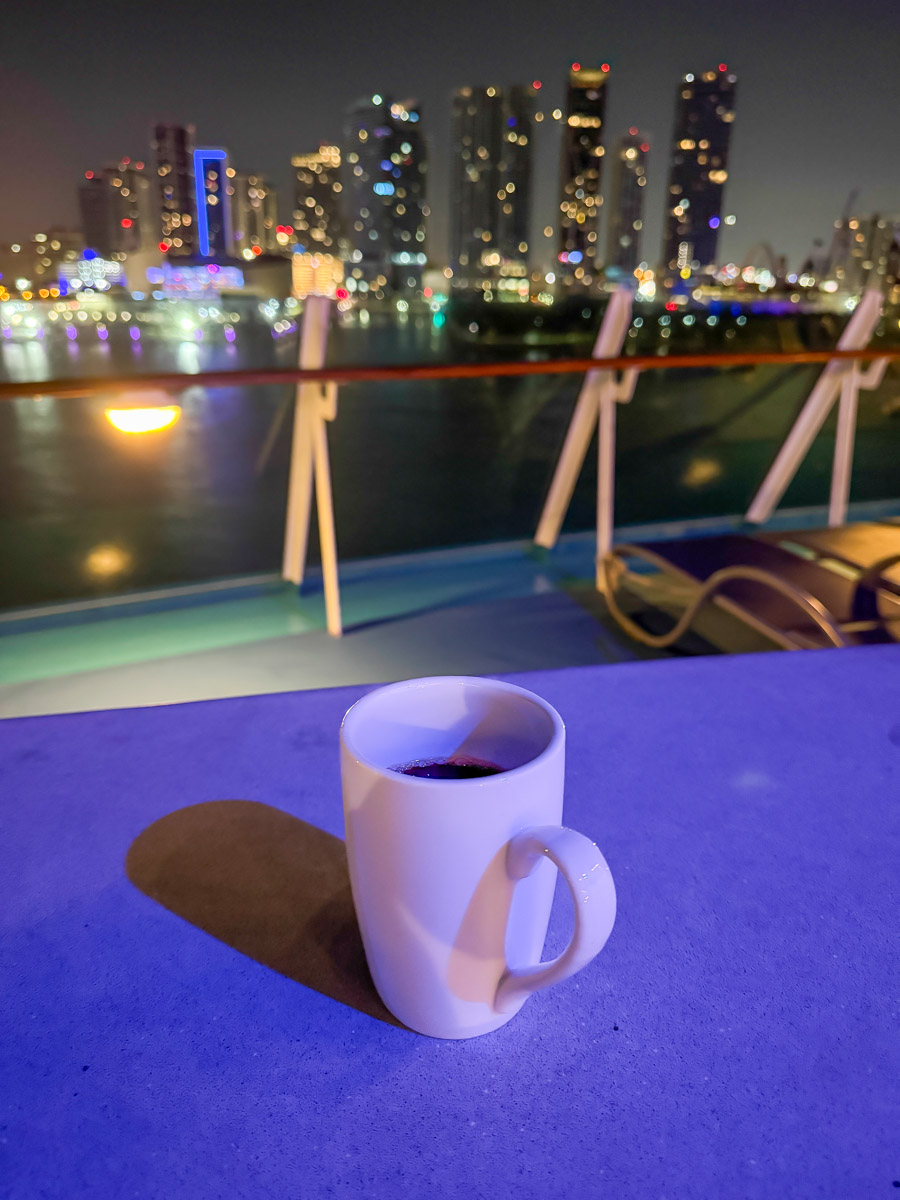
Cup of coffee on Independence of the Seas near MiamiHere, we’ve returned to Miami to (sadly) end our cruise, but my joy continues.

So, don’t forget to set your wake-up alarm early, and I assure you…
You won’t regret it.

Why Using iPhone’s Live Photo Feature is Perfect for Vacation

If you snap a vacation photo when your subjects’ eyes are unfortunately blinking, it isn’t necessarily a useless picture. iPhone’s ‘Live Photo’ trick can fix the problem.

The iPhone’s Live Photo feature can unnecessarily waste your phone’s onboard storage. But there are certainly situations when you should turn on the Live Photo mode when taking your pictures.

In fact, vacation time is a prime time to use it.

Don’t Miss the Moment
The iPhone’s ‘Live Photo’ is effectively a mini movie of a moment in time. It isn’t actually a moment at all. It’s 3 seconds!

Having 3 seconds to work with (1.5 seconds before and after you take the photo) allows you to later pick a better frame from that perfect instant you’re trying to capture. This can be especially useful in a group shot if someone’s eyes were unfortunately closed mid-blink.

Choosing a better frame (key photo) from a second before or after can make all the difference.

How to  easily do all this:

  1. Select your photo in your iPhone’s Photos app.
  2. Go into the edit mode and select ‘Live.’
  3. Choose your best frame. (It feels like magic!)

Create a Long Exposure out of a Live Photo
Those 3 seconds from a live photo can also be useful in creating a ‘long exposure’ photo.

If you have a landscape photo you shot that contains moving water, the long exposure blurs together the motion of the water, creating a cool, silky effect. (Just be careful to keep your iPhone steady when taking the photo.)

After you’ve got your Live Photo of your beautiful landscape moment, just go back to it and choose “Long Exposure” in the “Live” drop-down on the top left of the screen.

Voilà!

Here’s an example of my iPhone 15 Pro Max’s Live Photo Long Exposure mode.
This is a shot of a tiny island near Calf Pasture Beach in my town. (And yes, it’s named… Calf Pasture Island.) The water looks so dreamy, right? That’s the Long Exposure mode!

Better Photography
Can today’s iPhone make you a better photographer? Not necessarily. But will its variety of software-based features often get you better pictures?

Absolutely.

My Favorite Photos from our Maine Vacation

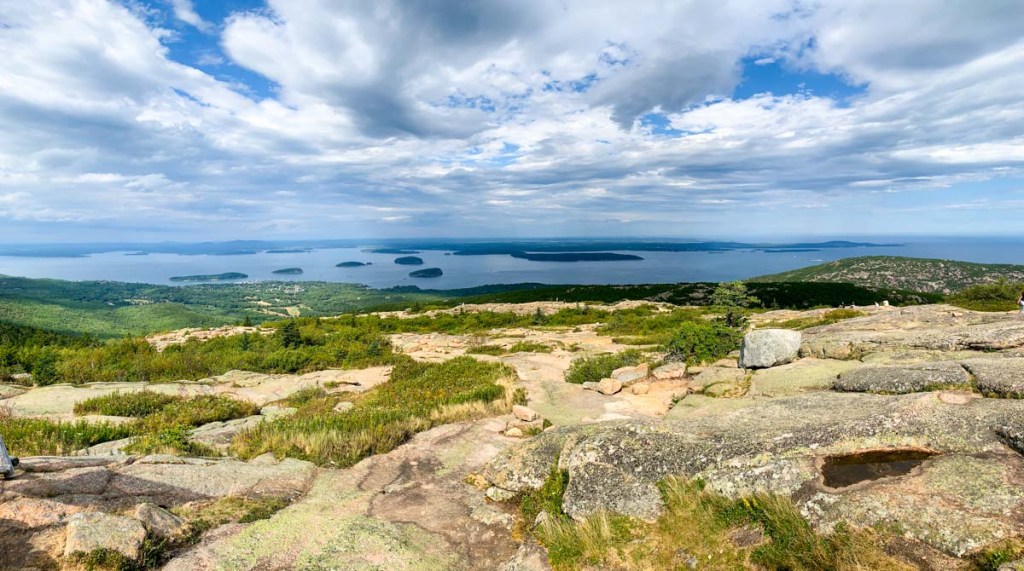
I used a couple of guidelines to help me spot my favorite images during our road trip to Acadia National Park. And here’s the result…

What did my family and I do this year for a pandemic-influenced summer vacation? We drove to Maine, camped in Deer Isle and hiked in Acadia National Park. It was a spectacular experience.

Bringing the right tech to complement our camping gear was an important step to keep us on the grid. Here’s my checklist to make sure you bring enough portable power.

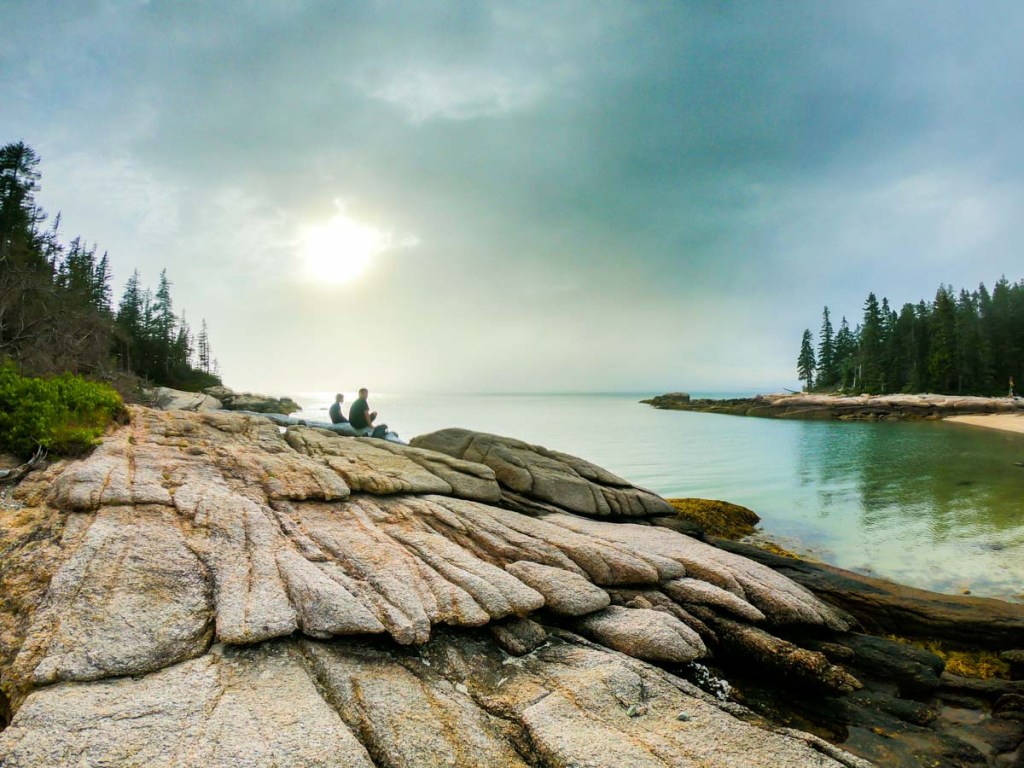
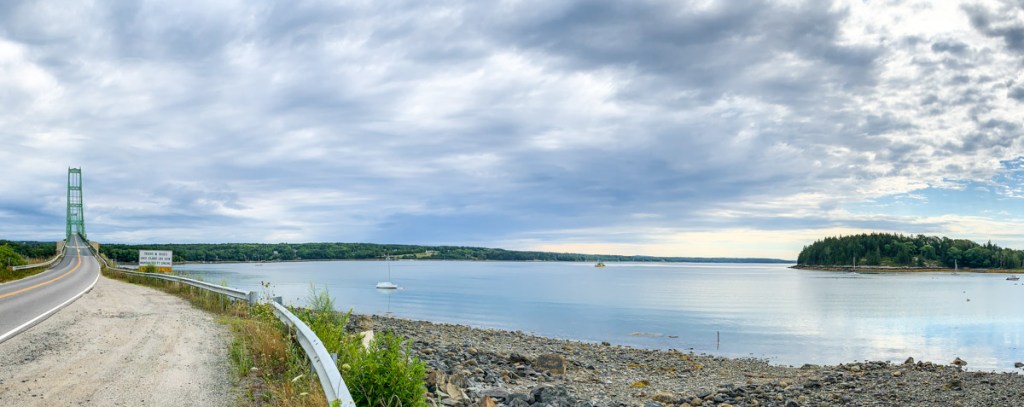
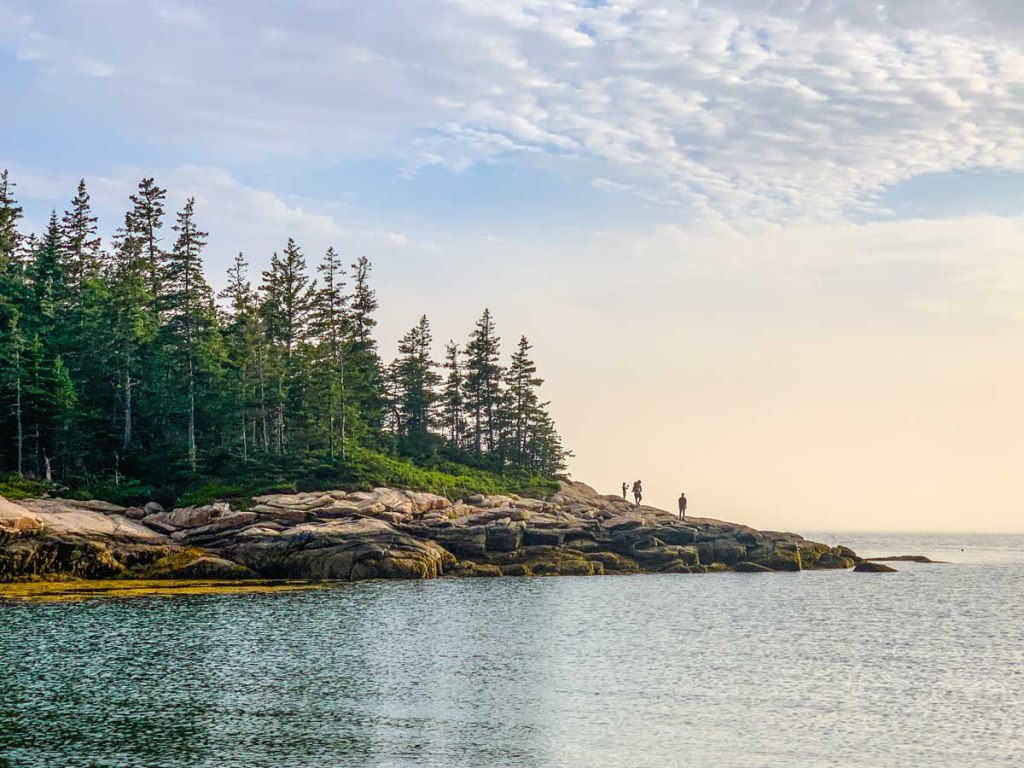
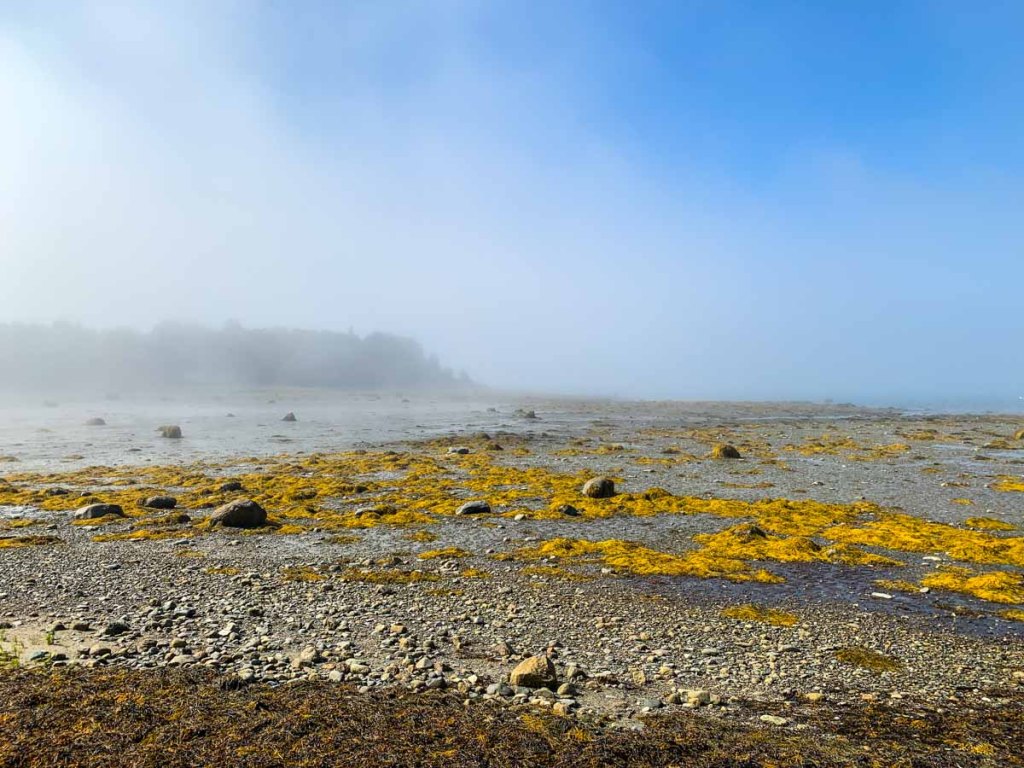
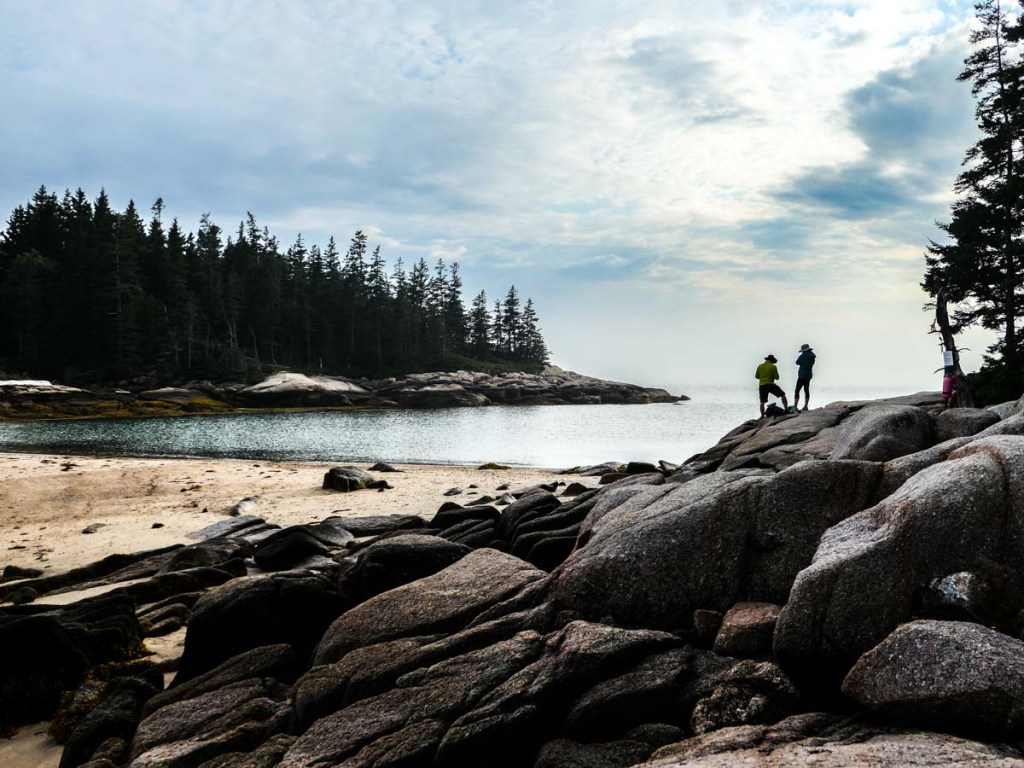
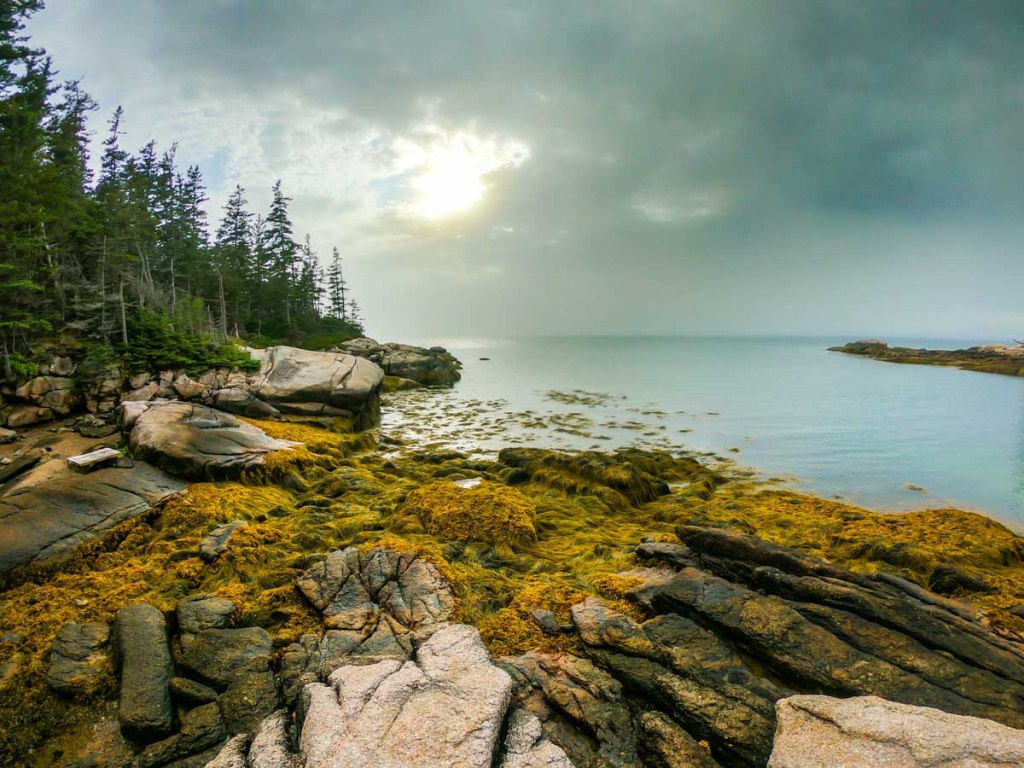
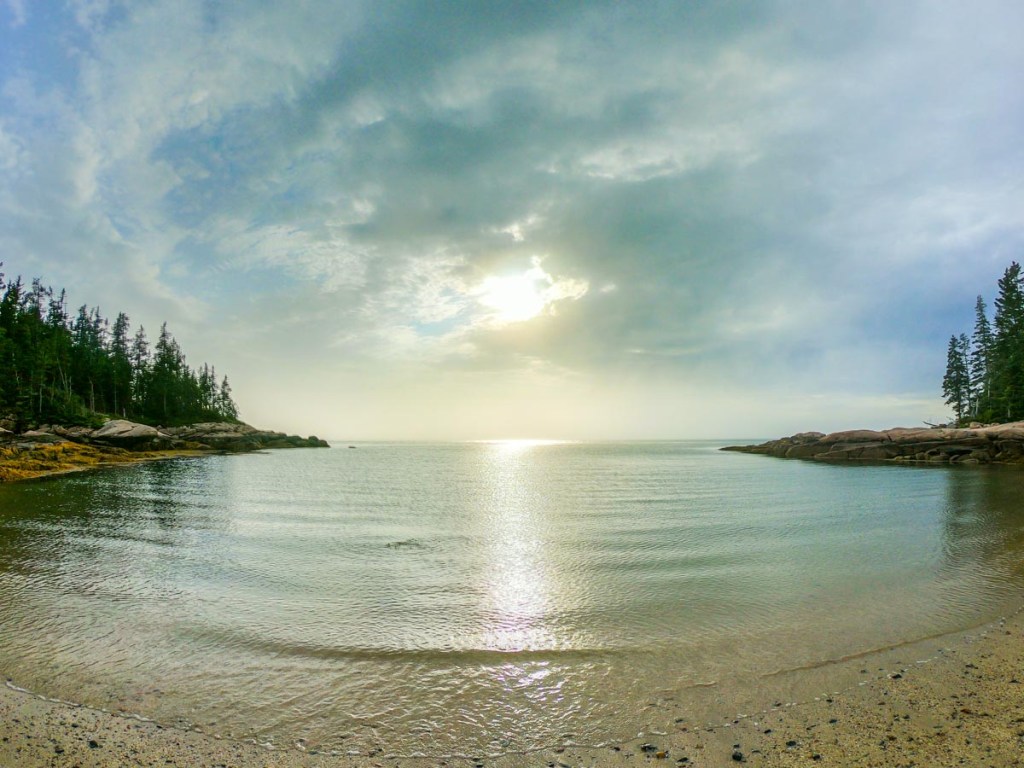
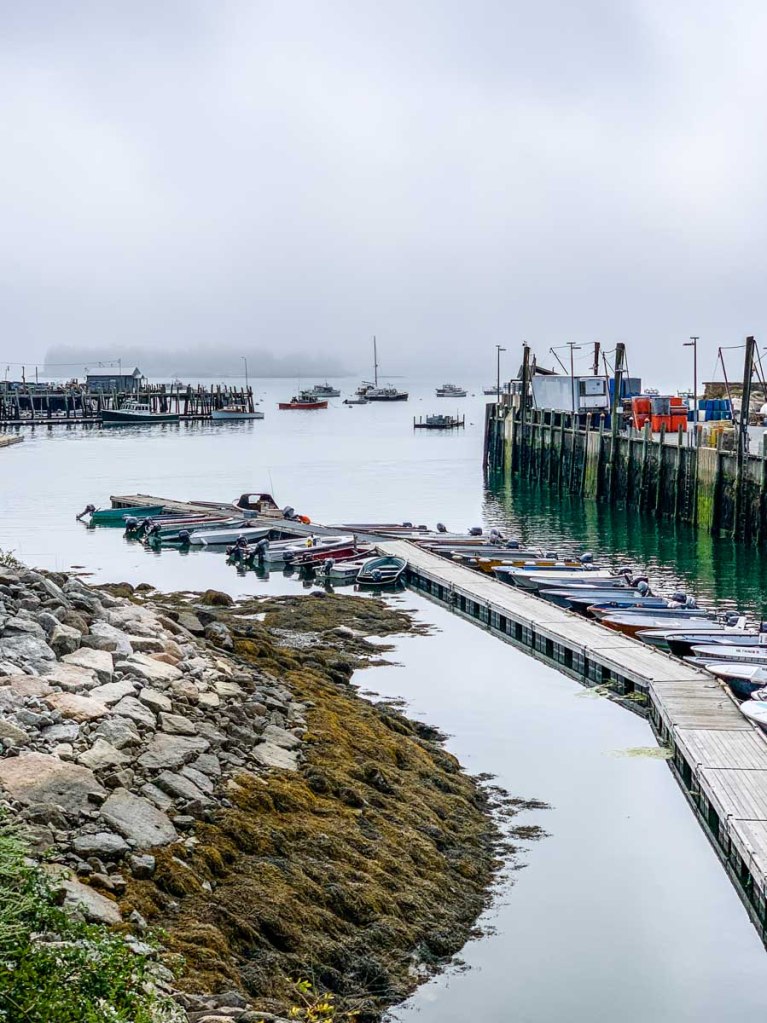
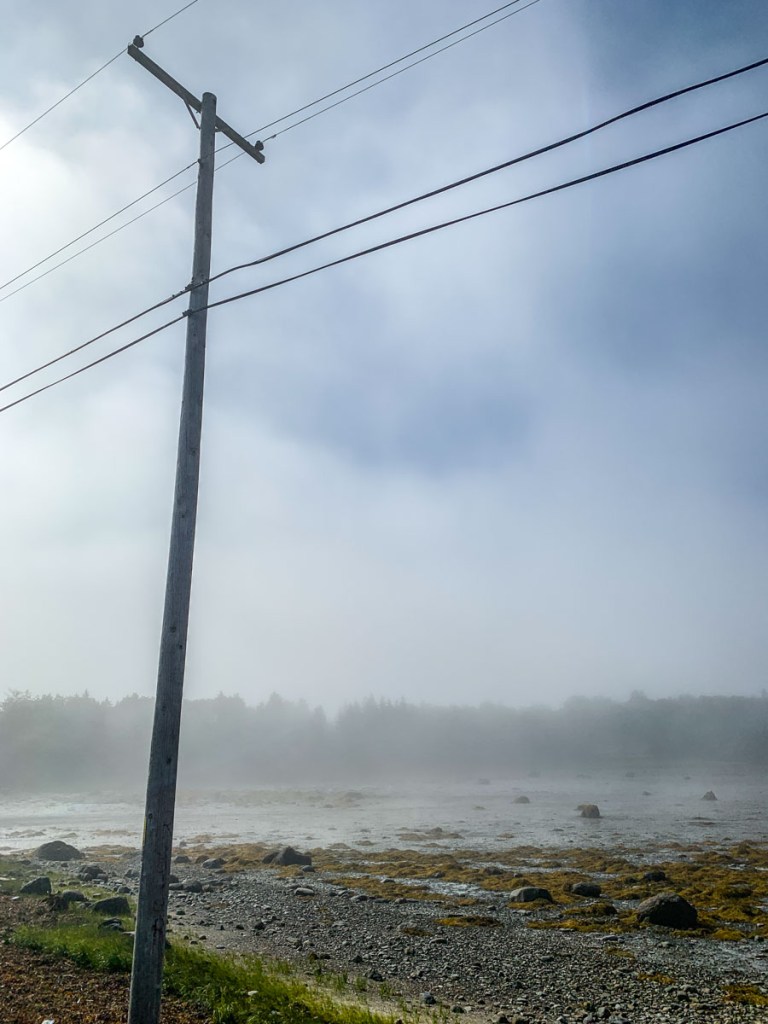
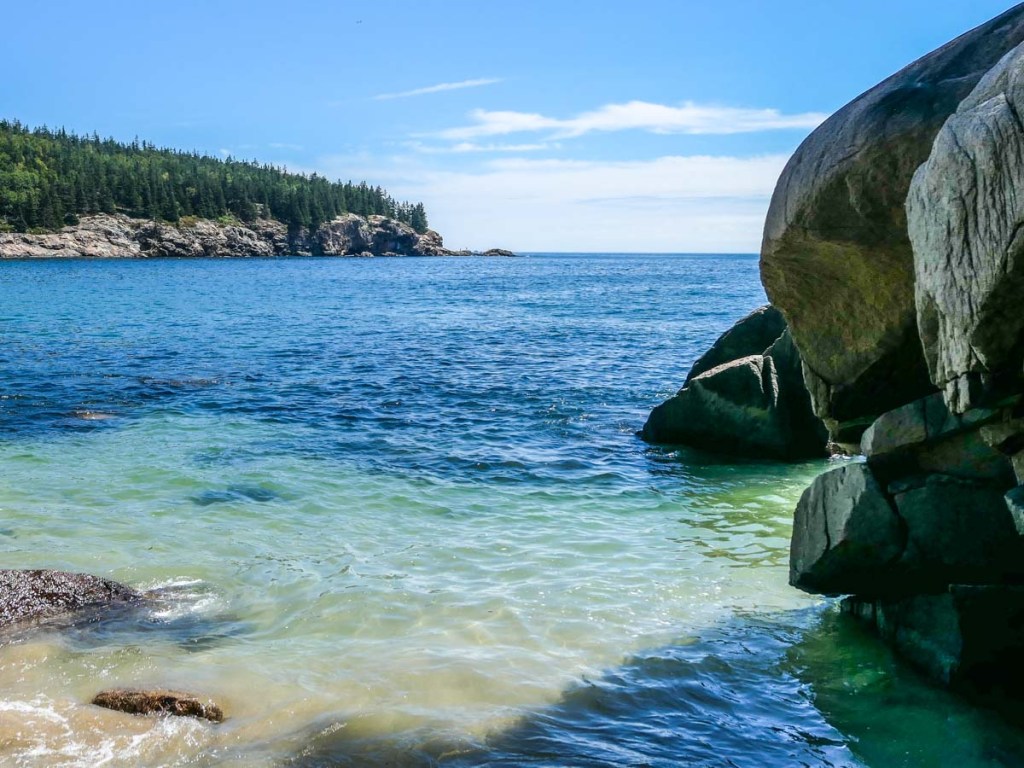
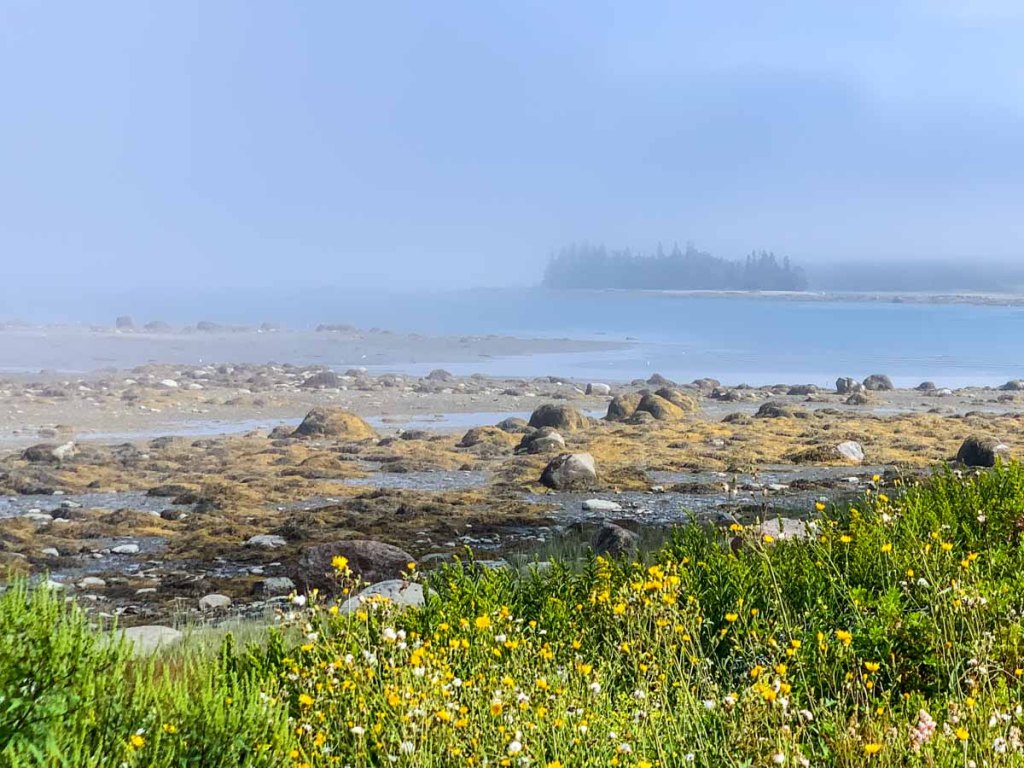
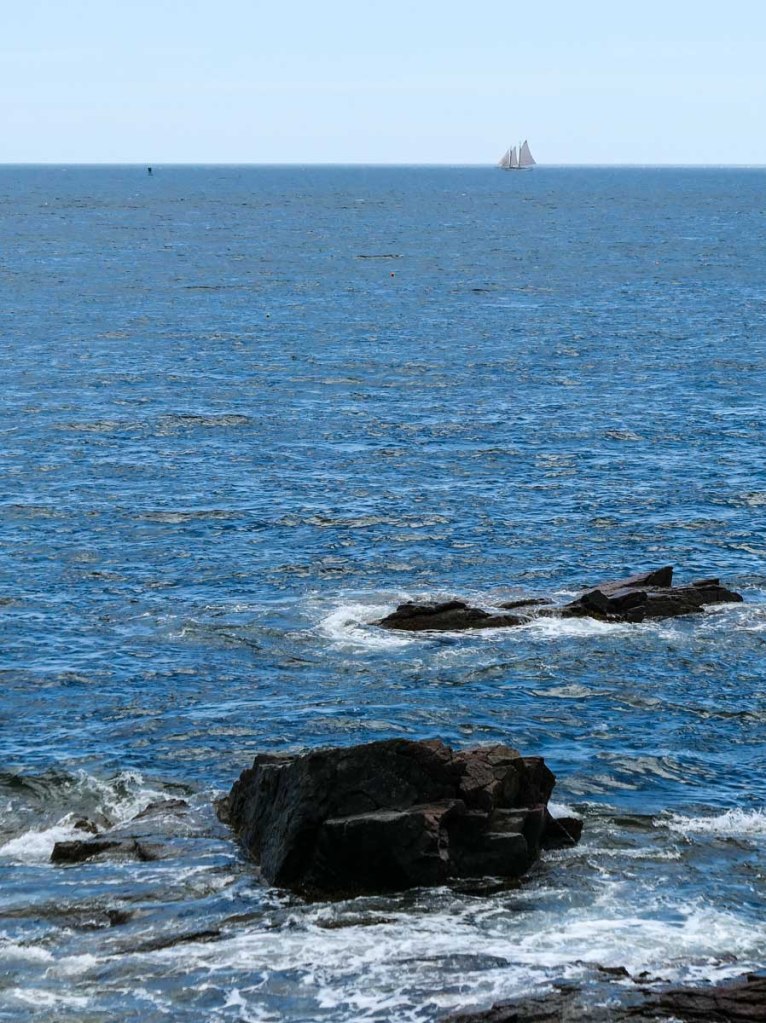
Of course I snapped a number of photos along the way. I was really struck by Maine’s rocky topography. (That created some really cool contrast in my shots.) And depending on the weather, Maine’s shoreline imagery vacillated between bright beauty and eerie fog.

We happened to spend a fair amount of time driving during low tide. And those moments revealed a damp, almost alien-like, brown and green rocky landscape… begging to be photographed.

Keep your Shots Wide

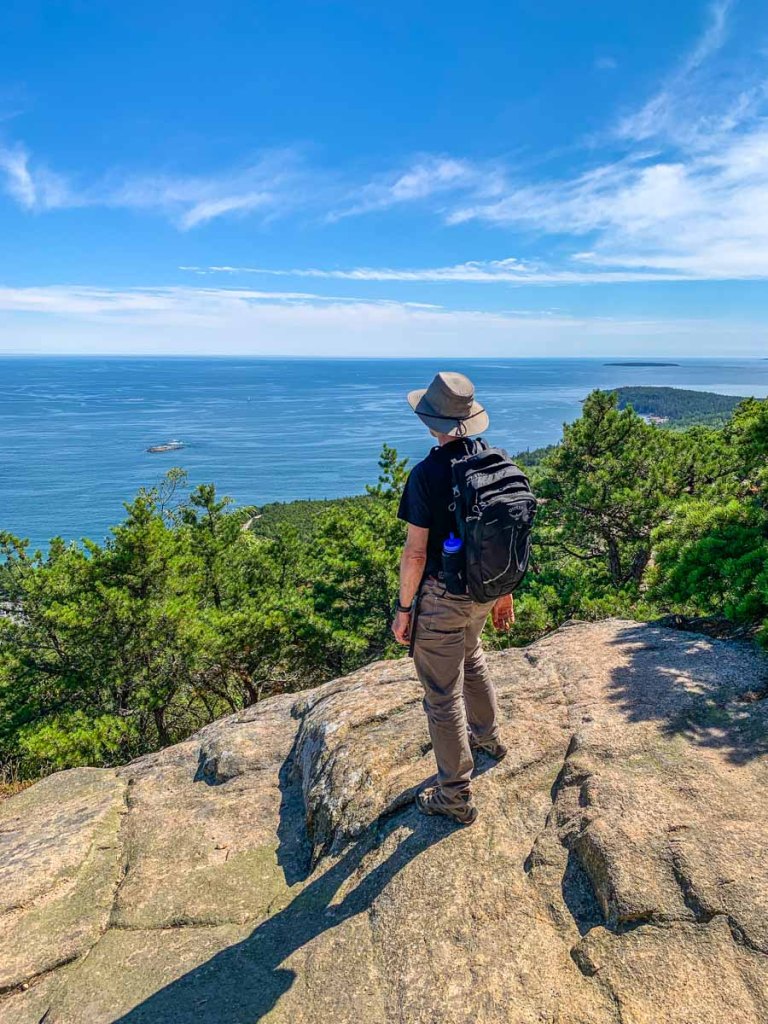
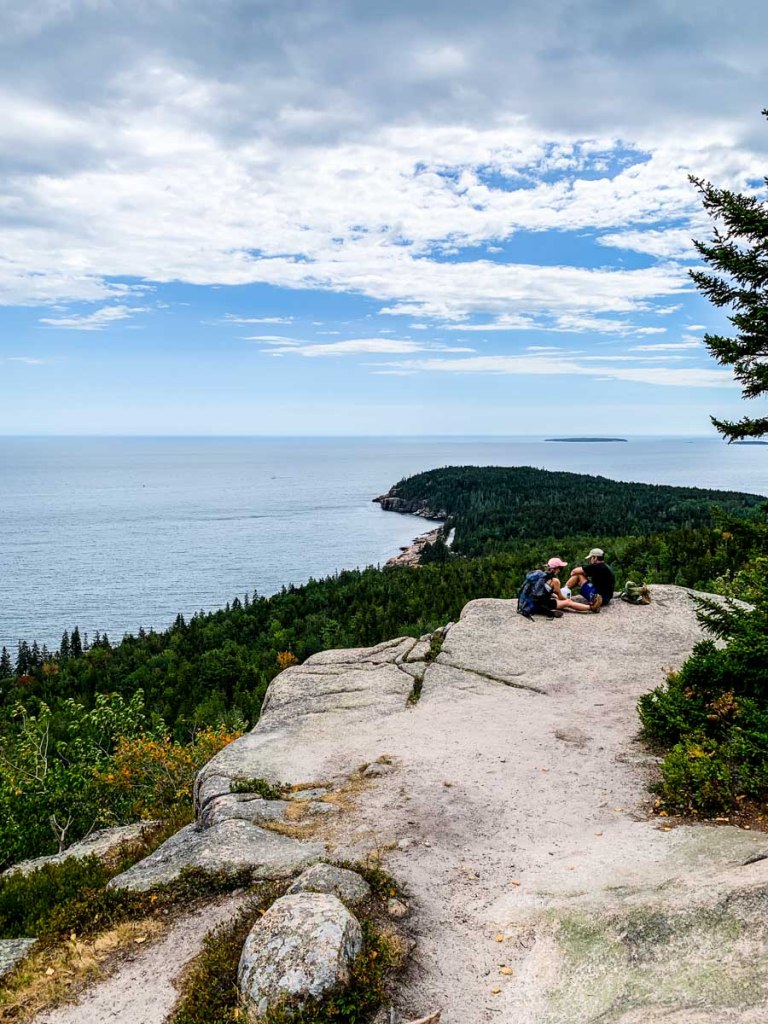
I quickly found that using a camera or a smartphone with a wide-angle lens is critical, especially if you like to take family selfies at the summit of a hike. That’s because you’ll want to capture enough of the environment around you in the shot to show where you are. (I used my GoPro for that.)

Tight shots can be great, but I feel this type of vacation photography is all about the wide. If you hope to capture a fraction of that feeling you get when you look around after you’ve climbed a thousand feet up, you’ll want to focus your camera wide. (And the same goes even if you’re walking on a beach.)

Let the Natural Beauty Tell the Story

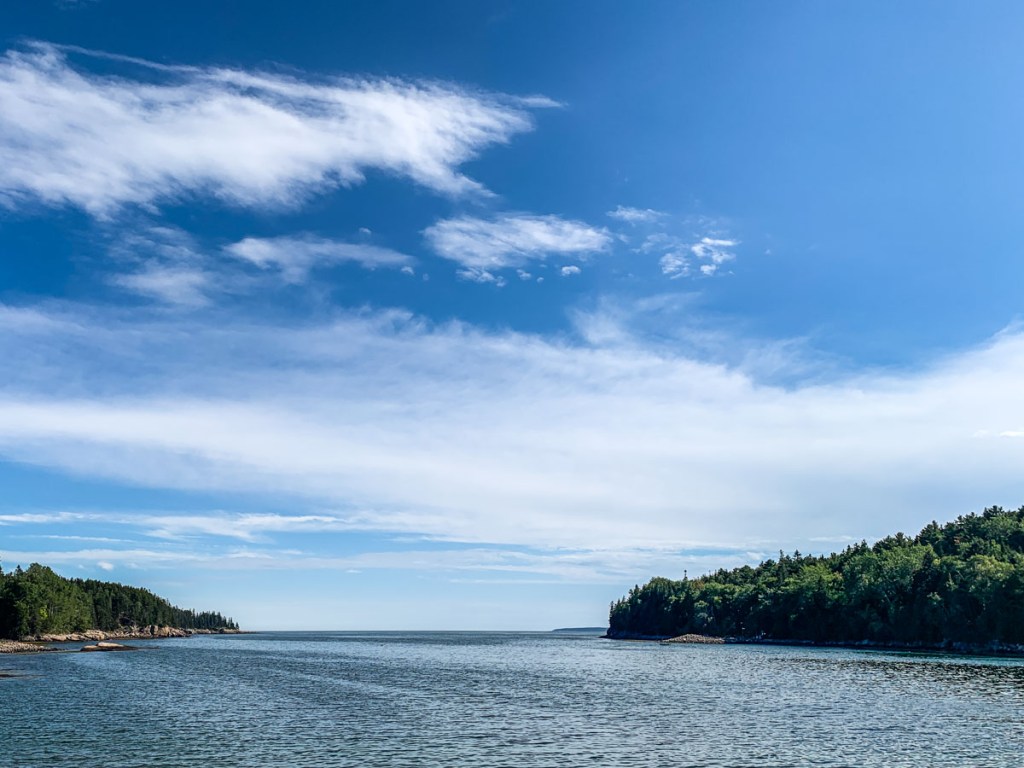
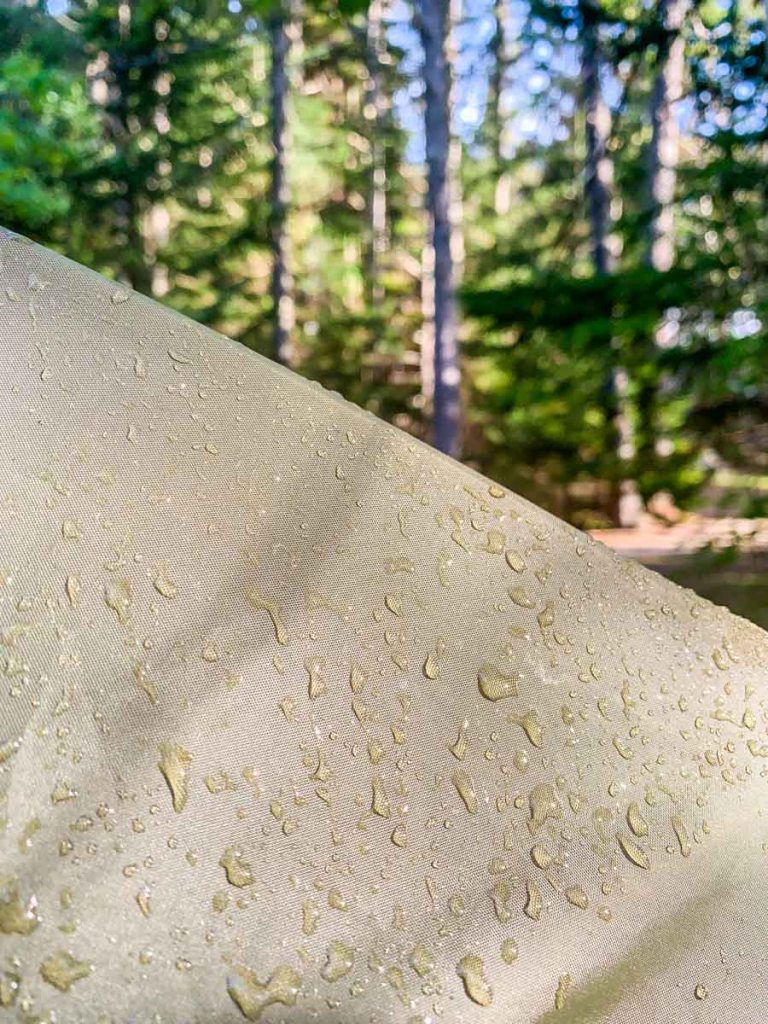
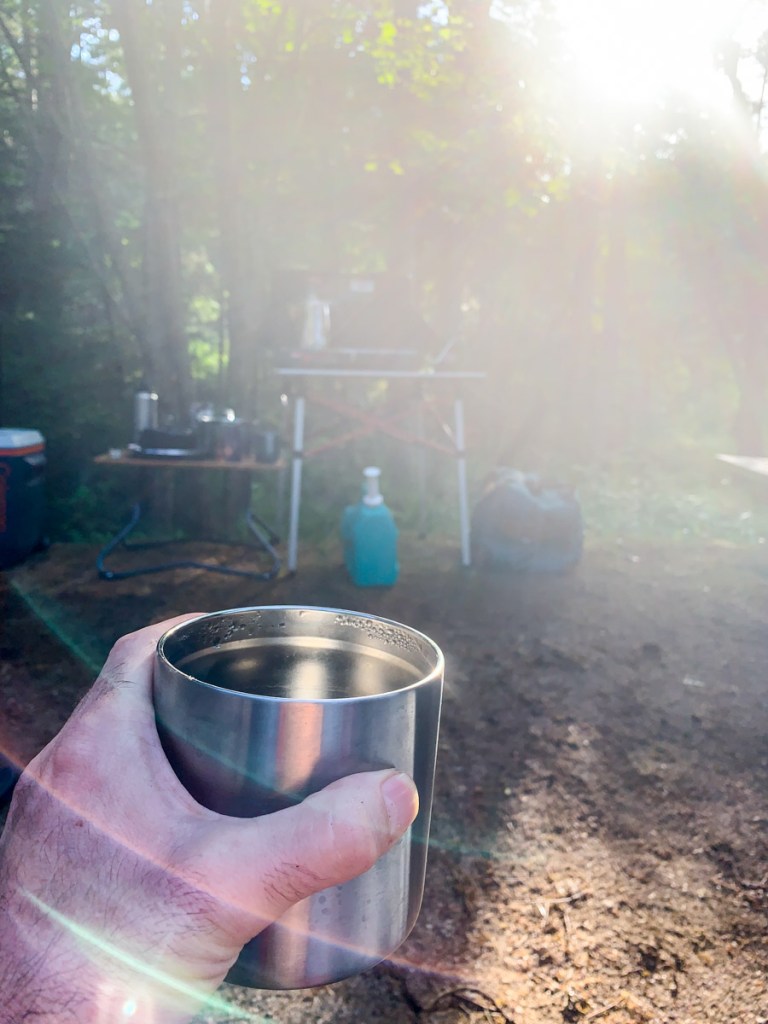
So, here are some of my favorite shots from our trip to Acadia National Park and Deer Isle. I hope you like them!