At Home with Tech

Unlock the power of all your technology and learn how to master your photography, computers and smartphone.

Tag: Zoom

Why Your Zoom Viewers Can’t Hear You
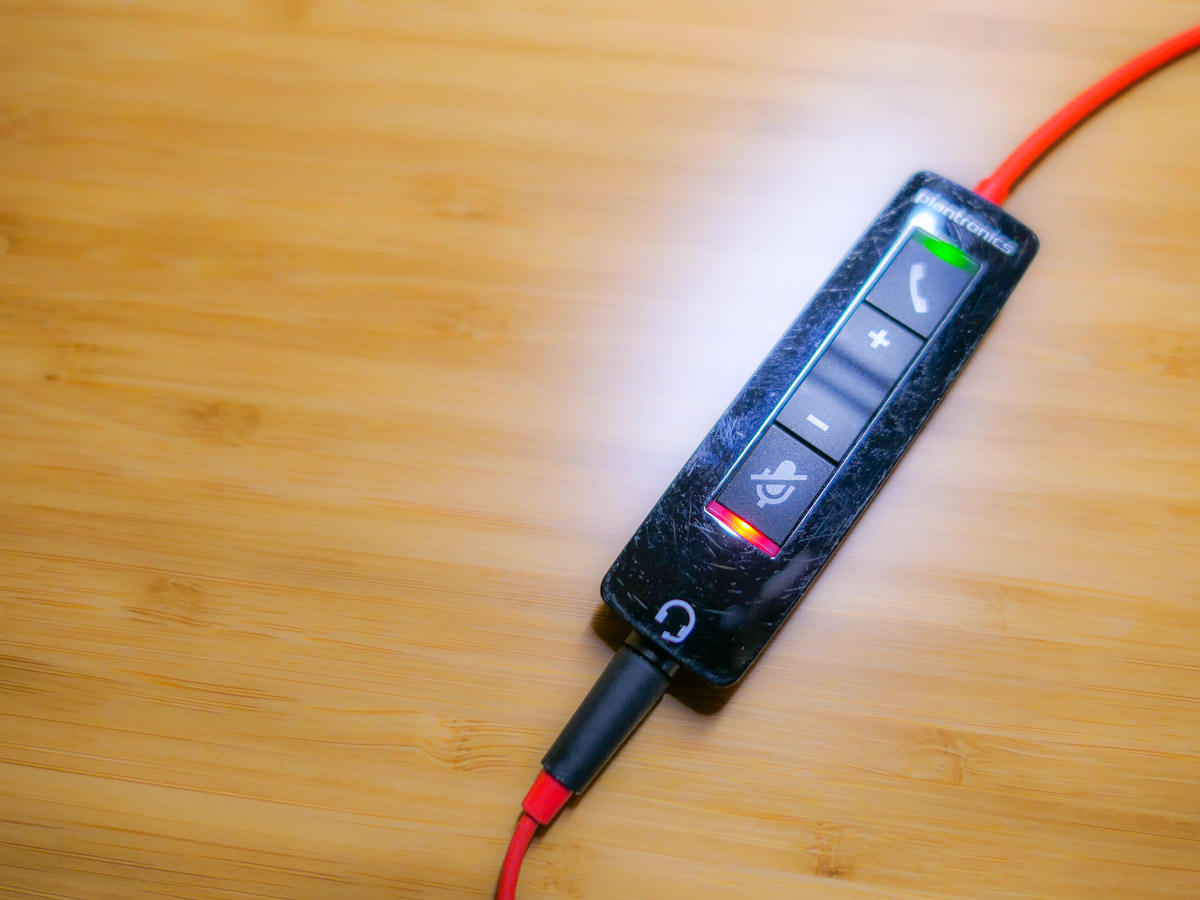
Mismanaging the mute button may seem like a rookie mistake during Zoom calls, but it’s a more frequent problem than you’d expect. Here’s why…

This ‘golden’ age of Zoom has redefined what to expect from daily video communications. Sure, throughout these ongoing months of isolation, there have been any number of ways to improve the quality of our Zoom calls.

And in the Zoom meetings I’ve attended, I’ve observed a growing awareness of video production best practices. That said, there’s one skill that many people still seem to struggle with… handling the mute button.

We Can’t Hear You!
How many times have you heard someone say to a Zoom speaker, “Are you on mute? We can’t hear you! (pause) We still can’t hear you. You’re on mute!”

This epidemic of awkward Zoom silence is partially the result of education campaigns during the early months of the pandemic to mute yourself if you’re not talking in a Zoom meeting.

Remember all of those Zooms that imploded because there were a couple of people who couldn’t mute themselves if their lives depended on it? And then they would jabber away as they talked to their household members, unaware that their microphones were unmuted.

Besides being an embarrassing oops to unknowingly allow everyone to eavesdrop on your life at home, this mistake will also effectively derail any Zoom meeting.

So by now, we’ve learned to mute ourselves to avoid becoming
Zoom Enemy #1.

Expect the Unexpected
It’s certainly better to try to talk on a Zoom while still muted rather than saying something that your Zoom world shouldn’t hear. But it’s still a mistake that anyone should strive to avoid.

At the end of the day, I think the solution comes back to maintaining enough focus on the live elements. For those of us who have tried to ‘master’ Zoom, we’ve instead put a lot of work into our preproduction.

  • The lighting
  • Your background
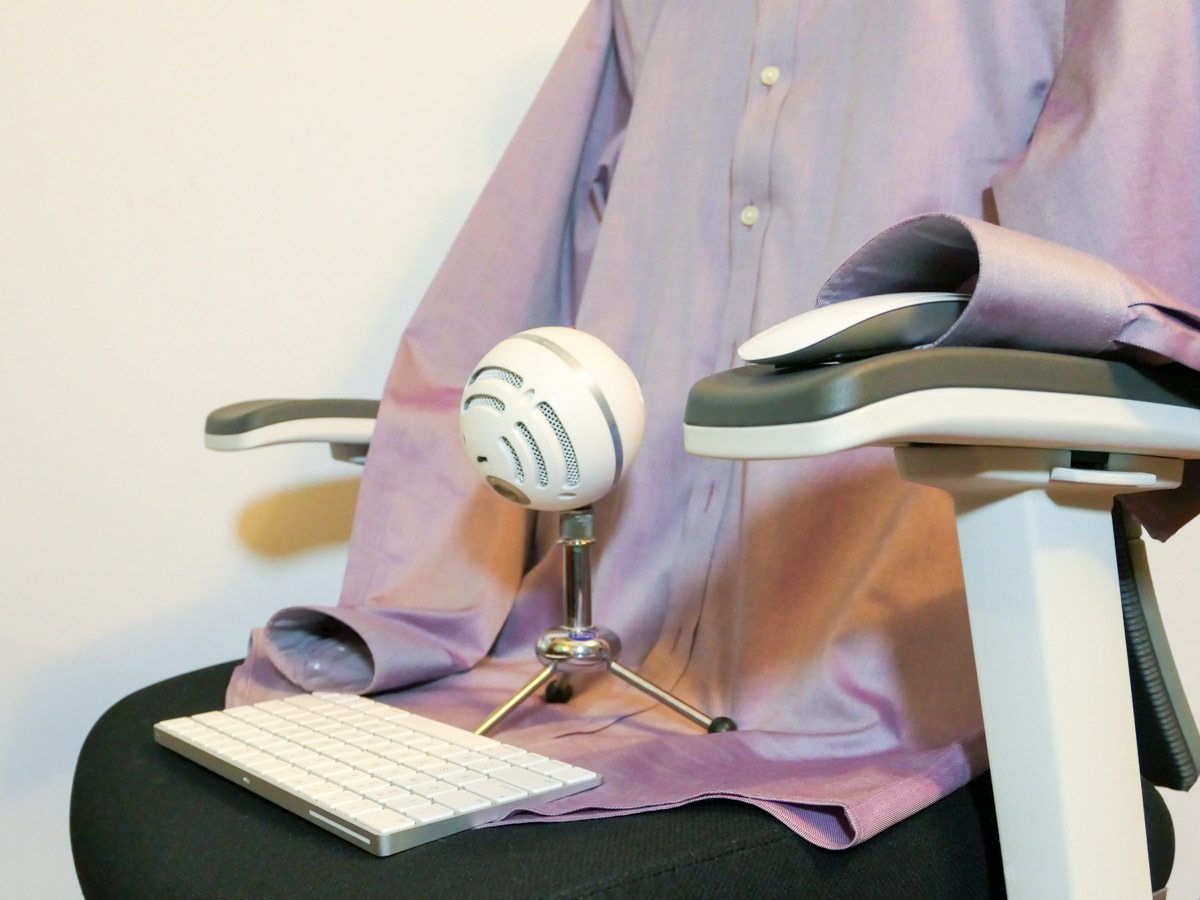
  • The right microphone

But when our imaginary on-air light pops on, I feel we’ve tended to let down our guard and assume the technology will handle itself.

Keep your Hands on the Virtual Steering Wheel
Live television used to take a whole control room of production experts to ensure success. It’s amazing that Zoom has boiled it down to just a few clicks of your mouse.

That said, someone really needs to pay attention to your Zoom stream while you’re talking. And that person is you.

Any number of problems can crop up.

  • Someone can unknowingly walk into your background, but this now happens so frequently that nobody cares anymore.
  • Your attention might get temporarily diverted, which could require you to first mute your video.
  • You may subsequently forget to unmute your video. That’s not usually a dealbreaker.

But if you lose track of your audio, you’re either the 800-pound gorilla in the virtual room or a Luddite who doesn’t know how to work your microphone.

Don’t Forget to Unmute Yourself
Zoom isn’t really a set-it-and-forget-it technology (well, not yet).

You simply need to train yourself to pay attention your video and especially your audio feeds throughout your personal and professional Zoom calls. And that requires a diligence to be constantly muting and unmuting yourself exactly when you need to focus on the content of what you’re saying.

If you feel like that’s an annoying juggling act, it is. But it’s a small price to pay to step up your Zoom game.

Can you hear me?

Practice your Magic
During this difficult time for so many of us, it’s certainly understandable that there may be tons of distracting elements in your environment that are urgently competing for your attention. Sometimes it can feel like you need a magic wand.

Zooming at home throughout the day brings new meaning to art of multitasking. There’s no perfect solution. But beefing up your Zoom muscle will certainly help you keep all of your balls in the air.

Happy juggling!

How to Turn your Zoom Recording into a TV Talk Show

If you’re looking to improve the look of your recorded Zooms, you don’t have to invest in expensive equipment or hunt down mothballed gear. Here are a few simple ways to simulate the structure of professional television production.

Recording a Zoom conversation is easy. It’s a one-click process. But if you’re looking to create a more controlled visual product that follows the traditional structure of a professional video interview or TV talk show, you’ll need to put on your MacGyver hat and use the Zoom interface a little differently.

It’s all about finding the best way to control which webcam feed is being recorded at any given moment.

Active Speaker View Mode is Faster than Pinning Each Shot
I originally thought it would be better to manually choose shots by ‘pinning’ the appropriate video frame, instead of letting Zoom’s default Active Speaker View follow the voices.

I was wrong.

Frequently pinning different shots ends up being a clunky process that’s slow and can also generate unexplained two-frame video glitches in the recording.

Instead, allowing Active Speaker View to automatically switch back and forth between your shots is faster and yields better results. (another example of the superiority of software over humans)

Use Gallery View as your Wide Shot
Then, all that’s manually left to do is occasionally click back and forth from Active Speaker View to Gallery View to show all of the video frames at once. That simulates what viewers are used to seeing in the wide shot of a TV talk show.

Just be sure to activate ‘Hide Self View’ if you’re not a part of the conversation and simply acting as a behind-the scenes director. You’ll find this option to make your image disappear in the drop-down menu after hovering over your own video box. Then click on the three-little-periods icon in the upper right corner.

Keep it Simple
No, Zoom isn’t really designed to give you the same technical control when recording a multicamera conversation as a traditional video switcher in a TV control room.

And no, you can’t record the individual shots separately to edit together later.

That said, if you simply let Zoom automatically follow the conversation and then occasionally sprinkle in the Gallery View, you’ll get a remarkably decent result.

And that’s all from the comfort of your home, and free for anyone to do.

Don’t worry about the video thumbnails you’ll see on the top of your screen during Active Speaker View. They aren’t recorded. Neither are the names on the bottom of the video frames.

Imperfect but Good Enough
Of course, the overall visual result pales in comparison to shooting a multicamera interview in a professional TV studio, mostly due to the limited quality of webcams, imperfect lighting conditions and cluttered home backgrounds.

But today and for the foreseeable future, webcam video is our new normal. Most everyone has embraced it during this COVID reality show we’ve all been cast in. Of course, I crave the beautiful imagery that professional cinema cameras can generate. We’ll get back to that… one day.

For now, if you want to record a webcam conversation that follows the structure of a studio-based TV talk show, Zoom will easily do that using limited assistance from the human brain and a few important clicks.

It works.

And it’s just another example of why Zoom became a household name overnight.

Why You’ve Got to Show Up for your Close Up

Our COVID-19 reality has created this unprecedented chapter of social experience driven by webcams. Here is why it’s more important than ever to fight your Zoom fatigue…

I have this crazy idea for a science fiction movie… One day, in the not-so-distant future, society’s social norms evolve in response to some deadly threat that forces everyone to stay at home for the next fifty years. Nobody is allowed to be in the same room with someone else other than existing family, and so all human interaction is restricted to video and voice communication.

The story focuses on how humanity adapts and how two young people find each other, fall in love and start a life together… physically separated.

All right, maybe I’m taking things a little too far. (It’s just a first draft.) But you get where I’m going.

Zooming is Here to Stay
As we all know, our interactions have suddenly required the increased dependence on Zoom and other video conferencing apps due to COVID-19. And as this situation continues, social connections, both at work and elsewhere will begin and develop… only virtually.

Sure, previously there have been many opportunities to work and interact with people in other locations via webcam or phone. But in-person moments have usually been more typical.

Now, regardless of geographic proximity, we have all been instantly separated…. and tethered together by the thin digital strands of webcam communication.

And when we eventually return to some new normal, I expect that much of the Zoom revolution will remain intact and continue on. That means our future calendars will always include some number of webcam meetings, both for work and family life.

If that prospect feels exhausting, you might want to carefully consider your next steps.

Fight your Zoom Fatigue
I think it’s fair to say that few of us enjoy sitting in front of our computer’s webcam all day. It takes a clear effort to be present for all of those virtual meetings. But I would say it’s no harder than being fully engaged with a room of people. That takes focus too.

During an in-person meeting, people will read any number of non-verbal cues that you’re projecting. They will likely glean more from those elements than from your words.

The same is true for Zoom meetings. People typically want to feel some connection to you, and to do that, they really need to see you.

That’s why you can’t let Zoom fatigue prompt you to turn off your webcam or worse still… leave your camera on but pay no attention to how you’re coming across in your shot.

Don’t be a Distant Voice
Now, consider this same equation when interacting with people you’ve just met for the first time via Zoom. A disembodied voice can feel surreal and so far away. Staring at someone’s headshot is better, but video will always come closest to an in-person interaction.

I think a hidden voice isn’t so disconcerting if you’ve already met someone and have a baseline connection. But moving forward, we’re all going to have to deal with a variety of virtual introductions.

Our webcams are going to be representing us… pretty much forever.

Welcome to the Future
The pandemic will eventually end, but many of the disruptive ways we’re using to stay connected will remain as new norms.

This all points to my favorite phrase of late… “You’ve got to show up for your close up!”

So, remember my video production tips for your next Zoom meeting:

And most importantly, don’t forget to smile every so often. Your virtual audience will always appreciate your positive energy, especially in times like these.