At Home with Tech

Unlock the power of all your technology and learn how to master your photography, computers and smartphone.

Category: Tech Fixes

4 Ways Tech Helps Me Adapt During the Pandemic
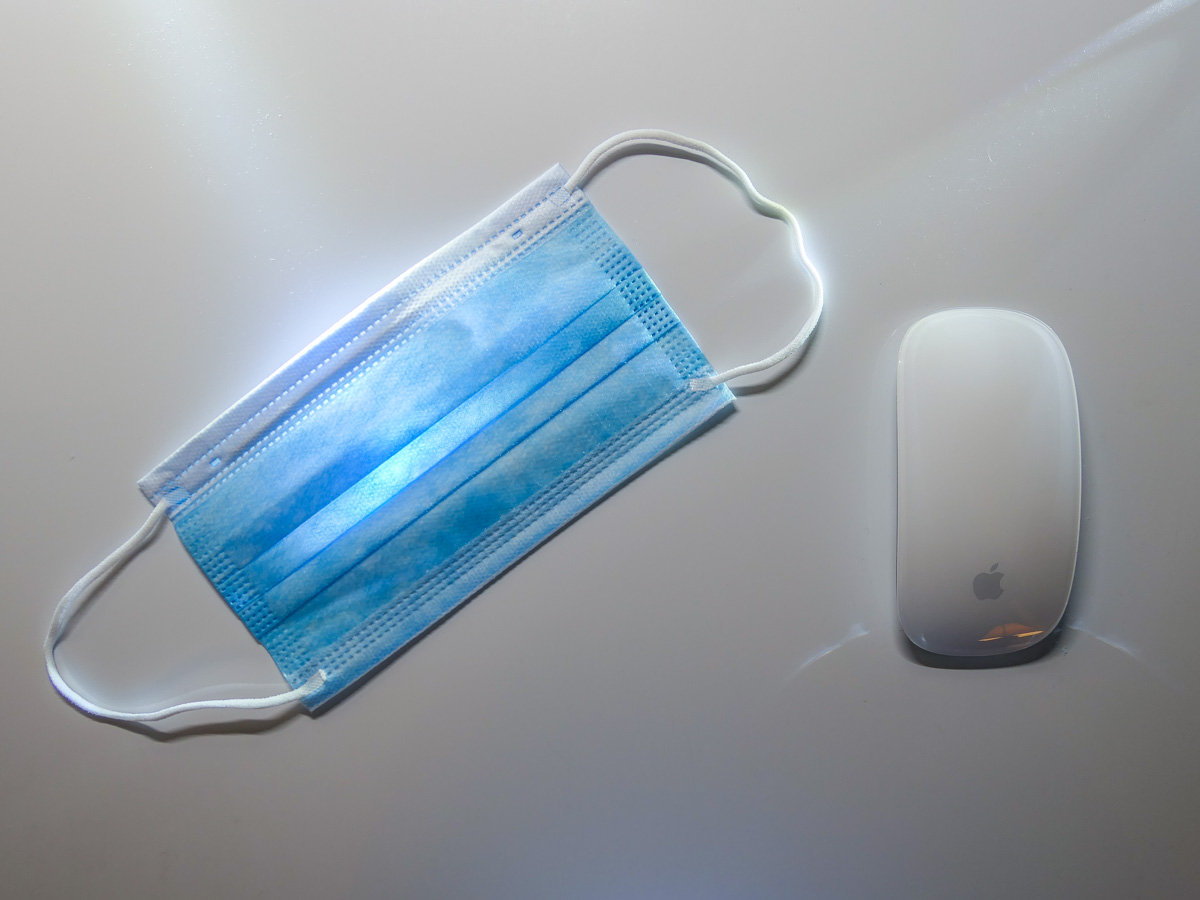
The pandemic has forced me to reevaluate my relationship with my technology. Here’s how I’ve adjusted my focus.

I’m so happy there’s light at the end of the tunnel now that Covid-19 vaccines are being rolled out. And while there’s still a long road ahead, I can begin to think about how some of my technological adaptations during the pandemic might continue into the future.

I Rewired my Hunting and Gathering Instincts
I used to think that spending extra money for online grocery delivery was an unnecessary luxury. We’re genetically encoded to hunt and gather. So spending decades going to supermarkets had seemed like the natural way to acquire food.

But since the pandemic began, I’ve relied on FreshDirect for the bulk of our weekly grocery needs. I know folks go to the grocery store wearing masks and practicing responsible social distancing. I simply went in a different direction.

Sure, there are other online options for grocery delivery, but when times were especially tough at the beginning, and open delivery slots were hard to find, FreshDirect came through for me more often than the others.

And even when the pandemic is over, I plan to continue using FreshDirect. I’ve already signed up for the $129 annual membership (DeliveryPass), which unlocks free delivery.

Whole Foods technically offers a better deal, because free delivery is already bundled into my Amazon Prime membership. That said, finding an opening in the limited two-day delivery windows can still feel like you’re playing the slots in Vegas.

No, it’s not like I’ll never walk into a grocery store again, but there’s real value to having the bulk of your groceries regularly delivered to your doorstep. (I’ve also appreciated the time saved from not having to shop and wait on line at checkout.)

I Learned to Live without Two-Day Shipping
Once upon a time, it felt so empowering being able to shop online and receive purchases within one or two days, often for no additional shipping costs. How convenient was that?!

But there was a hidden tradeoff. I no longer had to be especially organized. Whenever I ran out of something, I could almost magically have a replacement quickly show up.

But when the mail slowed down and two-day delivery became ‘you’ll get it when you get it,’ it created a shock to my system. I realized that I suddenly needed to plan more… like I once had to.

So, I built back that muscle of self-reliance and tracking my own supply chain. It’s felt good being more conscious of the specific resources that my family requires and when.

Blurting out to a Siri or an Alexa that I need more milk when I’m holding the empty carton maybe isn’t so empowering after all. Not when you’re already out of milk.

Free two-day delivery is great. Two-hour delivery is incredible. Drones dropping boxes from the sky at my every shopping whim feels like a future shopping nirvana. Who needs to worry about what you need if you can have more of it within hours?

Well, remember that now, maybe you can’t have it for a couple of weeks or months. And you’d better not forget how to live that way. 2020 was a cautionary tale in so many ways.

I Forced Myself to Keep my Webcam On
I don’t have to tell you about the isolation. The loneliness. The feeling of being cut off. In many ways we’ve been living in our own little bubbles.

Of course, that’s not how it’s supposed to be.

Our little webcams are one of the few safe ways we are able to break out and communicate face-to-face, if only virtually. My iMac’s webcam is my lifeline to my outside world.

Sure, it takes effort to be ‘on camera.’ And you should always put those Zoom best-practices to use, no matter who you’re Zooming with.

Yes, it’s easier to turn off your webcam and communicate via audio only. But I say it’s a bad tradeoff. You’re losing so much without sharing your face and your visual cues.

So, if you’re concerned about really staying connected with those who matter, use that webcam and let them see you!

I Paid for More Bandwidth
Did you also face a barrage of complaints from family members that your home Wi-Fi network couldn’t handle the increased load of endless Zoom meetings, online learning and Netflix streaming?

The culprit is probably not your home Wi-Fi network. It’s your Internet service plan. So, go check it and then upgrade your bandwidth to the next level. That should do the trick.

I was paying for the base plan of 100 Mbps. So I spent $10 more a month to double it. That stabilized the Lester family really quickly. (There are faster plans, but I say that you should buy only what you need.)

I Focused on the Essentials
If there’s a lesson here, it’s realizing the true value of technology when life gets turned upside down.

It’s not so much about the conveniences. It’s about how technology can support the essentials like food and communication.

If your technology is supporting your fundamentals, you’re on track! The rest is just a distraction.

In Search of Remote Learning Headphones that Won’t Hurt my Son’s Hearing

Headphones that are volume limiting can be helpful to protect students who are spending more time online doing virtual learning. The trick is to find a pair that’s big enough for older kids.

I never imagined that my young Padawan would be spending so many hours with headphones wrapped around his little head, but remote learning during the pandemic suddenly warped the need for this tech forward.

And there’s a little question I haven’t fully addressed. Is the volume of the daily audio streams that flow into my son’s ears really safe for his hearing?

Here’s our backstory.

Beyond POWMEE
Our fifth grader has been using a pair of POWMEE P10 Kids Headphones with a built-in microphone on the cord, but they’re a little tight for him. He’s loved his headphones, but he complains every so often that his ears hurt after he’s worn them for a while.

I’ve also liked these POWMEE headphones, because they’re designed with a volume-limiting feature to protect his hearing. (So, I’ve been thinking that he’s covered in this regard.)

Now, it’s simply time to find a larger pair of wired headphones and microphone with the same sound protection. (I’ve been resistant to upgrading to Bluetooth headsets. An old-school corded pair that doesn’t need to be recharged should be just fine for him.)

Mpow CH6 Pro
I feel that any headphones designed for kids will be too small for my son. So, the product category I began Googling is ‘volume-limiting headphones for teenagers’ (even though my son is barely a tween).

Unfortunately, I don’t think that category exists. It would appear that headphone manufacturers only market audio-level protection to the toddler/small kid population. If you’re any older, I suppose you’re supposed to know enough not to pipe dangerously loud sounds into your ears?

There’s really not much out there for an older student with a growing skull.

On Amazon, I did find one pair of volume-limiting headphones that are being marketed to teenagers:

The cable has a 3.5mm audio jack, and the earpads are larger than those on other headphones for kids. Unfortunately, the volume limit is only 94dB, which is beyond what is generally considered ‘volume-limited.’

PuroGamer
After another trip down my research rabbit hole, one company kept popping up. It’s Puro Sound Labs.

Puro Sound Labs offers a couple good choices for younger kids, but there’s also the PuroGamer Volume Limited Gaming Headset, which is targeted for teens and gamers of all ages.

Even though the PuroGamer gets mixed reviews for reliability on Amazon, these headphones still inched ahead of the Mpow for what I needed. They’re big enough, will work well for online learning, and the Amazon price is right.

Now, I don’t expect too much at this price point. I just want these headphones to function properly and help protect my son’s hearing.

The Price for Better Audio Protection
With such a limited selection, I eventually did extend my search to include more expensive Bluetooth headphones. But I came up short in that category too.

The one seemingly solid Bluetooth option is made by Puro Sound Labs.
(Sense a trend?)

But they appear to be too small for my son’s head. So, I sadly needed to pass on this choice.

Pinna Labs offers the LOMA Bluetooth Headphones for adults. But in my online research, I found nobody talking about this company. Plus, the headphones are not ‘currently available’ on Amazon.

While the LOMA headphones seem built for exactly my son’s needs, something was telling me they aren’t ready yet for prime time. Again… pass.

The PuroGamer Wins in a Shallow Field of Competition
I’m left with the realization that this market segment is
woefully underrepresented.

I ended up ordering the PuroGamer for my boy, and I’m hoping for the best. But I know that thirty bucks really can’t buy that. For now it will have to do.

So many of our kids are using headphones for so many more hours these days. I would assume that there’s a growing army of parents out there who have come to the same realization and also want to protect their older children’s ears?

If anyone else has other ideas, please let me know!

Cancel your Deal with Zoom’s Virtual Background Devil

Fabricating the illusion of a faux background for your Zoom calls may seem like a good idea, until you realize what you’re giving up. Here’s why it may be a bad deal.

I once believed the goal for Zoom backgrounds was to try to mimic a uniform environment, like walking into an average conference room. Or even better… attempt to mimic that clean, all-white background that Apple is famous for.

That would be so much better than revealing the cluttered background of my home office.

The Lure of Using Fake Zoom Backgrounds
So, I bought white and green pop-up screens and tried squeezing them into the space behind my desk.

But most of us don’t live in an empty 30’x30’ TV studio where this type of staging is easier to pull off.

I eventually succumbed to the reality that using a big enough green screen to pull off a full-shot chroma key during my iMac’s Zooms rendered my home office unusable. There just wasn’t enough space!

The only reasonable choice was to use the standard Zoom keying option that doesn’t take advantage of a green-screen background. And though it’s pretty amazing that Zoom can pull a key at all without using a green screen, the trick just doesn’t work as well.

As a result, you can almost always tell when someone is using a virtual background on Zoom. You can see that eerie black glow around someone’s head. And there’s that sudden, momentary disappearance of a hand. You’re not really fooling anyone when using a digital background. By now, I think we’ve all gotten used to that fake Zoom look.

Some of us even flaunt it when they place nature shots or outer space behind them. Yes, it’s a neat trick… once or twice, but eventually you need to come back to earth. I think you should have an image behind you that doesn’t make you look like you’re in a video game.

In Search of the Almost Real
I experimented with using photos of other rooms in my house as my Zoom background in the attempt to maintain some sense of visual authenticity that’s true to my real environment. I eventually landed on a reasonable shot of my living room.

Yes, you could still tell I was using a virtual background, but at least I wasn’t hanging out in someone else’s home!

Offer More of Your True World
While using a photo of my living room did meet my bar for authenticity, I still felt restricted Zooming in a virtual space. Ultimately, I just wasn’t comfortable. The tradeoff wasn’t worth it.

So I cleaned up the clutter of my home office the best I could and turned off my virtual background.

Yes, I went cold turkey on virtual backgrounds. And you know what? It’s felt so much better. The shot represents more of my true life, warts and all.

So here’s a radical suggestion:

  • Even if you believe your space is a disaster and unfit for your video conference viewers, if you do some preproduction staging, I think you can create a look that you’ll be comfortable with.

Unless you’re stuck Zooming in your bathroom, there’s probably a corner in your home that you can make work. Yes, any number of disturbances from your life may be only a few feet away. And we all want to minimize visual and audio interference that may prevent us from communicating clearly.

That’s different than trying to hide from your own environment.

By now, everyone expects visual imperfections on Zooms. The opportunity is to turn your world’s imperfections into an authentic experience. And that can ultimately be such a refreshing change up for your viewers.

Maximize your Reality Instead of Fabricating an Illusion
Showing it like it is means you’re sharing a more personal experience. And I think your Zoom viewers will really appreciate that.

Unclick the virtual box and stop the illusion. You don’t have to hide anymore.

It feels wonderful.