At Home with Tech

Unlock the power of all your technology and learn how to master your photography, computers and smartphone.

Category: Tech Fixes

How to Text your iPhone’s Video Clip if the File is Too Big

Your only hope to successfully share your video via text is to compress it into a smaller version. Here’s how I did that to a video of my son practicing the piano.

If you shoot a 4K video on your iPhone and then attempt to text it to someone, you’ll likely run into the problem of a file-size limit. That happened to me recently when I was asked to capture my fifth-grade son practicing a piece of music for his piano teacher to review.

Fortunately, my son’s piano lessons have been proceeding just fine over the past year of Covid as a virtual learning experience, courtesy of FaceTime and two iPhones. Unfortunately, this recording ended up running six-minutes long, and I had forgotten to reset my iPhone to shoot video at a lower quality. The result was the creation of a massive 2 GB file.

That’s way bigger than what you can text or email from an iPhone. And as it turned out, my clip would still have been too large to send even if it was recorded at my iPhone’s lowest quality setting of 720p.

Compression Required
Sure, there are ways to upload a large video file to the cloud and then create a download link to send to your recipient. Apple offers iCloud Mail Drop (5 GB file-size limit). And of course, there are other cloud solutions.

But you’re still sending over a massive file for someone else to download. I would suggest that’s not good digital etiquette. Unless your recipient specifically needs your video at its original quality, the decent thing for you to do is to first compress the file into a smaller version for viewing.

Unless you trim your video’s length, you’ve got to find a way to shrink your file before sending it along.

AirDrop
So, my solution was to use Apple’s AirDrop tool to wirelessly send my video from my iPhone to my iMac (There’s no file-size limit.)

Then, I opened up the video clip on my iMac in QuickTime and simply exported a copy in a smaller size from the drop-down menu (480p).

Finally, I dragged the new, compact file into the Messages app on my iMac and ‘texted’ the video to my son’s piano teacher. This kept our video sharing in the same digital ecosystem as we’ve previously been using.

There are other video compression tools available for a Mac (such as the Compressor app), but QuickTime will usually do the trick.

iMovie
If you don’t want to move your file over to a computer and instead prefer to do the compression work on your iPhone, you can easily use iMovie.

Just bring your original video into the iMovie app and then immediately move to export a new file (unless you first want to perform some editing tweaks).

  • Click the blue “Options” tab and select either 360p or 540p resolution.

And then, voilà! You can send your smaller file along.

There are also third-party video compression apps for an iPhone in the App Store, but I suggest you simply stick with iMovie for your basic compression needs.

Less is More
None of this guarantees that your new file will be small enough to text or email. But if the length of your original video is just a couple of minutes, you should be in good shape.

Unless you’re using a cloud-sharing solution, a best practice for any video recording plan that requires sharing your clip is to limit the length. Everyone has space limitations on their smartphones and nobody will enjoy having to manage a huge video file.

Keep it short. Keep it small. And don’t forget to compress it!
4 Ways Tech Helps Me Adapt During the Pandemic

The pandemic has forced me to reevaluate my relationship with my technology. Here’s how I’ve adjusted my focus.

I’m so happy there’s light at the end of the tunnel now that Covid-19 vaccines are being rolled out. And while there’s still a long road ahead, I can begin to think about how some of my technological adaptations during the pandemic might continue into the future.

I Rewired my Hunting and Gathering Instincts
I used to think that spending extra money for online grocery delivery was an unnecessary luxury. We’re genetically encoded to hunt and gather. So spending decades going to supermarkets had seemed like the natural way to acquire food.

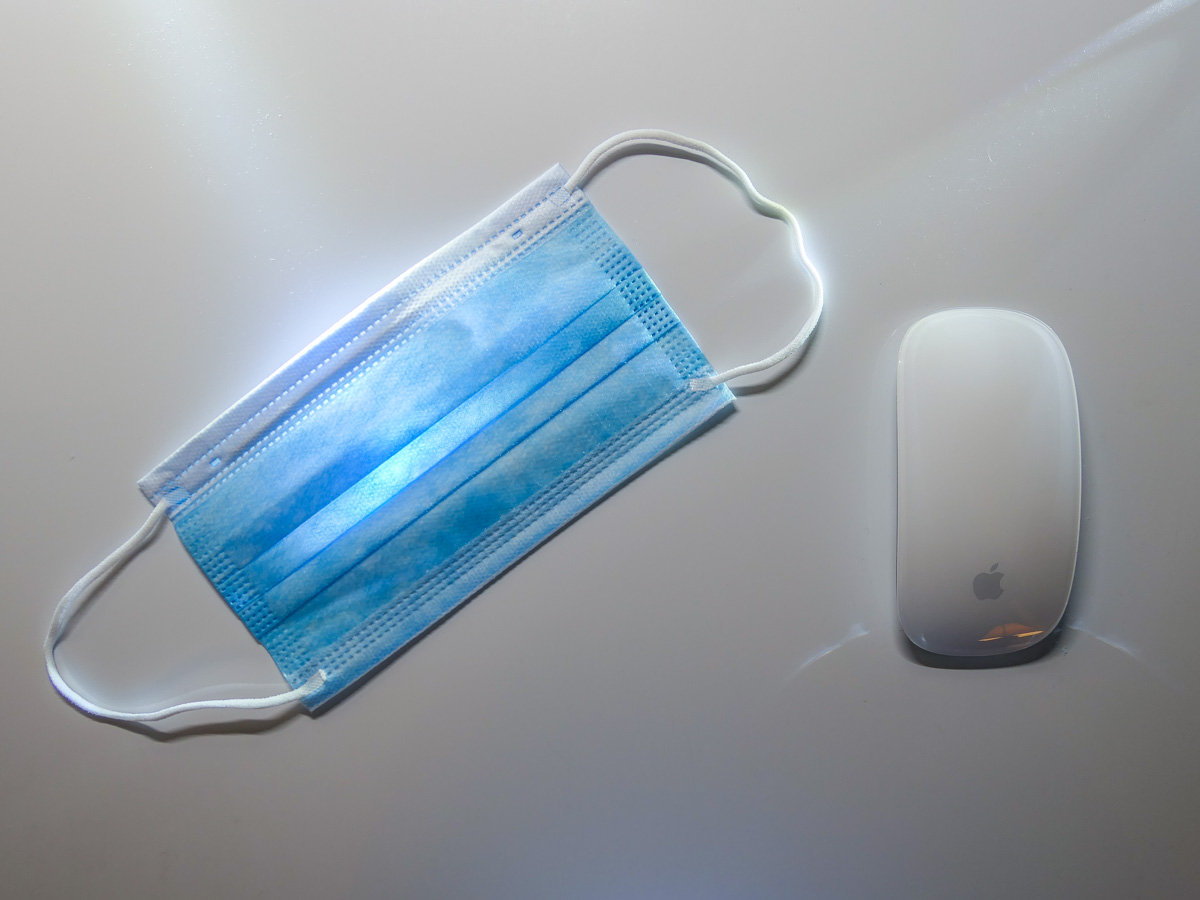
But since the pandemic began, I’ve relied on FreshDirect for the bulk of our weekly grocery needs. I know folks go to the grocery store wearing masks and practicing responsible social distancing. I simply went in a different direction.

Sure, there are other online options for grocery delivery, but when times were especially tough at the beginning, and open delivery slots were hard to find, FreshDirect came through for me more often than the others.

And even when the pandemic is over, I plan to continue using FreshDirect. I’ve already signed up for the $129 annual membership (DeliveryPass), which unlocks free delivery.

Whole Foods technically offers a better deal, because free delivery is already bundled into my Amazon Prime membership. That said, finding an opening in the limited two-day delivery windows can still feel like you’re playing the slots in Vegas.

No, it’s not like I’ll never walk into a grocery store again, but there’s real value to having the bulk of your groceries regularly delivered to your doorstep. (I’ve also appreciated the time saved from not having to shop and wait on line at checkout.)

I Learned to Live without Two-Day Shipping
Once upon a time, it felt so empowering being able to shop online and receive purchases within one or two days, often for no additional shipping costs. How convenient was that?!

But there was a hidden tradeoff. I no longer had to be especially organized. Whenever I ran out of something, I could almost magically have a replacement quickly show up.

But when the mail slowed down and two-day delivery became ‘you’ll get it when you get it,’ it created a shock to my system. I realized that I suddenly needed to plan more… like I once had to.

So, I built back that muscle of self-reliance and tracking my own supply chain. It’s felt good being more conscious of the specific resources that my family requires and when.

Blurting out to a Siri or an Alexa that I need more milk when I’m holding the empty carton maybe isn’t so empowering after all. Not when you’re already out of milk.

Free two-day delivery is great. Two-hour delivery is incredible. Drones dropping boxes from the sky at my every shopping whim feels like a future shopping nirvana. Who needs to worry about what you need if you can have more of it within hours?

Well, remember that now, maybe you can’t have it for a couple of weeks or months. And you’d better not forget how to live that way. 2020 was a cautionary tale in so many ways.

I Forced Myself to Keep my Webcam On
I don’t have to tell you about the isolation. The loneliness. The feeling of being cut off. In many ways we’ve been living in our own little bubbles.

Of course, that’s not how it’s supposed to be.

Our little webcams are one of the few safe ways we are able to break out and communicate face-to-face, if only virtually. My iMac’s webcam is my lifeline to my outside world.

Sure, it takes effort to be ‘on camera.’ And you should always put those Zoom best-practices to use, no matter who you’re Zooming with.

Yes, it’s easier to turn off your webcam and communicate via audio only. But I say it’s a bad tradeoff. You’re losing so much without sharing your face and your visual cues.

So, if you’re concerned about really staying connected with those who matter, use that webcam and let them see you!

I Paid for More Bandwidth
Did you also face a barrage of complaints from family members that your home Wi-Fi network couldn’t handle the increased load of endless Zoom meetings, online learning and Netflix streaming?

The culprit is probably not your home Wi-Fi network. It’s your Internet service plan. So, go check it and then upgrade your bandwidth to the next level. That should do the trick.

I was paying for the base plan of 100 Mbps. So I spent $10 more a month to double it. That stabilized the Lester family really quickly. (There are faster plans, but I say that you should buy only what you need.)

I Focused on the Essentials
If there’s a lesson here, it’s realizing the true value of technology when life gets turned upside down.

It’s not so much about the conveniences. It’s about how technology can support the essentials like food and communication.

If your technology is supporting your fundamentals, you’re on track! The rest is just a distraction.

In Search of Remote Learning Headphones that Won’t Hurt my Son’s Hearing

Headphones that are volume limiting can be helpful to protect students who are spending more time online doing virtual learning. The trick is to find a pair that’s big enough for older kids.

I never imagined that my young Padawan would be spending so many hours with headphones wrapped around his little head, but remote learning during the pandemic suddenly warped the need for this tech forward.

And there’s a little question I haven’t fully addressed. Is the volume of the daily audio streams that flow into my son’s ears really safe for his hearing?

Here’s our backstory.

Beyond POWMEE
Our fifth grader has been using a pair of POWMEE P10 Kids Headphones with a built-in microphone on the cord, but they’re a little tight for him. He’s loved his headphones, but he complains every so often that his ears hurt after he’s worn them for a while.

I’ve also liked these POWMEE headphones, because they’re designed with a volume-limiting feature to protect his hearing. (So, I’ve been thinking that he’s covered in this regard.)

Now, it’s simply time to find a larger pair of wired headphones and microphone with the same sound protection. (I’ve been resistant to upgrading to Bluetooth headsets. An old-school corded pair that doesn’t need to be recharged should be just fine for him.)

Mpow CH6 Pro
I feel that any headphones designed for kids will be too small for my son. So, the product category I began Googling is ‘volume-limiting headphones for teenagers’ (even though my son is barely a tween).

Unfortunately, I don’t think that category exists. It would appear that headphone manufacturers only market audio-level protection to the toddler/small kid population. If you’re any older, I suppose you’re supposed to know enough not to pipe dangerously loud sounds into your ears?

There’s really not much out there for an older student with a growing skull.

On Amazon, I did find one pair of volume-limiting headphones that are being marketed to teenagers:

The cable has a 3.5mm audio jack, and the earpads are larger than those on other headphones for kids. Unfortunately, the volume limit is only 94dB, which is beyond what is generally considered ‘volume-limited.’

PuroGamer
After another trip down my research rabbit hole, one company kept popping up. It’s Puro Sound Labs.

Puro Sound Labs offers a couple good choices for younger kids, but there’s also the PuroGamer Volume Limited Gaming Headset, which is targeted for teens and gamers of all ages.

Even though the PuroGamer gets mixed reviews for reliability on Amazon, these headphones still inched ahead of the Mpow for what I needed. They’re big enough, will work well for online learning, and the Amazon price is right.

Now, I don’t expect too much at this price point. I just want these headphones to function properly and help protect my son’s hearing.

The Price for Better Audio Protection
With such a limited selection, I eventually did extend my search to include more expensive Bluetooth headphones. But I came up short in that category too.

The one seemingly solid Bluetooth option is made by Puro Sound Labs.
(Sense a trend?)

But they appear to be too small for my son’s head. So, I sadly needed to pass on this choice.

Pinna Labs offers the LOMA Bluetooth Headphones for adults. But in my online research, I found nobody talking about this company. Plus, the headphones are not ‘currently available’ on Amazon.

While the LOMA headphones seem built for exactly my son’s needs, something was telling me they aren’t ready yet for prime time. Again… pass.

The PuroGamer Wins in a Shallow Field of Competition
I’m left with the realization that this market segment is
woefully underrepresented.

I ended up ordering the PuroGamer for my boy, and I’m hoping for the best. But I know that thirty bucks really can’t buy that. For now it will have to do.

So many of our kids are using headphones for so many more hours these days. I would assume that there’s a growing army of parents out there who have come to the same realization and also want to protect their older children’s ears?

If anyone else has other ideas, please let me know!