At Home with Tech

Unlock the power of all your technology and learn how to master your photography, computers and smartphone.

Category: Tech Fixes

Don’t Look Too Closely at iCloud’s Shared Photo Streams

It’s always nice to get an invitation to look at family pictures online.  The only problem with Apple’s Shared Photo Streams is the pictures don’t show up in full resolution.  And that could be a problem if you’re planning to use them to create a photo book.

It’s always nice to get an invitation to look at family pictures online. The only problem with Apple’s Shared Photo Streams is the pictures don’t show up in full resolution. And that could be a problem if you’re planning to use them to create a photo book.

I never really got excited when Apple introduced iCloud Photo Streams.
The concept of storing your most recent 1,000 photos in the cloud for 30 days and having them sync across all your Apple devices didn’t do that much for me.

That’s because the functionality in ‘My Photo Stream’ is designed mostly for pictures taken by your Apple devices. The admittedly slick idea is to enable those photos to ‘phone home’ and seamlessly beam themselves back to your mothership.
(But you’ve got to use your computer at least once a month to download the photos to your hard drive before they go ‘poof’ in iCloud.)

Locate Photo #872
Plus the entire mass of pictures you snap end up in your photo stream.
(the good, the bad… and the ugly)

The pictures duplicate themselves to your other devices so you can easily show them off to family and friends.
But the reality that you’ve got to sift through a thousand images to find the one you’re looking for seems a bit half-baked.

I had lunch with a friend recently, and when we pulled out our iPhones to proudly display a few images of our three-year-old boys, I navigated to the picture I wanted in five gestures via my iTunes’ synced folder.
He needed at least fifteen gestures to quickly finger down his long photo stream.

Getting Canon to Play in the Photo-Stream Sandbox
My other problem with Photo Streams is while I do snap the occasional iPhone picture, when I’m really serious, I use one of my Canon cameras.

Then, I download the Canon photos to my iMac and sift through them to separate the wheat from the chaff in Aperture.
(Apple’s more powerful iPhoto cousin)

Only then am I interested in sharing the chosen few across my Apple devices and with others.

And I’ve traditionally loaded up my iPhone by syncing my photo folders via iTunes.
And yes, that takes an extra step….

While this workflow keeps my best photos close to me, nobody else gets to benefit.

Your Favorite Unseen Photo in Your Computer is a Terrible Thing to Waste
Sharing my best pictures in a timely manner has continued to prove itself an elusive tech challenge.
I’ve tried lots of solutions:

  • Recently, I bought the nixplay Wi-Fi Cloud Frame to stream my favorite photos for my wife and son to enjoy at home.
  • A year ago, I did the same for my father with a Pix-Star Wi-Fi frame.
  • Of course, I’ve got a few family Flickr albums, but I often forget to update and remind people about them.

Time for the Wife to Pick Up Your Slack
The current nut I’m trying to crack is simply finding a workflow to move my ‘best’ photos over to my wife’s Macbook Pro laptop, so she can have some fun working with them as well.

Her goal is to quickly create small event-driven family photo books.
(as opposed to my more globally-focused yearly photo book collections, which have unfortunately proven to take years to create)

I totally welcome this divide-and-conquer strategy.

But getting the photos over to her laptop and into iPhoto has been at an imperfect process at best.

I’ve traditionally exported the photos to a thumb drive and then transferred them via sneakernet.

I’ve also used Air Drop and Dropbox, but there’s got to be a better way to get those photos over…

Shared Photo Streams
(Cue up the angelic harps.)
Apple introduced iCloud Photo Sharing over a year ago.
These newer, ‘shared’ Photo Streams were designed for viewers beyond your eyes only.
They’re kind of like the MobileMe photo galleries of the good old days.

With Shared Photo Streams, you can easily create online photo albums to share with your family and friends.
(Though only up to 100. Larger families and friendship groups require another solution.)

But for me, the more enticing factor is that Shared Photo Streams allow your invited guests to view your photos directly in iPhoto, and then easily download whatever they want!

So I decided to designate my wife as the singular special guest for my new Shared Photo Stream. While this is certainly not a cutting-edge plan, and I’m admittedly quite late to the party,
I’m not embarrassed to report I finally gave this photo-stream ecosystem a whirl…

If You Want to Catch Up, You’d Better Run
In no time at all, I created my shared family photo stream, and the invitation went out to my wife’s iCloud email address.

I ran over to her laptop.
Click.

Nothing happened.

Click again.
Zippo.

Then I read the fine print:

To view a shared photo stream in iPhoto, your computer needs to be operating on at least the Mountain Lion OS.

D’ohhhhh!

I’d been running Lion on my wife’s laptop since we bought it a few years back.
So I decided this was as good a time as any to finally upgrade to the Mavericks OS…
(I’d really been meaning to get around to it.)

Click.

Two hours later…
(after the Pre-OS upgrade prep and a smooth Mavericks install)
I again attempted to connect my wife’s computer to my Shared Photo Stream.

Click.
Success!

Now, the possibilities seemed endless!
(Though there are inevitable limits.)

Here’s what Apple gives you:

  • Maximum photo (or video) uploads per hour: 1,000
  • Maximum shared streams you can share: 100
  • Maximum subscribers per shared stream: 100
  • Maximum photos and videos in a shared stream: 5,000

And all of these uploads do not count against your 5GB iCloud storage limit.

I can live with that.

But there was still one problem…

Why Optimize What is Already Perfect?
When I dragged the photos from my Shared Photo Stream over to iPhoto, I realized they had been…
(Cue the organ.)

‘OPTIMIZED!’

(This means the file sizes had been chopped down from their original pixel resolution to something more ‘manageable’.)

I scoured the web for confirmation of this unwelcome development.
And indeed, I found that Apple does reduce the file sizes for iCloud-shared photos.

Khannnnnn!!

Look, I simply want to easily move full-resolution photos over to another computer.
(This shouldn’t be so hard!)

I couldn’t locate Apple’s official position on their photo-slimming practices.
But I discovered some intelligent speculation that Apple’s resizing logic has to do with the native screen resolution on Apple devices. It’s simply unnecessary to view a photo containing a higher resolution than what the screen can display.
The image won’t look any better…

And the typical 2048 x 1536 optimized pixel resolution should also be adequate if you want to print a photo up to 5” x 7” in size.

Plus, it’s a ‘helpful’ storage-saving strategy for iOS devices with limited storage capacity.

So what’s there to complain about?!
(The humble Home IT Guy raises his hand in the back of the room…)

The Purity of My Photo Stream
And do all photos get stunted in the Apple’s photo-stream universe?
Not if you’re working in the non-sharable ‘My Photo Stream.’
Those pictures still get clipped on your iOS devices, but ‘My Photo Stream’ shows up in full resolution when viewing it on your own computer.
(Even Apple acknowledges the importance of these photos finding their way home in their original condition.)

The Wife Must Now Save History
So where does all of this leave the future of my wife’s photo-book projects?
Well, I’m not exactly sure…

The Shared Photo Stream integration with iPhoto on my wife’s laptop can’t be beat.

Plus my own copy of this Shared Photo Stream automatically shows up on my iPhone, negating the need to sync these photos via iTunes.
(Nice!)

No, I’m not exactly thrilled with the idea of having watered-down duplicates of my best photos on her laptop, but I’ve got back ups of the originals elsewhere…

As long as my wife doesn’t aspire to create huge photo books,
my little plan could still work.

I’d call all this progress…
And At Home with Tech, sometimes that’s just enough to declare victory!
Dear NIX, Are Your Cloud Photo Frame Glitches Normal?

Recently I doubted the reliability of this new nixplay Cloud Frame.  But shouldn’t a new tech product be given a second chance to make a good first impression?  “Hello, tech support?”

Recently I doubted the reliability of this new nixplay Cloud Frame. But shouldn’t a new tech product be given a second chance to make a good first impression? “Hello, tech support?”

So I bought a nixplay Wi-Fi Cloud Digital Photo Frame a week ago to display some of my countless unseen family photos at home.

Aside from the NIX’s annoying branding decision to not capitalize the name of the product…(making it somewhat confusing to write about it in a grammatically correct way)
…I had some trouble getting the digital photo frame to work.

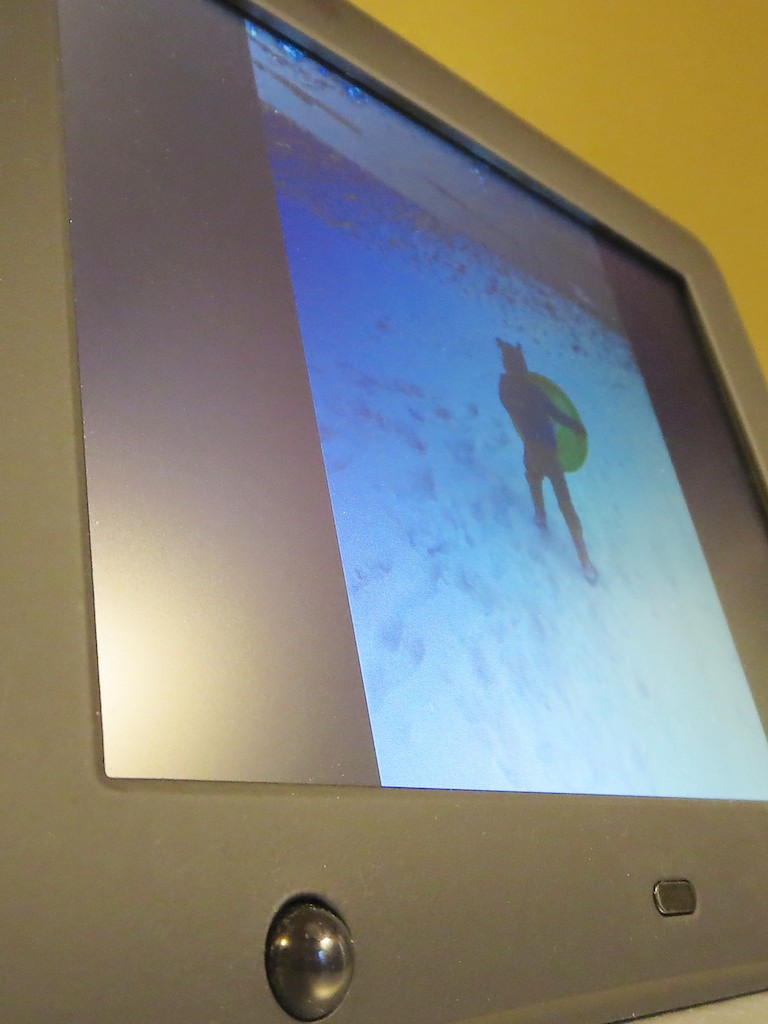
The frame should quickly receive its photos from NIX’s cloud once you send them there, but I found that actual performance may vary.

But before shipping the whole kit and kaboodle back to Amazon, I decided to give NIX an opportunity to troubleshoot my mediocre experience.

Help Me, NIX!
So I emailed their tech support team:

  • Subject: I’ve had varying results uploading photos to my nixplay Cloud Frame.
    On my first attempt, the new slideshows didn’t show up in the frame for a couple hours, and then they remained empty until the next day.  It wasn’t until that next afternoon when the photos actually showed up. 

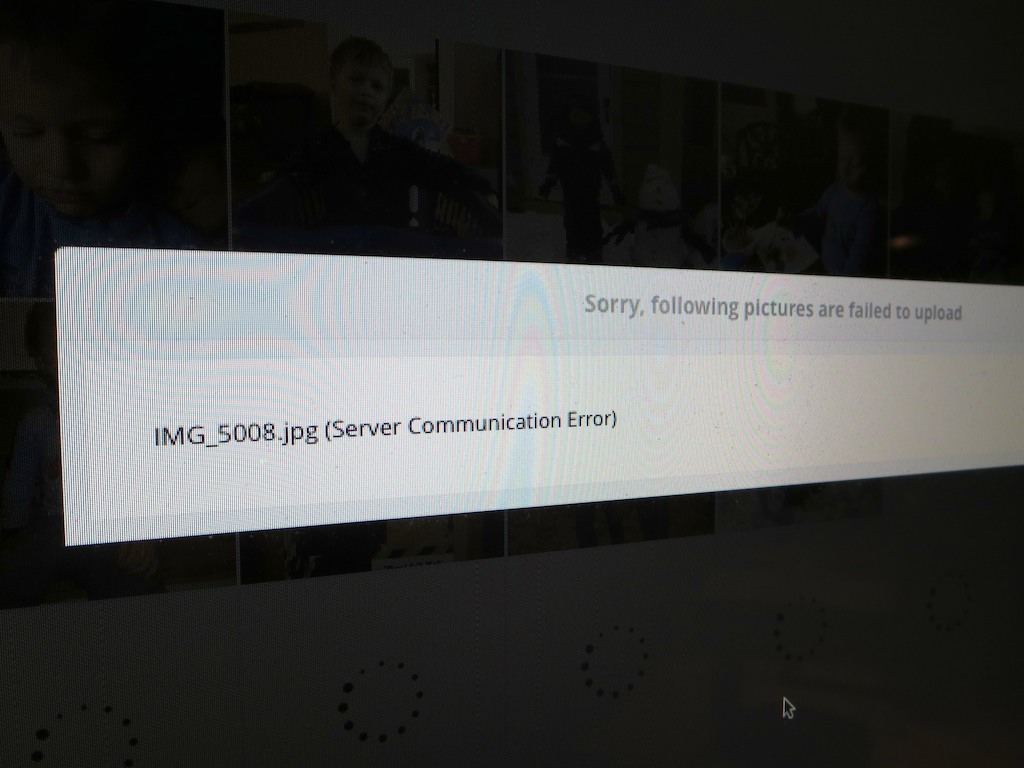
    However, this morning, I uploaded a new slideshow to your cloud, and that one, along with its pictures appeared within minutes on the frame.  Also, every time I upload photos into a new album in your cloud, a few don’t make it, due to ‘server communication error.’ 

    Are these glitches ‘normal?’

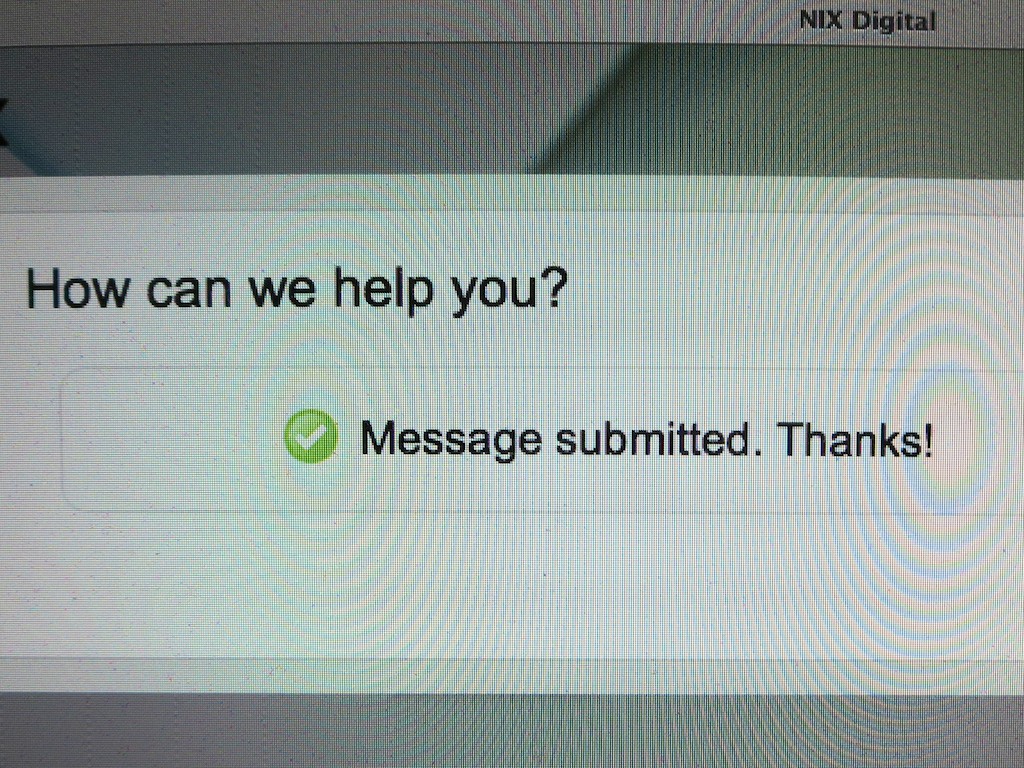
nixplay_message submitted

Never on Saturday
Happily, tech support emailed back within a couple of hours.
Yes, they would be willing to talk with me.
At 2:17pm, a friendly nixplay nerd called me up to listen to my troubles.

I reviewed my middling experience with their Cloud Frame.
He zeroed in on the day my problems first occurred.

“Saturday?”

“Yes, Saturday.”

“Last Saturday?”

“Yes, that Saturday.”

“Aha!”
(He didn’t really say that.)

The problem:

  • Nixplay’s servers had an outage on Saturday… the very day I first tested my nixplay Cloud Frame.

Coincidence?… It would seem.
Bad timing?… Absolutely!

Faster than a Black Hole
I asked how long it should take on any other day to upload pictures to the frame.

“Minutes,” he replied.

Oh?

“Minutes,” he repeated.

(That’s less time than it took for a black hole to destroy the planet Vulcan in the recently adjusted Star Trek universe.)

Then he blurted out, “Sometimes even seconds.”

Uh huh.

Well, I guess the ill-timed server outage would explain the problem.

Later, I did a speed test on additional picture uploads to the frame.
His story held up.
It only took about 30 seconds.
(Impressive… most impressive.)

A Failure to Communicate
I then asked my new tech BFF about the ‘server communication error’ messages I’ve consistently received while uploading photos to their cloud, causing a few of them to disappear on their journey.

server communication error

He asked me if I was using Google Chrome as my web browser.
(No, I’m using Safari, thank you very much.)

He explained their platform is optimized for Google Chrome and suggested there might be a coding issue to blame for my Safari problems.

After hearing him say this, I began sensing some secret connection to Google. Perhaps NIX sees a Google-dominated universe powered by Google Chrome and Picasa.
Perhaps there’s more to it. Hard to know…

And there was clearly no sign of Flickr integration anywhere.
(just Picasa, Facebook and Instagram)
When I asked my tech bud about accessing my Flickr albums, he laughed nervously.

Cancel the Nix on the NIX
So I guess my nixplay Cloud Frame is working properly after all.
(It’s NIX’s servers that seem a bit dodgy. I hope that’s not too frequent a problem…)

So I’ve decided to keep my nixplay Cloud Frame.

  • As for the communications errors during photo transfers, I suppose it’s not really that big a deal to re-upload a few pictures. It’s just an extra step.
    (And what tech is totally perfect?)
  • My wife already loves the photos I’ve got rotating onto the frame…
    That’s a big win for the ‘HIG!’ (Home IT Guy)
  • And nixplay’s tech support was speedy and friendly.
    (Thank you NIX!)
  • And don’t forget the frame’s cool motion sensor, which enables the device to turn itself off when you’re not around!

For what it’s worth, I say,
GO FOR IT!

Add in some NIX to your life.
And let the photos flow…

A Digital Sniffer Can Be Your Nose’s Best Friend

Gas in the home doesn’t always look like this. If there’s a leak, and you don’t know it, your nose is your only defense. Or is it…?

Gas in the home doesn’t always look like this. If there’s a leak, and you don’t know it, your nose is your only defense. Or is it…?

Did you know your nose might be called upon at any moment to save you and your family?

If you use natural gas to heat your home or power your oven, you might be familiar with the fact that your gas company adds a rotten-eggs smell (mercaptan) to its otherwise odorless natural gas to help you know if there’s a gas leak.

But what if you can’t totally trust your nose?

I just went through one of these real-life ‘moments’ a few nights ago.

Let me set it up like a Lifetime movie…

After the Opening Credits
Scene 1: Fade up to a nighttime shot of a typical suburban neighborhood.
The full moon glows overhead.

An ominous music track begins…

Zoom in to a house containing a sleeping family, all cozy in their gas-friendly home.

Dissolve to the parent’s bedroom.

Cut to medium shot of the happily sleeping husband. The clock on the night table glows 4:00am. Next to it, an outdoor thermometer display reads 15 degrees.

Cut to tight shot of the wife’s eyes popping open.

“Are you awake?”

“Murphenpoppen. Cragglesnaffen. Mmmrph. Uuuhh.
Yesss!”

“Do you smell something?”

“What?”

“I think I smell gas. Do you?”

“I’m not sure. My nose is a little stuffed. Hang on.
(SNIFFF)
I don’t think so.”

“I do. Would you go downstairs and check it out?”

The husband gets out of the bed and embarks on the critical mission.
His weapon of choice: His nose.

The stairs creak ominously as he descends.

Fade to back.

Putting the Nose to Work
I’m happy to report my life is not a Lifetime movie.
That said, here’s what happened next…

I walked carefully about the kitchen and the basement and put my nose in action.
I sniffed the stove. I sniffed the oven. I sniffed here and there. I sniffed everywhere.

Our two cats watched me perform this strange human ritual of safety.
They were not impressed.

My verdict: Nothing.
I couldn’t detect any signs of a gas leak.

I think I may have picked up the essence of a few charred remains from dinner.
(My meat-broiling skills have been a little off lately.)

But my nostrils did not reveal anything else out of the ordinary.

So I shared my findings upstairs, and we both went back to sleep.

Time to Team Up with Technology
The fact that I’m still here to document this incident means my conclusion was correct.

And I want to thank my wife for waking me up in the dead of night to go on what might otherwise be considered a fool’s errand.
(Up until then, I hadn’t figured out a post topic for this week!)

Because I suddenly realized how nice it would be if I had a little technology on my side the next time to help with the investigation.

The Digital Sniffer
We all have carbon monoxide detectors in our homes, but it’s not common to see digital gas sniffers hanging around. I guess the rotten egg smell is supposed to do the trick all on its own.

The gas detector market is mostly focused on devices that can zero in on the precise location of a gas leak. These $200-$300 (and up) sniffers will help your plumber isolate the spot on the gas pipe needing repair.

But these expensive gadgets overshoot my particular parameters.
I just want some affordable tech to tell me,
“Yes, your nose is correct. There’s gas in this room! Get out now!!”

I’d let the professionals take it from there…

Conversely, I want a device to support my conclusion if, in fact, there isn’t any gas hanging around the house.

I would certainly sleep better knowing that the rest of my night won’t play out like an explosive scene from a Michael Bay movie.

Sure, your schnoz should easily detect the rotten egg scent, but what happens if you’ve just recovered from one of those nasty January colds?

Sniffing Out the Best Solution
The good news is there are a few less-expensive sniffers out there that should do the trick.

Here are a couple more choices out there around the $100 price point:

Earlier I hedged with the phrase, “should do the trick.”
It’s worth repeating each of these choices received some percentage of reviews saying the device came up short. And the fact that there are other options costing hundreds of dollars more is a reminder that these sniffers have certain limitations.

That said, the EUi CD100A appears almost universally loved.

Keeping Your World Safe, One Sniff at a Time
A digital sniffer can be exceptionally useful to have around the next time you “think you smell gas.”

But should you entirely trust one of these ‘more-affordable’ units?
Of course not.
(I wouldn’t completely put my life in the hands of a $300 device.)

Just think of a digital sniffer as simply another addition to your overall tool belt to help you protect your world.

And your nose will thank you!