At Home with Tech

Unlock the power of all your technology and learn how to master your photography, computers and smartphone.

Category: Tech Trends

No More Hulu Plus

Pop Quiz: Do you know the difference between Hulu and Hulu Plus?  Well, it really doesn’t matter any more…

Pop Quiz: Do you know the difference between Hulu and Hulu Plus? Well, it really doesn’t matter any more…

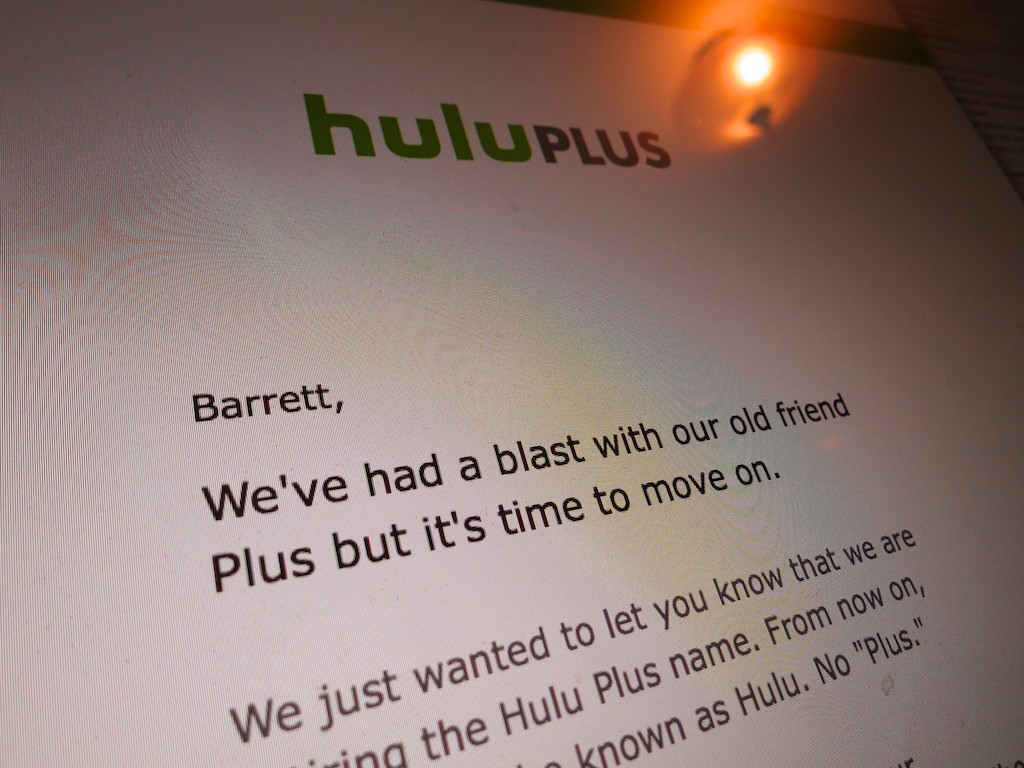
I got an email last week from the folks at Hulu stating that they’ve killed off Hulu Plus. What?  There’s no more paid Hulu service??

No, it’s still there. It’s just called Hulu.
Huh?

So what’s the difference between ‘Hulu’ and “Hulu” (formerly Hulu Plus)?

The email assured me my $7.99 monthly subscription hasn’t changed.
(Of course, Hulu still wants my money.)

Okay…
So what’s going on?

According to TechCrunch, Hulu will still maintain its free and paid tier, but it’s trimming the name ‘Plus’ to eliminate consumer confusion.

The service formally known as ‘Plus’ will continue to stream on mobile devices and provide access to more episodes from individual series.

Hello, Hulu?
A couple years back, I signed up for Hulu Plus with some trepidation. And I was immediately non-plussed when I couldn’t access the entire final season of Fringe.
(Which was the reason I joined up in the first place)

The advantages of the paid plan became even murkier for me as time went on….

So the ‘Plus’ brand change became a reminder to me that maybe I didn’t really need to be paying for Hulu month after month anymore.

Time for a little review of how often I was really using it…
But I already knew the truth… not very much.

Sipping Hulu is Not Encouraged
In theory, Hulu is great.
If you ever miss last week’s episode of your favorite show, Hulu is always there as your safety net.

Once upon a time, maybe that’s all I needed.

Today, let’s just say my busy life as a parent has mostly kept me out of the TV watching game when it comes to committing to any ongoing series.

That said, what Hulu Plus could have done for me is let me start at the beginning of any series and go through it at my own pace.

But the big-time shows apparently don’t often have the patience for media ‘sippers’ like me.

If you’re not generally keeping up with the hungry crowd of weekly watchers, you’re going to get left behind…

The Facade of All-Access
Just to be sure, I did a quick review of what shows I would begin watching on Hulu if I discovered two to three available hours a day…
And here my episode-access report:

  • Gotham
    5 shows from the middle of season 1
  • The Blacklist
    Last 5 episodes from last season
    (FYI- Netflix does better!)
  • Castle
    All of season 7
    (That’s fine if I hadn’t stopped watching after season 2.)
  • Shark Tank
    Last 5 episodes of season 6
  • Marvel’s Agents of Shield
    Last 5 shows of season 2
  • Marvel’s Agent Carter
    Episodes 4-8

As you can see, it’s kind of difficult just to jump into any of these…
Clearly, there are plenty of series that you don’t get full access to… even with a ‘Plus’ subscription!

Less Hulu
If the goal is to simplify Hulu’s main identity as a paid service through and through… I get it. That’s fine.

I know there are probably still more hours of TV programming available on Hulu (Plus) today than days left in anyone’s lifetime who’s reading this.

But I’m simply not taking advantage of Hulu right now…
(That’s partly my fault… and definitely Hulu’s.)

This name change simply made me face the fact that there’s really no plus for me either.

Time to downgrade.
(for now)

Click.

Repetitive Key Strokes Can Be Dangerous to Your Mental Health

If you hear your Mac laughing at you, it’s probably a clue you’re doing something wrong. For example, the ‘Option’ key on your keyboard can really ruin your day if used accidentally...

If you hear your Mac laughing at you, it’s probably a clue you’re doing something wrong. For example, the ‘Option’ key on your keyboard can really ruin your day if used accidentally…

How many times have you tried to erase a word or two while typing away on your Mac and repetitively hit your ‘Delete’ key? All the time, right? It’s almost like an autonomic gesture… where you barely think about it.

But have you ever tapped the wrong key and somehow disabled your keyboard?

I have.

In fact, it happens to me every six months or so.
That’s just long enough to forget the fix.

And it’s impossible to Google the ‘problem,’ because you’re keyboard is frozen!
D’OH!
(And then it’s time for your iPhone or iPad to come to the rescue…)

Disable Mouse Keys
So for quick reference, here’s the solution:

  • Tap your ‘Option’ key five times

That’s it.
Your keyboard should come back to life.

It all has to do with an accessibility feature called ‘Mouse Keys’ which turns your keyboard off and morphs it into a pointer controller.

Every time you hit your Option key five times, it toggles this feature ‘on’ or ‘off.’

‘X’ Marks the Spot?
I often tap the ‘X’ key a few times as a placeholder for something I intend to write later.

If you look down at your keyboard, you’ll see that the Option key is rather close to the ‘X’… perfectly positioned to receive your slightly misaligned finger.

So chances are you’re eventually going to fall into the same trap…

Listen for It
A big clue you’ve made this infuriating mistake is an audio effect that announces Mouse Keys has just been enabled.
(It sounds like an amused robotic mouse scampering across your desk.)

Option to Resume
So the next time you hear the chuckle of a computerized rodent, you shouldn’t be confused why your Mac has suddenly stopped working.

No, it isn’t frozen with fear.
You just need to provide a gentle reminder five times with the ‘Option’ key to keep on going…

How to Never Pay for Your Printer Ink Cartridges

Would you like to operate your home printer for free?  As in not paying for another ink cartridge ever again?  Well, you can… if you own a Discover credit card and you like to shop at Staples…

Would you like to operate your home printer for free? As in not paying for another ink cartridge ever again? Well, you can… if you own a Discover credit card and you like to shop at Staples…

We all know how painful it is to plunk down big bucks to keep feeding your home printer. Whether it’s a simple model, or a higher end photo-printer, you’re probably spending hundreds of dollars a year replacing those damn ink cartridges.
(My Epson photo printer gets really hungry spitting out photos of my five year old.)

A while back, I found a way to get my ink cartridges for free.
(I have your attention, do I…?)

Here’s how it works…

Discover This!
The first step to my ‘secret strategy’ is to use my Discover credit card and earn cash back on my day-to-day purchases.
Yes… lots of credit cards give you cash back or other rewards. So what’s so special with Discover?

The reason I like my Discover card so much is its cash-back plan can be redeemed through a variety of store gift cards. And one of the stores I like to frequent for my tech supplies is Staples.

…And yes, Staples sells printer ink cartridges.

Party at Staples
So I go about my life…. using my Discover card… building up my cash back… and then I simply go online to my Discover account and order a few Staples gift cards.

When they come in the mail, I drive down to my local Staples store, do a little shopping and pay for my ink with the gift cards.
They can also be redeemed through staples.com.

Technically, I haven’t spent a dime!
(How easy is that?!)

But it gets better…

20% Bonus
Signing up for a $25 Staples gift card only costs you twenty bucks.
(What?)

That’s right…Discover gives you a $5 discount on each Staples gift card.
(In fact, Discover offers discounts with many other store partners, but the deals vary.)

I don’t see it so much as a discount… It’s more of a gift!
Discover is actually giving you 20% on your cash-back dollar!

I’d say that’s a pretty sweet deal.

That was Easy
If you follow my little economic ‘dance,’ you can create your own 20% sale on printer cartridges (or whatever else you buy) at Staples.
And then, you get it all for free.

So where’s the catch…?

Well, of course, you’ve got to spend money on your Discover card in the first place to build up your cash-back balance.
Thus, technically, ‘Barrett’s ink-scheme’ isn’t quite ‘free.’

But I’d say it’s really close!
(It’s all a matter of perspective…)

And I can’t tell you how great it feels when I pick up my ‘free’ ink cartridges at Staples…
(I highly recommend it!)

File this one under the category of Q.E.D.
(Quite easily done!)