At Home with Tech

Unlock the power of all your technology and learn how to master your photography, computers and smartphone.

Category: Technology

How to Organize your Life Using Microsoft OneNote
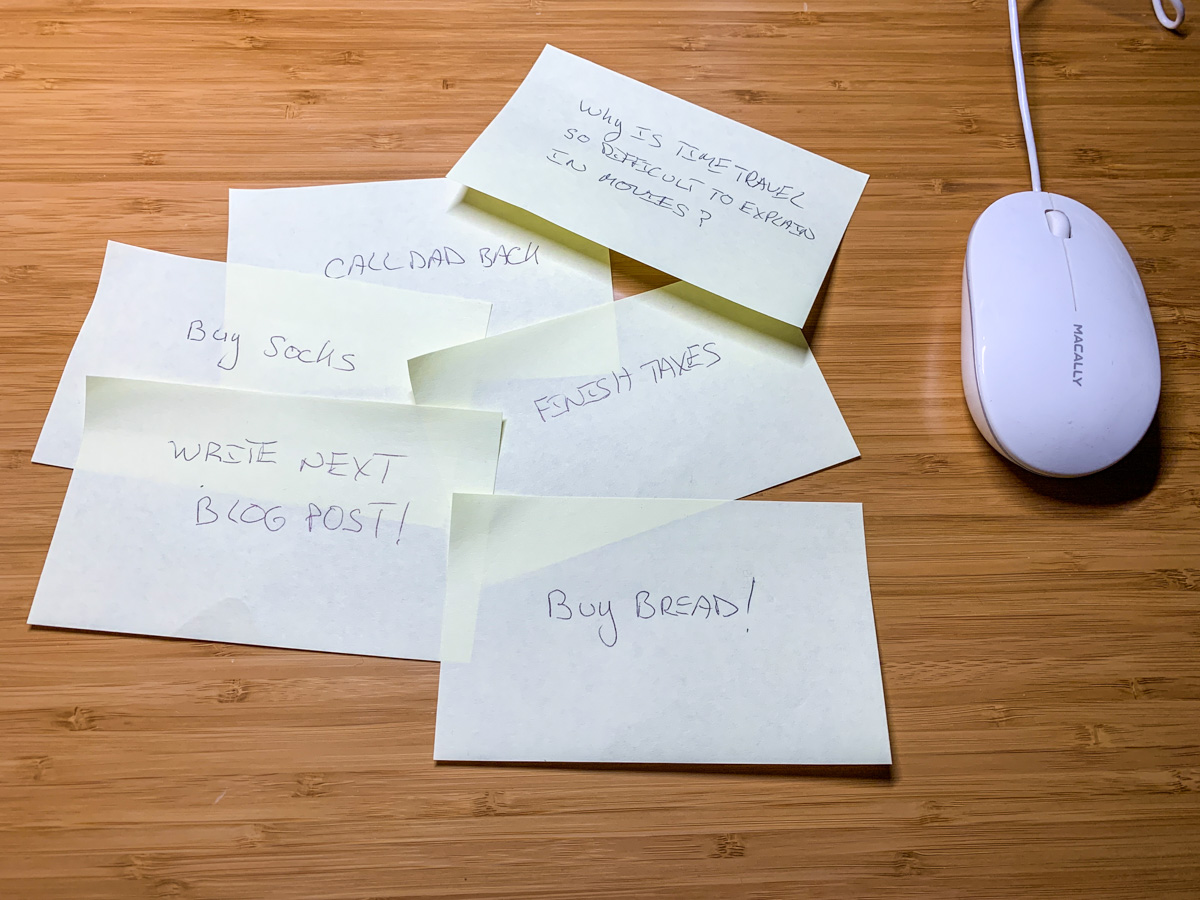
If you suffer from ‘yellow-stickie-syndrome,’ I’ve got the perfect digital solution to help eliminate your analog clutter.

I have a problem with paper. It’s those little yellow stickies, to be precise. Whenever I have an idea or need to remember a detail, I quickly jot it down and stick my thought onto my home office desk. Needless to say, it’s not a strategy for organization. That said, whenever I complete a task, I take great pleasure in crumpling up the little stickie and throwing it in the basket behind me. Swish!

I know there are better ways to organize your personal to-do notes, and I do have digital solutions in place (Apple’s ‘Notes’).

I Love my Yellow Stickies
But my yellow stickie fix still remains in my personal preferences.

I must admit I like having those little reminders facing me when I sit down with my cup of Joe in the morning. The visual cues keep my home headlines at the forefront of my consciousness.

It’s messy, but effective.

Digital File Cabinet
On the work front, I’ve had more success preventing message clutter. I never suffered from ‘yellow-stickie syndrome’ in the office, mostly because I used a notebook, which I brought with me to meetings. When laptops became a common work tool, I would carry mine about and type up my notes into the computer. Easy. Right?

But the question remains how to best organize that flow of digital information.

If you maintain a Microsoft Word document that houses your ongoing meetings, that will mimic a paper notebook and eventually generate an overflow of details. If you create a Word doc for each meeting or project, then you’ve got to maintain dozens or hundreds of files. That’s too many. Plus, if you forget the name of your file or the date you created it, you may not have a sufficient bread-crumb trail to easily get back to it.

Sure, you can create folders for all of these docs, but it’s a clunky and ever expanding process to maintain.

The goal is to create and easily maintain a virtual version of the perfectly organized file cabinet. There’s got to be software that does this for you.

Well, of course there is.

Microsoft OneNote
My app of choice is Microsoft OneNote. (There are others, but OneNote is baked into Microsoft Office… so it’s right there for you.)

Plus, it’s exceptionally intuitive to use.

I first create ‘Sections,’ which are my broader categories, and then ‘Pages’ which live in each Section. My Pages represent individual projects, meetings or topics.

Yes, you’ll eventually create a massive number of individual Pages, but because they’re organized into dedicated Sections, it’s much easier to keep track of them.

Finally, after I’ve completed a project on a Page, I move that Page into a ‘completed’ Section. This little trick goes a long way to keeping my digital clutter to a minimum.

I think once you set up your own OneNote file, you’ll never want to use a physical notebook again. Just be sure to back it up or sync it to the Cloud.

Happiness is a Completed Chore
I’ve also set up Microsoft OneNote on my home iMac in the attempt to replace my yellow stickie notes. It’s the perfect cure for my touch of yellow madness.

OneNote initially cleaned up my desk in no time. But I eventually slid back into my old stickie patterns.

I think many of us have certain analog crutches that are difficult to part with. That’s okay. If I want to feel the crumple and swish of a completed chore, is that so wrong?

Alternately, when you need some serious help organizing your brain, chances are Microsoft OneNote is already right there for you. Just click on the program icon!

Satisfaction across time can be elusive. So I recommend you employ every tool available to regularly hit that pleasure center in your brain.

Crunch.
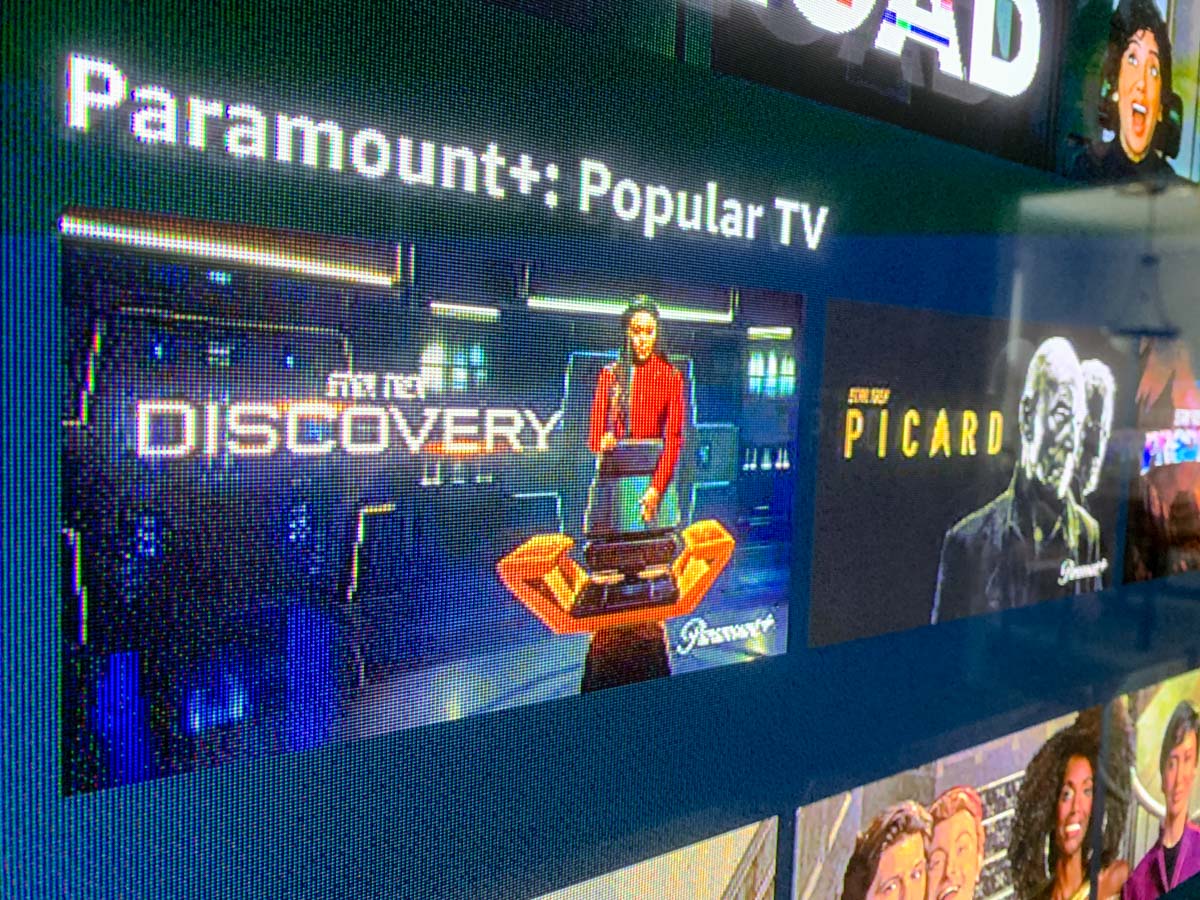
Why Star Trek: Discovery and Picard are Worth Watching Now

If you haven’t been following these series on Paramount+, now’s a great time to finally check them out. Here’s my review.

When I was a kid, I watched the first reruns of the original “Star Trek” and was completely engaged by the adventure and adrenaline-fueled fun. I connected with this family of characters and it locked me in to follow an ever expanding universe of Star Trek stories and characters for the next several decades.

I’ve continued to watch Star Trek throughout my life. All of the series, movies, different timelines and the recent iterations on Paramount+.

And Star Trek has been evolving along the way.

Finding Balance in “Discovery”
“Star Trek: Discovery” currently represents the new norm, and the writers have clearly worked hard to boldly go where no Trek has gone before. They even introduced four-letter words into the scripts. I’m still stinging from the first time they dropped the F-bomb (although I’m finally getting used to the occasional salty language).

“Discovery” has paid significant attention to presenting us with a truly diverse set of characters. DE&I themes run deep throughout. Bravo.

“Discovery” also focuses on feelings. A lot.

Kirk never needed to talk through how he felt. But these Star Trek characters do. Yes, it’s more realistic, but it sometimes slows the pace of the show. You’ve just got to get used to it.

Speaking of feelings, “Discovery’s” scripts often point out how much the crew love each other. There’s lots of hugging and crying.

When this started, I wanted the stories to first spend more time with the secondary characters. I didn’t really know them. So I didn’t really buy all of the intimacy that writers were suddenly pushing into the scripts.

In this fourth season, that dynamic has finally been properly balanced, and the love/respect/admiration factor is more believable.

Fully Embracing the Cliffhanger
I’m also pleased with another important factor that “Discovery” is finally getting right.
It’s the classic Trek cliffhanger moment that gets you so excited for the next scene or episode.

A great example is the pre opening-credits scene that sets up the entire episode. The original series did it so well, and I’m really happy that the writers have paid more attention to that device.

I always love it when the image suddenly cuts to black, I hear the opening notes of the Star Trek theme, and then I get that tingle of adrenaline. Or maybe you catch your mouth curling up into a little smile. That’s when you want to say, “Thank you.”

“Star Trek: Discovery” has finally landed in the back half of its fourth season.

“Picard’s” Reunion
The second season of “Star Trek: Picard” is also a blast to watch. As I write this, “Picard” is only two episodes in, but this series clearly holds all of the cards. It packs together the best of the more evolved style of Star Trek storytelling with classic Next Generation Trek. It feels so good to be going back to this future.

More Jean-Luc, played by Patrick Stewart, and Seven, played by Jeri Ryan. More Borg queen, this time played by Annie Wersching. More Q (John de Lancie) and Guinan (Whoopi Goldberg).

More classic starship designs, with a crazy new Stargazer. More classic uniforms and less developed transporters. The sounds and special effects are all so familiar. And they tap into little pleasure nodes throughout my brain that haven’t been activated for so many years.

This entire series has a huge impact. How can it not? I know this family. This Star Trek. These characters. And the new characters are well defined. You don’t have to wait four seasons to really get to know them.

If you’re a Star Trek fan, resistance to “Picard” is futile.

Star Trek Happiness
I’ve stuck with Star Trek across the decades like a dedicated football fan. Some years are better than others, but you don’t give up, because you just know the next year is going to be a winning season.

We’ve got two winning Star Trek seasons going on right now, simultaneously.

Fans aren’t always looking for something entirely different. Sometimes what’s old can be new again. And when the new finally aligns with what we already love, then you’re going to have happy Trekkies.

Yes, they’ve finally made it so.

How to Pack your Streaming Apps for your Next Vacation Movie Night

After a fun vacation day on the slopes, my family settled in for a movie on our hotel room TV. Here’s how we did that using my existing Apple ecosystem.

I recently returned from a little skiing vacation with my family at Mount Bousquet in Pittsfield, Massachusetts. We hadn’t been on the slopes for a couple years due to the pandemic, so it felt great to practice some downhill again. (That’s our son having fun on a snowboard in my above photo.)

Pack your Apple TV for your Next Vacation
During our time in the hotel room, I tried using a particularly useful vacation tech trick I’d learned a while back. I had brought our Apple TV puck with us with the intent to jack it into the hotel’s WiFi network. This would allow me to access our entire arsenal of streaming apps and create movie nights using the room’s big TV screen. (Doing this effectively sidesteps having to purchase anything additional from a hotel as long as the base-level WiFi can handle streaming.)

Sadly, the streaming apps on my Apple TV didn’t work this time, because the hotel’s WiFi required a multiple-step login process, which the Apple TV couldn’t access beyond the password step.

Fortunately, I had also packed a lightning to HDMI adapter for my iPhone. (It’s always good to have a backup plan, when vacation movie night hangs in the balance.)

Using this dongle, I was able to substitute in my iPhone as the streaming source and connect it directly to our hotel room’s HDTV via its HDMI cable. Then, my iPhone effortlessly served up the Disney movies we wanted via its Disney+ app.

Tech Ethics
You could say my streaming strategy unfairly took advantage of the hotel’s WiFi network, possibly slowing down WiFi speeds for others. But my iPhone ended up tethering to its cellular connection using its AT&T wireless data plan. So I don’t have to debate tech ethics here (not this time).

I pay for unlimited data on my AT&T account. So, in a sense, I’m already paying full price for my movie tickets while streaming. That said, I’m very happy not to be concerned about blowing through any data limits while on vacation!

Ensuring that Screen Time = Family Time
And why all my effort to project a movie onto a hotel room’s TV? Can’t an iPad or iPhone screen suffice during vacation? Not for me and my family. If you’re also a parent with kids, I imagine you might agree that screen time is a complicated topic.

The last thing I want to do is generate more opportunity for little eyeballs to stare at little screens, separate from the larger family focus.

If there is to be movie screen time on vacation, it’s great when it’s part of a larger family activity…experienced together.

Vacation Tech Joy
When bringing extra tech with you to create your family movie nights on vacation, please don’t forget to pack up all of the pieces before you leave. (Adapters have a way of disappearing if you’re not careful.)

And do put the hotel TV cabling back together. The next family may just want to turn on the TV without ‘Frankensteining’ together their own mini movie theater.

Nevertheless, I do enjoy screaming “It’s alive!” whenever I get my vacation TVs to work. A little tech joy always adds to my overall vacation experience.

In fact, I highly recommend it.