At Home with Tech

Unlock the power of all your technology and learn how to master your photography, computers and smartphone.

Tag: digital photo organization

5 Ways to Quickly Free Yourself from the Shackles of Digital Clutter

Is your digital life a bit of a disorganized mess? The best gift you can give yourself is carving out time to get it back in recognizable order.

You’ve got it all done. For your family, friends and work. Another year. Congratulations. Everyone says it’s now time to take a break and recharge. Relax!

But if you’re like me, you might be experiencing a certain unease… an uncomfortable itch. It’s like that feeling when you know you’ve forgotten something, but you can’t remember what. But this time, you do. And you’ve continued to put it off, because there’s always something else more pressing.

Now, you hear this nagging inner voice that whispers. It says, “Do it. Do it now. You’ve finally got time.”

Of course, we’re taking about handling all the digital disorganization that piles up throughout the year in the invisible but very real corners of your life. No one else can see it. But you know it’s there. Sure, you’ve been able to operate around it, but it’s ever heavy, and it weighs on you.

The Journey to Digital Zen
Do you want to feel refreshed? Recharged? Really ready for the year ahead? It’s time to invest in a little digital housecleaning. Start the journey to digital Zen.*

Now is the perfect opportunity, as you might have a little more free time in your day.

Here are five areas that I bet could really use your attention right now:

#1
Organize your Digital Photos from the Past Year
Whether your pictures live on your smartphone or computer (or both), if you haven’t yet finished going through this year’s crop and completing your photo-management process (physical albums/online albums/digital photo frames), it’s going to be too late.

Sure, you can tell yourself that you’ll eventually get to them, but they’ll likely get left behind, as your newer photos demand your attention.

#2
Delete All those Emails You Don’t Need
Can’t find that email from last week you want to refer to? It could be due to those thousands of disorganized emails that are cluttering up your inbox. It’s time to get rid of most of them and move the other ones into organized folders!

And don’t forget to also clear out your Junk Email folder (but not before you review it to confirm that real emails haven’t been errantly sucked in).

#3
Remove Old Photos and Videos from your Camera’s Memory Card
If you happen to still use a separate camera, I bet its memory card is looking mighty full. Do you often find yourself frantically trying to delete enough files at the last minute before you need to use your camera? (Yes, that’s me.) It’s time to make that problem go away. Go through that memory card and really free it up!

#4
Clear Out your Unnecessary Cloud Storage
Speaking of memory limits, I bet you’re paying more for your cloud storage these days. Sure, the cloud holds much more than a memory card, but it still has its own limits. Do you really need everything that’s currently in your Dropbox account or iCloud drive?

#5
Slim Down What’s Stored on your Computer’s Internal Drive
Not to be repetitive, but I bet your computer suffers from the same storage woes. Look, you just can’t save everything on your internal drive. And now that newer internal computer drives are the more-pricey SSDs, your current computer probably has less internal storage than your last one.

Gone are the days that you can simply upgrade to your next computer with double the capacity to keep up with your needs.

Portable Drives are Not a Permanent Solution
Yes, you can solve some of these problems by picking up reasonably priced portable drives and archiving your digital life onto them. But hoarding external drives and redirecting your disorganized digital content onto them is simply kicking the virtual can down the road.
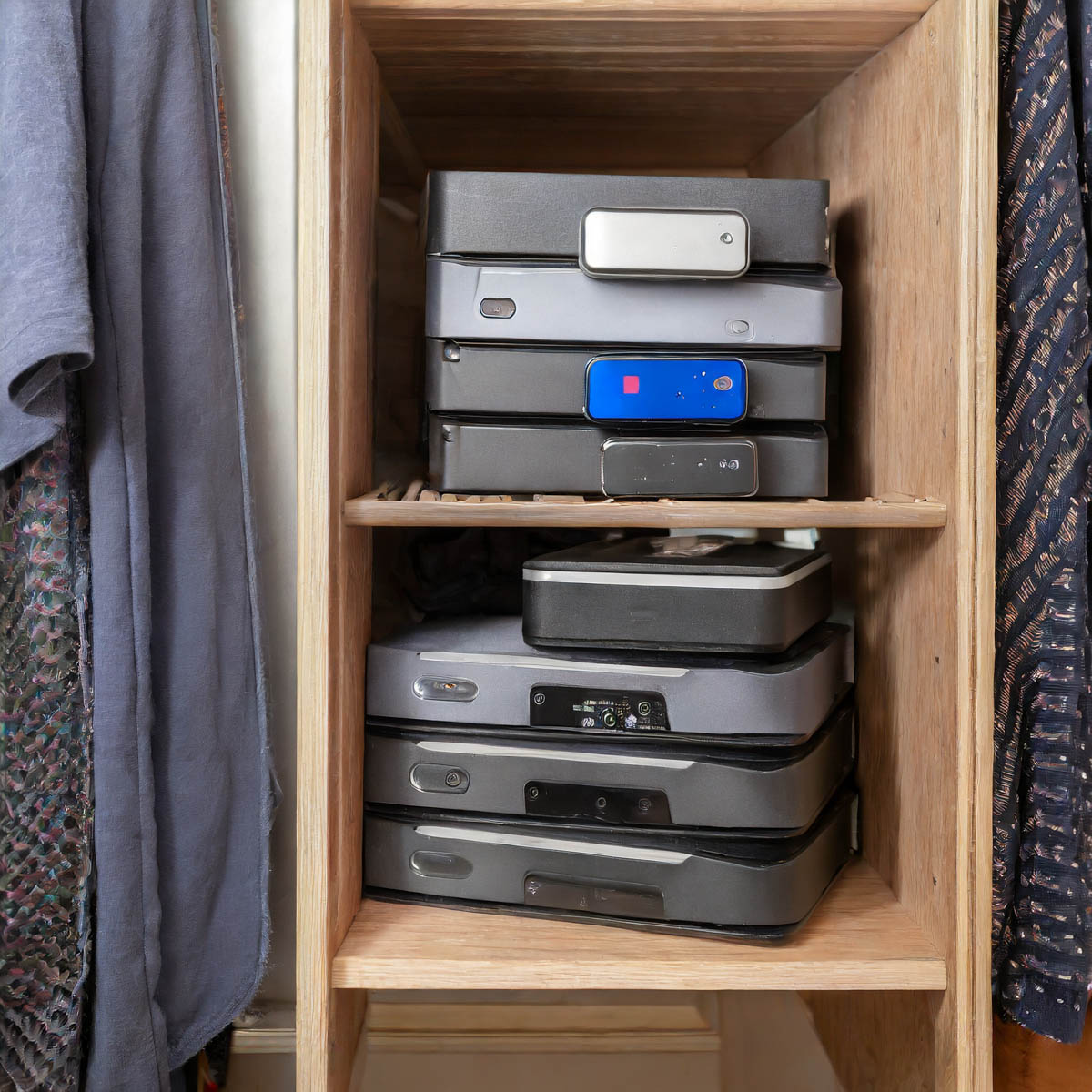
What are you going to do a decade from now when you open your closet door, and you spot fifty drives in the back corner? That’s right. You’re going to close the door.

Game over.

The Limits of your Digital Life
Wait. Take a deep breath. Now exhale.

We’re all dealing with the same challenges. In fact, we’re really the first generation to go through this.

The reality is you can’t carry around a record of your complete digital existence throughout your life. We’re only a few decades into this challenge, and I feel we’ve already reached certain limits. Our kids are going to have to figure out how to handle three to four times as much!

But I’m getting ahead of myself. For now, let’s just do what we can. If it’s only a quick fix, that’s okay.

A digital band-aid is better than nothing to slow the hemorrhaging.

The Road to Freedom
Ongoing file organization and strategic file deletion should be part of any long-term strategy for a healthy digital life. And ultimately, as in the physical world, less is more. Clutter in any form is a real drag.

If you invest some time every few months to keep your digital life in order, you’ll likely feel more control over your entire life.

And especially during this time of year, I say why not invest in yourself and start to free yourself from the shackles of all that digital clutter?

You’ll be happy you did!

*I generated my photos for this blog post via Adobe Firefly.

Why I joined SmugMug to Share and Archive my Photos

SmugMug is not just for professional photographers. Here’s why I decided to sign up for an account.

Keeping track of all my family photos feels like a Herculean effort these days. It’s not getting any easier. Sure, I’ve got photo organizational systems in place: Lightroom, digital backups and cloud storage.

But I often feel like I’m simply maintaining the existence of tens of thousands of photos. (Have you checked lately how many you’ve collected over the years?)

I’m hardly keeping up with my full curation process. Yes, I share photos with family and friends via texts and Dropbox links. I include some of my favorite travel and nature pics on my blog. I even get around occasionally to creating a photo book. One might say from afar that I’m getting the important pieces done.

But I remain unsettled.

Scrolling vs. Flipping
The photos I usually share are individual photos that you can simply flip through one at a time. That’s okay, but I’d really prefer if they could live collectively as a group in an online photo gallery. Then, you’d be able to view them as a collection that you can scroll through. The viewing experience is already optimized. (It’s a big difference.) And if you’d like to look more closely at one photo, you can do that too.

But I didn’t want to take the time to start designing and publishing complex online photo galleries. I needed a drag and drop solution…

After doing a bit of research I decided that SmugMug could help me.

Unlimited Storage
SmugMug is marketed to professional photographers who want to sell their photos online. But SmugMug also can be a powerful tool for handling your family photos. Not only can it generate unlisted online photo galleries to share with your family and friends, you can also create galleries with passwords. The bottom line is you have total control with who can see your photos.

SmugMug’s interface is easy to use, and the online galleries look great.

And get this… SmugMug offers unlimited storage. That’s right… unlimited. So I signed up and got to work.

But I wasn’t done climbing out of my own photo rabbit hole. Not yet.

Less is More
Sure, SmugMug can house all of my photos for permanent archiving, but really why would anyone want access to many tens of thousands of photos that tell my family’s story? No one will have the time. I certainly wouldn’t want to burden my son with that one day.

I’ve been going through, organizing and digitizing hundreds of my father’s photos that contain my family’s history back to the late nineteen century. Believe me… that’s been a lot of work.

My own family photo collection is enormous by comparison. I’m actually nearing 100,000 pics. (You should check how many you’re carrying around.)

Your family’s story can be told in a fraction of that. (And mine can too.)

Preparing for the Next Generation
So these unlisted SmugMug galleries I’ve begun generating will become the backbone of a slimmed-down, curated and optimized Lester family photo history.

It’s permanent, safe and ready to hand over to the future.

What do I mean by that?

Long-Term Strategy
Nothing lasts forever. Back-up hard drives can fail. A curated cloud photo collection seems more resilient to the ravages of time. Sure, no company lasts forever, but you’ve got to put your stake in the ground somewhere.

I’ve purchased my ticket to the future on the SmugMug train.

And yes, the ticket does come with a cost. I signed up for the annual ‘Power’ plan, which is $110/year.

As you multiply that out across (hopefully) many years to come, the price tag will be substantial.

But there’s no solution to store an unlimited number of full-res photos for free. That said, I technically do have that perk with Amazon Photos. But that platform doesn’t really offer a photo gallery solution when sharing links. (And I do sometimes wonder how long Amazon Prime benefits will include its photo division.)

A dedicated photo company feels like a better long-term bet.

Time to Share with the World?
Finally, there’s the other major SmugMug benefit that every photo gallery doesn’t have to be private. SmugMug is designed to create your own public website that features your photos. Being able to show off my public-facing photography is quite appealing.

You may have noticed that beyond my job as the family photographer, I’ve enjoyed sharing my travel and nature photography on my blog.
How nice it is that I can also curate these images to share on my SmugMug site.

It’s All Part of the Plan
No, I’m not selling my photos. Not today. No, I’m not a professional photographer. Well, not today.

Does my photography hobby support my professional brand leading video production teams?
It sure does.

Can SmugMug house videos?
It certainly can (up to 3GB files/20 minute length/1080p resolution).

Will my SmugMug site align with my other personal branding efforts?
Absolutely.

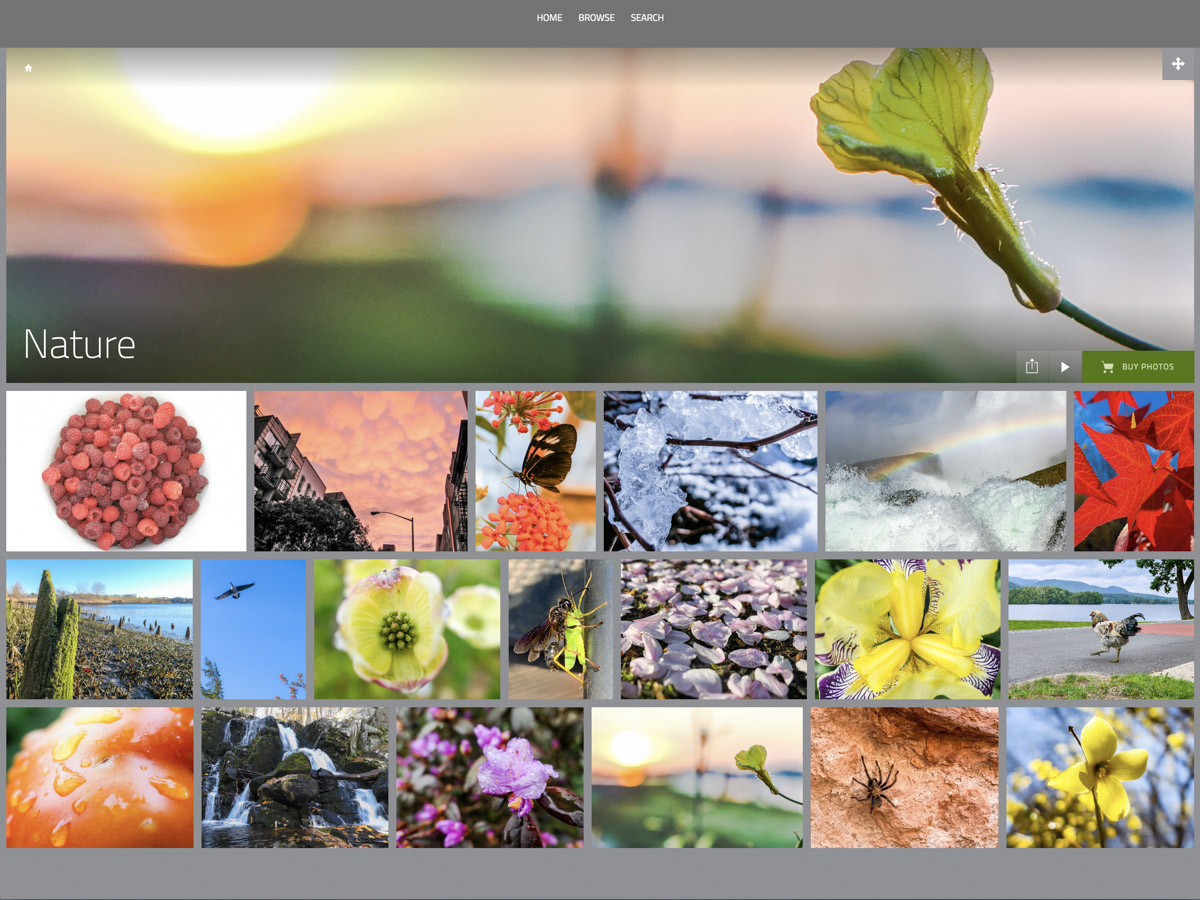
Barrett’s SmugMug Site
You can see I’m tad enthusiastic about joining SmugMug.

  • Long-term archiving? Check.
  • Private link sharing? Check.
  • Public website for some of my own work. Check.
  • Setting up for a future handoff to the next generation? Check.

Am I feeling smug? Maybe just a little.

But the truth is any photo curation solution takes a TON of work. And I’ve just begun my SmugMug journey.

If you’re interested in taking a look, you can find it here:
barrettlester.smugmug.com

Hope you like it.

Here’s a Trick to Quickly Share a Camera’s Best Vacation Photos

If you’re not using your smartphone to take your vacation pictures, you may quickly get the feeling that they’re trapped on your camera’s memory card. Here’s how to quickly get them ready to share with family and friends…

So my family and I were visiting friends across town and catching up, since they had just returned from their vacation visiting relatives in Italy.

Of course, the major topic of conversation during dinner was their big trip. And what’s a good story without a few accompanying photos?

Inevitably, an iPhone XS materialized, and the Lesters were transported to the streets of Pompeii. My wife and I leaned in and our nine-year-old son ran around the table to see the images of our friends standing in an ancient city, frozen in time by the brutal force of Mount Vesuvius.

The impromptu presentation was effortlessly supported by the mom’s index finger flicking through her photos’ app on her iPhone. Some of the photos were absolutely amazing. And this raw collection completely captured their experience.

Several times, I turned my gaze to the dad who was sitting on the other side of the table.

He peered at me and said with a smile, “I’ve got better pictures.”

I nodded and returned the smile.
(But I wondered if he was experiencing a feeling of slight betrayal by technology that hadn’t quite lived up to expectations.)

And then we all turned our gaze back to the glow of his wife’s iPhone.

Time is Your Enemy
Here’s the backstory… The dad had traveled to Italy equipped with a brand-new Sony RX-100 VA camera as well as a GoPro HERO7 Black. I believe those are among the best tools available to visually capture a family’s vacation.

And I had complete faith that he had, in fact, captured a collection of outstanding photos that would have humbled any iPhone’s camera.

But in that moment at the dinner table, I knew that my friend had fallen victim to one of the classic limitations of the strategy I usually follow on how to handle a fresh crop of vacation photos…

  • Take loads of photos with a high-quality camera
  • Download them onto your computer at home
  • Choose the best ones
  • Tweak them to make them even better with software like Adobe Lightroom
  • Then share your winners with your family and friends to enjoy

The crippling limitation to this plan is that it takes time.
(Depending on your post-trip availability, that could take days or weeks.)

The Unbeatable Smartphone Experience
The mom’s iPhone (which arguably took pretty good pictures) effortlessly made mincemeat of the dad’s superior photo gear due to the immediate shareability of its photos.

Sure, I guess you could try to whip out the RX100 VA or GoPro and flick through your photos, but it’s always easier to use a smartphone that’s right next to you.

So, how can a noble family photographer with all of the right gear and best intentions beat the instant satisfaction that smartphone photography provides today?

Tick Tock
First off, I think it’s okay to say that this is not only about immediate gratification. Amazing photos not born from smartphones can still find their moments to shine… in photo frames…. in photo books…
and in cloud family photo archives.

And if you work fast enough, you can still get them ready for prime time in time to ensure they’re still relevant for your social media feeds and even, dare I say… your next dinner party.

But it’s always going to be an uphill battle fighting time…

Don’t Fight It
All of this said, there’s a solution that will mostly solve this conundrum.

The trick is to willingly give into the power of your smartphone. For a moment, think of it not as a device that takes instantly-sharable photos, but only as a tool that can instantly share any photo file. If you could wirelessly add photos from other cameras into your smartphone, then you’d be able to instantly share those as well…
(Do you see where I’m going?)

Yes, you may feel like a young Jedi giving into the ‘Dark Side’ or a misguided sorcerer drawing power from the Dark Dimension like the Ancient One did. But hey, you’re not in the Marvel universe… you’re just trying to share some vacation photos!

I say ditch all of your post-vacation photo organization plans and do this instead while you’re still on your trip…

Transfer Your Photos Wirelessly to Your Smartphone
Many of today’s standalone cameras have Bluetooth or Wi-Fi capabilities that allow you to tether them to your smartphone. Once you activate that feature, you can easily transfer some of your key photos from your camera’s card onto your smartphone.

The key word here is ‘some.’
(I don’t think you want to be transferring hundreds of photos over.)

And once they’re on your smartphone, it’s a game changer, baby!

Now, just find a few opportunities during your vacation to quickly review your photos and simply pick out a few winners. Then send them over to your smartphone, and BAM! you’re in business…

If you miss a few winning photos, it doesn’t matter… You’ll find them later when you ‘officially’ go through them.
(Warning: May require weeks of work)

When you get home, you’ll already have a few of your best photos ready to share at the dinner table with your smartphone simply serving as your projection device.

A Solution Forged from the Power of Your Phone and Camera
So really, it boils down to simply taking a few minutes while on vacation to move a few photos from your camera over to your smartphone’s ecosystem.

And by doing that, you’re marrying the power of your superior camera with the unbeatable convenience that any smartphone provides.

I imagine there’s a day coming when one device will be powerful enough to do both…

Until then, just remember this trick, and you’ll always be ready to show off some of your best vacation photos at a moment’s notice!