At Home with Tech

Unlock the power of all your technology and learn how to master your photography, computers and smartphone.

Tag: iPhone camera

Why iPhone’s Camera Burst Mode is Better than Live Photos

If you think you’ll miss the moment when snapping an iPhone photo, using Burst mode instead of Live Photo mode can save the day. Here’s why.

If you like the Live Photo feature on your iPhone so you can later choose a better ‘Key Photo’, you might want to reconsider your preference. Why? Well, it houses a huge limitation that can really ruin your shot.

Sure, it all seems so magical that you can take your 3-second mini-movie that’s behind a Live Photo and then, after the fact, scrub through all of video frames to select a better still frame. It’s a wonderful technique to use when shooting a group pic when someone’s eyes are inevitably mid blink. The ability to later choose a better freeze a fraction earlier (or later) can make all the difference between the perfect photo and one that goes in the digital trash.

I’ve been shooting Live Photos this way for a long time. But when choosing a different Key Photo, I’ve sometimes not been satisfied with the final results. Here’s the problem…

Choosing a New Key Photo will Crop It!
The ‘prime’ image your iPhone snaps is higher quality than other frames from a Live Photo. And as soon as you choose an alternate frame, the entire picture frustratingly crops in a bit (not a lot… but enough).

That can be a deal breaker if you’ve taken a group shot and someone is close to the edge of your framing. After choosing a different Key Photo, that person will likely get cropped out, and there’s nothing you can do about it.

This picture-killing crop just happened to me at a family gathering, and the cropped-out person was me! (Yes, thankfully, the group allowed me to take another shot.)

Even if you overlook that limitation and tell yourself you’ll give your shots enough ‘safe space,’ it’s also hard to ignore the overall quality difference. The new Key Photo doesn’t look as crisp.

Under well-lit and well-framed circumstances, this isn’t an issue. And to be fair, it took me a while to discover these drawbacks.

And while a Live Photo with a different Key Photo can be better than nothing at all, there’s a more effective way to capture additional visual frames around a particular photo moment.

10 Burst Photos are Better than 1 Live Photo
iPhones offer Burst mode, which captures 10 photos a second. (That’s likely going to get you what you need!) Instead of tapping the shutter button on your iPhone, you simply slide it to the left and hold it there until you’re done ‘bursting.’ (Then release.)

For a more tactile experience, you can also squeeze your ‘Volume Up’ button.
To activate that feature, go to:

  • Settings
  • Camera
  • Turn on “Use Volume Up for Burst”

While primarily designed for action moments like sports photography, it’s also ideal for posed group shots when you’re trying to get everyone’s eyes open at the same time.

Each of these high-speed photos will be the same quality. No compromises.

Burst Mode with Countdown
You can also use Burst mode for your iPhone shots using a countdown timer. It’s a perfect way to set up a group shot that you also want to be in.

  • Pro tip:
    If you’re wearing an Apple Watch, use its Camera Remote app to control your iPhone. (Just be sure to first turn off Live Photo mode. Otherwise, you’ll snap a Live Photo instead of the 10 standard burst shots.)

I like to prop my iPhone on a window ledge and have the group face the window. Not only does the window ledge double as a tripod surface (be careful), but the light from the window will nicely illuminate your subjects.

Delete your Unwanted Bursts
You do need to do a bit more work afterwords with your Burst photos to manage the 20 or 30 shots you’ve generated from a particular moment (instead of 2 or 3 Live Photos).

Just review your Bursts and select the images you want to keep. The rest are deleted. (If you don’t follow this organizational task, you could quickly get overwhelmed with too many photos on your iPhone.)

Not Mutually Exclusive
Too much work? Well, you can leave it to the automated but limited structure of Live Photos. That’s a set-it-and-forget it solution. It’s easy, but it won’t always give you best-quality pictures. On the other hand, Burst mode will.

Can you use both? Absolutely (though not simultaneously).

Burst Away
Moving forward, I’ll think of a Live Photo as a backup plan. But if I’m really being planful in framing the moment, then using Burst mode is the way to go.

You’re Taking Way Too Many Pictures

Does your picture-taking style resemble throwing lots of pasta at the wall to see what sticks? That can help you nail the perfect photo, but what about the mess you’ve also created?

Does your picture-taking style resemble throwing lots of pasta at the wall to see what sticks? That can help you nail the perfect photo, but what about the mess you’ve also created?

Last week, I asked someone to take a couple of pictures for me on his iPhone for a project. It was something of a spontaneous moment… But everyone’s got a smartphone these days, right?
So no biggie…

Later that afternoon, he walked over and offered to AirDrop “the bunch” to me between our iPhones.
(And that was so much faster than receiving an email with the photos attached and then having to save the pics to my iPhone.)

So I stare at my iPhone’s screen. A message popped up that asked if I wanted to accept the incoming photos.
(They would get immediately stored in the native Photos app.)

I clicked “Yes” and voila, my iPhone ingested… 81 photos.

81 what?!
You read correctly.

Yes, the ‘few’ images I had requested ended up being a photo essay of 81 images.

I thanked him, but really… I didn’t want that many photos.
(I secretly grumbled about much time it would take me to go through all of them to find the best one or two.)

Tick Tock
Now, I’m sure he was just trying to be helpful by capturing a whole lot of photos to ensure he nailed some good ones for me.
(And now I’m feeling a little guilty being so ungrateful.)

But there’s a fundamental problem at play here that this kind of moment demonstrates.
And I think we’re all guilty of this when we start snapping photos…

We act like digital photography is essentially free.

And to a certain extent, that’s true. The only noticeable cost is the gradual filling up of your smartphone’s memory or your camera’s media card.

But trust me, this way of thinking is certain to create a time bomb down the road.
‘Cause you’re going to wake up a few years later and realize you’ve got 12,000 photos in your phone.

And what are you supposed to do with all of those photos?!
Are you spending the necessary time to separate the wheat from the chaff?
And more importantly, what have you been doing with your thousands of pictures along the way?

Overwhelmed
Here’s your true cost to taking thousands of your free photos every year:
You’re going to need huge chunks of time to manage your growing photo archive.
or
You will give up trying and figure you’ll deal with the problem another day.

And you know what that means…

  • You didn’t print them.
  • You didn’t share them.
  • You didn’t enjoy them.
  • And nobody else did either.

Whoa… that’s a bummer.

And you know how I feel about waiting too long…
Yes, I say that lots of your pictures actually have expiration dates!
Because beyond your immediate family unit, nobody really wants to see a three-year-old photo of your six year old.

People want to see fresh photos.

Sure, there are always archival benefits to your pictures, but they’re much more valuable in the here and the now!

Less is More
Remember the old days of film photography just before the turn of the century?
(Ahem… the 21st century)
Come on… it wasn’t that long ago when we used rolls of physical film in our cameras. There were only 24 or 36 pictures per roll, and it cost you about twenty bucks to develop each roll.

Trust me, you probably weren’t taking 81 pictures of anything back then.
I know I wasn’t.

The beauty from that pre-digital age was you’d take two… maybe three photos of something… to be sure you got the photo just the way you wanted.
(There was no way to know, because there was no screen in the back. How did we ever survive…?!)

You’d maintain a few family photo albums and probably a couple of shoeboxes with some disorganized pics, and that would be it.

Okay, let’s fast forward to the present….
How much physical space would it take to house… say… twenty thousand physical photos?

Well, of course the answer is zero, because most of these photos would either live on your hard drive, which will eventually go caput, or in the Cloud somewhere.

What happens if one day you forget to pay for your Cloud account? Then, you’ll lose access to those photos.

And then where will you be?
You’ll have no photos of your life… at all.
(You’ve got a stronger back up plan, you say? Well, bravo for you. You can skip to the end of this post.)

Okay, I know I’m being a little apocalyptic.
Perhaps, I exaggerate. But only slightly.

Your Sock Drawer is a Mess
I really feel we’re losing control of all the photos we’re taking.

Too Many Photos


(I know I’m having a hard time keeping up.)

Sure, many of us effortlessly post dozens or even hundreds of photos online to share our lives in the moment, but I believe this apparent fluidity masks the larger problem of what’s happening to the others 19,000 photos.

Imagine a giant sock drawer you haven’t opened in twenty years with thousands of unmatched socks.
Do you feel the problem now?

If you don’t pay attention to your digital photo library and to the volume of photo files you’re feeding it, you’re going be in a world of hurt down the line.

Magical Sequences
Of course, there’s often an exception to any rule….
And that’s when you’re capturing a series of related moments via rapid-fire picture taking. My wife has done this a bunch of times with me and my son using her iPhone 6 Plus.
(This art form is very intuitive for her.)

These magical photo sequences can represent a few seconds to up to a minute. You’d never be able to capture these wonderful connected images unless you simply snap away… as if the price per photo were free.

How Many Photos Do You Need?
So no, don’t take lots of pictures all of the time.
Except when sometimes you should.

Got that?

All right, so you’ve got to be a little flexible when confronting how to capture your family’s lives through digital photography.

Just always ask yourself this question-
How many photos do you really need to take to get what you want?

If you decide to take 81, that’s okay.
Just don’t leave it for another day (decade) to figure out which two or three you should keep.

And remember, nobody really needs to hold onto 20,000 pictures to tell their life story.

Sometimes, it only takes one.

My Toddler, the Photographer!

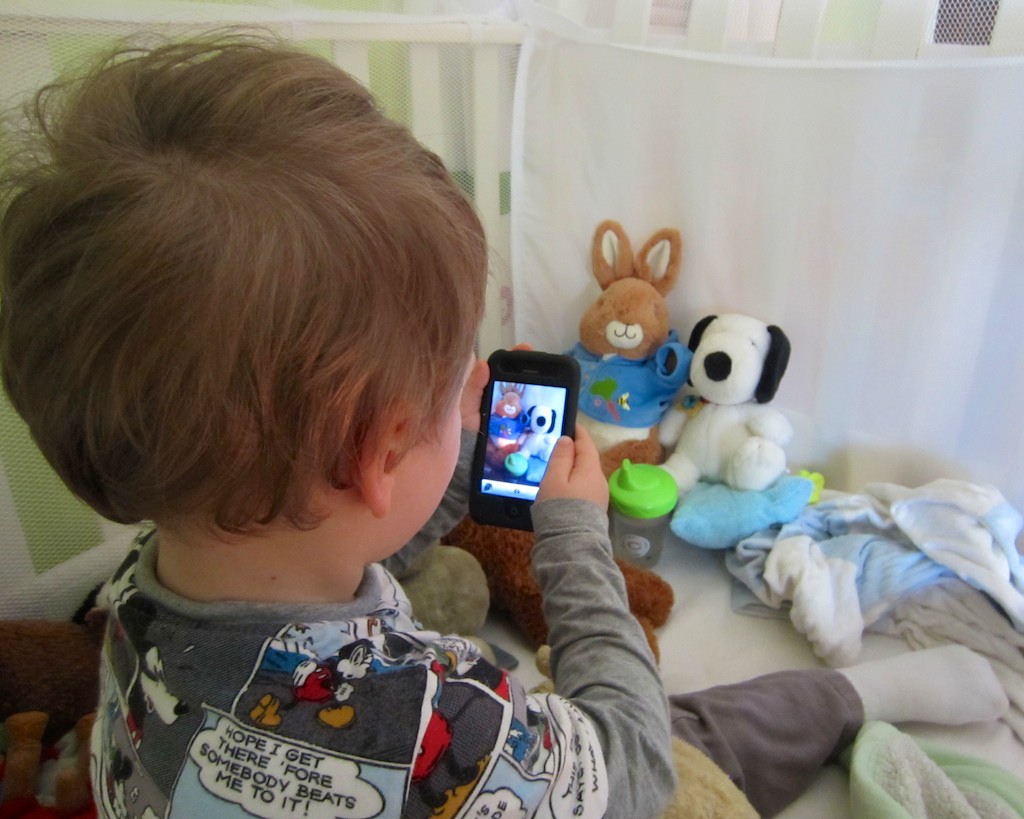
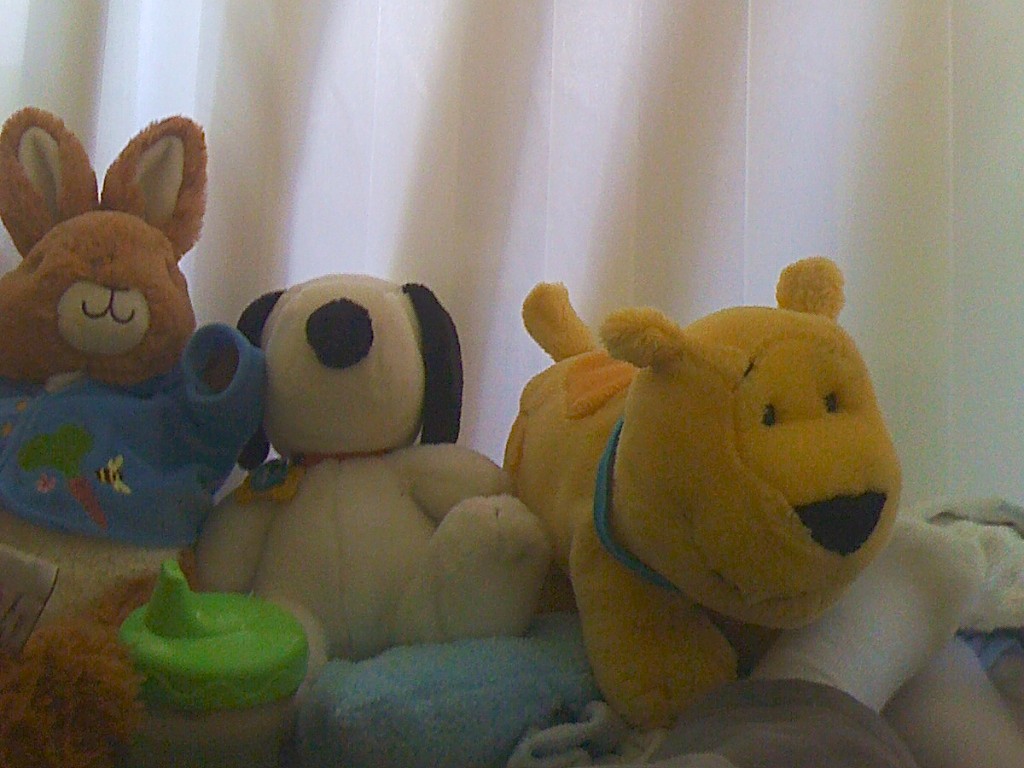
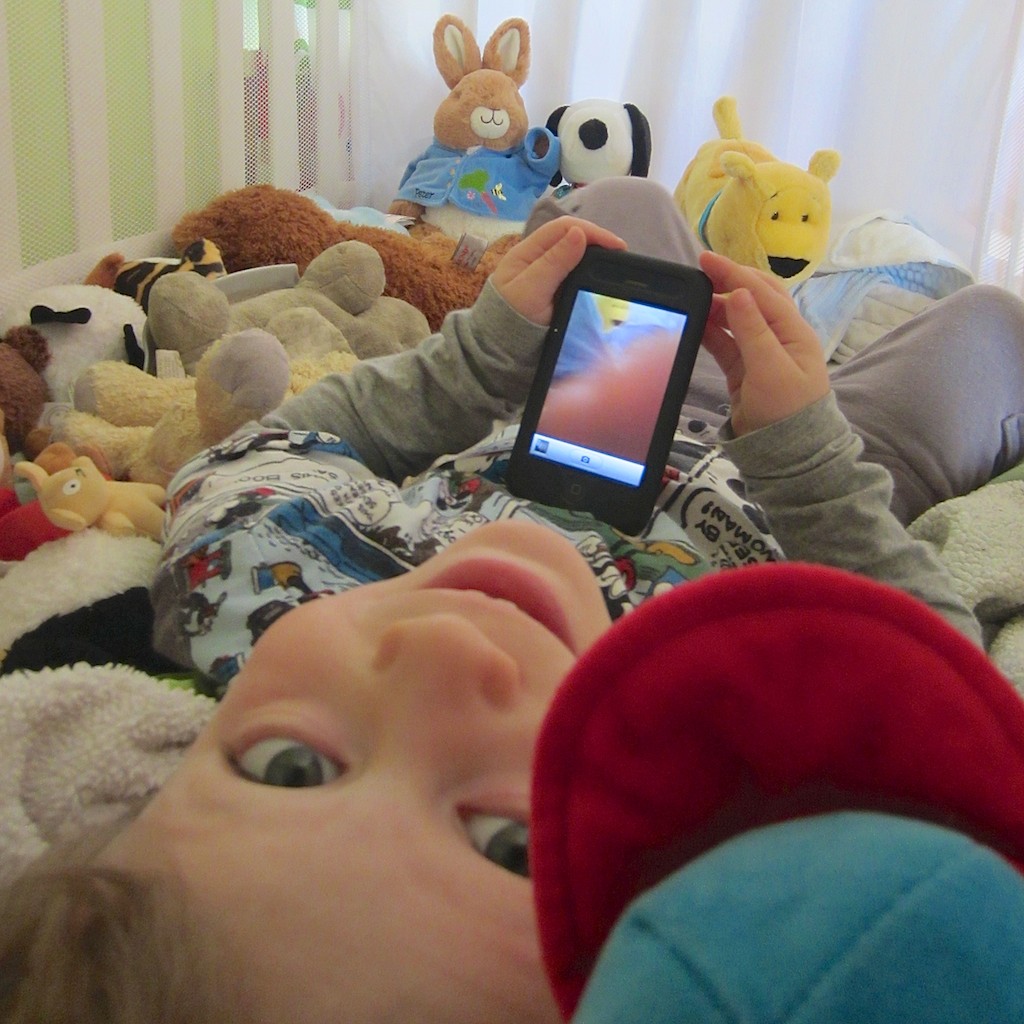
“Say Cheese!” My son works the moment in his crib photographing his favorite animals!

“Say Cheese!” My son works the moment in his crib photographing his favorite animals!

It’s official.
My son is a chip off the old block.

He’s been at home with tech for some time now.
But yesterday, it was like watching him walk again for the first time…

New Life for an old iPhone
My toddler is a month away from becoming a preschooler, but it’s been almost a year since he mastered the intuitive interface of my old iPhone 3GS, which I repurposed into a garden-variety iPod after I upgraded to the 4S.

It was great giving the 3GS a new challenge instead of simply retiring it or slapping into a speaker dock as a music conduit.

I was also less concerned about placing expensive tech in the hands of my major minor, because it was now old tech.

Not that I want him to flush the iPhone down the toilet, but if it drops a few times, I won’t have heart palpitations.

And he’s been remarkably careful handling the device.
(so far!)

I originally downloaded a few age appropriate games for him to enjoy…

His current favorite is Tozzle, which is a great little puzzle game I highly recommend.

Unlocking the Wonders of an iPhone… All Over Again
He usually prefers the interactive multimedia experience over old-fashioned passive television or a Disney Junior video streamed off their website.

He’s also figured out how to access the camera functionality of the iPhone.
Over the past few months, he’s mostly enjoyed just listening to the camera click away, as he presses the record icon, taking countless blobby pictures.

Separately, he’s also been watching me take thousands of family photos over the past couple of years.
(I’m not exaggerating)

As parents know, there’s plenty of brain development going on in toddlers that you don’t immediately see.
Their eyes and ears are absorbing and categorizing everything!
And then one day, they do something remarkable which demonstrates their massive cognitive processing.

Yesterday was one of those days.

The Next Ansel Adams?
My boy was happily sitting on the rug playing with the iPhone.

I was nearby, listening to the telltale audio cues as he meandered from game to game.

Then, I heard the distinct clicking sounds of the iPhone in camera mode.
Nothing unusual…

Then, I heard a new sequence of sounds:

“Click.”
“Giggle. Giggle.”
(Little feet shuffling.)

“Click.”
“Giggle. Giggle. Giggle.”
(Little more feet shuffling.)

Hmmm…
I walked over to check things out.

He was taking pictures.
Pictures of objects and toys.
Photos of images that were clearly pleasing him.
Images that held ‘meaning.’
And they were good photos!

What?!
My son was suddenly a photographer!!

Then he turned to me and said,
“Dada, would you take picture of me?”

He handed me the iPhone, and I snapped a shot.
He stared at the camera with the most natural expression he’s ever intentionally offered a lens.

Click.

His hand reached out.
“Can I see?”

I turned the screen around.

It was a super picture.
He looked quite pleased.

But it was more than just the pleasure of him reviewing his own picture.

Our little artist…

Did the fact I’ve been taking pictures around him for three years influence the development of his newly found interest?
I hope so.

The Photo Gallery is Open
I’m so proud of him.
So impressed that I’m devoting this post to sharing this early work of his.
It’s always cool to be reminded of perspective from a young mind…

Now, I know he’s not the first toddler in the world to snap a photo.
And I’m not pretending he’s some kind of photographic prodigy.
Well… you can be the judge. Let me know what you think!

First, a little disclaimer-
I came up with the accompanying captions, though they were ‘inspired’ by him.
And I added in a little color enhancement of my own, trying not to affect the artistic integrity of my son’s work.

So let’s begin!

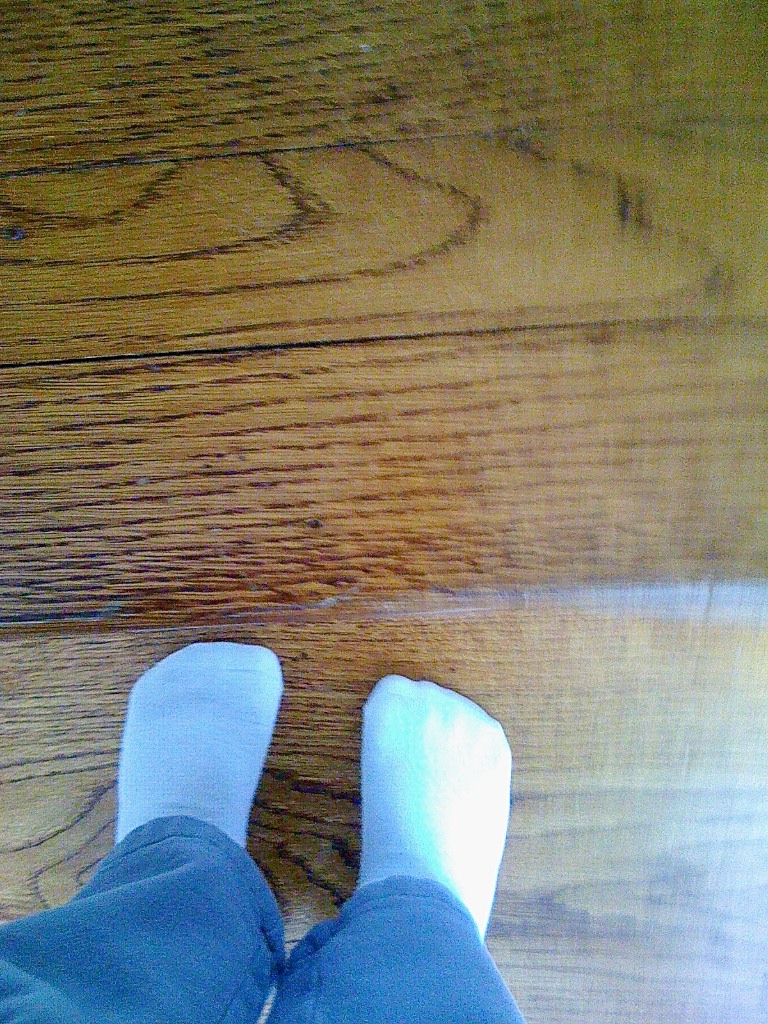
My Feet

My Feet

My Paints

My Paints

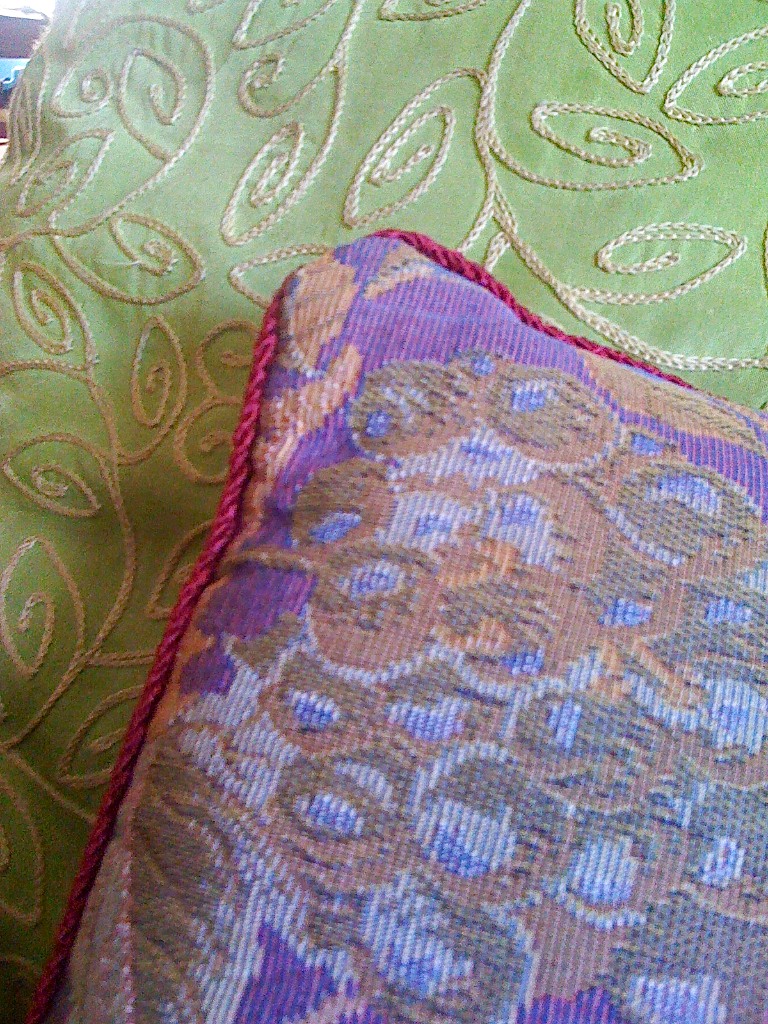
Pillows Are Soft

Pillows are Soft

Dada, Who Are Talking To?

Dada, Who Are (You) Talking To?

Grapes are Yummy

Grapes are Yummy

The Stairs

The Stairs

Don't Fall Down the Stairs!

Don’t Fall Down the Stairs!

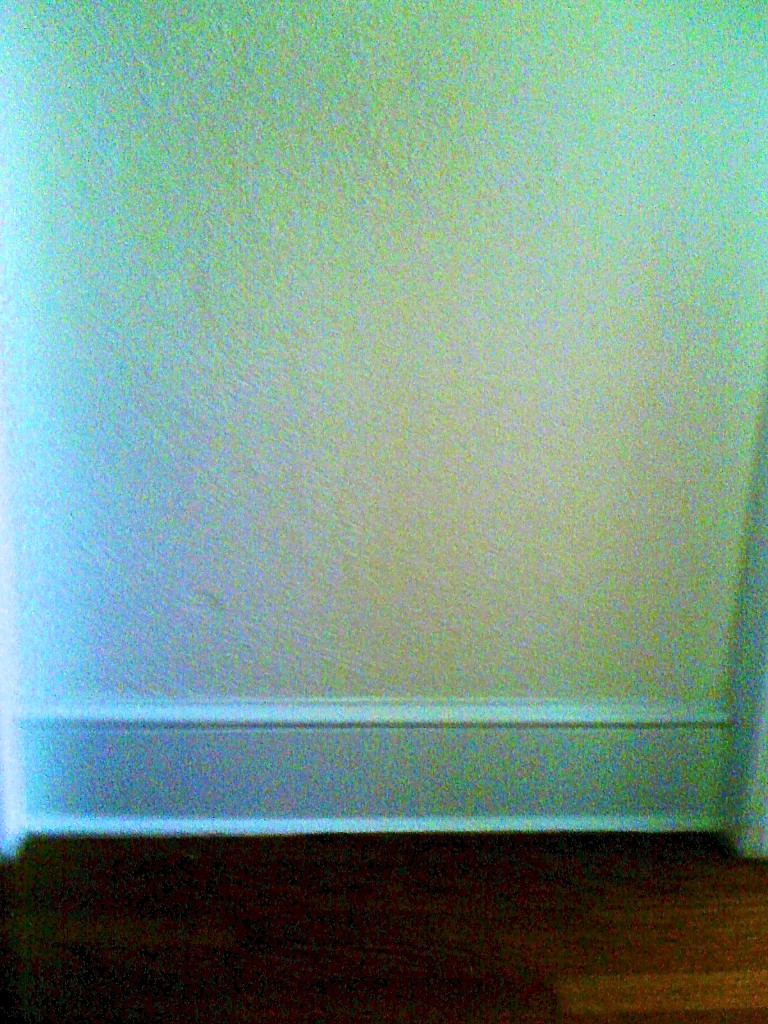
The Wall is Flat

The Wall is Flat

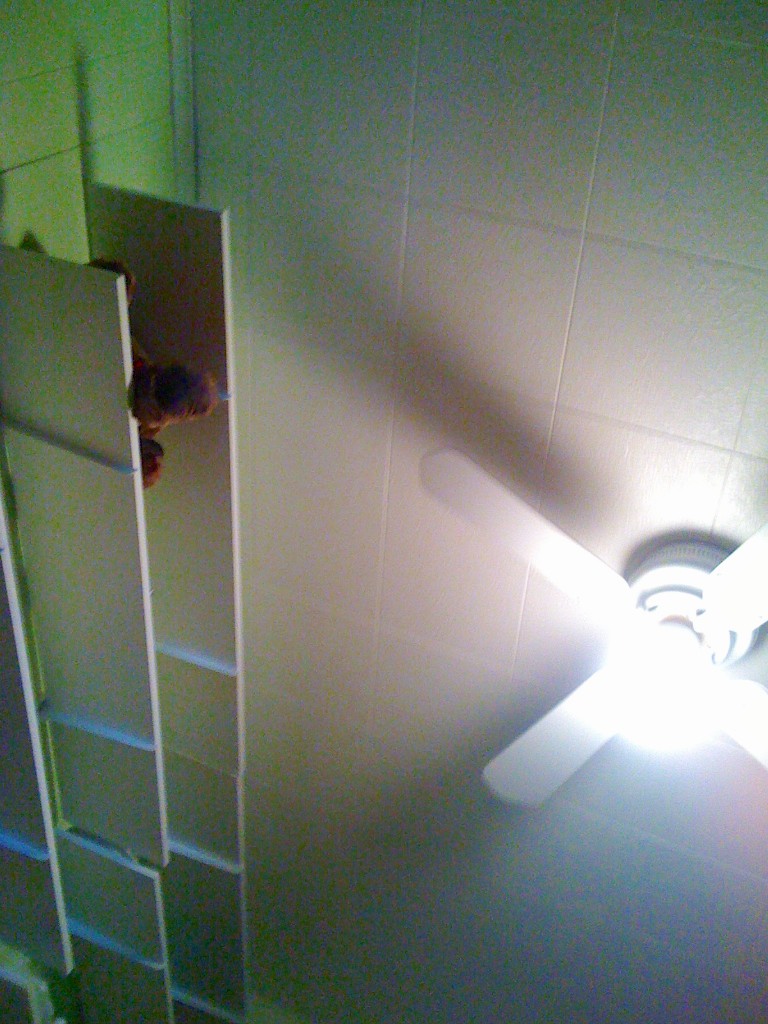
Can You Touch the Sky?

Can You Touch the Sky?

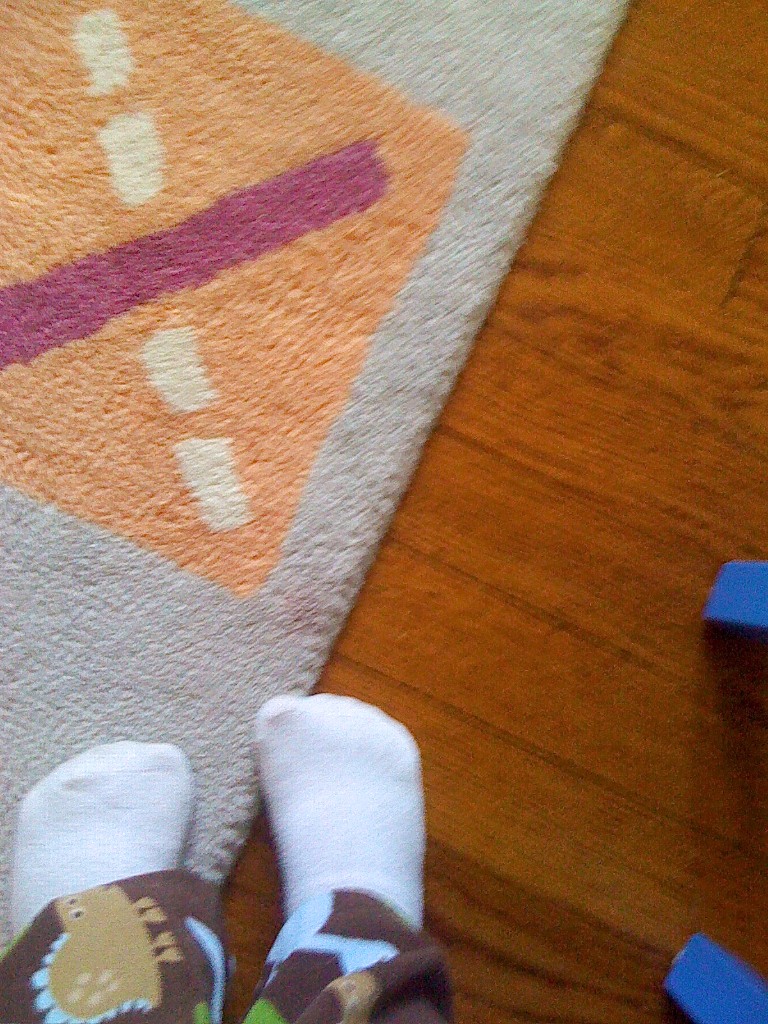
My Feet on My Rug

My Feet on my Rug

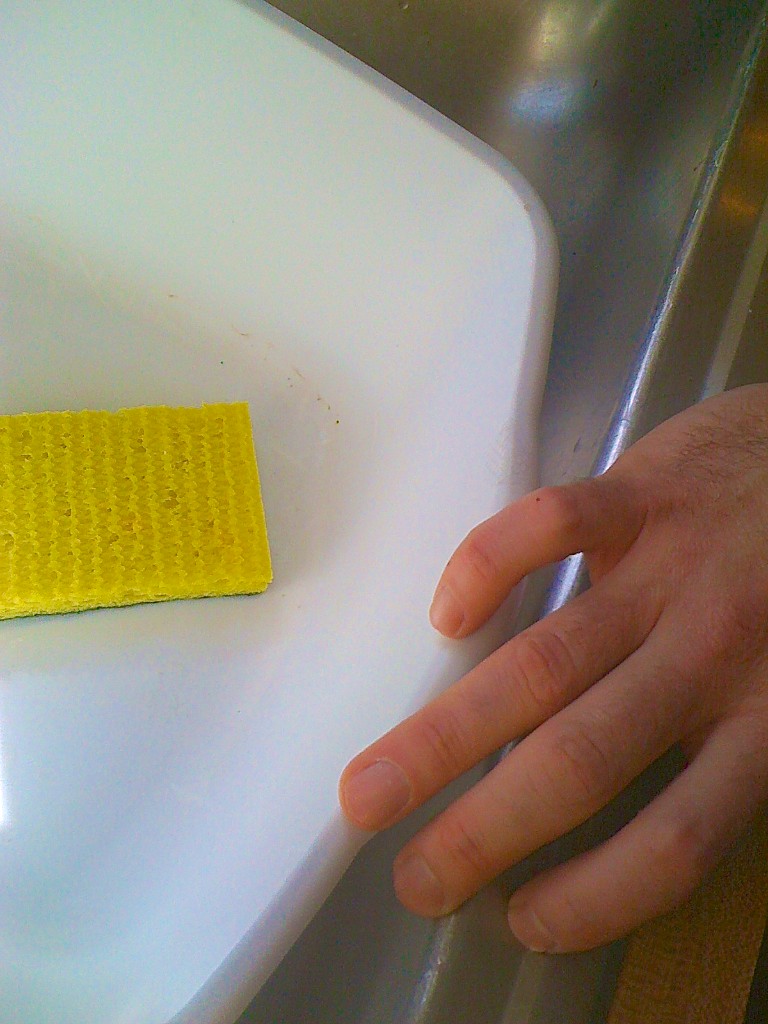
Dada's Hand

Dada’s Hand

Funny Faucet

Funny Faucet

My Animals

My Animals

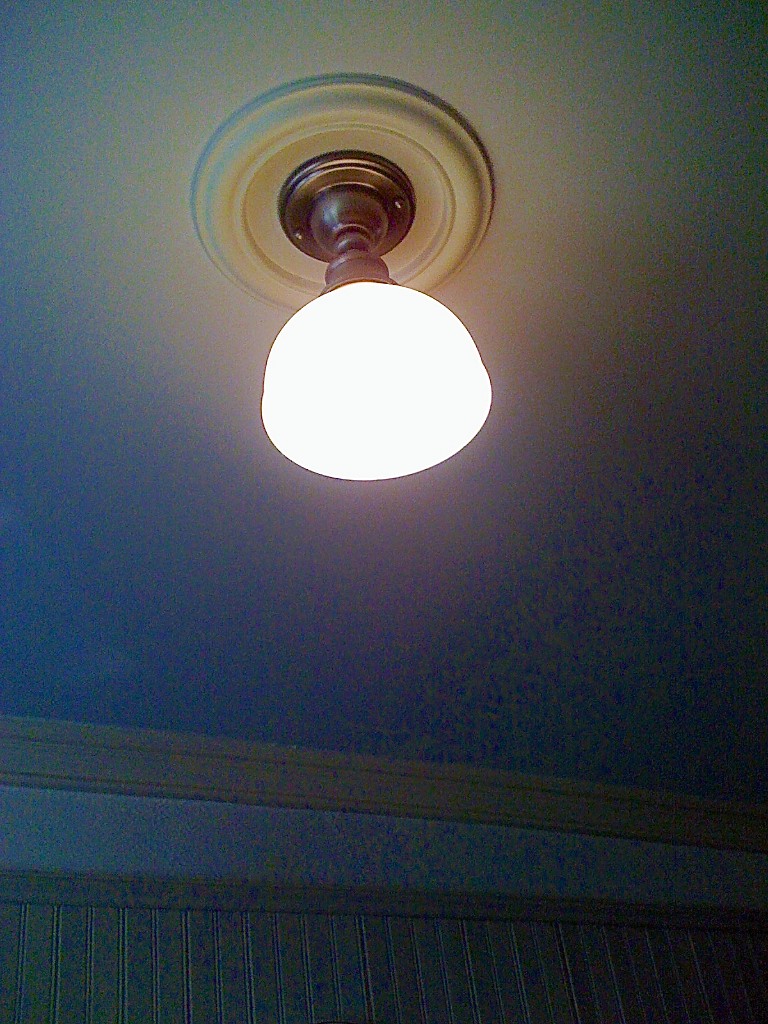
Light is On

Light is On

Red Means Stop and...

Red Means Stop and…

...Green Means Go

…Green Means Go

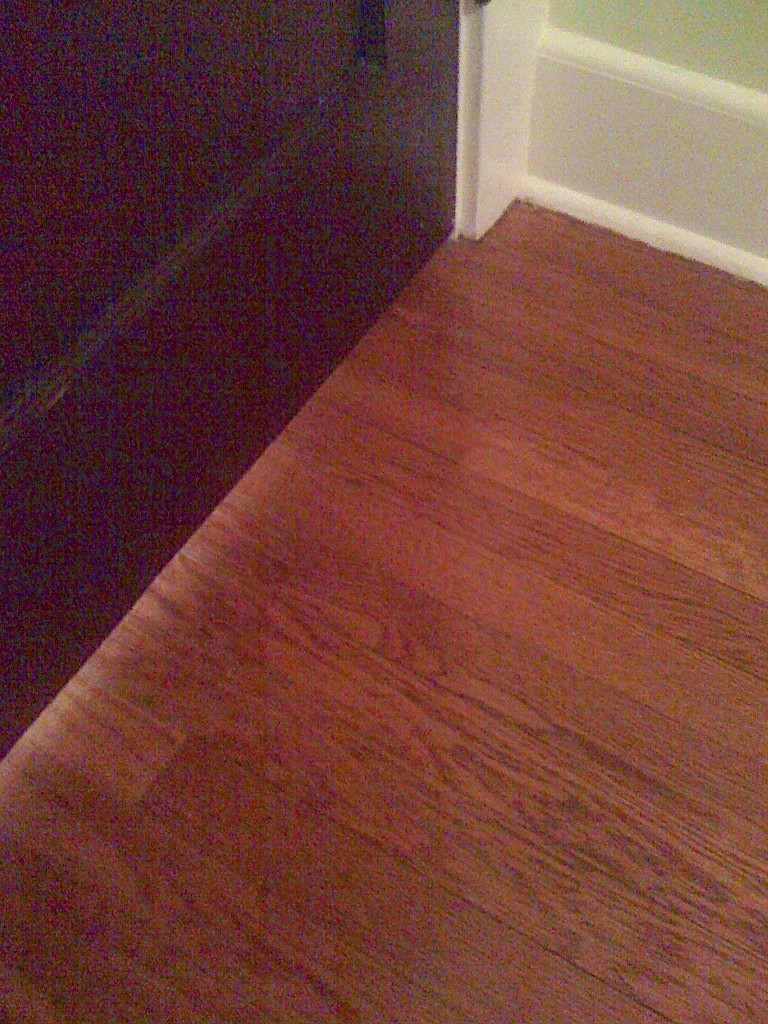
Don't Close the Door

Don’t Close the Door

Animals Sleep in my Crib

Animals Sleep in my Crib

Say Cheese!
So there you have it!
My son, the photographer.
(I like the sound of it!)

But if you happen to shout “Say Cheese” within his earshot,
I’ve got a quick reminder for you…
You’d better have some cheese to share.

Taking pictures is fun.
But…Cheese?

Yum!

My son the photographer