At Home with Tech

Unlock the power of all your technology and learn how to master your photography, computers and smartphone.

Tag: iPhone

My Toddler, the Photographer!

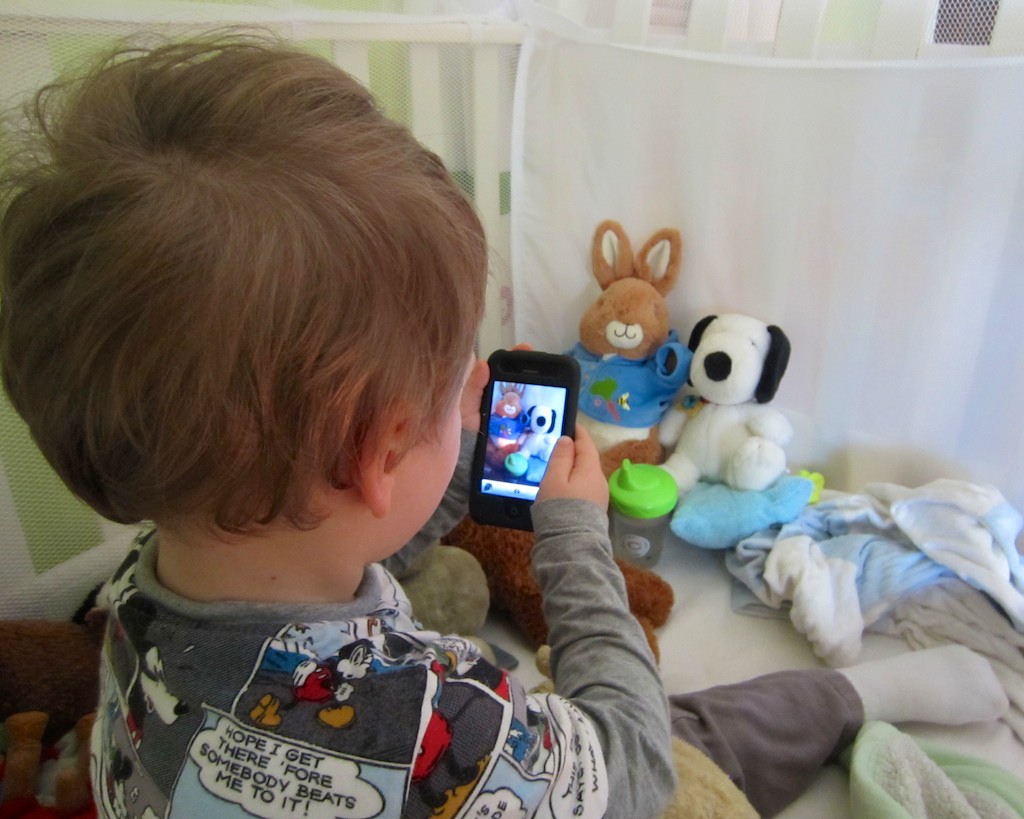
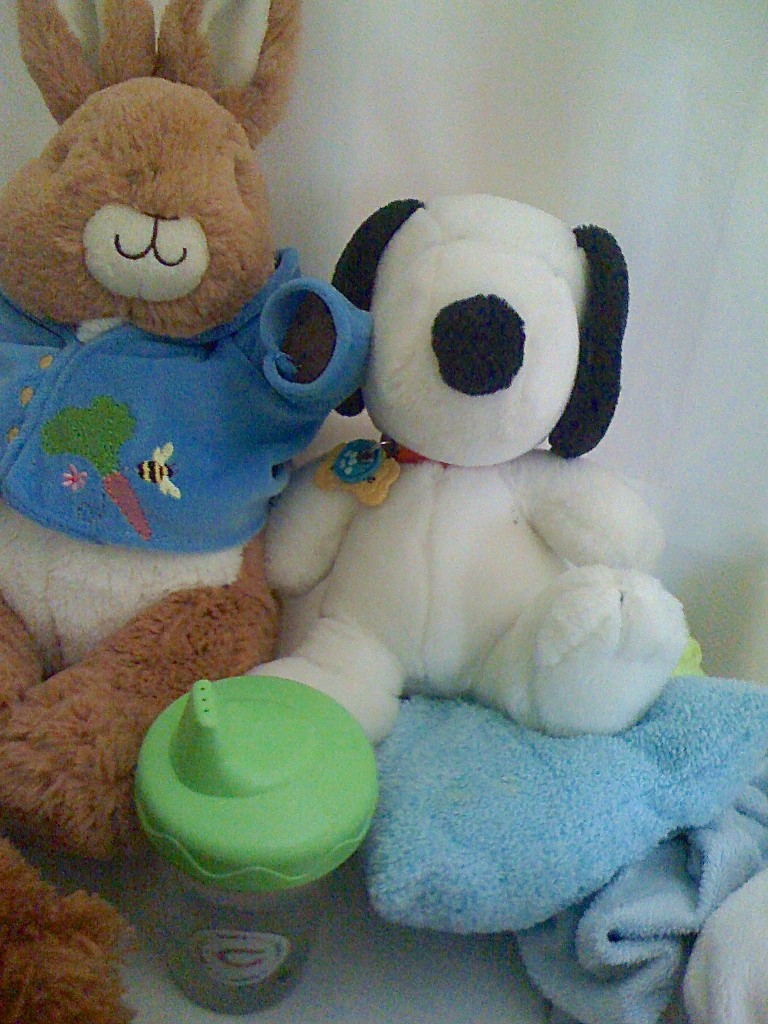
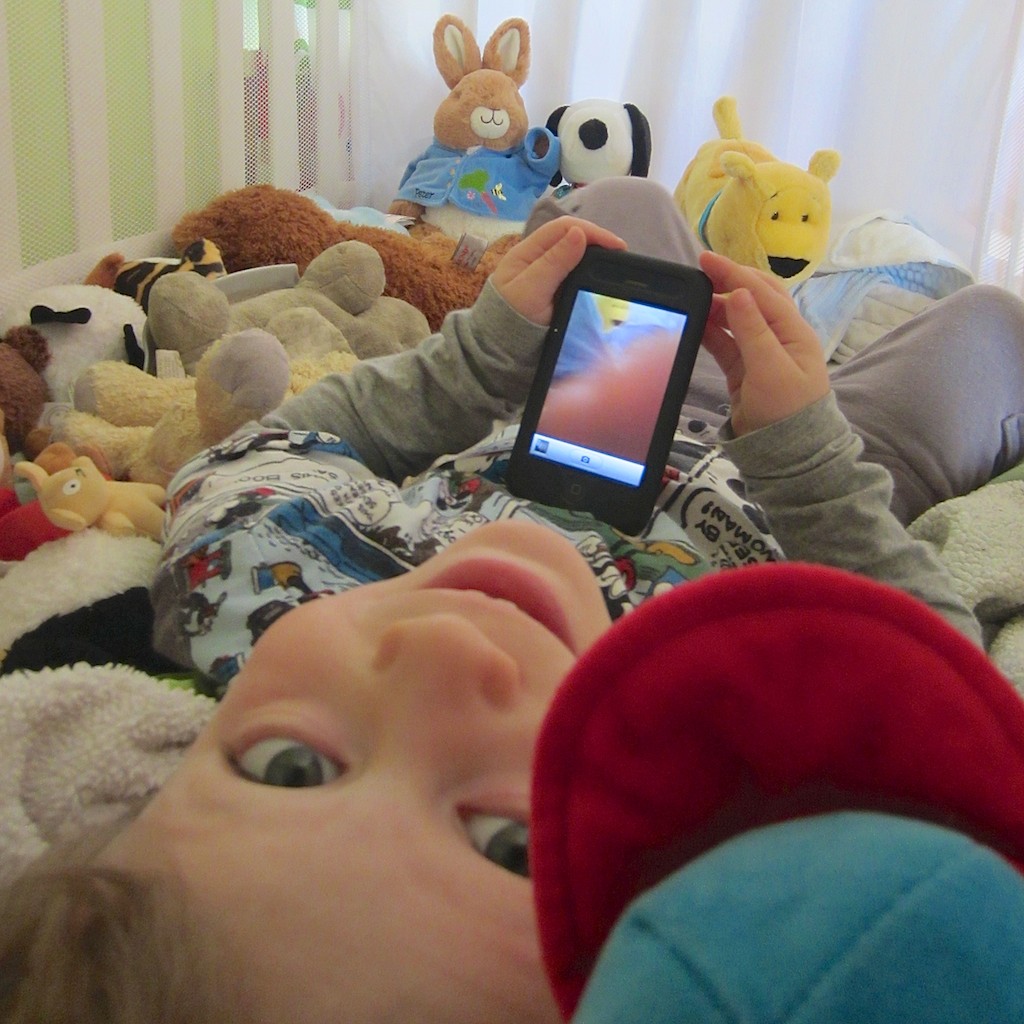
“Say Cheese!” My son works the moment in his crib photographing his favorite animals!

“Say Cheese!” My son works the moment in his crib photographing his favorite animals!

It’s official.
My son is a chip off the old block.

He’s been at home with tech for some time now.
But yesterday, it was like watching him walk again for the first time…

New Life for an old iPhone
My toddler is a month away from becoming a preschooler, but it’s been almost a year since he mastered the intuitive interface of my old iPhone 3GS, which I repurposed into a garden-variety iPod after I upgraded to the 4S.

It was great giving the 3GS a new challenge instead of simply retiring it or slapping into a speaker dock as a music conduit.

I was also less concerned about placing expensive tech in the hands of my major minor, because it was now old tech.

Not that I want him to flush the iPhone down the toilet, but if it drops a few times, I won’t have heart palpitations.

And he’s been remarkably careful handling the device.
(so far!)

I originally downloaded a few age appropriate games for him to enjoy…

His current favorite is Tozzle, which is a great little puzzle game I highly recommend.

Unlocking the Wonders of an iPhone… All Over Again
He usually prefers the interactive multimedia experience over old-fashioned passive television or a Disney Junior video streamed off their website.

He’s also figured out how to access the camera functionality of the iPhone.
Over the past few months, he’s mostly enjoyed just listening to the camera click away, as he presses the record icon, taking countless blobby pictures.

Separately, he’s also been watching me take thousands of family photos over the past couple of years.
(I’m not exaggerating)

As parents know, there’s plenty of brain development going on in toddlers that you don’t immediately see.
Their eyes and ears are absorbing and categorizing everything!
And then one day, they do something remarkable which demonstrates their massive cognitive processing.

Yesterday was one of those days.

The Next Ansel Adams?
My boy was happily sitting on the rug playing with the iPhone.

I was nearby, listening to the telltale audio cues as he meandered from game to game.

Then, I heard the distinct clicking sounds of the iPhone in camera mode.
Nothing unusual…

Then, I heard a new sequence of sounds:

“Click.”
“Giggle. Giggle.”
(Little feet shuffling.)

“Click.”
“Giggle. Giggle. Giggle.”
(Little more feet shuffling.)

Hmmm…
I walked over to check things out.

He was taking pictures.
Pictures of objects and toys.
Photos of images that were clearly pleasing him.
Images that held ‘meaning.’
And they were good photos!

What?!
My son was suddenly a photographer!!

Then he turned to me and said,
“Dada, would you take picture of me?”

He handed me the iPhone, and I snapped a shot.
He stared at the camera with the most natural expression he’s ever intentionally offered a lens.

Click.

His hand reached out.
“Can I see?”

I turned the screen around.

It was a super picture.
He looked quite pleased.

But it was more than just the pleasure of him reviewing his own picture.

Our little artist…

Did the fact I’ve been taking pictures around him for three years influence the development of his newly found interest?
I hope so.

The Photo Gallery is Open
I’m so proud of him.
So impressed that I’m devoting this post to sharing this early work of his.
It’s always cool to be reminded of perspective from a young mind…

Now, I know he’s not the first toddler in the world to snap a photo.
And I’m not pretending he’s some kind of photographic prodigy.
Well… you can be the judge. Let me know what you think!

First, a little disclaimer-
I came up with the accompanying captions, though they were ‘inspired’ by him.
And I added in a little color enhancement of my own, trying not to affect the artistic integrity of my son’s work.

So let’s begin!

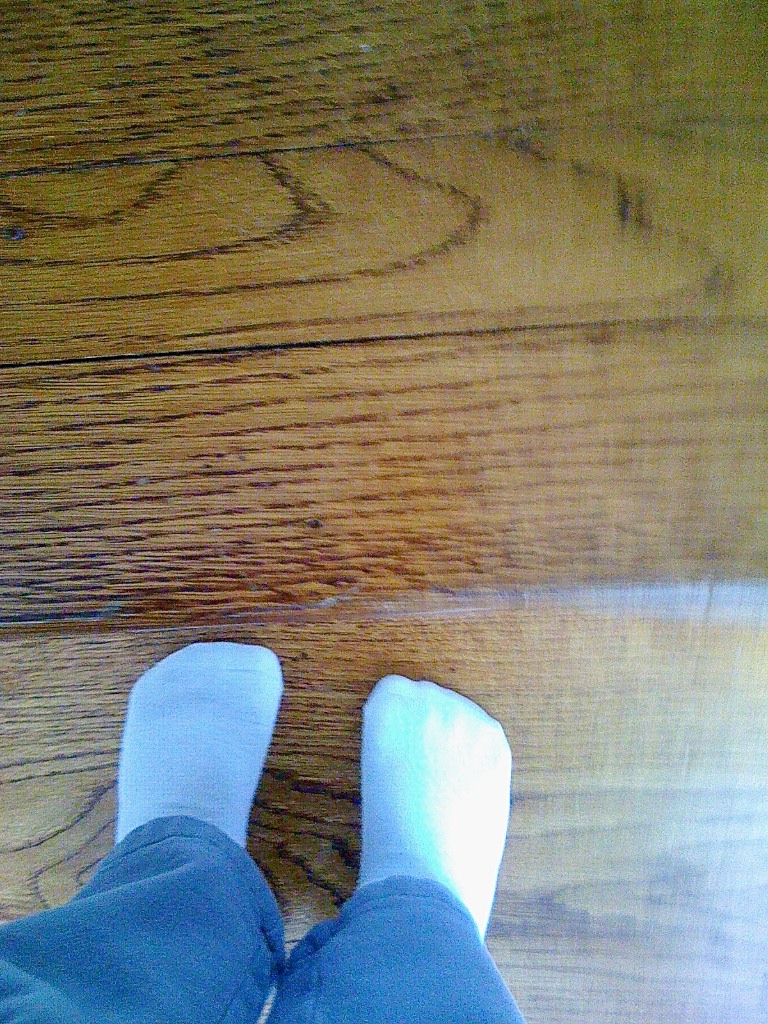
My Feet

My Feet

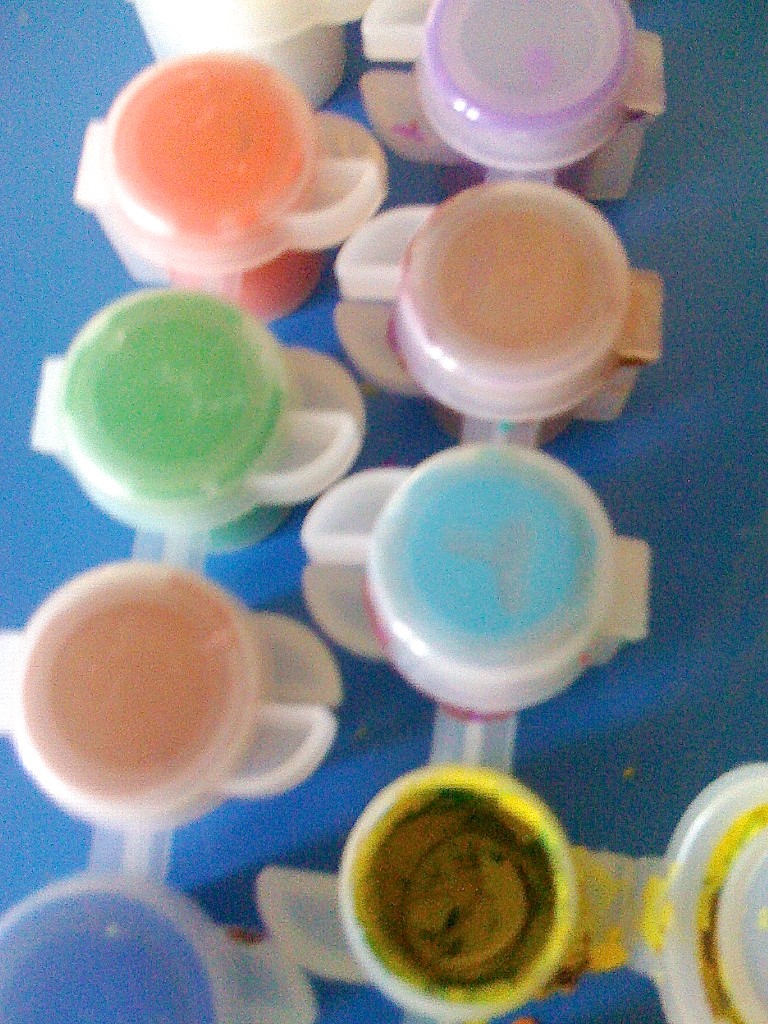
My Paints

My Paints

Pillows Are Soft

Pillows are Soft

Dada, Who Are Talking To?

Dada, Who Are (You) Talking To?

Grapes are Yummy

Grapes are Yummy

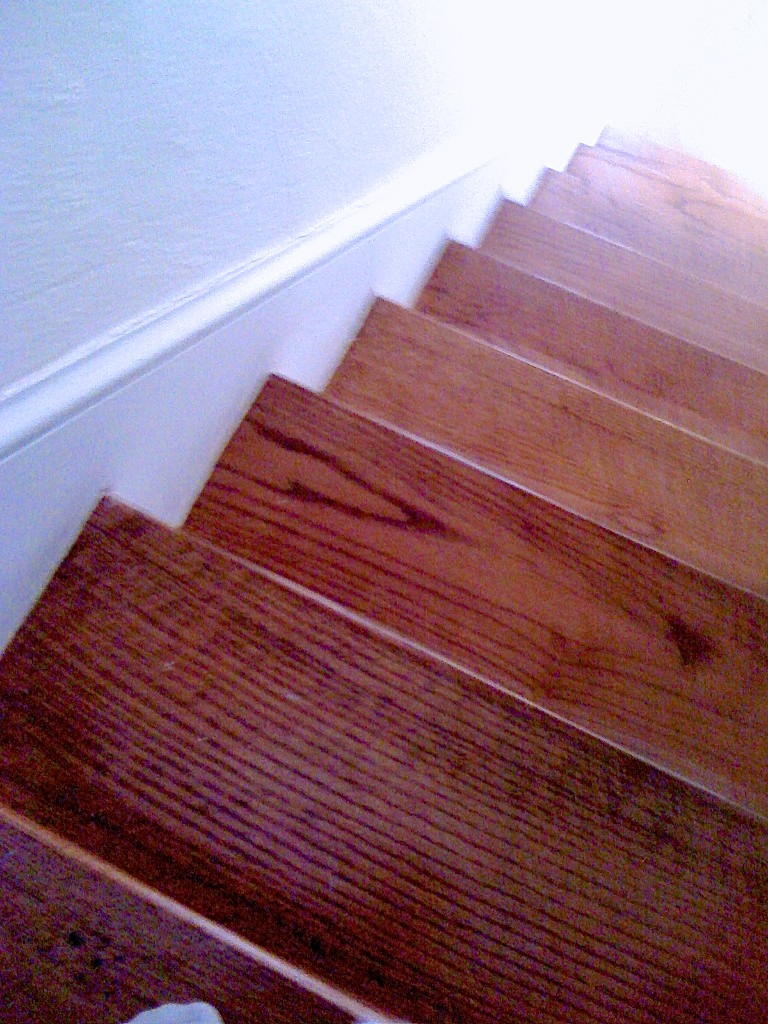
The Stairs

The Stairs

Don't Fall Down the Stairs!

Don’t Fall Down the Stairs!

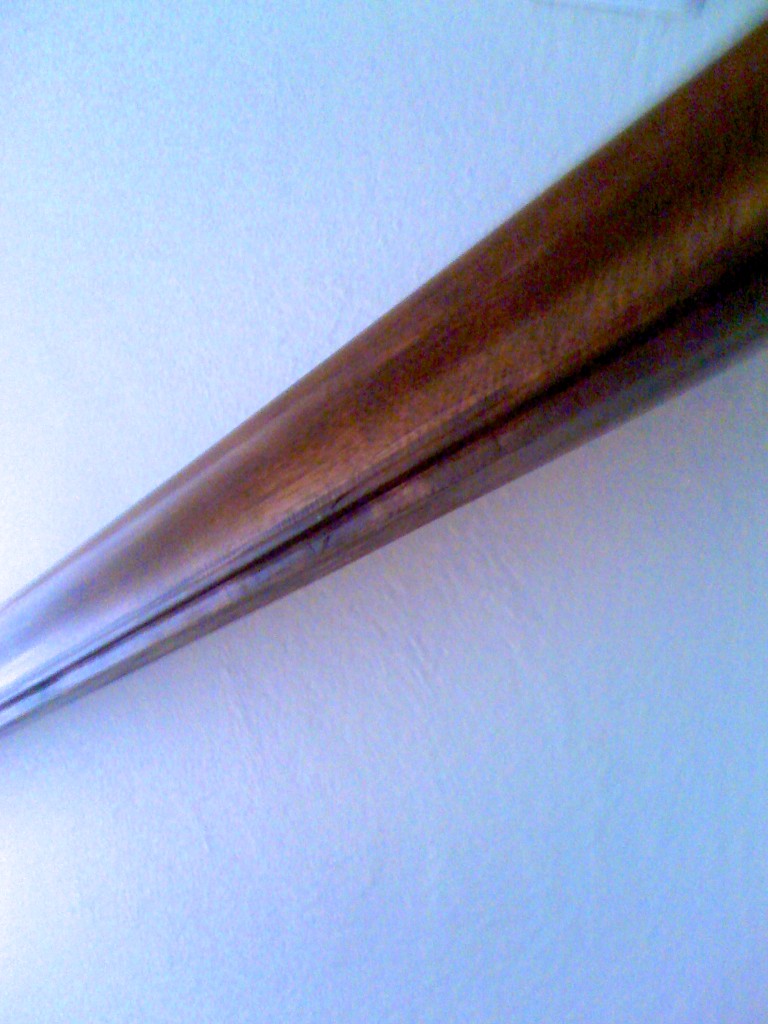
The Wall is Flat

The Wall is Flat

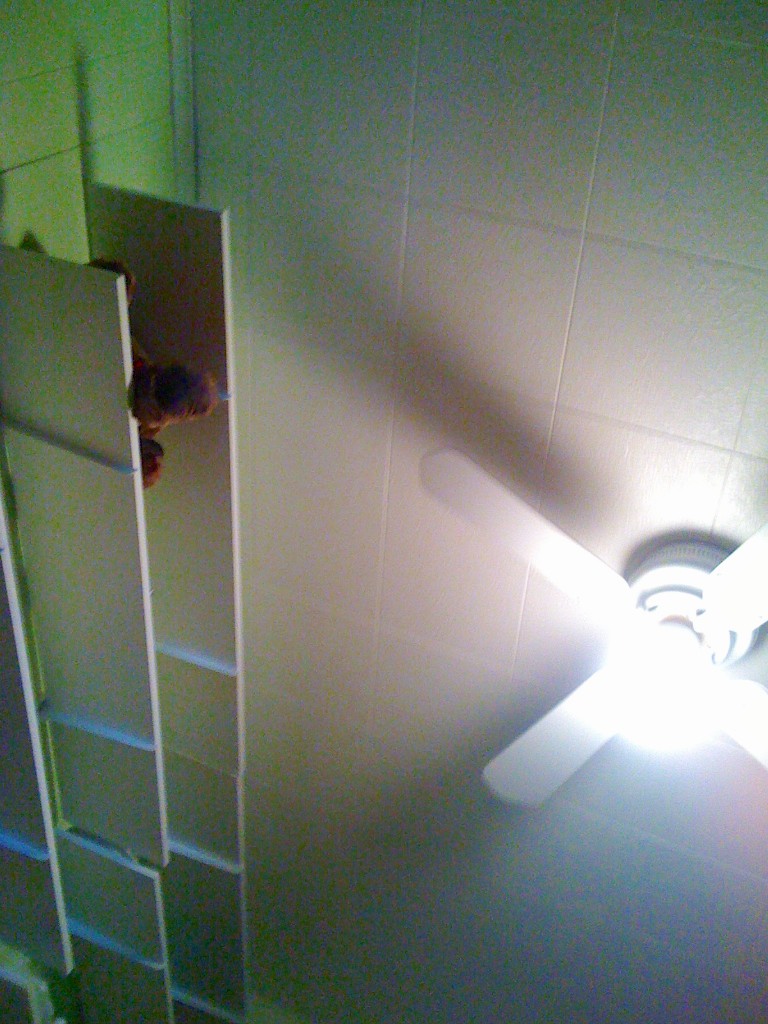
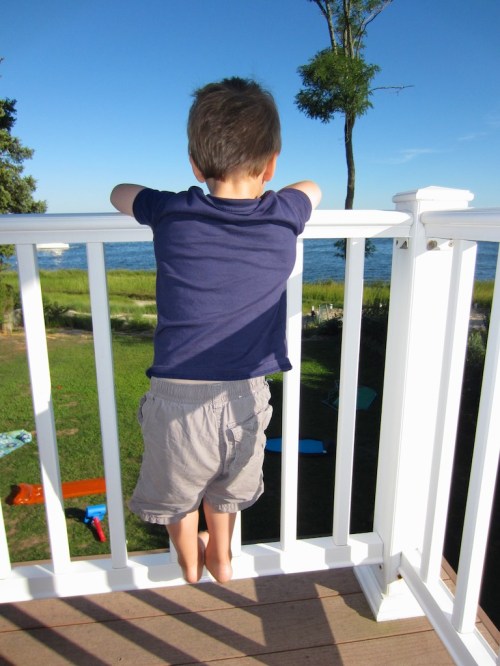
Can You Touch the Sky?

Can You Touch the Sky?

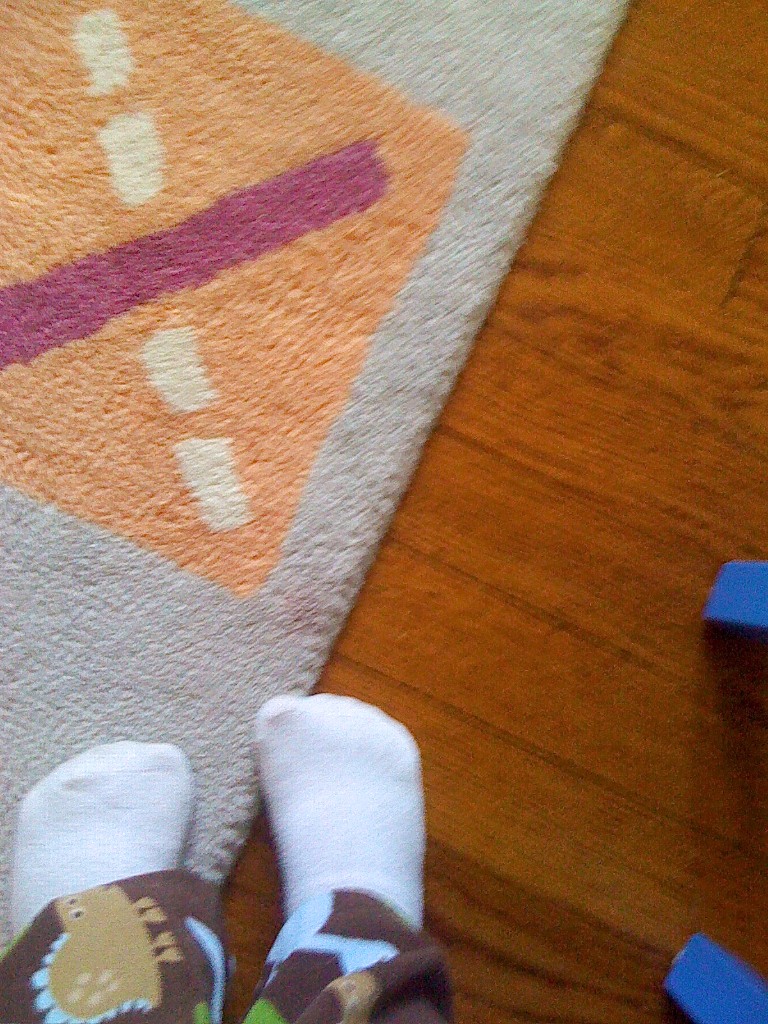
My Feet on My Rug

My Feet on my Rug

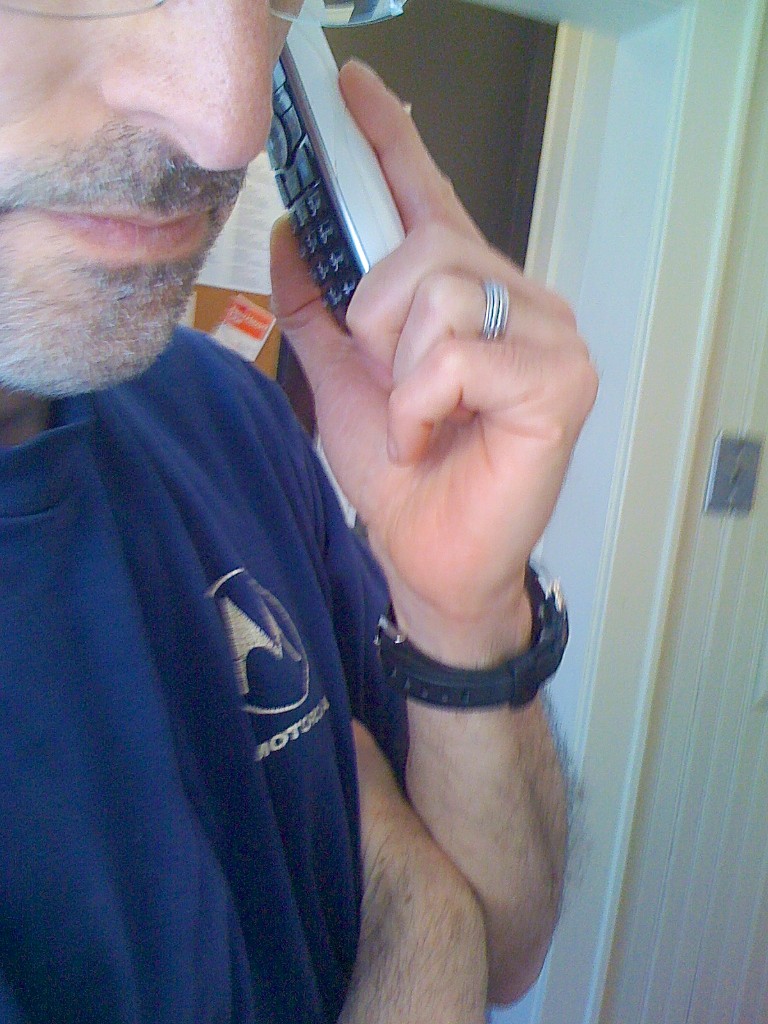
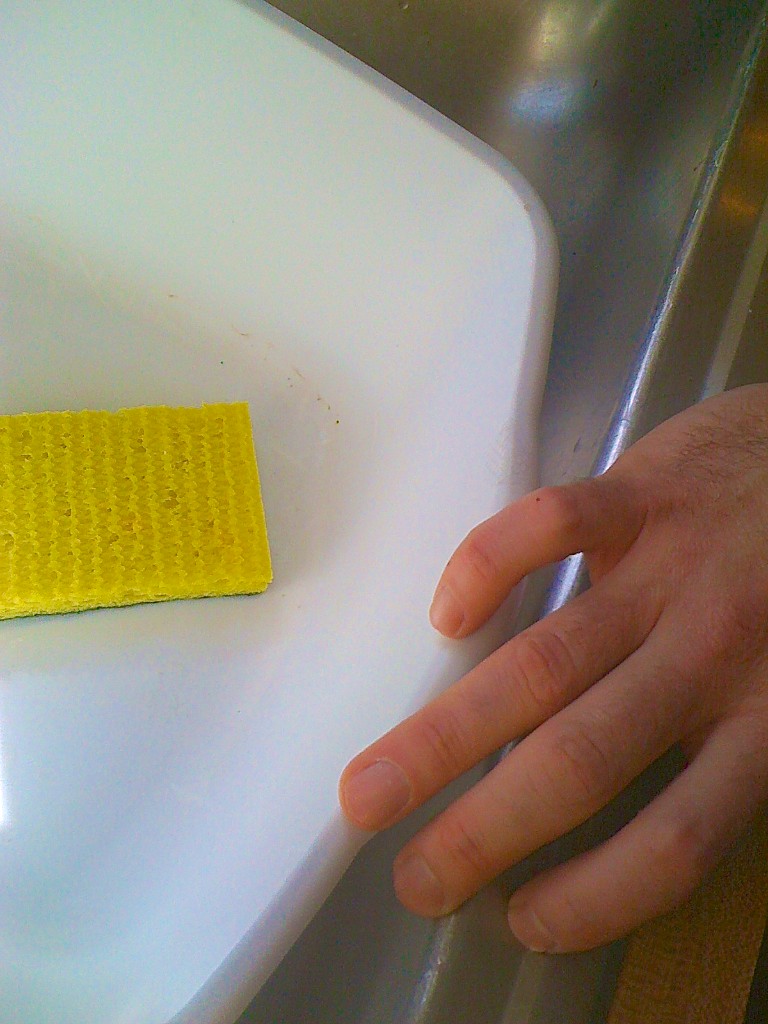
Dada's Hand

Dada’s Hand

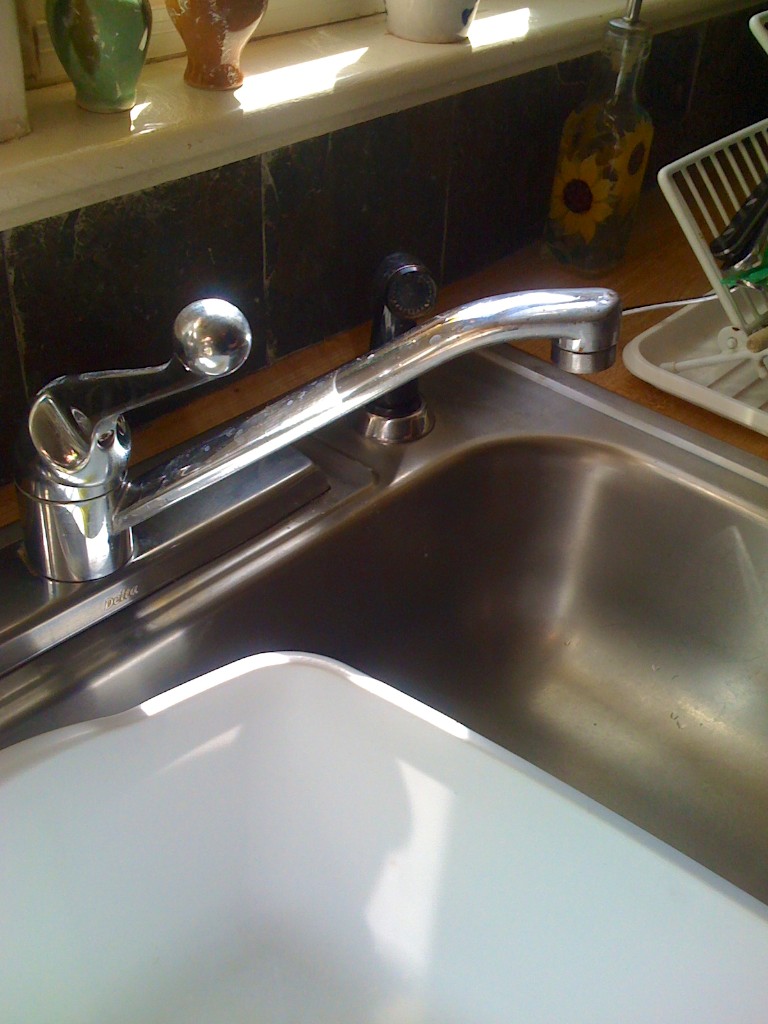
Funny Faucet

Funny Faucet

My Animals

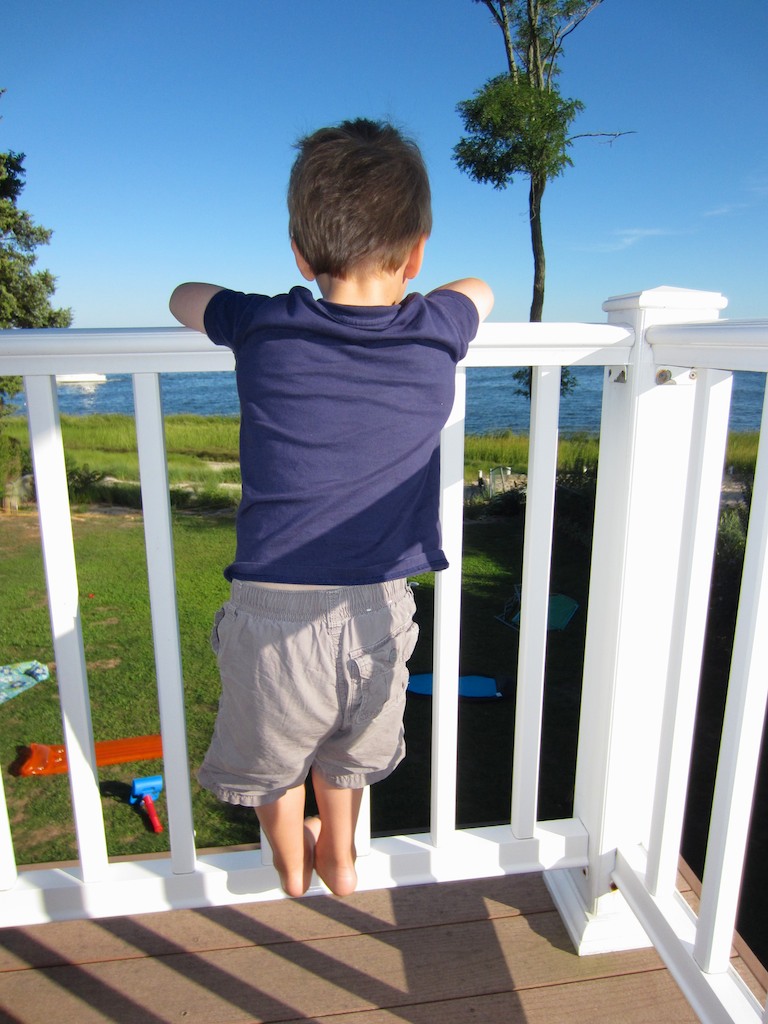
My Animals

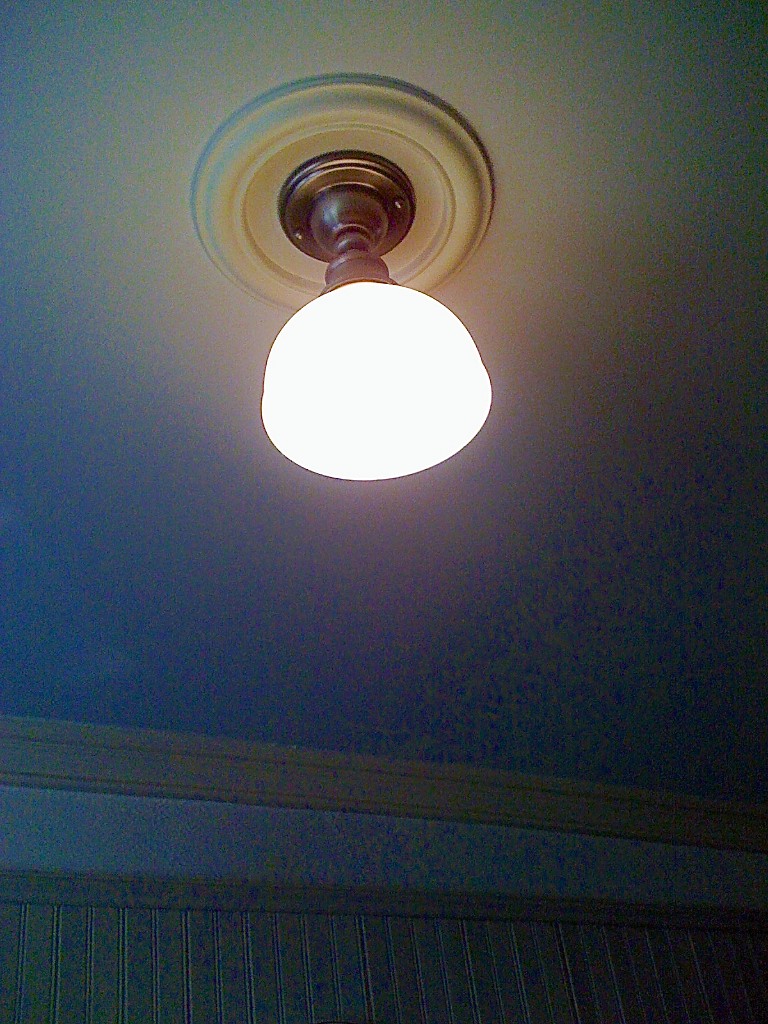
Light is On

Light is On

Red Means Stop and...

Red Means Stop and…

...Green Means Go

…Green Means Go

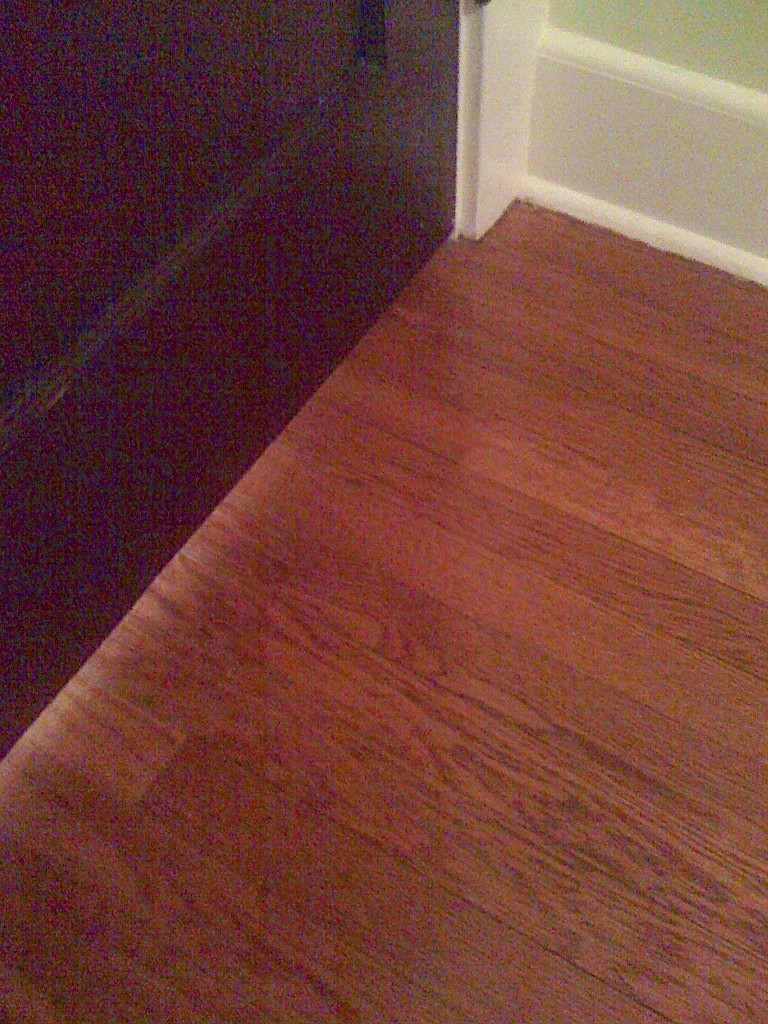
Don't Close the Door

Don’t Close the Door

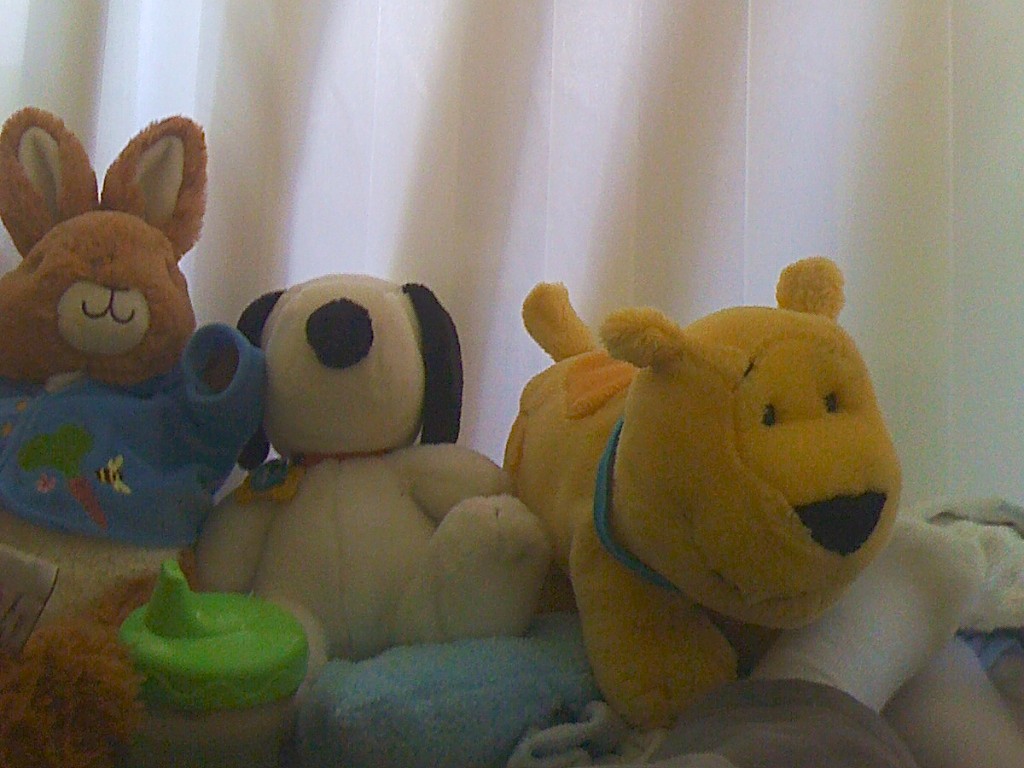
Animals Sleep in my Crib

Animals Sleep in my Crib

Say Cheese!
So there you have it!
My son, the photographer.
(I like the sound of it!)

But if you happen to shout “Say Cheese” within his earshot,
I’ve got a quick reminder for you…
You’d better have some cheese to share.

Taking pictures is fun.
But…Cheese?

Yum!

My son the photographer

The Secret iPhone Setting to Save Your Emails to iCloud

A proud member of the Silent Generation enjoys a Vietnamese coffee with his baby boomer son.  What controversial topic will the boomer be defending today?  Emails are better than faxes.  (shocking!)

A proud member of the Silent Generation enjoys a Vietnamese coffee with his baby boomer son. What controversial topic will the boomer be defending today? Emails are better than faxes. (shocking!)

My father and I often go out to dinner on Thursday nights.
Usually, he hasn’t even put down the menu when he’s already got some important proclamation to make.
Last week, it had to do with his home tech.

He lowers the daily specials menu insert and out of the blue says to me,
“A fax is much better than email!”

I look at him.

“Come on Dad… really?
Sending an email is so much easier.”

“But a fax gives you a hard copy confirmation,” he replies.
“You have proof it’s been received. An email can get lost.”

“Dad…” I scoff…. “Emails don’t get lost.”

He stares with the assured look of an almost octogenarian.

I try not to roll my eyes as he tries to out-tech-talk me.

But even though my father may not be totally up to speed on current home tech, he does know a thing or two.
(Last week, he’d somehow heard about the latest Apple iWatch rumor before I did.)

Sure, he’s usually biased towards technology from the ‘good old days.’
(He still talks about the wonders of the telegram and the McCormick Reaper.)
And he’s certainly not comfortable with figuring out every tech upgrade that comes along.
But his opinion as a tech consumer is as relevant as anyone’s.

He sometimes quotes me a supposed German saying his father taught him-
Too soon, Old.
Too late, Smart.

And I’m old enough now to begin to recognize how true that is!

Dad Has a Point
Even though my father’s fax machine is wicked old tech, it’s still hanging onto its relevance.
You can’t dispute that gripping a fax report confirmation sheet still gives you a little chill of happiness.
It’s your analog security blanket.

The down side is your successfully sent fax may still never get read.
It may forever be buried in some basket brimming with unread faxes.
But you can remain heartened by the fact it still exists in corporeal form.
That’s got to count for something, right?

But come on Dad!
All of this is so yesterday.
(It’s a dated issue from twenty years ago!)

Email is how the world mostly communicates now, Dad.
Heck, even this is a decade-old conversation.
Maybe we should be talking about how texting is killing email.

Here’s what my father would simply say,
“With a fax, I’ve got my confirmation sheet.
What do you get when you send an email?”

And my dad has a point.

If You Send an Email and Nobody Gets It, Did It Ever Exist?
I recently sent out an email on my iPhone using my iCloud account.

A couple days passed, and I didn’t get a response.

Not that this kind of thing is so rare.
Some people take their time getting back to you.

So I sent a follow up email, also through my iPhone.

No bounce back.
Just nothing…

Then I got paranoid.
Did I dream sending the emails?

I suddenly wanted some proof…

In Search of Proof
So how do you know if any of your emails actually get to where they’re supposed to go?

Well, if you see a copy of your email message in your computer’s email program or your webmail account, you’ve got some evidence.

Of course, there’s any number of dangers confronting your fragile email while on its journey.
(Sometimes you’ll get a bounce back report if your email doesn’t make it. Sometimes not.)

But you really can’t protect your email once its leaves the nest.
All you can do is try to make sure it blasts off successfully.

And much like a fax confirmation page, a saved copy of your email message can offer some comfort.

So I sat down at my iMac to confirm my two emails were also showing up in my email program’s ‘Sent Items’ folder.
(I use Microsoft Outlook for Mac 2011, which I recently upgraded to from Entourage.)

I took a look, and my two emails in question…
…were…not…there.
(gulp)

But I didn’t panic.
(not yet)

So I did a little research into the email settings on my iPhone.

By Default, Your iPhone Doesn’t Save Your Sent Emails to iCloud
Did you know you’ve actually got to tell your iPhone to save your sent iCloud emails to Apple’s mighty mail server?

What?!
(yes)

Otherwise, your iPhone retains your only copy!
(It’s your iCloud account’s default setting.)

So unless you’ve been inclined to check out every iCloud nuance buried in your iPhone’s settings, there’s likely no secondary evidence your emails have ever made it out of your iPhone.

(The small brown paper bag is behind you. Continue reading after you’ve stopped hyperventilating!)

The Secret Setting to Save Your Emails to iCloud
Better?
Okay, here’s the simple fix:
The correct setting is buried seven levels down, deep in the IOS 6 Settings App dungeon.

First, click the Settings icon.
Then begin your multi-level journey down the this rabbit hole by clicking-

  1. Mail, Contacts, Calendars
  2. “Your iCloud email account”
  3. Account (at the top)
  4. Advanced- Mail (at the bottom)
  5. Advanced (at the bottom)
  6. Mailbox Behaviors- Sent Items

You’ve finally arrived at your destination.
You’ll see ‘On the Server’
Here is where you’ll need to check off a specific folder for your email to go in the iCloud mail server.
iPhone email settings

I selected “Sent Items,” which seemed like the obvious choice.

Then, I drafted a test email, and voila!
Ping.
There it was, also on the mail server.

PROOF!!
(I feel so much better.)

Apple makes it so easy to save everything else to iCloud.
Why not your emails?
It probably has to do with Apple’s iCloud storage limits
Remember, every saved email counts against your iCloud storage limit.

Too Many Email Addresses Clog Up Your Brain
You might be wondering how come it took me this long to realize I wasn’t saving my emails to iCloud?
I think it’s partly because I hadn’t thought to track down one of my emails lately.

And what further masked the problem is the complication of my multiple email accounts…

  • I’ve passively collected them over the years:
  • Apple gave me one when I bought my first iMac
  • Then another when I bought my old laptop
  • My Optimum service offered me its own branded email
  • Plus, who doesn’t have an extra Gmail or Yahoo address?
  • And the obligatory address for emails you don’t really want to go to die

At first I thought it was great having several email accounts.
I developed a logic years back on how I would use each account.
(Then I forgot what it was.)

The truth is I don’t send out iCloud emails with my iPhone too often.
So I just hadn’t run into the problem yet.

Read Receipt?
I’m sure someone out there is thinking, “If Barrett is so concerned about his emails, why not send them with the ‘Read Receipt’ setting activated?”

Well, I stopped using that Big Brother functionality in Outlook a long time ago, because I felt it was intrusive.
And both Apple’s Mail and Outlook for Mac don’t support it anyway.

Cancel Fax Vs. Email Smackdown
Dad, I can’t claim my emails are any more bulletproof than your faxes.
But at as long as I strong-arm my iPhone into saving my emails to the mail server, I feel my backup plan equals the value of your fax confirmation page.

Beyond that, there’s no way either technology can guarantee a recipient will receive your important communication, let alone read it.

Dessert?

But my father is never one to let one of our debates end in a draw.
I think I know what he would say…

“Telegram!”

(Ugh)

“Check, please!”

Ode to iPhone 5

Look at all the happy campers, young and old, holding the new iPhone 5 in the Apple Store at the big launch. But I dare not touch it. As a current 4S owner, it’s unattainable. What is one to do? Write poetry.

I’ve got iPhone envy
Yes, it’s true
The Five is so brawny
And now I’m blue

My 4S was once a blast
It’s innards strong
The Five is now twice as fast
It feels so wrong

My bitty screen born from Xanadu
Is now eclipsed by a larger view

A half-inch more is not a lot they say
But when you admit it, just walk away

I’d buy the Five if I could
I’m stuck with a piece of wood

My current contract just prevents me
Another year in Rura Penthe

Friends say the Five is so minor
They’re due for an upgrade so why not
But I know there’s nothing finer
When I’m holding my tiny kumquat

And Barrett must now wait for the time
I’ll not feel the techy fool
My phone will again stop on a dime
No more coveting and drool

Wonder if the Droid is a better way?
It’s a discussion for another day

I know I’ll see the silver lining
And then rise up to feel a shining

To have it all plus a little more
My phone tech will ring from shore to shore

The iPhone in my back pocket
Will roar again like a rocket