At Home with Tech

Unlock the power of all your technology and learn how to master your photography, computers and smartphone.

Work-Related Texting On the Rise

How many texts do you generate each month?  How many of them are for work?  If you can’t answer either of these questions, chances are you have an unlimited texting plan.  If you don’t, you might want to reconsider…

How many texts do you generate each month? How many of them are for work? If you can’t answer either of these questions, chances are you have an unlimited texting plan. If you don’t, you might want to reconsider…

I’m not a big texter. Or so I thought… Sure, I normally send out a few texts a day to my wife or friends to handle simple or immediate communications.
Like…“Running late. On 6:53 train.”

I’m not constantly carrying on conversations, using this convenient technology in place of a phone call.
(Maybe the occasional back and forth banter)

For the past seven years, I’ve lived comfortably using a $5/month texting plan from AT&T that gave me 200 free texts each month.
(And 10 cents/text after that…which, of course is criminal)

But I’m here to report that 200 texts a month are not enough to live on. Over the past couple of months, I’ve been regularly crossing that line and getting dinged. And I’ve got to tell you; those ten-cent nicks are really painful.

Not so much from a financial perspective (not yet)
But emotionally.

Clearly I’m the last one at the party to realize this, as I’ve found out that my $5 plan isn’t even offered to new subscribers anymore.

So what happened?
The workplace happened…

Texting in the Workplace
I used to think that texting was reserved for personal thoughts, leaving my work email to handle my job-related written communications. There was a clear line separating the two…

But then a funny behavior developed.
That line disappeared, and I started receiving work-related texts on my iPhone.
(I only use one device.)

I’m not talking about the need for a quick back and forth… like, “Where’s the meeting?”
(Yes, guilty as charged)

Or a quick update… “Will be 5 minutes late”
(Me, again)

…Or other moments requiring an immediate response, which texting is obviously better suited for.

I’m talking about those moments where an email would do just fine.
But my colleagues choose to text me anyway.

What’s up with that?

This goes beyond the fact that texting is more popular with the younger generations. A recent Gallup poll reconfirms the trend that “texting is the dominant way of communicating for Americans under 50.”

That said, the last time I checked… email is still the major force in the workplace…

Email is So Yesterday
But if you’re not at your desk chained to your computer, even I’ve got to admit that texting is easier than sending out a work email from your smartphone.

So is this simply all about convenience?
I think it is…

And also about effectiveness.
When someone sends you a text, you look at it pretty quick, right?

Email… not so much.
That’s because we all receive so much email… both at home and at work. Some of it you need to read… a lot of it you don’t.
(Not to mention some of the spam that slips through your email filters)

It can be overwhelming just trying to keep up.

Sure you can check your smartphone every fifteen minutes to review the 20 emails you’ve just received… but it could take until tomorrow to respond to every one of them.

Supersize my Texting Plan, Please
It doesn’t take rocket science to explain why the art of texting at work has become a necessary practice just to get through your day.

Has some kind of social rule been rewritten with the growth of work texting?
Well, I may be the last person on earth to even consider this a problem.
I think I hear all of humanity whispering…. “Get Over It!”
(The average American sends and receives 32 texts a day. I’m sure a healthy percentage of that is work related.)

So I called AT&T and upgraded my texting plan to ‘unlimited’ for an extra $15/month.

If you do the math, that means I’ve got to burn through at least 150 more texts to break even on the new plan.
I’m not sure I’ll need all that for work.
(Well, not yet.)

Back to the Future
But I know one evil force that will firmly push me into this ‘new’ frontier is the variable of group texting….
(Whoah!)

That can really goose the number of texts you get!
(I’m not sure my new unlimited plan is going to be enough…)

I imagine one day in the not too distant future, people will grow weary of slogging through too many texts. And then all those texts will sit unread like their email cousins.

And then what?

You’ll need to resort to a really extreme measure…
You’ll have to pick up the phone!

Nooooooo!!!!!!
No More Hulu Plus

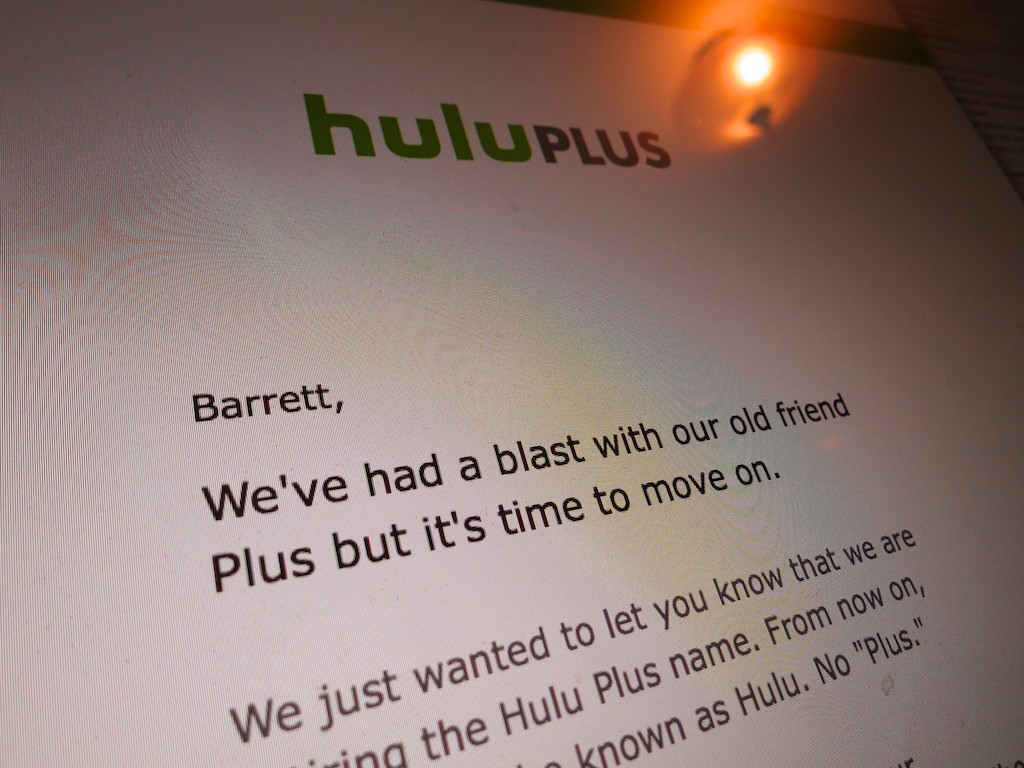
Pop Quiz: Do you know the difference between Hulu and Hulu Plus?  Well, it really doesn’t matter any more…

Pop Quiz: Do you know the difference between Hulu and Hulu Plus? Well, it really doesn’t matter any more…

I got an email last week from the folks at Hulu stating that they’ve killed off Hulu Plus. What?  There’s no more paid Hulu service??

No, it’s still there. It’s just called Hulu.
Huh?

So what’s the difference between ‘Hulu’ and “Hulu” (formerly Hulu Plus)?

The email assured me my $7.99 monthly subscription hasn’t changed.
(Of course, Hulu still wants my money.)

Okay…
So what’s going on?

According to TechCrunch, Hulu will still maintain its free and paid tier, but it’s trimming the name ‘Plus’ to eliminate consumer confusion.

The service formally known as ‘Plus’ will continue to stream on mobile devices and provide access to more episodes from individual series.

Hello, Hulu?
A couple years back, I signed up for Hulu Plus with some trepidation. And I was immediately non-plussed when I couldn’t access the entire final season of Fringe.
(Which was the reason I joined up in the first place)

The advantages of the paid plan became even murkier for me as time went on….

So the ‘Plus’ brand change became a reminder to me that maybe I didn’t really need to be paying for Hulu month after month anymore.

Time for a little review of how often I was really using it…
But I already knew the truth… not very much.

Sipping Hulu is Not Encouraged
In theory, Hulu is great.
If you ever miss last week’s episode of your favorite show, Hulu is always there as your safety net.

Once upon a time, maybe that’s all I needed.

Today, let’s just say my busy life as a parent has mostly kept me out of the TV watching game when it comes to committing to any ongoing series.

That said, what Hulu Plus could have done for me is let me start at the beginning of any series and go through it at my own pace.

But the big-time shows apparently don’t often have the patience for media ‘sippers’ like me.

If you’re not generally keeping up with the hungry crowd of weekly watchers, you’re going to get left behind…

The Facade of All-Access
Just to be sure, I did a quick review of what shows I would begin watching on Hulu if I discovered two to three available hours a day…
And here my episode-access report:

  • Gotham
    5 shows from the middle of season 1
  • The Blacklist
    Last 5 episodes from last season
    (FYI- Netflix does better!)
  • Castle
    All of season 7
    (That’s fine if I hadn’t stopped watching after season 2.)
  • Shark Tank
    Last 5 episodes of season 6
  • Marvel’s Agents of Shield
    Last 5 shows of season 2
  • Marvel’s Agent Carter
    Episodes 4-8

As you can see, it’s kind of difficult just to jump into any of these…
Clearly, there are plenty of series that you don’t get full access to… even with a ‘Plus’ subscription!

Less Hulu
If the goal is to simplify Hulu’s main identity as a paid service through and through… I get it. That’s fine.

I know there are probably still more hours of TV programming available on Hulu (Plus) today than days left in anyone’s lifetime who’s reading this.

But I’m simply not taking advantage of Hulu right now…
(That’s partly my fault… and definitely Hulu’s.)

This name change simply made me face the fact that there’s really no plus for me either.

Time to downgrade.
(for now)

Click.

Repetitive Key Strokes Can Be Dangerous to Your Mental Health

If you hear your Mac laughing at you, it’s probably a clue you’re doing something wrong. For example, the ‘Option’ key on your keyboard can really ruin your day if used accidentally...

If you hear your Mac laughing at you, it’s probably a clue you’re doing something wrong. For example, the ‘Option’ key on your keyboard can really ruin your day if used accidentally…

How many times have you tried to erase a word or two while typing away on your Mac and repetitively hit your ‘Delete’ key? All the time, right? It’s almost like an autonomic gesture… where you barely think about it.

But have you ever tapped the wrong key and somehow disabled your keyboard?

I have.

In fact, it happens to me every six months or so.
That’s just long enough to forget the fix.

And it’s impossible to Google the ‘problem,’ because you’re keyboard is frozen!
D’OH!
(And then it’s time for your iPhone or iPad to come to the rescue…)

Disable Mouse Keys
So for quick reference, here’s the solution:

  • Tap your ‘Option’ key five times

That’s it.
Your keyboard should come back to life.

It all has to do with an accessibility feature called ‘Mouse Keys’ which turns your keyboard off and morphs it into a pointer controller.

Every time you hit your Option key five times, it toggles this feature ‘on’ or ‘off.’

‘X’ Marks the Spot?
I often tap the ‘X’ key a few times as a placeholder for something I intend to write later.

If you look down at your keyboard, you’ll see that the Option key is rather close to the ‘X’… perfectly positioned to receive your slightly misaligned finger.

So chances are you’re eventually going to fall into the same trap…

Listen for It
A big clue you’ve made this infuriating mistake is an audio effect that announces Mouse Keys has just been enabled.
(It sounds like an amused robotic mouse scampering across your desk.)

Option to Resume
So the next time you hear the chuckle of a computerized rodent, you shouldn’t be confused why your Mac has suddenly stopped working.

No, it isn’t frozen with fear.
You just need to provide a gentle reminder five times with the ‘Option’ key to keep on going…