At Home with Tech

Unlock the power of all your technology and learn how to master your photography, computers and smartphone.

A Glitchy Drive Can Ruin Your Trip Back in Time
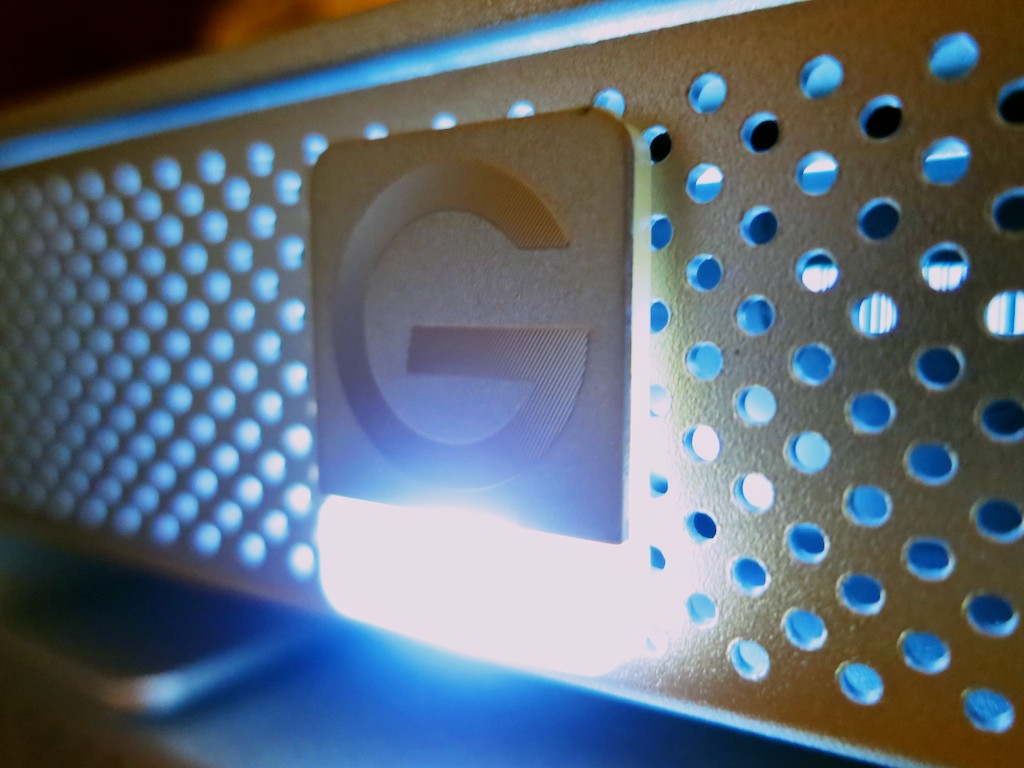
This is the steady glow of your digital life. If it starts to flicker, you’d better be paying attention! It contains Time Machine, the portal to your digital past!

This is the steady glow of your digital life. If it starts to flicker, you’d better be paying attention! It contains Time Machine, the portal to your digital past!

Face it: You can’t go back in time if your gear gets glitchy.

Time Machine is wonderful software to back up all your precious content on your Mac, but you also need healthy tech to support it.

Last month, my G-Technology external hard drive was running its regular Time Machine backup, and something very odd happened.

The 2TB G-Drive ‘quit’ unexpectedly, and of course the backup failed on my iMac.  I stared at my tech companion, unaccustomed to this kind of problem.
Hmmm….

So I rebooted the drive and tried again.
This time, the silver box behaved, and the backup completed without incident.

Was this a one-time glitch or a sign of things to come?
I tried to erase the unpleasant episode from my head.

But as we all know, little tech glitches rarely just go away…
(and eventually, they turn into “The Terminator!”)

Last week the glitch came back.
Twice.
And this time my failing G-Drive did a number on my Mac and froze it up quicker than you can say ‘Flux Capacitor.’

I couldn’t bring my stunned iMac back to life without performing a hard power shut down via a Vulcan neck pinch to the back power button.
(It doesn’t get much worse unless you yank the power cord out of the wall!)

Yes, the third time was the charm, and Time Machine completed its backup.
But it was clear I had a problem with my external back-up drive…

Countdown to Disaster
I mentioned my little story to a couple of colleagues last week, and I swear their faces turned slightly white. It was like I was holding a time bomb in my hand.

In a manner of speaking, I was.

After a few moments of uncomfortable since, one whispered, “You’d better do something about that.”

The other one simply looked away as if I was a Morlock…

I’ve talked before about the importance of backing up your data.

Yes, I’ve got both local and cloud-based backup solutions in place.
But you can never be too careful when you’re talking about your digital life.

Now it was clearly time to practice what I preach…

I’m a big fan of G-Technology drives.
(I’ve been running this particular G-Drive for over 3 years.)
But no drive lasts forever.

So let me repeat this a different way…

Every drive you own will eventually fail.
It’s just a matter of when.

And when that happens, your personal portal to your past disappears…

The fix:
Time to buy a new backup drive…
Pronto!

How Big a Backup Drive Does Your Computer Need?
So another problem with my failing G-Drive drive is its storage capacity.
I’ve got a 2TB hard drive sitting in my iMac, and my G-Drive is also 2TB.

Common logic says your Time Machine drive should be at least 1.5 to 2 times the size of your computer’s internal drive.
That’s because Time Machine is capturing more than what’s on your computer right now. The whole point is to save older versions of your existing content in case you need to go back to it…

I’ve always known that when I got through more than 50% of my iMac’s internal drive, I would start to stretch the limits of my G-Drive.

I’ve already crossed that threshold, and even though I haven’t specifically run out of space yet, that problem is waiting in the wings… ready to pounce.

I’d rather avoid that little fire drill all together…

So as I started shopping for a new Time Machine drive, I focused on 3TB and 4TB sizes.

Checking Out Glyph
Even though I’m a longtime fan of G-Technology, it’s always a good idea to review the competition when buying anything, right?

Remember those colleagues who treated me like the plague after they heard about my tech woes…?  They both suggested Glyph drives as a well-regarded (though expensive) solution.
Glyph also offers a generous warranty as well as a limited data recovery service when you buy one of their drives.

All very nice!

I took a look online, and Glyph has a new 4TB GPT50 coming out with USB 3.0.  But it’s not being released until later this month…

Sticking with G-Drive
The new Glyph GPT50 looks interesting, but I really needed to address my Time Machine crisis right now.
(It’s not wise to tempt the Fates of Tech.)

So it was back to another G-Drive for me.

Their 4TB model with USB 3.0/FireWire is listing for $320, but you can pick in up from Amazon closer to the $300 mark.
(I don’t need the pricier Thunderbolt model, since I have an older iMac without Thunderbolt.)

Yes, $300 is expensive compared to the competition… but this is your digital life we’re talking about…
(“Don’t cross the streams,” and never skimp on your drives!)

Click.

Should You Transfer Old Backups to Your New Drive?
So my new tech pal showed up on Friday via Amazon Prime, and I quickly introduced it to my computer.

Then I faced a choice.

Should I start from scratch and do a full backup with the new G-Drive or first transfer over the old backups from my failing drive?

My first instinct was to transfer all the files over from the old drive, but I ran across a dissenting opinion online from pondini.org.
(This website from James Pond is a treasure trove of Time Machine goodness.)

He suggests that first transferring the old backups would take a “very long time.”

And with my old drive in its weakened condition, perhaps an extended transfer session would be too much of a stressor…

I figured the time spent saving my precious data was better focused towards completing a brand new backup…

(Granted, I wouldn’t have access to my old backups… but I’m thinking/hoping I don’t need them…)

Let the Massive Backup Session Begin!
So I powered up my hungry 4TB protector, selected it as my new Time Machine drive, and then I went to bed.
(Initial backups also take a wicked long time.)

I quickly slipped off to sleep, because my mind was clear.
My soul was cozy, believing all my beloved personal digital content was again protected…

  • My hundreds of home movies, thousands of family photos,
    and my future blog ideas (all three of them)

Is it all a dream?
Maybe.
(I’ve only got two ideas in the cue.)

When I awoke the next morning, I checked out the progress of my backup.
My iMac glowed wearily, ‘About 19 hours’ to go.

What?!

$300 and 19 more hours?!
This part was definitely not a dream.

But if you want to keep your personal time portal to the past operational, and you don’t happen to have access to an Omega 13 device from another galaxy,
that’s the price you pay to protect your digital life.

The Facade of the Phone Hello

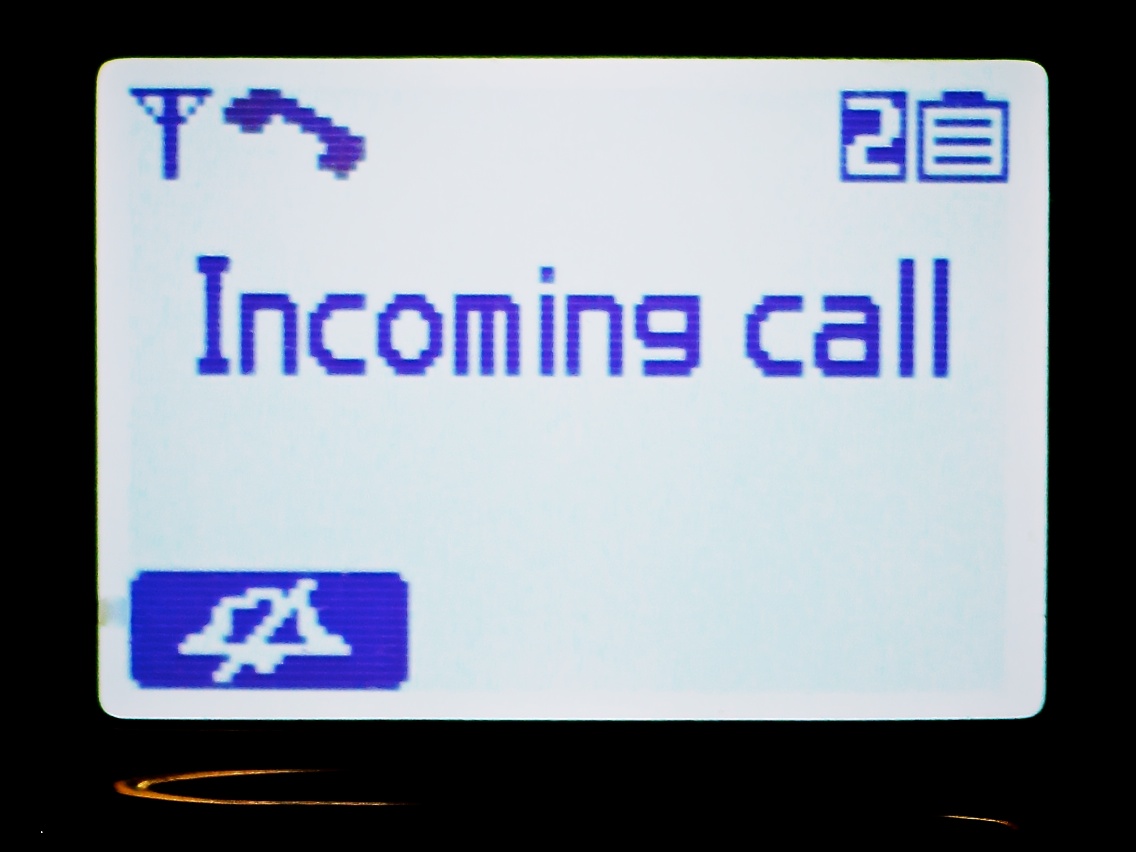
If you know who’s calling when the phone rings, why would you lie and say, “Hello?”

If you know who’s calling when the phone rings, why would you lie and say, “Hello?”

Once upon a time, your home phone would ring.
You’d pick it up, and say,
“Hello?”

There was that question mark attached to your greeting, because you genuinely didn’t know who was calling.

Then Caller ID was born, and suddenly you had the power of knowing who was on the other end of the line, before you picked it up.

Remember how intrusive the whole idea originally seemed?
(How you couldn’t call someone anymore and choose not to leave a message after they didn’t pick up, because they’d still know you called.)

Sure, you could choose to block your number, but most people didn’t.
Today, intentionally hiding your identity has become frowned upon as some sort of anti-social act.
(Why wouldn’t you want someone to know you’re calling?)

Yes, there’s the evil problem of Caller ID Spoofing, but let’s not go there…

Occasionally, ‘Unknown’ does show up on your Caller ID, but that’s not the norm…

So typically, you always know who’s there.

Use the Future Moment You Already Know
What do you do with all this ‘precog’ data?
Of course, you first check to see if it’s a telemarketer.
(shudder)

Then, if it’s a ‘real’ call, you decide if the caller is worthy of your precious time, or whether you should just let him go to voicemail.
(and then swallow that morsel of tech-induced guilt)

It’s a wonder anyone actually talks on the phone anymore…
Email and texting is so much simpler.  Though it’s never quite as efficient…
(How many emails do you have to go through to clarify the same information as a one minute phone call?)

But if you do end up gracing the caller with your presence, riddle me this…

Why do you still say, “hello!?”

You already know who it is.

And they know you know.

And you know they know you know.

Why are we still playing this dated little social dance?
It’s some mannerly norm that’s long past retirement.
(In fact, you’re fibbing by not acknowledging what you really know.)

Of course it’s true…on the rare occasion, you might not know who’s there.
(Caller ID can fail, especially if your phone is part of some larger ecosystem, like at work.).

So in those situations you can still honestly sound curious and request the caller’s identity through the upswing in your voice.

Upfront Identity Recognition
Otherwise, shouldn’t we always begin every phone conversation with a form of Upfront Identity Recognition (UIR)?

Like simply declaring their first name.

Or just… “Hey!!!”

Or… “I was just thinking about you!!”

Or… “I told you never to call me again!”

(maybe not the last phrase)

Ignorance Is Not Bliss
Though I often engage in ‘UIR,’ I admittedly sometimes still fall back and unconsciously play the ignorance game.
(especially with someone I don’t know very well)

It’s like the act of ‘UIR’ is reserved only for your more personal relationships.

And if you don’t know the caller at all, I suppose your only appropriate opening line would need to have a question mark attached to it.
(That would really freak me out if I were calling you for the first time and you said, “Lester Barrett, it’s great to hear from you!”)

Say NO! to “Hello?”
Is this all simply a generational thing?

Do Millennials have this problem?
(They’ve spent their whole lives with Caller ID.)

Does anyone else?

Do you?

Keep It Real!
Answering the phone is not a guessing game.
(and it hasn’t been for a long time!)
If you know who’s there, own it!!

They say knowledge is power.
Use your ‘UIR!!!’

Don’t you feel a little better?

(deep sigh)

Now, I do.

Comfort Data to Feed Your Vacation Zen

What's it going to take to make your next vacation as carefree as a three year old experiences it?  Well, you'll need a little tech at your side to maintain a small but steady stream of ‘Comfort Data.’

What’s it going to take to make your next vacation as carefree as a three year old experiences it? Well, you’ll need a little tech at your side to maintain a small but steady stream of ‘Comfort Data.’

As we’ve arrived at the unofficial end of summer, I think it fitting to conclude my season-long investigation on the nexus between:

  • House
  • Weather
  • Home tech
  • and my blood pressure!

Consider this…
You take one last look at your house as you drive away on your late-summer vacation.
You’ve staged your home for low-occupancy use.
(The cats will hopefully use the time to catch up on some sleep…)

But your castle is essentially on its own.
Who knows what tomorrow will bring…
Natural disaster. Power outage. Alien attack.

As you turn the corner towards your relaxing journey, you smile at your family and secretly wonder if you will ever see your house again… in one piece.
(A slightly catastrophic perspective… but don’t tell me the thought has never crossed your mind.)

Are you enjoying your Vacation Zen yet?

Your Tech Always Comes Along for the Ride
Disconnecting from your daily routine is the foundation of recharging yourself on vacation. And that usually means putting down the work BlackBerry and personal smartphone.
But hey, how many of you spend zero time with your iPhone or Droid while soaking up your summer sun?

Exactly.
You’re not disconnected at all.
And you like it that way…

  • Send that text
  • Update your Facebook page
  • Make the phone call

The digital ‘wish you were here’ moments fly off your digits.

So if you continue to keep in touch with every part of your life, why can’t you use the same tech to monitor your house’s life signs?

Well, of course you can…

Comfort Data
I’m back from more beach R&R, and I’m happy to report my house is still in one piece.
(I know you’d be worried for me.)
More importantly, I didn’t have to wait to get home to arrive at this conclusion.  I received enough ‘Comfort Data’ via my iPhone along the way.

I’ve been enjoying the benefits of having made my house a ‘wee bit’ smarter.
Now it shares its vital signs wherever I go.

And this ongoing evolution helped to make this vacation more relaxing than my earlier summer jaunt…

Let’s review my three tech muses that now feed my Comfort Data stream…

Nest – Keeping It Cool
Recently, I installed a Nest Learning Thermostat to give me remote access to my home’s HVAC system.
This vacation was the perfect opportunity to see if my pricey investment was worth it.

Each beach morning, I sat down with my cup of Joe, reflecting a bit while the early sun illuminated the calm water, and then I opened up the Nest app on my iPhone to confirm my house was as temperate as my current surroundings.

(All my windows were closed at home to avoid the possibility of wind-swept rain damage. But that choice also removed the opportunity for my house to breath in all that chilly late-summer night air.
So my Nest really needed to keep things cool without running my AC 24/7.)

The Nest app powered up and showed me the current temperature in my living room. It knew I was away, because it didn’t sense any movement.
(Apparently, its software algorithms can filter out cats.)
Nest was holding the temperature steady just under my ‘Auto-Away’ setting.

Sweet!

Leaving Eyes Behind with Your Foscam
So Nest can make you Lord of the Temperature, but you’re still blind to everything else happening at home.
Well, not exactly…
Remember that Foscam IP baby monitor camera I installed last year…?

  • I walked it downstairs before the trip, so I could take a remote peek at the homestead while building sandcastles with my son
  • I also moved a digital thermometer next to the Foscam so the IP camera could visually confirm my Nest was behaving

This back-up temperature check gave me additional peace of mind to know the cats were comfortable and getting their beauty sleep.

One time, as I was having some fun remotely panning the Foscam about the room, I spotted one of my two felines studying the sudden movement.

I immediately froze the camera so as not to incite more interest and a direct encounter.
(My Foscam didn’t have the optional ‘anti-cat force field’ installed.)

Finally, the simple fact I could successfully monitor the happy status of my Foscam confirmed my home was still getting juice from the street.

Dark Sky Looks for Trouble Overhead
So if you were wondering… no, I wasn’t continuously preoccupied with my offsite tech throughout my vacation.

There was plenty of room left to apply the power of tech to my present environment…

I was forced to navigate a dodgy weather day at the beach, and I really needed some hyper-local weather forecasting.

My friend suggested I try a weather app called Dark Sky, which was created by a couple of cool-looking dudes via
a successful Kickstarter campaign.
(The name sounds like a bad sci-fi movie on late night TV.)

This app’s trick is to take real-time data from the National Weather Service, pair it with your specific location and offer you an accurate rain report for the next hour right where you are.

I downloaded Dark Sky from iTunes for $3.99 and gave it its first test drive the final morning of our trip as I was packing up the car with all our family gear.

The clouds looked a little ominous, and of course, I was curious to see if I’d be schlepping out all our gear in the rain…

I asked Dark Sky…
‘All clear for the next hour!’

So I took my time.

Ten minutes later, the droplets began bouncing off my head.
D’oh!

To be fair, it only rained for the next five minutes, and then it stopped.
The rest of the day’s precipitation held off till later that afternoon as per the forecast.
(An errant rain cloud in need of a diaper change?)

Clearly this rain predictor app wasn’t completely infallible, but it wasn’t entirely wrong either.

I gave it another try last week during lunch at work. I needed to run an errand, and it was pouring out. Dark Sky displayed there was no end to the storm for the next hour.
So I dashed out after waiting as long as I could.

As I made my return protected by my trusty Tumi umbrella, the heavy rain subsided to a drizzle.
While waiting for a red light on Sixth Avenue to change, I felt curious what Dark Sky had to say…

It was ready to impress and let me know we were in a window of drizzle for the next ten minutes.
(eerily accurate)

Okay, this app wasn’t so bad after all…

It’s Getting Chilly Already
So there you have it… my summer… made a bit more relaxing through the power of home tech.

Yes, it’s always a little sad when you have to say hello to September.

But the good news is you can keep some of that summer glow with you
year round with all your Comfort Data.

You’re going to need it…
Old Man Winter isn’t that far off!