At Home with Tech

Unlock the power of all your technology and learn how to master your photography, computers and smartphone.

At Home with Apples

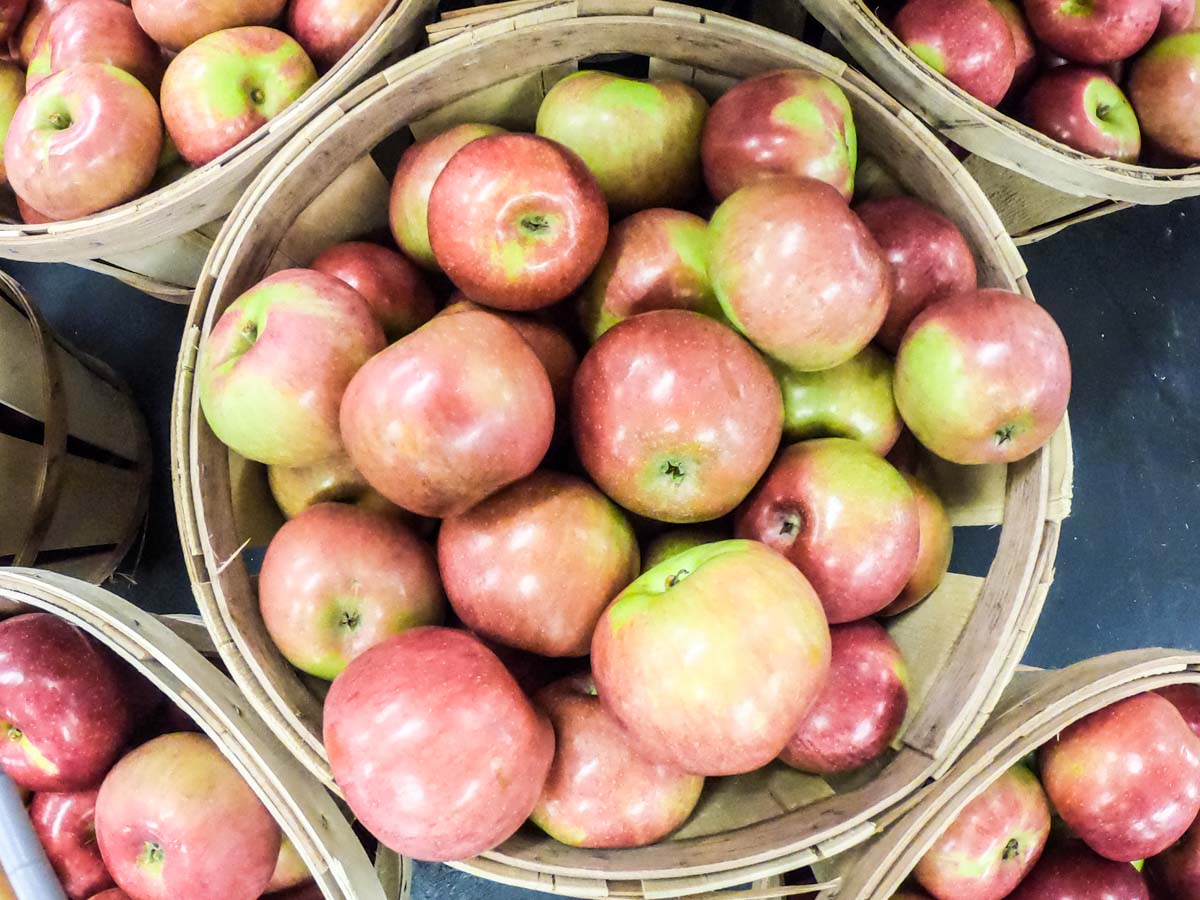
If you enjoy apple picking and apple cider donuts, you may be interested in what happened during our weekend adventure to Rogers Orchards.

A lot of advice out there talks about spending time outdoors to help manage the everyday stresses caused by the pandemic. If apple picking has previously been part of your annual routine, I think you should move that trip to the front of the line for your next weekend activity. It’s a great way to reconnect yourself to the ‘normal.’ Just be sure to wear your mask and maintain social distancing.

Visiting Rogers Orchards
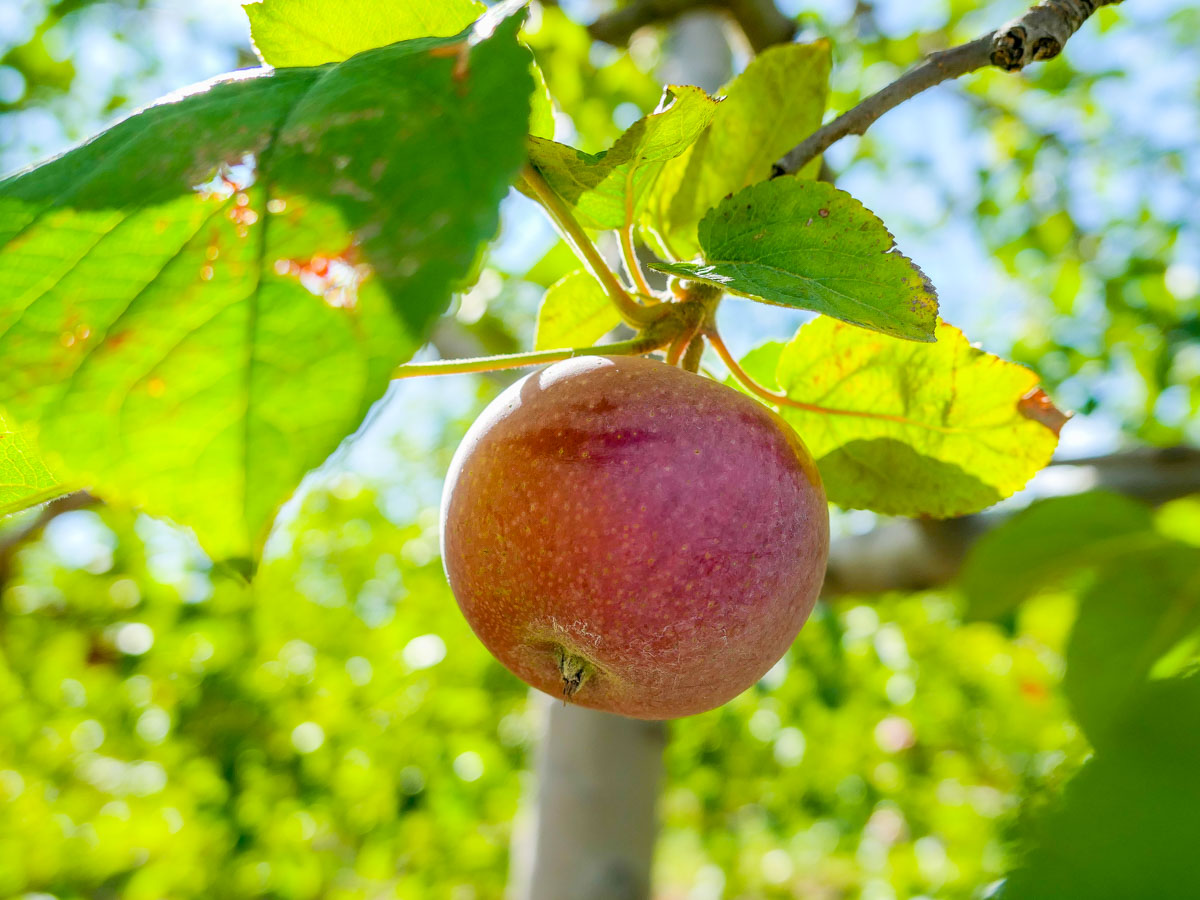
This past weekend, my family and I visited Rogers Orchards in Southington, CT. We picked apples to our hearts’ content under the bright, warm sun of a cool October day.  The apple orchard was about a two-minute drive down the road from its 336 Long Bottom Road farm store and bakery.

I’ve found that taking pictures of apple trees is similar to picking apples. It’s mostly about the experience. What you bring home isn’t always as amazing as you hope for, but you always feel like the effort was worth it. 

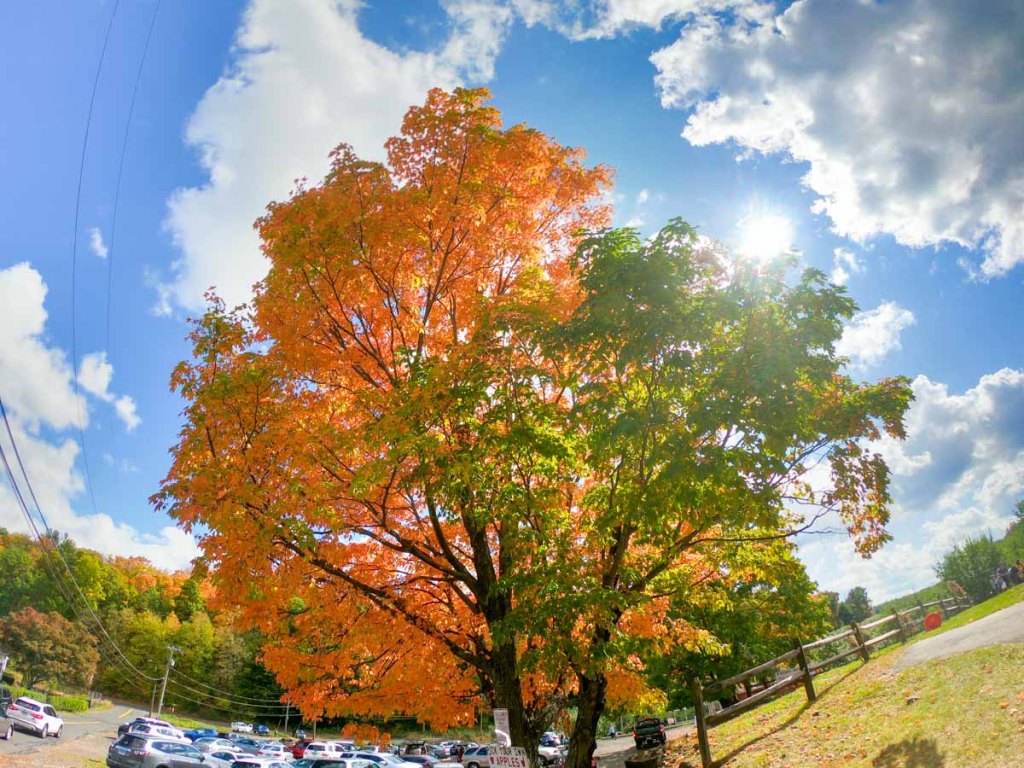
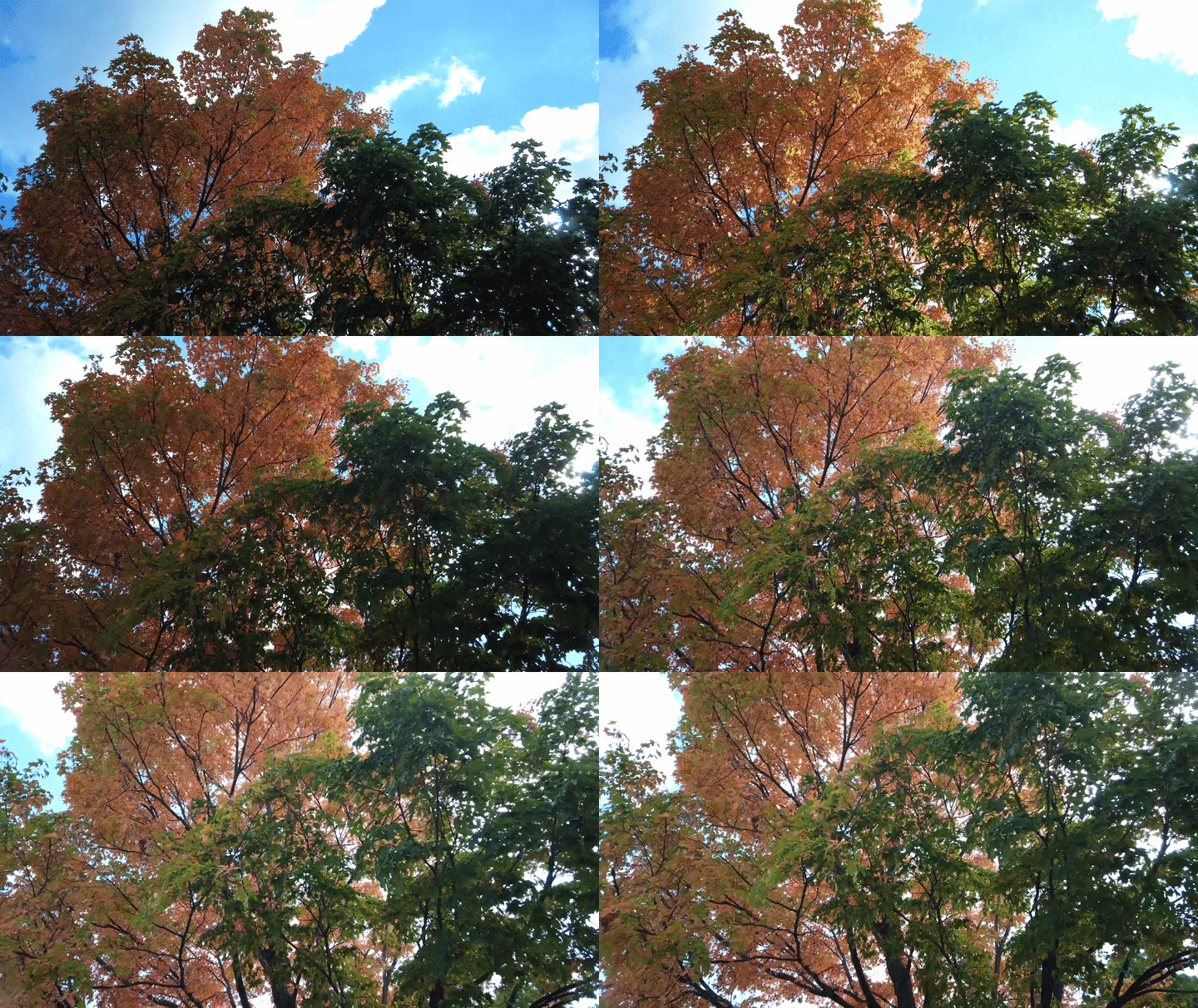
While you’re out there, don’t forget to focus on the colors of fall foliage. That’s always a good bet.

Timelapse of Tree during Fall

Look for the Views
Plus, there’s a good chance that your immersion into nature will reveal an unexpected surprise…

Timelapse of Shuttle Meadow Reservoir

I shot this timelapse of the Shuttle Meadow Reservoir at the edge of the apple orchard with my DJI Osmo Pocket camera. 

Before heading back, we stopped by Sunset Rock State Park to do a short nature walk around part of Crescent Lake. The views were gorgeous.

It was the perfect fall day. Normality restored.

At Home with Pumpkins?
If you’re lucky, you don’t always have to drive an hour away to recenter yourself and rediscover the gifts of nature. Sometimes it’s growing right outside your window.

This surprisingly huge Lester pumpkin materialized after its host vine burst outside of the confines of our garden. I think it’s on track to be ready in time for Halloween!

But I’m getting ahead of myself. Now, it’s time to eat the rest of our apple cider donuts from Rogers Orchards.

Did I forget to mention the donuts?

#Comfort

How to Transform your Nixplay Digital Photo Frame into a Video Screen

If you’d like to generate a more action-filled window into your past, here’s the trick to get your Nixplay digital photo frame to play video files.

If you own a digital photo frame, I now is an especially important time to feed it with all of your great photos that can remind of you of your normal life.

You can also take it one step further and feed your frame with videos. That will create a motion-filled window into your past to look through. And that can go a long way to help you stay tethered to some sense of normal.

Nixplay’s iPhone App is the Video Path to your Frame
As you may recall, my family and I have enjoyed our Nixplay digital photo frames for the past few years. Recently, I’ve been trying to take advantage of the video playback capabilities of my newer Nixplay Smart Photo 10.1 Black” frame.

But, that experience has quickly reminded me that it takes more than a click to load video content onto a Nixplay photo frame.

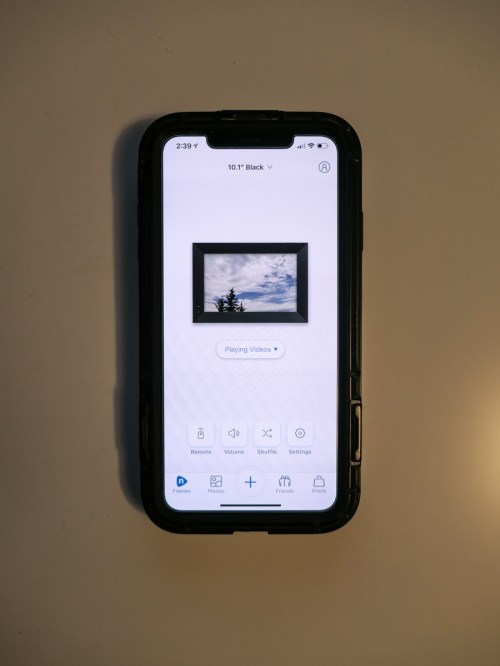
If you’re also looking to put video clips onto your Nixplay frame, the only way to do it is via your iPhone. The trick is using the Nixplay iPhone app. Here’s how…

Move your Videos to the Nixplay Ecosystem
If your video was not shot on your iPhone, you must first transfer your video to, and save it, on your iPhone. I do that using Apple’s native Photos app:

  • Create a shared Photos album on your Mac that your iPhone can also access.
  • Drop the video file in the shared Photos album on your Mac.
  • Next, find the shared video file on your iPhone.
  • Save the video file.
  • Assign it to a ‘Nixplay Videos’ folder in the Photos app to use for the following steps.

The App will Do the Rest
Next, go to the Nixplay app on your iPhone. That’s where the real action happens:

  • From the Nixplay app’s home screen, click on the ‘plus’ icon on the bottom.
    (The Nixplay app then accesses your Apple Photos albums to choose from.)
  • Search for your new ‘Nixplay Videos’ album under ‘Collections.’
  • Open the album and select the video file(s) you want to upload to your Nixplay account.
    (You can only transfer ten at a time.)
  • Select the specific Nixplay playlist you want to move the video files into.
  • Tap ‘Send.’

These ten steps aren’t exactly an efficient process, but it does work. If your video is already natively on your iPhone, it’s a lot easier. Clearly, the Nixplay designers envisioned this video upload process as a shoot-and-immediately-transfer-over-via-app experience. As you move further away from that, the complexity grows exponentially.

Fifteen Seconds is All You Get
By the way, your videos can’t be more than fifteen-seconds long, unless you upgrade to the $49.99/year Nixplay Plus plan. Among other benefits, this ‘Plus’ plan allows you to upload videos that are up to one minute in length.

If you’re using the basic plan and choose a video to upload that’s longer than fifteen seconds, the app will automatically trim it for you and keep the first fifteen seconds.
(The app also gives you the option to trim out more if you’d like.)

If you do want to upgrade to get the flexibility of displaying one-minute video files, Nixplay will give you 50 GB of storage vs. the 10 GB of the standard plan. (You’re going to need it!)

Background Imagery Works Best
You can actually show a lot in fifteen seconds. I believe the experience you should try to create is a video tapestry of moving images that you can enjoy from any point in the playlist.

Your viewer shouldn’t feel forced to consume longer ‘clips’ with a clear beginning and end. Otherwise, you’re effectively trying to turn your digital photo frame into a TV. That shouldn’t be the user experience with a digital photo frame. A television dominates the environment. A photo frame sits in the background.

And even though a newer Nixplay frame can play video files with audio, it still can’t get you deep into a video immersion with a one-minute cap.

So you should think about the kinds of videos that will work best with these limitations. For me, I’ve been focusing on displaying my recent outdoor timelapse videos I’ve been shooting with my DJI Osmo Pocket camera.

They’re ten-seconds each. Short. Snackable. Yum.

Video Treats from your Photo Frame
I’m quite satisfied with these reminders of normality via these short video moments.

Thank you, Nixplay.

Why More Beach Time Helps Me Stay Centered

If you live near the beach, I recommend visiting it more often. Not so much for the sun or swimming, but to simply soak up the larger space. Here’s why…

It’s been six months already. Can you believe it? It feels like forever. And yet, these months are just a blip in a much larger timeline. That’s been easy to forget when my world has largely been compressed into the safe but limited square footage of our home.

When I do get out, I’ve found it helps to remind myself to look about… really look around. That has recentered my perspective and helps me feel more comfortable enduring this marathon COVID-19 experience.

The Value of Beach Time during COVID-19
My family and I have intentionally spent more time at our local beach over these past months. Beyond the expected and soothing qualities of that primal environment, the beach is a clear reminder that much of the world carries on as it has for countless millennia.

Warm or cold. Rain or shine, it’s helpful to be in that space (and of course, while practicing social distancing).

That sense of a larger continuity may not provide complete consolation, but it’s a good reminder that we’re all players in a much longer game.

At the beach… you can feel the greater normal. And that helps me stay centered.

This group of visual moments is a reminder that even though many pieces of our day-to-day lives have evaporated, other basics are still firmly in place.

Slow and steady.

Feeling the Rush
In so many ways, we’re all rushing.

  • Eager to read more news of a vaccine
  • Hoping to get back to normal soon
  • Wanting to reduce all of the stress

Rushing to find a way back.

But of course, we can’t go back. Not really. Too much has already changed.

So, it’s actually all about finding a way forward… to something somewhat different and perhaps better.

That’s all we’ve got. And you can’t rush it.

Set your Pace
We’ll get there. But it’s like a marathon. You’ve got to pace yourself.

And spending a little more time at the beach regardless of the season and perhaps taking a few photos and timelapse videos are good ways to help stay balanced throughout all the disruption.

It’s worked for me, and I highly recommend it.