
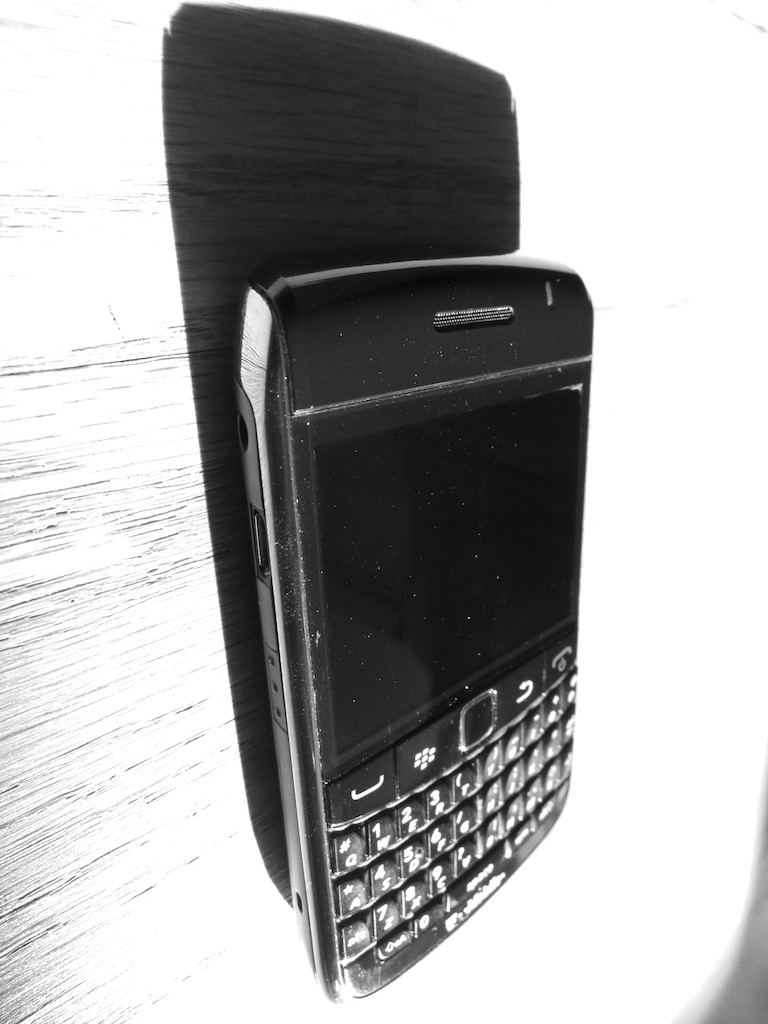
Pop Quiz- It’s 8:39pm, and there are two fresh emails waiting on your work BlackBerry. What do you do? What do you do?!!
Overuse of your work BlackBerry at home is the seventh most frequently reported reason for marital strife.
Actually, I haven’t a shred of data to support this claim.
I just thought it would grab you to stick around for another few words.
But don’t be too quick to dismiss my claim.
If you use a work BlackBerry at home, you know I’m onto something.
In today’s techno-centric culture, we celebrate the fact that so much work can be done just about anywhere… not at work.
On the beach, on the commuter train, at a restaurant, and of course…at home.
With computer and mobile technologies, you are no longer chained to your offsite desk from 9-5.
Work is flexible. Work is mobile. You’re free! How liberating.
If you’ve been assigned a BlackBerry, your job has also oozed into every orifice of your home life. Work is now 24/7. And your work BlackBerry strapped to your belt buzzes away non-stop.
How are you supposed to deal with that? You’ve got other priorities on the home front that may not react well to your tapping away at the dinner table.
And you’ve got to sleep.
I’ve been using a work BlackBerry for the past seven years, and though I don’t quite call it my CrackBerry, I’ve got a few tips that might help you use this mighty evil to your advantage.
Read the Emails as They Come in
…But don’t go crazy. If you let the emails pile up, getting through them all will get progressively more difficult. And some will eventually get lost underneath the ever-growing stack.
Respond Quickly
If a quick response is sufficient, do it right after you read the email.
It’s very similar to what your mother taught you about desk clutter-
Touch a piece of paper once and do something with it. File it or trash it. Don’t keep picking it up and looking at it and putting it down. That just wastes more time.
The same idea applies to all the hundreds of your digital emails.
Plus, responding quickly keeps you in front of the conversation. And staying in front of the conversation keeps you in control of the dialogue, especially when there are multiple players talking. The power of the BlackBerry allows you to do just that.
Don’t Diss your Kin
If you’re talking or doing an activity with a family member, put the BlackBerry down. Unless, you’re waiting for an important email, it’s downright disrespectful to be tapping away during family time. If you absolutely must check your email at the dinner table, apologize first and then be quick about it.
Everybody Turns into a Pumpkin
Actively choose a time you normally stop responding to emails on weekday nights and weekends. And be consistent about it. Otherwise, people will expect you to always respond to them immediately whenever they reach out.
I tend to move to email silence after I get home from work around 7pm. Unless your job requires it, no one expects you to be in active email mode after dinnertime.
I may check my BlackBerry before turning in, but simple awareness of an email does not mean you’ve got to respond.
And last I checked, just viewing the subject line on your BlackBerry does not activate the big-brother ‘just-read’ alert trap the email may contain.
Similarly, in the morning, I check my BlackBerry around 7am, but I don’t typically respond to emails till I get in to work.
That said, I do take care of important emails that help me move my workflow forward, while I’m commuting in on the train.
The difference here is I’m using the time to get a jump on my own day, as opposed to helping out someone else’s day. There’s a difference. Pay yourself first.
During the weekend, you should be dark for the full 48 hours. I don’t wear my Blackberry on Saturday and Sunday, but I do check it in the morning and at night to stay on top of things.
Is Your Boss an Exception to the Rule?
In one word-
Are-You-Kidding-Me?
Of course!
I learned a long time ago that it doesn’t only matter that you do amazing work on the job. If your boss doesn’t know it, you’re not doing it.
It’s like that ‘tree falling in the forest’ line.
Being responsive to every email your boss sends creates a great foundation for your success. So one of the best ways to show how amazing you are as an employee is to simply reply quickly. And that means as soon as you see the email.
If you’re at home. If you’re out shopping. If you’re getting an ice cream.
Effective communication with your boss is always your job, and your dark BlackBerry is your shining sword in this ongoing quest we all must pursue.
Wield it at home often!
But remember, you don’t have to wear your BlackBerry into the shower in case your boss pings you.
Just don’t be so strict with my earlier pumpkin rule from above.
Don’t Send Huge Attachments
At home, you wouldn’t think twice about sending a big file with pictures or a home movie to a friend or family member. My home email can handle a little data strain now and then.
But work email is a different beast. The IT departments I’ve known over the years have been a little curmudgeonly with how large your email files can get, before you can’t send emails anymore. So you’ve got to pay attention to how full your email is, because I can pretty much predict when you’re going to go over your limit. It’s when you’re at home with only your BlackBerry, and you have to send an email or your world will end. That’s when.
And you can’t just fix the problem by deleting emails on your bulging BlackBerry. That doesn’t clear them off the work server. You’re still dead in the water.
So don’t ruin a work colleague’s night by emailing them a huge file.
Texting VS the BlackBerry
I find a lot of people I work with don’t have BlackBerries. Yes, they send me emails the old fashioned way via a computer, but I find they also like to text me on my personal iPhone. Especially with something that requires a quick and simple response. The irony here is texting is all about speed and immediacy. Nobody thinks twice about responding quickly to a text.
That is, until more work colleagues realize this little sea change and decide to hunt you down with the mighty text.
Lead the Rescue Mission
A lot of the above advice is defensive posturing.
Many of the same tactics can also be used for positive offensive action. If an emergency comes in over the BlackBerry, you can be the hero if you follow the above rules and simply take action quickly. Again, nobody expects you to respond to an email at 3am, unless you’re working with colleagues on the other side of our Mother Earth.
Use Common Sense
Much of this falls under the simple umbrella of setting appropriate limits with people who tend to make your job a little more challenging when they hunt you down outside the normal work day, further cementing the 24/7 work mindset.
So it’s all about setting appropriate limits.
And by the way, there’s no rulebook here. I’m not aware of official BlackBerry etiquette in company handbooks. (But come to think of it, that’s not a bad idea.)
I say it’s okay to set up your own boundaries for when you spend time on your BlackBerry. Just be smart about it. If you’re consistent, you will still appear more responsive than most who use this beastly and wonderful device.
Keeping these common sense suggestions in mind, the BlackBerry can be a force of good in your life, both at work and at home.
Wait, I gotta go. My belt is buzzing…









 At Home with Tech