At Home with Tech

Unlock the power of all your technology and learn how to master your photography, computers and smartphone.

Tag: family photos

Why You Need to Create Your Own Cloud Photo Archive
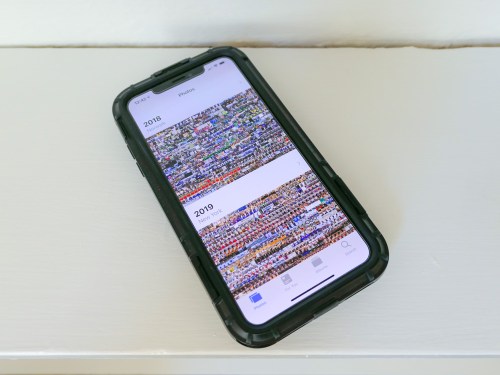
If you crave instant access your best family photos from yesteryear, here’s how to create your own portable archive…

My family and I attended a little party the other day… a reunion of sorts. It consisted of four families with kids of the same age who spent time together at playdates a few years back. One family then moved to New York City, and we really hadn’t seen them for a while. So, they were the special guests at the party.

Joining the Time Warp
Of course, everyone commented on how big all of the third graders had become. Inevitably, one of the parents whipped out her iPhone and began searching for old playdate photos when the kids were three. I watched her two-fingered gesture slide upwards again her smartphone’s surface as she commanded her iPhone’s photo library to speed backwards in time.

And then another parent activated her iPhone and began her own photo time-warp search. And then my wife did the same…

And before I knew it, the group was excitedly sharing shots and reminiscing about the good old days.

Experiencing Photo Failure
And I just stood there, happy that these iPhones had provided instant gratification, but stunned that mine hadn’t contributed. In fact, I didn’t even try to look for any photos. I knew I didn’t have one to share… not in that moment.

Sure, I could go home and easily find whole bunches of old playdate photos in the appropriate folders organized in Adobe Lightroom on my iMac. But I had no cloud access to any of them from my iPhone. My cloud photo folders through Dropbox and Apple’s Photos all contained more recent groupings of pics. I figured when would I possibly want instant access to photos from five years back? (Cough)

My iPhone’s onboard memory didn’t house photos that old either. I thought I was doing the ‘smart’ thing by not wanting to bog down my device with really old photos.

I stared into space and pondered the absurdity of it all…

If at First You Don’t Succeed…
I’d spent years and countless hours organizing tens of thousands of family photos into folders on my iMac. My focus had been to share relevant photos with family and friends while the pictures were still “fresh.”
(Old photos are old news, right?)

But now, I had encountered a huge flaw in my plan as I watched others suddenly require instant access to photos buried deep in time. Sure, the old photos were hiding in their iPhones and entirely disorganized. But the images were still there in the order they were taken, and a few finger swipes could still access them by simply warping back to 2013.

Huh.

By doing nothing with all of the old photos on their smartphones, these parents had succeeded where I had hopelessly failed.
(So, disorganization does have its benefits.)

I thought a bit more about the irony of my experience. I finally resolved to create another layer of organization on top of my current photo management plan…

If successful, I would give myself easy, mobile access to a percentage of my archival photo content to properly handle this kind of moment next time.
(We’ll get to how much in a moment…)

Create Portable Access
I’d been focused for so long on creating physical photo books as the endgame for archiving all of my best family photos. But that strategy assumed that I’d only want to access these photos from a bookshelf in my living room. That was the problem right there.

Clearly, I also needed ongoing access to some of these photos from my iPhone’s screen.

Sure, that could be accomplished by simply leaving all of my photos on my iPhone. But this limited ‘clutter’ strategy assumes I’m not taking pictures with other devices.

In fact, I’m also shooting pics with…

So, all of my digital photos, including those from my iPhone, need to flow through Adobe Lightroom on my iMac for organization, quality improvements and file backup.

And then some of these photos flow back to my iPhone via cloud folders so I can display what’s been going on in my family’s life. And when a particular cloud photo folder of a family event gets old enough that it’s yesterday’s news, I simply delete the folder.

The only necessary upgrade to this workflow is to leave some of these pics behind in long-term cloud folders as part of a portable and permanent archive of my family’s life.

Build Your Cloud Photo Archive
But I think the trick here is not to move photos out of short-term cloud photo folders into long-term folders. That’s not so simple. It’s an extra step that first requires you to review all of the photos again before you delete the folder. That’s a lot of work right there.

The moment to feed an archival cloud photo folder comes when you’re first picking out your best pics at the beginning of your entire process… not months or years later.

When you first create a short-term cloud photo folder with the pics that you want to show off, also ask yourself if there are one or two that are so great or so relevant to your family’s history that they should always be available in an archival cloud photo folder.

If so, then simply drag and drop them into the archival folder right then and there. That will take you another fifteen seconds. Maybe less.

Done.

Don’t Cut Corners
The next big hurdle to overcome is to resist the urge to simply throw these photos into one big archival cloud folder. Even though you’re only feeding it with a couple pics at a time, it will eventually become massive and difficult to navigate.

So, you have to create a number of permanent cloud folders where you can better organize your best pics.

With all of this in place, you will created a cloud photo archive of your best pics that you can easily access from anywhere!
(Plus, you’ll have an additional layer of backup and protection for these valuable images…)

Look for Efficiencies
Chances are… you’ve already done a lot of the work, especially if your cloud folder categories also exist in the photo folders on your local hard drive.
(Like me, you’ll probably still need to create a few new folders in both locations.)

Once you’ve matched up the categories, you’re essentially mirroring your new permanent cloud photo folders against your local photo folders of the same name.

Carry the Past with You
After you activate this ‘enhanced’ photo-organization plan, you’ll essentially have access to the pictures that tell the story of your life, your family and even your ancestors.
(So… not just from yesterday or last week)

And if you need to pull any of them up on your iPhone… for any reason at all… well now, you can!
(I’m sure you’ll still get stumped now and again when the need for a particular photo pops up unexpectedly. But you’ll always be in the game!)

I’ve successfully made my cloud family photo archive upgrade, and it’s a huge step forward.

Having permanent cloud photo folders to turn to is an amazing resource that everyone should carry around in their pocket!


Sharing a Photo a Day will Keep Your Frustrations Away

If you snap a great picture and nobody ever sees it, how does that make you feel? Now multiply that feeling across multiple buried photos. It’s really time to uncover and release them. Here’s how…

I’m unsettled and more than a tad frustrated. Over the years, I’ve snapped thousands of photos… and most of them just sit.

If I’m diligent, I’m just able to download and organize all of those photos into folders in Adobe Lightroom every week. Then, I’ve got to go through them to pick out the best ones and tweak them to make them ready for prime time.

But then they just sit again. There is no grand ‘unveiling.’

Maybe I take the time to share a few with family and friends. And of course, there’s the photo or two that follow the more regimented workflow of my blog and successfully get out the door on my weekly schedule.

But what’s the endgame for all of the rest?

The Challenge of Organizing Family Photos
My master plan used to be the creation of photo books that covered the prior year or perhaps a particular family event. And as much as I struggle and often fail to get to the finish line every year and consider that collection of photos ‘done,’ I’m no longer certain about just creating massive photo books that sit on a shelf.

So, I’ve also been posting best-of moments to a cloud folder and then pulling the photos down to display throughout my house via…

Sure, all of this effort supports properly documenting and displaying the life of a family. That’s certainly of value. But focusing all of your photographic efforts to essentially feed a family time capsule or restricting them to your four walls doesn’t nurture an important creative requirement for many of us.

The essential need to share.
Something more…

The Choice to Share on Social Media
Some folks like to visually share their lives in the moment… unfiltered. They snap and effortlessly share the photos of their day-to-day. They direct and star in their own version of “The Truman Show.”

Social media is, of course, made for that.

On the one hand, you’ve got people posting multiple photos daily. On the other, there are those who refuse to have any online presence.
(And I’ve made the argument that online seclusion will effectively erase them from existence.)

But if you’re like me, you fall somewhere in the middle. You share a few photos on social media, but you haven’t totally given access to the entire family photo collection to the public at large.

So that leaves the vast majority of the photos… still sitting on a couple hard drives.
(Yes, I back mine up, of course.)

The Photos that Look Beyond Your Own Life
And then there are those intrepid souls who share photos that fall outside of the simple structure of family photography. These pics offer a point of view… something more than what someone did today.

These photographers are sharing a specific narrative through a particular photo.
Whoa!

That’s satisfying, right?
And yes… a lot harder to do.

First, you’ve got to have something to say beyond “this is my life.” And then you need to capture the picture. For some, that is a career or perhaps a life’s pursuit.

You can quickly feel like an amateur playing in this sandbox populated by professionals, artists and journalists.

But hasn’t technology given us all the tools to enter this more advanced arena? Everyone has license to share a good photo with the world. There are really no rules.

(Light bulb moment)

Hey… Would any of my photos that have been sitting in the digital dark possibly fall into this more demanding arena of universal exposure?

Barrett’s Instagram Initiative
So, I began to go through all of my photos that fall outside of family moments. And I tried to identify a theme in creating a group to share… an organizing principal.

And of course, the answer was right in front of me….
It’s technology… all the tech around us that affects our lives.

Sure, I know I’m already sharing photos on Instagram that reflect the topics of my weekly posts. But I think I need to try for something more…

I’m going to share a photo a day on my Instagram account.

I don’t have enough inventory to feed that frequency for long. So, I’ll need to look for new imagery of technology that’s infused into our day to day.
(Look at me… I’m already making it hard for myself.)

And I’ll require some help with a daily output. The only viable strategy is to schedule the posts ahead of time….

For that, I’ve turned to Buffer to help me schedule my daily Instagram posts.
(I’m using the free plan.)

A Photo a Day
So, all of this is to say that I’ve launched a little photo-a-day project on my Instagram account where I’m sharing how I experience technology in the world around us.

Some pictures will be new… others from yesteryear.

But these orphaned photos that will never have a place in any family photo album will finally find a home.

A place where they will be seen.
(I hope.)

And that possibility… will make me happy.
Because I’ve shared.

And that feeds me.

Please take a peek.
I hope you like them…

www.instagram.com/barrettlester

How to Hold onto Your Best Summer Memories

Don’t let those great summer memories go. Sure, you’ll remember them, but you’ve probably also got some digital documentation as well. That’s the key. Here’s what I did…

Summer’s over. Deal with it. But don’t move on… not yet. Now’s the time to review, organize and archive all of the great summer photos and videos you captured. Like me, you probably haven’t had the time to organize your summer memories, because you’ve been living them!

The best way to hold onto all of those great memories is to properly share them:

  • Email or text a few of the very best to your family and friends
  • Share them on your social media accounts
  • Print out a couple of photos for your desk at work
  • Add them to your digital Wi-Fi cloud photo frame in your living room
    (I use Nixplay frames)
  • Make a hard-copy photo album from your go-to online service
    (I use Blurb)
  • Add your favorite photo to the background of your smartphone screen
    So, when someone asks how your summer was… you have that perfect image at the tip of your fingertips. You then turn your phone around, and your summer recap story can begin!

And remember, nobody wants to hear about your summer adventures when the leaves start to fall. That time is now.

So, in the spirt of not only doing what I say, but also doing what I do…
Here’s my summer recap in five photos and five videos…

Watching the Summer Solstice Sunset from Griffith Observatory
Seeing the Space Shuttle Endeavor at the California Science Center

Experiencing July 4th Fireworks at Calf Pasture Beach in Norwalk, CT

Riding the Port Jefferson Ferry
Port Jefferson Ferry

Fishing in Peconic, NY


Boogie Boarding at the Peconic Shore
Boogie Boarding at Peconic Shore

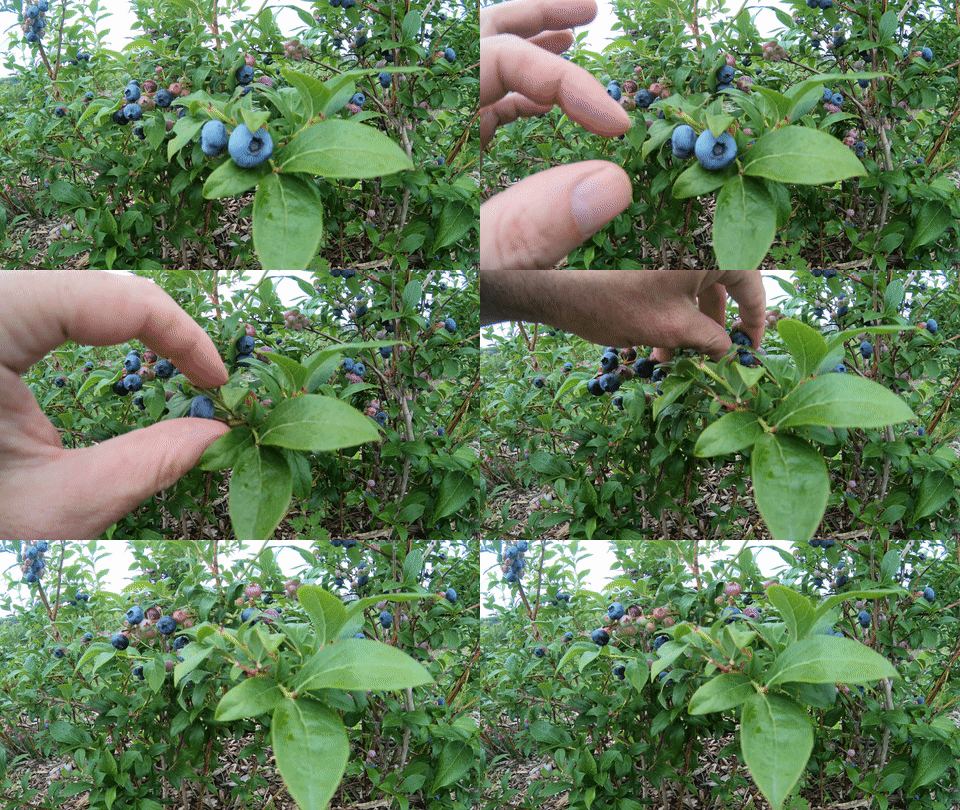
Picking Blueberries at Bhavana Blueberry Farm in Southold, NY

Picking Blueberries at Bhavana Farm

Spotting Humpback Whales off Cape Cod from the Hyannis Whale Watcher

Humpback Whales off Cape Cod

Swimming Underwater at Joshua’s Pond in Osterville, NY

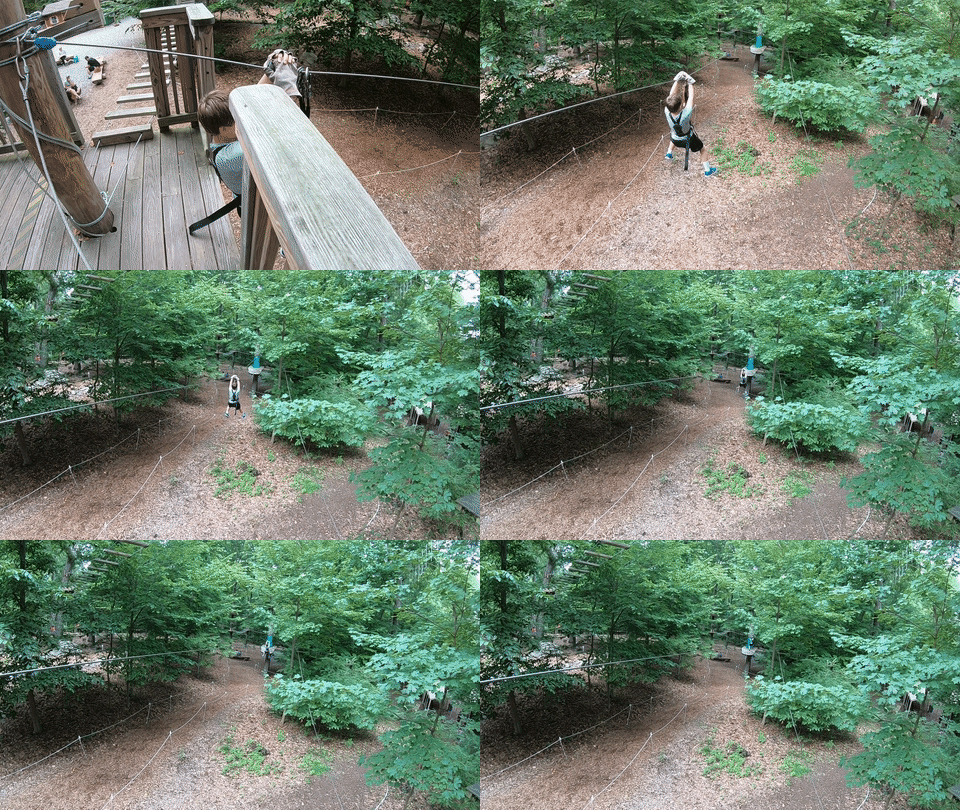
Ziplining at The Adventure Park at the Discovery Museum in Bridgeport, CT
Ziplining at Discovery Adventure Park

Share Your Summer Memories Now!
…And how was your summer?