At Home with Tech

Unlock the power of all your technology and learn how to master your photography, computers and smartphone.

Tag: USB 3.0

13 Tech Tips from 2013

We’ve covered a lot of technology ground this year.
I hope you’re finally feeling a little closer to Tech Zen at home.
If not, don’t despair. It can be a long (never-ending?) journey!
So I’ve got a quick tech review to help you stay ahead of your many demanding gadgets in the year ahead.

Here are my lucky 13 tech tips to remember:

#1
You’re Going to Need a Bigger Hard Drive
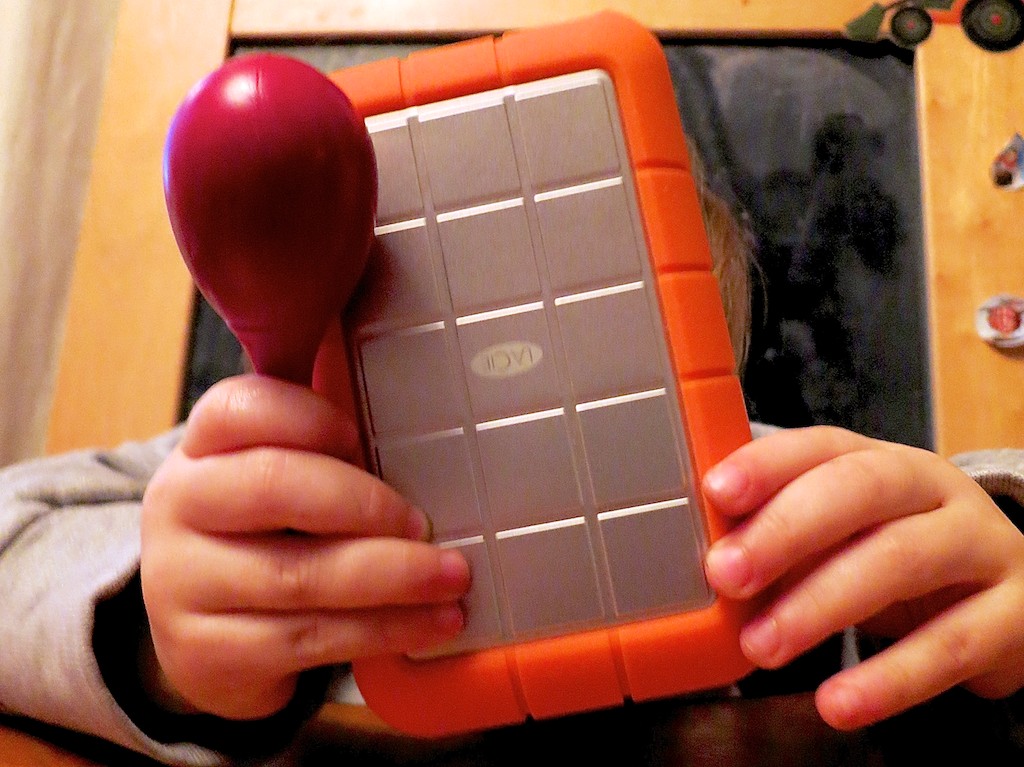
LaCie Rugged with Rattle

Even if you have faith your external hard drives can withstand the forces of fate, they’ll eventually buckle under the load of all those home videos you’re shooting.

#2
There’s No Question. USB 3.0 Rocks!

The Choice

Thunderbolt is great. But USB 3.0 is just fine. Both blow FireWire (R.I.P.) away.

#3
Build Your Home TV Studio for $44

My favorite piece for this home-grown tech solution is the $2.99 teleprompter system for your iPad!


#4

That Bad Photo You Took May Be Your Best Yet

The Eye

You may not know it, but some of your best photos are slipping through the cracks. Maybe they first struck you as flawed, or you didn’t recognize their hidden value. Time to recognize your ugly ducklings!

#5
Find Your Neighbors on Nextdoor.com

Nextdoor enters the neighborhood

You can create your own virtual neighborhood based on your real one.
Talk about two worlds colliding!

#6
It’s Time to Buy LED Bulbs

Passing the Torch to Cree

The price is right for this Cree LED bulb. Convert!!

#7
Transcode Your Camera Videos to Windows Media Files
with 
Flip4Mac

When you want to email your child’s birthday party video to grandma, you’ll need the power of Flip4Mac. Then, she’ll be able to watch the magic
candle-blowing moment on her PC.

#8
Create a Shared iCal Calendar for Your Family

Connected and Happy iPhones

Missing a family commitment can be a thing of the past if your family iPhones share a calendar.

#9
Video on Instagram Gives You Your 15 Seconds of Fame

Watching a Blade of Grass Grow

If you can’t muster up 15-seconds worth viewing, you might like Vine instead.
They only offer you six seconds. If that gets too complicated, try taking a photo, and call it a day…

#10
Strap Your Smartphone into Your Car while It’s Doing GPS Duty
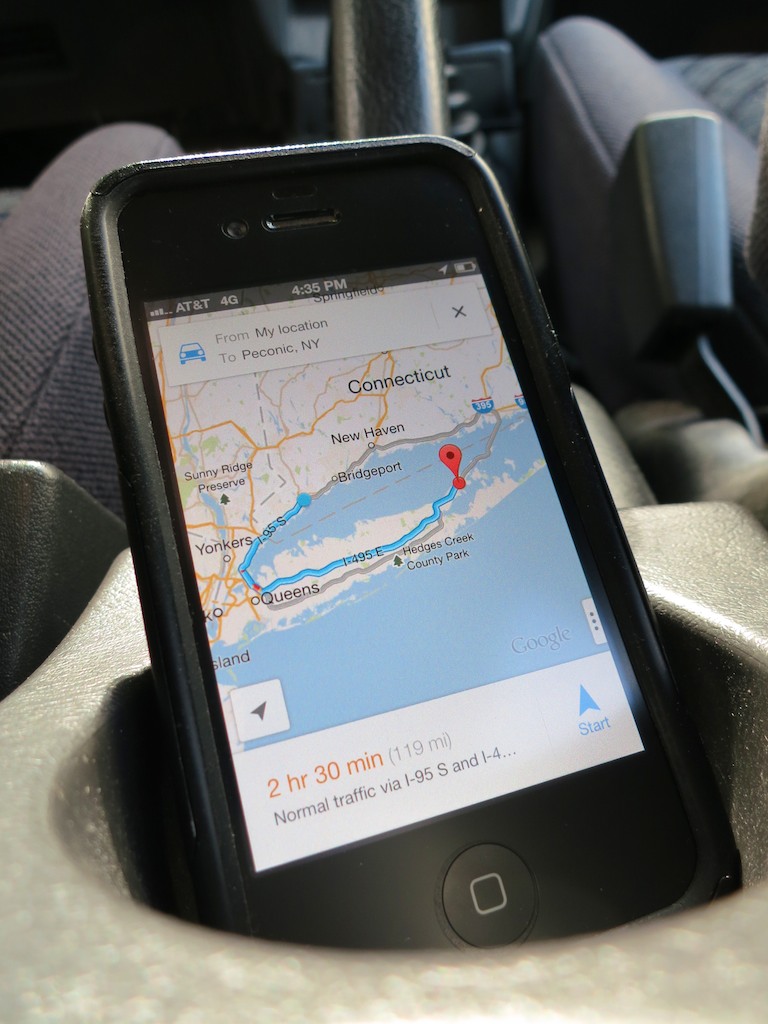
iPhone navigating in cup holder

Don’t let another road trip go by with your smartphone sliding about as its GPS app shouts out turn-by-turn directions from the car floor. Mount it onto your dash!

#11
Buy a Nest Learning Thermostat

My Nest and Me

How’s your 1950’s-era thermostat handling the extreme weather? Did you forget to adjust it before you left home today? Wish it were smarter? Well, now it can be…

#12
If You Buy an HD iTunes Movie, You Also Get the SD Version for Free
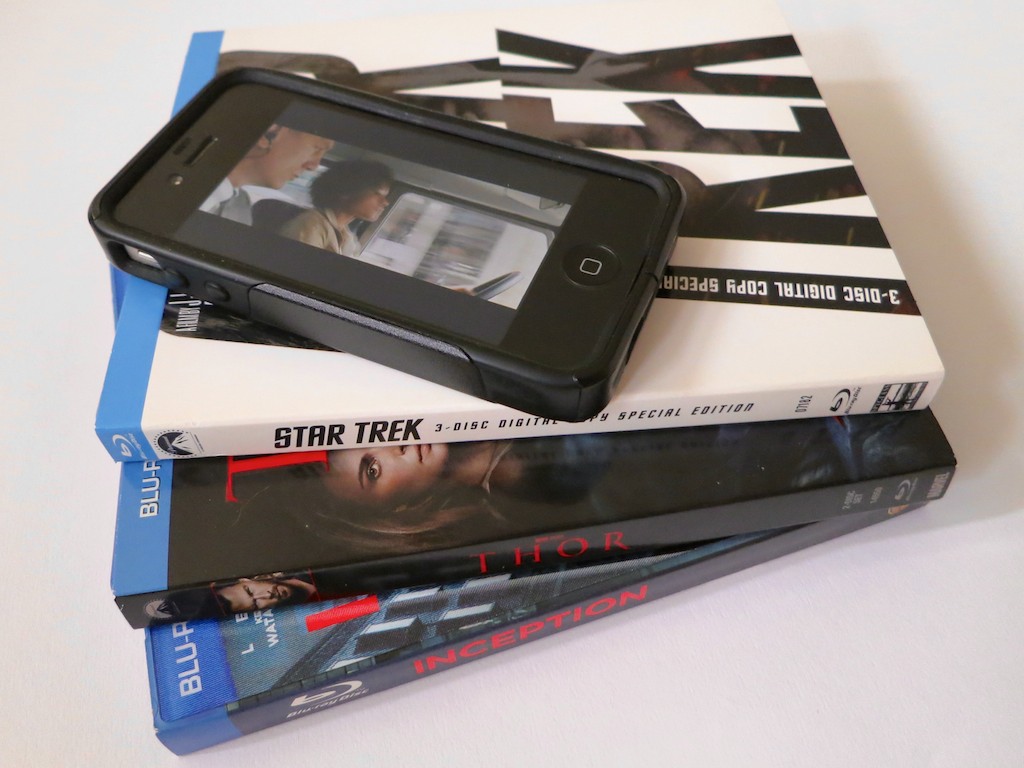
Movies for the Road

You just need to know how to ask for it. And why would you want the SD copy? Ask your bloated iPhone…
#13
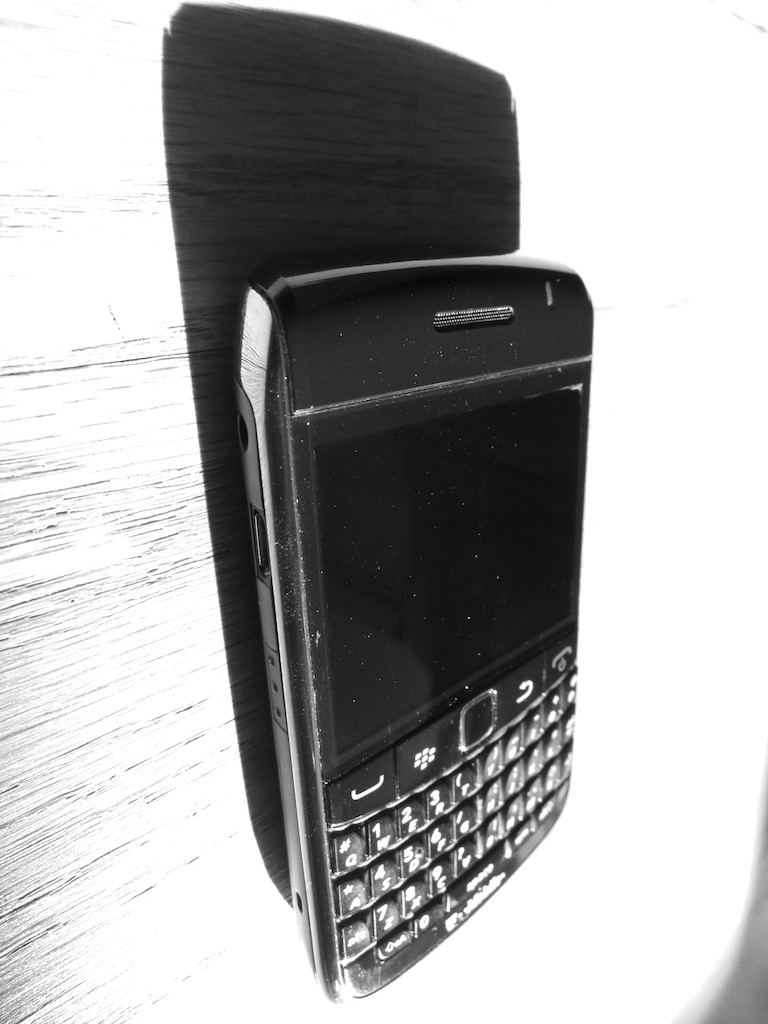
BlackBerry is Toast

BlackBerry on the Floor

You don’t need me to tell you this news, but I really want you to read my little poem about this former giant.


Happy New Year!

Well, there you have it.
Feel free to add your own favorite tech tips from 2013.

(Yes, even I am not a Tech Jedi yet…)

Finally, thank you for visiting At Home with Tech over the past 12 months.
I hope my posts have been of some assistance or at least a bit of amusement.

I look forward to working through a few more of the universe’s many
tech mysteries with you in 2014…

Nanu! Nanu!

Thunderbolt or USB 3.0? Making the Choice.

Both Thunderbolt and USB 3.0 are faster than FireWire. So which way should you go when buying your next external hard drive? Let the shopping begin!

Both Thunderbolt and USB 3.0 are faster than FireWire. So which way should you go when buying your next external hard drive? Let the shopping begin!

I talked last time about the inevitable need to buy bigger external hard drives to handle the growing beast of media files you’re creating. Now, when you head to the store to upgrade your external storage, you’ll need to decide between two connection choices…

  • Thunderbolt
  • USB 3.0

Thunderbolt_logo

Thunderbolt is Apple’s blazing fast multifunction port that came out in 2011. (developed by Intel)

This format bundles data, video, audio, and power all together in one connection.
(That’s a lot of punch!)
Thunderbolt also supports high-resolution displays.
(Yes, of course there’s an Apple Thunderbolt Display!)

Thunderbolt is up to 12 times faster than the old FireWire 800.
(and up to 20 times faster than USB 2.0)

Thunderbolt Vs. USB 3.0
Sure, you can still buy a FireWire drive, but that’s really burying your head in the sand. You’ll want to be buying into the future, right?

So which way do you go?
Let’s take a look at how the two choices stack up:

Speed

  • Thunderbolt’s transfer speed is 10 Gbps
  • USB 3.0 is 5 Gbps
  • FireWire 800 drags by comparison at 800 Mbps
  • And USB 2.0 crawls along at only 480 Mbps

Actual performance may vary, depending on the speed of the drive you’re using.
Drives spin at either 7200rpm or 5400rpm. (rotations per minute)
7200 rpm is preferable for editing video.

(Faster SSD drives are a conversation for another day.
Drool.
Cha Ching!)

Watt Transfer
What?
No… watt.

  • Thunderbolt feeds up to 10 watts of power to peripherals
  • USB 3.0 only carries 4.8 watts

Daisy Chaining

  • Thunderbolt – Yes (up to 6)
  • USB 3.0 – Not really (need a USB hub)

Backwards Compatibility
Even if your current computer doesn’t have either port, no problem:

Achilles’ Heel

  • Thunderbolt is still wicked expensive
  • USB 3.0 transfers data in packet bursts vs. a continue stream. This could interfere with smooth video editing.

(More on both these points in a moment)

Thunderbolt Dominates. But…
Clearly, Thunderbolt has the advantage over USB 3.0.
But do you really NEED Thunderbolt?

If you’re an early adopter, sure.
But for most uses, you probably don’t.…
Not yet.

That said, you might be in the ‘future proof your tech’ camp.

G-Technology
Remember how much I gushed last time about G-Technology?
Well, their Thunderbolt drives are a little expensive….

Ouch!

Can’t Decide? LaCie Says You Don’t Have To!
LaCie is at the head of the pack with a robust fleet of Thunderbolt drive options.
(Maybe I shouldn’t have given them such a hard time.)

A great option is the LaCie d2 6 TB Thunderbolt 3 and USB 3.1 External Drive.
This drive combines both Thunderbolt 3 and USB 3.1, and gives you a healthy
6 terabytes of storage.

The price on Amazon: $349.94
(Remember… It’s 6 TB.)

Get Your Head Out of the Cloud
So how much are you willing to spend?
Unless you’re making a serious technology investment/upgrade,
you’re probably used to drawing the line somewhere south of $300 right?
(I know… you’re saying $200!!)

So that limit only leaves you with budget portable Thunderbolt drives out there that spin at a slower 5400 rpm.

Achilles 3.0 Wins Most of His Battles
But why all the stress over paying too much for Thunderbolt tech if you feel you really don’t need it?

For much of what you do on your computer, including basic home video editing, USB 3.0 will be just fine. And you shouldn’t really run into problems with the limitations of the dreaded ‘USB data burst’ syndrome.

When you move up to more demanding HD video workflows with higher data rates and multi-cam angles, then the Thunderbolt choice becomes clear.

Until then, let’s see how much softer USB 3.0 is on your wallet:

USB 3.0

USB 3.0 – The Drive for Tech Austerity

G-Technology offers its G-DRIVE USB 3.0

And you can easily drop lower than these already more manageable price points with other manufacturers.

USB 3.0 – Now and Not Forever
The choice is clear.
Go buy yourself a bigger external drive with USB 3.0.

Now don’t get me wrong.
I’m happy to live in the Thunderbolt world.
(That tech is clearly better than USB 3.0.)

Okay… are you already having USB 3.0 buyer’s remorse?
Don’t think of it as the budget-minded runner-up.
The upgrade from FireWire to USB 3.0 drives was such a huge step forward,
It’ll make you feel like you’ve bought a Flux Capacitor.

And if you still can’t make a decision, or if you want your cake and eat it too,
thank you LaCie for taking care of business!
(Will you ever forgive me, LaCie, mon amour?)