At Home with Tech

Unlock the power of all your technology and learn how to master your photography, computers and smartphone.

Category: Tech Fixes

How to Help your Car Stream Bluetooth Music from your Smartphone
If you don’t like running a cable from your phone to your car and your vehicle can’t talk ‘A2DP,’ it’s time to buy a Bluetooth receiver that can!

If you don’t like running a cable from your phone to your car, and your vehicle can’t talk ‘A2DP,’ it’s time to buy a Bluetooth receiver that can!

You may have heard I bought a Toyota RAV4 last month.
Like any new relationship with tech, I was dazzled by all the sparkle.

“Look Ma… no keys!”

“And you can make Bluetooth-enabled hands-free calls from your smartphone with the car’s voice-recognition technology using the overhead microphone and stereo speakers?
Cool!!”

But the next morning, you invariably wake up, take another look and realize when it comes to tech, perfection is always just out of reach.

“You can’t stream music from a smartphone to the car’s speakers via Bluetooth?!
You didn’t tell me that last night!!”

Your Phone’s Ball and Chain
When your tech isn’t the latest and greatest, you’re at risk for a few surprises…
(Remember, I bought a pre-owned vehicle.)

And while car body styles don’t change much from year to year, the embedded tech you don’t see ages swiftly in dog years.
(Today, a brand new RAV4 can do the streaming music trick.)

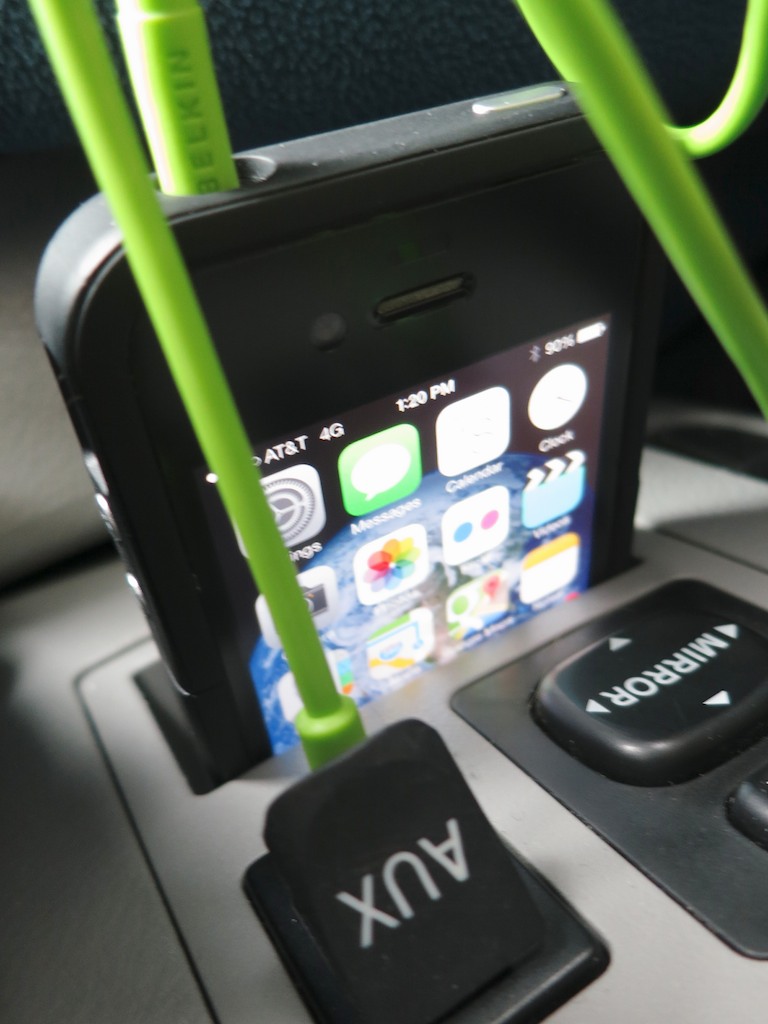
So to play my iPhone’s music through my car’s stereo system, I discovered I needed to jack in my iPhone to an AUX input port next to the shift lever, using a bright green mini cable (3.5 mm) I had lying about.

Now, who wants to hard-wire your phone every time you want some tunes?
(How embarrassing.)

So what’s a humanoid to do?

Get thee to a computer and research a Bluetooth receiver workaround to replace this messy, old school cabling solution!

You may not need the resources of a Viking king to figure it all out,
but it couldn’t hurt. I found this tech rabbit hole particularly deep…
(Along the way, you may even uncover the origins of Bluetooth’s odd name!)

R2D2 Vs A2DP
Like my RAV4, lots of newer cars come equipped with Bluetooth power to make smartphone calls via the car’s stereo system.

But to stream music via Bluetooth from the same smartphone, a car also needs to be ‘A2DP’ capable.

What?
(Is that something out of “Star Wars?!”)

A2DP is simply a newer Bluetooth flavor.
It stands for “Advanced Audio Distribution Profile.”
And that’s what enables your car to stream Bluetooth ‘audio.’

So if your car can’t do A2DP, what you need is a portable A2DP Bluetooth receiver to pair with your smartphone and then send the A2DP audio down the car’s AUX jack with its own cable.

Don’t Cross the Streams
In case you’re wondering, it’s not a problem to pair two devices to your smartphone:

  • One connection to your car’s phone system
  • Another to your new Bluetooth adapter for music

In fact, Bluetooth tech allows you to connect up to 8 devices simultaneously.

Just don’t try to do exactly the same thing with any two of the connections.
That would cause a universe-ending ‘conflict.’
(like crossing the streams in “Ghostbusters”)

Choose your Bluetooth Receiver!
There are three variables to consider when you look to buy your portable Bluetooth receiver:

  • Price
  • Power
  • Pleasure

You might expect a wide range of available solutions to address all three pieces. But in fact, there are not!

The challenge is finding a compact unit with a DC adapter that’s priced right.

I’ve done some research, and I’m chastened to report in today’s marketplace you can only get two of the three:


#1 – Compact and Good Price, but Requires Regular Recharging
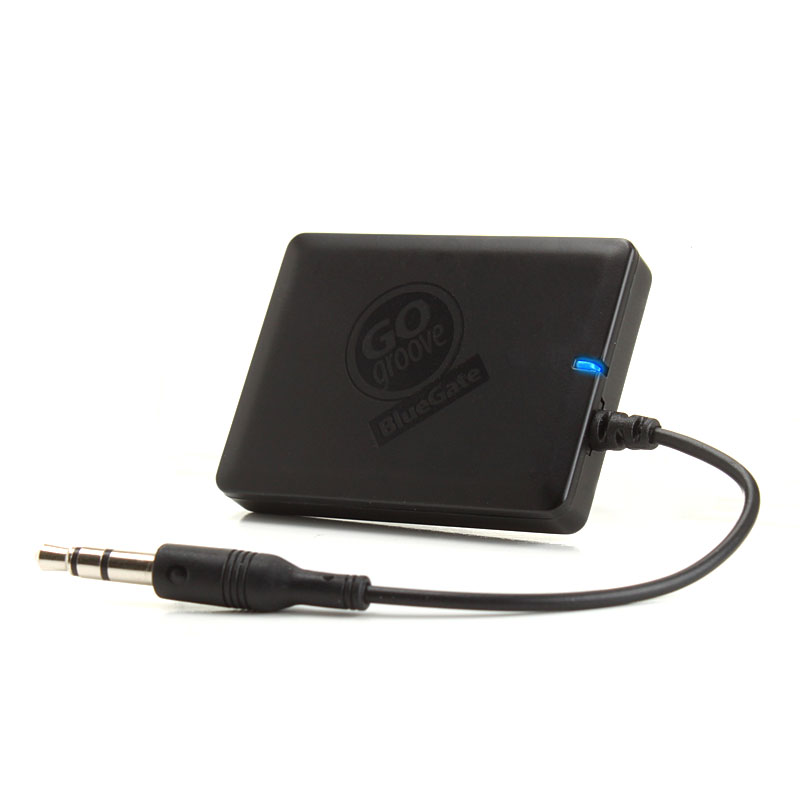
GOgroove BlueGate

Gogroove BlueGate Bluetooth Adapter – $29.99

What’s not to like? The form factor is perfect!
It’s tiny and does the job of bridging the inches between your iPhone and the AUX jack. The problem is it only runs on its rechargeable battery.
So you’ve always got to worry about charging it up via a USB port.

Runner up:
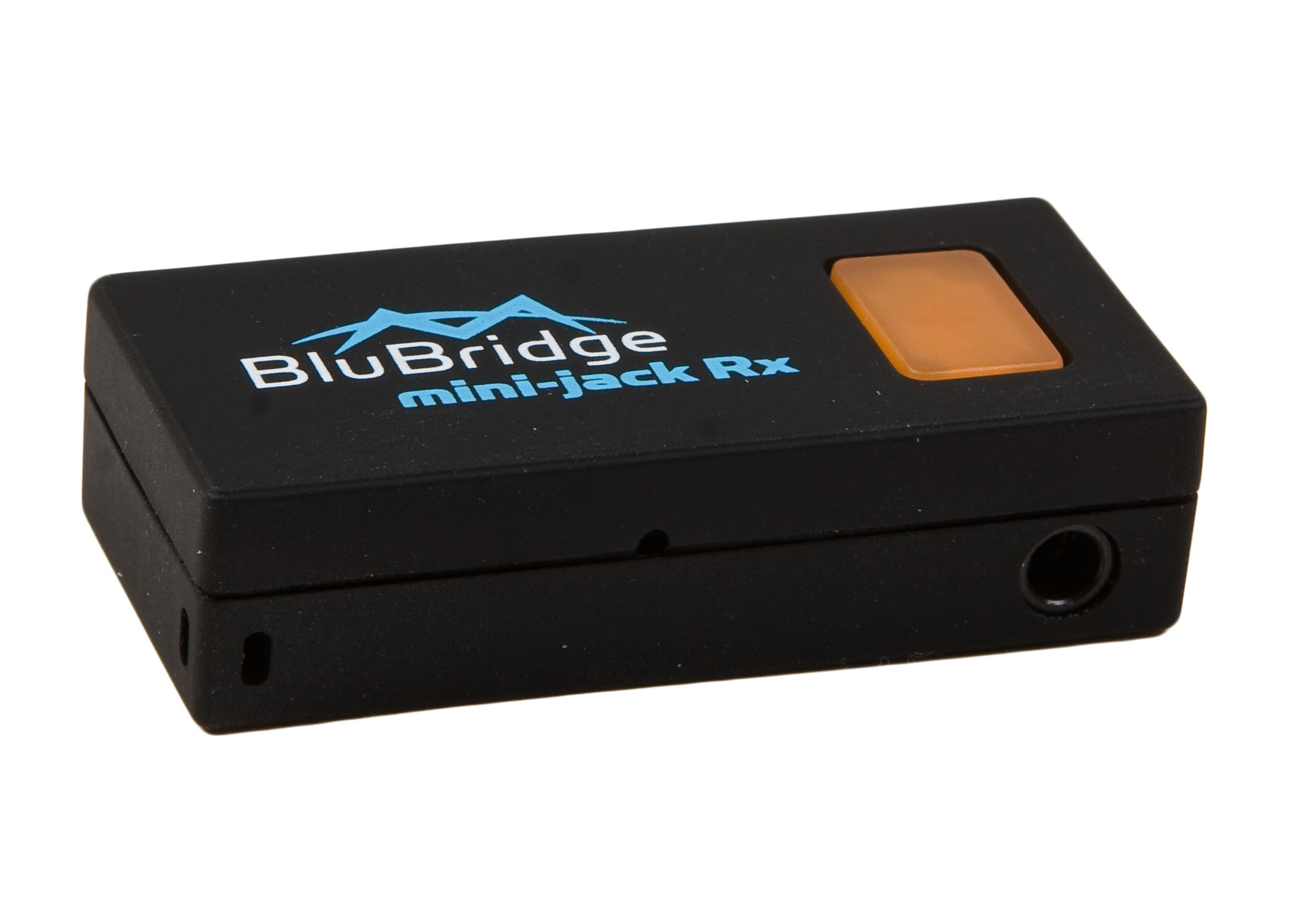
Miccus Mini Jack Rx

Miccus Mini-Jack Rx Bluetooth – $37.99

This one doesn’t have the short cable. Its little plug juts right out of the unit.
Then, the tiny stick attaches onto the AUX jack.
This uber-compact design may or may not work for your car…


#2 – Good price and DC Adapter, but More Messy Cables
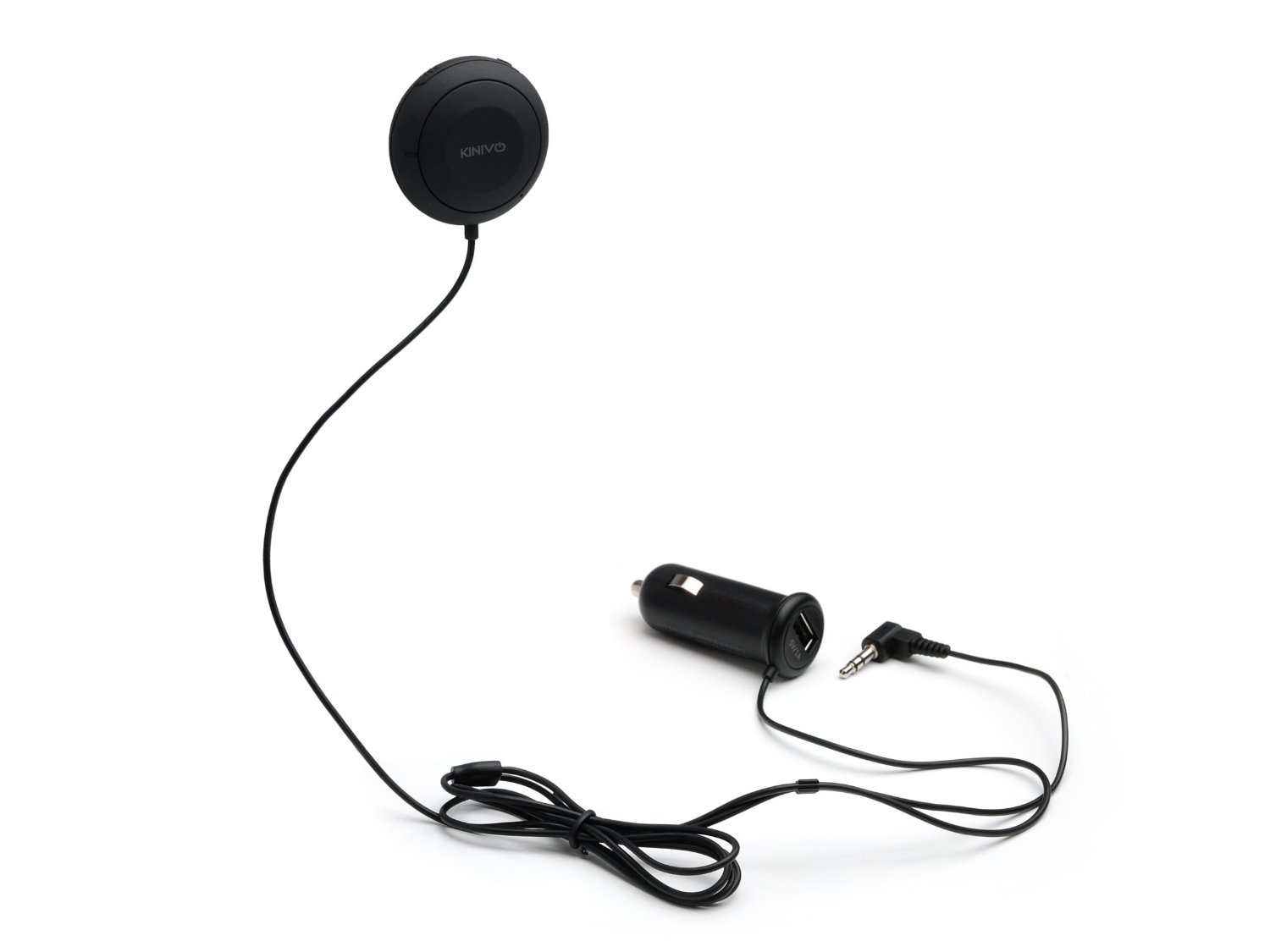
Kinivo BTC450

Kinivo BTC450 Bluetooth Hands-Free Car Kit – $39.99

This device can also handle your phone calls, because it houses a microphone in its little disc controller.
But you don’t have to use it for that purpose, since you’ve already got your car’s phone system paired to your phone for that use.

The unit gets really great reviews on Amazon. It even auto-connects, when it senses your phone! The only problem is you’ve got two cables to contend with.
(DC power to the unit, and then the connection to the AUX jack)
Granted, neither of them weighs down your phone.

Runner up:

Belkin Bluetooth Car Hands-Free Kit – $79

It’s more expensive, but for no apparent reason.
(sigh)


#3 – Compact and a DC Adapter, but Expensive
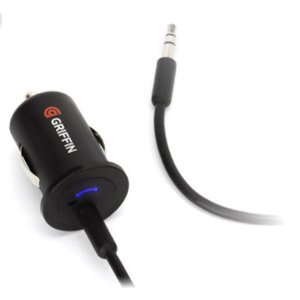
Griffin Technology BlueTrip AUX

Griffin Technology BlueTrip AUX- $99

This should be the perfect choice!
Its design has only one cable running from your DC adapter
(which houses the Bluetooth receiver) straight to your AUX jack.

The only problem is price. It shouldn’t be this expensive!
I think the root cause is it’s been discontinued.
(no longer seen on Griffin’s website.)

Now, it’s only offered on Amazon Prime through a third party.
So, buyer beware…

Runner up: NONE!

(I don’t see any other products out there designed like the BlueTrip AUX…)

Tomorrow is NOT Yesterday
I think the real problem here is there’s no ‘problem.’
What I mean is… today’s ‘new’ cars can normally handle A2DP audio streaming if they’ve got Bluetooth functionality.
They don’t need no stinking adapters!

So this is yesterday’s problem.

Manufacturers know this and probably haven’t continued to offer more efficient solutions, simply because there’s no future in supporting this particular past.
(I came upon several viable devices online that were no longer available…)

The Kinivo Joins the Team
So what’s a cable-phobic tech everyman to do?

Honestly, I considered doing nothing and just leave that bright green mini cable in my car for my iPhone’s use. The phone slips nicely into a little slot right above the AUX jack.
(My little green snake really isn’t that horrible!)

But that solution wouldn’t be very forward focused, would it?
And hardly a fitting end to this week’s epic journey in search of tech enlightenment.

So I Iooked again at the Kinivo and its 963 ratings boasting four and five stars.
(versus only 97 lower ratings)

Click.

If adding two cables to lose one cable is what it takes to free up my iPhone from its lowly 20th century tether, then I say….

…well, let’s move on.

Did I mention how much I love my car?
Are You as Smart as your Car?

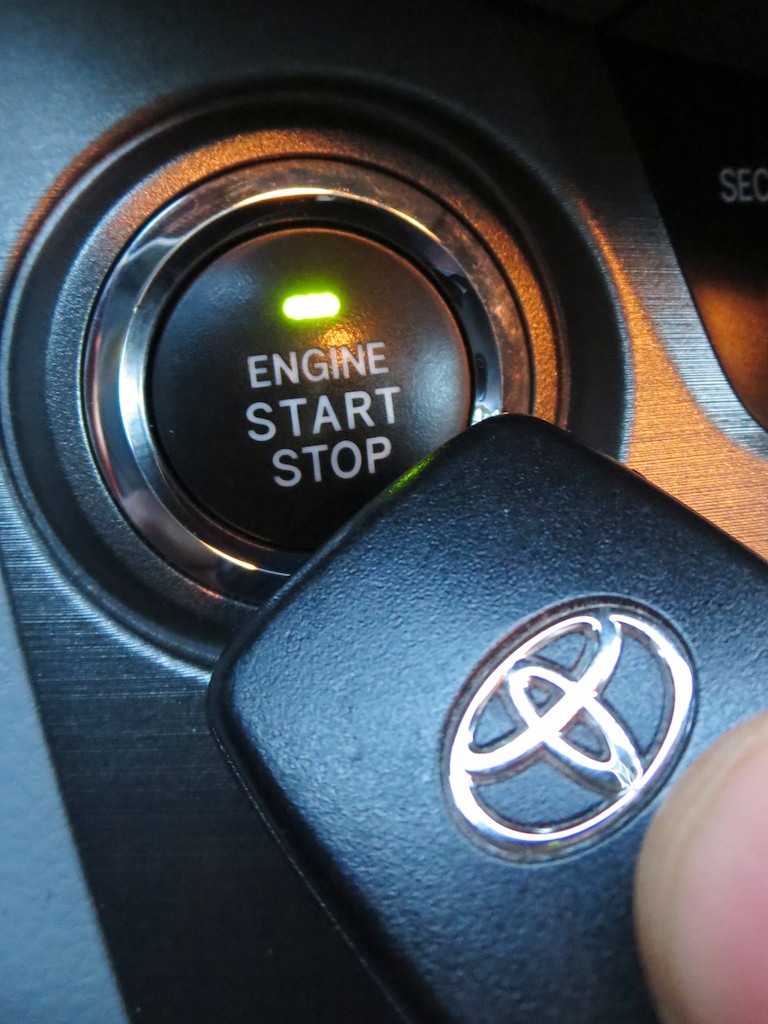
This is the magic “kiss” that you hope you’ll never have to perform with your Smart Key to revive your keyless car. Don’t know what I’m talking about? Exactly…

This is the magic “kiss” that you hope you’ll never have to perform with your Smart Key to revive your keyless car. Don’t know what I’m talking about? Exactly…

I love my new car.
It’s really smart.
But now, I realize it may be a little too smart for my own good…

Last time on At Home with Tech,
I survived the car-buying gauntlet, and brought my Toyota RAV4 home.

But my brain was so focused on surviving the deal, I didn’t commit enough neurons to analyzing all the technology baked into the vehicle.

There was one feature that became of particular interest almost immediately after I drove off the lot…

Be Careful What You Wish For
The car comes with a ‘Smart Key’ remote instead of a standard key.
Essentially, it’s a mini transmitter that tells the car’s CPU, “Give this human full access to the vehicle.”
(until Skynet takes over)

All you need to do is carry the Smart Key in your pocket, and the car senses your presence.
When you walk up to the car and reach your hand to the door, the car unlocks automatically.
(an impressive parlor trick)

Once you’re in the car, there’s no ignition switch… just a push button labeled “Engine Start/Stop.”

It seems the future has arrived!

The Risks of Smart Key Technology
Actually, Smart Key tech has been around for more than a few years.
(Mercedes Benz offered the first one way back in 1998… interestingly only a few months after Skynet’s fictional creation.)

Today, lots of car brands are using this keyless ignition system tech.

Beyond convenience, Smart Key technology is supposed to be more secure, since it uses rolling security codes to frustrate hackers.

But as wonderful as it is, this advanced car tech can lead to some inconveniences down the line.

So if you aren’t familiar with this issue before you buy your next set of wheels…
(guilty as charged)
…at least you should be aware of it before it crops up when your roadster is parked in the middle of nowhere, and HAL won’t open the pod bay doors…
let alone start the car.

A Kiss can Save your Day
So what happens when your Smart Key remote dies?
How do you get into your car without a physical key?

The good news is Toyota thought of that.
They slipped a tiny key into the body of the Smart Key fob.
It’s totally hidden, and you’ve got to press a micro button to activate its release, like you’re 007.

So that gets you in.

But then how do you start the car?
Remember, there’s no place to insert your James Bond back-up key.

So I scoured the manual, did a little online research and then called a local Toyota dealership in search of an answer…

What I discovered sounds almost too good to be true:

If you place the Smart Key right next to the Engine Start button…
(like the remote is giving the button a little kiss)
…that little techy love smooch will magically power up your car when you press the Start button.

Uh huh.

Yes, you can awaken your sleeping beauty simply with a kiss…

The Power of Resonant Energy Transfer
The ‘how’ of this tech voodoo isn’t readily accessible on the Internet.
I really had to dig to find what I believe is close to an accurate answer…
(I guess Toyota doesn’t want to give away any secrets.)

The service department rep at my Toyota dealer actually told me that nobody has ever asked her why ‘the kiss’ works before.

But simple science backs up this seemingly too-good-to-be-true fairy tale hocus-pocus…

Here’s the deal:

Even without a working battery, the Smart Key remote has a passive proximity chip that’s activated when the frequency chip behind the Engine Start button sends out its radio signal looking for the fob’s start code.
(as long as the Smart Key is close enough to the button)

Science fiction?
Not really…

Your Smart Key’s backup system operates much like your work ID card that opens the doors in your office building…
The ID card is called a proximity card and contains an itty-bitty antenna and frequency chip. Your card will receive enough power from the RF signal provided by the door’s reader device for the card to transmit back its presence.
(The whole thing is called ‘resonant energy transfer’… for you geeks out there.)

So in a sense, your car’s Smart Key gets enough juice from the car to ID itself in an emergency and get the car going!

And all it takes is a kiss…

Once Upon a Time…
Sleeping Beauty always wakes up in the story, but I decided I should have a back-up plan, just in case.
(Somehow, my life doesn’t clock in like a fairy tale every day. You?)

So I ordered a couple of batteries on Amazon to power my remote. And I’ll keep them in the car, just to be safe. That way, I’ll be prepared if I need to do emergency surgery on my Smart Key should it decide to loose its smarts and can’t be persuasive with a kiss.

Silly Humans
I know I might be over reacting.
(just a bit)

Besides, this problem isn’t supposed to announce itself without warning.
Apparently, when the Smart Key’s battery begins to go… you’ll notice its shrinking capacity.
Its like when your TV remote starts to weaken….the channel buttons work only occasionally… and only when you push them with ‘great intent.’

Keep it in your Pocket!
Oh… here’s a final word to the wise, should you still be considering joining the Smart Key generation.

Don’t lose your Smart Key.
Your wallet will tell you that’s definitely not a smart thing to do…

For the record, when I bought my RAV4 last month, the salesman warned me it would be an expensive venture to replace the Smart Key.
(He didn’t say how expensive.)

I confidently replied I didn’t intend to lose either of the two fobs that came with the car.

But of course, I was curious what the damage would be.
So I called back my local Toyota dealer.
(I think they know me by name, now.)

$440.
(gulp)

Yes, it costs $440 to replace a lost Smart Key.

I think somewhere out there you can buy a car for $440 that will pass inspection.

How does one get to $440?
The dealer broke it down for me:

  • $200.00 for the smart controller fob
  • $112.94 for the laser-cut, mechanical (back-up) key
  • $127.95 to program the controller and the car together

That totals $440.89. (plus tax)

That’s a far cry from getting a spare key for a few bucks cut by your friendly locksmith down the street.

That said, I don’t plan on losing my fob.
If I don’t have to take it out of my pocket, why would I ever lose it?
(famous last words)

You’ve Come a Long Way, Baby
I suppose the old practice of putting a key into an ignition switch is rather analog. What’s really so crazy about Smart Key technology?
But isn’t it a little freaky how advanced cars are becoming?

On the not-too-distant horizon, Google’s got its self-driving car project
ready to launch.
One day, ‘driving’ one of those cars is really going to take a lot of trust on my part.

So I’ve decided that smart vehicle should have a wicked-large
glove compartment.  Because I’ll be bringing plenty of back-up batteries…!!

13 Tech Tips from 2013

We’ve covered a lot of technology ground this year.
I hope you’re finally feeling a little closer to Tech Zen at home.
If not, don’t despair. It can be a long (never-ending?) journey!
So I’ve got a quick tech review to help you stay ahead of your many demanding gadgets in the year ahead.

Here are my lucky 13 tech tips to remember:

#1
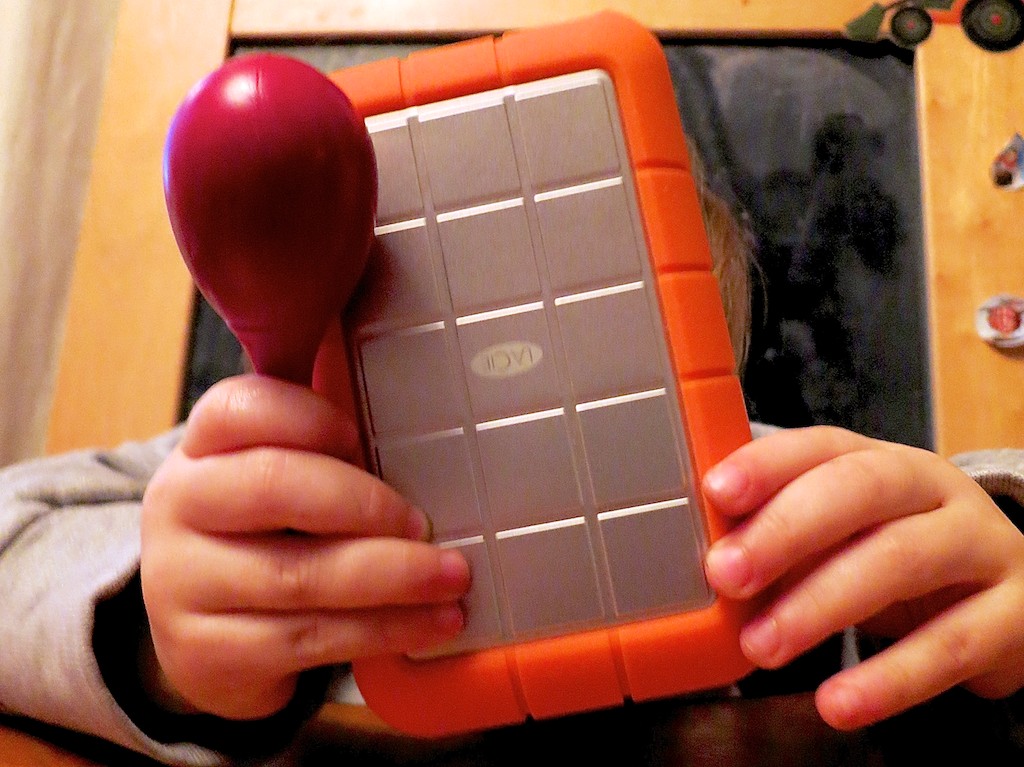
You’re Going to Need a Bigger Hard Drive

LaCie Rugged with Rattle

Even if you have faith your external hard drives can withstand the forces of fate, they’ll eventually buckle under the load of all those home videos you’re shooting.

#2
There’s No Question. USB 3.0 Rocks!

The Choice

Thunderbolt is great. But USB 3.0 is just fine. Both blow FireWire (R.I.P.) away.

#3
Build Your Home TV Studio for $44

My favorite piece for this home-grown tech solution is the $2.99 teleprompter system for your iPad!


#4

That Bad Photo You Took May Be Your Best Yet

The Eye

You may not know it, but some of your best photos are slipping through the cracks. Maybe they first struck you as flawed, or you didn’t recognize their hidden value. Time to recognize your ugly ducklings!

#5
Find Your Neighbors on Nextdoor.com

Nextdoor enters the neighborhood

You can create your own virtual neighborhood based on your real one.
Talk about two worlds colliding!

#6
It’s Time to Buy LED Bulbs

Passing the Torch to Cree

The price is right for this Cree LED bulb. Convert!!

#7
Transcode Your Camera Videos to Windows Media Files
with 
Flip4Mac

When you want to email your child’s birthday party video to grandma, you’ll need the power of Flip4Mac. Then, she’ll be able to watch the magic
candle-blowing moment on her PC.

#8
Create a Shared iCal Calendar for Your Family

Connected and Happy iPhones

Missing a family commitment can be a thing of the past if your family iPhones share a calendar.

#9
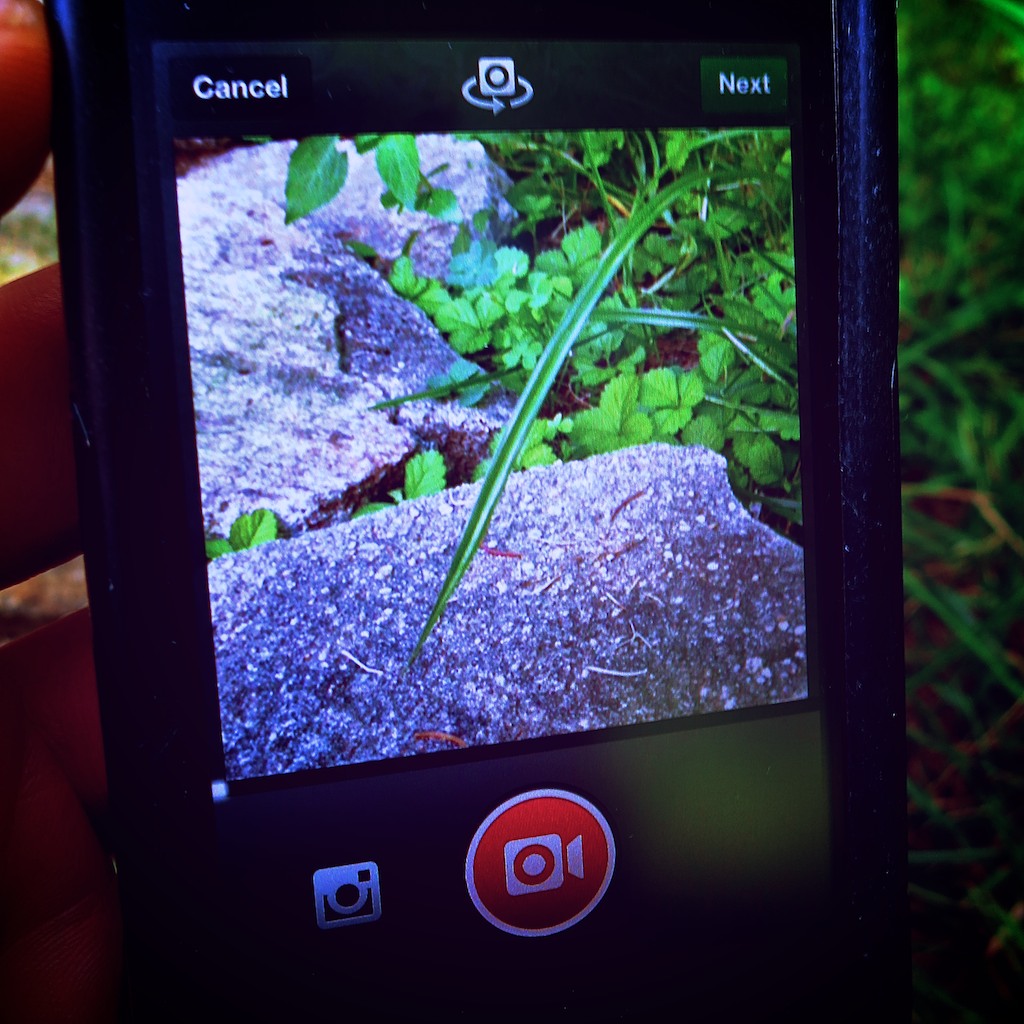
Video on Instagram Gives You Your 15 Seconds of Fame

Watching a Blade of Grass Grow

If you can’t muster up 15-seconds worth viewing, you might like Vine instead.
They only offer you six seconds. If that gets too complicated, try taking a photo, and call it a day…

#10
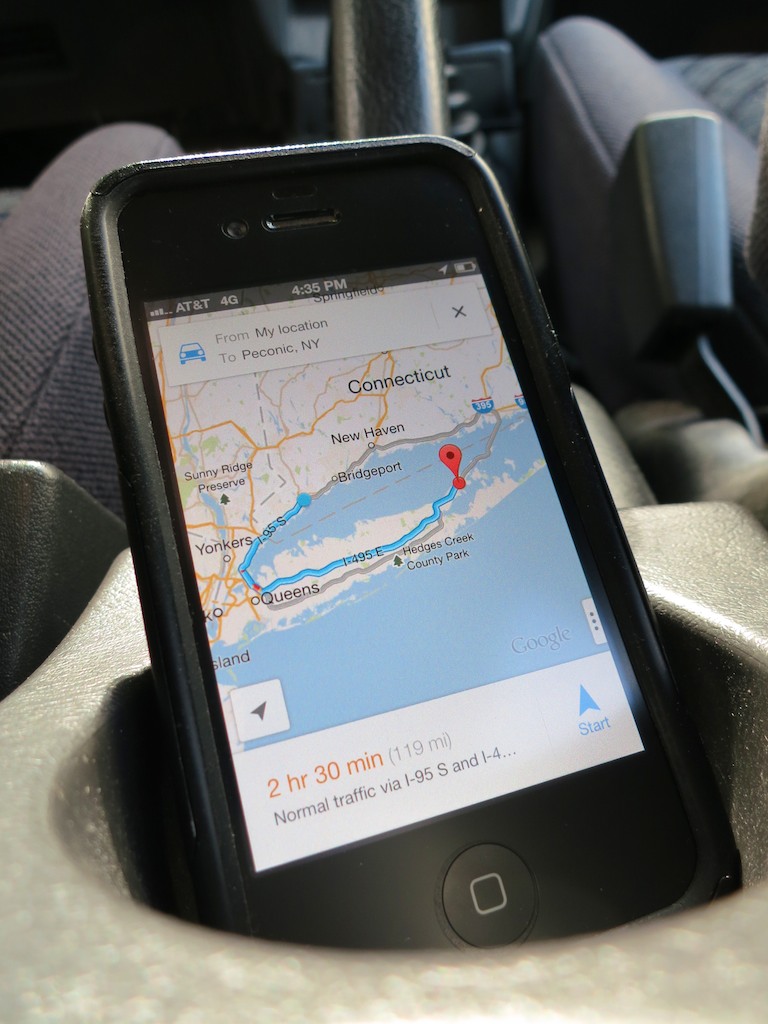
Strap Your Smartphone into Your Car while It’s Doing GPS Duty

iPhone navigating in cup holder

Don’t let another road trip go by with your smartphone sliding about as its GPS app shouts out turn-by-turn directions from the car floor. Mount it onto your dash!

#11
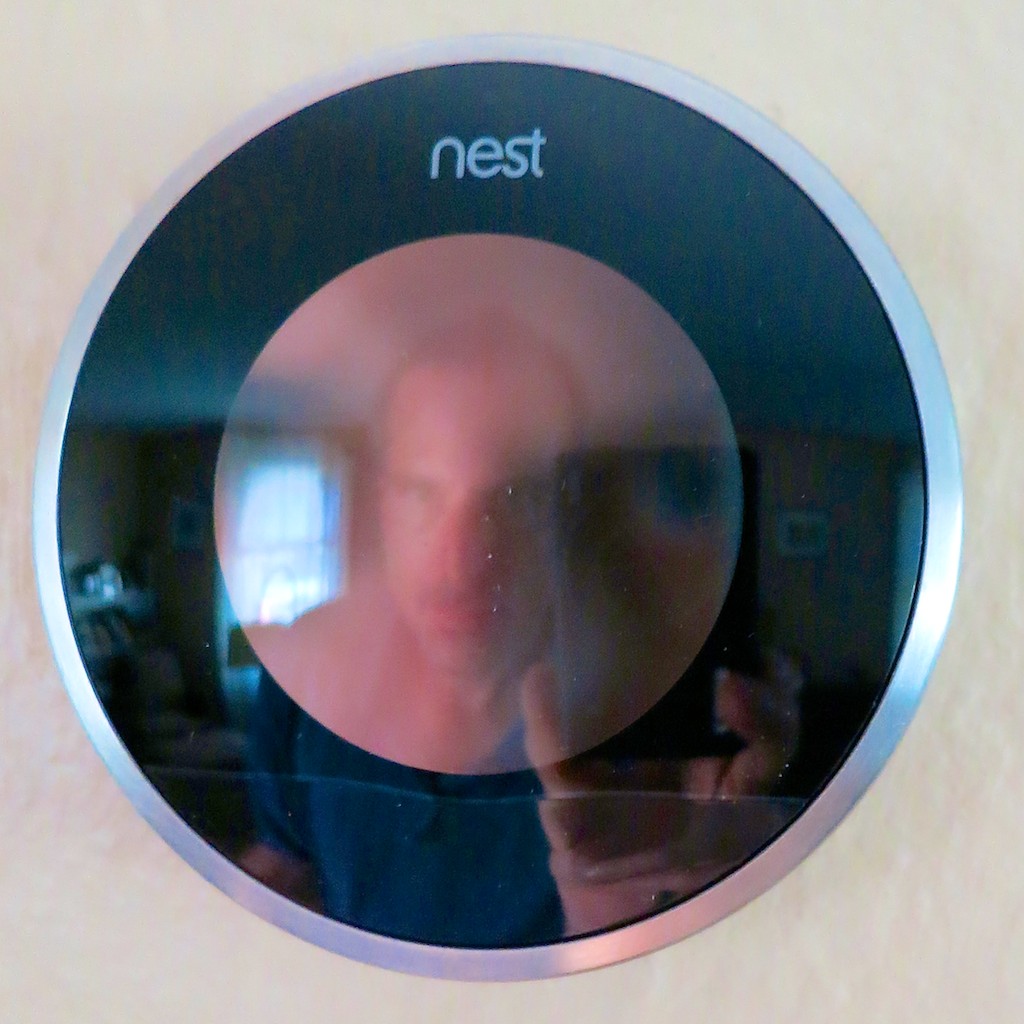
Buy a Nest Learning Thermostat

My Nest and Me

How’s your 1950’s-era thermostat handling the extreme weather? Did you forget to adjust it before you left home today? Wish it were smarter? Well, now it can be…

#12
If You Buy an HD iTunes Movie, You Also Get the SD Version for Free

Movies for the Road

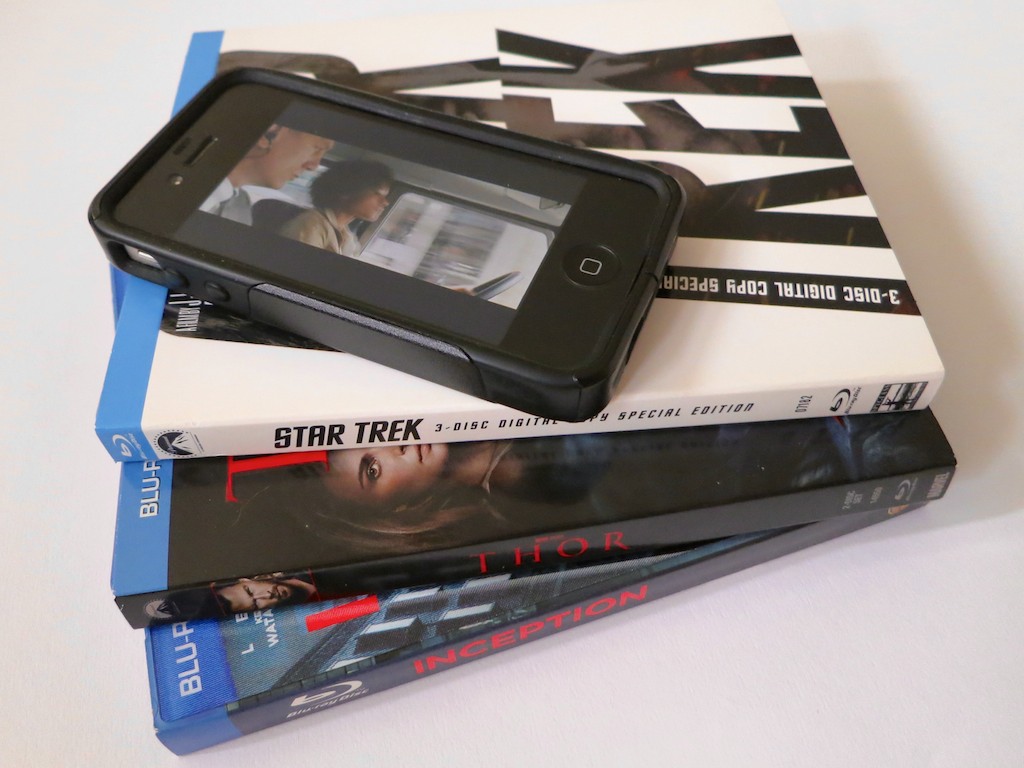
You just need to know how to ask for it. And why would you want the SD copy? Ask your bloated iPhone…

#13
BlackBerry is Toast

BlackBerry on the Floor

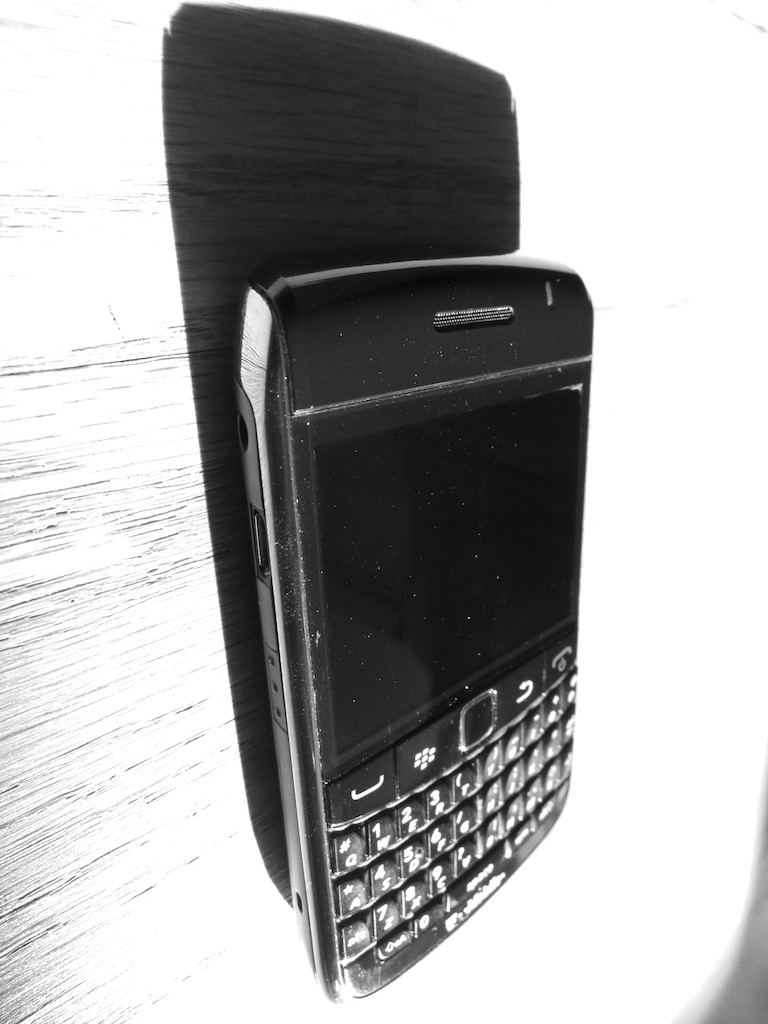
You don’t need me to tell you this news, but I really want you to read my little poem about this former giant.


Happy New Year!

Well, there you have it.
Feel free to add your own favorite tech tips from 2013.

(Yes, even I am not a Tech Jedi yet…)

Finally, thank you for visiting At Home with Tech over the past 12 months.
I hope my posts have been of some assistance or at least a bit of amusement.

I look forward to working through a few more of the universe’s many
tech mysteries with you in 2014…

Nanu! Nanu!